
Reolink (Neolink) Battery Camera Wake Capture Issues: Fixes & Causes
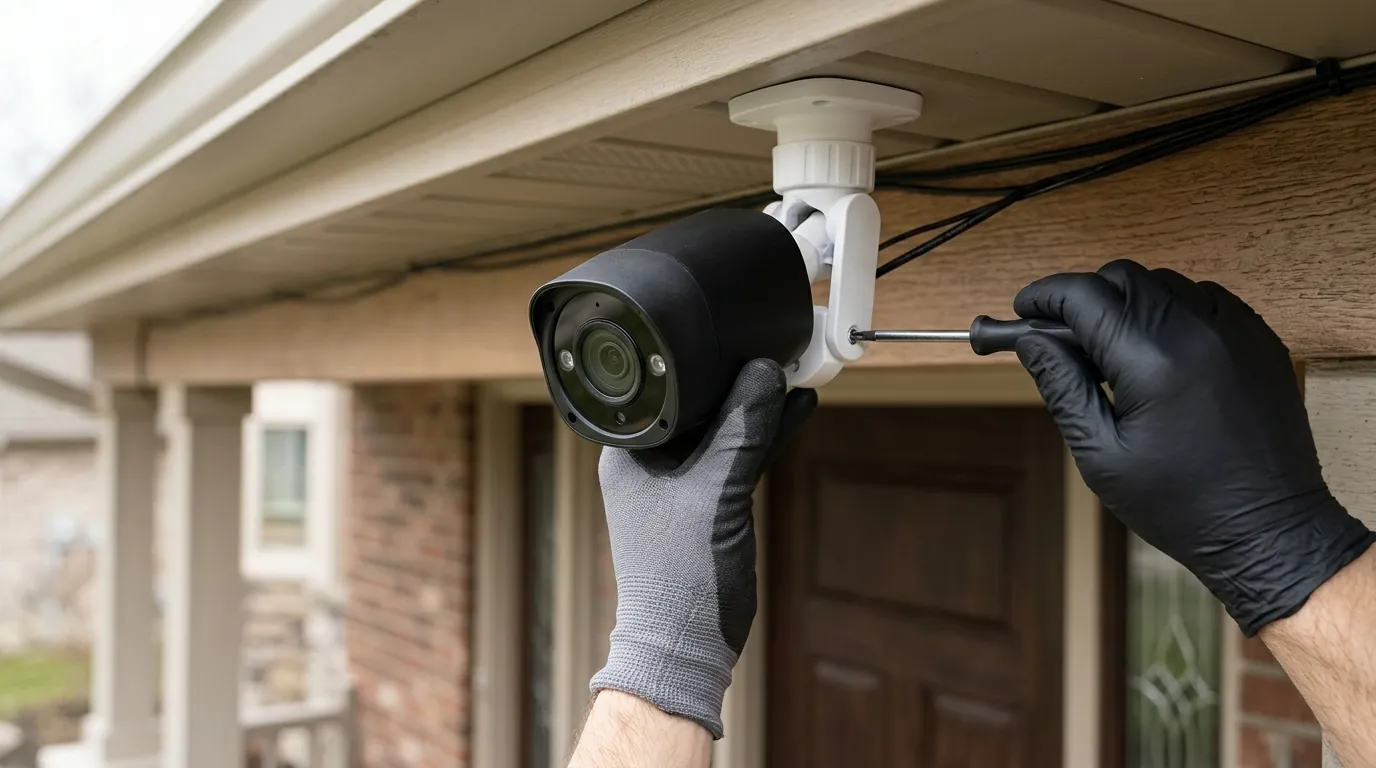
Missing a porch pirate’s face because your camera only recorded their back as they walked away is a common frustration for battery-powered security owners. This delay, known as “wake capture” latency, is a fundamental engineering trade-off that often surprises users expecting the instant response of a wired system.
Quick Answer: “Wake capture” issues occur when a battery camera takes too long to wake from sleep, missing the start of an event. Fix this by optimizing PIR angles to ensure side-to-side motion or upgrading to a 2026-era model with “Pre-Record” capabilities, such as the Reolink Altas PT Ultra, which eliminates wake-up gaps entirely.
What it means
Related: Tapo C210 RTSP Stream Freezing After Update: Causes & Fixes · Eufy Security App Not Loading on Android: 2026 Fixes & Causes · How to Show Home Assistant Camera Snapshots on AirDot
In the world of battery-powered security, “Wake Capture” refers to the time elapsed between the moment a sensor detects motion and the moment the camera actually begins writing video data to the microSD card or cloud. For most standard battery cameras, this gap is the “blind spot” of wireless security.
The Anatomy of a Missed Event
When a camera suffers from wake capture latency, you experience the “Tail-End” recording phenomenon. This is characterized by a video clip that starts with a person already halfway across the frame or, in worse cases, just as they are exiting the field of view. You see the back of the hoodie, but never the face. This isn’t necessarily a “bug” in the software; it is often the hardware functioning exactly as designed to preserve battery life.
Defining the 0.8-Second Standard
Most modern Reolink battery cameras, like the Argus series, aim for a wake-up speed of approximately 0.8 to 1.2 seconds. While this sounds fast, a person walking at a brisk pace (approx. 4 feet per second) can move nearly five feet before the camera even begins to record. If your camera is mounted in a way that only captures a small area, that 0.8-second delay is the difference between a usable clip and a useless one.
| Feature | Standard Battery PIR (e.g., Argus 3 Pro) | Pre-Record Battery (e.g., Altas PT Ultra) |
|---|---|---|
| Wake-Up Latency | 0.8s – 2.0s | 0s (Continuous Buffer) |
| Detection Method | PIR (Passive Infrared) | PIR + SoC Image Analysis |
| Storage Impact | Low (Records only on trigger) | High (Requires high-end SD/Efficient Codec) |
| Battery Life | 1–4 Months | Optimized for Solar/High Capacity |
| Capture Success | Misses fast-moving targets | Captures 10s before trigger |
Data based on Reolink Product Specifications 2026
The “Neolink” Search Confusion
If you are searching for “Neolink” troubleshooting, you are likely looking for Reolink. The term “Neolink” frequently appears in search queries due to a common misspelling or confusion with third-party app integrations and regional distribution names. The hardware and firmware fixes for “Neolink battery camera wake capture” are identical to those for Reolink-branded devices.
Why it exists
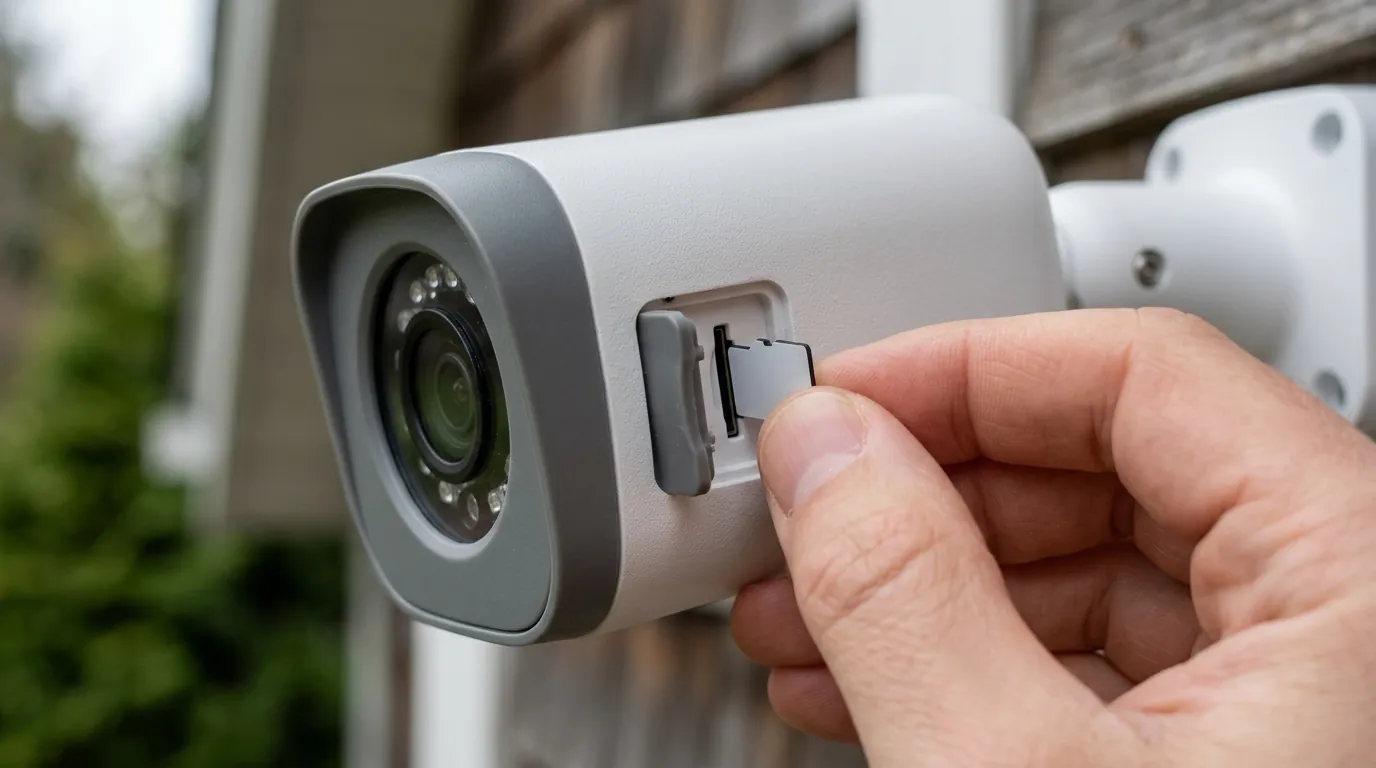
To understand why your camera is “slow,” you have to understand the physics of power management. Unlike a wired camera that is “always on” and constantly analyzing every pixel, a battery camera is essentially a computer that is turned off 99% of the time.
The Physics of Battery Preservation
If a security camera’s image sensor and processor remained active 24/7, even a large 6000mAh battery would be depleted in less than 48 hours. To achieve months of battery life, the camera enters a “Deep Sleep” state. In this state, the main System on Chip (SoC) and the CMOS image sensor are powered down.
The Role of the PIR (Passive Infrared) Sensor
The only component that stays “awake” is the PIR sensor. This is a low-power vacuum-sealed component that looks for changes in infrared radiation (heat). When a human or vehicle moves across its field of view, the PIR sensor sends a small electrical pulse to “wake up” the rest of the camera.
Thermal Detection Limits
PIR sensors have a specific weakness: they are significantly better at detecting motion that moves across the lens (side-to-side) than motion moving directly toward the lens. When someone walks straight at a camera, the change in infrared heat is gradual, often delaying the “wake” trigger until the person is inches away from the device.
How it works under the hood
The journey from a PIR trigger to a recorded file is a complex mechanical and digital handshake. If any part of this sequence is delayed, your wake capture fails.
The 4-Step Boot Sequence
- PIR Trigger: The sensor detects a heat signature change and sends a wake-up signal.
- SoC Initialization: The camera’s main processor boots up from a low-power state.
- CMOS/Lens Calibration: The image sensor receives power, adjusts for current lighting conditions (exposure/white balance), and focuses.
- Handshake & Write: The processor verifies the motion via AI (Person/Vehicle detection) and begins writing the stream to the microSD card.
MicroSD Write Latency
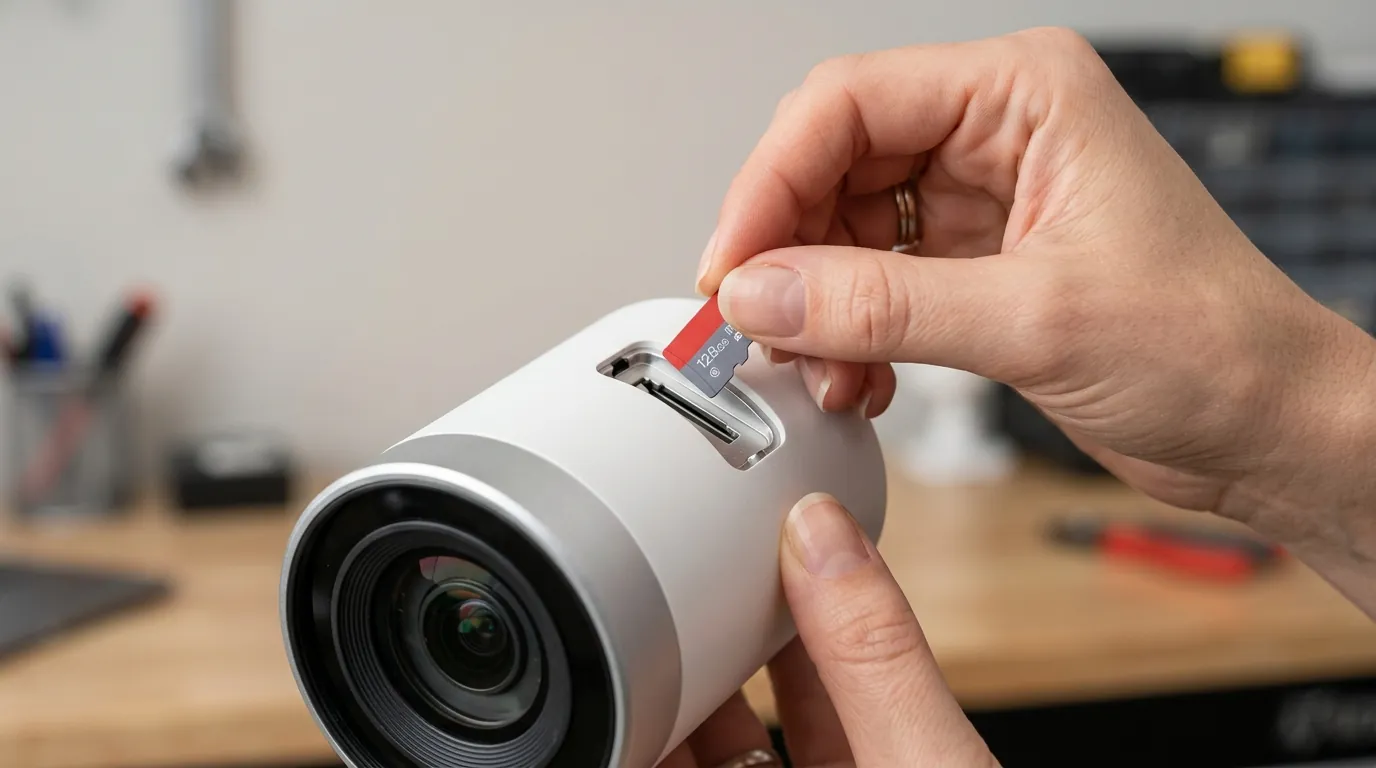
A major bottleneck that users often overlook is the storage medium. If you use a generic or slow microSD card, the “Handshake & Write” phase can add an extra 500ms to 1000ms of latency. Reolink’s 4K battery models require high-speed writing to handle the data burst of an incoming 8MP stream. Using a card rated below Class 10/U3 can cause the camera to “hang” for a split second before the file starts, resulting in a corrupted or late start to the video.
Buffer Limitations
Older battery cameras lack significant RAM. They cannot “remember” what happened before they woke up. This is why “Pre-Roll” or “Pre-Record” was historically impossible for battery units—they simply didn’t have the memory or the power budget to keep a rolling 10-second buffer active.
Real-world implications
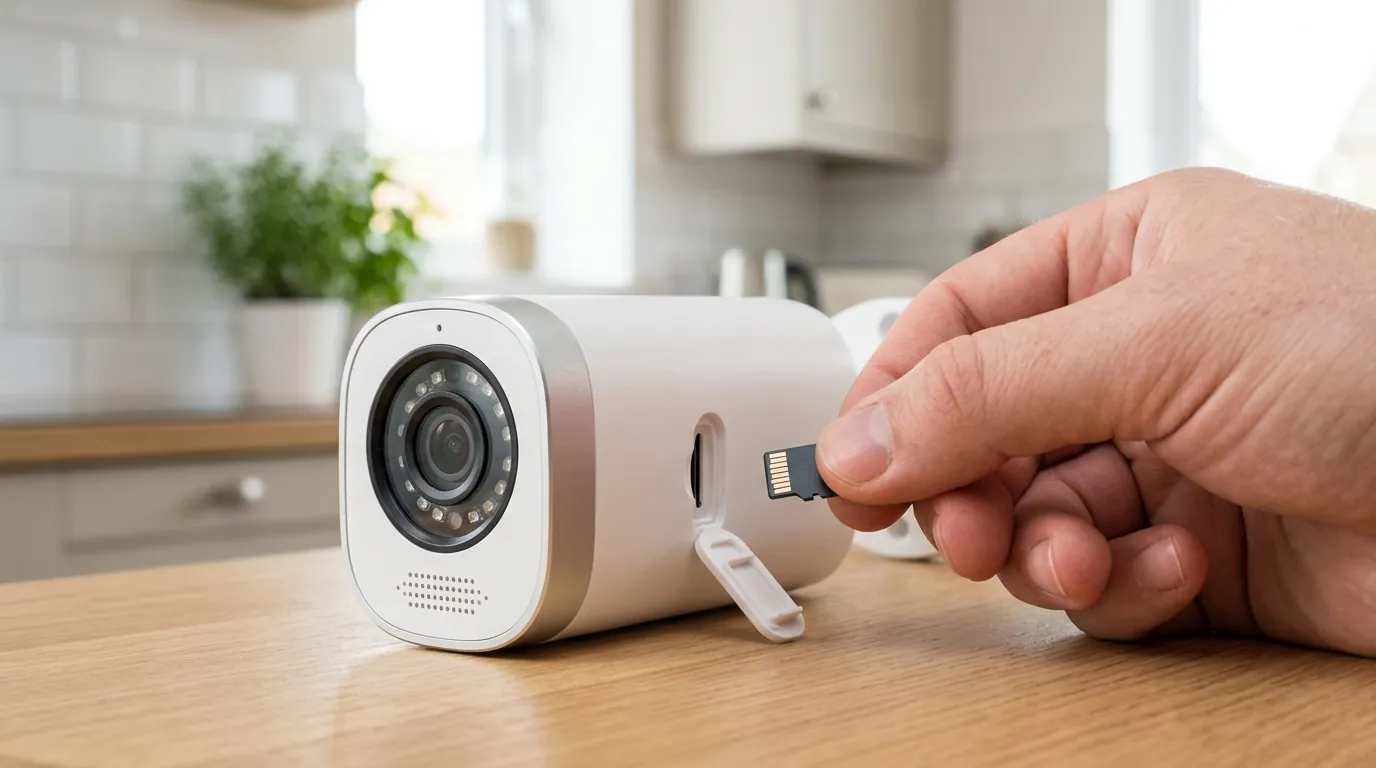
The difference between a 0.5-second wake time and a 2.0-second wake time is the difference between security and a false sense of security.
When Seconds Matter for Evidence
In a “Porch Pirate” scenario, a courier or thief may only be in the camera’s “active zone” for three to four seconds. If the camera takes two seconds to wake up and another second to focus, the resulting clip will likely show an empty porch or a car driving away. For legal and insurance purposes, an incomplete clip that misses the “act of theft” or the suspect’s face is often inadmissible or useless for identification.
The “Pre-Record” Revolution
As of 2026, Reolink has addressed this industry-wide flaw with the Altas PT Ultra (typically in the $200-$230 range). Unlike traditional battery cameras, this model utilizes a high-efficiency SoC that allows for a “Pre-Record” feature. It keeps a small amount of footage in a temporary buffer, allowing the camera to attach the 10 seconds of video prior to the motion trigger to the final file. This effectively reduces wake-up latency to zero from the user’s perspective.
Decision Framework: Choosing Based on Latency Needs
| If your situation is… | Prioritize this feature… | Recommended Hardware Type |
|---|---|---|
| Renter (No wiring allowed) | High PIR Sensitivity + Solar | Reolink Argus Series ($100-$150) |
| High-Traffic Driveway | Pre-Record / Continuous | Reolink Altas PT Ultra ($200+) |
| Remote Cabin (No Wi-Fi) | Local SD + 4G LTE | Reolink Go Series ($200-$250) |
| Business Security | 24/7 Recording | Wired PoE (Non-Battery) |
Common misconceptions
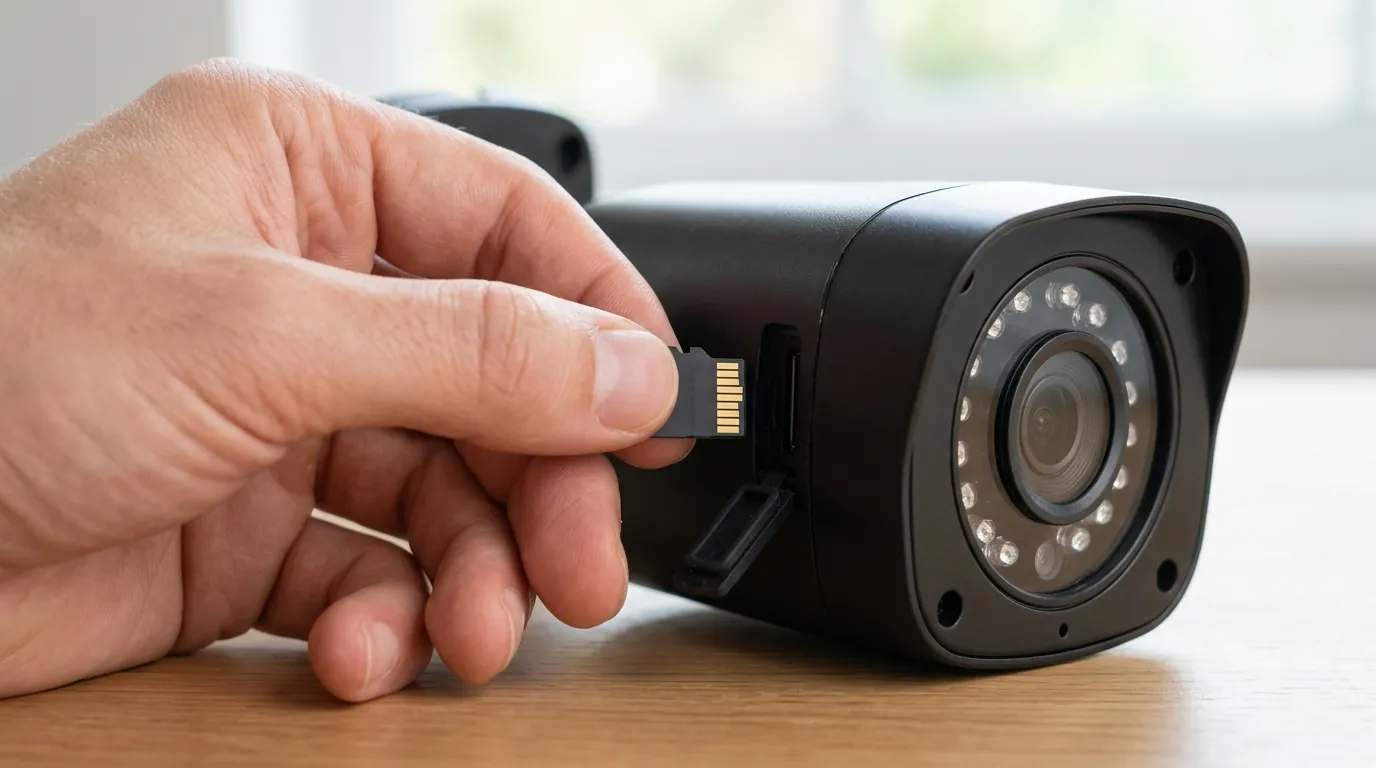
Many users try to fix wake-up delays with settings that have no impact on hardware boot times.
Why Sensitivity Isn’t Speed
Maxing out the “Sensitivity” slider to 100 in the Reolink app does not make the processor boot faster. It only makes the PIR sensor more likely to trigger on smaller heat signatures (like a cat or a blowing leaf). While this might make the camera trigger sooner as someone approaches, it also dramatically increases false alarms and kills battery life without fixing the underlying SoC boot latency.
The Wi-Fi Fallacy
A common myth is that “faster internet” will fix missed recordings. While a strong Wi-Fi signal (at least -60dBm) is necessary for the camera to send a notification to your phone, it has almost zero impact on how fast the camera records to the local SD card. If your SD card recordings are starting late, your router is likely not the culprit; your mounting angle or hardware limitations are.
The Truth About Signal Strength
While Wi-Fi doesn’t affect the start of the recording, it does affect the viewing of it. If you are using Reolink Cloud, a weak upload speed can cause the cloud-stored version of the clip to appear “stuttery” or cut off compared to the local microSD version. For the fastest “First Frame” viewing, local storage always beats the cloud.
Mounting Height vs. Detection Speed
Users often mount cameras as high as possible to prevent tampering. However, PIR sensors have a limited effective range (typically 30 feet). Mounting a camera 15 feet high means a person walking below is already deep into the detection zone before the PIR sensor sees the heat change, exacerbating the wake-up delay. The ideal height for PIR-based battery cameras is 7–9 feet, angled at 15–30 degrees.
Total Cost of Ownership (3-Year Estimate)
When solving wake-capture issues, the “fix” often involves better hardware or storage. Here is how the costs break down over three years for a Reolink battery setup.
- Hardware: $130 (Argus 3 Pro) to $230 (Altas PT Ultra).
- Storage: $20–$40 for a high-end 256GB V30 MicroSD card (Required for 4K/Pre-Record).
- Power: $0 (if using Solar Panel, usually bundled or ~$30).
- Subscription: $0 (Reolink allows full AI/Local storage features without a plan). Optional Cloud: ~$3.50/mo ($126 over 3 years).
- Total 3-Year TCO: $150 – $390 depending on the model and cloud preference.
Further reading
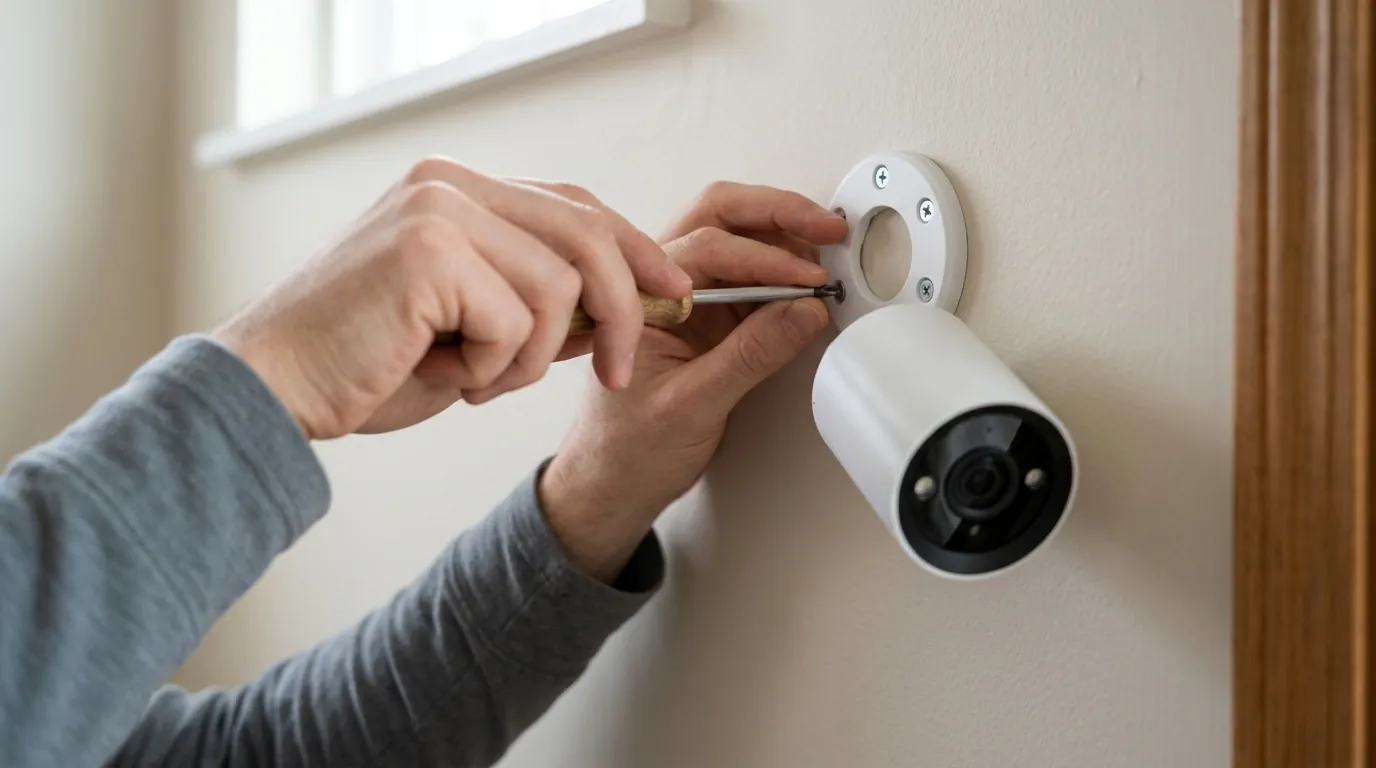
To further optimize your system, consider looking into the specific classes of storage that prevent write-latency. A “U3” or “V30” rated card is no longer optional for 4K battery cameras; it is a requirement for reliable wake capture. Additionally, understanding the difference between PIR and Radar sensors can help you decide if a battery camera is even the right tool for your specific environment.
For those struggling with battery drain while trying to fix latency, optimizing your solar panel placement is the most effective way to offset the power cost of high-sensitivity settings.
Recommended SD Card Specs for Reolink 4K Models
| Spec | Minimum Requirement | Recommended for 2026 |
|---|---|---|
| Speed Class | Class 10 | UHS-I U3 |
| Video Class | V10 | V30 or V60 |
| Capacity | 64GB | 256GB (High Endurance) |
| Read Speed | 80 MB/s | 100+ MB/s |
Frequently Asked Questions
Why does my Reolink camera only record the back of people?
This is caused by PIR latency and SoC boot time. The camera is “sleeping” to save battery and takes about a second to wake up after detecting motion. By the time it starts recording, the person has already moved across the frame. To fix this, angle the camera so people walk across the field of view rather than directly toward it.
Does the Reolink Altas PT Ultra really record before the motion starts?
Yes. The Altas PT Ultra is part of a new generation of battery cameras that utilize a continuous pre-record buffer. It keeps a rolling 10-second cache of video in its RAM, and when motion is detected, it prepends that cache to the recording, ensuring you see the lead-up to the event.
Will a faster SD card make my camera wake up faster?
A faster SD card (V30/U3) won’t speed up the PIR sensor, but it will reduce the “write latency.” Slow cards can cause a delay or “hitch” at the very beginning of a recording as the camera struggles to open a file and begin the data stream, making the wake capture issue appear worse than it is.
Sources
- Reolink — Altas PT Ultra Product Page & Continuous Recording Specs
- Reolink Support — How to Set Up PIR Sensitivity
- Reddit r/Reolink — Community Discussion on Wake-up Latency and PIR Angles
- SD Association — Understanding Speed Classes (U3 vs V30)