
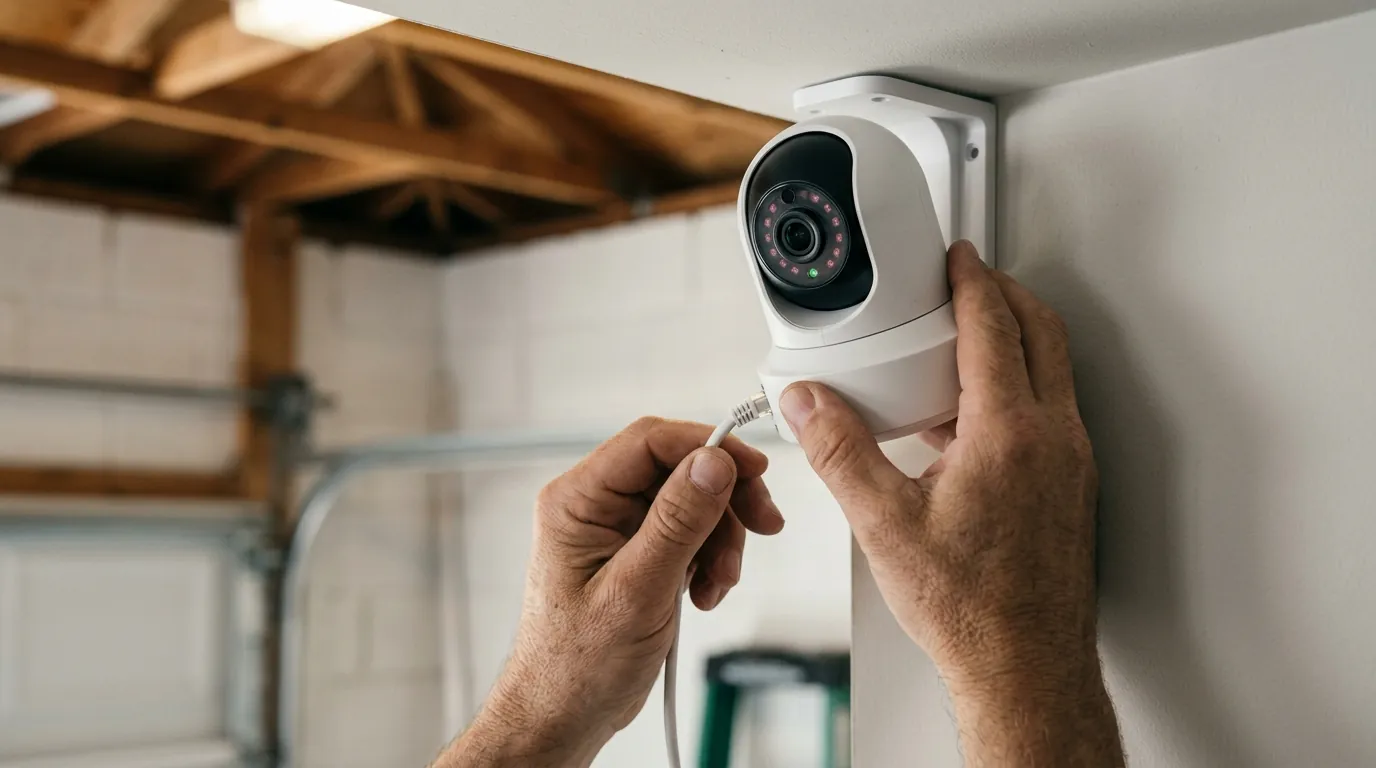
Tapo C210 RTSP Stream Freezing After Update: Causes & Fixes
For many TP-Link users, the Tapo C210 is a go-to entry-level camera for local NVR integration, but recent firmware updates have introduced a frustrating “frozen frame” bug that halts RTSP streams while the official app continues to run smoothly. If your security dashboard is showing a static image while the timestamp sits frozen in time, you are likely dealing with a resource-allocation or credential-sync issue triggered by the latest camera software.
Quick Answer: Tapo C210 RTSP freezes usually stem from increased CPU load or reset ‘Camera Account’ credentials after a firmware update. Fix it by toggling the Camera Account in the Tapo app or lowering the bitrate to under 2Mbps.
What it means
Related: Eufy Security App Not Loading on Android: 2026 Fixes & Causes · How to Show Home Assistant Camera Snapshots on AirDot · Eufy Security Camera Matter Integration: 2026 Setup Guide
When a Tapo C210 RTSP stream “freezes,” it behaves differently than a standard network disconnection. In a typical network drop, your software (like Blue Iris or VLC) would likely show a “Connection Lost” error or a black screen. An RTSP freeze, however, often manifests as a “static frame” where the last successful image remains on screen, but the on-screen clock stops ticking.
Firmware updates often alter the RTSP (Real-Time Streaming Protocol) handshake—the initial negotiation between the camera and your NVR. If the update changes how the camera handles packet timing or authentication tokens, the NVR may continue to wait for data that the camera has stopped sending, leading to a “Grey Screen” in Synology Surveillance Station or a “Timeout” error in VLC.
Defining the RTSP Handshake on Tapo Devices
The RTSP handshake is the digital “introduction” where your NVR requests a stream and the Tapo C210 provides the video parameters. TP-Link uses a specific “Camera Account” layer for this, which is separate from your main TP-Link ID. When firmware is updated, the camera may momentarily lose its “authorized” state for these local accounts, causing the stream to hang immediately after the handshake completes.
Symptoms: Stuttering vs. Permanent Freezing
It is important to distinguish between stuttering (dropped frames) and a permanent freeze. Stuttering is usually a sign of network congestion or a high bitrate that the C210’s 2.4GHz radio cannot maintain. A permanent freeze—where the stream never recovers without a camera reboot—points toward a software-level crash of the RTSP daemon within the camera’s firmware.
| RTSP Error Code | Meaning for Tapo Users | Common Fix |
|---|---|---|
| 401 Unauthorized | Incorrect Camera Account credentials. | Reset username/password in Tapo App. |
| 404 Not Found | Stream URL path (/stream1 or /stream2) is incorrect. | Verify URL in NVR settings. |
| 454 Session Not Found | The camera dropped the session due to timeout. | Lower the bitrate or check Wi-Fi stability. |
| 503 Service Unavailable | The camera’s CPU is overloaded (too many streams). | Close the Tapo App while using RTSP. |
Why it exists
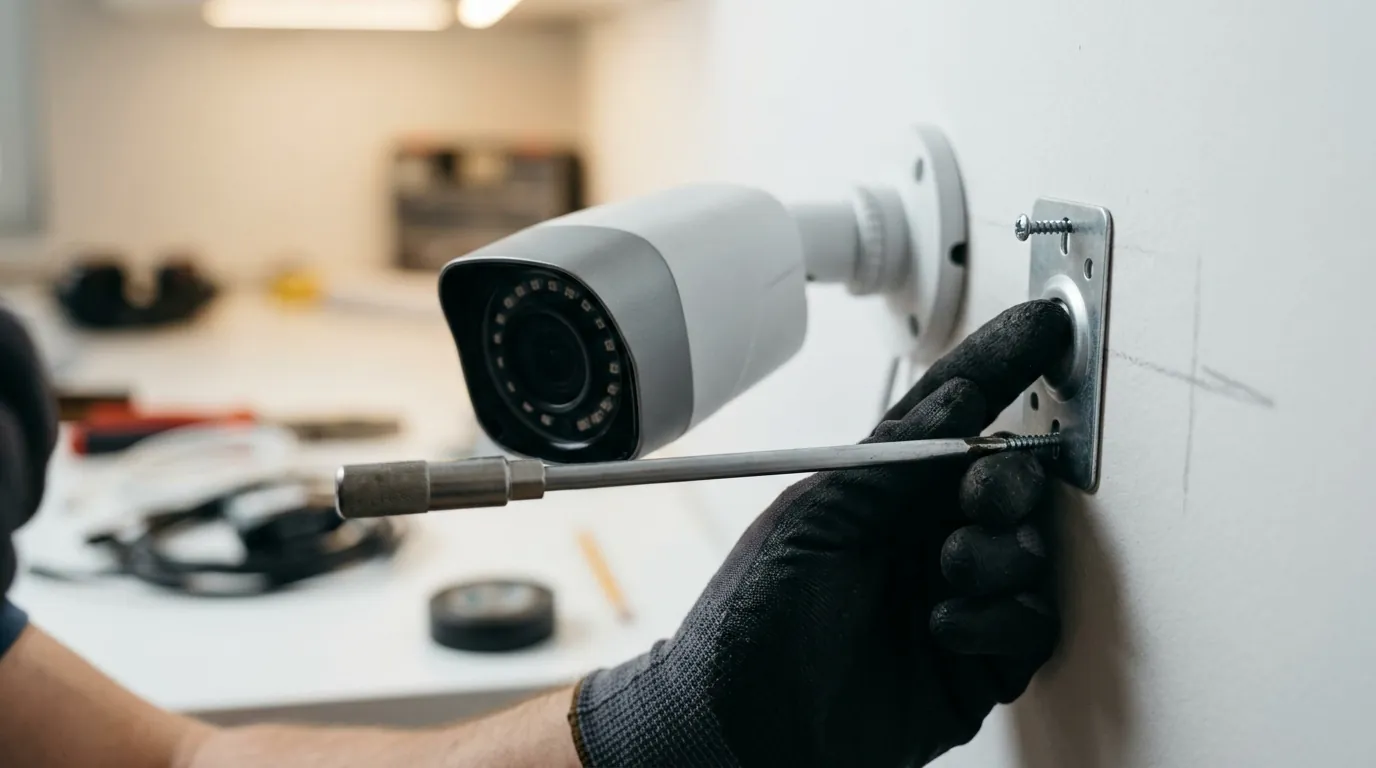
The Tapo C210 is a budget-friendly device designed primarily for cloud-first users. When TP-Link pushes firmware updates, the priority is often the Tapo Care cloud service and the proprietary app experience. Local RTSP streaming is frequently treated as a secondary feature, and as firmware grows more complex, the C210’s modest hardware can struggle to keep up.
The CPU Overhead Problem
The C210 utilizes a single-core processor optimized for H.264 encoding. Every time you open the Tapo App while an NVR is also recording via RTSP, the camera must encode two or more simultaneous streams. Recent updates in late 2025 and early 2026 have added features like Matter compatibility and enhanced AI detection, which consume additional RAM. According to community analysis on r/HomeSecurity, this “firmware bloat” leaves very little overhead for the RTSP daemon, leading to crashes when motion is detected.
Firmware-Induced Bitrate Spikes
Updates can sometimes reset the “Video Quality” or “Bitrate” settings to their defaults. For a 2K (3MP) camera like the C210, a high-bitrate 2K stream can exceed 4Mbps. On a crowded 2.4GHz Wi-Fi band, these spikes cause the RTSP buffer to overflow, resulting in a frozen image on the NVR while the camera tries to clear its internal queue.
Credential Desynchronization
One of the most common reasons for a freeze immediately following an update is “Credential Desynchronization.” TP-Link occasionally “hardens” its security protocols, which can invalidate the local “Camera Account” credentials stored in the camera’s volatile memory. While the Tapo App (using OAuth) continues to work, the RTSP stream (using Basic/Digest authentication) fails because the camera is essentially “forgetting” the local user account.
How it works under the hood
To understand why the stream freezes, we have to look at how the C210 packages video data. The camera doesn’t send a continuous stream of full images; it sends one full image (an I-Frame) followed by several “delta” frames (P-Frames) that only contain the changes.
I-Frame Intervals and Buffer Bloat
If a firmware update increases the I-Frame interval (the time between full images), the NVR has to wait longer to “recover” if a packet is lost. If the C210’s internal buffer fills up because it can’t process the H.264 compression fast enough, it may stop sending P-Frames entirely. The NVR sees this as a frozen image because it hasn’t received a new I-Frame to “reset” the picture.
The RTSP Authentication Flow
Unlike the Tapo App, which communicates with TP-Link’s cloud servers, RTSP is a direct local connection.
- Request: NVR sends a
DESCRIBErequest to the camera’s IP. - Challenge: Camera responds with a
401 Unauthorizedchallenge. - Response: NVR sends the “Camera Account” credentials.
- Stream: Camera begins sending RTP packets. If the firmware update corrupts the internal database where these local credentials are kept, step 3 fails, but the NVR may keep the last frame on screen instead of showing an error.
Bandwidth Allocation: Cloud vs. Local
The C210 prioritizes the “Cloud Stream” (used for Tapo Care and the app) over the “Local Stream” (RTSP). In high-motion scenarios, the processor dedicates its cycles to ensuring the cloud recording is saved. If the CPU hits 100% utilization, the RTSP stream is the first process to be “throttled” or killed by the camera’s operating system.
Real-world implications
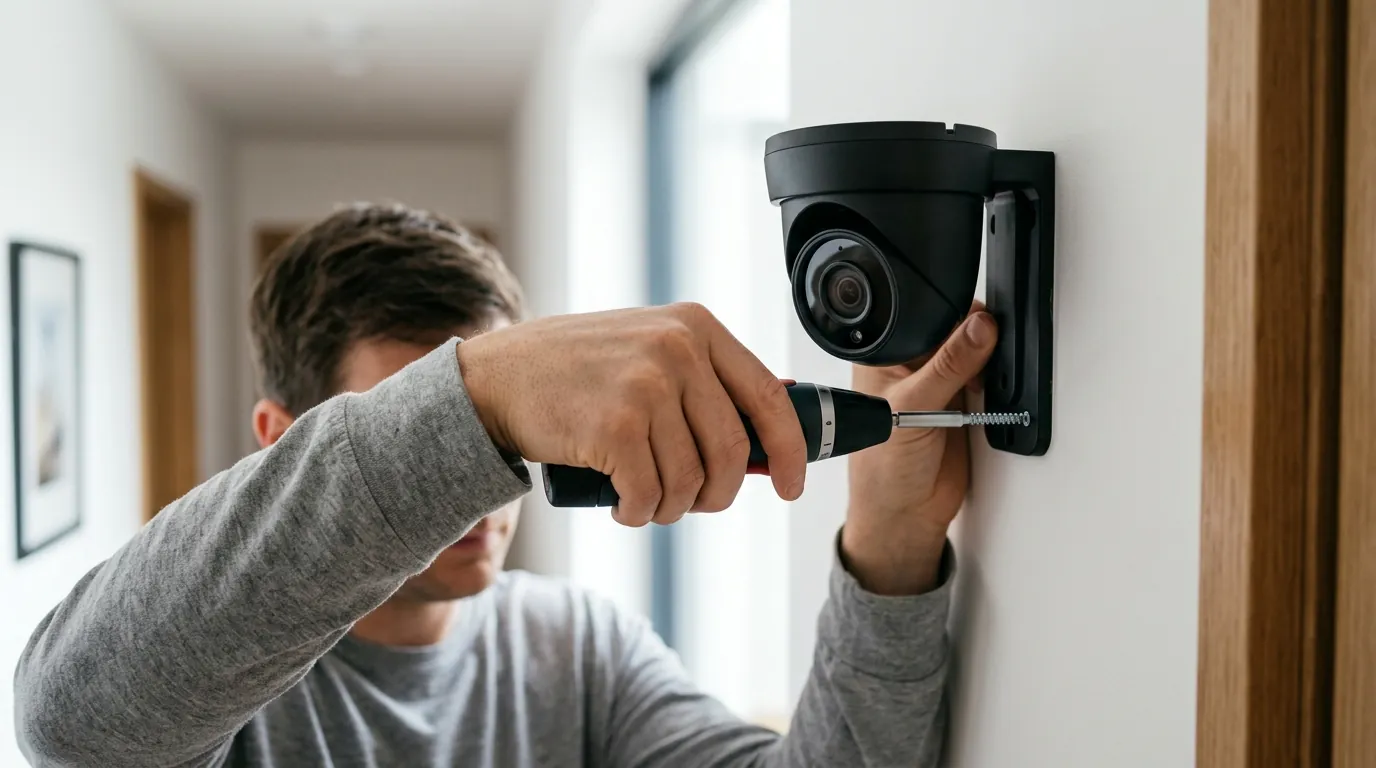
A frozen RTSP stream is more than a technical nuisance; it is a significant security vulnerability. Because the Tapo app often continues to work, users may be under the false impression that their entire system is operational.
Security Gaps
If your NVR (like Blue Iris or a Hikvision NVR) is relying on the RTSP stream for motion detection, a frozen frame means no alerts will be triggered. A burglar could walk past the camera, and while the “live” view in your NVR shows a peaceful, empty room from three hours ago, no recording is taking place. This “silent failure” is the most dangerous aspect of the C210 firmware bug.
Home Automation Failure
Many users integrate the C210 into Home Assistant or Hubitat via RTSP to trigger lights when motion is detected. A frozen stream breaks these automations. According to TP-Link’s community forums, users have reported that “stuck” RTSP streams can also cause Home Assistant dashboards to lag or crash as they attempt to reconnect to a non-responsive stream.
The “Subscription Push” Suspicion
There is a growing sentiment among the prosumer community that budget brands may intentionally de-prioritize RTSP stability to encourage users to sign up for cloud subscriptions like Tapo Care. While TP-Link has not officially confirmed this, the fact that the proprietary app stream remains stable while the open-standard RTSP stream freezes suggests a disparity in how the camera’s limited resources are managed.
Common misconceptions
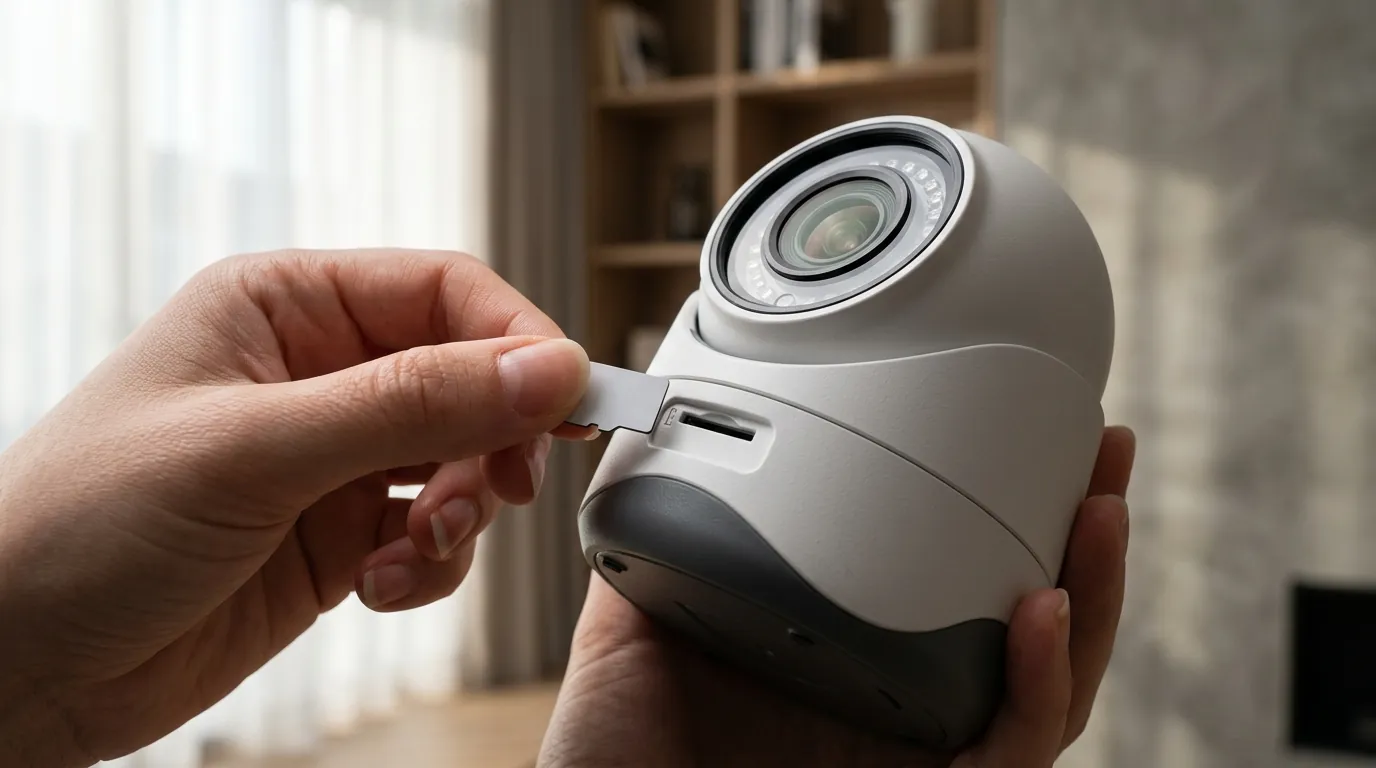
When troubleshooting a Tapo C210, it is easy to blame the wrong component. Here are the most common myths regarding RTSP freezing.
Misconception: “It’s my Wi-Fi signal.”
Fact: While poor Wi-Fi can cause stuttering, it rarely causes a permanent “frozen frame” where the timestamp stops. If you can still view a smooth 2K stream in the Tapo App on the same phone/network, your Wi-Fi signal is sufficient. The issue is likely the camera’s internal processing of the RTSP protocol specifically.
Misconception: “RTSP is a standard, so it shouldn’t break.”
Fact: RTSP is indeed a standard, but its implementation varies wildly. TP-Link’s implementation is a “wrapper” around their proprietary stream. When firmware updates change the underlying video engine, the RTSP wrapper often needs to be manually refreshed by the user.
Misconception: “A factory reset is the only fix.”
Fact: A factory reset is time-consuming and often unnecessary. Most RTSP freezes on the C210 can be resolved by simply going into the Tapo App settings, deleting the “Camera Account,” and creating a new one with a different password. This forces the camera to rewrite the authentication config file.
Troubleshooting Checklist: Wi-Fi vs. RTSP
- Check the App: If the Tapo App is also frozen, it’s a Wi-Fi/Power issue.
- Check the Timestamp: If the timestamp is frozen but the app works, it’s an RTSP/CPU issue.
- Check the Bitrate: If the stream freezes only during high motion, it’s a bitrate/buffer issue.
- Check the Account: If the NVR says “Unauthorized,” the firmware update wiped your Camera Account settings.
Decision Framework: Managing the C210
| If you are… | Your Priority should be… | Recommended Action |
|---|---|---|
| A Renter / Casual User | Ease of use and app access. | Stick with the Tapo App; ignore RTSP issues. |
| A Homeowner with NVR | 24/7 Reliability & Local Storage. | Lower C210 resolution to 1080p to save CPU. |
| A Power User (Home Assistant) | Low Latency & Automation. | Replace C210 with a dedicated RTSP camera. |
| A Small Business Owner | Legal Evidence & No Gaps. | Avoid C210 for critical areas; use PoE cameras. |
Total Cost of Ownership (3-Year Estimate)
While the Tapo C210 has a low “sticker price,” the cost of maintaining it—especially if RTSP fails and you are forced into a subscription—can add up.
- Hardware Cost: Around $30–$40.
- Subscription (Tapo Care): ~$3.49/mo per camera (approx. $125 over 3 years).
- SD Card (High Endurance): Around $15–$20.
- The “Frustration Tax”: If RTSP is unreliable, you lose the value of your $60+ NVR software license (like Blue Iris).
- Total 3-Year Cost: ~$50 (Local only) to ~$180 (Cloud-dependent).
Further reading
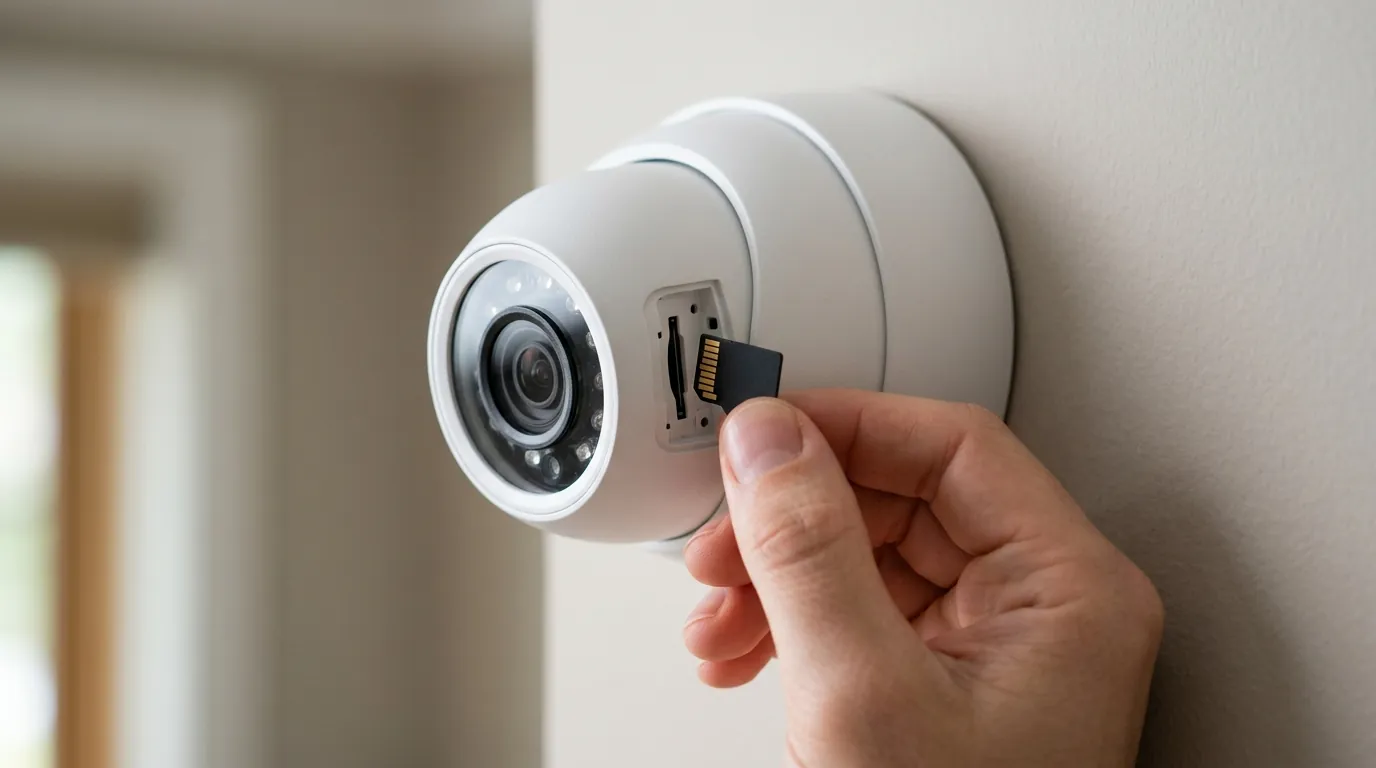
If firmware updates have made your C210 unreliable for local streaming, it may be time to move to a device with dedicated RTSP hardware. The C210 is an excellent “nanny cam” or casual monitor, but its hardware is pushed to the limit when asked to perform professional NVR duties.
When to Upgrade: The Value vs. Frustration Threshold
If you find yourself rebooting your Tapo camera more than once a week to “unfreeze” your NVR, the hardware is likely failing to handle your network’s demand. For users who prioritize RTSP stability, the Reolink E1 Pro (around $50-60) is a significant step up. Unlike the C210, the E1 Pro features dual-band Wi-Fi (2.4GHz/5GHz) and a more robust RTSP implementation that doesn’t compete as heavily with cloud services.
Official Support Resources
- Tapo Firmware Release Notes: Check the official TP-Link download center for the latest bin files.
- TP-Link Community Forum: Search for “C210 RTSP” to find the latest user-reported stable firmware versions.
- Synology Compatibility List: Verify if your specific firmware version is “Verified” for Surveillance Station.
Comparison: Tapo C210 vs. Reolink E1 Pro
| Feature | Tapo C210 | Reolink E1 Pro |
|---|---|---|
| Resolution | 2K (3MP) | 2K (4MP) |
| Wi-Fi Bands | 2.4GHz Only | 2.4GHz & 5GHz |
| RTSP Stability | Moderate (CPU limited) | High (Dedicated stream) |
| Bitrate Control | Limited (App-based) | Granular (Web UI/Client) |
| MSRP Band | Under $40 | Around $50-$60 |
Frequently Asked Questions
Why does my Tapo C210 work in the app but not in VLC?
VLC uses the RTSP protocol, which requires a separate “Camera Account” created in the Tapo App settings. If this account wasn’t created or was reset during a firmware update, VLC will fail to authenticate. Additionally, VLC is less “forgiving” of packet loss than the proprietary Tapo App.
How do I find my Tapo C210 RTSP URL?
The standard URL format for the Tapo C210 is rtsp://username:password@IPADDRESS:554/stream1 for the high-definition 2K stream, and rtsp://username:password@IPADDRESS:554/stream2 for the low-resolution sub-stream. Replace “username” and “password” with your Camera Account credentials, not your TP-Link ID.
Does the Tapo C210 support H.265?
No, the Tapo C210 primarily uses H.264 video compression. While H.264 is widely compatible, it is less efficient than H.265, meaning the 2K stream requires more bandwidth and CPU power, which can contribute to the freezing issues seen after firmware updates.
Can I downgrade my Tapo C210 firmware?
TP-Link does not officially support firmware downgrades through the Tapo App. Once an update is applied, it is generally permanent unless you use advanced technical methods (like serial flashing) which void the warranty. This makes it critical to wait for community feedback before hitting “Update” on a working RTSP setup.
Sources
- TP-Link Tapo C210 Product Page — https://www.tp-link.com/us/home-networking/cloud-camera/tapo-c210/
- TP-Link Community: RTSP Stream Issues — https://community.tp-link.com/en/smart-home/forum/topic/263300
- Reolink E1 Pro Specifications — https://reolink.com/product/e1-pro/
- Synology Surveillance Station IP Camera Support List — https://www.synology.com/en-us/compatibility/camera
- Reddit r/HomeSecurity Wiki: RTSP Guide — https://www.reddit.com/r/homesecurity/wiki/index/