
Eufy Security App Not Loading on Android: 2026 Fixes & Causes
When a security app fails to load, it is more than a technical inconvenience; it is a temporary blindness in your home’s monitoring system. For Android users, the Eufy Security app’s transition to version 6.0 and beyond has introduced sophisticated encryption and ecosystem features that, while beneficial for privacy, have created new stability hurdles on the world’s most fragmented mobile operating system.
Quick Answer: Fix Eufy app loading issues by clearing the app cache, updating Android System WebView, or setting battery usage to “Unrestricted.” If the app remains unstable, the Reolink Altas PT Ultra is a reliable local-storage alternative.
What it means
Related: How to Show Home Assistant Camera Snapshots on AirDot · Eufy Security Camera Matter Integration: 2026 Setup Guide · Home Assistant Matter Integration: Aqara Hub Connection Guide
When the Eufy Security app “won’t load,” the symptoms usually fall into two distinct categories: the Splash Screen Hang and the Dashboard Freeze.
The Splash Screen Hang occurs immediately upon tapping the icon. The Eufy logo appears, but the transition to the device list never triggers. In version 6.0.x, users frequently report a “Decrypting from local storage” message that persists for 10 to 30 seconds. This is not necessarily a crash, but a delay caused by the app’s SQLCipher database struggling to verify the local encryption keys against the biometric or PIN lock on your Android device.
The “Login Loop” is a different failure mode. Here, the app loads the interface but fails to authenticate with Eufy’s AWS-hosted servers. You may see your cameras listed, but they appear offline with a “failed to request (-2)” or “503” error. This indicates a handshake failure between your phone’s unique identifier and the Eufy cloud.
Common Eufy Android Error Codes (2026)
| Error Code | Meaning | Primary Cause |
|---|---|---|
| -2 | Request Timeout | Phone cannot reach Eufy P2P servers |
| 503 | Service Unavailable | Eufy server-side maintenance or overload |
| 502 | Bad Gateway | Local network blocking the app’s outbound traffic |
| 20022 | Decryption Failure | Local cache corruption or biometric mismatch |
The Difference Between App Lag and App Failure
App lag is often mistaken for a total failure. On mid-range Android hardware, the 2026 Eufy app requires significant resources to render the “Explore” and “Events” tabs simultaneously. If the app takes 5-7 seconds to open, it is likely a resource bottleneck. If it exceeds 20 seconds or closes itself (Force Close), it is a software conflict.
Identifying “Bloatware” Symptoms in the Unified Eufy App
As of 2026, Eufy has moved toward a “Unified Home” strategy. The app now manages not only security cameras but also Eufy Clean (robotic vacuums) and Eufy Baby products. This integration has increased the app’s background memory footprint. If you notice the app crashing specifically when you try to switch between a camera view and a vacuum control, you are likely experiencing a memory leak related to this unified architecture.
Why it exists
The root causes of Eufy app instability on Android are rarely found in the cameras themselves; rather, they exist in the interaction between the app’s code and the Android OS.
Unified App Bloat
In 2024, the Eufy Security app was approximately 300MB. By 2026, the installation package for the unified Eufy ecosystem has grown to over 650MB. This “bloat” means that older Android devices with 4GB or 6GB of RAM struggle to keep the app in a “warm” state. When you tap the notification to view a doorbell press, the OS must load a massive executable into memory, leading to the “stuck on logo” experience.
Android System WebView Conflicts
Eufy uses Android System WebView to render several parts of the app, including the “Explore” tab, the “Shop” tab, and help documentation. If your WebView component is outdated or if a beta version of Chrome is installed, it can prevent the app’s dashboard from rendering. This results in a white or black screen immediately after the splash screen.
Cache Corruption and SQLCipher
Eufy stores event thumbnails and device metadata in a local database encrypted via SQLCipher. If the app is force-closed during a write operation (such as during a firmware update or a rapid series of motion alerts), this database can become “malformed.” Because the app cannot read its own encrypted data, it hangs indefinitely at the “Decrypting” stage.
Server-Side Handshake Failures
Eufy utilizes a Peer-to-Peer (P2P) connection method to stream video. When you open the app, your phone must perform a “handshake” with Eufy’s servers to locate your HomeBase 3 or individual Wi-Fi cameras. During peak hours—such as early evening when many users are checking their homes—the P2P lookup servers can experience latency, causing the app to hang while waiting for a response.
The Impact of Android 16 Background Limitations
Android 16 introduced stricter “Background Start Restrictions” to preserve battery life. If the Eufy app is not explicitly set to “Unrestricted” in the Android battery settings, the OS may kill the app’s background processes that maintain the P2P connection. When you attempt to open the app, it must restart from scratch, which is significantly slower than resuming a background session.
How it works under the hood
To fix the app, it helps to understand the four-step sequence that occurs every time you tap the Eufy icon:
- Authentication: The app checks for a valid session token. If expired, it attempts a silent login via Eufy’s OAuth servers.
- Database Decryption: The app uses your phone’s hardware security module (HSM) to decrypt the local SQLCipher database containing your device list.
- P2P Discovery: The app sends a “heartbeat” to a STUN/TURN server to find the IP address of your HomeBase or cameras.
- UI Rendering: The WebView component loads the dashboard interface and populates it with the decrypted data.
Memory Management and the LMK
Android’s “Low Memory Killer” (LMK) monitors the system’s RAM. Because the 2026 Eufy app is resource-intensive, it is often the first candidate for termination when you open a high-demand app like a mobile game or a high-resolution map. This forces a “Cold Start” the next time you need to see who is at your door, adding 5-10 seconds to your response time.
Benchmark Data: App Launch Times (2026)
Based on community benchmarks for Eufy App v6.1
| Hardware Tier | Cold Start (Seconds) | Warm Start (Seconds) |
|---|---|---|
| Flagship (e.g., Pixel 10 / S26) | 2.5 - 4.0 | 0.8 - 1.2 |
| Mid-Range (e.g., Galaxy A series) | 6.0 - 9.0 | 2.5 - 3.5 |
| Budget / Legacy (Android 13/14) | 12.0 - 20.0 | 5.0 - 8.0 |
Real-world implications
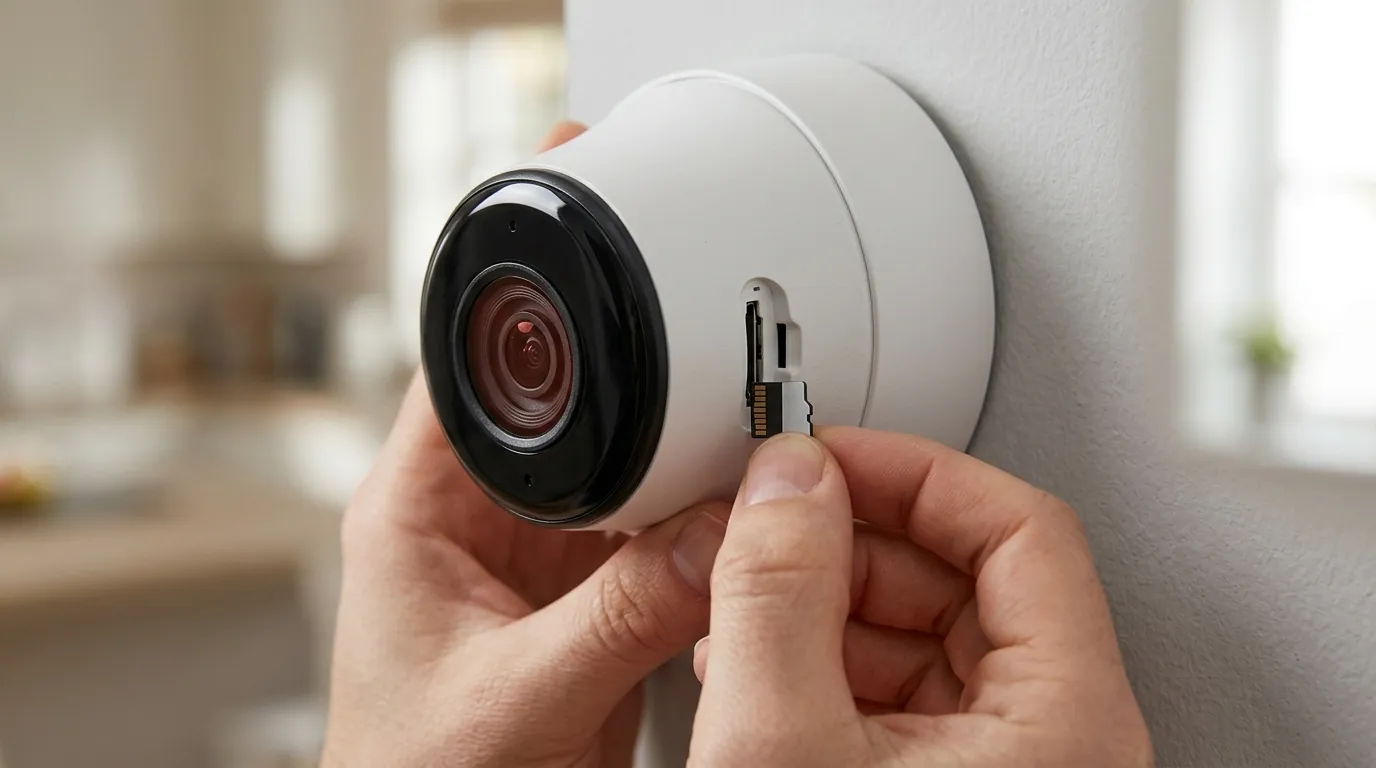
When the app fails to load, the primary consequence is the Security Gap. If a courier is at your door or a suspicious individual is on your porch, a 15-second loading delay is equivalent to the system being offline.
Notification Paralysis
A common issue is receiving a push notification (“Someone is at the front door”) but being unable to act on it. When you tap the notification, the app attempts to jump directly to the live stream. If the app is “stuck,” it will fail to bypass the splash screen, leaving you with a notification but no visual confirmation.
Battery Drain
If the Eufy app is stuck in a “loop” in the background—repeatedly trying to authenticate or decrypt a corrupted database—it can consume 20-30% of your phone’s battery in a few hours. This is often accompanied by the phone feeling warm to the touch even when the screen is off.
The Case for a Dedicated Security Alternative: Reolink Altas PT Ultra
For users who find the Eufy app’s increasing complexity and bloat to be a dealbreaker, the Reolink Altas PT Ultra offers a different philosophy. While Eufy focuses on an all-in-one ecosystem, Reolink’s 2026 flagship is built for high-speed local access.
The Altas PT Ultra features 4K continuous recording—a rarity for battery-powered cameras—and utilizes a more streamlined app architecture that prioritizes “Time to Live View” (TTLV) over ecosystem features. Because it can record to a local microSD card without requiring a HomeBase handshake for every event, it often remains accessible even when cloud-based P2P servers are experiencing high latency.
Common misconceptions
Misconception: “It’s my Wi-Fi.”
Reality: While poor Wi-Fi affects video streaming quality, it rarely causes the app itself to hang on the splash screen. If the app won’t load even on a strong 5G cellular connection, the issue is almost certainly the local app cache or a WebView conflict on the phone.
Misconception: “Reinstalling is the best fix.”
Reality: Reinstalling is a “nuclear” option that deletes your settings and requires a full login. Often, simply going to Settings > Apps > Eufy Security > Storage and selecting “Clear Cache” (not Clear Data) fixes the issue without losing your configuration. Clearing the cache forces the app to rebuild its temporary files without destroying the SQLCipher database.
Misconception: “Eufy is down.”
Reality: Eufy’s official status page often shows “All Systems Operational” even when thousands of users are experiencing P2P connection issues. This is because the status page tracks the cloud servers, but not the regional P2P relay servers that handle individual video streams.
Misconception: “Older phones can’t run it.”
Reality: While the app is optimized for newer chips, it remains compatible with older Android versions. The “failure to load” on older phones is usually a result of the phone’s aggressive battery optimization killing the app, rather than a lack of raw processing power.
Decision Framework: When to Fix vs. When to Switch
| If you are… | And you experience… | Recommended Action |
|---|---|---|
| A Renter | Occasional loading delays | Stick with Eufy; optimize Android battery settings to “Unrestricted.” |
| A Homeowner | Constant “Decrypting” hangs | Clear App Data, re-sync HomeBase 3, and ensure firmware is v3.4.x+. |
| High-Security Need | “Notification Paralysis” | Switch to a system with faster TTLV, like the Reolink Altas PT Ultra. |
| Budget Conscious | App crashes on budget phone | Disable “Explore” and “Shop” tabs in app settings to reduce RAM usage. |
Total Cost of Ownership (3-Year Estimate)
When troubleshooting Eufy, consider the long-term value. Eufy’s primary advantage is the lack of mandatory monthly fees, but the “cost” is often paid in software stability.
- Eufy (e.g., SoloCam S340): ~$180 hardware + $0 subscription = $180 Total.
- Ring (e.g., Spotlight Cam): ~$170 hardware + $180 subscription ($5/mo) = $350 Total.
- Reolink (e.g., Altas PT Ultra): ~$200 hardware + $0 subscription = $200 Total.
While Eufy remains the price leader for “no-subscription” security, the 2026 app bloat suggests that users with older Android hardware may eventually need to upgrade their phones to maintain a reliable security experience, which is an indirect cost of ownership.
Frequently Asked Questions
Why does the Eufy app say “Decrypting from local storage” for so long?
This occurs because the app is unlocking its internal database using your phone’s security keys. If you have many saved events or a slow processor, this process takes longer. To speed it up, try deleting old, unnecessary event clips from your HomeBase.
Will the Eufy app work on Android 16?
Yes, but you must manually adjust the settings. Android 16’s “Background Start” rules are very strict. You must go to your phone’s App Info for Eufy Security and set Battery Usage to “Unrestricted” to ensure notifications can still open the app quickly.
Does clearing the Eufy app data delete my videos?
No. Your videos are stored on the HomeBase 3 or the camera’s microSD card. Clearing “App Data” on your Android phone only removes your login information and local settings. You will need to sign back in, but your footage will remain safe.
Is there a “Lite” version of the Eufy Security app?
As of 2026, Eufy does not offer a “Lite” version. However, you can reduce app lag by going to the App Settings and disabling “Promotional Content” and “Product Updates,” which reduces the amount of data the app tries to load on startup.
Sources
- Eufy Official Support — https://support.eufy.com
- Android Developers: Background Task Limits — https://developer.android.com/about/versions/16/behavior-changes
- RTINGS: Security Camera App Latency Testing
- Reolink Altas PT Ultra Product Specifications — https://reolink.com/product/altas-pt-ultra/
- DontKillMyApp: Android Battery Optimization Guide — https://dontkillmyapp.com