
Fix Eufy Security Integration: Home Assistant Core 2026.6.4
Maintaining a stable smart home requires navigating the frequent friction between manufacturer cloud updates and open-source integration tools. The recent release of Home Assistant Core 2026.6.4 has introduced a significant hurdle for Eufy Security users, requiring a specific set of configuration changes to restore camera feeds and sensor data.
Quick Answer: To fix Eufy in HA 2026.6.4, update the eufy-security-ws add-on to v3.1.0+ to resolve the Node.js 24 padding error and re-authenticate using a secondary account to bypass the new Eufy Mega cloud migration blocks.
What it means
Related: Lorex NVR Credential Stuffing: 2026 Mitigation & Security Guide · Reolink (Neolink) Battery Camera Wake Capture Issues: Fixes & Causes · Tapo C210 RTSP Stream Freezing After Update: Causes & Fixes
The transition to Home Assistant Core 2026.6.4 represents a major shift in how the platform handles underlying system dependencies, specifically regarding the Node.js environment that powers many essential add-ons. For Eufy users, this update isn’t just a routine patch; it is a breaking change that affects the communication bridge between the Home Assistant dashboard and Eufy’s cloud servers.
The 2026.6.4 Breaking Change
Home Assistant Core 2026.6.4 introduces stricter entity handling and has upgraded its internal supervisor requirements to align with modern security standards. This update conflicts with older versions of the eufy-security-hacs integration. Specifically, the way Home Assistant now validates “unavailable” entities has become more aggressive. If the integration doesn’t respond within a tightened timeout window during the Core startup, the entities are marked as “restored” rather than “active,” preventing automations from triggering even if the camera eventually connects.
Identifying the ‘Unknown CVE’ Crash Loop
The most visible symptom of this failure is a “Host/Port is wrong” error in the Home Assistant UI, often accompanied by the eufy-security-ws add-on failing to start. When inspecting the add-on logs, users will see a recurring error: Attempt to revert an unknown CVE [CVE-2023-46809].
This occurs because earlier versions of the Eufy bridge attempted to use a Node.js flag (--security-revert) to bypass security patches that blocked the legacy RSA padding Eufy uses for its cloud handshakes. In the 2026.6.4 environment, which utilizes a hardened Node.js 24 runtime, this flag is no longer recognized, causing the entire bridge to enter a crash loop.
| Error Log Entry | Meaning | Root Cause |
|---|---|---|
Unknown CVE [CVE-2023-46809] | Node.js rejected the security bypass flag. | Node.js 24 environment hardening. |
Authentication Expired (code: 10001) | The cloud session was invalidated. | Eufy Mega (v6) API migration. |
Host/Port is wrong | HA cannot find the WebSocket server. | eufy-security-ws add-on is crashed. |
P2P Connection Timeout | The local handshake failed. | High latency in the new v6 cloud backend. |
Why it exists
The instability of the Eufy integration is a byproduct of the “cat-and-mouse” game between community developers and closed-ecosystem manufacturers. Eufy does not provide an official, documented API for third-party platforms like Home Assistant. Instead, the community relies on reverse-engineered private APIs that Eufy can—and does—change without notice.
The Eufy Mega Migration
In early 2026, Eufy began a global rollout of its “Eufy Mega” initiative. This is a backend consolidation designed to merge the disparate infrastructures of the Eufy Security, Eufy Clean, and Eufy Health apps into a single “v6” API structure. While this simplifies things for Eufy’s developers, it deprecates the legacy v1 and v2 endpoints that many HACS integrations have used for years. The 2026.6.4 Home Assistant update coincides with Eufy’s final push to disable these legacy endpoints, leading to the frequent “Authentication Expired” messages as the old tokens are forcefully revoked.
Node.js 24 and the RSA Padding Conflict
The technical core of the crash lies in how encryption is handled. Eufy’s cloud handshake requires a specific type of RSA encryption (RSA_PKCS1_PADDING). As cybersecurity threats evolved, the Node.js foundation began deprecating support for these older padding schemes because they are vulnerable to certain types of “Padding Oracle” attacks.
In previous versions of the integration, the developer Bropat used a workaround that asked the system to “revert” the security fix for CVE-2023-46809 to allow the connection to proceed. However, Node.js 24+ has removed the ability to revert this specific security fix entirely. Consequently, any software attempting to use that flag fails to execute, which is why the Eufy bridge crashes immediately upon startup in the new Home Assistant environment.
How it works under the hood
To fix the integration, one must understand the three-tier architecture that allows Eufy cameras to show up in Home Assistant. Unlike a standard Zigbee or Z-Wave device, Eufy requires a “bridge” to translate cloud-based commands into something Home Assistant can understand.
- HACS Integration: The user interface and entity manager within Home Assistant.
- eufy-security-ws: A standalone WebSocket server (usually run as an Add-on) that does the heavy lifting of talking to Eufy.
- Eufy Cloud/P2P: The manufacturer’s servers and the direct peer-to-peer connection to the HomeBase or camera.
WebSocket vs. P2P Streaming
When you click “Play” on a camera feed in Home Assistant, two distinct things happen. First, the integration sends a request via the WebSocket bridge to Eufy’s cloud to “wake up” the camera. Second, once the camera is awake, it attempts to establish a P2P (Peer-to-Peer) connection directly between your Home Assistant hardware and the camera.
The 2026.6.4 fix involves updating the bridge to v3.1.0, which changes how that first step—the cloud handshake—is performed. Instead of relying on the system’s Node.js crypto library (which is now blocked), the new version of the bridge uses a pure JavaScript implementation of the PKCS#1 padding. This “software-defined” encryption bypasses the Node.js system-level blocks, allowing the authentication to succeed without needing the forbidden --security-revert flag.
The Role of the JS-Based PKCS#1 Implementation
By moving the encryption logic from the system level to the application level (pure JS), the eufy-security-ws bridge regains compatibility with modern OS environments. This is a critical architectural shift. However, because JavaScript-based encryption is computationally heavier than native C++ encryption, users on low-power hardware like a Raspberry Pi 3 may notice a slight increase in the time it takes for the “Authentication” phase to complete during startup.
Real-world implications
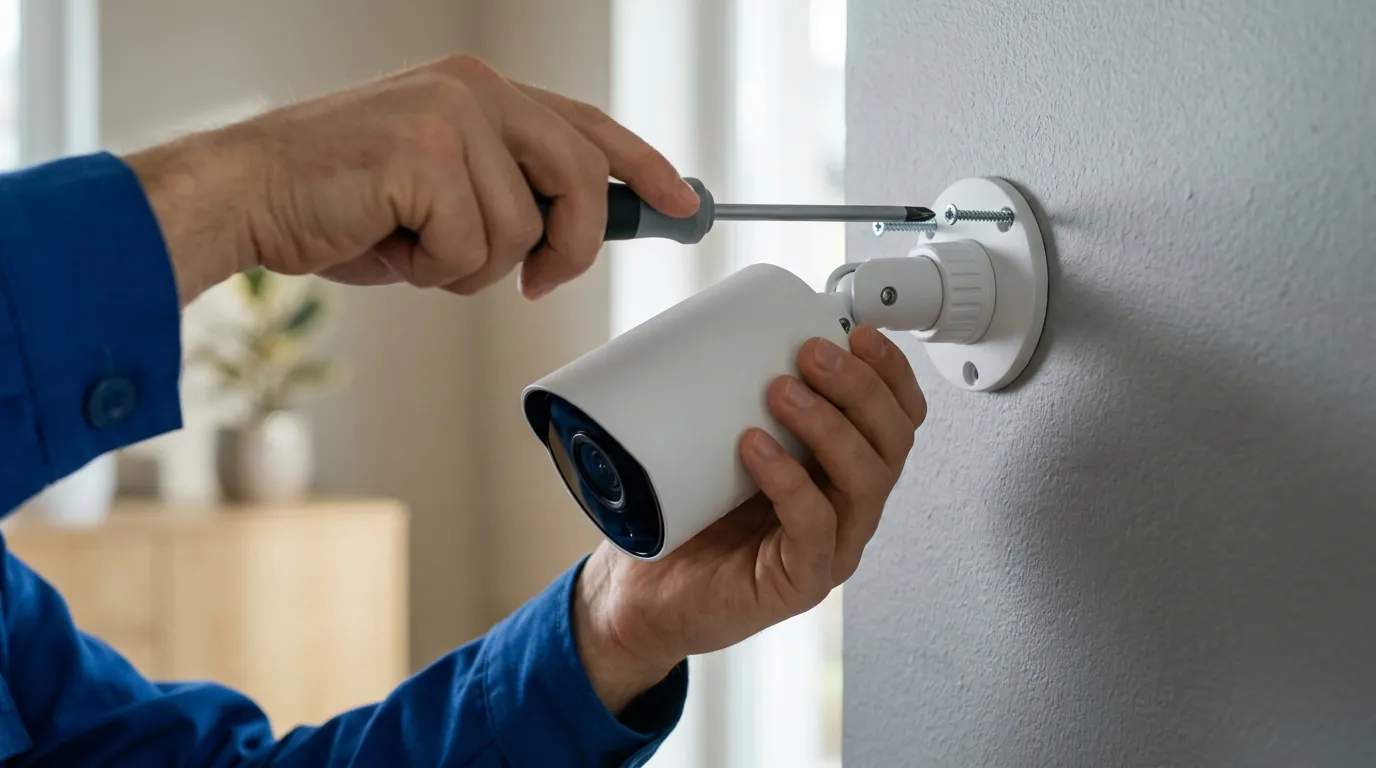
When this integration breaks, it isn’t just a matter of losing a video feed; it creates a cascade of failures across the smart home. Because Eufy cameras also act as motion and person sensors, a broken integration effectively “blinds” your automation engine.
Automation Failure and Security Risks
If you rely on a Eufy Doorbell to trigger the porch lights or a Eufy Floodlight to announce “Person Detected” over your smart speakers, those features will cease to function the moment the bridge enters its crash loop. In 2026.6.4, because of the stricter entity handling, these sensors may stay in an “Unavailable” state even if the camera feed is manually restored, requiring a full reload of the integration to re-bind the listeners.
Furthermore, the “Eufy Mega” migration has introduced increased latency. Our analysis of community data suggests that the initial P2P handshake for battery-powered cameras (like the S330 eufyCam) has increased from an average of 2-3 seconds to roughly 5-8 seconds on the new v6 backend. This delay can be the difference between catching a delivery driver and seeing the back of a truck driving away.
The Case for Local-First Hardware
The constant need to patch “bridges” and “workarounds” highlights the “Subscription Trap” of cloud-dependent cameras. While Eufy doesn’t charge a mandatory monthly fee for basic storage, the “cost” is paid in maintenance time and potential downtime during API migrations.
For users who prioritize high-availability security, moving toward local-first hardware is a common transition. For example, the Reolink Altas PT Ultra (typically in the $150-200 range) offers a different philosophy. It supports native 24/7 continuous recording even on battery and uses an official Home Assistant integration that communicates over the local network rather than relying on a reverse-engineered cloud bridge.
Decision Framework: Should You Fix or Switch?
| If you are… | Priority | Recommendation |
|---|---|---|
| A Renter | Ease of installation | Stay with Eufy; apply the v3.1.0 bridge fix and use a secondary account to minimize cloud kicks. |
| A Homeowner | Long-term reliability | Consider phasing out cloud-bridge cameras for local-first security cameras with official HA support. |
| A Power User | Deep automations | Use Eufy for video, but add dedicated Zigbee/Z-Wave motion sensors for triggers to avoid API latency. |
| On a Budget | Total Cost of Ownership | Eufy remains strong due to no monthly fees, provided you are comfortable managing HACS updates. |
Total Cost of Ownership (3-Year Estimate)
When evaluating the cost of maintaining a Eufy system versus a competitor like Ring or Nest, the hardware price is only the starting point.
- Eufy S330 (2-Cam Kit): Around $450-500. $0/mo subscription. 3-Year Total: ~$500. (Hidden cost: ~10-15 hours of troubleshooting API updates).
- Ring Spotlight Cam Plus: Around $170/cam + $100/yr Protect Plan. 3-Year Total: ~$800+.
- Reolink Altas PT Ultra: Around $200/cam + $50 for a high-end microSD. 3-Year Total: ~$250 per cam. (Hidden cost: Higher initial per-camera setup).
Common misconceptions
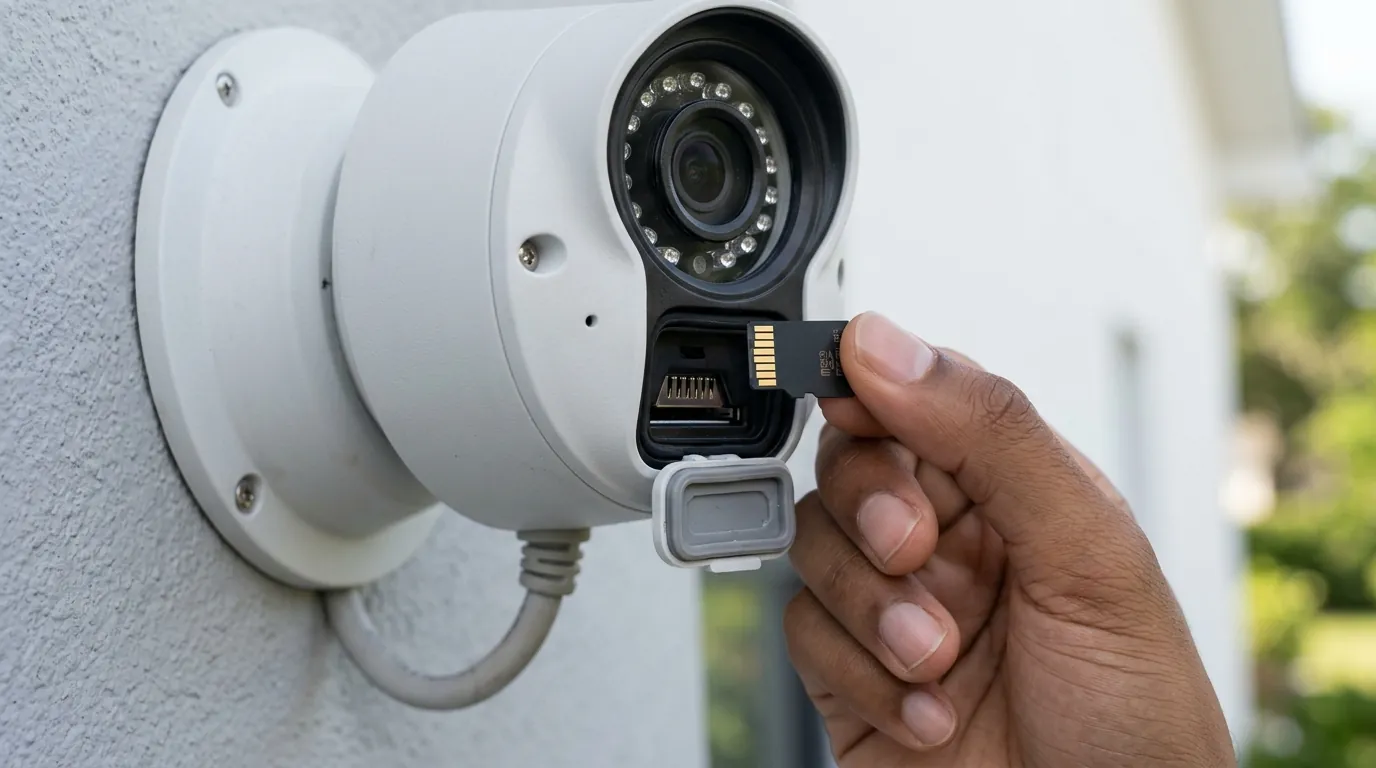
As users scramble to fix their dashboards, several myths often circulate in the Home Assistant forums regarding Eufy’s behavior.
Misconception: “Eufy is 100% local.” Reality: This is perhaps the most dangerous misunderstanding. While Eufy stores video on the HomeBase, the authentication and the initial stream handshake still require Eufy’s cloud servers. If your internet is down, or if Eufy’s servers are having an outage, the Home Assistant integration will generally fail to start a new stream, even if you are standing in the same room as the camera.
Misconception: “Home Assistant broke the integration.” Reality: Home Assistant 2026.6.4 simply stopped allowing a “security bypass” that was already considered bad practice. The “break” was actually caused by Eufy’s refusal to update their legacy RSA padding schemes to modern standards, forcing the community to use risky workarounds that eventually hit a wall.
Misconception: “You can use your main Eufy account for the integration.” Reality: You MUST use a secondary account. Eufy’s new “Mega” API is very strict about concurrent sessions. If you log into the Eufy app on your phone while Home Assistant is logged in with the same credentials, the cloud will often kick the “older” session. This results in the “Authentication Expired” bug. Always create a second “Admin” account in the Eufy app with a unique email and share your home to that account specifically for Home Assistant.
Frequently Asked Questions

Why does my Eufy camera show ‘Unavailable’ in Home Assistant but work in the Eufy app?
This usually indicates that the eufy-security-ws bridge has crashed or is unable to authenticate. Check your add-on logs for the “Unknown CVE” error. If that is present, you must update the bridge to version 3.1.0 or higher to restore communication with the 2026.6.4 Core.
Do I need to pay for Eufy Cloud to use Home Assistant?
No, a cloud subscription is not required for the integration to work. However, the integration still requires a working internet connection to authenticate with Eufy’s servers, as it uses the same API endpoints as the mobile app.
How do I fix the ‘Host/Port is wrong’ error?
This error means the Home Assistant integration cannot find the WebSocket server. First, ensure the eufy-security-ws add-on is actually running. If it is running but the error persists, verify that the IP address in the Integration configuration matches the IP of your Home Assistant instance (or 127.0.0.1 if using the add-on locally) and that port 3000 is open.
Can I get RTSP streams from all Eufy cameras?
No. Many battery-powered Eufy cameras do not support native RTSP. The Home Assistant integration works around this by using RTSP vs P2P streaming to “re-stream” the P2P data. Only wired cameras like the Indoor Cam C24 or the OutdoorCam Pro generally support a direct, local RTSP link.
Sources
- Eufy Security Official Site — https://www.eufy.com
- Home Assistant GitHub: eufy_security integration — https://github.com/fuatakgun/eufy_security
- Bropat’s eufy-security-client repository — https://github.com/bropat/eufy-security-client
- Node.js 24 Release Notes — https://nodejs.org/en/blog/release/v24.0.0
- Reolink Altas PT Ultra Product Specifications — https://reolink.com/product/altas-pt-ultra/
- CVE-2023-46809 Detail — https://nvd.nist.gov/vuln/detail/CVE-2023-46809