
Wyze Cam v2 Stopped Detecting Video Only Sound: 2026 Fixes
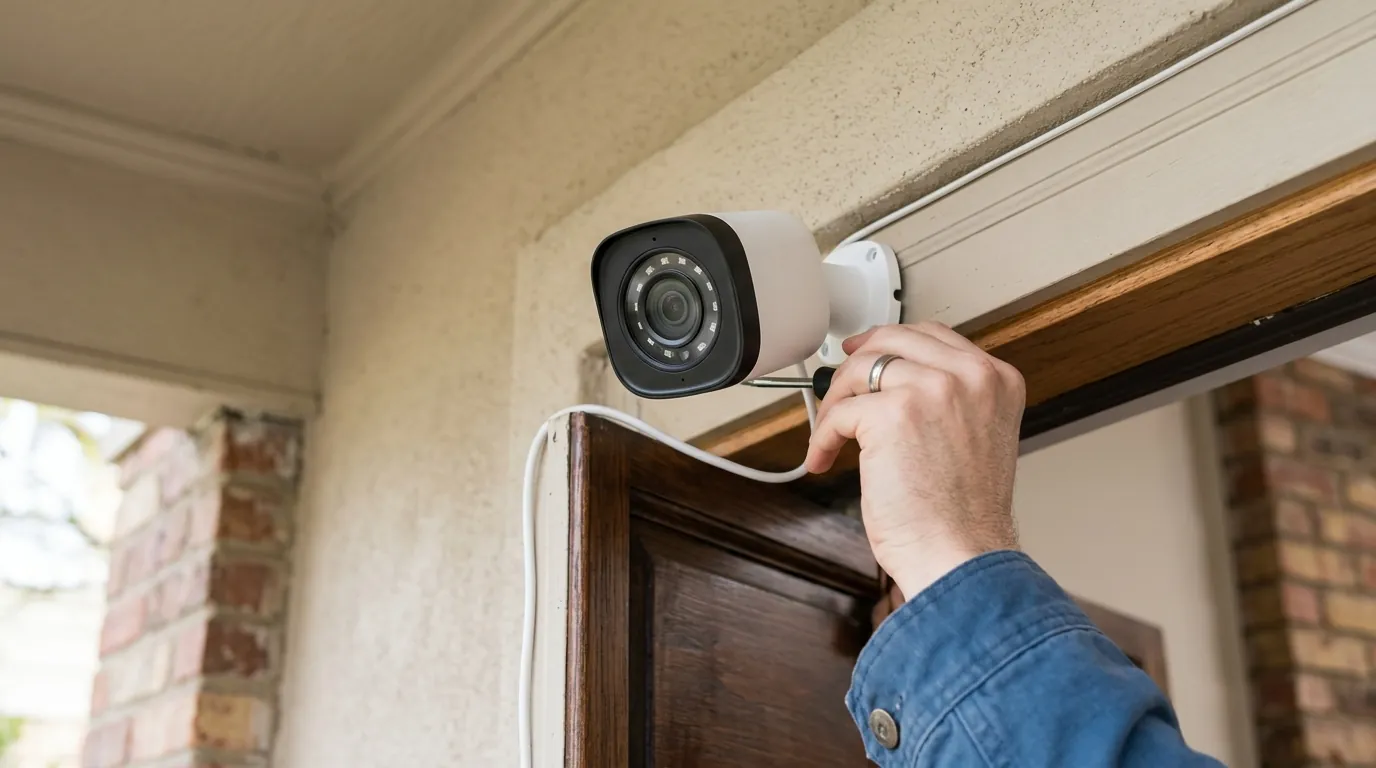
When your smartphone pings with a motion alert only to reveal a clip filled with sound but no image, the utility of a security camera vanishes. For owners of the legacy Wyze Cam v2, this “blind” state has become an increasingly common failure mode as the hardware enters its eighth year of service.
Quick Answer: This issue is typically caused by a failing CMOS video sensor or a mismatch between legacy v2 firmware and the 2026 Wyze app (v3.17+). If a factory reset and a power cycle do not restore the image, the 8-year-old hardware likely has a physical hardware failure and requires an upgrade to a modern equivalent like the Wyze Cam v4.
What it means
Related: Fix Eufy Security Integration: Home Assistant Core 2026.6.4 · Lorex NVR Credential Stuffing: 2026 Mitigation & Security Guide · Reolink (Neolink) Battery Camera Wake Capture Issues: Fixes & Causes
When a Wyze Cam v2 continues to stream audio but fails to produce a video signal, it has entered a “Partial Failure” state. In this condition, the camera’s primary processor (the System-on-Chip or SoC) and the Wi-Fi radio remain fully operational. The device can successfully handshake with Wyze servers and maintain a heartbeat connection to your router, but the data pipeline from the image sensor to the processor has been severed.
Live Stream vs. Event Recording Failures
It is vital to distinguish between a camera that cannot show video during a “Live Stream” and one that simply fails to record “Events.”
- Live Stream Failure: If you open the Wyze app and see a black screen, a spinning loading icon, or “Error 90” while still hearing background noise from the camera’s location, the hardware sensor or the local video encoder has likely failed.
- Event Recording Failure: If the live stream works perfectly but your “Events” tab only contains sound-only clips, the issue is usually software-based, often related to how the 2026 Wyze app interprets motion metadata from older hardware.
The ‘Ghost Event’ Phenomenon
Many users report receiving notifications for “Sound” but none for “Motion.” This happens because the Wyze Cam v2 treats these as two distinct triggers. Sound detection is a simple measurement of decibel levels picked up by the microphone. Motion detection, however, requires the camera to analyze changes in pixels between frames. If the video sensor is “blind” (outputting only black pixels), the motion algorithm sees no change, and therefore, no motion event is ever triggered.
Status Light Codes for Wyze Cam v2 (2026 Updated)
The status light on the back of the v2 is your first diagnostic tool. However, it can be deceptive in the case of video-only failure.
| Light State | Meaning in 2026 | Diagnostic Note |
|---|---|---|
| Solid Blue | Connected to Wi-Fi | The OS is running, but the video sensor may still be dead. |
| Flashing Blue | Connecting to Wi-Fi | The camera is searching for a signal; video cannot transmit yet. |
| Solid Red | Booting or Recording | If stuck here with no video, the firmware may be hung. |
| Flashing Red/Blue | Pairing Mode | The camera is ready to be set up in the app. |
Why it exists
The Wyze Cam v2 was a revolutionary product upon its release in 2018, but by 2026, it faces significant headwinds from both hardware degradation and software evolution.
Hardware Longevity and CMOS Sensor Burnout
The CMOS (Complementary Metal-Oxide-Semiconductor) sensor is the “eye” of the camera. These sensors have a finite lifespan dictated by thermal cycles. Because the Wyze Cam v2 is often used in 24/7 “Always On” mode, the sensor generates constant heat. Over 5 to 8 years, the microscopic circuitry within the sensor can degrade, leading to a total loss of image output while the rest of the camera remains powered.
Firmware Obsolescence and the 2026 App Compatibility Gap
As of 2026, the Wyze app has moved to version 3.17 and beyond, utilizing a security protocol known as VerifiedView. This protocol requires modern encryption handshakes that the legacy v2 firmware (version 4.9.x) was not originally designed to handle. While Wyze has issued several “security-only” patches for the v2, the aging Ingenic T20 processor inside the camera often struggles to encrypt high-bandwidth video packets fast enough for the new app requirements, sometimes resulting in the app “dropping” the video stream while maintaining the much lighter audio stream.
Power Supply Decay
The Wyze Cam v2 ships with a 5V/1A power adapter. As these adapters age, their capacitors degrade, and they may no longer provide a consistent 1.0 amp of current. While the microphone and Wi-Fi chip require very little power, the IR cut filter (which clicks when switching to night vision) and the image sensor are power-hungry. If the voltage sags, the camera may shut down the video pipeline to prevent a total system crash, leaving only the audio active.
How it works under the hood
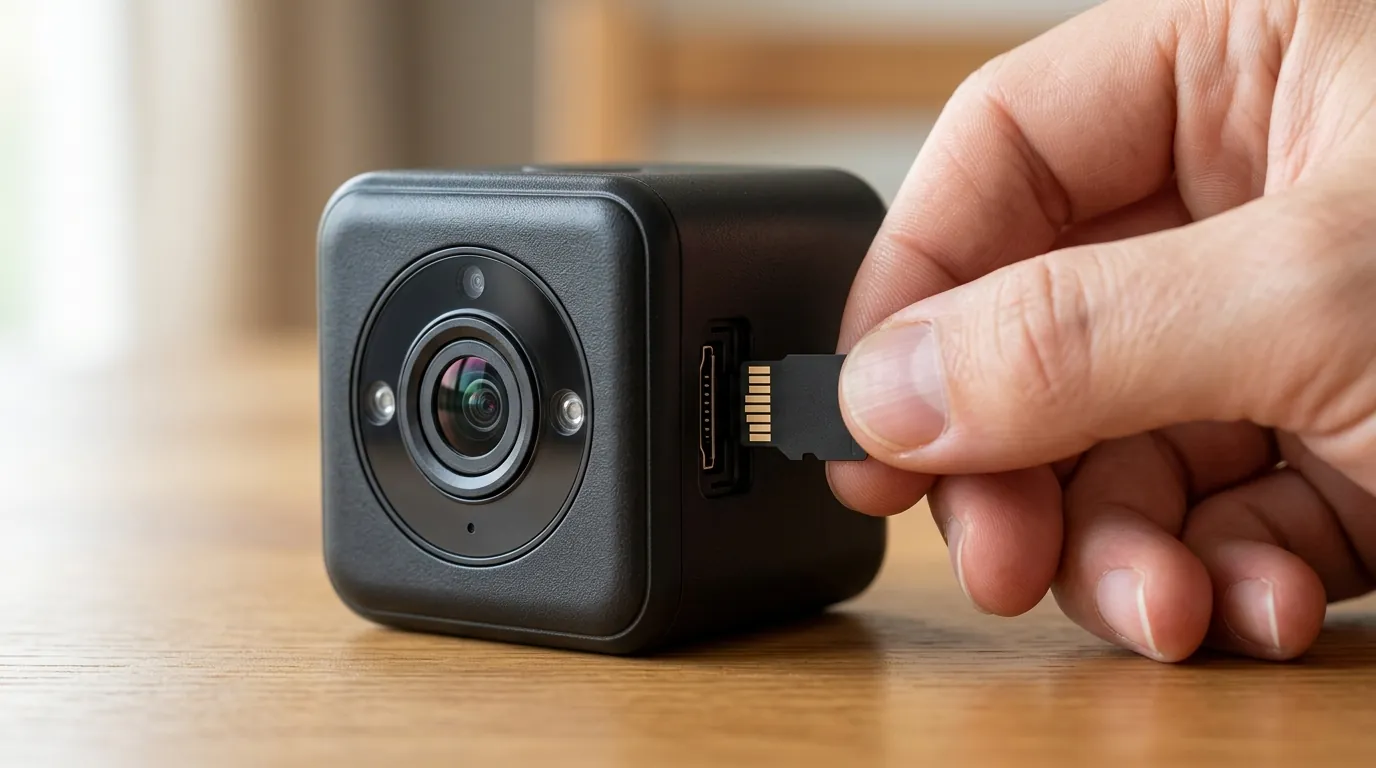
To understand why video fails while audio persists, we must look at the internal architecture of the camera.
The SoC Architecture: Ingenic T20
The heart of the Wyze Cam v2 is the Ingenic T20 System-on-Chip. This processor handles tasks in separate “threads.” According to the Ingenic T20 technical specifications, the chip processes H.264 video and AAC audio as distinct data streams.
When the camera captures data, the audio from the microphone is converted to a digital signal and sent to the SoC via a simple interface. The video data, however, travels across a high-speed MIPI CSI (Mobile Industry Processor Interface Camera Serial Interface). If a single pin on that interface becomes desoldered due to heat expansion, or if the I2C bus (the control path used to tell the sensor to “wake up”) fails, the SoC will report that no camera is attached. However, because the audio thread is independent, the SoC continues to package and send those audio packets to the Wyze cloud.
Pixel Analysis vs. Decibel Thresholds
The logic used to “detect” an event differs wildly between the two sensors:
- Audio Detection: The camera monitors the gain level of the microphone. If the sound exceeds a user-defined decibel threshold, a “Sound Event” is triggered. This requires almost zero processing power.
- Motion Detection: The SoC must compare “Frame A” to “Frame B.” It looks for changes in pixel color and position. This is computationally expensive. If the CMOS sensor is failing and sending corrupted or “all black” frames, the pixel analysis engine finds nothing to compare, resulting in a camera that is “deaf” to motion but “awake” to sound.
Real-world implications
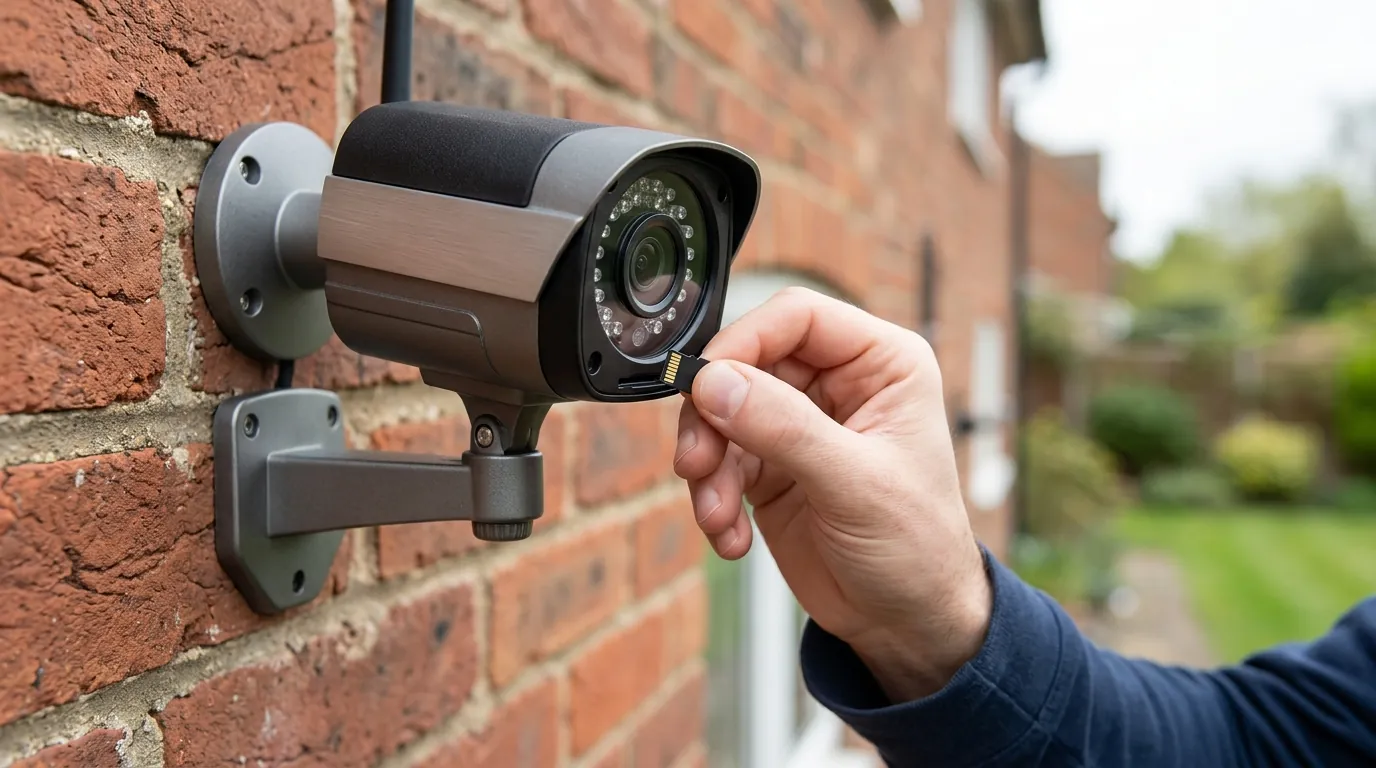
Relying on a camera that only provides audio is a significant security risk. In a 2026 home security context, “half-working” hardware is often more dangerous than no hardware at all because it provides a false sense of security.
Security Blind Spots and Liability
If an intruder enters your home, a sound notification might alert you that someone is there, but without video, you cannot verify the threat. Furthermore, from a legal and insurance standpoint, audio-only recordings are rarely sufficient. Most insurance providers require visual evidence of forced entry or theft to process a claim. Without the video component, the Wyze Cam v2 fails its primary mission as a “security” device.
The Cost of Repair vs. Replacement
The Wyze Cam v2 was designed as a low-cost, disposable consumer electronic. Opening the unit requires peeling back the adhesive base and removing recessed screws. Once inside, the CMOS sensor is soldered or connected via a fragile ribbon cable that is not widely available as a spare part. In 2026, the labor and parts cost to repair a v2 far exceed the cost of a new unit.
Resolution: What to do now
If your v2 has failed, the most logical step is to upgrade. The Wyze Cam v4 (released in 2024 and widely available in 2026) offers a massive leap in performance.
Comparison Table: Wyze Cam v2 vs. Wyze Cam v4
| Feature | Wyze Cam v2 (Legacy) | Wyze Cam v4 (2026 Standard) |
|---|---|---|
| Resolution | 1080p HD | 2.5K (2560 x 1440) |
| Processor | Ingenic T20 (Single Core) | High-Performance Dual Core |
| Wi-Fi | 2.4 GHz (802.11 b/g/n) | Wi-Fi 6 Compatible (2.4 GHz) |
| Night Vision | Standard IR (Black & White) | Color Night Vision (Starlight Sensor) |
| Edge AI | Basic Motion | Person/Pet/Vehicle/Package |
| Price Band | Discontinued | Around $35 - $40 |
Decision Framework: Should You Replace or Troubleshoot?
- Renter / Single Room: If you only need to check in on a pet, a simple factory reset of your v2 is worth one attempt. If it fails, replace it with a v4.
- Homeowner / Perimeter Security: Do not attempt to “fix” a failing v2 for outdoor or entryway use. The reliability of an 8-year-old sensor is too low for critical security.
- No-Wi-Fi / Local Storage Users: If you rely heavily on microSD cards, the v4 supports up to 256GB, whereas the v2 was officially rated for 32GB (though many users successfully used 64GB). The upgrade is essential for storage reliability.
Total Cost of Ownership (TCO) Breakdown (3-Year Estimate)
When moving from a v2 to a v4 in 2026, consider the total investment over three years:
- Hardware: ~$38 (One-time)
- Subscription (Cam Plus): ~$2.99/mo ($107.64 over 3 years) — Optional if using local SD storage.
- MicroSD Card (128GB High Endurance): ~$20 (One-time)
- Total 3-Year Cost: ~$58 (Local only) to ~$165 (Cloud-enabled)
Common misconceptions
Misconception: “It’s a Wi-Fi signal issue.”
Reality: While poor Wi-Fi can cause video to lag or stutter, it rarely causes a total “audio-only” state. A 1080p video stream requires approximately 1-2 Mbps of upload bandwidth. An audio stream requires less than 0.1 Mbps. If your Wi-Fi was the problem, the audio would likely be choppy as well. Clear audio combined with zero video almost always points to a sensor or SoC processing failure.
Misconception: “I need a new microSD card.”
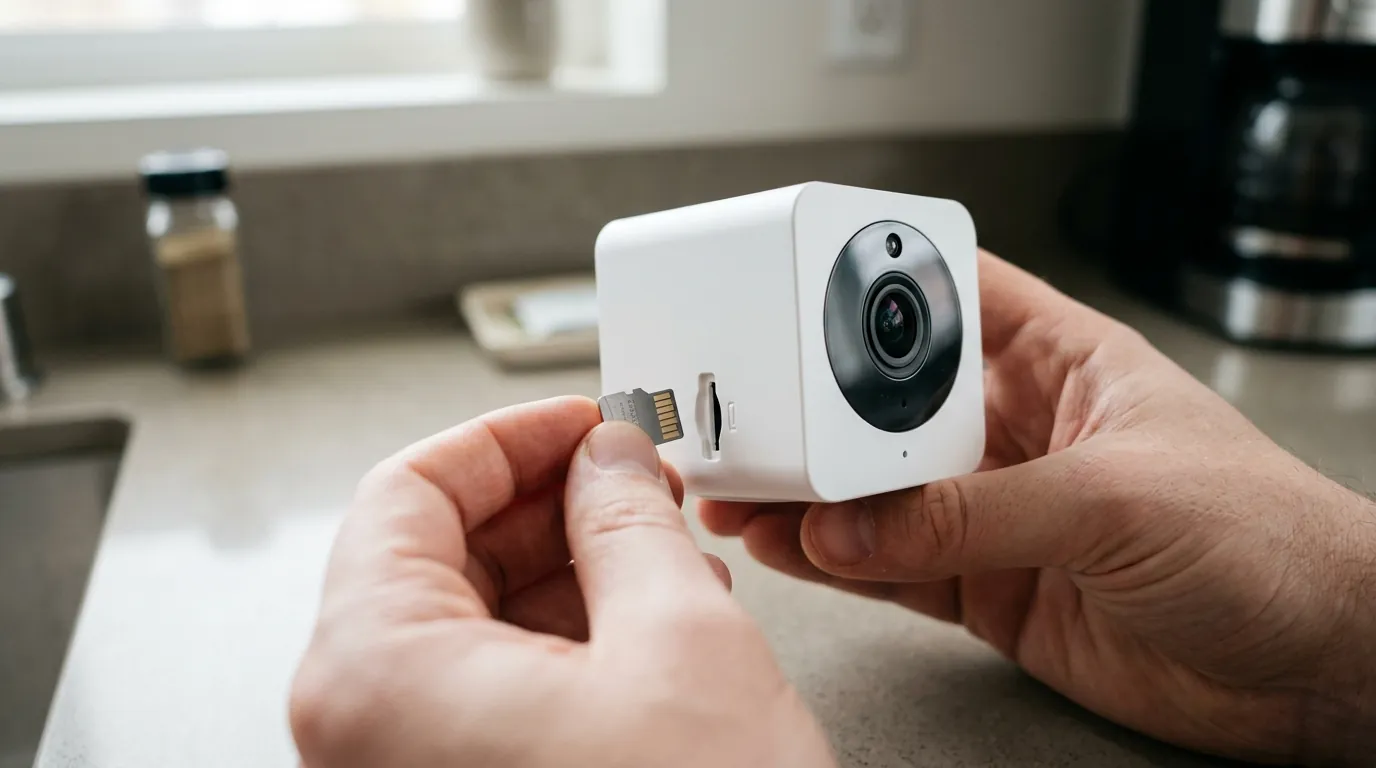
Reality: A corrupted or full microSD card will prevent the camera from saving clips, but it will not stop the Live Stream from showing video. According to Wyze support documentation, the live stream bypasses the SD card entirely. If your live view is black, the SD card is not the culprit.
Misconception: “Wyze is intentionally breaking old cameras.”
Reality: While “planned obsolescence” is a common complaint in the tech industry, the failure of the v2 is more likely a result of “tech debt.” Maintaining cloud compatibility for an 8-year-old device with limited RAM and an aging CPU is difficult. The 2026 security requirements for encryption (like WPA3 and TLS 1.3) are simply too heavy for the v2’s original hardware to handle without occasional subsystem crashes.
Misconception: “A firmware rollback will fix it.”
Reality: In the past, rolling back firmware was a common fix for Wyze bugs. However, in 2026, Wyze servers require specific security certificates to allow a camera to connect. Rolling back to a firmware version from 2020 or 2021 will likely result in a “Device Offline” or “Error 90” state because those older versions lack the necessary certificates to talk to modern cloud infrastructure.
Further reading
For those who wish to attempt a final recovery of their hardware, the following resources provide technical pathways:
- Wyze Official End-of-Life (EOL) Policy — Check if the v2 has officially moved to EOL status, which impacts security updates.
- Manual Firmware Flashing Guide — A step-by-step guide on using a microSD card to force-install firmware if the app update fails.
- FCC ID 2ANJHWYZEC2 Filing — Technical internal photos and RF exposure reports for the Wyze Cam v2 hardware.
- RTINGS Security Camera Testing — Comparative data on how newer Wyze models perform against legacy hardware in objective lab tests.
Frequently Asked Questions
Can I fix a dead CMOS sensor on my Wyze Cam v2?
Technically, yes, if you are skilled in micro-soldering and can source a replacement sensor from a donor unit. However, for 99% of users, this is not a viable repair. The sensor is integrated into the lens assembly, and the cost of parts and tools exceeds the price of a brand-new Wyze Cam v4.
Why does my Wyze Cam v2 show “Error 90” but I can still hear sound?
Error 90 typically indicates a connection timeout. If you hear sound, the “control” connection is working, but the “data” connection (which carries the heavy video packets) is being blocked by a firewall, a weak Wi-Fi signal, or a failure in the camera’s video encoder.
Is the Wyze Cam v2 still supported in 2026?
The Wyze Cam v2 is considered a “legacy” device. While it may still function with the Wyze app, it no longer receives feature updates and may be susceptible to security vulnerabilities that newer models are protected against. Wyze typically provides “critical security patches” only for a limited time after a product is discontinued.
Does the Wyze Cam v4 fit in the same mounts as the v2?
Yes, the Wyze Cam v4 maintains the same “cube” aesthetic and magnetic base as the v2 and v3. If you have existing third-party mounts or housings for your v2, the v4 will generally fit, though it is slightly more robust and may be a tighter fit in some precision-molded weather shields.
Sources
- Wyze Cam v2 FCC Filing — https://fccid.io/2ANJHWYZEC2
- Ingenic T20 SoC Product Brief
- Wyze Support: Manual Firmware Flash — https://support.wyze.com/hc/en-us/articles/360031490871-How-to-flash-your-Wyze-Cam-firmware-manually
- RTINGS Wyze Cam Series Comparison
- Wyze End-of-Life Policy — https://support.wyze.com/hc/en-us/articles/4405494327323-Wyze-End-of-Life-EOL-Product-List