
Arlo Ultra Not Detecting Motion? 6 Fixes for Reliable Alerts
Missing a critical security event is more than a technical glitch; it is a failure of the primary promise made by high-end 4K surveillance. For owners of the Arlo Ultra and Ultra 2, motion detection reliability often fluctuates between surgical precision and frustrating dormancy.
📝 Editorial Note: This guide is AI-assisted and game data evolves rapidly. Please cross-reference with in-game information. Updated: 2026-09-14.
Quick Answer: Most Arlo Ultra motion issues are caused by PIR positioning or “Activity Zone” conflicts. Ensure the camera is mounted 7-10ft high, angled so traffic moves across the field of view, and set motion sensitivity to at least 80% in the Arlo Secure app.
The symptom
Related: Fix Tapo Camera Integration Broken in Home Assistant (2026 Guide) · Fixing TP-Link Tapo Camera Integration Issues with KeePeek · SimpliSafe App Down? Fix August 2026 Connection Errors
When the Arlo Ultra fails to detect motion, it rarely manifests as a “broken” camera. Instead, the system suffers from “False Negatives”—instances where the hardware should have triggered but remained idle. In many cases, the camera is technically “working” (the 4K live feed is accessible), yet the automated surveillance logic has stalled.
Common symptoms reported by users in the first half of 2026 include:
- Delayed Recordings: The camera triggers, but by the time the 4K stream initializes and uploads to the cloud, the subject has already moved out of the frame. This results in “ghosting” videos of empty driveways.
- Total Trigger Failure: Visible movement occurs directly in front of the lens, but no notification is sent, and no entry appears in the Arlo Secure Library.
- Day/Night Disparity: The camera functions perfectly under sunlight but fails to detect a person walking 10 feet away once the integrated spotlight or IR LEDs are active.
- The “Other Motion” Filter: The Arlo Secure app shows “No Motion Detected” while the camera is active, often because the AI has classified the movement as “unimportant” and discarded the clip before notifying the user.
Identifying the ‘Lag’ vs. ‘No Detection’
It is crucial to distinguish between a hardware failure and a software delay. If the camera’s amber LED (visible during the “Motion Detection Test”) blinks when you walk past, the hardware PIR (Passive Infrared) sensor is functional. If the LED blinks but no video is recorded, the bottleneck exists in the communication between the camera, the SmartHub, and the Arlo Secure cloud.
The Role of the Arlo SmartHub (VMB5000) in Signal Latency
The Arlo Ultra series typically requires a SmartHub (VMB5000 or VMB4540) to facilitate its 4K stream and local storage backup. This hub acts as a dedicated Wi-Fi access point for the cameras. If the hub is tucked behind a television or near a high-powered router, signal interference can increase the “wake-up” time—the milliseconds it takes for the camera to transition from a low-power state to a recording state. As of mid-2026, Arlo’s firmware [1.070.52.1_35_1bdb65f] remains the baseline for many Ultra units, focusing on stabilizing this hub-to-camera handshake to reduce this specific lag.
| Feature | Hardware PIR Detection | Arlo Secure Cloud AI |
|---|---|---|
| Technology | Heat-based (Infrared) | Pixel-based (Computer Vision) |
| Primary Goal | Wake the camera from sleep | Categorize motion (Person, Vehicle, Animal) |
| Range | Effective up to 20–25 feet | Limited only by resolution/clarity |
| Speed | Instantaneous trigger | 2–5 second processing delay |
| Reliability | Affected by ambient temperature | Affected by “Activity Zone” boundaries |
What’s likely happening
Understanding why an Arlo Ultra misses motion requires a look at the physics of Passive Infrared (PIR) sensors and the logic of cloud-based filtering.
The ‘Heat Signature’ Limitation
The Arlo Ultra does not “see” motion in the way a human eye does; it senses changes in infrared radiation (heat). The PIR sensor is most sensitive to objects moving across its field of vision rather than objects moving directly toward the lens. When a person walks straight toward a camera mounted above a front door, the change in the heat signature is gradual and small, often failing to cross the trigger threshold until the person is inches from the lens.
Activity Zone Clipping and “Pixel-Drift”
If you have an active Arlo Secure subscription, you likely use Activity Zones to prevent false alerts from swaying trees or street traffic. However, these zones are processed in the cloud, not on the camera hardware.
- The PIR sensor detects heat.
- The camera wakes up and sends a 4K stream to the cloud.
- The cloud AI checks if the motion occurred inside your defined zone.
- If the AI determines the motion was 1 pixel outside the zone due to “pixel-drift” (slight camera movement caused by wind), it deletes the clip.
Power Management Throttling
To preserve battery life, the Arlo Ultra enters a deep sleep state. When the battery level drops below 15%, the camera may prioritize power conservation, leading to a “lazy” PIR response. In 2026, updated power management profiles in the Arlo Secure App (v6.x) have been observed to increase the interval between allowed triggers to prevent total battery exhaustion, which users often interpret as a malfunctioning sensor.
Bandwidth Bottlenecks and 4K Uploads
The Arlo Ultra captures video in 4K resolution, which requires significantly more upload bandwidth than standard 1080p cameras. Arlo recommends a minimum of 3Mbps upload speed per camera. If your home network is congested, the camera may struggle to “handshake” with the SmartHub, causing the motion event to timeout before it is ever recorded.
Quick fixes (in order of likelihood)
Before assuming the hardware is defective, follow these steps to recalibrate the software-hardware link.
Step 1: Use the ‘Motion Detection Test’
Navigate to Settings > Devices > [Your Camera] > Device Utilities > Motion Detection Test. Walk in front of the camera. The LED on the front of the Ultra will blink amber when it detects motion. If it blinks consistently at the distances you require, your hardware is fine, and the issue lies in your sensitivity settings or Activity Zones.
Step 2: Increase Motion Sensitivity
The default sensitivity for Arlo Ultra is often set to 80%, but for cameras mounted higher than 8 feet, this is frequently insufficient.
- Open the Arlo Secure App (ensure you are on the 2026 v6.x interface).
- Go to Devices > [Your Camera] > Device Settings > Default Mode Settings.
- Adjust the slider to 90% or 95%.
- Note: Setting this to 100% may cause “runaway” recordings from minor thermal shifts (like a cloud moving over the sun).
Step 3: Refresh Your Activity Zones
Activity Zones can become “corrupt” in the cloud database after firmware updates.
- Delete all existing Activity Zones for the problematic camera.
- Power cycle the camera (remove the battery for 30 seconds or use the app’s restart function).
- Re-draw the zones, ensuring they extend slightly beyond the area you want to monitor to account for the AI’s margin of error.
Step 4: Power Cycle the SmartHub
The VMB5000 SmartHub can suffer from “buffer bloat” over months of operation. Unplug the hub for 60 seconds. This forces the hub to re-scan for the clearest local Wi-Fi channel and re-establishes the encrypted link with the Ultra cameras, often resolving “delayed start” issues.
Deeper diagnostics
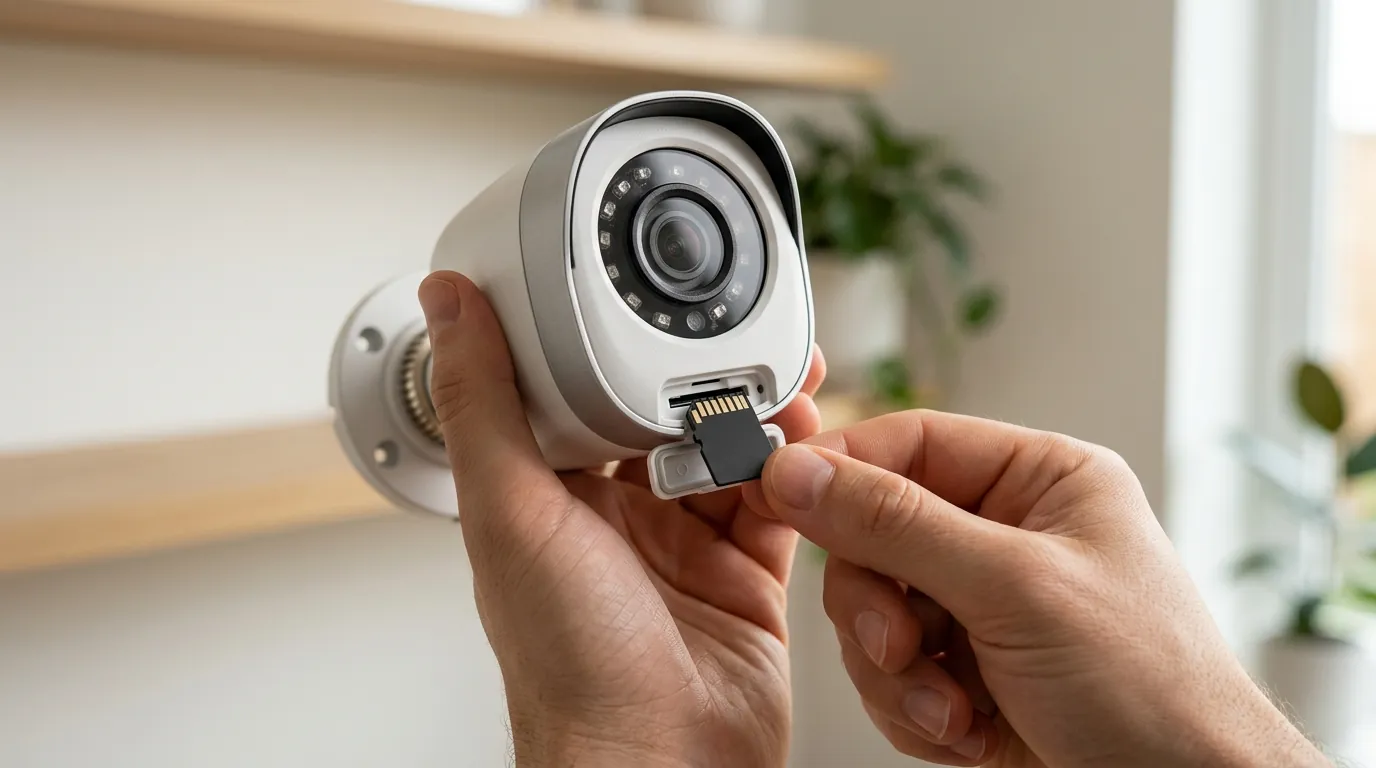
If quick fixes fail, the issue may be environmental or related to the specific network requirements of 4K surveillance.
Testing the VMB5000 Hub Connection
The distance between your SmartHub and the camera is the most common cause of “missing” clips. Even if the app shows two bars of signal, the high-bitrate 4K upload may fail.
- The 3Mbps Benchmark: Use a speed test app on your phone while standing next to the camera. If your upload speed is below 3Mbps, the camera will reliably fail to upload motion events to the Arlo Secure cloud.
- Interference: Ensure the SmartHub is at least 3 feet away from your main Wi-Fi router to prevent frequency overlapping on the 2.4GHz band.
Environmental Interference (HVAC and Glass)
- Glass: PIR sensors cannot see through glass. If your Arlo Ultra is mounted indoors looking out a window, it will never detect motion based on heat. It will only record if you manually trigger the live view.
- Thermal Noise: If the camera is mounted near an HVAC vent or a dryer exhaust, the sudden rush of hot air will “blind” the PIR sensor, making it unable to distinguish a human heat signature from the background noise.
Hardware Comparison: The Local-AI Alternative
For users frustrated by the “subscription tax” and cloud-processing delays of the Arlo system, the industry has shifted toward local-AI processing. The eufyCam S330 (eufyCam 3) is a primary competitor that addresses the Arlo Ultra’s main weakness: it processes motion detection on the local HomeBase 3. This eliminates the “upload-to-cloud-to-verify” lag, often resulting in faster notifications. Furthermore, the eufyCam S330 provides 4K recording with no monthly fees, whereas the Arlo Ultra requires a Secure Plus plan (typically around $15-20 per month in 2026) to maintain Activity Zones and 4K cloud storage.
When to contact support
If you have performed a factory reset and the “Motion Detection Test” LED never blinks, the PIR sensor may have suffered hardware degradation.
Arlo’s 2026 Support Policy
As of 2026, Arlo has transitioned to a tiered support model. Priority phone and chat support are generally reserved for “Secure Plus” and “Safe & Secure Pro” subscribers. If you are on a legacy plan or the “Basic” (no subscription) tier, you may be directed to the Arlo Community forums.
Checklist for Support:
- Serial Number: Found in Device Settings or on the camera housing.
- Firmware Version: Located in Device Settings > Device Info.
- Hub Model: Confirm if you are using the VMB5000 (with microSD slot) or VMB4540 (with USB).
- Warranty Status: Arlo cameras typically carry a 1-year limited hardware warranty. If your unit is older than one year, Arlo rarely offers repairs, though they may provide a discount code for a replacement Ultra 2.
How to prevent it
Reliability is built during the installation phase, not just the configuration phase.
Mounting Geometry: The 30-Degree Rule
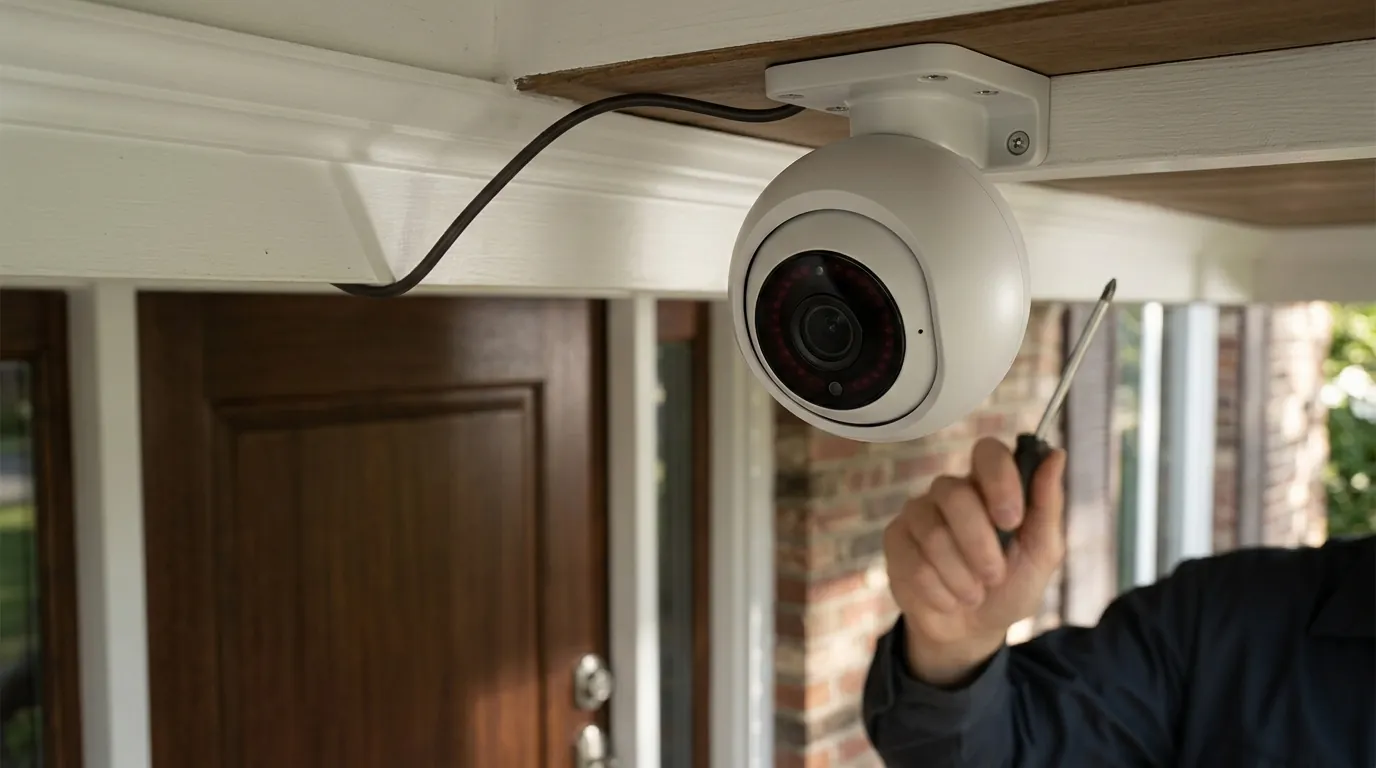
To maximize the PIR sensor’s effectiveness, mount the camera 7 to 9 feet high and angle it downward at approximately 30 degrees. This ensures that a person walking toward your door is actually moving across the sensor’s zones of sensitivity.
The ‘Rule of Thirds’ for Placement
Divide your camera’s view into a 3x3 grid. The most reliable motion detection occurs in the bottom two-thirds of the frame. Avoid placing the horizon or the street in the top third of the frame, as this can cause the AI to over-filter “background” motion, leading to missed events in the foreground.
Battery Maintenance and Solar Panels
A camera at 100% power is more responsive than one at 20%. Using an Arlo Solar Panel keeps the battery topped off, allowing the camera to stay in a “ready” state without entering aggressive power-saving modes. This is particularly important for the Ultra, as its 4K sensor and spotlight are significant power draws.
Routine Lens Cleaning
The PIR sensor is located behind the lower curved portion of the camera faceplate. Over time, UV exposure and dust can “cloud” this plastic, reducing its sensitivity to heat. Wiping the faceplate with a clean microfiber cloth every three months can prevent “sensor blindness.”
Frequently Asked Questions
Why does my Arlo Ultra record my car but not people?
Vehicles have a massive heat signature (the engine block) and a large visual profile, making them easy for both the PIR sensor and the cloud AI to identify. Humans have a much smaller thermal footprint. To fix this, increase your motion sensitivity to 80-90% and ensure the camera is not mounted too high (above 10 feet).
Does the Arlo Ultra 2 have better motion detection than the original Ultra?
The Arlo Ultra 2 (VMC5040-200) features improved Wi-Fi range and connectivity stability via the SmartHub, which reduces the “lag” in starting a recording. However, the PIR sensor hardware remains largely the same as the original Ultra. Most “detection” improvements in the Ultra 2 are the result of software optimizations in the Arlo Secure cloud.
Can I use Arlo Ultra motion detection without a subscription?
Without an Arlo Secure subscription, the Ultra will still detect motion and send “Motion Detected” notifications, but you will lose “Smart Notifications” (the ability to distinguish between people and animals) and Activity Zones. Crucially, as of 2026, most Arlo Ultra units require a subscription to save video clips to the cloud; without it, you can only view the live stream or recorded clips stored locally on a SmartHub’s microSD card.
Why is there a 5-second delay before my Arlo Ultra starts recording?
This delay is typically caused by the “handshake” between the camera and the SmartHub. To reduce this, move the SmartHub closer to the camera, ensure your internet upload speed is at least 3Mbps, and consider using the Arlo Solar Panel to keep the camera in a higher power state.
Sources
- Arlo Support: Motion Detection Troubleshooting — https://kb.arlo.com/1002780/How-do-I-troubleshoot-Arlo-motion-detection-issues
- Arlo Release Notes (Firmware and App Updates) — https://kb.arlo.com/000039100/Arlo-Release-Notes
- FCC ID 2APLE18300399 (Arlo Ultra Technical Specifications) — https://fccid.io/2APLE18300399
- Arlo Community: Ultra Motion Detection Lag Discussion — https://community.arlo.com/t5/Arlo-Ultra/Ultra-2-Motion-Detection-Lag/m-p/1815124
- Arlo Secure Subscription Tier Details (2026) — https://www.arlo.com/en-us/arlosecure.html