
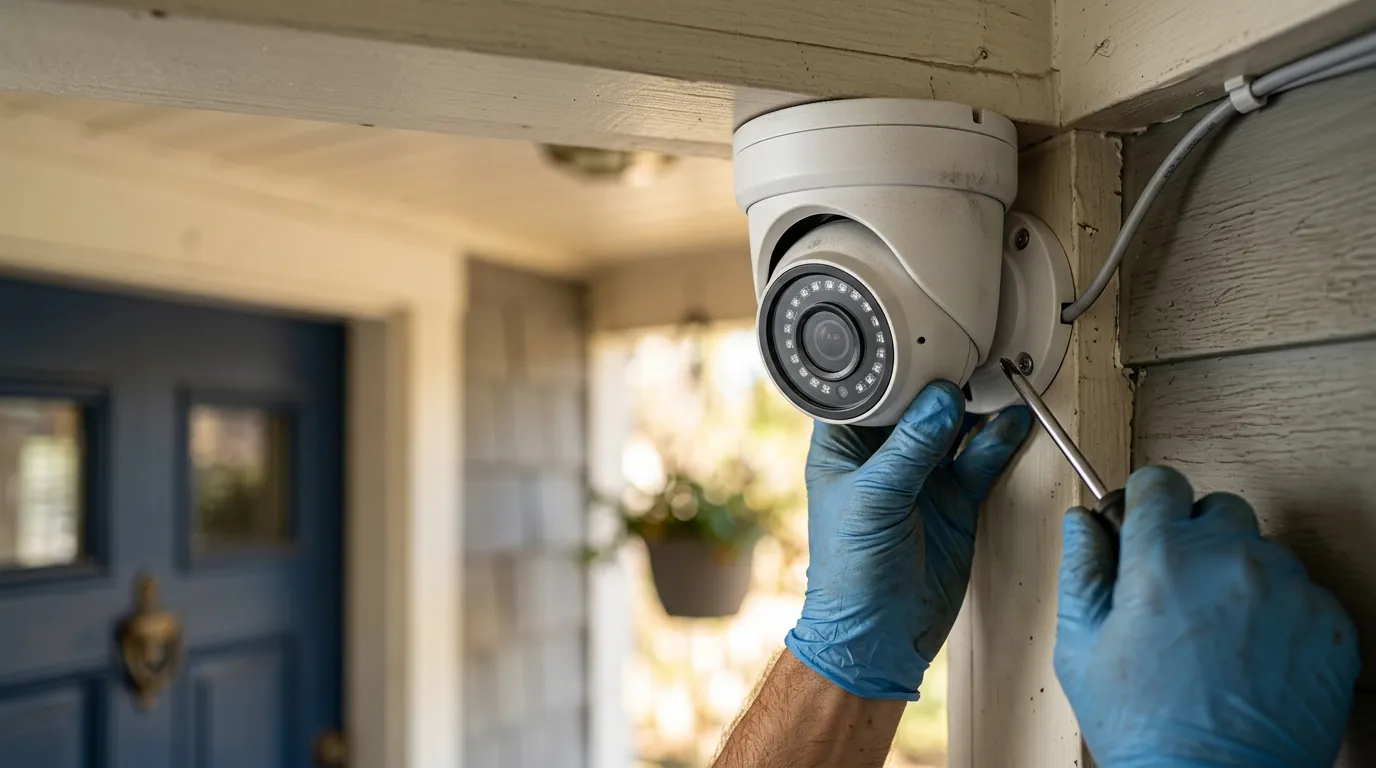
Wyze Camera Water Ingress: 2026 Guide to Hardware Failure
Budget security cameras are often marketed as “outdoor” ready, yet the fine print reveals a complex reality where environmental physics meets cost-cutting engineering. For Wyze users in 2026, understanding the threshold between weather resistance and hardware failure is the difference between a reliable security system and a recurring expense.
Wyze cameras like the v4 and OG are IP65-rated, meaning they are weather-resistant but not waterproof. Common failures include lens fogging and shorted SD slots. For a more durable 2026 alternative, consider the Reolink Argus 4 Pro.
What it means
When a manufacturer labels a camera “outdoor-ready,” they are typically referring to its Ingress Protection (IP) rating. This is an international standard (IEC 60529) that defines how well an enclosure protects internal electronics against solids and liquids. Most Wyze outdoor models, including the 2026 Wyze Cam v4, carry an IP65 rating.
Defining Ingress in Budget Hardware
Ingress refers to the unintended entry of foreign substances into the camera housing. In the context of budget hardware, “waterproof” is a misnomer. An IP65 rating signifies protection against dust (the “6”) and low-pressure water jets from any angle (the “5”). It does not, however, allow for submersion or high-pressure spray. In contrast, IP67 or IP68 ratings—found on higher-end professional gear—allow for temporary or continuous immersion.
| Protection Level | Solid Protection | Liquid Protection | Real-World Application |
|---|---|---|---|
| IP65 | Dust-tight | Resistance to rain and low-pressure sprays | Standard outdoor mounting under eaves. |
| IP67 | Dust-tight | Protection against immersion (up to 1m) | Exposed mounting, heavy storm surges. |
| IP68 | Dust-tight | Protection against continuous immersion | Submerged or high-risk flood zones. |
The Anatomy of a Failed Seal
Hardware failure usually begins at the microscopic level. Water ingress isn’t always a “leak” in the traditional sense; it is often the result of vapor penetration. Once moisture enters the housing, it can condense on the coldest surface—usually the interior of the glass lens. This leads to “lens fogging,” which obscures the image.
More critically, moisture that reaches the Printed Circuit Board (PCB) initiates electrolysis. When electricity flows through a wet circuit, it accelerates the corrosion of copper traces and solder joints. This is an irreversible chemical reaction that eventually leads to “bricking” the device, often manifesting as a failure to power on or a constant reboot loop.
Why it exists
The primary reason Wyze cameras are more susceptible to water ingress than enterprise-grade hardware is “cost-engineering.” To maintain a price point in the $35–$50 range, Wyze must make trade-offs in materials and assembly methods.
Cost vs. Durability: The $40 Camera Dilemma
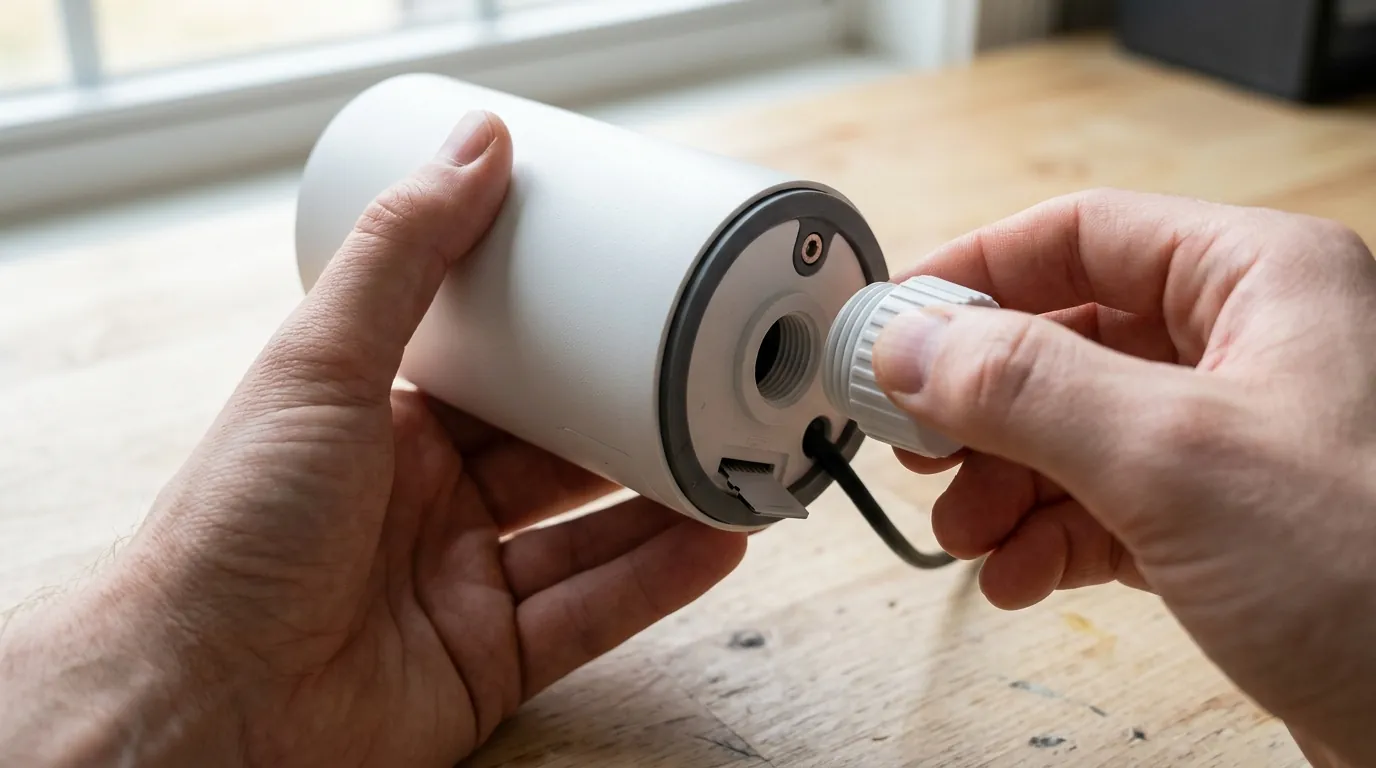
High-end outdoor cameras typically use CNC-machined housings with thick silicone gaskets and “captured” screws that apply even pressure across the seal. In contrast, Wyze cameras rely heavily on friction-fit rubber plugs and adhesive seals around the lens. According to teardowns of the Wyze Cam v4 [source: wyze.com/products/wyze-cam-v4], the primary barrier for the USB-C power port is a flexible rubber flap. If this flap is not seated perfectly, or if it loses elasticity due to UV exposure, the seal is compromised.
The Weakest Links: SD Slots and Power Ports
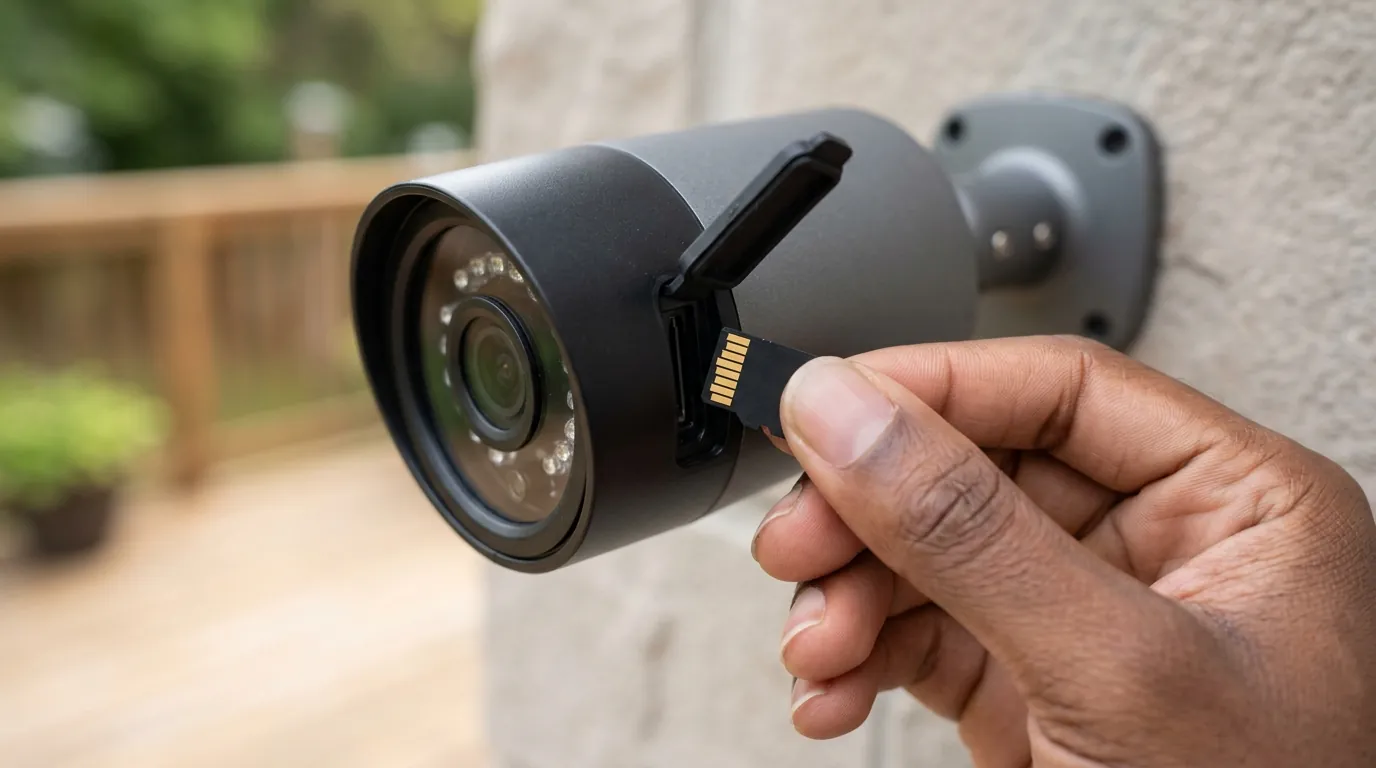
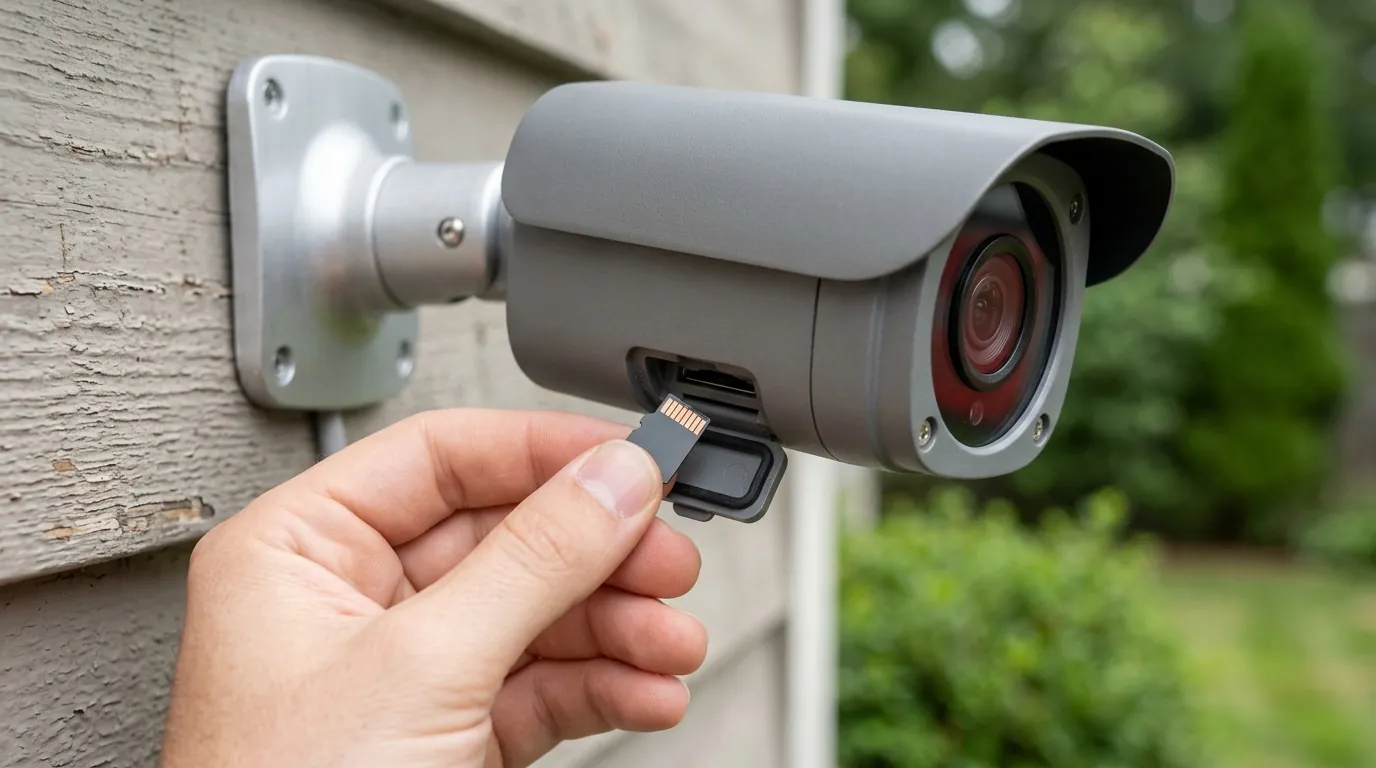
In 2026, the transition to USB-C across the Wyze lineup has improved power delivery, but it has not eliminated the ingress risk. The SD card slot remains a critical vulnerability. Because the SD card must be accessible to the user, the seal is a user-maintained component. If a user swaps a card in humid conditions or fails to press the rubber door firmly into place, they trap moisture inside the “dry” zone of the camera.
| Wyze Model | Weather Rating | Power Port Type | Primary Ingress Risk |
|---|---|---|---|
| Wyze Cam v4 | IP65 | USB-C | Rubber port flap |
| Wyze Cam OG | IP65 | USB-C | Lens-to-housing adhesive |
| Wyze Cam Pan v3 | IP65 | Micro-USB | Rotating base seal |
| Battery Cam Pro | IP65 | USB-C (Removable) | Battery compartment gasket |
| Solar Cam Pan | IP65 | Proprietary | Solar cable connection |
How it works under the hood
To prevent hardware failure, one must understand how water actually enters a device. It is rarely a direct “hit” from a raindrop; instead, it is often a result of physics-driven migration.
Capillary Action and Cable Ingress
One of the most common failure modes is “wicking” or capillary action. If a power cable is routed from above the camera directly into the port, rainwater will run down the cable. Due to surface tension, the water can actually “climb” into the port housing, even if a flap is present.
The Drip Loop Solution: To mitigate this, professional installers use a “drip loop.” This involves hanging the cable lower than the camera’s entry point before looping it back up. This forces gravity to pull the water to the bottom of the loop, where it drips safely to the ground rather than being channeled into the electronics.
Thermal Cycling and Seal Fatigue
Thermal expansion and contraction (thermal cycling) act like a slow-motion pump. During a hot day, the air inside the camera housing expands, increasing internal pressure. This pressure can force air out through the weakest points of the seals. As the sun sets or a rainstorm cools the camera rapidly, the internal air contracts, creating a vacuum. This vacuum can “suck” humid air or liquid water through the speaker mesh or the lens seal.
The speaker mesh is particularly vulnerable. To allow sound to pass through, the mesh must be porous. While Wyze uses hydrophobic coatings on these meshes, high-velocity wind-driven rain can overcome the surface tension of the coating, pushing droplets into the internal cavity.
Real-world implications
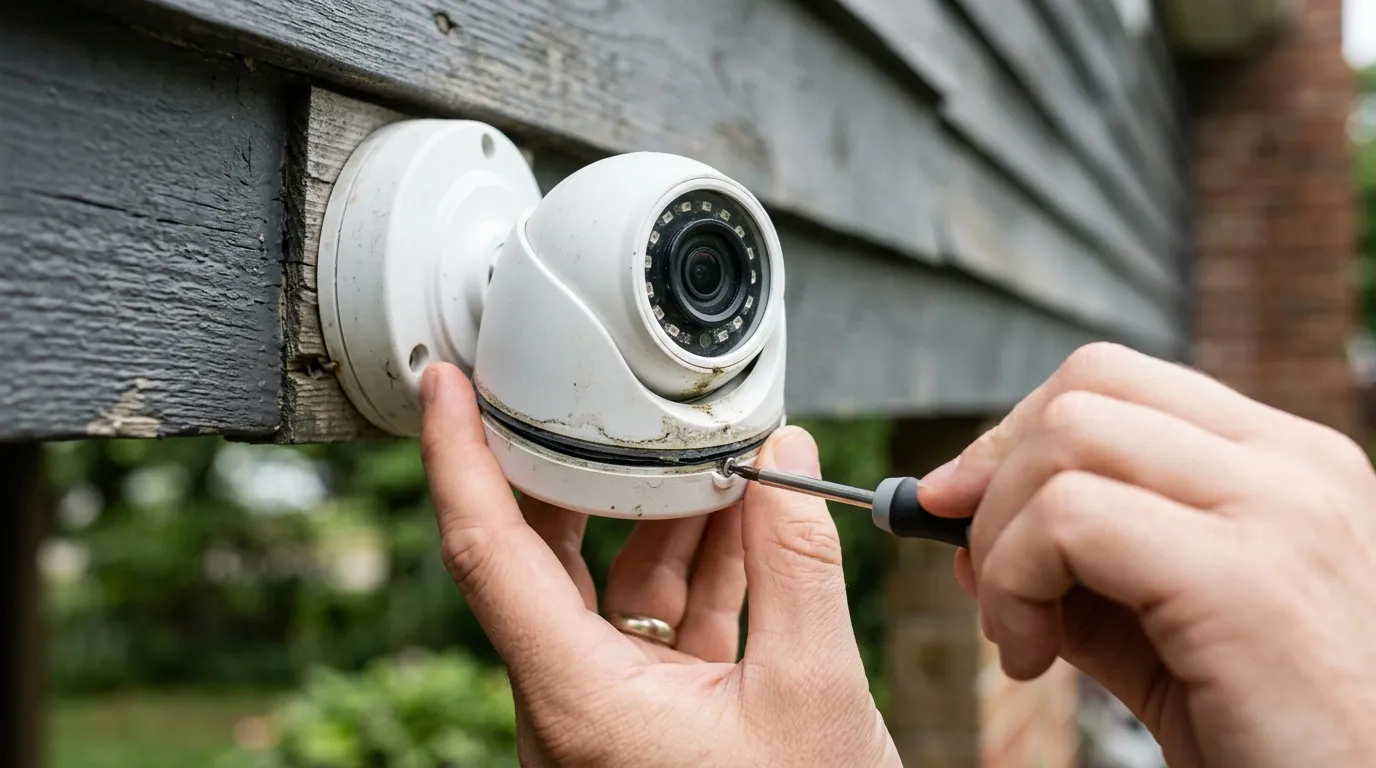
The consequences of ingress range from minor annoyances to severe safety hazards. In 2026, the industry saw a significant shift in how these failures are handled following major hardware recalls.
The 2026 Solar Cam Pan Recall Explained
In June 2026, a significant recall was issued for the Wyze Solar Cam Pan (Model WYZESCPWH), affecting over 320,000 units [source: wyze.com/news/recall-notice-2026]. The recall was triggered by reports of water ingress into the battery compartment. Unlike standard cameras, the Solar Cam Pan contains high-density lithium-ion cells. When water entered the compartment, it caused internal short-circuiting and “thermal runaway,” leading to battery puncture and fire risks.
| Recall Detail | Specification |
|---|---|
| Model Number | WYZESCPWH |
| Units Affected | ~322,000 |
| Failure Mode | Battery compartment seal failure |
| Risk Level | High (Fire Hazard) |
| Remedy | Full refund or replacement with v2 hardware |
Symptoms of Imminent Hardware Failure
If you own a Wyze camera, watch for these three red flags:
- “SD Card Not Found”: This is often the first sign of moisture in the card slot. Corrosion on the pins prevents the camera from reading the storage.
- Purple Tint: A permanent purple or pink hue in the video feed usually indicates that moisture has reached the CMOS image sensor or the IR-cut filter mechanism has seized due to rust.
- Ghost Triggers: Moisture on the internal PCB can cause “phantom” motion alerts as the electrical shorts mimic signal changes from the sensor.
Value vs. Alternatives: When to Replace
If a Wyze camera fails due to ingress, the repair cost usually exceeds the replacement cost. However, if you are replacing cameras annually, the “budget” price becomes a “premium” burden.
Decision Framework: 2026 Buying Guide
- If you are a Renter: Stick with the Wyze Cam OG. It is affordable enough to be considered “disposable” if an extreme storm hits, and it is easy to move.
- If you are a Homeowner in a High-Rain Area: Upgrade to a Reolink Argus 4 Pro. It offers superior IP66 weatherproofing and better seal longevity for the $180-$220 price range [source: reolink.com/product/argus-4-pro].
- If you are a Business Owner: Transition to a Power-over-Ethernet (PoE) system. These cameras (like the Reolink RLC series) use a single cable with a weather-sealed “coupler” that is far more reliable than USB-C.
Common misconceptions
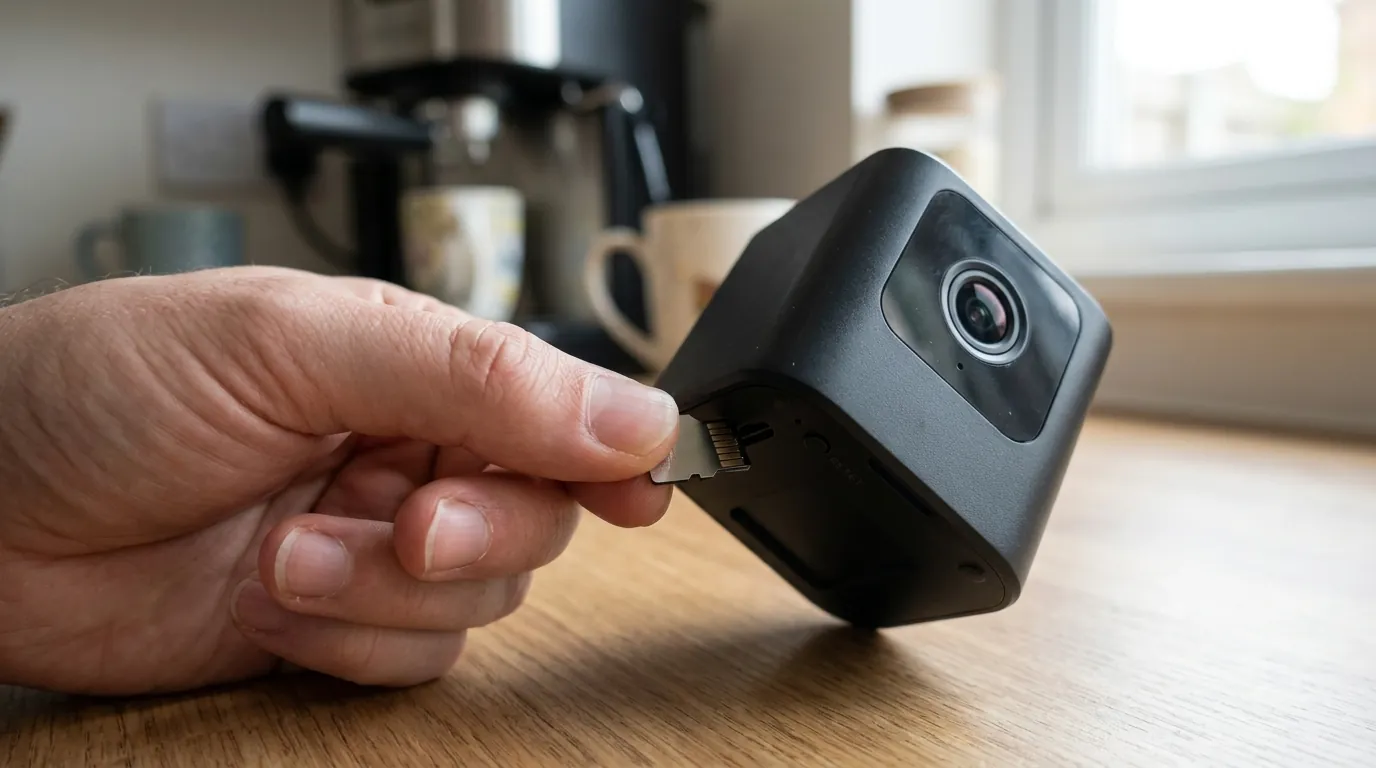
Misunderstanding how weatherproofing works can lead users to inadvertently damage their gear while trying to protect it.
The ‘Silicone Skin’ Myth
Many users purchase third-party silicone “skins” or “hoods” to protect their Wyze cameras. While these can protect the plastic housing from UV yellowing, they often make water ingress worse. If moisture gets behind the skin, it becomes trapped against the camera body. This creates a high-humidity micro-environment that prevents the camera from “breathing,” accelerating the corrosion of the internal components.
Orientation Matters: The Upside-Down Trap
The Wyze Cam Pan v3 and v4 allow for “Image Rotation” in the settings, leading many to mount the cameras upside down on ceilings or eaves. However, the drainage channels and the speaker mesh are designed for upright orientation. Mounting a camera upside down often turns the rubber power port flap into a “funnel” that collects water rather than shedding it. Unless the manual specifically states the unit is rated for inverted mounting without a separate enclosure, it should remain upright.
Further reading
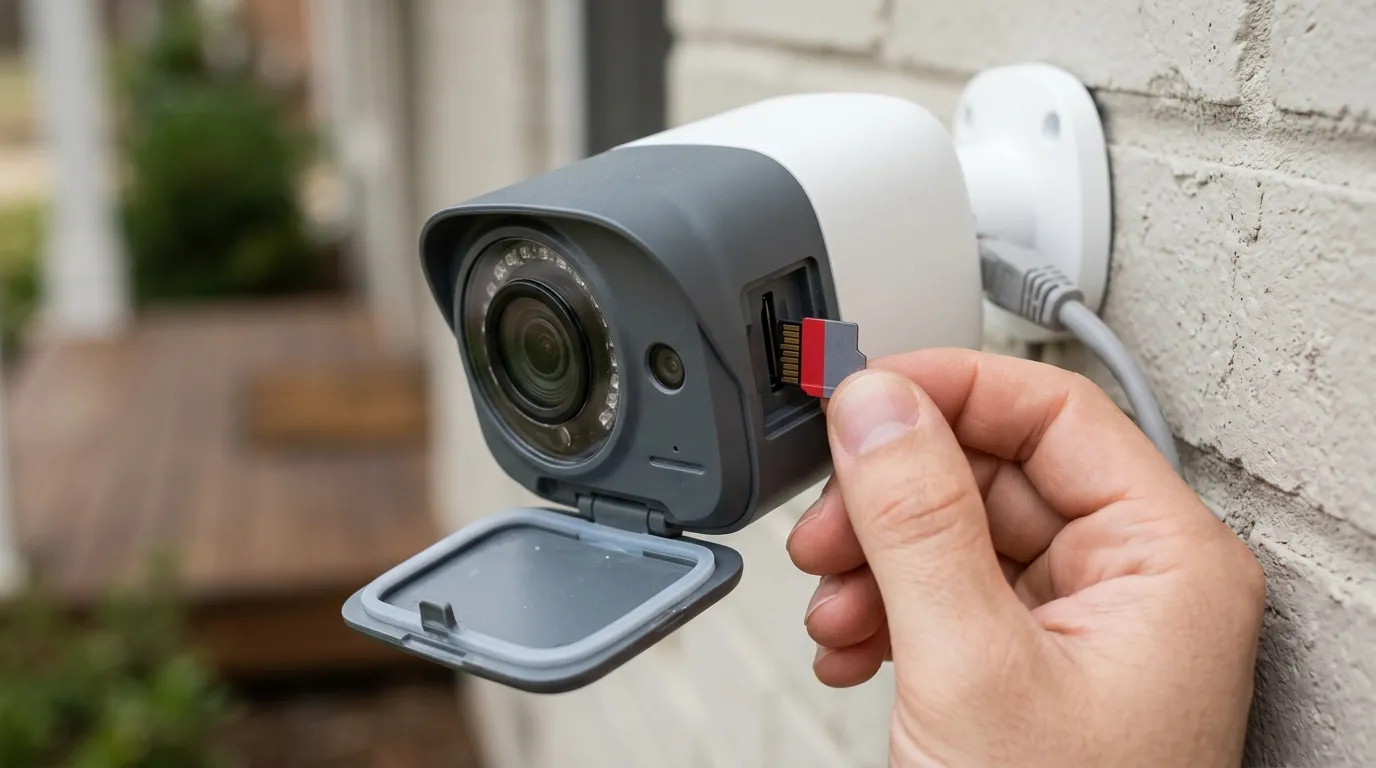
For those committed to the Wyze ecosystem, there are proactive steps to extend the life of the hardware beyond the standard 12-month failure cycle.
DIY Weatherproofing Tips
If you must mount a Wyze camera in an exposed location, consider these “pro-level” modifications:
- Dielectric Grease: Apply a small amount of non-conductive dielectric grease to the USB-C connector before plugging it in. This creates a physical barrier against moisture and prevents pin corrosion.
- Drip Loops: Always ensure the power cable has a 3-inch drop below the camera before it enters the port.
- Eave Mounting: Whenever possible, mount the camera at least 12 inches back from the edge of an eave or soffit to provide a natural “umbrella” against vertical rainfall.
Total Cost of Ownership (TCO) Analysis
When choosing an outdoor camera, the sticker price is only one part of the equation. In 2026, the 3-year TCO of a Wyze system is often higher than expected due to subscription fees and hardware replacement.
3-Year Cost Breakdown (Single Camera):
- Hardware (Wyze Cam v4): Around $40
- Subscription (Cam Plus @ $3.99/mo): ~$144
- High-End SD Card: Around $20
- Replacement (Assuming 1 failure in 3 yrs): $40
- Total: ~$244
In comparison, a “premium” Reolink Argus 4 Pro (around $190) with no monthly subscription and a higher IP rating may actually be the more economical choice over a 3-year period.
Understanding the 2026 Warranty Policy
The Wyze 2026 Warranty Policy [source: wyze.com/pages/return-policy-warranty] includes a specific “Exclusions” section for environmental damage. It states that “damage resulting from… extreme weather conditions or improper installation (including failure to secure weather-resistant ports)” is not covered. If you submit a warranty claim and the technician finds salt-air corrosion or water inside the housing, the claim will likely be denied under the “misuse” clause.
Frequently Asked Questions
Can I fix a Wyze camera with a foggy lens?
If the fog is inside the lens, the seal has failed. You can try placing the camera in a sealed container with silica gel packets for 48 hours. However, this is usually a temporary fix, as the moisture will return during the next thermal cycle unless the entry point is sealed with silicone sealant.
Is the Wyze Cam v4 “waterproof”?
No. The Wyze Cam v4 is IP65-rated, which means it is “weather-resistant.” It can withstand rain and snow but cannot be submerged in water or sprayed with a high-pressure power washer.
Does mounting a camera under an eave void the warranty?
No, mounting under an eave is the recommended installation method for IP65 cameras. However, the warranty may be voided if the camera is mounted upside down or if the weather-resistant port covers are not properly seated.
Why did my Wyze camera turn purple after a storm?
A purple or pink tint is a sign of hardware failure. It usually means moisture has entered the housing and caused the IR-cut filter—a small piece of glass that moves in front of the sensor—to get stuck or has damaged the CMOS sensor itself.
Sources
- Wyze Cam v4 Official Specs — https://www.wyze.com/products/wyze-cam-v4
- Reolink Argus 4 Pro Product Page — https://reolink.com/product/argus-4-pro
- Wyze Warranty and Return Policy 2026
- IEC 60529 Ingress Protection Standards — https://www.iec.ch/ip-ratings
- Wyze News: 2026 Solar Cam Pan Recall Notice
Quvii tracks these trade-offs across the category to help consumers make informed decisions about hardware longevity and value.