
Why Your Wyze Camera Goes Offline During Summer Power Outages
Summer thunderstorms and heatwaves can bring more than just discomfort; they often lead to power outages that leave your home security cameras, including Wyze devices, unexpectedly offline. Understanding why this happens is the first step toward ensuring your property remains monitored when the grid goes down.
Wyze cameras go offline during summer power outages primarily because they lose power and their required Wi-Fi network becomes unavailable. Most Wyze models need continuous power and an active internet connection to function and record, even if they have local storage.
What it means
Related: Reolink Doorbell PoE Connection Drops: Firmware & Troubleshooting Guid · Why Nest Cameras Go Offline During Summer Storms (2026 Guide) · Fix Eufy Security Camera Motion Notifications Not Working (2026 Guide)
When a Wyze camera is “offline,” it cannot communicate with the Wyze app or cloud services, resulting in a loss of live view, notifications, and cloud recording. This state creates a security blind spot, as you lose real-time monitoring capabilities. Even if a Wyze camera has local storage via a microSD card, remote access to recorded footage is impossible when the camera is offline.
Why it exists
Several interdependent factors contribute to a Wyze camera going offline during a power outage, particularly in the summer months.
Loss of Power: Most Wyze cameras, such as the Wyze Cam v3 and Wyze Cam Pan v3, are wired devices that require a continuous power supply (typically 5V/1A or 5V/2A via a USB adapter). A home power outage directly cuts this essential power source, rendering the camera inoperable.
Wi-Fi Network Dependence: The majority of Wyze cameras rely on a stable 2.4 GHz Wi-Fi network for connectivity. During a power outage, your home’s Wi-Fi router and modem lose power, making the network unavailable to the camera. Without a network to connect to, the camera cannot establish communication with the internet or the Wyze cloud.
Internet Service Provider (ISP) Outages: Beyond your home network, widespread power outages can also affect your internet service provider’s infrastructure. This can lead to a complete internet disruption for your area, even if your local equipment had backup power, further isolating your cameras.
Summer-Specific Factors:
- Increased Grid Strain: High demand for air conditioning during summer heatwaves can overload electrical grids, leading to more frequent brownouts or blackouts. This increased strain makes power interruptions more common.
- Severe Weather: Summer often brings thunderstorms, hurricanes, and other severe weather events that can cause localized or widespread power outages due to downed lines or damaged infrastructure.
- Overheating: While not a direct cause of power loss, excessive summer heat and direct sunlight can cause security cameras to exceed their operating temperature limits, leading to disconnections, blurry footage, or complete shutdowns, which can mimic an offline state. The Wyze Cam v3 operates from -4°F to 113°F (-20°C to 45°C), and the Wyze Cam Pan v3 operates from -4°F to 122°F (-20°C to 50°C). Operating beyond these ranges can affect performance and longevity.
How it works under the hood

Understanding the technical mechanisms behind these disconnections clarifies why your Wyze camera ceases to function during a power outage.
Power Circuitry: Wyze cameras convert the incoming AC power from the wall adapter into the necessary DC power for their internal components. A sudden loss of AC power immediately ceases this internal power supply, shutting down the camera. Even momentary interruptions can cause a hard reset.
Wi-Fi Module & Network Stack: The camera’s integrated Wi-Fi module continuously attempts to establish and maintain a connection with the configured 2.4 GHz home network. Without the router broadcasting this signal, the camera cannot connect to the local network. The camera’s internal network stack, responsible for managing network communications, will repeatedly try to acquire an IP address and connect to the Wi-Fi, but these attempts will fail until the network is restored.
Cloud Communication Protocols: For live streaming, notifications, and cloud storage, Wyze cameras communicate with Wyze’s cloud servers using specific TCP ports, such as 443 for secure cloud data transfer and 8443 for cloud API interactions. This communication path requires an active and stable internet connection. When the internet is down, these protocols cannot establish a connection to the Wyze servers, preventing any cloud-based functionality.
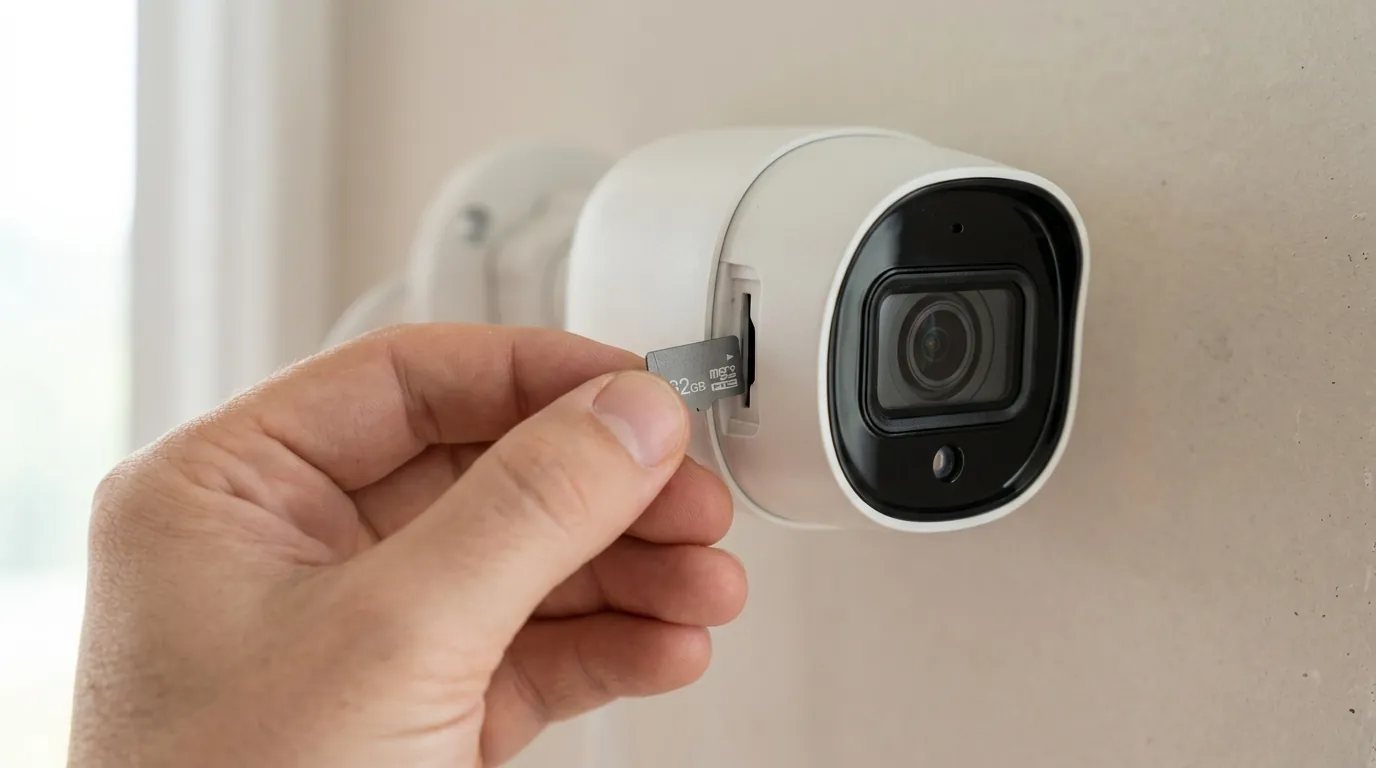
Local Storage (microSD Card): If a microSD card is installed, the camera can continue to record video footage locally even when it’s offline from the internet, provided the camera itself still has power. This local recording bypasses the need for Wi-Fi and internet for saving footage. However, this footage is not accessible remotely until the camera regains its Wi-Fi and internet connection. You would need to physically remove the microSD card and view it on another device or wait for the camera to come back online to access it through the Wyze app.
Automatic Reconnection Logic: Wyze devices are designed to automatically attempt to reconnect to the Wi-Fi network once power and internet service are restored. They typically poll for the network at regular intervals. However, after prolonged outages or multiple failed attempts, some cameras may require a manual power cycle (unplugging and replugging the power cable) to re-establish a connection, especially if the router’s IP address assignment changes or other network glitches occur.
Wyze Camera Power & Connectivity Requirements (Select Models)
| Model | Power Type | Wi-Fi Band Support | Local Storage (microSD) | Cloud Storage (Cam Plus) |
|---|---|---|---|---|
| Wyze Cam v3 | Wired (5V/1A USB) | 2.4 GHz only | Yes | Yes (subscription) |
| Wyze Cam Pan v3 | Wired (5V/2A USB) | 2.4 GHz only | Yes | Yes (subscription) |
| Wyze Battery Cam Pro | Battery (rechargeable) | 2.4 GHz & 5 GHz | Yes | Yes (subscription) |
| Wyze Cam Floodlight Pro | Wired (100-240V AC) | 2.4 GHz & 5 GHz | Yes | Yes (subscription) |
| Wyze Video Doorbell Pro | Wired (16-24V AC) or Battery | 2.4 GHz & 5 GHz | Yes | Yes (subscription) |
Real-world implications
The consequences of your Wyze camera going offline during a summer power outage extend beyond mere inconvenience, potentially compromising your security.
Security Blind Spots: During a power outage, your Wyze cameras cease to function remotely, creating unmonitored periods where your property is vulnerable. This is particularly concerning if the outage occurs while you are away from home, as you lose real-time visibility and immediate alerts.
Missed Event Recordings: Any motion or sound events that occur while your camera is offline will not trigger cloud recordings or send push notifications to your device. This means you could miss critical incidents, such as intrusions or property damage, that happen during the outage.
Delayed Information: Even if local storage captures events, you will not be aware of them until power and internet are restored, and you can manually access the footage. This delay can hinder timely responses to security threats or emergencies.
Potential for Overheating Damage: Prolonged exposure to high summer temperatures, especially direct sunlight, can lead to internal component damage or temporary shutdowns, potentially shortening the camera’s lifespan. This is distinct from power loss but can result in a similar “offline” appearance or permanent failure.
Remote Troubleshooting Challenges: If you are away from home, you cannot remotely troubleshoot an offline Wyze camera, as power cycling the device or router requires physical presence. This leaves you unable to restore monitoring until you or someone else can physically intervene.
Solutions for Enhanced Resilience:
- Uninterruptible Power Supply (UPS): A UPS can provide temporary battery backup power to your Wi-Fi router, modem, and even individual Wyze cameras during short power outages, maintaining internet connectivity and camera function. For wired Wyze cameras, a UPS for the router and modem is often sufficient to keep them online.
- Battery-Powered Cameras: Models like the Wyze Battery Cam Pro offer wire-free operation and can continue to record locally during a power outage, though remote access still requires an active Wi-Fi connection. These cameras draw power from their internal batteries, making them resilient to power cuts at the outlet.
- Solar Panels: For compatible battery-powered Wyze cameras (e.g., Wyze Battery Cam Pro), a solar panel accessory can help maintain battery charge, extending the camera’s operational time without needing to be manually recharged. This provides a sustainable power source for prolonged off-grid operation.
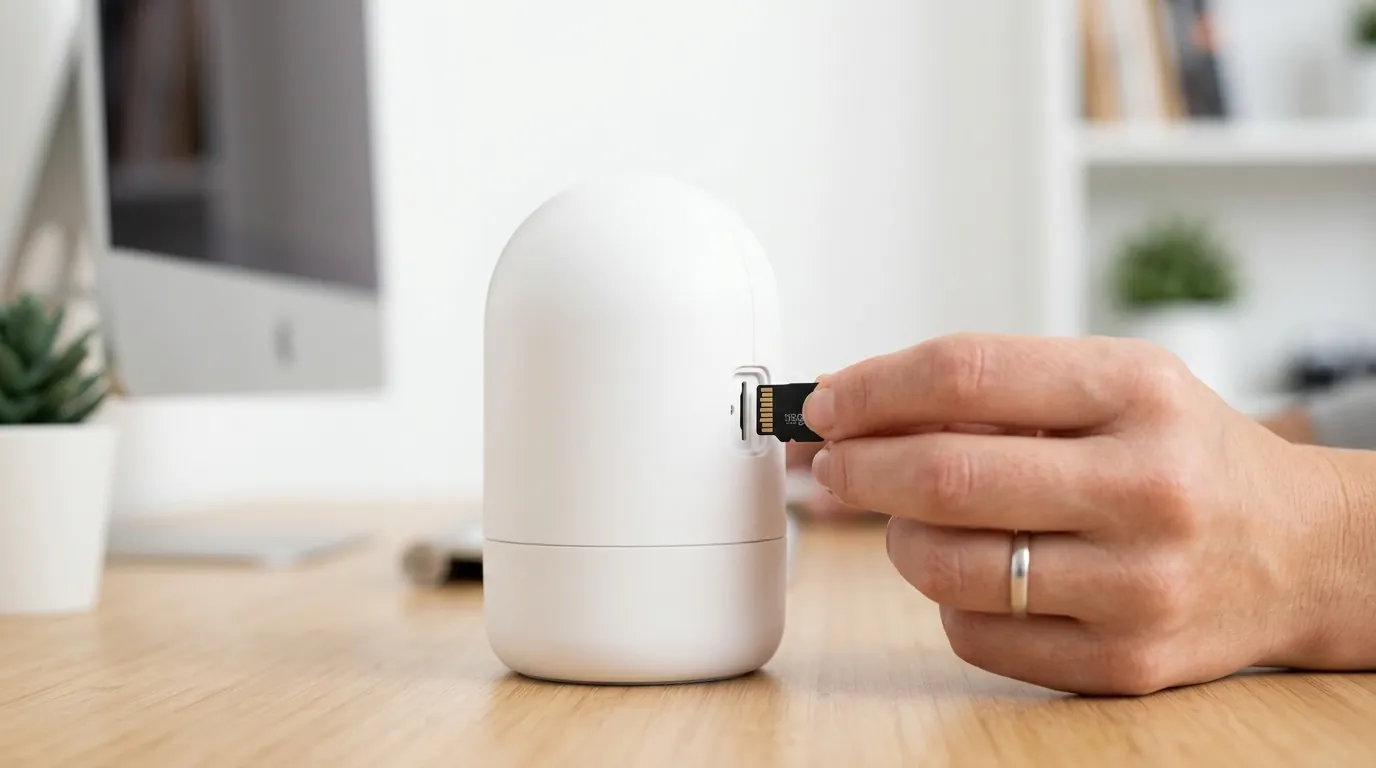
- MicroSD Cards: Installing a microSD card is crucial for local recording, ensuring that some footage is captured even when internet connectivity is lost during an outage. While not providing remote access, it acts as a valuable backup for event capture.
- Network with Cellular Backup: Some advanced home network solutions offer integrated 5G/4G cellular backup, which can automatically provide internet connectivity if the primary wired connection fails. This ensures your cameras, even wired ones, can maintain internet access during ISP outages or power cuts affecting the main line.
- Strategic Camera Placement: Mounting outdoor cameras under eaves, awnings, or in shaded areas can significantly mitigate the risk of overheating during intense summer heat, helping to prevent heat-induced disconnections or damage.
Common misconceptions
Several common misunderstandings exist regarding how Wyze cameras operate during power outages and in challenging summer conditions.
‘My Wyze camera has a battery, so it should work during an outage.’ While some Wyze cameras, like the Wyze Battery Cam Pro, feature internal batteries, these primarily offer placement flexibility and continued local recording if power is lost. For remote viewing, cloud features, and notifications, they still require a functional Wi-Fi network and active internet connection, which typically go down during a power outage. The battery alone does not provide internet access.
‘Local storage means I’ll always have access to footage.’ Local storage on a microSD card will continue to record if the camera retains power during an outage. However, you cannot access or view this footage remotely via the Wyze app until the camera is back online and connected to the internet. Physical retrieval of the card is necessary if remote access is not restored.
‘My camera will automatically reconnect instantly after power returns.’ While Wyze cameras are designed to attempt automatic reconnection, extended outages or underlying network glitches can sometimes necessitate a manual power cycle of the camera or your home router to re-establish the connection. Network components may not always boot up in the optimal order, causing connection issues.
‘Summer heat only affects battery life.’ High temperatures can impact much more than just battery performance. They can degrade internal circuits, affect image sensors, and reduce overall video quality, potentially leading to disconnections or even permanent damage to the camera’s components. Extreme heat can also cause thermal throttling, reducing performance.
‘All Wyze cameras support 5GHz Wi-Fi.’ The majority of Wyze cameras, including popular models like the Wyze Cam v3 and Wyze Cam Pan v3, are only compatible with 2.4 GHz Wi-Fi networks. Only select newer and Pro models, such as the Wyze Battery Cam Pro, Wyze Cam Floodlight Pro, and Wyze Video Doorbell Pro, support 5 GHz Wi-Fi, offering potentially faster and less congested connections.
Real-World Decision Framework
Choosing the right Wyze camera setup for resilience during summer power outages depends heavily on your specific needs and environment.
- If you are a Renter needing flexible placement and basic event capture during short outages: Prioritize a battery-powered Wyze camera (like the Wyze Battery Cam Pro) with a high-capacity microSD card. This allows for local recording even without power, and the battery offers placement flexibility without needing an outlet. Remember, remote access will still be down with your Wi-Fi.
- If you are a Homeowner wanting continuous recording and remote access during brief power interruptions: Prioritize investing in a Uninterruptible Power Supply (UPS) for your Wi-Fi router and modem, alongside your wired Wyze cameras (e.g., Wyze Cam v3, Wyze Cam Pan v3) equipped with microSD cards. This keeps your network and cameras online for critical moments.
- If you own a Small Business requiring robust, always-on monitoring with remote access: Prioritize a home/business internet plan with 5G/4G cellular backup and consider wired Wyze cameras connected to this resilient network. Supplement with UPS units for critical cameras and network equipment, and ensure all cameras have microSD cards for local redundancy.
- If you live in an area with frequent, prolonged power outages or unreliable Wi-Fi: Prioritize battery-powered Wyze cameras with solar panel accessories for sustained operation, coupled with large microSD cards for maximum local storage. For any remote access, explore dedicated cellular-enabled security solutions, as Wyze cameras are primarily Wi-Fi dependent.
Total Cost of Ownership (TCO) for Wyze Cameras
When considering a Wyze camera system, it’s important to look beyond the initial purchase price and account for the total cost of ownership over several years, especially concerning subscription services. Many features, while advertised, are locked behind a paywall.
Here’s a breakdown of potential 3-year costs for a single Wyze Cam v3 (representative wired model) or Wyze Battery Cam Pro (representative battery model):
Wyze Cam v3 (Wired Camera)
- Hardware Cost: Around $30-40 (one-time purchase for the camera itself)
- Wyze Cam Plus Subscription: This is where ongoing costs add up. Wyze Cam Plus offers unlimited cloud video storage, longer event recordings, person detection, vehicle detection, and pet detection.
- Monthly: Around $2.99/month x 36 months = approximately $108
- Annual: Around $19.99/year x 3 years = approximately $60
- MicroSD Card: Around $10-20 (one-time purchase for local storage)
- Potential UPS for Router/Modem: Around $50-100 (one-time purchase for enhanced resilience)
- 3-Year TCO (without UPS, with annual Cam Plus): ~$30-40 (camera) + ~$60 (Cam Plus) + ~$10-20 (microSD) = ~$100-120
- 3-Year TCO (with UPS, with annual Cam Plus): ~$30-40 (camera) + ~$60 (Cam Plus) + ~$10-20 (microSD) + ~$50-100 (UPS) = ~$150-220
Wyze Battery Cam Pro (Battery-Powered Camera)
- Hardware Cost: Around $70-90 (one-time purchase for the camera)
- Wyze Cam Plus Subscription: Same as above.
- Annual: Around $19.99/year x 3 years = approximately $60
- MicroSD Card: Around $10-20 (one-time purchase for local storage)
- Optional Solar Panel: Around $30-50 (one-time purchase for continuous charging)
- 3-Year TCO (without solar, with annual Cam Plus): ~$70-90 (camera) + ~$60 (Cam Plus) + ~$10-20 (microSD) = ~$140-170
- 3-Year TCO (with solar, with annual Cam Plus): ~$70-90 (camera) + ~$60 (Cam Plus) + ~$10-20 (microSD) + ~$30-50 (solar panel) = ~$170-220
As you can see, while the initial camera price is low, the recurring subscription fees for Wyze Cam Plus significantly contribute to the total cost over time. These subscriptions are essential for accessing features like cloud storage, person detection, and longer event recordings, which many users consider core security functionalities. Without Cam Plus, the functionality of Wyze cameras is more limited, relying primarily on local recording and basic motion alerts.
Further reading
- Explore how different local storage options impact your security camera’s reliability during outages.
- Learn about choosing the right Uninterruptible Power Supply (UPS) to keep your home network and cameras online.
- Discover the advantages and limitations of battery-powered security cameras for continuous monitoring.
- Find out how to effectively protect your outdoor security cameras from extreme weather conditions, including summer heat.
Frequently Asked Questions
Do Wyze cameras record without Wi-Fi if they have a microSD card?
Yes, most Wyze cameras with a microSD card installed can continue to record video footage locally even when the Wi-Fi network is unavailable, provided the camera itself still has power. However, you won’t be able to access this footage remotely or receive notifications until the Wi-Fi and internet connection are restored.
Can a UPS keep my Wyze camera online during a power outage?
A UPS (Uninterruptible Power Supply) can keep your wired Wyze cameras online during a power outage by providing backup power to your Wi-Fi router, modem, and the camera’s power adapter. For battery-powered Wyze cameras, a UPS for your network equipment will allow remote access and cloud features to continue functioning for the duration of the UPS’s battery life.
Why won’t my Wyze camera reconnect after a power outage?
After a power outage, your Wyze camera might not automatically reconnect due to several reasons, including network components (router, modem) not booting up correctly, an IP address conflict, or the camera’s internal reconnection logic failing after a prolonged disconnection. Often, a manual power cycle of both the camera and your home router can resolve these issues.
Do Wyze cameras support 5GHz Wi-Fi?
Most popular Wyze cameras, such as the Wyze Cam v3 and Wyze Cam Pan v3, only support 2.4 GHz Wi-Fi networks. However, newer and Pro models like the Wyze Battery Cam Pro, Wyze Cam Floodlight Pro, and Wyze Video Doorbell Pro do offer support for both 2.4 GHz and 5 GHz Wi-Fi bands.
How does summer heat affect Wyze cameras?
High summer temperatures, especially direct sunlight, can cause Wyze cameras to overheat, leading to temporary disconnections, blurry video, or even permanent damage to internal components. It’s crucial to place outdoor cameras in shaded areas or under eaves to help them stay within their specified operating temperature ranges (e.g., Wyze Cam v3 up to 113°F / 45°C).
Sources
- Wyze.com — Wyze Cam v3 Product Page: https://www.wyze.com/products/wyze-cam-v3
- Wyze.com — Wyze Cam Pan v3 Product Page: https://www.wyze.com/products/wyze-cam-pan-v3
- Wyze.com — Wyze Cam v3 Specifications: https://www.wyze.com/products/wyze-cam-v3
- Wyze.com — Wyze Cam Pan v3 Specifications: https://www.wyze.com/products/wyze-cam-pan-v3
- AT&T — What happens to internet during power outage?: https://www.att.com/support/article/u-verse-high-speed-internet/KM1000570
- PowerOutage.us — Understanding Power Outages: https://poweroutage.us/about
- American Alarm — What Causes Power Outages:
- Wyze.com — Wyze Cam v3 Specifications: https://www.wyze.com/products/wyze-cam-v3
- Wyze.com — Wyze Cam Pan v3 Specifications: https://www.wyze.com/products/wyze-cam-pan-v3
- XPCC.com — Understanding AC to DC Conversion:
- Reddit.com — Wyze Cam v3 Wi-Fi connectivity: https://www.reddit.com/r/wyzecam/comments/pm1b0w/wyze_cam_v3_wifi_connectivity/
- Reddit.com — Wyze Cam Firewall Ports: https://www.reddit.com/r/wyzecam/comments/b7c2p2/wyze_cam_firewall_ports/
- Cobra Fire & Security — Security Camera Network Ports:
- Wyze.com — Using a MicroSD Card with Your Wyze Cam: https://support.wyze.com/hc/en-us/articles/360029767932-Using-a-MicroSD-Card-with-Your-Wyze-Cam
- Wyze.com — Troubleshooting Offline Cameras: https://support.wyze.com/hc/en-us/articles/360029767932-Troubleshooting-Offline-Cameras
- Wyze.com — Wyze Cam Plus Features: https://www.wyze.com/pages/wyze-cam-plus
- CCTV Camera World — Security Camera Operating Temperatures:
- Home Depot — UPS for Routers: https://www.homedepot.com/c/uninterruptible_power_supply_for_routers_HT_PG_GR
- Wyze.com — Wyze Battery Cam Pro Product Page: https://www.wyze.com/products/wyze-battery-cam-pro
- Wasserstein-Home.com — Wyze Cam Outdoor Solar Panel:
- Wyze.com — MicroSD Card for Wyze Cams: https://support.wyze.com/hc/en-us/articles/360029767932-Using-a-MicroSD-Card-with-Your-Wyze-Cam
- Spectrum.com — Mobile Hotspot and Internet Backup: https://www.spectrum.com/internet/mobile-hotspot-internet-backup
- ToucanSolution.com — Protecting Outdoor Cameras:
- Wyze.com — Wyze Cam Floodlight Pro Product Page: https://www.wyze.com/products/wyze-cam-floodlight-pro
- Wyze.com — Wyze Video Doorbell Pro Product Page: https://www.wyze.com/products/wyze-video-doorbell-pro
- Newegg.com — Wyze Cam v3 Price:
- Wyze.com — Wyze Cam v3 Shop Page: https://www.wyze.com/products/wyze-cam-v3
- Wyze.com — Wyze Cam Plus Subscription: https://www.wyze.com/pages/wyze-cam-plus
- Wyze.com — Wyze Battery Cam Pro Shop Page: https://www.wyze.com/products/wyze-battery-cam-pro
- Home Depot — Wyze Battery Cam Pro Price: https://www.homedepot.com/p/Wyze-Battery-Cam-Pro-Wireless-1080p-Indoor-Outdoor-Security-Camera-WBCP/326848777
- AnkerSolix.com — Solar Panel for Eufy Cams (similar product, price reference):