
Wyze Cam v4 Overheating: What You Need to Know in Summer 2026
As summer temperatures peak across the United States in June 2026, owners of the Wyze Cam v4 are increasingly monitoring how their hardware handles the heat. While the v4 remains a popular choice for its 2.5K resolution and Wi-Fi 6 support, understanding the threshold between “running warm” and “overheating” is critical for maintaining home security during a heatwave.
Quick Answer: The Wyze Cam v4 (wired, non-pan model) does not have a widespread, officially acknowledged overheating issue or recall as of June 2026. While any security camera can run warm or overheat under specific conditions like direct sunlight or poor ventilation, a separate product, the Wyze Solar Cam Pan Security Camera (model WYZESCPWH), was subject to a recall in June 2026 due to an installation-related battery puncture and overheating risk.
What it means
Related: Are Smart Home Cameras Safe from Summer Storms in 2026? · Reolink Firmware Updates: Identifying & Addressing June 2026 Bugs · Arlo Essential Firmware Updates: Addressing Recent Issues & What to Kn
In the context of consumer electronics, “overheating” occurs when a device’s internal components reach a thermal saturation point that exceeds their safe operating limits. For the Wyze Cam v4, this threshold is defined by its engineering specifications and the physical properties of its internal silicon. When these limits are breached, the camera may initiate a “thermal shutdown” or experience significant performance degradation to prevent permanent hardware damage.
According to the official Wyze Cam v4 technical specifications, the device is rated for an operating temperature range of -4°F to 122°F (-20°C to 50°C). This range is standard for IP65-rated outdoor cameras, but it is important to note that “ambient temperature” (the air temperature) is not the same as the “internal temperature.” A camera mounted in 100°F weather that is also absorbing direct solar radiation can easily see internal temperatures climb past the 122°F limit.
Clarifying the June 2026 Recall
It is vital for consumers to distinguish between the standard Wyze Cam v4 and the recent safety notices issued by the manufacturer. As of June 2026, there is no recall for the Wyze Cam v4. The confusion often stems from the Wyze Solar Cam Pan (model WYZESCPWH), which was recalled following reports of the internal lithium-ion battery being punctured during certain installation scenarios. Because the v4 is a wired camera without a large internal battery, it does not share the specific fire hazard profile associated with the Solar Cam Pan recall.
Wyze Cam v4 Core Specifications vs. Operating Limits
| Feature | Specification | Thermal Impact |
|---|---|---|
| Resolution | 2.5K QHD (2560 x 1440) | High (Increases CPU/ISP load) |
| Operating Temp | -4°F to 122°F (-20°C to 50°C) | Hard limit for stable operation |
| Connectivity | Wi-Fi 6 (802.11ax) | Moderate (Higher efficiency, but more complex RF processing) |
| Night Vision | 2x Integrated Spotlights + IR | High (LEDs generate significant localized heat) |
| On-Device AI | Edge AI (Person/Pet/Vehicle) | Moderate (Constant processor utilization) |
| Weather Rating | IP65 | Limits airflow for cooling to maintain seal |
Why it exists
Electronic heat generation is an unavoidable byproduct of processing power. In the Wyze Cam v4, several factors converge to create thermal stress, particularly during the summer months.
Environmental Factors
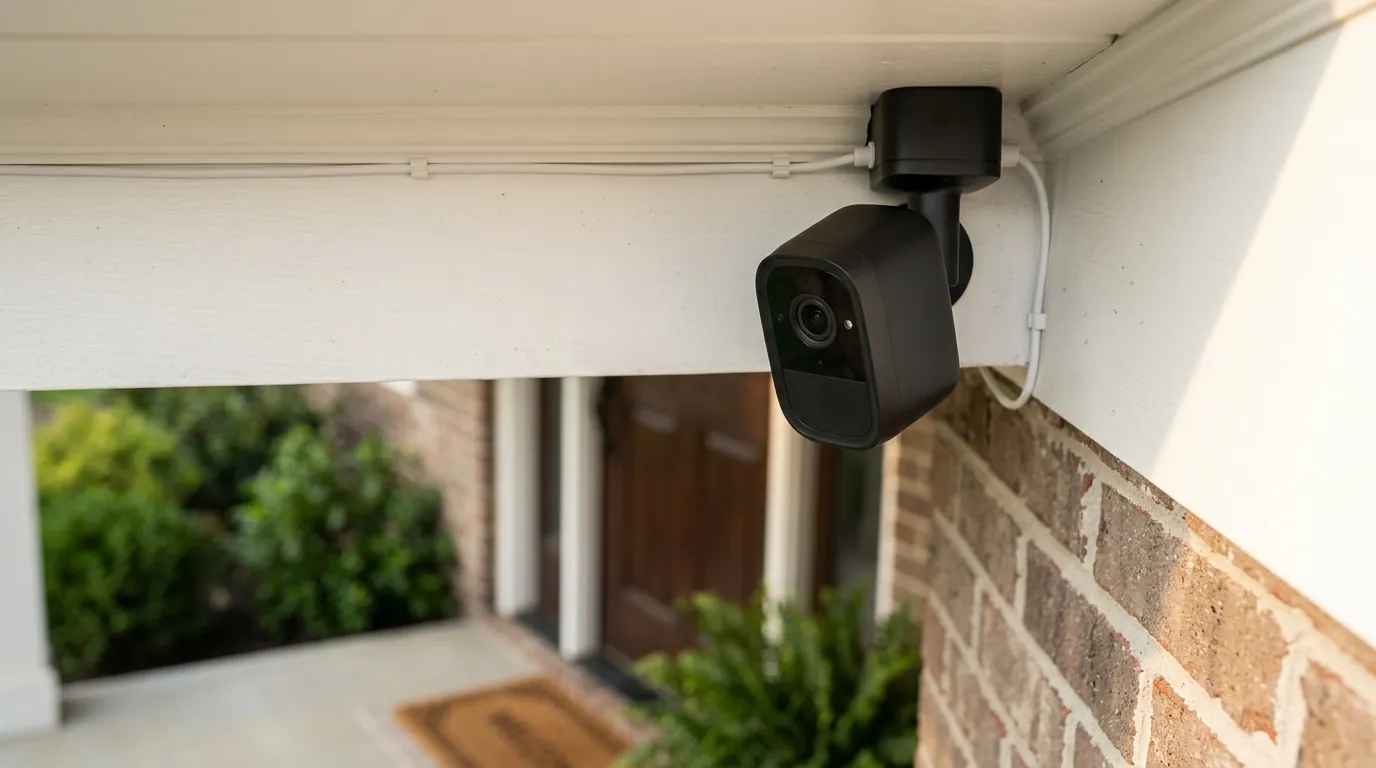
The most common cause of overheating is environmental exposure. While the v4 is designed for outdoor use, its plastic chassis acts as an insulator. If the camera is mounted on a south-facing wall with no shade, the dark lens face and housing absorb solar energy. In many regions of the US, a 100°F day can result in surface temperatures on dark plastics exceeding 140°F, which is well beyond the v4’s rated 122°F maximum.
Poor Ventilation and Enclosures
Users often attempt to protect their cameras by placing them inside “birdhouse” covers or third-party protective housings. While these may shield the camera from rain, they often trap a pocket of stagnant air around the device. Without the ability to move heat away via convection, the camera’s internal temperature will continue to rise until it reaches a failure point. Similarly, mounting a camera in an unconditioned attic or a garage with poor airflow can lead to “thermal soak,” where the ambient environment is too hot to accept heat dissipated from the camera.
Heavy Workload and Processing
The Wyze Cam v4 is a high-performance device compared to its predecessors. It processes 2.5K video at higher bitrates and utilizes “Edge AI” to identify objects locally on the device rather than in the cloud. This requires the Image Signal Processor (ISP) and the CPU to work harder.
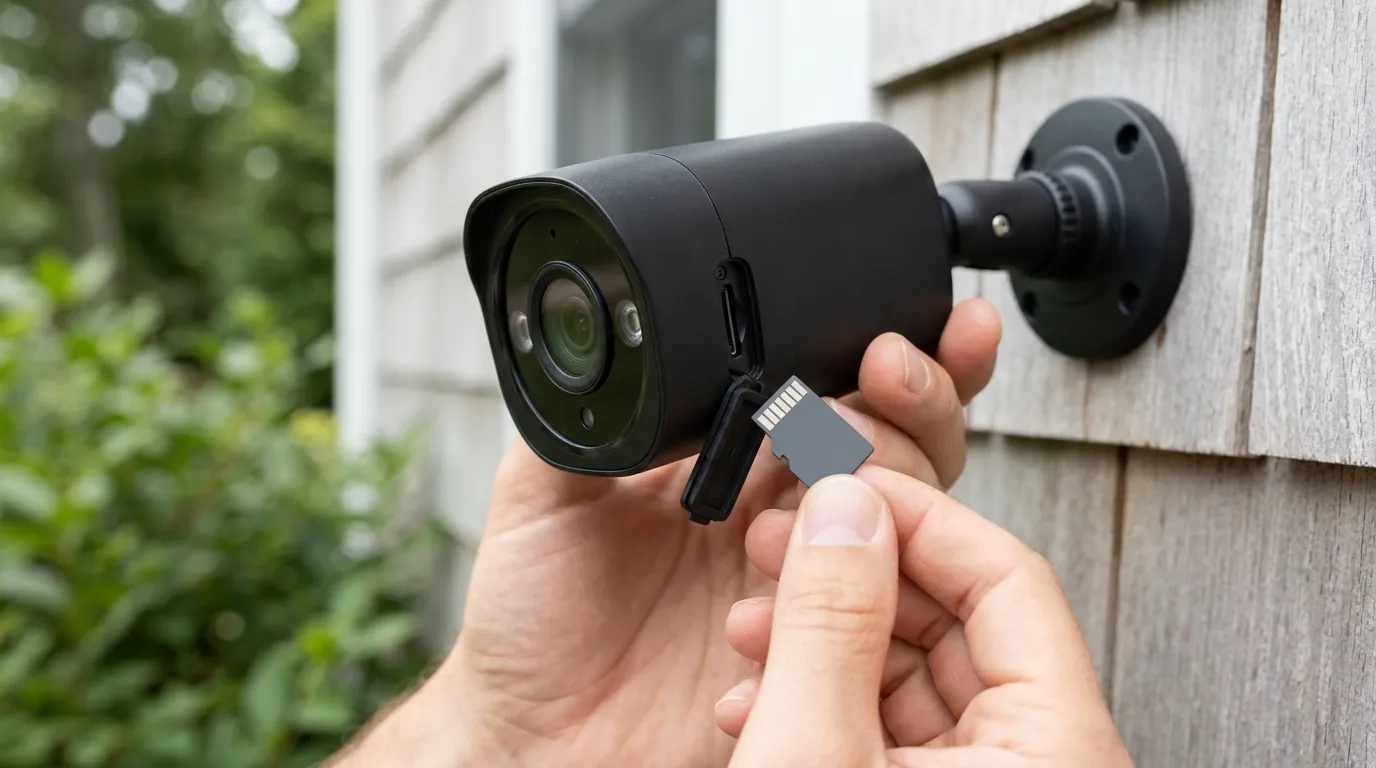
- Continuous Recording: Writing 24/7 to a MicroSD card generates constant heat from the card slot and the storage controller.
- Spotlight Usage: The v4 features dual built-in spotlights. When these are active for long periods, they contribute significantly to the thermal load at the front of the device, near the image sensor.
Power Supply Inefficiencies
The v4 requires a stable 5V/2A power supply. Using a third-party power adapter that is under-spec or over-spec, or using an excessively long USB cable (over 20 feet) without proper gauge thickness, can cause voltage drops. This forces the camera’s internal voltage regulators to work harder, generating “waste heat” before the power even reaches the processor. Wyze recommends using the included power adapter and cable to minimize these risks.
How it works under the hood
To understand why the Wyze Cam v4 reaches certain temperatures, we must look at the internal architecture and how it manages energy.
Internal Heat Generators
The primary heat source is the System-on-a-Chip (SoC). This chip handles the video encoding (H.264/H.265), the Wi-Fi 6 stack, and the AI algorithms. The transition to Wi-Fi 6 in the v4 was intended to improve connection stability and reduce power consumption during data transmission; however, the initial handshake and high-bandwidth streaming of 2.5K video still require significant electrical current.
The image sensor itself also generates heat, particularly when the Starlight Sensor is operating in low-light modes that require higher gain. This heat is concentrated behind the lens assembly, which is why the front of the camera often feels the warmest to the touch.
Passive Cooling Architecture
Unlike a computer or a high-end NVR, the Wyze Cam v4 has no internal fans. It relies entirely on passive cooling.
- Conduction: Heat moves from the SoC to the internal circuit board and then to the plastic housing.
- Convection: The surrounding air carries the heat away from the housing.
- Radiation: The housing emits infrared energy into the environment.
Because the v4 is IP65-rated (dust-tight and protected against water jets), the enclosure is sealed. This seal prevents moisture from entering but also prevents hot air from escaping, making the material of the housing the primary heat sink for the device.
Thermal Management Logic
Modern firmware includes “thermal throttling” protocols. If the internal temperature sensor detects a rise toward the 122°F limit, the camera may:
- Reduce the frame rate (e.g., from 20fps to 10fps) to lower CPU load.
- Lower the resolution of the stream.
- Temporarily disable the spotlights or IR LEDs.
- In extreme cases, trigger a “Safe Shutdown” to prevent the soldering on the board from softening or the battery (in other models) from swelling.
Real-world implications
When a Wyze Cam v4 begins to overheat, the effects are usually visible in the user experience before the device actually fails.
Performance Degradation and Lag
The first sign of thermal stress is often a “choppy” live stream. You may notice the timestamp in the corner of the video skipping seconds or the video feed freezing for several moments. This is typically the result of the processor struggling to encode 2.5K video while operating at high temperatures. In June 2026, many users reported that their Wi-Fi 6 connection appeared “weak” during the hottest part of the day, which was actually the Wi-Fi module throttling its power to cool down.
Intermittent Operation and Gaps in Footage
If the camera reaches its critical thermal threshold, it will reboot. For a user, this looks like the camera going “Offline” in the Wyze app for 2-3 minutes. If the environment remains hot, the camera may enter a “boot loop,” where it turns on, gets too hot within minutes, and shuts down again. This creates dangerous gaps in security coverage, often during the afternoon when package thefts or other daytime incidents are most likely to occur.
MicroSD Card Instability
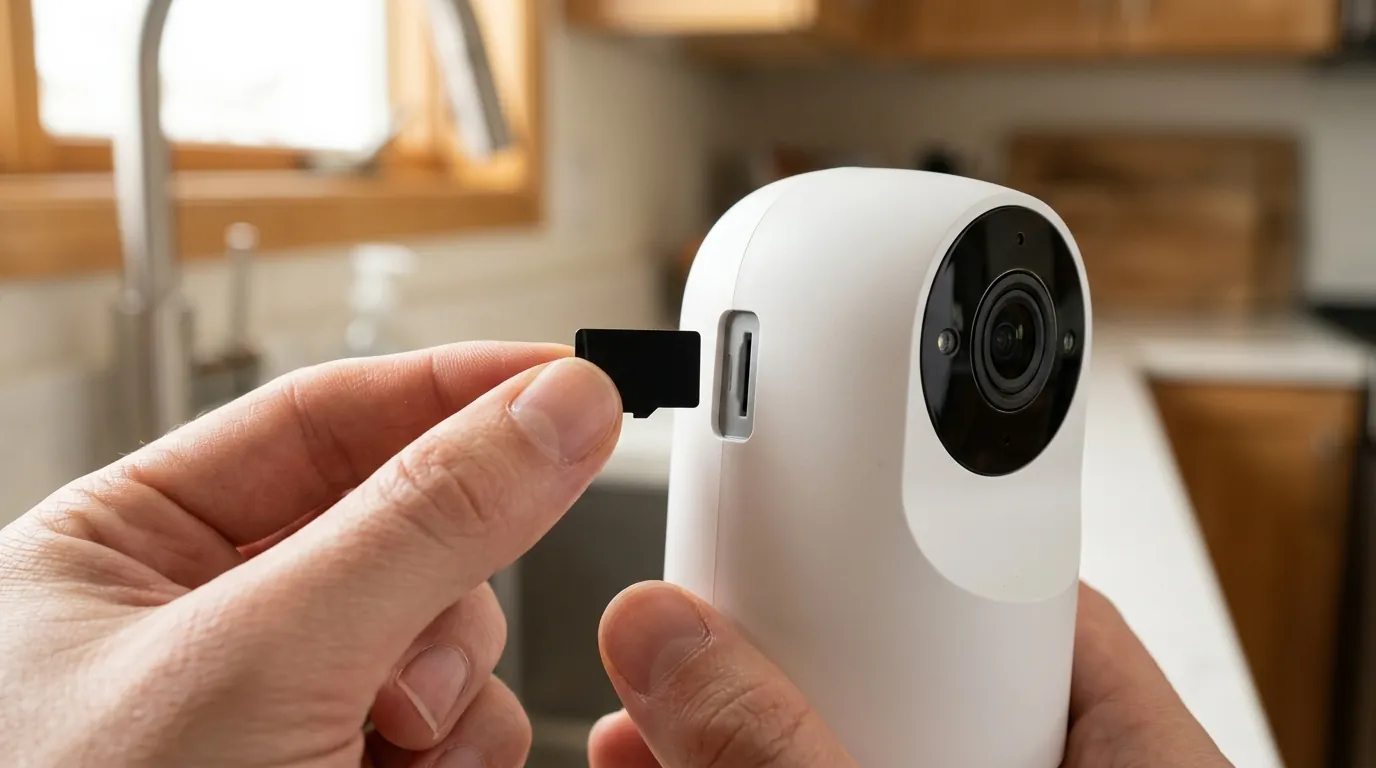
High heat is the primary enemy of flash memory. If the camera is running hot, the MicroSD card inside the slot is also subjected to that heat. This can lead to:
- File Corruption: The camera fails to “close” a video file properly during a heat-induced reboot.
- Card Failure: Prolonged exposure to temperatures above 120°F can cause “budget” MicroSD cards to fail permanently, requiring the user to climb a ladder to replace the storage.
Total Cost of Ownership (TCO) Considerations
Overheating doesn’t just affect today’s performance; it impacts the 3-year cost of the device. A camera that consistently runs at the edge of its thermal limit will have a shorter lifespan. Components like electrolytic capacitors and the image sensor’s color filters degrade faster under heat.
3-Year TCO Breakdown (Estimated June 2026):
- Hardware (Wyze Cam v4): Around $40 - $50
- High-Endurance SD Card (Required for heat): $15 - $20
- Wyze Cam Plus (3 Years): ~$60 (based on $1.99/mo or $19.99/yr tiers)
- Replacement Cost: If the camera fails at year 2 due to heat, the hardware cost doubles.
- Total: ~$120 - $140 over three years, assuming the hardware survives the thermal stress.
Common misconceptions
As news of the Wyze Solar Cam Pan recall spread in mid-2026, several myths regarding the Wyze Cam v4 emerged.
“If it’s warm, it’s broken”
It is normal for the Wyze Cam v4 to feel warm, especially near the lens and the rear of the unit. The plastic housing is designed to pull heat away from the internal chips. If the camera is functioning, recording, and accessible via the app, a “warm” sensation is simply evidence of the passive cooling system working. It only becomes “overheating” when performance fails.
“All Wyze cameras have the same overheating problem”
This is a common generalization found in community forums like r/Wyze. The June 2026 recall for the Solar Cam Pan was due to a specific physical design flaw involving the battery and the mounting screws. The Wyze Cam v4 is a fundamentally different architecture. While it can overheat due to environmental factors, it does not share the specific “fire hazard” defect of the Solar Pan model.
“Firmware can always fix heat issues”
While Wyze frequently releases firmware updates to optimize performance (such as the June 2026 stability patch), firmware cannot override the laws of physics. If a camera is mounted in a glass-enclosed sunroom in Arizona, no amount of software optimization will keep it cool. Firmware can only manage how the camera reacts to the heat, not prevent the heat from entering.
“Outdoor cameras are immune to sun”
The “Outdoor” or “IP65” rating refers to water and dust ingress, not thermal immunity. Many users assume that because a camera is “Outdoor rated,” it can handle direct, 12-hour exposure to the sun. In reality, most outdoor cameras require some form of shade—such as being mounted under an eave or a soffit—to operate reliably through a summer season.
Decision Framework: Managing Heat in Your Setup
If you are deciding where to place your Wyze Cam v4 or whether to buy one during a heatwave, use the following matrix:
| If your situation is… | Prioritize this… | Recommendation |
|---|---|---|
| High-Heat Climate (AZ, TX, FL) | Shaded Mounting | Mount under an eave or use a dedicated “camera shield” to block direct solar radiation. |
| Indoor/Garage Use | Ventilation | Ensure the room has some airflow. Avoid placing the camera in a corner where heat can pool. |
| Critical Security Need | Redundancy | Use an “Endurance” rated SD card (e.g., SanDisk High Endurance) which is rated for higher operating temps than standard cards. |
| Renter (No Eaves) | Removable Shade | Use a white-colored silicone skin for the camera; white reflects more solar energy than the standard Wyze grey/black accents. |
Further reading
For those looking to optimize their 2026 security setup beyond thermal management, consider exploring these related topics:
- Choosing the Best Outdoor Security Camera: A guide on balancing resolution, price, and environmental durability across brands like Reolink, Eufy, and Wyze.
- Understanding Security Camera IP Ratings: Learn why an IP65 rating protects against a thunderstorm but won’t help against a 110-degree heatwave.
- Local vs. Cloud Storage: An analysis of how continuous recording to an SD card impacts camera longevity compared to event-only cloud recording.
- Wyze Cam v4 Privacy and Data Security: A review of Wyze’s 2026 transparency reports and end-to-end encryption standards for the v4 line.
Frequently Asked Questions
Does the Wyze Cam v4 have a recall in 2026?
No, the Wyze Cam v4 is not part of the June 2026 recall. The recall specifically affects the Wyze Solar Cam Pan (model WYZESCPWH) due to a battery puncture risk. The v4 remains safe for use according to current manufacturer and CPSC guidelines.
What should I do if my Wyze Cam v4 keeps going offline in the sun?
First, try to relocate the camera to a shaded area, such as under a roof eave. If relocation isn’t possible, consider adding a small “sun shield” accessory. You should also ensure you are using the original Wyze power adapter, as third-party power sources can contribute to internal heat.
Can a firmware update fix my camera’s overheating?
Firmware updates can help by optimizing how the processor handles tasks like AI and video encoding, which can lower the “internal” heat generated. However, firmware cannot protect a camera from “external” heat caused by direct sunlight or high ambient temperatures.
Is it safe to use the Wyze Cam v4 inside a window?
Using the v4 behind a window can lead to overheating if the window receives direct sunlight. The glass can create a “greenhouse effect,” trapping heat between the lens and the pane. Additionally, the v4’s window mount can limit airflow, so monitor the camera closely if used in this configuration during summer.
Sources
- Wyze Official Product Page: Wyze Cam v4 Specs
- Wyze Support: Operating Temperature and Environment Guide
- CPSC Recall Database: Wyze Solar Cam Pan Recall Notice June 2026
- Wyze Community Forums: Thermal Performance Discussions June 2026