
Fix Wyze Cam v3 Firmware 4.36.14.3497 SD Playback Issues
Reliable local storage is the primary reason many users choose the Wyze Cam v3, yet firmware version 4.36.14.3497 has become a significant bottleneck for those attempting to access their footage in 2026.
Quick Answer: Firmware 4.36.14.3497 often breaks SD playback in the Wyze 3.x app. Fix it by disabling ‘Hardware Decoder’ in Advanced Settings or updating to 4.36.16.6114. For a reliable local-storage alternative, consider the Reolink E1 Pro.
What it means
Related: Does Wyze Cam v4 Support RTSP? 2026 Local Streaming Guide · Eufy vs. Reolink Battery Cameras: 2026 Comparison Guide · Ring vs. Arlo: Best Porch Theft Protection for Summer 2026
Firmware version 4.36.14.3497 is a legacy stable branch for the Wyze Cam v3, originally released in mid-2025. While it was intended to improve security patches and connectivity, it has become a “stuck” point for many users in 2026. When a camera is on this version, attempting to view microSD card footage through the “Events” or “Playback” tab frequently results in a “No video available at this time” message or a perpetual loading spinner.
The issue is not necessarily that the camera has stopped recording; in most cases, the camera continues to write data to the microSD card. The failure occurs during the “handshake” between the Wyze App (now on version 3.x) and the camera’s internal file index. This version of the firmware uses an older indexing method that struggles to communicate with the modernized media player integrated into the latest app updates.
The ‘Stuck’ Firmware Phenomenon
In 2026, many Wyze Cam v3 units are reporting that they are “up to date” while remaining on 4.36.14.3497, even though version 4.36.16.6114 has been released to address these specific playback bugs. This “stuck” state often occurs if a camera missed a specific intermediate update window or if the Wyze update servers have temporarily de-prioritized older v3 hardware in favor of the v4 and Cam v4 Pro lines.
Error Code 06 and 09 Decoded
Users on this firmware version frequently encounter two specific error codes:
- Error Code 06: This typically indicates a “Read/Write” failure. While it looks like a hardware failure, on version 4.36.14.3497, it is often a software timeout where the app gives up waiting for the camera to locate the specific one-minute video segment requested.
- Error Code 09: This is a “Power/Connection” error that often triggers during playback. It suggests the camera’s CPU is spiking to 100% usage while trying to parse the SD card index, causing the Wi-Fi chip to momentarily drop the connection.
Firmware Version Comparison Table: 4.36.14.3497 vs. 4.36.16.6114
| Feature | 4.36.14.3497 (Legacy) | 4.36.16.6114 (Current Fix) |
|---|---|---|
| Release Date | May 2025 | February 2026 |
| Primary Bug | SD Indexing Timeout | Resolved Indexing |
| App Compatibility | Partial (Wyze App 3.x) | Full (Wyze App 3.x) |
| Playback Stability | Low (Frequent Error 06) | High |
| Hardware Decoder Support | Buggy | Optimized |
| Security Patches | Outdated | Current |
Why it exists
The root of the playback failure lies in the transition to the Wyze App 3.x architecture. Released in late 2025, App 3.x (v3.17.0.904 and later) introduced a new media player designed for the higher-bitrate streams of the Wyze Cam v4. This new player expects a specific metadata response from the camera when requesting local footage.
The Wyze App 3.x Architecture Conflict
Firmware 4.36.14.3497 was built on an older SDK (Software Development Kit). When the 3.x app asks the camera for a list of recorded events on the SD card, the camera responds with a legacy file list. The app’s new player often fails to parse this list correctly, leading to the “No video available” error. This is a classic “regression” bug where updating the software (the app) breaks compatibility with the hardware’s existing firmware.
The Paused Update Ripple Effect
In early 2026, Wyze briefly paused the rollout of firmware 4.36.16.5654 due to reports of “bricked” devices. This pause left millions of v3 units stranded on 4.36.14.3497. Even after the fix (4.36.16.6114) was released, the automated “Update All” feature in the Wyze app occasionally fails to recognize that these stranded units need the jump to the 4.36.16 branch.
Server-Side Deprioritization
As Wyze pushes its “Cam Plus” and “Cam Plus Lite” subscriptions, the backend infrastructure for local storage has seen fewer stability updates. Community consensus on r/Wyze suggests that the “handshake” required to authenticate a user before allowing them to view their own SD card footage is increasingly reliant on Wyze’s servers, even for local files. If the firmware is outdated, this authentication handshake often fails.
How it works under the hood
To understand why the playback fails, you have to look at how the Wyze Cam v3 manages data. The v3 runs a stripped-down version of Linux. When you insert a microSD card, the camera creates a hidden folder structure, primarily a directory named record.
Index File Corruption and Syncing
Inside the record folder, the camera stores video in one-minute .mp4 segments, organized by hour and day. To make these searchable, the camera maintains a small index database.
- Request: You tap “Playback” in the app.
- Search: The app asks the camera for the index.
- Failure: On firmware 4.36.14.3497, if the camera is under heavy load or if the index file has grown too large (common on 128GB+ cards), the camera fails to send the index within the app’s 5-second “timeout” window.
- Result: The app assumes no video exists and displays the error.
The Role of Hardware Acceleration
Modern smartphones use “Hardware Decoding” to play video smoothly without draining the battery. However, the Wyze Cam v3’s legacy compression format (H.264 with specific profile constraints) sometimes clashes with the hardware decoders on newer iPhone and Android devices. Toggling the “Hardware Decoder” off in the Wyze App’s “Advanced Settings” forces the phone to use “Software Decoding.” While this uses more phone battery, it is often the only way to get the 4.36.14.3497 stream to render.
SD Card File System Compatibility Chart
| Card Format | Compatibility | Max Recommended Size | Notes |
|---|---|---|---|
| FAT32 | Native | 32 GB | Most stable for legacy firmware. |
| exFAT | Supported | 256 GB | Requires firmware 4.36.8.x or higher. |
| NTFS | Not Supported | N/A | Camera will not recognize the card. |
Source: RTINGS Security Camera Reviews
Real-world implications
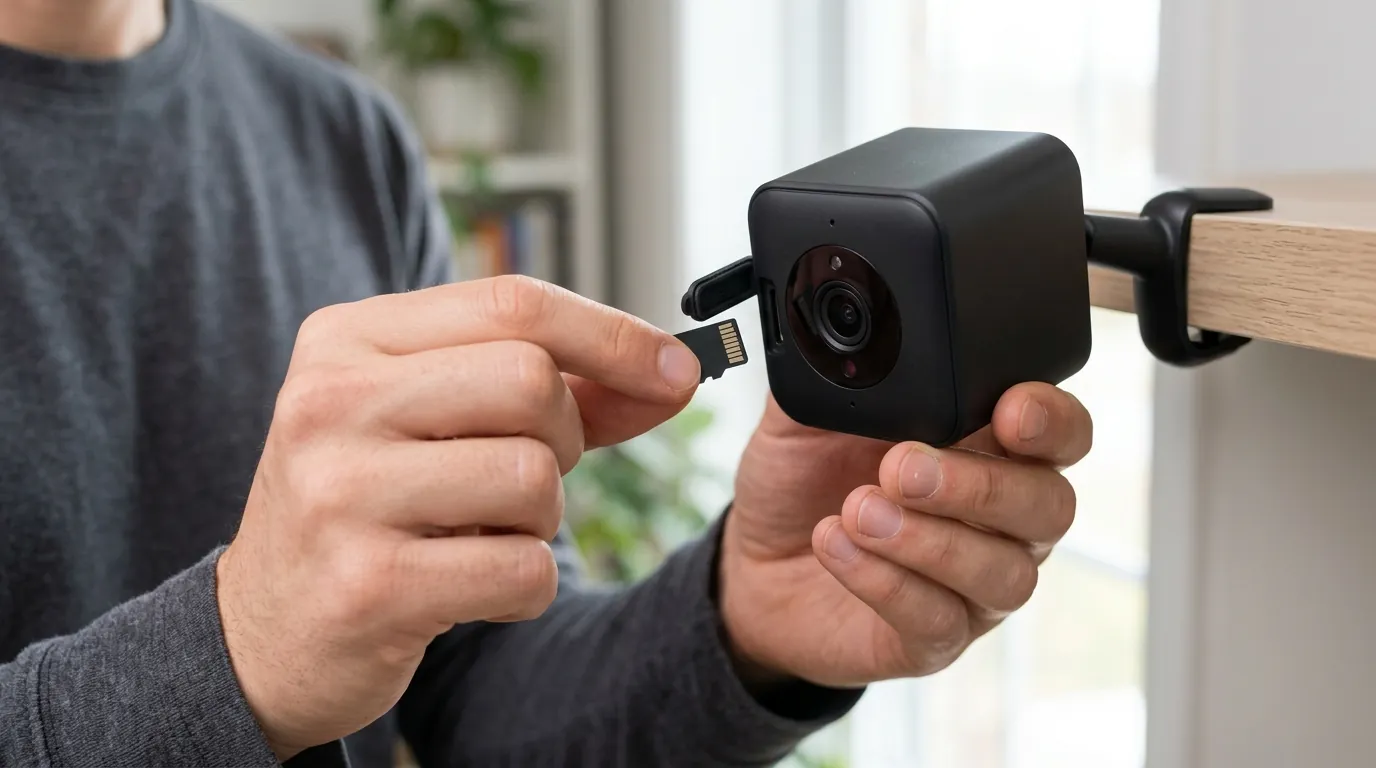
When SD playback fails, the Wyze Cam v3 ceases to be a reliable security tool. If an incident occurs—such as a package theft or a vehicle break-in—the user is often left with a “motion alert” but no way to see what actually happened.
Security Gaps During Playback Failure
The most dangerous aspect of the 4.36.14.3497 bug is that it is silent. The camera’s status light remains solid blue, and live view works perfectly. The user only discovers the failure when they actually need the footage. This forces users into a “manual recovery” scenario: physically climbing a ladder, removing the microSD card, and using a PC with an SD adapter to view the files. In a professional or high-stakes environment, this latency is unacceptable.
Value vs. Alternatives: The Upgrade Decision
For many users in 2026, the frustration of managing Wyze firmware bugs outweighs the low initial cost of the hardware. While the Wyze Cam v3 is available in the “under $40” price band, its reliability issues often lead users toward brands like Reolink or Eufy, which prioritize local storage stability.
Decision Framework: Should You Fix or Replace?
- Scenario: Renter on a budget.
- Recommendation: Fix. Perform a manual firmware flash to 4.36.16.6114. It costs $0 and restores functionality for a few more years.
- Scenario: Homeowner with 5+ cameras.
- Recommendation: Transition. If multiple cameras are failing, the ecosystem is the issue. Consider moving to a Reolink NVR system or Eufy HomeBase 3, which handles local storage centrally.
- Scenario: Small Business / Critical Security.
- Recommendation: Replace. Reliability is paramount. Switch to a PoE (Power over Ethernet) system to eliminate both Wi-Fi and firmware-based playback lag.
Common misconceptions
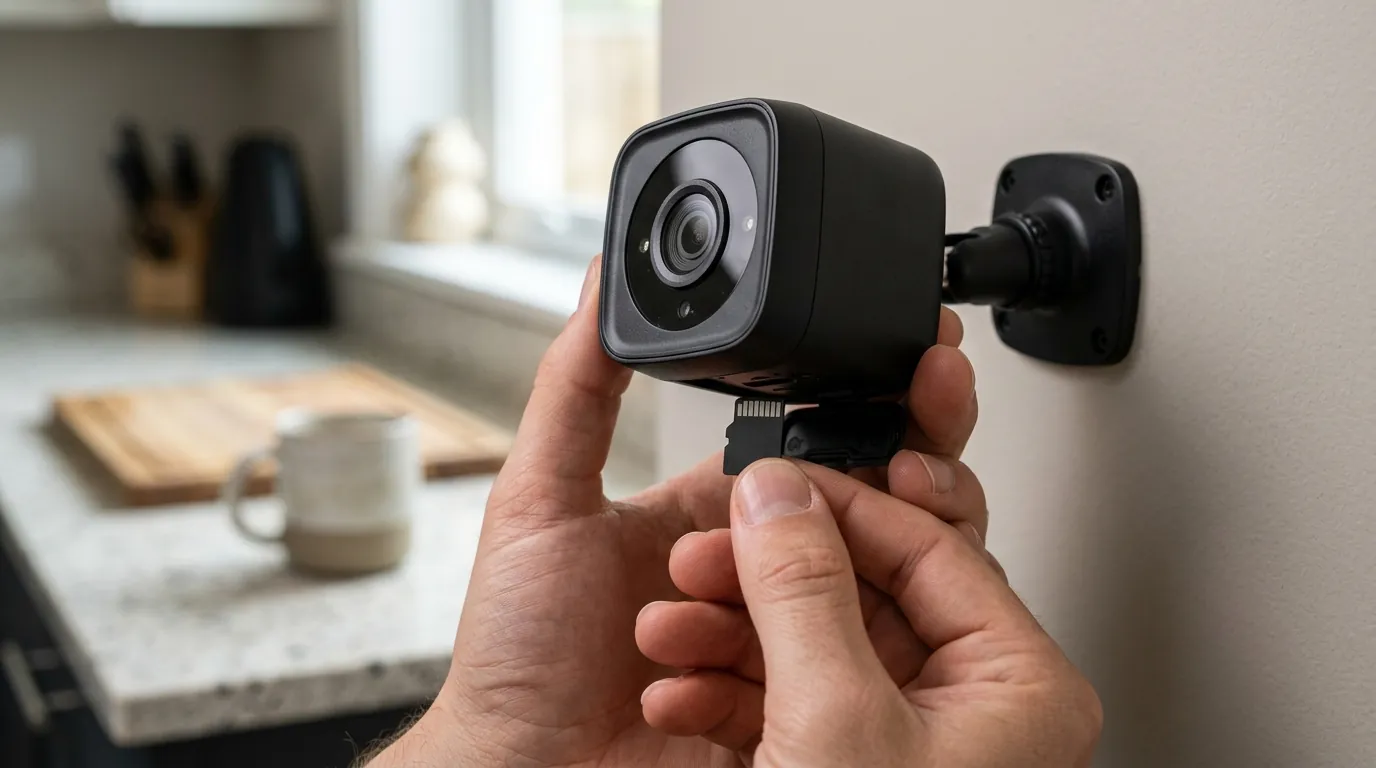
There is a significant amount of misinformation regarding why Wyze SD playback fails. Sorting out the software bugs from hardware reality is essential for a quick fix.
‘The SD card is dead’
While microSD cards do have a finite lifespan (measured in Terabytes Written, or TBW), most “No Video” errors on the v3 are software-related. If you can format the card within the Wyze app and the “Storage” bar shows “X GB / Y GB used,” the card is likely healthy. The app is simply failing to read the index.
‘I need Cam Plus for SD playback’
This is a frequent complaint on the Wyze Forums. While Wyze has moved many features (like AI Person Detection) behind a paywall, local microSD recording remains a free feature. The confusion arises because the “Events” tab is heavily geared toward cloud clips. To view your free SD footage, you must often tap “Live Stream” -> “More” -> “Playback,” a path that Wyze has made less intuitive in the 3.x app.
‘It’s a Wi-Fi issue’
While a poor Wi-Fi signal (below 3 bars) can cause the playback to stutter, it rarely causes the “No video available” error. That error specifically means the app has successfully talked to the camera, but the camera has reported that it can’t find the files. If you can see the Live View clearly, your Wi-Fi is likely sufficient for SD playback.
Benchmark: SD Card Requirements for Wyze Cam v3
The Wyze Cam v3 records at a bitrate of approximately 1-1.5 Mbps.
- Minimum Requirement: Class 10 / UHS-1.
- Recommended: High Endurance (designed for constant overwriting).
- Overkill: UHS-3 / V90 (designed for 4K/8K video; provides no benefit for Wyze).
Total Cost of Ownership (3-Year Estimate)
When evaluating the Wyze Cam v3, the sticker price is deceptive. Below is the 2026 estimate for a single-camera setup over three years.
| Item | Wyze Cam v3 (Budget Path) | Wyze Cam v3 (Subscription Path) | Reolink E1 Pro (Local Path) |
|---|---|---|---|
| Hardware | ~$35 | ~$35 | ~$55 |
| SD Card (64GB High Endurance) | ~$15 | ~$15 | ~$15 |
| Subscription (3 Years) | $0 (Local Only) | ~$108 (Cam Plus) | $0 |
| Replacement/Maintenance | ~$20 (Time/Flash Drive) | $0 | $0 |
| Total 3-Year Cost | ~$70 | ~$158 | ~$70 |
Note: The “Budget Path” for Wyze assumes you spend time manually flashing firmware and troubleshooting, which has a non-monetary cost in labor.
Further reading
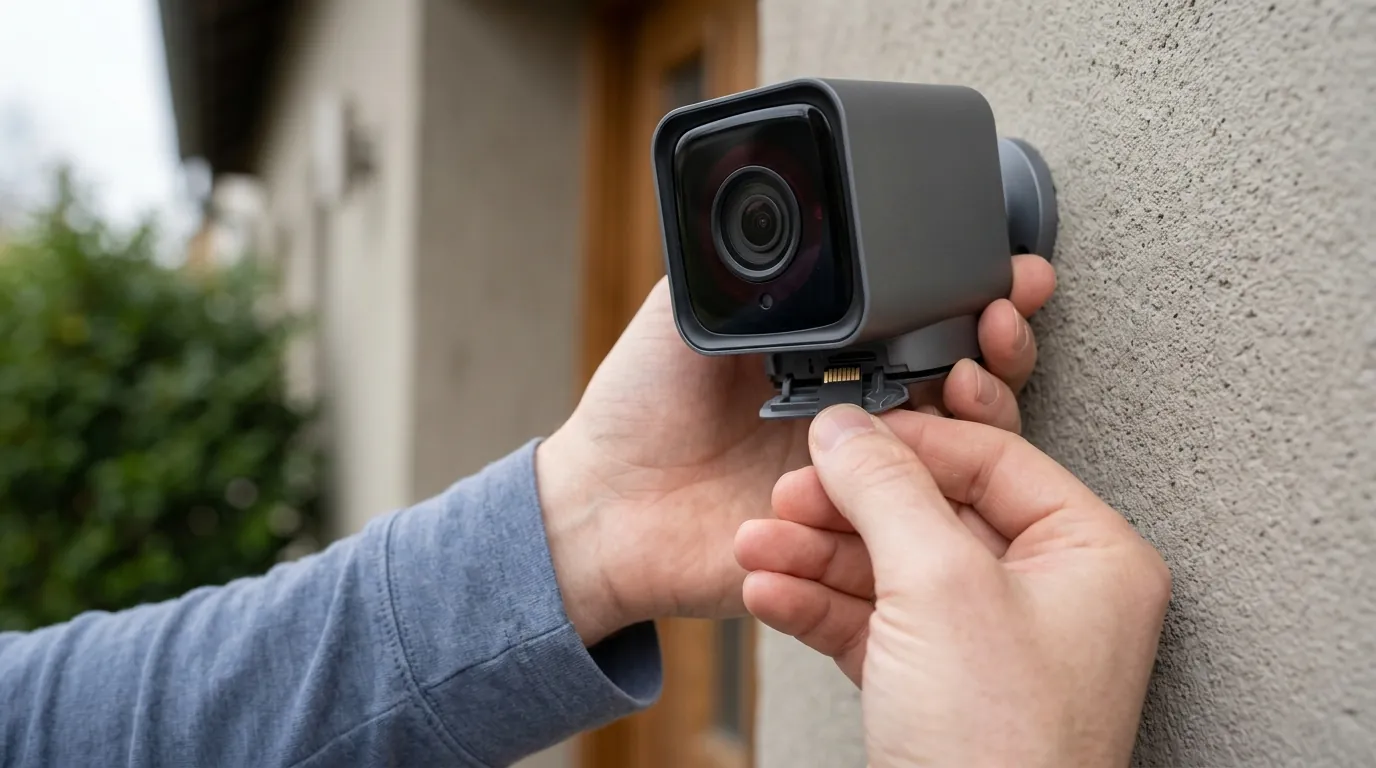
If the standard app-based update fails, you must take a more technical approach to restore your camera.
Manual Flashing Guide
To bypass the “stuck” 4.36.14.3497 firmware, you can perform a “forced” update using the demo.bin method.
- Tools Needed: A microSD card (32GB or smaller preferred for this step) and a PC with an SD slot.
- Download: Get the 4.36.16.6114 firmware from the Wyze Support site.
- Rename: Rename the downloaded file to
demo.bin. - Transfer: Copy the file to the root directory of the SD card.
- Flash: Unplug the camera. Insert the SD card. Hold the “Setup” button while plugging the power back in. Hold until the light turns purple (a mix of red and blue), then release.
- Wait: The camera will reboot after 3–5 minutes.
High-Endurance Card Recommendations
For 24/7 recording, standard “Ultra” or “Extreme” cards often fail within 6 months. In 2026, the industry standard for Wyze-class cameras remains the SanDisk High Endurance or the Samsung Pro Endurance lines. These cards use a different type of NAND flash memory (pSLC or high-grade TLC) that can handle the constant loop-recording of a security camera.
Privacy Implications: 2026 Transparency
According to the latest Wyze Transparency Report, local storage remains the most private way to use their hardware. Data stored on the SD card is not accessible by Wyze employees and is not subject to law enforcement requests unless the physical card is seized. However, the metadata (when the camera detected motion) is still stored on Wyze’s servers, even if you do not have a subscription.
Frequently Asked Questions
Why does my Wyze Cam v3 say “No SD Card installed” when one is there?
This is usually caused by a “dirty” filesystem. If the camera was powered off while writing data, the FAT32 partition can become corrupted. Try formatting the card on a PC using the “SD Memory Card Formatter” tool from the SD Association rather than the standard Windows formatter.
Does the Wyze Cam v3 support 256GB SD cards in 2026?
Yes, but with caveats. While the hardware can read exFAT 256GB cards, the indexing bug on firmware 4.36.14.3497 is significantly worse on larger cards. If you use a 256GB card, you must update to the 4.36.16 branch to avoid massive playback lag.
Can I view my SD card footage on a computer?
Yes. Remove the card and insert it into a PC. You will see a folder named record. Inside are folders for each day, then each hour. The files are standard .mp4 format and can be played using VLC Media Player. This is the most reliable way to retrieve footage if the app is failing.
Sources
- Wyze Official Firmware Release Notes — https://support.wyze.com/hc/en-us/articles/360024852172-Release-Notes-Firmware
- RTINGS: Wyze Cam v3 Review & Specs
- Reolink E1 Pro Product Specifications — https://reolink.com/product/e1-pro/
- SanDisk High Endurance Technical Specs — https://www.westerndigital.com/products/memory-cards/sandisk-high-endurance-uhs-i-microsd
- Wyze Transparency Report 2025/2026