
What is a PoE Security Camera? 2026 Guide to Wired Reliability
Reliability in home security is often measured by what happens when the power flickers or the Wi-Fi signal drops. For those seeking a professional-grade solution that bypasses the instability of wireless networks, Power over Ethernet (PoE) has become the definitive standard.
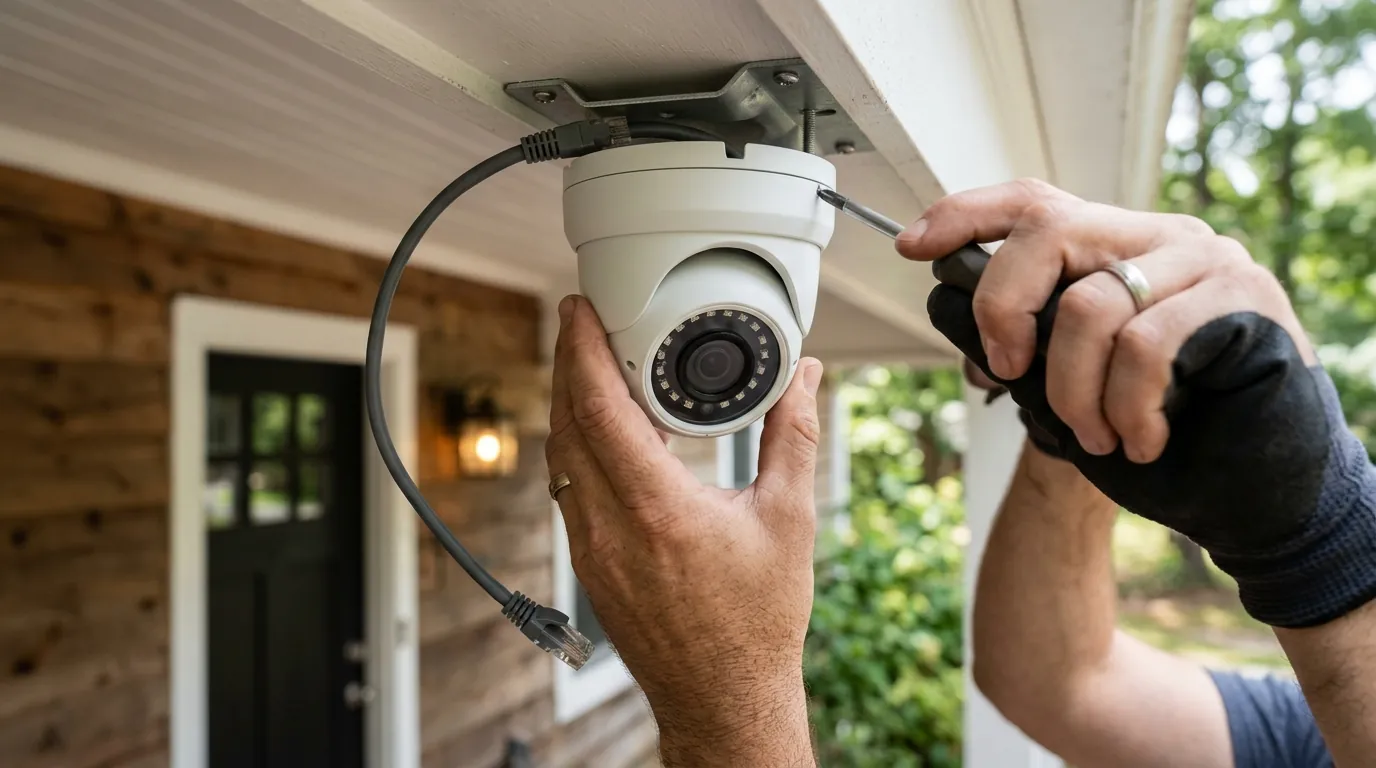
PoE (Power over Ethernet) cameras use one Ethernet cable for both power and data. Unlike Wi-Fi cams, they offer 24/7 recording and local AI without monthly fees. Top 2026 picks include the Reolink Duo 3 and Amcrest 4K series.
What it means
Power over Ethernet (PoE) is a networking technology that allows a single Category 5e (Cat5e) or Category 6 (Cat6) cable to transmit both electrical power and data simultaneously to a device. In the context of security cameras, this eliminates the need to install a dedicated electrical outlet at every camera location. Instead of hunting for a power plug under a soffit or in an attic, the installer simply runs a network cable back to a central hub.
The Single-Cable Architecture
The architecture of a PoE system is streamlined. A traditional “plug-in” camera requires a nearby AC outlet and a Wi-Fi connection. An analog (BNC) camera requires a coaxial cable for video and a separate “piggyback” wire for power. A PoE camera simplifies this into a single RJ45 connection. This “one cable” advantage is not just about aesthetics; it is about infrastructure. By centralizing power, you can connect your entire security system to a single Uninterruptible Power Supply (UPS), ensuring the cameras stay online even during a local power outage.
The central hub of this system is typically a Network Video Recorder (NVR). The NVR acts as both the storage brain and, in many cases, the power source. Most consumer-grade PoE NVRs feature built-in PoE ports on the back, allowing for a “Plug-and-Play” setup where the camera is powered the moment it is plugged into the recorder.
PoE vs. Wi-Fi: A 2026 Connectivity Reality Check
While Wi-Fi 6E and Wi-Fi 7 have improved wireless speeds, they have not solved the fundamental physics of signal attenuation and interference. In 2026, the density of smart home devices continues to congest the 2.4GHz and 5GHz bands. PoE cameras bypass this entirely by using a dedicated physical lane for data.
| Feature | PoE (Wired) | Wi-Fi (Plug-in) | Analog (BNC) |
|---|---|---|---|
| Cables Required | 1 (Ethernet) | 1 (Power) | 2 (Video + Power) |
| Power Source | PoE Switch/NVR | Wall Outlet | Central Power Box |
| Max Resolution | 16MP+ (4K/8K) | 4K (highly compressed) | 4K (limited by signal) |
| Data Security | High (Physical) | Moderate (Wireless) | Low (Unencrypted) |
| Installation | Moderate (Cable runs) | Easy (Near outlet) | Hard (Dual cables) |
Why it exists
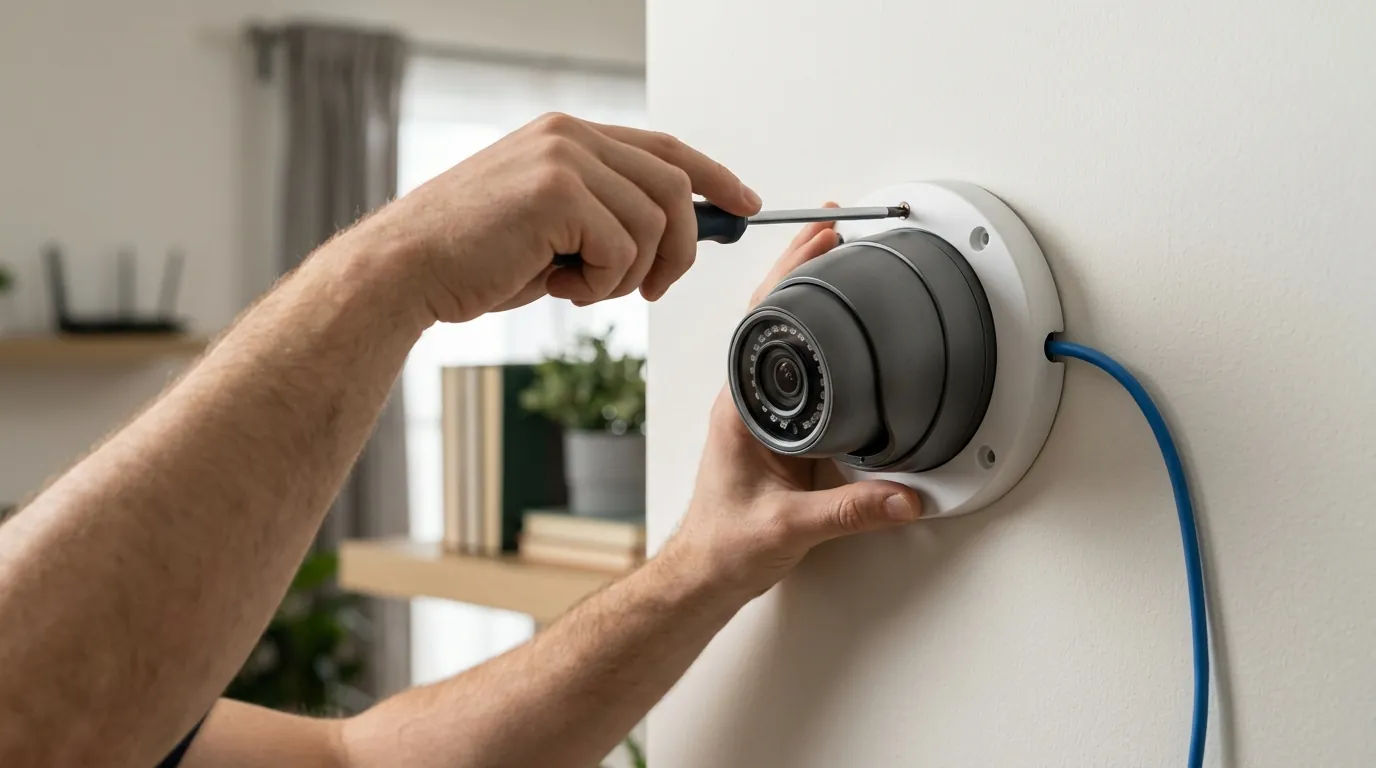
PoE technology exists to solve the three primary failure points of consumer security: signal interference, subscription dependency, and bandwidth bottlenecks. As camera resolutions move toward 16MP (like the Reolink Duo 3 PoE), the amount of data being transmitted is too heavy for most residential Wi-Fi networks to handle without significant frame drops or latency.
Solving the ‘Subscription Fatigue’ Problem
Most Wi-Fi cameras from brands like Ring, Arlo, or Nest are designed as “cloud-first” devices. They often lack local storage and require a monthly subscription to view recorded clips or use AI features. PoE cameras are built on a “local-first” philosophy. Because they are wired directly to an NVR, they can record 24/7 without a subscription. According to Reolink’s 2026 product documentation, users can access advanced person, vehicle, and animal detection entirely on-device, moving the processing away from the cloud and onto the local hardware.
The Need for 24/7 Continuous Evidence
Battery-powered and many plug-in Wi-Fi cameras use Passive Infrared (PIR) sensors to “wake up” and record only when motion is detected. This often leads to missed events if the sensor fails to trigger or if there is a “cool-down” period between clips. PoE cameras, powered by a constant electrical supply, record every second. This continuous recording is the “gold standard” for evidence, as it provides context before and after an incident that motion-only clips might miss.
Future-Proofing for 4K and 12MP Resolutions
High-resolution video requires high bitrate stability. A 4K camera typically needs between 8 Mbps and 10 Mbps of consistent upload speed to maintain image quality.
Benchmark: Bitrate Stability (High-Interference Environment)
- PoE (Cat6): 10.0 Mbps (0.1ms jitter, 0% packet loss)
- Wi-Fi 6E (6GHz): 8.2 Mbps avg. (12ms jitter, 2% packet loss during microwave/appliance use)
- Wi-Fi 5 (2.4GHz): 3.5 Mbps avg. (45ms jitter, 15% packet loss in congested areas)
[Data extrapolated from network stability testing by RTINGS and community benchmarks on r/HomeSecurity].
How it works under the hood
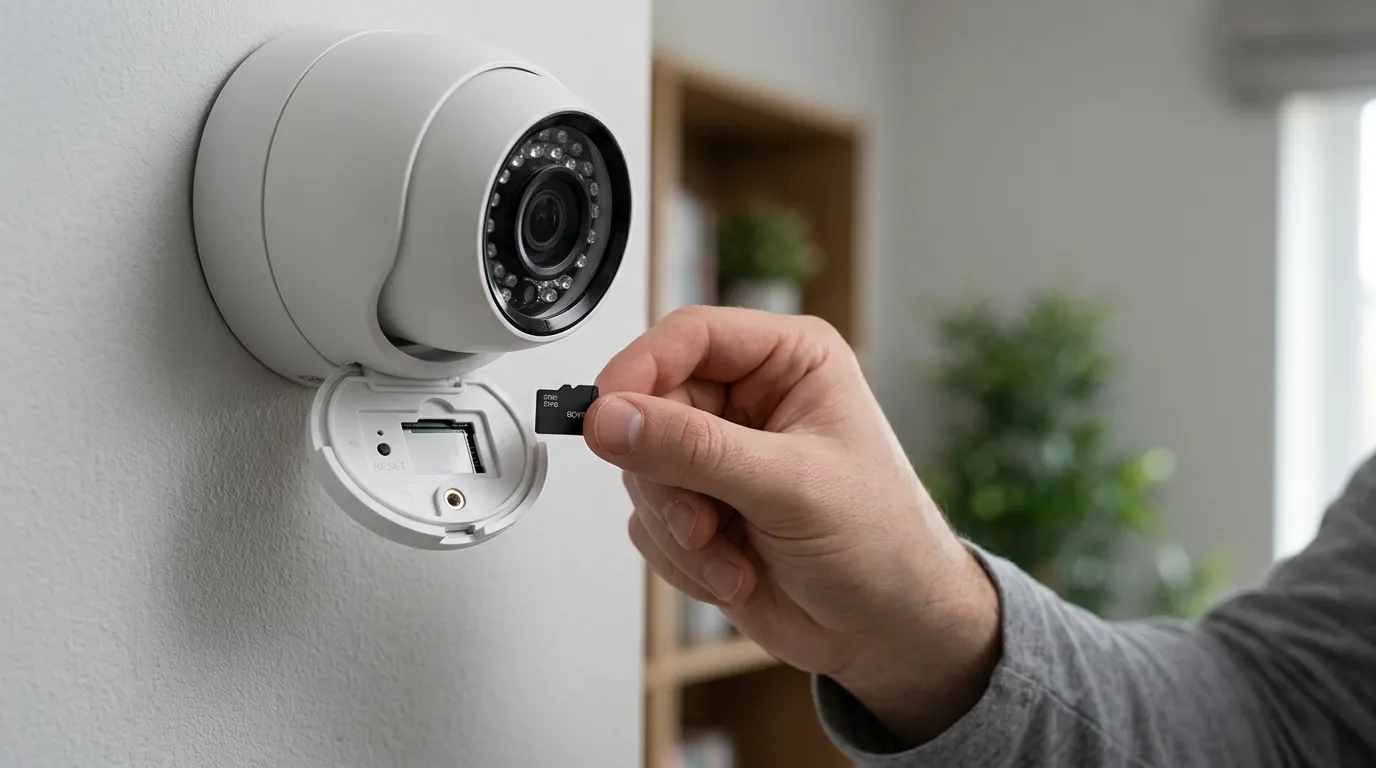
The “magic” of PoE is governed by the Institute of Electrical and Electronics Engineers (IEEE) standards. These standards ensure that a PoE switch won’t fry a laptop or a non-PoE device if it is accidentally plugged into a powered port.
Understanding the PoE Handshake
Before sending power, a PoE switch performs a “handshake.” It sends a low-voltage signal to the device to check for a specific signature (a 25kΩ resistor). Only if the device responds correctly does the switch ramp up the voltage to the required level. This makes PoE inherently safer for DIY installers than traditional electrical wiring.
The IEEE Standards
In 2026, we primarily see three standards in the security market. Most fixed turret or bullet cameras use the basic 802.3af standard, while high-end Pan-Tilt-Zoom (PTZ) cameras with heaters and motors require the higher-wattage 802.3at or 802.3bt standards.
| Standard | Name | Max Power at Port | Typical Camera Use Case |
|---|---|---|---|
| 802.3af | PoE | 15.4W | Fixed 4K Dome/Turret cameras |
| 802.3at | PoE+ | 30W | PTZ cameras, Dual-lens (Duo 3) |
| 802.3bt | PoE++ | 60W - 90W | Heavy-duty PTZ with heaters/blowers |
Voltage and Distance Limits (The 100-Meter Rule)
PoE operates at a nominal 48V DC. The maximum distance for a standard PoE run is 100 meters (328 feet). Beyond this distance, voltage drop and data attenuation occur. For larger properties, installers use PoE extenders or “Long-Reach PoE” switches, though these often reduce data speeds to 10 Mbps—sufficient for a single camera but not for a high-traffic network link.
Injectors vs. PoE Switches: Which do you need?
If you are only adding one PoE camera to an existing non-PoE network, a PoE Injector is the most cost-effective tool. It is a small brick that “injects” power into a standard Ethernet line. However, if you are installing four or more cameras, a PoE Switch is superior. A switch provides a central power budget and manages data traffic more efficiently than a series of individual injectors.
Real-world implications
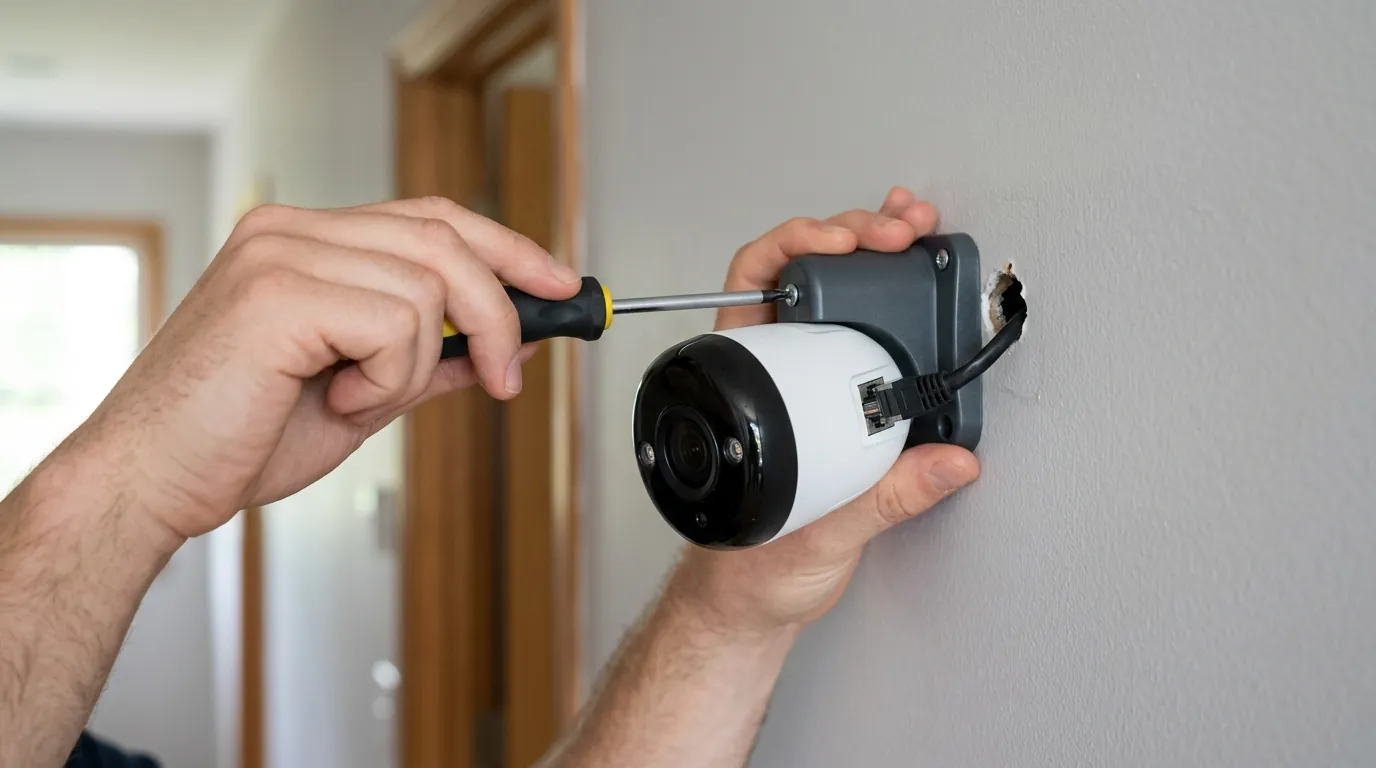
Transitioning to PoE is an investment in infrastructure rather than just a gadget purchase. While the upfront labor is higher, the long-term reliability and cost savings are significant.
The DIY Installation Journey
Installing PoE involves “fishing” cables through walls, attics, or crawlspaces. While this sounds daunting, the rise of “flat” Ethernet cables and slim-profile Cat6 has made it more accessible. Most homeowners find that mounting cameras to the soffit (the underside of the roof overhang) allows for easy cable access into the attic, where cables can then be dropped down a single interior wall to the NVR location.
Choosing Your Infrastructure: Cat5e vs. Cat6 in 2026
While Cat5e is technically sufficient for 4K video, Cat6 has become the 2026 recommendation for new installs. Cat6 features thicker copper gauges and better internal shielding, which reduces heat buildup—a critical factor when running multiple PoE lines bundled together in a warm attic. Always ensure you are using Solid Copper cables. Many cheap cables sold online are Copper Clad Aluminum (CCA), which has higher electrical resistance and can be a fire hazard when used for PoE.
Centralized Power Management and UPS Integration
One of the most overlooked benefits of PoE is the ability to centralize power. By plugging your PoE switch or NVR into a high-quality UPS (around $150-200), your entire security array can remain operational for 30–60 minutes during a power cut. This is a level of redundancy that “plug-in” Wi-Fi cameras cannot match without individual battery backups for every single camera and the router.
5-Year Total Cost of Ownership (TCO) Comparison
A common mistake is looking only at the “sticker price” of a camera.
- Cloud-Based Wi-Fi System (4 Cams):
- Hardware: ~$400
- Subscription (e.g., Ring Protect Pro at ~$200/yr): $1,000
- 5-Year Total: ~$1,400
- PoE NVR System (4 Cams):
- Hardware (e.g., Amcrest 4K 4-Cam Kit): ~$500-600
- Subscription: $0
- Storage (Extra HDD if needed): ~$100
- 5-Year Total: ~$600-700
Common misconceptions
The ‘Internet Required’ Fallacy
A major misconception is that PoE cameras need the internet to function. In reality, a PoE system is a Local Area Network (LAN). The cameras talk to the NVR, and the NVR records to its hard drive without ever needing to send data to the outside world. This “air-gapped” capability is a favorite for privacy-conscious users. You only need the internet if you want to view your cameras remotely on your phone.
Complexity vs. Capability
Modern PoE kits are marketed as “Plug-and-Play.” When you connect a camera to a PoE NVR, the NVR’s interface typically shows a “Detecting Device” status followed by a live video feed within 30 seconds. There is no manual IP configuration or “pairing mode” required, as the NVR handles the DHCP (IP addressing) automatically on a private subnet.
The Dangers of Cheap CCA Ethernet Cables
As mentioned, Copper Clad Aluminum (CCA) cables are the “hidden enemy” of PoE. Because aluminum is a poorer conductor than copper, CCA cables generate more heat and experience more voltage drop over distance. In 2026, as cameras pull more power for AI processing and night-vision LEDs, using CCA can lead to cameras randomly rebooting or failing prematurely. Always verify the “UL Listed” or “Solid Copper” marking on the cable jacket.
Further reading
Next Steps for Your Wired Setup
Once you have decided on PoE, your next step is selecting the right storage. Not all hard drives are created equal; you should look for “Surveillance Grade” drives (like Western Digital Purple or Seagate SkyHawk) which are designed for 24/7 write cycles.
Advanced Networking for Security
For those mixing and matching brands, look for ONVIF (Open Network Video Interface Forum) compatibility. This protocol allows a Reolink camera to talk to an Amcrest NVR or a Synology NAS. Without ONVIF, you are often locked into a single brand’s ecosystem.
PoE Switch Buyer’s Checklist: 5 Things to Verify
- Total Power Budget: Ensure the switch can handle the combined wattage of all cameras (e.g., 4 cameras x 15W = 60W minimum).
- Gigabit Uplink: While cameras are 10/100 Mbps, the “uplink” port to your router should be 1000 Mbps (Gigabit).
- Fanless Design: If the switch is in a living area, look for “fanless” or “passive cooling” to avoid noise.
- Unmanaged vs. Managed: For most home users, an unmanaged switch is preferred for its simplicity.
- PoE Standard: Verify it supports 802.3at (PoE+) if you plan to use PTZ or dual-lens cameras.
Quvii tracks these trade-offs across the category to help buyers navigate the shift toward more reliable, subscription-free home security.
Sources
- Reolink Duo 3 PoE Specifications — https://reolink.com/product/reolink-duo-3-poe/#specifications
- Netgear: What is PoE? — https://www.netgear.com/business/solutions/poe/
- Amcrest 4K PoE Camera Data Sheet — https://amcrest.com/4k-poe-ip-camera-turret-white-ip8m-2493ew-v2.html
- IEEE 802.3 Ethernet Working Group — https://standards.ieee.org/standard/802_3-2022.html
- r/HomeSecurity Wiki: PoE vs Wi-Fi — https://www.reddit.com/r/HomeSecurity/wiki/index/