
Unifi Camera Night Vision Stuck Daytime? Causes & Fixes
A security camera that fails to transition into night mode effectively becomes a blind spot during the hours when surveillance is most critical. For UniFi Protect users, a camera “stuck” in daytime mode is a documented technical hurdle that often involves a failure of the mechanical IR-cut filter or a software-level sensor miscalculation.
When a Unifi camera’s night vision is stuck in daytime mode, it typically means the camera’s IR-cut filter is not disengaging or the IR illuminators are not activating, often due to a software glitch, a faulty ambient light sensor, or a physical obstruction. This prevents the camera from capturing clear images in low-light conditions.
What it means
Related: Fix Tapo Camera Live View Streaming Failure: A 2026 Guide · Nest Cam Battery False Motion Alerts from Shadows: Fixes & Settings · Blink Outdoor 4 Sync Module 2 Offline Loop: Causes & Fixes
A UniFi camera’s night vision being “stuck daytime” refers to a failure in the automated transition between the camera’s color-accurate daytime mode and its infrared-sensitive night mode. In a functioning system, the camera uses an Ambient Light Sensor (ALS) to detect when light levels drop below a certain lux threshold. At that point, the camera should physically move an IR-cut filter out of the way and activate its onboard Infrared (IR) LEDs.
When this process fails, users typically observe one of two symptoms:
- The “Pitch Black” Feed: At night, the camera remains in daytime mode. Because the IR-cut filter is still in place, it blocks the very infrared light the camera needs to see in the dark. The result is a black or severely underexposed image, even if external IR illuminators are present.
- The “Pink/Purple Tint” Feed: Conversely, if the camera is stuck in night mode during the day, the IR-cut filter is retracted when it shouldn’t be. Natural sunlight contains high amounts of infrared light; without the filter to block it, the camera’s sensor is overwhelmed, resulting in foliage and clothing appearing bright pink or purple.
This issue effectively compromises the primary security function of the device. According to community data on r/Ubiquiti, this is most frequently reported with the G3 and G4 series, though it persists as a troubleshooting staple in the G5 lineup.
Why it exists
The transition from day to night is not just a digital switch; it is a mechanical and algorithmic event. Several factors can interrupt this chain of command.
Software and Firmware Bugs
The UniFi Protect ecosystem relies on firmware to interpret data from the light sensor. If the firmware contains a bug—or if a recent update has altered the sensitivity thresholds—the camera may “decide” there is still enough ambient light to remain in daytime mode. Users on the Ubiquiti Community Forums have noted that certain Protect versions (specifically versions in the 4.x and 5.x branches) have occasionally introduced regressions in how the G5 Bullet and G5 Pro handle low-light transitions.
Hardware Malfunctions
The most common hardware culprit is the IR-cut filter mechanism. This is a tiny physical shutter that “clicks” into place. Over time, or due to extreme temperature fluctuations, the solenoid that moves this filter can seize. If the filter is physically stuck, no amount of software rebooting will allow the sensor to see infrared light. This is why many troubleshooting guides suggest the “magnet trick”—using a small magnet near the lens to manually pull the solenoid—as a diagnostic step.
Environmental Factors
Modern UniFi cameras are highly sensitive. Environmental “light pollution” is a frequent cause of night vision failure. A nearby streetlight, a bright porch light, or even the reflection of the camera’s own IR LEDs off a nearby white soffit or gutter can trick the sensor into thinking it is still daytime. In these cases, the camera is technically “working” as designed, but its environment is preventing the transition.
How it works under the hood
To fix the issue, one must understand the three-part harmony required for UniFi night vision to function.
The IR-Cut Filter
Digital sensors are naturally sensitive to infrared light, which humans cannot see. During the day, this IR light would distort colors. To prevent this, UniFi cameras (like the G5 Professional) use an IR-cut filter—a piece of glass that sits between the lens and the sensor to block IR wavelengths. When the camera switches to night mode, you can often hear a distinct “click.” That is the filter being mechanically moved out of the optical path.
Infrared (IR) LEDs
Once the filter is moved, the camera activates its IR LEDs. Most UniFi cameras use 850nm LEDs, which produce a faint red glow visible to the human eye but provide powerful illumination for the camera sensor. If the LEDs fail to fire—perhaps due to a Power over Ethernet (PoE) budget issue where the camera isn’t receiving enough wattage to power both the processor and the lights—the image will remain dark even if the filter has moved.
Ambient Light Sensor (ALS)
The ALS is the “brain” of the operation. It measures the lux levels in the environment. In the UniFi Protect interface, users can often adjust the “Sensitivity” of this sensor. If set too low, the camera will wait until it is pitch black before switching; if set too high, it might flicker between modes during twilight.
| Model | Resolution | IR Range (Cited) | Sensor Type | Price Band |
|---|---|---|---|---|
| G5 Flex | 2K (4MP) | 6m (20ft) | 1/2.4” CMOS | Under $150 |
| G5 Bullet | 2K (4MP) | 10m (33ft) | 1/2.4” CMOS | $130 - $160 |
| G5 Pro | 4K (8MP) | 25m (82ft) | 1/2” CMOS | $350 - $400 |
| AI Bullet | 2K (4MP) | 10m (33ft) | 1/2.4” CMOS | $380 - $420 |
| G4 Instant | 2K (4MP) | 6m (20ft) | 1/3” CMOS | Under $100 |
Data synthesized from Ubiquiti G5 Series Spec Sheets.
Real-world implications
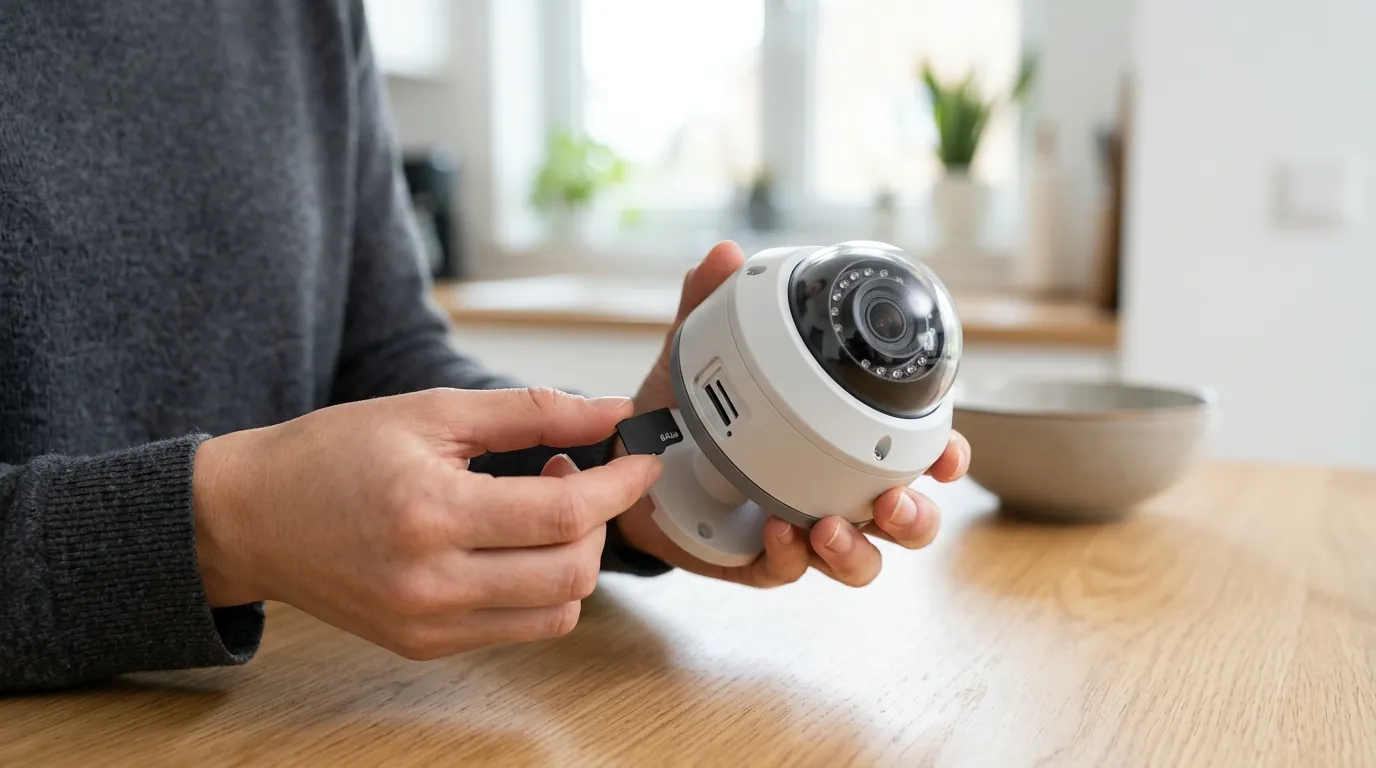
A camera stuck in daytime mode is more than a technical nuisance; it is a security gap.
Compromised Security
The most obvious implication is the loss of evidence. Most residential and small-business crimes occur under the cover of darkness. If a UniFi G5 Bullet remains in daytime mode at 2:00 AM, the recorded footage will likely be a grainy, black void. Even if motion alerts are triggered, the lack of visual data makes the footage useless for law enforcement identification.
Reduced Usability and Reliability
UniFi systems are often chosen for their “prosumer” reliability. When a camera fails to switch modes, it forces the user into a cycle of manual intervention. Users may find themselves manually toggling “Night Vision: Always On” in the Protect app every evening, which defeats the purpose of an automated security system. This reduces trust in the system’s ability to operate autonomously during vacations or after-hours.
Troubleshooting Challenges
Fixing a stuck IR-cut filter often requires physical access to the camera. If the camera is mounted 20 feet high on a commercial building, a “simple” hardware reset or the aforementioned magnet trick becomes a significant logistical task requiring ladders or lifts. This adds a “hidden cost” of maintenance to the system.
Decision Framework: When to Fix vs. When to Replace
If you are facing night vision issues, your path forward depends on your specific installation and the age of your hardware.
- If you are a Renter or Homeowner with easy access: Prioritize the Software Toggle. Go into the UniFi Protect app, select the camera, and change the Night Vision setting from “Auto” to “Always On.” If the “click” happens and the image clears up, your issue is likely the Ambient Light Sensor being tricked by external lights. Adjust your “Sensitivity” slider or reposition the camera.
- If you are a Business with high-mounted cameras: Prioritize PoE Verification. Ensure your switch (e.g., a USW-24-PoE) has enough remaining PoE budget. A camera may boot and run in daytime mode (low power) but fail to switch to night mode (high power) if the switch is at its limit.
- If the image is Pink during the day: The IR-cut filter is stuck in the “Off” position. This is a hardware failure. If under warranty, start an RMA with Ubiquiti. If out of warranty, a sharp tap to the side of the camera housing or a strong neodymium magnet moved around the lens barrel can sometimes jar the filter loose.
- If you need 24/7 reliability in pitch black: Consider adding a dedicated IR Illuminator. By disabling the camera’s internal IR and using a separate 850nm floodlight, you reduce the heat inside the camera and prevent “IR bounce-back” from bugs or dust, which often causes the camera to switch back to daytime mode prematurely.
Total Cost of Ownership (TCO)
When troubleshooting or buying into the UniFi ecosystem, it is vital to look past the sticker price. Unlike competitors like Arlo or Nest, UniFi does not charge a monthly subscription for storage or features. However, the “feature paywall” is replaced by a “hardware requirement.”
- Hardware Cost: A standard entry-level setup with a G5 Bullet is around $130-$160.
- Controller Cost: You cannot run UniFi cameras standalone. You need a UniFi Cloud Key Gen2 Plus (around $200) or a UniFi NVR (around $300+).
- Storage Cost: You must purchase surveillance-grade HDDs (e.g., WD Purple or Seagate SkyHawk). A 4TB drive typically costs between $90 and $120.
- Long-term Savings: Over three years, a UniFi system is often cheaper than a Ring or Nest system. For a 4-camera setup, Ring would cost roughly $120/year in subscriptions ($360 total). UniFi has $0 in subscription fees, meaning the higher upfront hardware cost is usually recouped by year two or three.
Common misconceptions
It’s Always a Hardware Problem
Many users assume a dark screen means the camera is “broken.” In reality, the “Auto” threshold in UniFi Protect is often the culprit. If there is a single LED streetlight in the distance, the camera might perceive enough lux to stay in daytime mode. Always test by forcing “Night Vision: On” in the settings before assuming a hardware failure.
Simple Cleaning is the Only Fix
While cleaning the lens cover is important to prevent IR “haze” (where the IR light reflects off dust and blinds the sensor), it rarely fixes a camera that is stuck in daytime mode. Cleaning helps with image quality, but the transition issue is almost always internal (filter) or logical (sensor).
All Night Vision is Equal
Users often expect the same performance from a G5 Flex as they do from a G5 Pro. As shown in the data table, the IR range of the G5 Pro is more than four times that of the Flex. If your camera seems “stuck” because it can’t see the back of your yard, it may simply be at the limit of its hardware range, not malfunctioning.
Frequently Asked Questions
Why does my UniFi camera have a pink tint during the day?
This occurs because the IR-cut filter is stuck in the “open” position, allowing infrared light from the sun to hit the sensor. This light distorts colors, making greens and browns appear pink or purple. It is usually a mechanical failure of the filter solenoid.
Can I force my UniFi camera to stay in night mode?
Yes. In the UniFi Protect application, go to the camera settings, select “Recording” or “Image,” and look for the Night Vision toggle. You can switch it from “Auto” to “Always On.” This is a useful way to bypass a failing ambient light sensor.
Does UniFi charge a monthly fee for night vision features?
No. All UniFi Protect features, including night vision, AI detection, and local storage, are included in the hardware price. There are no monthly “Pro” tiers or feature paywalls common in other consumer brands.
How do I know if my IR-cut filter is physically broken?
Listen closely to the camera while toggling the Night Vision setting between “On” and “Off.” You should hear a distinct mechanical “click” or “snap.” If you hear nothing and the image does not change, the filter mechanism is likely seized.
Further reading
For more information on optimizing your surveillance setup, consider exploring these external resources:
- Ubiquiti Help Center: UniFi Protect - Manage cameras
- RTINGS: How We Test Security Cameras
- IPVM: Guide to IR Illuminators and Night Vision (Subscription may be required for some reports)
Sources
- Ubiquiti — G5 Professional Datasheet
- Ubiquiti — G5 Bullet Product Page
- Reddit — r/Ubiquiti Community Troubleshooting
- Ubiquiti Community — IR Cut Filter Issues Thread