
RTSP vs. ONVIF Explained: Choosing the Right Camera Protocol
Choosing a security camera often feels like a choice between a convenient “walled garden” and a complex DIY project. Understanding the relationship between RTSP and ONVIF is the first step toward reclaiming control over your video data and eliminating monthly fees.
Quick Answer: RTSP is the “pipe” that carries video data, while ONVIF is the “handshake” that lets different brands work together. Use them to connect cameras from Reolink or Amcrest to local NVRs like Blue Iris without monthly fees.
What it means
To understand modern IP camera communication, one must distinguish between the act of sending video and the act of managing the device. In the consumer security market, RTSP and ONVIF are the two pillars that allow a camera from Manufacturer A to talk to software from Manufacturer B.
RTSP: The Video Streamer
RTSP (Real Time Streaming Protocol) was established in the late 1990s as a way to control streaming media servers. In the context of a security camera, RTSP is the protocol that carries the actual video and audio data from the camera to your screen or recorder. It acts like a remote control for a stream: it allows a client (like a VLC player or an NVR) to send “Play,” “Pause,” and “Record” commands to the camera’s video feed.
However, RTSP is “dumb” regarding the hardware. It doesn’t know if the camera can tilt, it doesn’t know the camera’s firmware version, and it cannot change the camera’s motion detection sensitivity. It simply delivers the raw data packet.
ONVIF: The Universal Translator
ONVIF (Open Network Video Interface Forum) is not a single protocol but a global industry forum that creates standardized interfaces. Founded by Axis Communications, Bosch, and Sony, ONVIF ensures that products from different vendors can “discover” each other on a network and exchange configuration data.
If RTSP is the language being spoken (the video), ONVIF is the formal introduction and the contract that dictates how the conversation will go. When you add an ONVIF-compliant camera to a Network Video Recorder (NVR), the NVR uses ONVIF to ask the camera: “What is your resolution? Do you have a motor to move? Can you tell me when you see a person?”
| Feature | RTSP (Real Time Streaming Protocol) | ONVIF (Open Network Interface) |
|---|---|---|
| Primary Function | Transmitting video/audio streams | Device discovery, configuration, and control |
| Interoperability | High (Universal for video players) | High (Standard for professional NVRs) |
| PTZ Control | No | Yes (via Profile S/T) |
| Device Discovery | No (Must know the IP address) | Yes (Automatic “handshake” on network) |
| Metadata/AI | No | Yes (via Profile M) |
| Audio Support | Yes (One-way or Two-way) | Yes |
Why it exists
The security camera industry has historically been plagued by proprietary ecosystems. Brands like Ring, Nest, and Arlo use “closed” protocols. This means a Ring camera will only work with the Ring app and Ring’s cloud servers. If those companies raise their subscription prices or shut down their servers, the hardware becomes a “brick.”
The Fight Against Vendor Lock-in
RTSP and ONVIF were popularized to break this “Walled Garden” model. By choosing cameras that support these standards, users gain “interchangeability.” You can buy a high-end Axis Communications camera for your front gate and a budget-friendly Reolink camera for the side yard, and manage both within a single interface like Blue Iris, Scrypted, or a Synology NAS.
The Shift to Local Control
As of 2026, privacy concerns regarding cloud-based security have reached an all-time high. Major manufacturers supporting ONVIF allow users to keep their video data entirely within their own four walls.
Key manufacturers that currently maintain robust ONVIF/RTSP support include:
- Amcrest: Known for near-universal ONVIF compliance across their 4K turret and bullet lines.
- Reolink: Supports RTSP/ONVIF on most PoE and plug-in Wi-Fi models (excluding most battery-powered models).
- Lorex: Offers a wide range of NVR-compatible cameras that adhere to Profile S.
- Hanwha Vision (formerly Samsung Wisenet): A staple in professional and small-business environments for interoperability.
- Dahua and Hikvision: The original equipment manufacturers (OEMs) for many other brands, offering deep ONVIF integration.
By using these protocols, if a manufacturer goes out of business or changes its privacy policy, your hardware continues to function because it does not rely on a “phone home” connection to a corporate server.
How it works under the hood
To implement a local security system, you must understand how to “call” the camera’s stream and how the management software interprets the camera’s capabilities.
The RTSP URL Structure
To view an RTSP stream, you need a specific URL. Most 2026-era cameras require authentication (a username and password) within the URL itself. While structures vary, they generally follow a predictable pattern.
- Standard Syntax:
rtsp://username:password@IPaddress:554/stream_path - Reolink Example:
rtsp://admin:password@192.168.1.50:554/h264Preview_01_main - Amcrest Example:
rtsp://admin:password@192.168.1.50:554/cam/realmonitor?channel=1&subtype=0
The “554” in these examples is the standard network port for RTSP. If you are setting up a system, ensuring this port is open on your local network is critical for the stream to pass through.
ONVIF Profiles Explained (S, T, G, M)
ONVIF is organized into “Profiles.” When shopping for a camera or NVR, you must match the profiles to ensure specific features work. A camera might be “ONVIF Compliant,” but if it only supports Profile S and you need H.265 compression, you will encounter issues.
| Profile | Purpose | Key Features |
|---|---|---|
| Profile S | Basic Video | Video streaming, PTZ control, audio in. |
| Profile T | Advanced Video | H.264/H.265 support, motion alerts, imaging settings. |
| Profile G | Edge Storage | Recording, searching, and retrieving video from the camera’s SD card. |
| Profile M | Metadata & AI | Analytics, object classification (person/vehicle), and face recognition data. |
According to the ONVIF Profile Selector, Profile T is the current 2026 standard for modern home security, as it handles the high-efficiency video coding (H.265) required for 4K streams without overwhelming a home Wi-Fi network.
The Role of Port 554 and Port 8000/80
When configuring a camera, you will often see multiple “Port” settings.
- Port 554: Exclusively for the RTSP video stream.
- Port 80 or 8080: The HTTP port used for the camera’s web interface.
- Port 8000 or 8899: Often the default “ONVIF Port” used for discovery and control commands.
If you change the ONVIF port in the camera’s settings but don’t update it in your NVR software, the NVR might see the video (via Port 554) but lose the ability to move the camera or trigger recordings based on motion.
Real-world implications
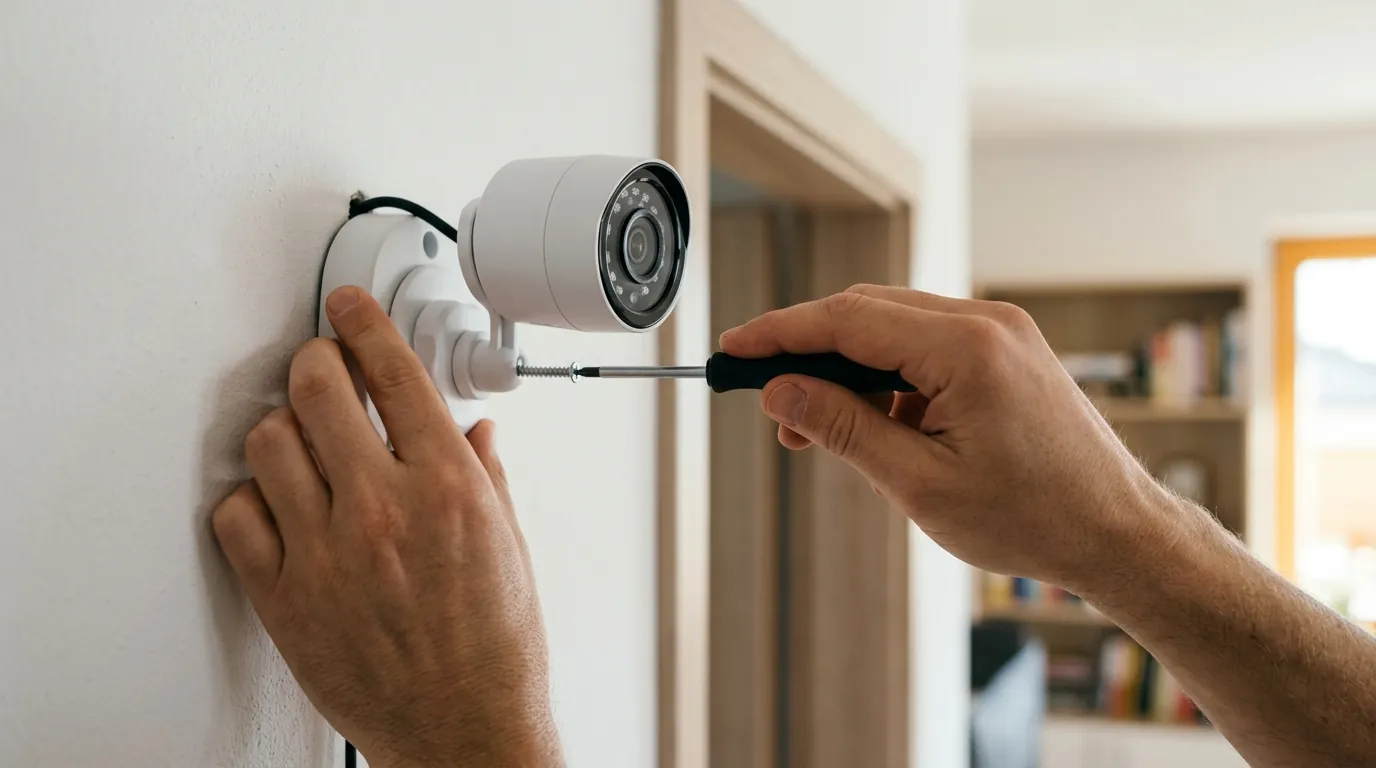
The primary reason to prioritize RTSP and ONVIF is the Total Cost of Ownership (TCO) and the preservation of digital privacy.
Building a Subscription-Free System
Cloud-only brands like Ring or Arlo often appear cheaper upfront but carry a “feature paywall.” For example, as of 2026, Ring’s basic plan costs around $50 per year per camera (or $100 for a household), which is required just to view recorded video.
In contrast, an ONVIF-based system uses a local Network Video Recorder (NVR) or a computer running software like Blue Iris. There are no monthly fees because you own the “cloud” (the hard drive in your closet).
Total Cost of Ownership (5-Year Comparison)
Based on a 4-camera 4K outdoor setup.
| Expense Category | Cloud-Only System (e.g., Ring/Nest) | Local ONVIF/NVR System (e.g., Amcrest/Reolink) |
|---|---|---|
| Initial Hardware | $600 - $800 | $500 - $700 |
| Storage Media | $0 (Included in sub) | $100 - $150 (8TB Surveillance HDD) |
| Monthly Subscription | $10 - $15 / month | $0 |
| 5-Year Total Cost | $1,200 - $1,700 | $600 - $850 |
Privacy and Air-Gapping
Privacy is the most significant technical advantage of RTSP/ONVIF. Because these protocols work locally, you can “air-gap” your cameras. By using a router to block the camera’s IP address from accessing the internet, the camera can still send video to your local NVR via RTSP, but it can never send data to a third-party server in another country. This mitigates risks associated with manufacturer data breaches or unauthorized police access to cloud footage.
Smart Home Integration (Home Assistant & Scrypted)
For power users, RTSP is the “secret sauce” for high-speed smart home integration. While a Ring camera might take 5–10 seconds to show a feed on an Apple TV or Dashboard due to cloud latency, an RTSP stream via Scrypted can provide a near-instantaneous (sub-1-second) “HomeKit Secure Video” experience.
Common misconceptions
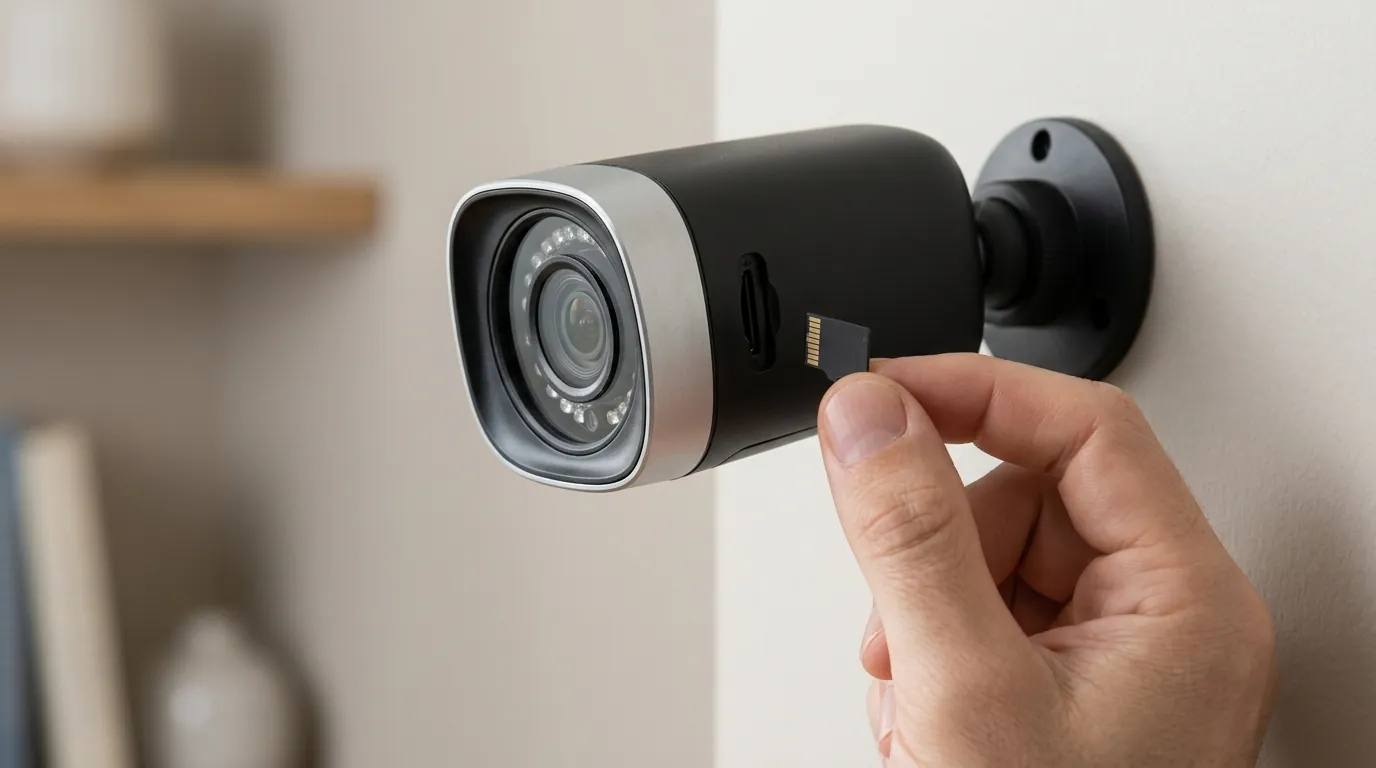
Despite their benefits, RTSP and ONVIF are frequently misunderstood, leading to frustration during setup.
ONVIF is Not a Protocol
A common mistake is saying, “I am streaming via ONVIF.” ONVIF is a framework. When you “use ONVIF,” you are actually using a collection of protocols including HTTP, XML, and RTSP. Think of ONVIF as the manager and RTSP as the delivery driver. The manager gives the driver the address and instructions, but the driver still does the work of moving the package.
The ‘Broken’ Two-Way Audio Problem
Users often find that while their camera’s video works perfectly on a third-party NVR, the “Talk” button does nothing. This is because two-way audio was not a strictly enforced part of the early ONVIF Profile S. While Profile T has improved this, many manufacturers still use proprietary “back-channels” for audio. If two-way audio is a dealbreaker, you must verify that both the camera and the NVR support ONVIF Profile T specifically for audio back-channels.
Why Your NVR Can’t See the AI Alerts
Modern cameras feature “AI” detection (Person, Vehicle, Pet). Many buyers assume that if a camera is ONVIF-compliant, these alerts will automatically show up in their NVR.
- Reality: Basic ONVIF (Profile S) only supports simple pixel-based motion detection.
- The Fix: To get AI “Rich Metadata” (e.g., “Person detected at front gate”), you generally need ONVIF Profile M. If your camera is Profile M but your NVR is only Profile S, you will only receive a generic “motion” alert, losing the benefit of the camera’s advanced AI.
Decision Framework: Which should you prioritize?
- The Renter: Prioritize RTSP. You likely won’t install a permanent NVR. RTSP allows you to view your camera on a tablet or phone using free apps like VLC or IP Cam Viewer without a subscription.
- The Homeowner: Prioritize ONVIF Profile T. You want a system that lasts 10 years. Profile T ensures your 4K cameras will work with modern H.265 recorders and provides the best chance for motion alerts to work across different brands.
- The Privacy Advocate: Prioritize RTSP + VLANs. Look for cameras with documented RTSP paths so you can block their internet access entirely and feed the stream into an encrypted local server.
- The Business Owner: Prioritize ONVIF Profile G and M. You need “Edge Storage” (Profile G) so that if your network goes down, the cameras record to their internal SD cards and sync back to the NVR later.
Further reading

Understanding protocols is only half the battle. To build a truly resilient system, you must consider where that data lives and how it is protected from outside interference.
Choosing the right hardware requires looking at how NVRs handle these protocols. Some NVRs are “Plug and Play” only with their own brand but offer an “ONVIF Mode” for others. Additionally, the physical layer matters; a PoE (Power over Ethernet) camera will always provide a more stable RTSP stream than a Wi-Fi camera, which may drop frames during network congestion.
For those moving away from cloud-dependent brands, the transition to local RTSP/ONVIF streaming represents a one-time investment in hardware that yields years of private, fee-free security.
Sources
- ONVIF Official — Profiles Page & Purpose
- Axis Communications — Understanding ONVIF for Security
- Reolink Support — How to Add Reolink Cameras to Third-Party Software via RTSP
- Amcrest Help Center — RTSP Stream URL Setup
- Scrypted Documentation — High-Speed HomeKit Integration via RTSP
- Ring Privacy & Terms — Ring Protect Plan Pricing and Data Policies