
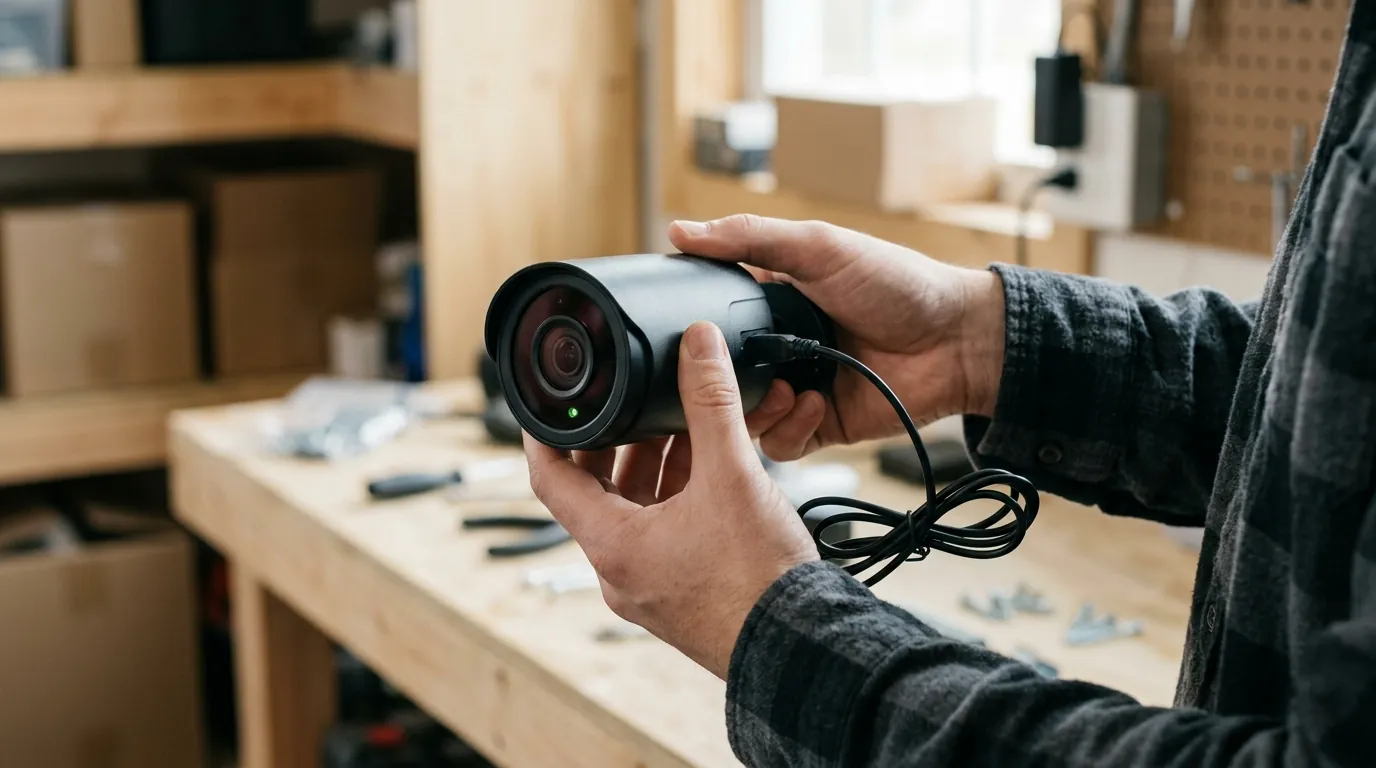
Ring Stick Up Cam Solar Charging Issues: 2026 Troubleshooting Guide
Even the most advanced solar-powered security cameras can encounter charging difficulties, and the Ring Stick Up Cam Solar is no exception. This guide explores the common reasons behind these issues in 2026, providing a comprehensive troubleshooting framework to ensure your home or small-business security remains uninterrupted.
Quick Answer
Ring Stick Up Cam Solar charging issues in 2026 often stem from insufficient direct sunlight, panel obstruction, battery degradation, or firmware glitches. Ensuring optimal panel placement, regular cleaning, and checking battery health are key troubleshooting steps for consistent power.
What it means
Related: Blink Outdoor 4 Motion Detection Delay: What You Need to Know · Reolink Doorbell Mounting on Brick Siding: A DIY Guide · Home Assistant 2026.7.0: Alexa Media Player Breaking Changes
Solar charging issues for a Ring Stick Up Cam Solar (now often referred to as Outdoor Cam) refer to the solar panel’s inability to maintain the camera’s Quick Release Battery Pack at an optimal charge level. Symptoms include the camera’s battery percentage consistently dropping, frequent low battery alerts, or the device going offline, despite the solar panel being connected. It’s crucial to understand that the solar panel is designed for trickle charging to extend battery life, not necessarily to fully recharge a deeply depleted battery from 0%. A reliably charged battery is essential for continuous surveillance and avoiding security gaps in home or small-business settings.
Why it exists
Environmental Factors
Insufficient direct sunlight is a primary cause; Ring recommends a minimum of four to six hours of direct sunlight daily for its solar panels to provide a reliable charge. Factors like geographic location, seasonal changes (e.g., lower sun angles in winter), and persistently cloudy weather can significantly reduce solar panel output. Physical obstructions such as tree branches, eaves, dirt, dust, pollen, or bird droppings on the solar panel can drastically decrease charging efficiency. Extreme temperatures, both very cold (below 0°C/32°F) and very hot, can negatively impact the performance and charging ability of the camera’s lithium-ion battery.
Hardware Limitations & Degradation
All rechargeable batteries, including Ring’s Quick Release Battery Packs, degrade over time, leading to reduced capacity and shorter charge retention. Loose, corroded, or physically damaged cable connections (USB-C or barrel plug, depending on the specific solar panel model) between the solar panel and the camera can interrupt the charging circuit. The efficiency and wattage of the solar panel itself can be a limiting factor, especially if the camera’s power consumption is high. Ring’s small solar panels, for instance, typically provide a limited wattage (e.g., 2W or 5W for some models), which is primarily intended for trickle charging.
Installation & Configuration Errors
Incorrect solar panel orientation, such as not facing true south in the Northern Hemisphere or an improper tilt angle, prevents optimal sunlight absorption. Placing the solar panel in perpetually shaded areas, even for part of the day, will severely hinder its ability to charge. High camera usage settings, including frequent motion detection, extensive live view streaming, or continuous recording, can drain the battery faster than the solar panel can replenish it.
Firmware & Software Glitches
Bugs or errors in the camera’s firmware can affect its power management, battery status reporting, or the logic governing charging cycles. In some cases, recent firmware updates in other camera brands have been reported to introduce new connectivity or battery drain issues.
How it works under the hood
Solar Panel (Photovoltaic Cells)
The solar panel contains photovoltaic cells that convert sunlight (photons) into direct current (DC) electricity. Ring’s solar panels for the Stick Up Cam are typically rated for a specific wattage (e.g., the Ring Solar Panel is often rated at 2W 6V, while the Super Solar Panel might offer 5W) and require direct light exposure to generate power.
Charge Controller
An internal charge controller regulates the voltage and current flowing from the solar panel to the battery. This component is crucial for protecting the Quick Release Battery Pack from overcharging or deep discharging, which can extend its lifespan.
Rechargeable Battery
The Ring Stick Up Cam (now Outdoor Cam) relies on a removable Quick Release Battery Pack to store the energy generated by the solar panel. This battery powers the camera during periods of low light, at night, or when solar input is insufficient. Ring cameras typically use Lithium-ion batteries.
Camera Power Management System
The camera’s internal system intelligently manages power consumption, drawing from the battery and/or directly from the solar panel when available. It often employs low-power modes or sleep states to conserve energy when not actively recording or streaming.
Firmware’s Role
The camera’s firmware plays a vital role in managing its power modes, accurately reporting battery status, and controlling the charging cycles. Software bugs can disrupt these processes, leading to perceived charging issues.
Connectivity and Power Draw
The camera’s Wi-Fi connectivity, used for alerts and live viewing, also draws power from the battery, impacting the overall energy balance.
Real-world implications
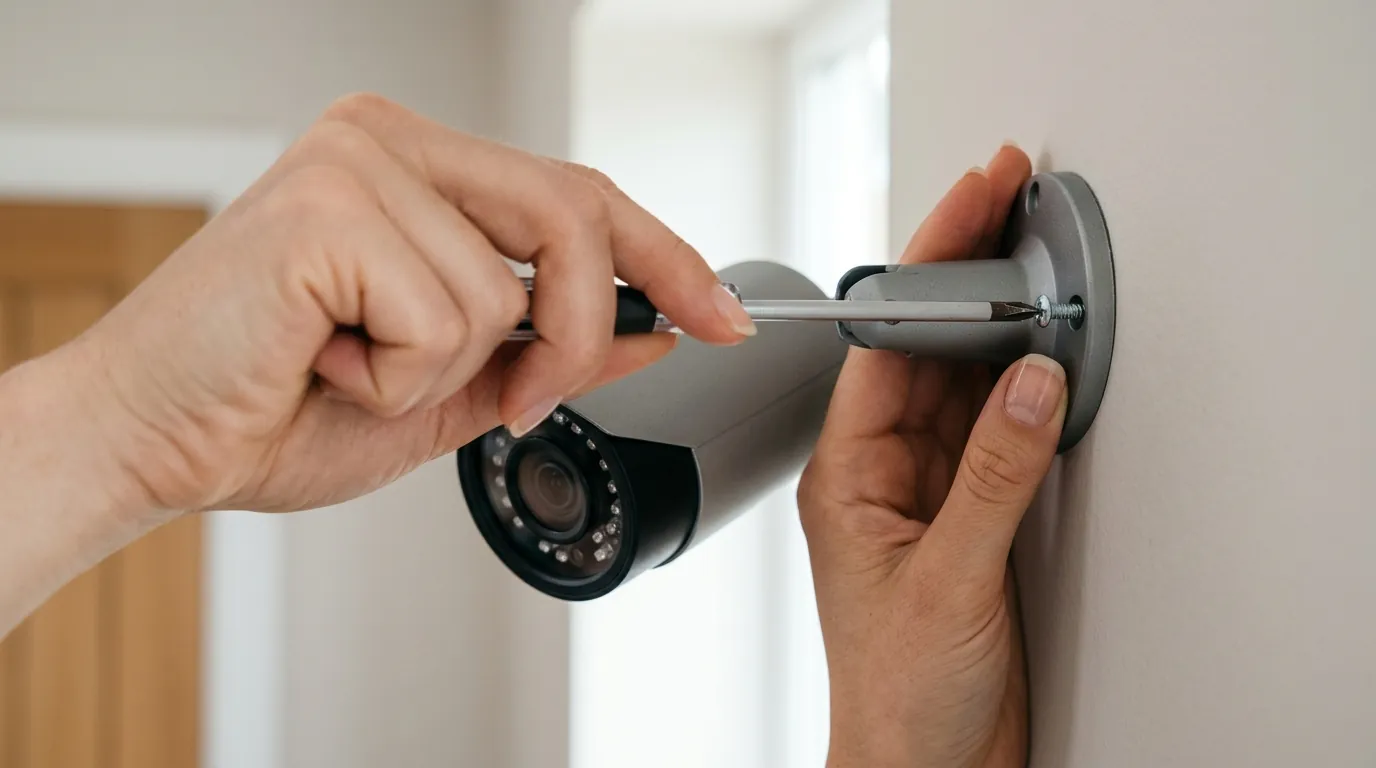
A camera that is not consistently charged will go offline when its battery dies, leading to missed recordings and creating critical vulnerabilities in your home or small-business security coverage. Users may experience frequent low battery notifications and the need for manual battery recharging, which defeats the purpose and convenience of a solar-powered system. When the battery level is critically low, the camera’s features such as live view, high-resolution recording, advanced motion detection, or night vision may be limited, disabled, or operate with reduced performance. Persistent charging issues can lead to significant user frustration, a lack of confidence in the security system’s reliability, and potential dissatisfaction with the product. In some cases, chronic charging problems might necessitate the premature replacement of solar panels or batteries, or even lead to considering an entirely new camera system. While not a direct charging issue, an offline camera cannot record, potentially creating gaps in your security footage. Ring’s reliance on cloud-only storage means there’s no local backup if the camera loses power and connectivity.
Common misconceptions
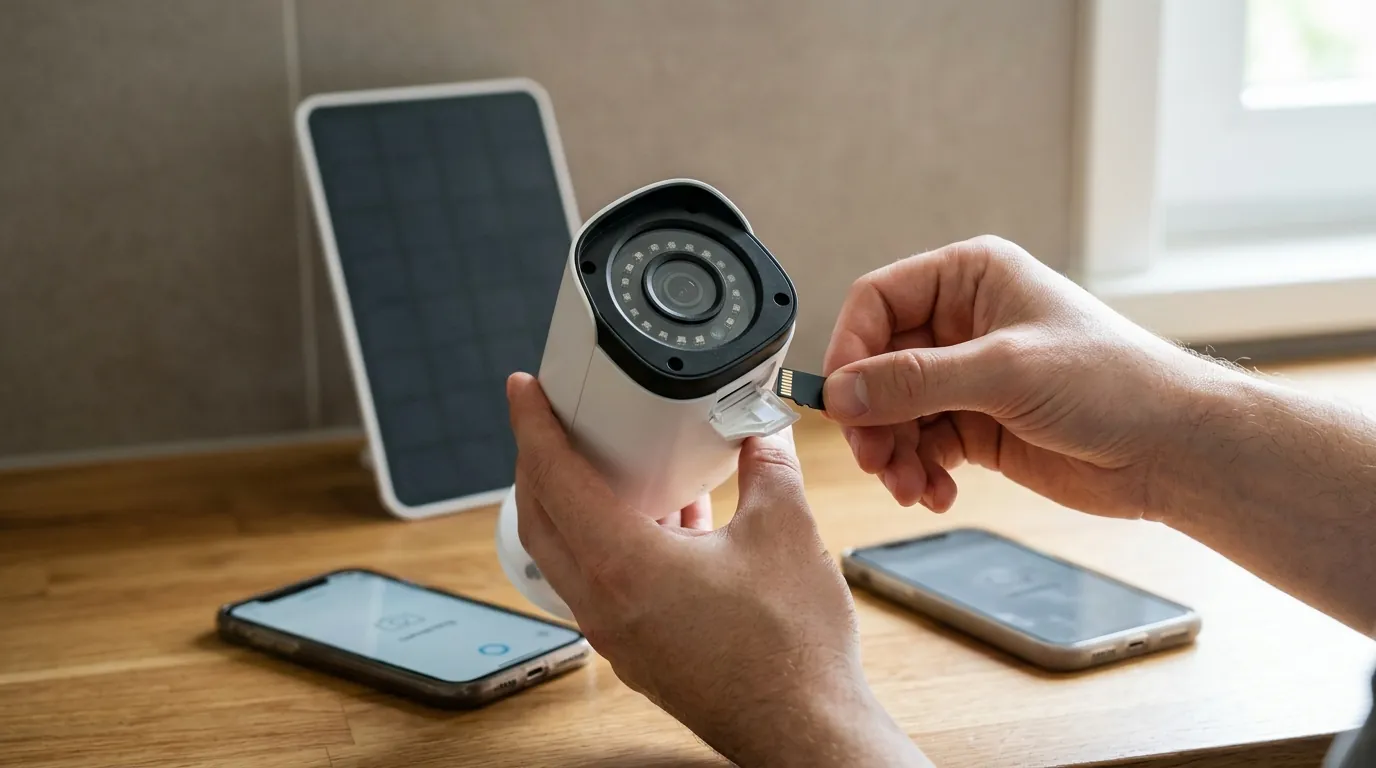
“Solar panels provide unlimited power.” Reality: Solar panel output is limited by its size, efficiency, and the consistency of direct sunlight. For devices like the Ring Stick Up Cam Solar, the panel primarily provides a trickle charge to maintain the battery, not an endless power supply.
“My solar camera will always be at 100%.” Reality: Ring solar panels are designed to keep the battery charged, but the battery level may not consistently exceed around 80% to help prolong the battery’s overall lifespan. High camera usage can also prevent the battery from reaching or staying at 100%.
“Any light is enough to charge a solar panel.” Reality: Direct, unobstructed sunlight for several hours (e.g., 4-6 hours for Ring) is crucial for effective charging. Ambient or indirect light provides minimal power and is often insufficient to keep the camera charged.
“Solar panels are maintenance-free.” Reality: For optimal performance, solar panels require regular cleaning to remove dirt, dust, and debris, and occasional adjustments to their angle to maximize sun exposure throughout the seasons.
“Firmware updates always fix charging problems.” Reality: While updates can address bugs, they can also sometimes introduce new software glitches that affect power management or connectivity, as seen with issues reported in other camera brands.
“A small solar panel is sufficient for any security camera.” Reality: The power requirements of a security camera vary based on its features and usage. Cameras with high activity, frequent live view, or advanced features may require more robust solar charging solutions than a standard small panel can provide.
Troubleshooting Your Ring Stick Up Cam Solar Charging Issues
When your Ring Stick Up Cam Solar isn’t charging as expected, a systematic approach to troubleshooting can help identify and resolve the problem.
Step-by-Step Troubleshooting Guide
- Verify Direct Sunlight Exposure:
- Observation: Ensure your solar panel receives a minimum of 4-6 hours of direct, unobstructed sunlight daily. Even partial shade for a portion of the day can significantly reduce charging efficiency.
- Action: Relocate the solar panel if necessary to an area with maximum sun exposure. Consider seasonal changes in sun angle and path.
- Inspect the Solar Panel and Connections:
- Observation: Check the solar panel surface for dirt, dust, pollen, spiderwebs, or bird droppings. Examine the cable connecting the solar panel to the camera for any signs of damage, corrosion, or loose connections.
- Action: Gently clean the solar panel with a soft, damp cloth. Securely re-seat the connection cable at both the solar panel and the camera ends. If the cable or panel is visibly damaged, consider replacement.
- Check Battery Health and Status:
- Observation: Access the Ring app to view the camera’s battery percentage and device health status. A consistently low battery might indicate a degraded battery or an underlying charging issue.
- Action: If the battery is consistently draining despite adequate sunlight, fully charge the Quick Release Battery Pack indoors using a standard USB charger. Reinsert it into the camera and monitor its performance. If it drains quickly again, the battery itself may need replacement. Ring offers replacement Quick Release Battery Packs.
- Review Camera Usage Settings:
- Observation: High motion detection sensitivity, frequent live view access, and extended recording durations can increase power consumption, outstripping the solar panel’s ability to recharge.
- Action: Adjust motion sensitivity to only detect relevant events. Reduce the frequency of live view sessions. Optimize motion zones to minimize unnecessary recordings.
- Update Firmware and App:
- Observation: Outdated camera firmware or Ring app versions can sometimes lead to performance issues, including power management glitches.
- Action: Ensure your Ring app is updated to the latest version. Ring cameras typically update their firmware automatically when connected to Wi-Fi, but you can check for updates within the device settings in the app.
- Test with a Different Power Source (if possible):
- Observation: If you have a spare Quick Release Battery Pack, try swapping it out. If the camera functions normally with a freshly charged battery, the issue likely lies with the original battery or the solar charging setup.
- Action: This helps isolate whether the problem is with the camera itself, the battery, or the solar panel system.
- Reset the Camera:
- Observation: As a last resort for software-related issues, a factory reset can sometimes resolve persistent glitches.
- Action: Consult the Ring support documentation for your specific Stick Up Cam model for instructions on performing a factory reset. Be aware that this will erase all settings and require re-setup.
Further reading
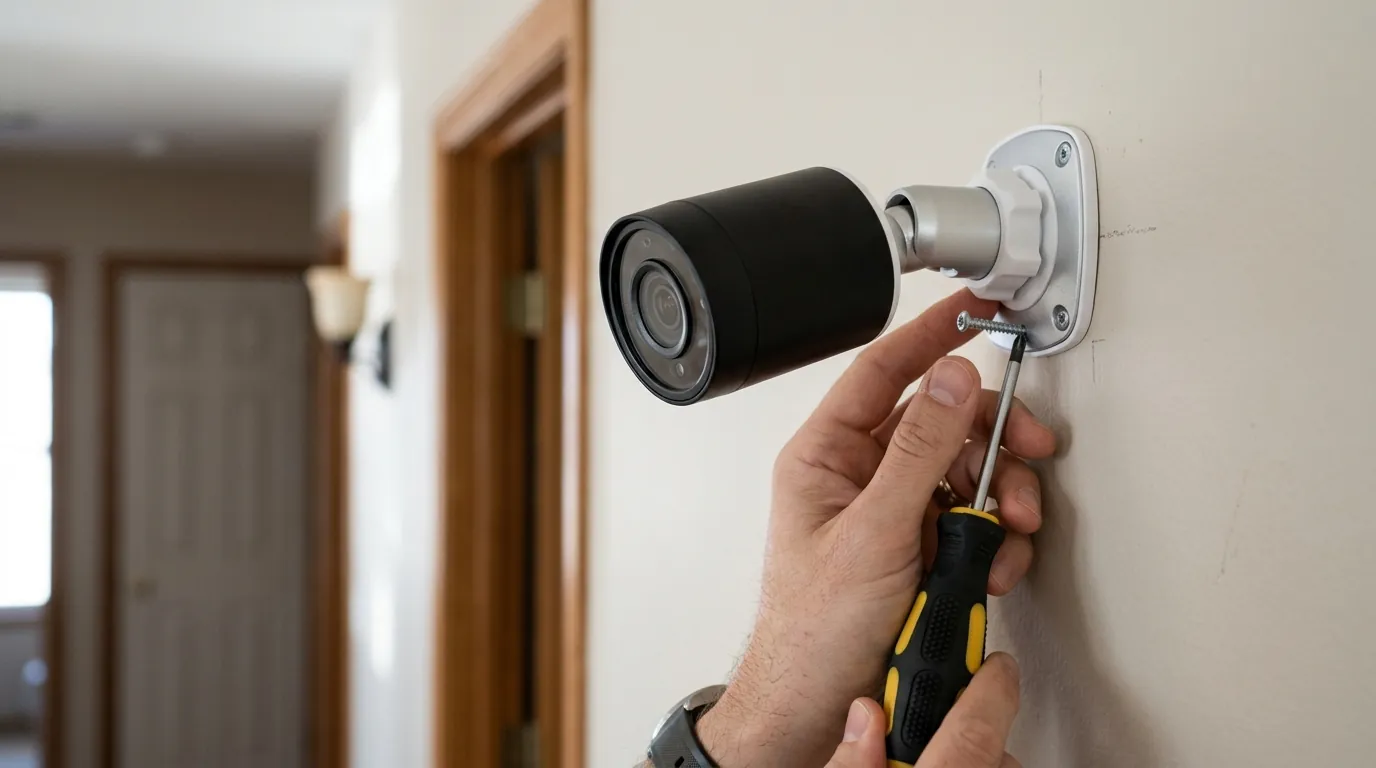
Security Camera Comparison: Solar-Powered Models (2026)
| Feature | Ring Stick Up Cam Battery (with Solar Panel) | Reolink Argus 3 Pro (with Solar Panel) | Eufy SoloCam S40 |
|---|---|---|---|
| Resolution | 1080p HD | 2K (2560x1440) | 2K (2560x1440) |
| Field of View | 130° horizontal, 69° vertical | 120° diagonal | 130° diagonal |
| Night Vision | Color night vision (with spotlight), Infrared | Color night vision (with spotlight), Infrared | Color night vision (with spotlight), Infrared |
| Local Storage | No (Cloud only) | MicroSD card (up to 128GB) | 8GB eMMC (Built-in) |
| Cloud Storage | Ring Protect Plan (Subscription required) | Reolink Cloud (Optional subscription) | Eufy Cloud Storage (Optional subscription) |
| Subscription Cost/yr (Basic) | Around $40/year (for one device) | Around $50/year (for one device) | Around $30/year (for one device) |
| Power Type | Quick Release Battery Pack + Solar Panel | Rechargeable Battery + Solar Panel | Built-in Battery + Solar Panel |
| Wi-Fi | 2.4 GHz | 2.4/5 GHz dual-band | 2.4 GHz |
| Two-Way Audio | Yes | Yes | Yes |
| Siren | Yes | Yes | Yes |
Decision Framework: Choosing or Troubleshooting Your Solar-Powered Camera
Understanding your specific needs and environment is key to both selecting the right solar camera and effectively troubleshooting charging issues.
- If you live in a perpetually cloudy region or have limited direct sunlight exposure: Prioritize cameras with larger, higher-wattage solar panels or consider a wired power option. Ensure the panel is positioned for maximum ambient light, even if direct sun is scarce. A camera with local storage (like Reolink or Eufy) might be a better choice to avoid gaps from power loss, as cloud uploads require consistent power and connectivity.
- If your camera experiences high traffic/activity (e.g., busy entryway, active business area): You’ll need a robust solar setup. Consider Ring’s Super Solar Panel (5W) if available for your model, or a third-party high-wattage panel compatible with your camera (verify specifications carefully). High usage drains batteries faster, so more charging power is essential. Adjust motion settings to reduce unnecessary recordings.
- If you prioritize privacy and local data storage: Look for cameras that offer onboard storage via microSD cards (like Reolink Argus 3 Pro) or built-in eMMC (like Eufy SoloCam S40). While these can also be solar-powered, the local storage ensures recordings are kept even if internet or cloud access is interrupted, which can happen with power fluctuations.
- If you’re a renter or prefer flexible placement without drilling/wiring: Battery-powered cameras with solar charging are ideal. Focus on optimal panel placement and regular maintenance to avoid manual recharging. Ensure the solar panel mount allows for easy adjustment.
- If you are experiencing consistent low battery alerts despite troubleshooting: Your battery may be degrading. All lithium-ion batteries have a finite lifespan. Consider purchasing a new Quick Release Battery Pack from Ring.
Total Cost of Ownership (TCO) for Solar-Powered Security Cameras (3-Year Estimate)
The sticker price of a security camera is only part of the total cost. Understanding the 3-year Total Cost of Ownership (TCO) helps in making an informed decision, especially considering subscription fees and potential hardware replacements.
Example: Ring Stick Up Cam Battery with Solar Panel
-
Initial Hardware Cost:
- Ring Stick Up Cam Battery: Around $100
- Ring Solar Panel: Around $50-60
- Year 0 Hardware Total: Around $150-160
-
Subscription Costs (Ring Protect Basic - for one device):
- Annual cost: Around $40/year
- 3-Year Subscription Total: Around $120
- Note: Many advanced features like rich notifications, video history, and person detection are paywalled behind a Ring Protect subscription. Without it, the camera’s utility is significantly reduced.
-
Potential Replacement Costs (Estimates):
- Replacement Quick Release Battery Pack (due to degradation after 2-3 years): Around $30-40
- Replacement Solar Panel (due to damage or reduced efficiency): Around $50-60
- 3-Year Estimated Replacement Total: Around $30-100 (highly variable)
-
Estimated 3-Year Total Cost of Ownership:
- Hardware + Subscription + Potential Replacements = Around $300 - $380
Comparison Note: Cameras with local storage options (e.g., Reolink, Eufy) often have lower TCO if you opt out of their optional cloud subscriptions, as core features like video recording and playback are available without recurring fees. However, they may require you to purchase a microSD card separately. The trade-off is often between the convenience of cloud-based features (and potential police cooperation features for Ring) versus lower ongoing costs and greater local control over your data. Always check specific brand privacy policies and transparency reports for details on data handling and law enforcement requests.
Frequently Asked Questions
Why is my Ring Stick Up Cam Solar battery draining so fast?
Fast battery drain can be caused by high camera usage (frequent motion alerts, many live views), insufficient direct sunlight on the solar panel, a degraded battery, or issues with the solar panel’s connection or efficiency. Ensure the panel is clean and optimally angled, and check your camera’s settings in the Ring app to reduce unnecessary activity.
How many hours of direct sunlight does a Ring Solar Panel need?
Ring recommends that its solar panels receive at least four to six hours of direct sunlight daily to effectively charge the Quick Release Battery Pack. Indirect or filtered sunlight will provide minimal charge and is usually insufficient for sustained operation.
Can I use a different brand’s solar panel with my Ring Stick Up Cam?
While some third-party solar panels might technically connect, it’s generally recommended to use Ring-branded solar panels to ensure compatibility, proper voltage regulation, and optimal charging performance. Using unapproved third-party accessories could potentially damage your camera or void its warranty.
Does the Ring Stick Up Cam Solar charge at night?
No, the Ring Stick Up Cam Solar panel does not charge at night or in very low light conditions. Solar panels require sunlight to generate electricity. The camera relies on its internal Quick Release Battery Pack to power it during nighttime hours or when there is insufficient sunlight.
How long do Ring Quick Release Battery Packs last?
The lifespan of a Ring Quick Release Battery Pack depends on usage and environmental factors, but typically they are designed to last several years. Over time, like all rechargeable batteries, their capacity will diminish. Ring offers replacement battery packs, which can be easily swapped out when needed.
Sources
- Ring.com — Ring Solar Panel (2nd Generation) Support
- Ring.com — Ring Privacy Policy
- Ring.com — Stick Up Cam Battery (Product Page)
- Ring.com — Ring Protect Plans
- Ring.com — Ring Protect Plan Pricing
- Ring.com — How to Maximize the Solar Power for your Ring Solar Charger
- Reddit.com — r/Ring (community discussions on battery issues)
- Reolink.com — Reolink Argus 3 Pro (Product Page)
- Reolink.com — Reolink Cloud Plans
- Eufy.com — SoloCam S40 (Product Page)
- Eufy.com — Eufy Security App (features and specifications)
- Aosulife.com — Lithium Battery Performance in Cold Weather
- Ring.com — Quick Release Battery Pack (Product Page)
- Ring.com — Ring Solar Panel (Product Page)
- Linksolar.net — Solar Charge Controller Function