
Fixing Ring Video Streaming in Home Assistant 2026.7.0b0
For users running the Home Assistant 2026.7.0b0 beta, a sudden loss of Ring video feeds has turned smart dashboards into collections of “Broken Pipe” icons. This technical regression highlights the fragile bridge between proprietary cloud APIs and open-source automation platforms.
Quick Answer: The Ring streaming failure in HA 2026.7.0b0 is caused by a WebRTC SDP mismatch. Fix it by installing the ‘HAWebRTCFix’ custom component or switching to the Ring-MQTT go2rtc provider to bypass the core WebRTC regression.
What it means
Related: Doorbell Camera vs. Security Camera: Optimal Placement Guide · Doorbell Camera Privacy: Your Rights When Federal Agents Visit Your Po · Arlo Pro VMC4030 Factory Reset Failure: July 2026 Fix Guide
When a user attempts to open a Ring camera feed in the Home Assistant 2026.7.0b0 dashboard, the stream fails to initialize, often spinning indefinitely or displaying a “Failed to fetch” overlay. Unlike a simple network outage where an entity might show as “Unavailable,” the Ring entities remain “Online,” but the media player component cannot establish a visual connection.
Identifying the WebRTC Error Log
To confirm this specific issue, users must inspect the Home Assistant Core logs (Settings > System > Logs). The hallmark of this 2026.7.0b0 bug is a WebRTC Error followed by a specific trace:
Failed to execute 'setRemoteDescription' on 'RTCPeerConnection': The provided SDP contains an incompatible send direction.
This error indicates that while the Home Assistant server and the Ring Cloud are talking, they cannot agree on which device is “sending” the video and which is “receiving” the audio. In the 2026.7.0b0 beta, the handshake fails at the final step, preventing the encrypted tunnel from opening.
Affected Hardware and Firmware Versions
The issue is not limited to a single Ring device but rather impacts any Ring hardware that relies on the “Live View” WebRTC protocol. Based on community reports and manufacturer specifications, the following models are most frequently cited:
| Ring Model | Resolution | Connection Type | Power Source |
|---|---|---|---|
| Video Doorbell Pro 2 | 1536p HD+ | Dual-Band Wi-Fi | Hardwired |
| Stick Up Cam Pro | 1080p HDR | Wi-Fi / Ethernet | Battery/Plug/Solar |
| Floodlight Cam Wired Plus | 1080p HD | 2.4GHz Wi-Fi | Hardwired |
| Video Doorbell 4 | 1080p HD | Dual-Band Wi-Fi | Battery/Hardwired |
Data sourced from Ring.com Product Specs and RTINGS Camera Reviews.
Why it exists
The failure of Ring streaming in the 2026.7.0b0 beta cycle is a “perfect storm” of architectural changes within Home Assistant and external security hardening in web browsers.
The 2026.7 VoIP Stack Overhaul
The primary driver for this regression is Home Assistant’s migration to a full SIP (Session Initiation Protocol) and VoIP media stack. This update was designed to improve native support for ESPHome-based intercoms and better two-way audio for cameras. However, the new media handler enforces stricter adherence to RFC 8866 (SDP: Session Description Protocol) standards.
The existing Ring integration, which has long relied on a specific “relaxed” interpretation of SDP to communicate with Ring’s proprietary servers, now finds its “Offer” rejected by the core HA media engine.
Chromium’s Role in the Handshake Failure
Simultaneously, recent updates to the Chromium engine (which powers Chrome, Edge, and the HA Companion App) have deprecated certain legacy WebRTC “Plan B” attributes in favor of “Unified Plan” only. When the Home Assistant 2026.7.0b0 frontend attempts to render the stream, the browser detects the mismatched media direction attributes and terminates the connection for security reasons. Because Ring’s cloud API is a “black box,” the Home Assistant community cannot simply update the Ring firmware; they must instead patch how HA translates the Ring signal.
How it works under the hood
Understanding the fix requires understanding how Ring sends video to your screen. Unlike local cameras that use RTSP (Real-Time Streaming Protocol), Ring uses WebRTC, a protocol designed for peer-to-peer communication.
WebRTC and SDP Negotiation Explained
When you click “Live View,” a three-way handshake occurs:
- The Offer: Home Assistant sends an SDP “Offer” to Ring’s servers, describing what video formats it can accept.
- The Answer: Ring sends an “Answer” back, confirming the resolution and encryption keys.
- The ICE Candidates: Both sides exchange IP addresses (even if masked by a proxy) to find the fastest path for the data.
In 2026.7.0b0, the “Offer” generated by Home Assistant includes a sendrecv (send and receive) attribute for audio. Ring’s servers, expecting a simpler sendonly or recvonly attribute depending on the specific doorbell model, flag this as an “Incompatible send direction.”
The Shift from RTSP to WebRTC in Ring Integrations
Historically, many users bypassed these issues using the “Ring-MQTT” add-on, which converted Ring’s cloud signal into a local RTSP stream. However, as Ring has moved toward higher-security WebRTC-only streams for their “Pro” line of cameras, the reliance on go2rtc (a modern media gateway) has become mandatory. The 2026.7.0b0 bug specifically breaks the bridge between go2rtc and the Ring API by misconfiguring the SDP envelope that wraps the video data.
Real-world implications
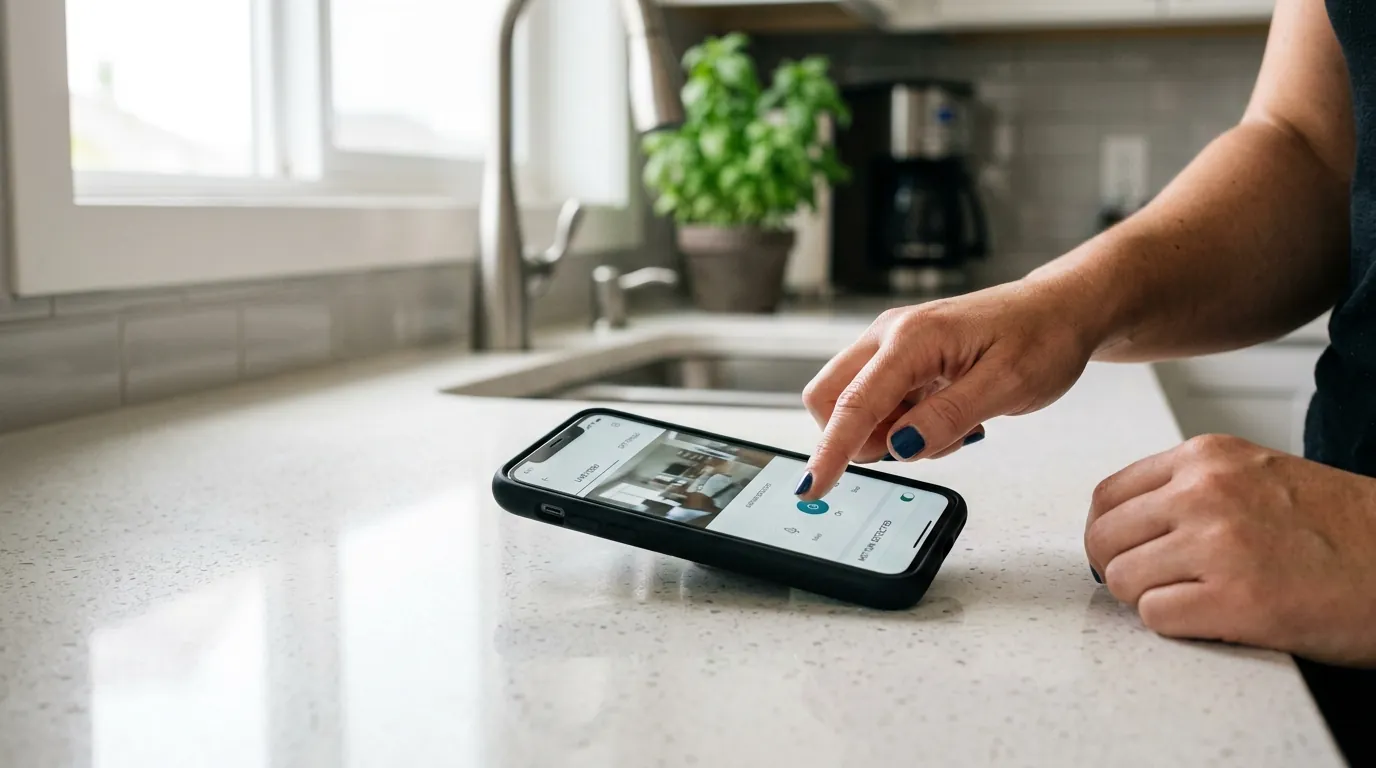
For the average user, this isn’t just a technical glitch; it’s a security gap. When the WebRTC handshake fails, the primary utility of a $200 doorbell is significantly diminished.
Impact on Dashboard Usability
The most immediate loss is the “Two-Way Talk” feature. Because the SDP mismatch often centers on the audio direction, users may find they can see a frozen frame of the visitor but cannot hear them or speak back. Furthermore, automations that trigger “Picture-in-Picture” on an Apple TV or Android tablet when someone presses the doorbell will now result in a black screen or an error message, rendering the “smart” aspect of the doorbell useless during the beta period.
The Frustration of Subscription-Dependent Hardware
This incident highlights the “Cloud Tax.” Ring users already pay a recurring fee (typically in the $50-200/year range depending on the plan) to access their own video. When a software update breaks the integration, users are reminded that they do not truly “own” the video path of their camera.
3-Year Total Cost of Ownership (TCO) Breakdown: Ring Video Doorbell Pro 2
- Hardware: ~$200-250 (Retail band)
- Subscription (Protect Basic, 3 Years): ~$150 ($50/year)
- Total: ~$350-400
- Risk Factor: High. If the cloud API changes or an HA integration breaks, the hardware’s local utility is near zero without the app.
Pricing based on Ring Protect Plan 2026 tiers.
Common misconceptions
When a stream fails, the first instinct of many users is to troubleshoot their hardware. In the case of the 2026.7.0b0 bug, these efforts are often wasted.
- Misconception: “My Wi-Fi is too weak.” If your camera worked on version 2026.6 and stopped on 2026.7.0b0, your Wi-Fi is likely fine. This is a protocol bug, not a signal issue.
- Misconception: “Ring has blocked Home Assistant.” While Ring does not officially support Home Assistant, there is no evidence of an intentional “block.” This is a technical regression caused by Home Assistant’s internal updates to the media stack.
- Misconception: “A Ring Protect subscription will fix it.” The bug affects the protocol level. Whether you are on the free tier or the “Pro” subscription, the WebRTC handshake will still fail in the same manner.
- Misconception: “Restarting the router will help.”
Rebooting your network hardware will not change the SDP attributes being sent by the Home Assistant software. Only a code-level patch or a configuration change in
go2rtcwill resolve the error.
Checklist: Is it the Bug or My Network?
- Check the Log: Do you see
setRemoteDescriptionerrors? (If yes, it’s the bug). - Check the Ring App: Does Live View work in the official Ring mobile app? (If yes, it’s the HA integration).
- Check the Version: Are you on
2026.7.0b0? (If yes, you are in the affected beta pool).
Further reading
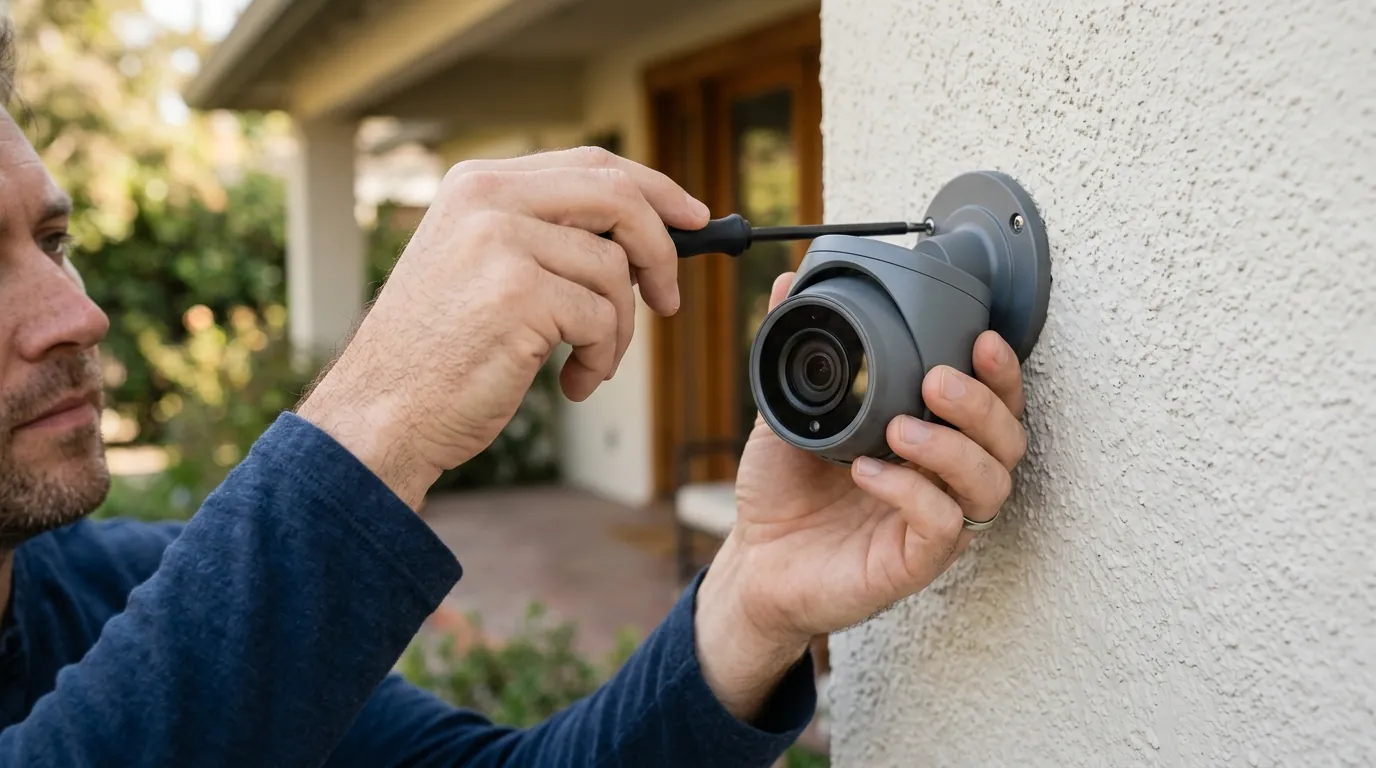
Fixing this issue requires moving away from the “Core” Ring integration’s default settings or applying a community-developed patch.
Community Fixes and Workarounds
The most reliable current fix is the HAWebRTCFix custom component developed by community member TeejMcSteez. This component acts as a shim, intercepting the SDP Offer and stripping the incompatible “send direction” attributes before they reach the browser.
Alternatively, many power users are migrating to the Ring-MQTT with go2rtc setup. This method bypasses the Home Assistant Core media player entirely, using a dedicated Docker container to handle the Ring connection and providing a standard RTSP or WebRTC stream that is more resilient to HA version changes.
Moving Toward Local-First Security
This recurring instability with cloud-based cameras has led many in the Home Assistant community to recommend “local-first” hardware. Cameras from brands like Reolink or Amcrest offer RTSP and ONVIF support out of the box, meaning they do not require a cloud handshake to display video in Home Assistant.
Decision Framework: Should You Stick with Ring?
| If you are a… | Recommendation |
|---|---|
| Renter | Stick with Ring. The ease of battery-powered installation usually outweighs the occasional integration headache. |
| Homeowner | Consider Reolink or PoE. If you can run a wire, a local-first camera eliminates the subscription and the “broken stream” risk. |
| Business Owner | Avoid Cloud-Only. Reliability is paramount. Use a dedicated NVR (Network Video Recorder) that integrates locally with HA. |
Quvii Advisory Note
While Ring offers some of the most polished hardware in the consumer market, its reliance on proprietary WebRTC implementations makes it a “brittle” choice for advanced smart home users. Quvii tracks these trade-offs across the category to help users decide between “convenience” and “reliability.” If you are tired of troubleshooting beta regressions, exploring local-first security cameras or subscription-free doorbells may be the long-term solution.
Frequently Asked Questions
Why did my Ring camera stop working specifically in the 2026.7.0b0 update?
The 2026.7.0b0 update introduced a new VoIP and media handling stack that enforces stricter rules on how video streams are described. Ring’s cloud service uses an older or non-standard format for these descriptions, causing Home Assistant to reject the connection.
How do I install the ‘HAWebRTCFix’?
You can install it via HACS (Home Assistant Community Store). Search for “HAWebRTCFix,” install the repository, and restart Home Assistant. It automatically attempts to patch the SDP handshake for Ring and Nest devices.
Will switching to the stable release of Home Assistant fix this?
If you are currently on the beta (b0), rolling back to the current stable version (e.g., 2026.6.x) will almost certainly restore your Ring video, as the stable version does not yet contain the restrictive media stack changes.
Does this issue affect the Ring-MQTT add-on?
Generally, no. The Ring-MQTT add-on uses its own internal logic to handle the Ring API. If you use Ring-MQTT to provide an RTSP stream to Home Assistant, you are likely shielded from this specific WebRTC regression.
Sources
- Ring Product Specifications — https://www.ring.com/products
- Home Assistant 2026.7 Release Notes (Beta) — https://www.home-assistant.io/blog/
- RTINGS Security Camera Testing — https://www.rtings.com/camera
- WebRTC SDP Standards (RFC 8866) — https://datatracker.ietf.org/doc/html/rfc8866
- Ring-MQTT GitHub Documentation — https://github.com/tsightler/ring-mqtt