
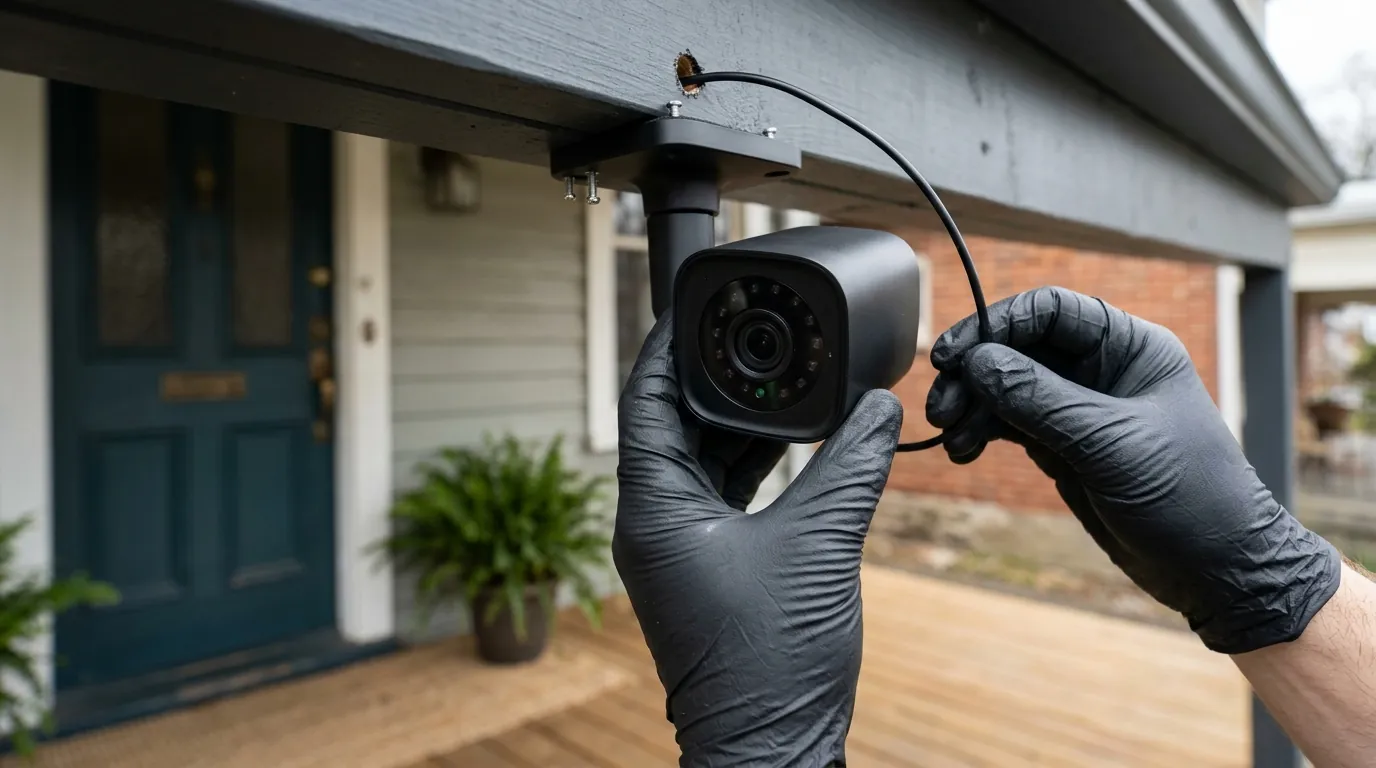
Ring Doorbell Recording Neighbors? Understand Your Privacy Rights
Many homeowners install smart doorbells for security, convenience, and peace of mind, but a common concern arises: is your Ring doorbell inadvertently recording neighbors without their explicit consent? The answer is often yes, depending on configuration and location. A Ring doorbell can record neighbors without their explicit permission if its field of view or motion detection zones extend beyond your property, potentially capturing public spaces or adjacent private areas. Users can mitigate this by adjusting privacy settings like motion zones and enabling end-to-end encryption, though some features may be disabled. Legal implications vary by state and can lead to disputes or lawsuits.
What it means
Related: Renter-Friendly Wireless Video Doorbells: No-Drill Security Options · Best Smart Home Security for Summer Travel: 2026 No-Subscription Guide · How to Claim a Wyze Cam v4 Refund: 2026 Process & Policy Guide
The concept of “recording neighbors without permission” within the context of smart doorbells like Ring refers to the capture of video or audio data of individuals or their private property outside the intended scope of your home security. This typically involves footage extending beyond your property line into public areas or, more critically, into a neighbor’s private space, such as their yard, windows, or driveway.
A crucial distinction exists between video and audio recording. While video recording in public spaces is generally permissible due to a reduced expectation of privacy, audio recording often carries stricter legal and privacy considerations. Conversations, even in what might appear to be a public setting, can involve a higher expectation of privacy, making audio capture more legally sensitive.
The core legal principle at play is the “reasonable expectation of privacy.” This concept, derived from US legal precedents, determines whether an individual has a legitimate right to privacy in a particular location or situation. For instance, someone standing on a public sidewalk generally has a lower reasonable expectation of privacy than someone in their own backyard or looking into their private window. However, even in public, recording someone’s private conversation without their consent could be problematic, especially in “two-party consent” states for audio recording.
A significant legal precedent highlighting these concerns is the UK’s landmark “Fairhurst v Woodard” case in 2021. In this case, a Ring doorbell was found to have breached a neighbor’s privacy rights under the UK’s data protection laws (similar to GDPR) because its wide-angle camera and audio capabilities captured a significant portion of the neighbor’s garden and driveway. The court ruled that the recordings were excessive and intrusive, resulting in the homeowner being ordered to pay damages. While this case was in the UK, it underscores the potential legal ramifications and the importance of respecting neighbor privacy, setting a benchmark for similar disputes even outside the UK.
Why it exists
Ring doorbells are primarily designed for home security, package monitoring, and crime deterrence, which inherently requires a broad view of your entryway and its surroundings. This core functionality often leads to the unintentional recording of neighboring areas.
Many Ring doorbells feature wide-angle lenses to achieve comprehensive coverage. For example, current models like the Ring Battery Doorbell Plus offer a 1536p HD+ resolution with a 150-degree horizontal and 150-degree vertical field of view (FoV). The Ring Video Doorbell Pro 2 features a 150-degree horizontal and 90-degree vertical FoV. These wide angles are beneficial for security, allowing users to see more of their property, but they can easily extend to neighboring properties or public sidewalks and streets.
Motion detection capabilities also contribute to this phenomenon. Ring doorbells typically have adjustable motion detection ranges that can extend significantly, often up to 30 feet or more, depending on the model and settings. This means the camera can be triggered and begin recording even when activity occurs well beyond the immediate property line, such as a neighbor walking their dog on the sidewalk or pulling into their driveway.
Furthermore, most Ring devices come with active audio recording enabled by default. The built-in microphones are sensitive and designed for two-way talk, but they can also pick up ambient sounds and conversations from a considerable distance, potentially capturing discussions happening on a neighbor’s property or a public street.
Finally, Ring’s cloud-centric architecture means that, by default, all recorded footage is uploaded to Amazon’s servers. Unlike some other brands, most Ring models do not offer local storage options without additional hardware like the Ring Alarm Pro, meaning recordings are always processed and stored remotely. This reliance on cloud storage means that any footage, whether intentionally or unintentionally captured, resides on Ring’s infrastructure.
How it works under the hood
Understanding the technology behind Ring doorbells helps explain how they can record beyond your property and what controls are available.
Motion Detection and Zones
Ring doorbells employ various motion detection technologies. Older and some entry-level models utilize Passive Infrared (PIR) sensors, which detect changes in heat signatures, often triggered by movement of people, animals, or vehicles. Newer and more advanced Ring Pro models, such as the Ring Video Doorbell Pro 2, incorporate radar-powered 3D Motion Detection and a Bird’s Eye View feature. This technology maps your property in three dimensions, allowing for more precise alerts by tracking objects’ paths and distances from your doorbell. Bird’s Eye View provides an aerial map view of motion events, showing the trajectory of movement.
Crucially, all Ring doorbells offer customizable motion zones and privacy zones within the Ring app. Motion zones allow you to define specific areas within the camera’s field of view where you want motion detection to be active. Conversely, privacy zones enable you to block out certain areas entirely from being recorded, rendering those sections black in the live view and recordings. This feature is vital for excluding neighboring properties or public pathways from surveillance.
Audio Recording Range
Ring doorbells are equipped with built-in microphones that facilitate two-way talk and record ambient sounds. These microphones are sensitive and can pick up audio from distances of 15 to 30 feet away, and even further in quiet environments. Audio recording is typically enabled by default on Ring devices. While useful for capturing verbal interactions at your door, this range means conversations happening on an adjacent sidewalk or even a neighbor’s yard can be inadvertently captured, raising significant privacy concerns.
Cloud Storage vs. Local Storage
Ring primarily relies on cloud storage for video recordings and playback, requiring a paid Ring Protect subscription. Without a subscription, users can only access live view and receive motion alerts; no video recordings are saved. Ring Protect plans (Basic, Plus, and Pro) offer varying video retention periods, typically up to 180 days in the US, allowing users to review and download past events.
Local storage options for Ring doorbells are limited. While some competitor brands offer direct local storage to a microSD card, most Ring doorbells do not. The primary method for local storage with Ring products is through a Ring Alarm Pro system, which acts as a central hub with a microSD card slot. When paired with a Ring Alarm Pro and an active Ring Protect Pro subscription, certain Ring doorbells can record locally to the microSD card. However, this is not a standard feature across all models and requires additional hardware and a specific, higher-tier subscription.
Understanding End-to-End Encryption (E2EE)
End-to-End Encryption (E2EE) is an optional security feature offered by Ring that enhances the privacy of your video and audio recordings. When enabled, E2EE ensures that only your authorized mobile device can decrypt and view your recordings, preventing Ring (Amazon) or any unauthorized third parties from accessing the content. This means your videos are encrypted on your device, remain encrypted during transit to the cloud, and are only decrypted on your device.
However, enabling E2EE comes with trade-offs. Several key features are disabled when E2EE is active, including:
- Shared Users: You cannot share access to your Ring devices with other users.
- Person Detection: Advanced object detection features may be unavailable.
- 24/7 Recording: Continuous video recording is not supported with E2EE.
- Pre-Roll: The feature that captures a few seconds of video before a motion event is often disabled.
- Snapshot Capture: The ability to take still images at intervals is also typically unavailable.
- Live View on Echo Show or Fire TV: Streaming live video to smart displays or TVs is usually not possible.
Users must manually enable E2EE through the Ring app, as it is not the default setting.
Real-world implications
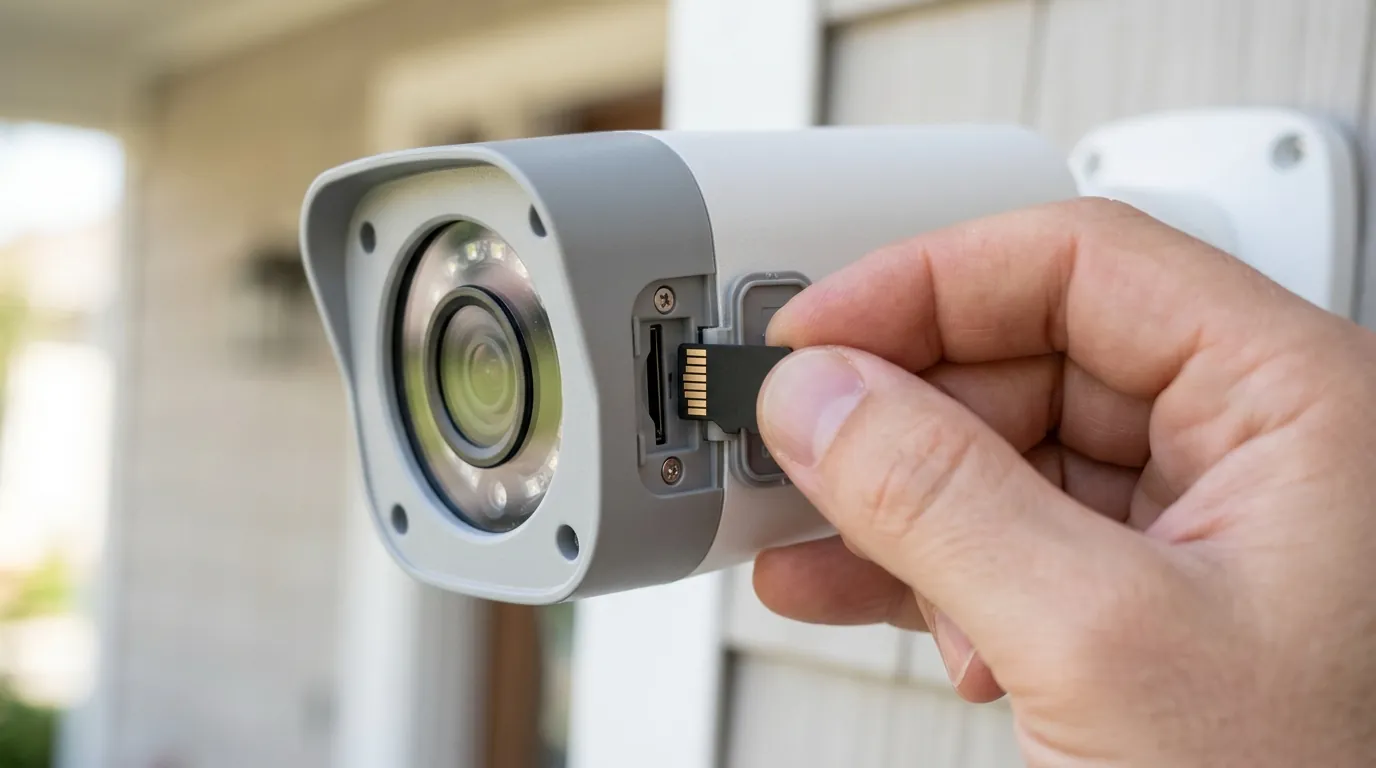
The ability of Ring doorbells to record beyond property lines can lead to a variety of real-world consequences for both homeowners and their neighbors.
Legal Liabilities and Data Protection
Homeowners face potential legal risks, including lawsuits from neighbors who feel their privacy has been violated. As demonstrated by the “Fairhurst v Woodard” case in the UK, such violations can lead to significant fines, potentially up to tens of thousands of pounds, and orders to pay damages. In the US, legal implications vary by state. Many states have “one-party consent” laws for audio recording, meaning only one person involved in a conversation needs to consent to its recording. However, “two-party consent” states require all parties to consent. Recording audio without consent in a two-party consent state, even if the conversation occurs in a public-facing area, can lead to civil or even criminal penalties. Violations of data protection laws, such as GDPR in Europe or evolving privacy legislation in US states, can also result in legal action.
Impact on Community and Relationships
The presence of a camera constantly pointed at shared spaces or a neighbor’s private property can significantly strain neighborly relations. It can foster discomfort, distrust, and disputes, leading to an uncomfortable living environment. Neighbors may feel constantly surveilled, impacting their sense of privacy and freedom to enjoy their own property or public spaces without feeling monitored.
Law Enforcement and Data Sharing
Ring has established partnerships with hundreds of police departments across the United States. These agreements allow law enforcement to request video footage directly from Ring users via the Neighbors app, often without a warrant in emergency situations. While participation in “Community Requests” through the Neighbors app is voluntary, these partnerships raise concerns about civil liberties and the potential for a pervasive surveillance network. There have been instances where Ring has provided footage to law enforcement without user consent in emergencies.
Personal Data Security
The reliance on cloud storage means that all recorded footage is stored on Ring’s (Amazon’s) servers. While Ring states it uses encryption for data in transit and at rest, without End-to-End Encryption (E2EE) enabled, Ring employees or authorized personnel may still have the technical capability to access unencrypted footage. This raises concerns about potential employee access, data breaches, or the misuse of personal video and audio data. Users must actively enable E2EE to ensure that their recordings are truly private from Ring itself.
Common misconceptions
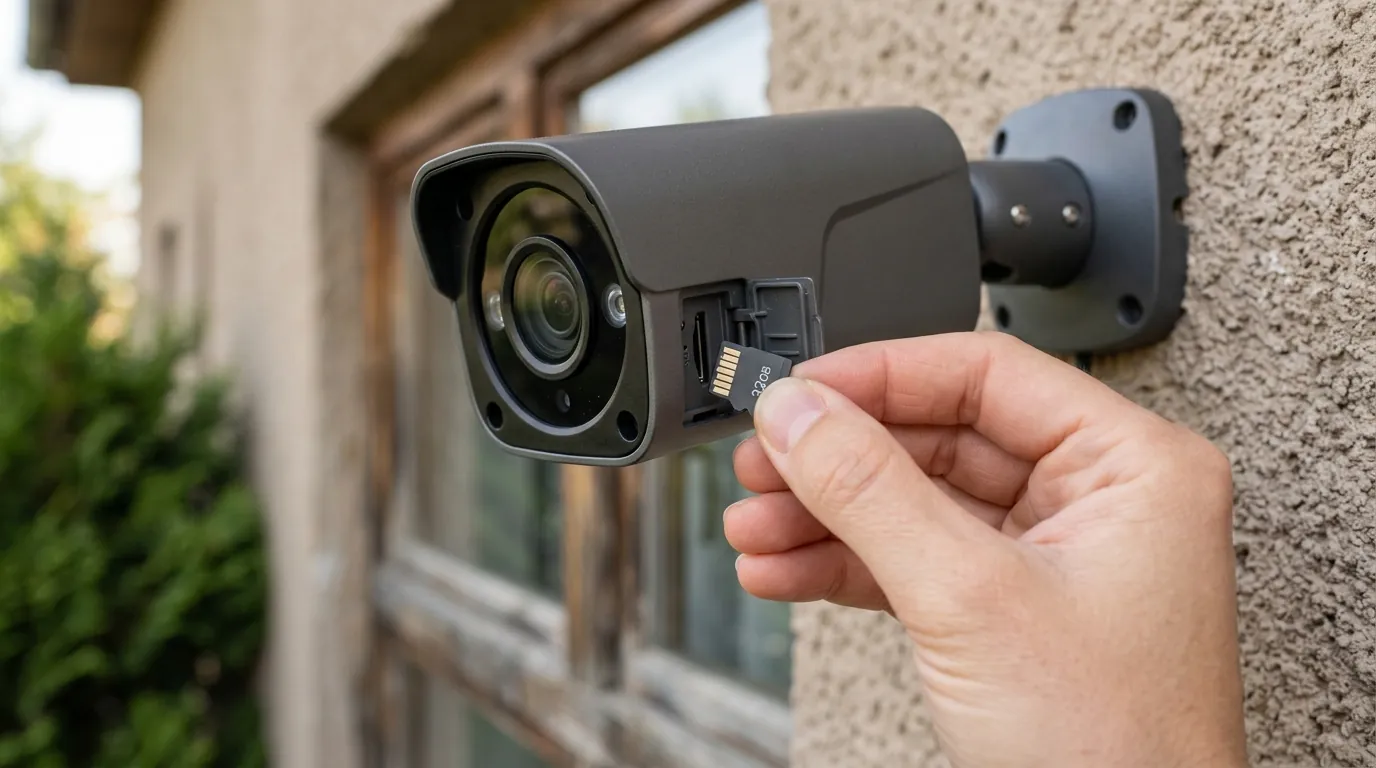
Several common misconceptions surround Ring doorbell recording practices and privacy, which can lead homeowners to inadvertently violate their neighbors’ privacy.
‘If it’s visible from public property, it’s always legal to record.’ While generally true for video recording in public spaces, this overlooks the crucial concept of “reasonable expectation of privacy” in specific contexts. This is especially true for audio recording, where many US states require two-party consent, even if the conversation occurs in a public-facing area. Furthermore, continuously recording private areas like a neighbor’s secluded garden or repeatedly capturing footage looking directly into their windows, even if partially visible from public land, can still constitute an invasion of privacy.
‘Ring only records when someone presses the doorbell or is directly at my door.’ This is incorrect. Ring doorbells utilize motion detection technology that can be triggered by movement across a wide field of view and range, extending far beyond the immediate doorstep. Depending on the sensitivity settings and motion zones, a Ring doorbell can begin recording when a car drives by, a pedestrian walks on the sidewalk, or a neighbor is in their yard. Some Ring Protect subscription plans also offer continuous recording for certain camera models, further disproving this misconception.
‘My Ring footage is completely private by default.’ While Ring employs encryption for data in transit to its cloud servers, by default, Ring (Amazon) retains the ability to access unencrypted footage. True privacy, where only you can view your recordings, requires manually enabling End-to-End Encryption (E2EE) in the Ring app. As discussed, enabling E2EE disables several smart features, making it a conscious trade-off.
‘Disabling audio recording is enough to protect neighbor privacy.’ While disabling audio recording is a critical step in protecting privacy and mitigating legal risks, it does not fully address all concerns. The video recording itself, particularly if it captures private spaces or creates a feeling of constant surveillance due to a wide-angle lens, can still be a source of dispute and privacy infringement.
‘All Ring doorbells offer local storage without a subscription.’ This is a significant misconception. Most Ring doorbells rely solely on cloud storage, which necessitates a paid Ring Protect subscription for video recording and playback. Local storage is only available for select doorbell models when integrated with a Ring Alarm Pro system and an active Ring Protect Pro subscription, utilizing a microSD card within the Alarm Pro hub. It is not a standard, subscription-free feature across the product line.
Further reading
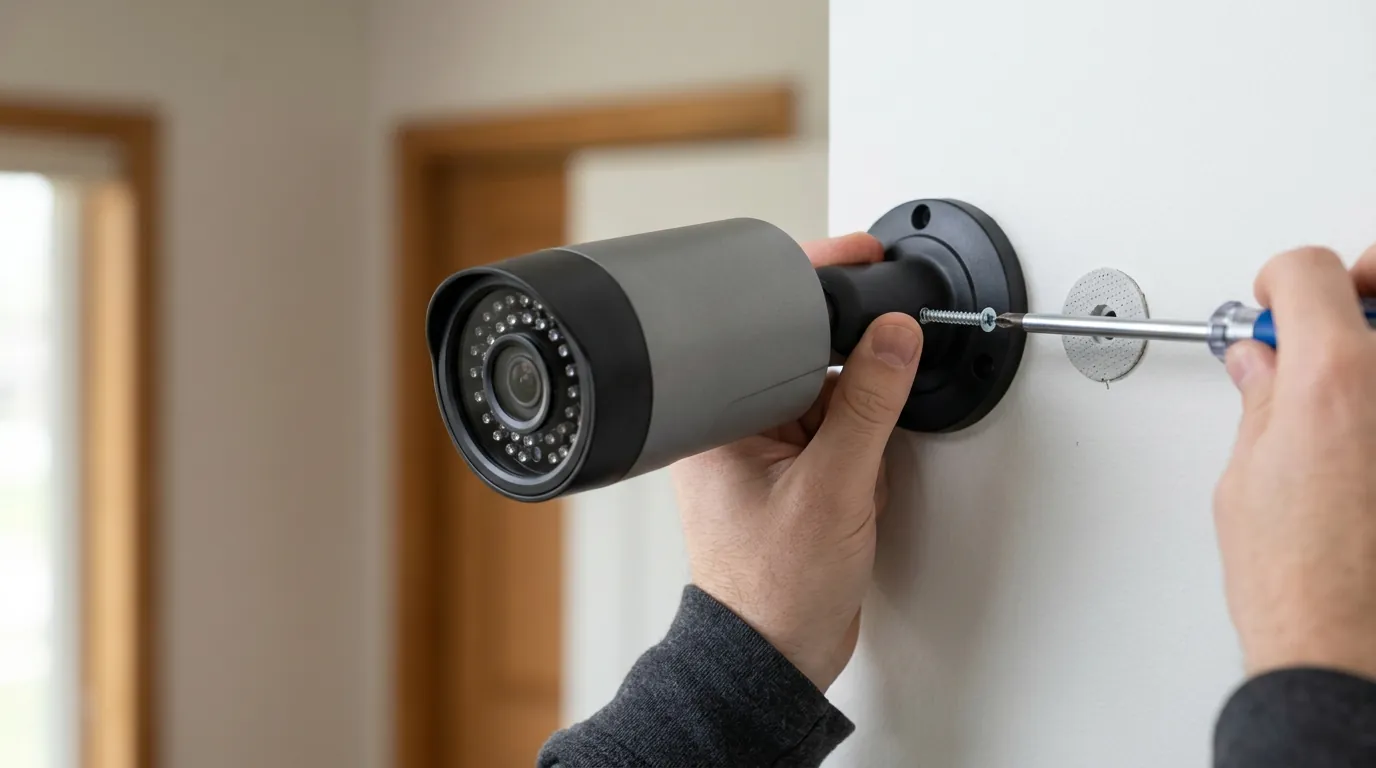
Protecting your neighbors’ privacy while maintaining your home security is a balance that requires understanding your device’s capabilities and your responsibilities.
Maximizing Your Ring’s Privacy Controls
To minimize recording beyond your property, effective use of your Ring app’s privacy settings is essential.
- Motion Zones: Carefully draw custom motion zones to include only your property and exclude public pathways or neighboring yards. Test these zones thoroughly to ensure they are not triggered by unintended activity.
- Privacy Zones: Utilize privacy zones to black out specific areas within the camera’s field of view that you absolutely do not want to record, such as a neighbor’s window or backyard.
- Audio Recording: If not essential for your security needs, consider disabling audio recording in the device settings. This significantly reduces privacy risks, especially in “two-party consent” states.
- End-to-End Encryption (E2EE): If ultimate privacy from Ring and third parties is your priority, enable E2EE. Be aware of the features you will lose (e.g., shared users, pre-roll, smart display integration).
Here’s a comparison of some popular Ring doorbell models and their features, highlighting privacy considerations:
| Ring Doorbell Model | Resolution | Field of View (FoV) | Local Storage (with Alarm Pro) | E2EE Compatible | Typical Price Band (Hardware) | Ring Protect Basic (Annual) |
|---|---|---|---|---|---|---|
| Ring Video Doorbell (2nd Gen) | 1080p HD | 155° H, 90° V | No | Yes | Around $100 | Around $40 |
| Ring Battery Doorbell Plus | 1536p HD+ | 150° H, 150° V | No | Yes | Around $180 | Around $40 |
| Ring Video Doorbell Pro 2 | 1536p HD+ | 150° H, 90° V | Yes | Yes | Around $250 | Around $40 |
| Ring Video Doorbell Wired | 1080p HD | 155° H, 90° V | No | Yes | Under $70 | Around $40 |
| Eufy Video Doorbell 2K | 2K (2560x1920) | 160° H, 120° V | Yes (HomeBase 2) | Yes | Around $200 | Optional (cloud backup) |
| Reolink Video Doorbell PoE | 2K+ (2560x1920) | 180° H, 60° V | Yes (microSD/NVR) | Yes | Around $100 | Optional (cloud backup) |
Note: “Yes (HomeBase 2)” or “Yes (microSD/NVR)” indicates local storage capability, often without a mandatory subscription for core features, though cloud backup might be an optional subscription. Prices are approximate and fluctuate.
Exploring Alternatives with Local Storage
If avoiding subscriptions and maximizing local control over your footage is a priority, several brands offer doorbell cameras with robust local storage options:
- Eufy: Many Eufy doorbell models, such as the Eufy Video Doorbell 2K or Dual, store footage locally on a HomeBase unit (a hub) or directly on the device via a microSD card, often eliminating the need for a recurring cloud subscription.
- Reolink: Reolink offers doorbell cameras, like the Video Doorbell PoE and Wi-Fi, that support local storage directly to an onboard microSD card or to a Network Video Recorder (NVR).
- EZVIZ and Philips Hue: These brands also offer security camera systems with local storage capabilities or integrate with systems that do, providing alternatives to cloud-dependent models.
Navigating Legal Guidelines for Home Surveillance
Understanding the legal landscape is paramount.
- State and Local Laws: Research specific privacy and recording laws in your state and local municipality. Laws regarding audio recording consent (one-party vs. two-party) are particularly important.
- Consult Legal Counsel: If you have complex concerns about your camera’s placement or potential privacy impacts, consider consulting with a legal professional.
Best Practices for Installation
Careful installation can prevent many privacy issues:
- Strategic Placement: Position your doorbell camera to primarily cover your immediate entryway and property. Avoid aiming it directly at a neighbor’s door, windows, or private yard.
- Angle Adjustment: Utilize any available mounting wedges or angled brackets to precisely direct the camera’s view.
- Communicate with Neighbors: Consider having a conversation with your neighbors about your doorbell camera, explaining its purpose and the steps you’ve taken to protect their privacy. Transparency can go a long way in maintaining good relationships.
Total Cost of Ownership (TCO) for Ring Doorbells
When considering a Ring doorbell, it’s crucial to look beyond the initial hardware price and account for the total cost of ownership over several years, primarily driven by subscription fees. Many desirable features are locked behind Ring Protect plans.
Example 3-Year TCO Breakdown (Ring Video Doorbell, Basic Plan):
- Hardware Cost: Around $100 (for a Ring Video Doorbell 2nd Gen).
- Ring Protect Basic Subscription: Approximately $40/year.
- 3-year subscription cost: $40 x 3 = $120.
- Total 3-Year Cost: $100 (Hardware) + $120 (Subscription) = Around $220.
Feature Paywall Trap: The “feature paywall” is a significant consideration. Without a Ring Protect subscription, your Ring doorbell largely functions as a live-view camera with motion alerts. You cannot review recorded video, save clips, or share footage. Features like person detection, rich notifications, and even the ability to take snapshots are often tied to these subscriptions. For advanced features like 24/7 recording (on compatible cameras) or local storage via Ring Alarm Pro, you would need the higher-tier Ring Protect Pro plan, which costs around $200 per year. This significantly increases the TCO for users seeking comprehensive security functionality.
This model contrasts sharply with cameras that offer free local storage and full feature sets without a subscription, making the initial hardware price of a Ring doorbell only part of the investment.
Frequently Asked Questions
Can my Ring doorbell record continuously?
No, most Ring doorbells do not offer continuous 24/7 recording. They primarily record motion-activated events or when the doorbell is pressed. Some wired Ring cameras, not doorbells, may offer 24/7 recording with a Ring Protect Pro subscription.
Does Ring automatically share my footage with the police?
No, Ring does not automatically share your footage with the police. Law enforcement can make “Community Requests” through the Neighbors app, asking users to voluntarily share footage. In emergency situations, Ring may provide footage without user consent, but this is an exception to their general policy.
How can I stop my Ring doorbell from recording my neighbor’s property?
You can stop your Ring doorbell from recording your neighbor’s property by using the Ring app to set up custom motion zones that exclude their area and by creating privacy zones to black out specific sensitive sections of their property from your camera’s view.
What happens if I don’t have a Ring Protect subscription?
Without a Ring Protect subscription, your Ring doorbell will still provide live view and send motion alerts, but it will not record or save any video footage. You will not be able to review past events or download clips.
Is End-to-End Encryption (E2EE) available on all Ring doorbells?
E2EE is available on many newer Ring doorbell models, but it is an optional feature that must be manually enabled. It is not supported on all older models, and enabling it disables several smart features like shared users and pre-roll.
Sources
- Ring.com — Ring Video Doorbell (2nd Gen)
- Gunnercooke.com — Fairhurst v Woodard: What does it mean for smart home device owners?
- Security.org — Ring Doorbell Review
- Security.org — Ring Doorbell Comparison
- Bestattorney.com — Is it Legal to Record Someone Without Their Consent?
- Jlfwisconsin.com — One-Party vs. Two-Party Consent States
- Ring.com — Ring Privacy Policy
- Ring.com — Neighbors by Ring
- Mumsnet.com — Ring Doorbell - Neighbour
- Reddit.com — r/HomeSecurity
- Curwens.co.uk — The Legal Implications of Ring Doorbells
- Wardhadaway.com — Fairhurst v Woodard
- Thebellaireprofessionalcentre.com — Is it Legal to Record Someone Without Their Consent?
- Digitalcitizen.life — Ring Video Doorbell 4 Review
- Shopsavvy.com — Ring Video Doorbell 4
- Tomsguide.com — Ring Video Doorbell 4 Review
- Mashable.com — Ring has partnered with over 1,000 police departments
- Ring.com — Ring Alarm Pro
- Ring.com — Ring Protect Plans
- Homeguide.com — How Far Does Ring Doorbell Hear?
- Safehome.org — Ring Doorbell Installation
- Ring.com — End-to-End Encryption
- Ring.com — End-to-End Encryption FAQ
- Eufy.com — eufy Security Video Doorbell
- Reolink.com — Reolink Video Doorbell
- Ring.com — Motion Zones
- Ring.com — Ring Video Doorbell Pro 2
- Eufy.com — eufy Security Video Doorbell Dual
- Security.org — Do You Need a Ring Subscription?
- Theverge.com — Ring gave police user data without consent
- Ring.com — Why get a Ring Doorbell?
- Ring.com — Ring Battery Doorbell Plus