
Ring Doorbell Privacy Settings for Summer Guests: 2026 Guide
Managing the intersection of property security and guest privacy requires a precise configuration of hardware and software, especially as consumer expectations around surveillance transparency evolve.
📝 Editorial Note: This guide is AI-assisted and game data evolves rapidly. Please cross-reference with in-game information. Updated: 2026-07-11.
To protect guest privacy, use Ring’s granular user permissions to grant live-view-only access and set “Privacy Zones” to black out sensitive areas like windows or patios. Disable audio recording within the app to ensure compliance with state privacy laws, and toggle off “Motion Warnings” to avoid startling visitors during their stay.
What it means
Related: Arlo Pro 5S 2K Night Vision Stuck On: Causes & 2026 Fixes · Fix Your Overheating Security Camera: Summer Solutions & Prevention · Outdoor Security Cameras: Protecting Summer Guest Privacy
Configuring a Ring doorbell for guests involves navigating three distinct layers of the Ring ecosystem: user hierarchy, visual masking, and interaction modes. In 2026, these features allow homeowners to maintain a “digital perimeter” while ensuring visitors are not subjected to unnecessary surveillance.
The Role-Based Access Control (RBAC)
Ring manages access through a hierarchy of users. While the Owner has full control over all settings and billing, Shared Users are the standard for summer guests or house-sitters. In the current Ring app interface, Owners can customize permissions for each Shared User.
Instead of a binary “on/off” access model, the system utilizes granular permissions. For a summer guest, an Owner typically toggles off the ability to delete videos or change device settings, while keeping “Live View” active. This ensures the guest can see who is at the door without having the power to alter the home’s security configuration. It is important to note that Shared Users cannot view videos that were recorded before they were added to the system, nor can they view videos that have been deleted by the Owner (Ring Support).
Privacy Zones vs. Motion Zones
A common point of confusion for users is the difference between where a camera “looks” and where it “sees.”
- Motion Zones: These are user-defined areas where the camera triggers a recording event. If a guest walks through a Motion Zone, the camera starts recording.
- Privacy Zones: These are “blackout” areas. When a Privacy Zone is drawn over a specific part of the camera’s field of view—such as a neighbor’s window or a guest’s outdoor seating area—the camera’s sensor ignores those pixels entirely. The resulting video will show a solid black box over that area. This is a permanent feature of the recorded file and cannot be removed after the fact to “reveal” what was underneath (Ring Support).
| Feature | Primary Purpose | Visibility in Recordings |
|---|---|---|
| Motion Zones | Define detection triggers | Fully visible |
| Privacy Zones | Legally blind “blackout” areas | Solid black box |
| Modes (Home/Away) | Global behavior toggles | Dependent on Mode |
Why it exists
The implementation of these privacy tools is driven by a combination of shifting legal standards and the social “creepy factor” associated with modern smart homes.
The Legal Landscape of Audio Recording
While video recording in public or semi-public areas (like a front porch) is generally legal in the U.S., audio recording is subject to much stricter “all-party consent” laws. As of 2026, approximately 12 states require all parties in a conversation to consent to being recorded. These states typically include:
- California
- Connecticut
- Delaware
- Florida
- Illinois
- Maryland
- Massachusetts
- Michigan
- Montana
- New Hampshire
- Pennsylvania
- Washington
In these jurisdictions, a Ring doorbell capturing a private conversation between guests on a porch could potentially violate wiretapping statutes if audio recording is enabled without clear notice. Disabling the “Audio Streaming and Recording” toggle in the Ring app is the primary method for ensuring compliance in these regions (The Verge).
The ‘Creepy Factor’ in Short-Term Rentals
For hosts using platforms like Airbnb or Vrbo, the presence of a doorbell camera can create “surveillance friction.” Guests often feel a “reasonable expectation of privacy” in common areas like back patios or pool decks. By using Privacy Zones to mask these “leisure areas,” hosts can demonstrate a commitment to guest comfort while still protecting the primary entry points of the home.
How it works under the hood
Understanding the technical execution of these features helps in troubleshooting and verifying that privacy measures are actually functioning.
Pixel-Level Privacy Masking
When a Privacy Zone is created, the masking is applied at the device’s firmware level. This means the pixels in the designated zone are discarded before the video stream is encrypted and transmitted to Ring’s cloud servers. Unlike a digital “overlay” used in some video editing software, this is a destructive process. If a guest is standing within a Privacy Zone, there is no technical way for the Owner or Ring to “unmask” that footage later. This provides a hardware-level guarantee of privacy that satisfies most residential privacy concerns.
E2EE and the Shared User Conflict
Ring offers End-to-End Encryption (E2EE) for many of its modern doorbells, including the Video Doorbell Pro 2 and the Battery Doorbell Pro. E2EE ensures that only the Owner’s authorized mobile device can decrypt and view the footage.
However, there is a significant trade-off: Shared Users cannot view E2EE-enabled footage. If you plan to give a summer guest access to the doorbell via the Ring app, you must either disable E2EE or accept that the guest will only receive notifications without the ability to view the video stream. For most hosts, this means choosing between the highest level of data security (E2EE) and the convenience of guest access (Ring Support).
Technical Specifications: Top Ring Doorbell Models (2026)
| Model | Resolution | Power Source | Field of View | 3-Year TCO (Est.) |
|---|---|---|---|---|
| Battery Doorbell Pro | 1536p HD+ | Battery/Wired | 150° H / 150° V | $350 - $400 |
| Video Doorbell Pro 2 | 1536p HD+ | Wired | 150° H / 150° V | $400 - $450 |
| Video Doorbell (2nd Gen) | 1080p HD | Battery/Wired | 155° H / 90° V | $250 - $300 |
Note: TCO (Total Cost of Ownership) includes initial hardware cost plus three years of a basic subscription (approx. $50/year) required for video history.
Real-world implications
Applying these settings requires a nuanced approach based on the specific layout of the property and the nature of the guest’s visit.
Scenario: The Shared Vacation Home
In a vacation home with a front-facing hot tub or a shared porch, the doorbell’s wide-angle lens (often 150° or more) may capture more than just the walkway.
- The Solution: Use the “Privacy Zones” tool to draw a rectangle over the hot tub area. Even if the camera is triggered by someone walking to the front door, the guests in the hot tub will remain invisible in the recording.
- The Trade-off: If a package is left inside that blacked-out zone, you will not be able to see it.
Configuring ‘Motion Warnings’ for Visitors
Ring’s “Motion Warning” feature (sometimes called Active Warnings) uses the doorbell’s speaker to announce, “Warning - you are now being recorded,” when motion is detected. While effective for deterring intruders, this is often perceived as hostile by guests arriving with luggage or returning late at night.
- Navigation Path: To disable this for guests, go to Device Settings > Smart Responses > Motion Warning and toggle it to the “Off” position.
- Impact: Disabling this does not stop the recording; it simply stops the audible announcement, making the guest’s arrival feel more welcoming.
Battery Life Impact
If you are using a battery-powered model like the Battery Doorbell Pro, high guest traffic during the summer can significantly accelerate battery drain. While these units are rated for several months of use under “normal” conditions (approx. 10-15 events per day), a house full of guests can easily triple that volume.
- Benchmark: In high-traffic scenarios (30+ events per day), battery life can drop to 3-5 weeks. Owners should consider a Plug-In Adapter or a solar charger for summer rentals to avoid the doorbell going offline mid-stay (Wirecutter).
Decision Framework: Which Setup is Right for You?
| If you are… | Prioritize… | Recommended Setting |
|---|---|---|
| An Airbnb/Vrbo Host | Transparency & Comfort | Disable Audio; Disable Motion Warnings; Set Privacy Zones for leisure areas. |
| A Primary Homeowner with Guests | Convenience | Add guests as Shared Users; keep E2EE off to allow them Live View access. |
| A Privacy-Conscious Renter | Data Security | Enable E2EE; Use “Home Mode” to disable recording when you are present. |
| Living in an All-Party Consent State | Legal Compliance | Must disable “Audio Streaming and Recording” in Device Settings. |
Common misconceptions
Misconception: “Shared users can see my old videos.”
Fact: When you add a summer guest as a Shared User, they only gain access to the video history from the moment their invitation is accepted moving forward. They cannot scroll back through weeks or months of your private family footage. If you remove them at the end of the summer, their access to all footage is immediately revoked.
Misconception: “Privacy zones are just digital crops.”
Fact: As noted in the technical breakdown, Privacy Zones are hard-coded into the video stream. They are not a “layer” that can be toggled on and off by the Owner during playback. Once a video is recorded with a Privacy Zone, that part of the image is gone forever. This is a critical distinction for legal and privacy assurance.
Misconception: “Turning off the status light disables the camera.”
Fact: In the Ring app, you can disable the “Status Light” (the blue LED that circles the button). However, this does not stop the camera from recording or the infrared (IR) sensors from glowing red at night. Guests should be informed that the absence of a blue light does not mean the camera is inactive.
Frequently Asked Questions
Can I set my Ring doorbell to stop recording when my guests are home?
Yes, by using “Modes.” In the Ring app, you can configure “Home Mode” to disable motion detection and Live View for specific cameras. When your guests arrive, you can manually switch the system to Home Mode, or if you have a Ring Alarm, it can happen automatically when the system is disarmed.
Do my guests need to download the Ring app?
Only if you want them to be able to answer the door or view the Live View. If you just want them to be able to use the doorbell as a traditional ringer, they do not need the app. If you do grant them access, they must create their own Ring account; you should never share your primary login credentials.
Will a Privacy Zone prevent the camera from detecting motion?
No. Privacy Zones only black out the video footage. The motion sensors (PIR or video-based) still operate across the entire field of view unless you specifically adjust your “Motion Zones.” To prevent the camera from being triggered by guests in a specific area, you must adjust both the Privacy Zone (for the image) and the Motion Zone (for the trigger).
Further reading
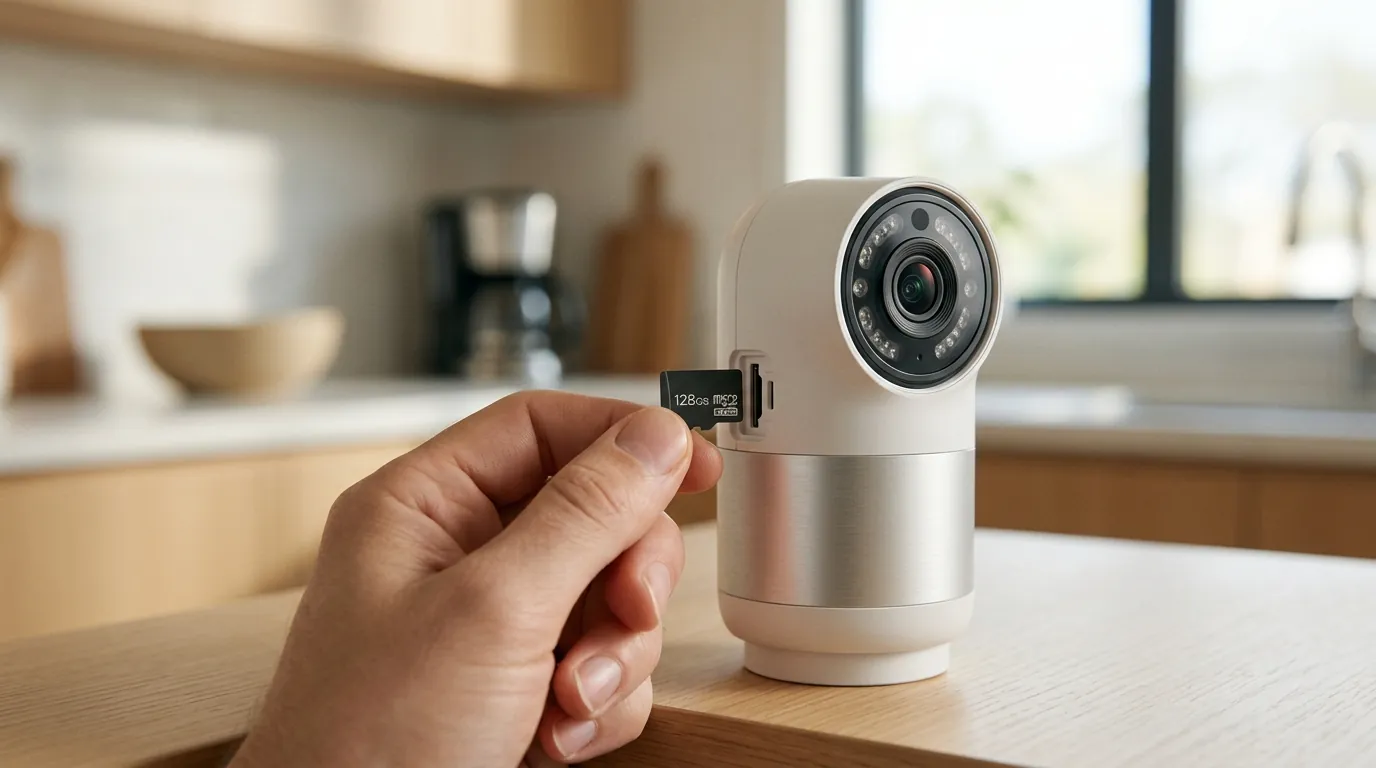
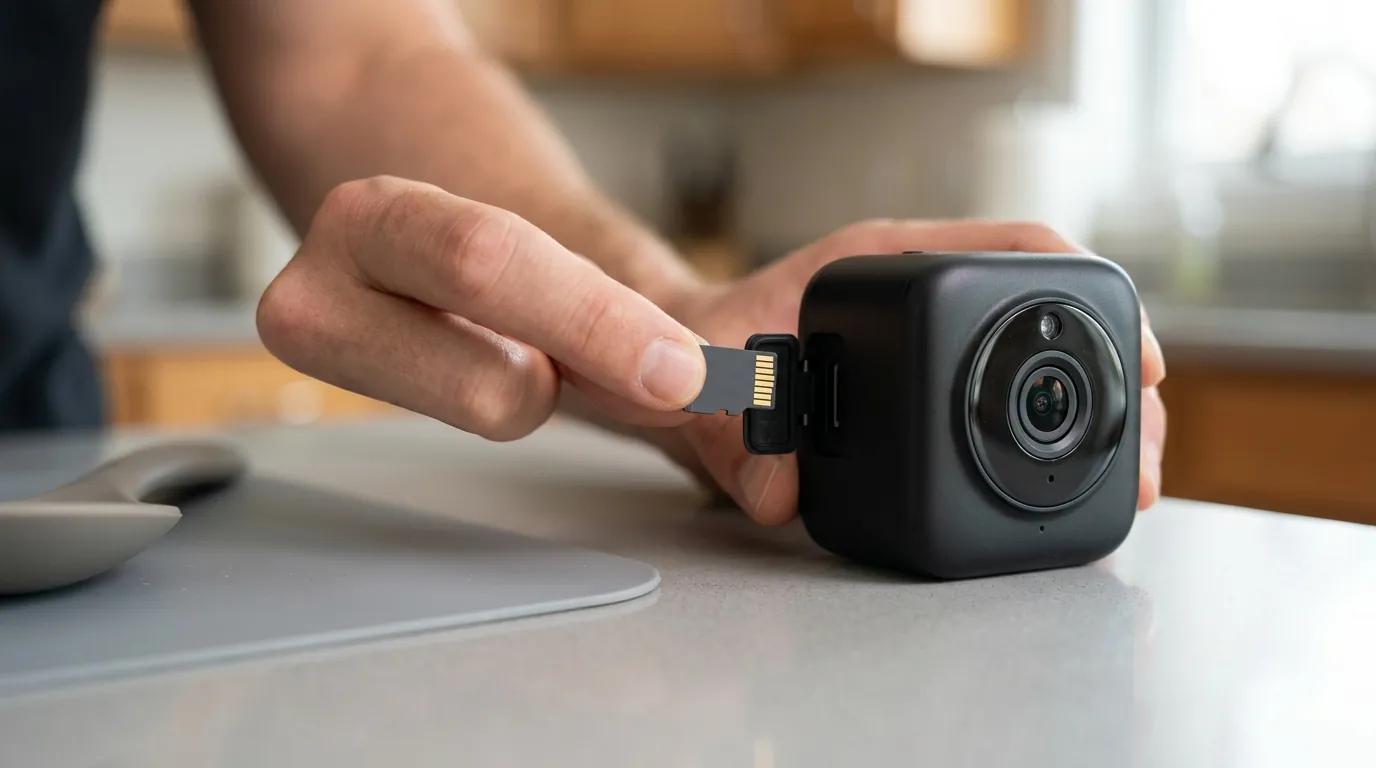
For those seeking the highest levels of privacy, exploring local-storage alternatives can eliminate the need for cloud-based processing entirely. Brands that offer local RTSP or ONVIF streams allow homeowners to keep all footage on a physical hard drive inside the house, though this often requires more technical setup than the Ring ecosystem.
Understanding the 2026 Ring Home Plans
Ring’s subscription model, rebranded as Ring Home in late 2024, is now the standard for accessing video history.
- The Entry-Level Plan (Approx. $5/mo): Covers one device and provides 180 days of cloud storage.
- The Mid-Tier Plan (Approx. $10/mo): Covers all devices at a single location and adds features like “Person Alerts.”
- The Premium Plan (Approx. $20/mo): Includes 24/7 continuous recording for eligible wired cameras and professional monitoring for Ring Alarm users.
Quvii tracks these trade-offs across the category to help users find the balance between ease-of-use and data sovereignty.
Sources
- Ring Support: Adding a Shared User — https://support.ring.com/hc/en-us/articles/211018223-Adding-a-Shared-User-to-Your-Ring-Account
- Ring Support: Using Privacy Zones — https://support.ring.com/hc/en-us/articles/360027979331-Using-Privacy-Zones-to-Protect-Your-Neighbors-Privacy
- The Verge: Ring Audio Recording Laws
- Ring Support: End-to-End Encryption — https://support.ring.com/hc/en-us/articles/360054941511-End-to-End-Video-Encryption-Setup-Guide
- Wirecutter: Best Smart Doorbell Cameras — https://www.nytimes.com/wirecutter/reviews/best-smart-doorbell-camera/