
Ring Doorbell Overheating: 2026 Guide to Summer Heat Fixes
When temperatures climb during the peak of summer, smart doorbells are often the first smart home devices to fail because they are essentially small computers mounted in unshaded, high-heat environments. For Ring users, this manifests as a “Device Cooldown” notification and a complete loss of security coverage during the hottest hours of the day.
Quick Answer: Ring doorbells shut down when internal temps exceed 120°F (48°C). To fix this, install a shading wedge, switch to a light-colored faceplate, or enable ‘Low Power Mode’ to reduce CPU heat from 2026 AI features.
What it means
Related: Nest Cam Battery Overheating Notification: 2026 Fix Guide · Fixing Blink Outdoor 4 Battery Drain: June 2026 Guide · Unifi Camera Night Vision Stuck Daytime? Causes & Fixes
When a Ring doorbell reaches its thermal limit, it does not simply “glitch”; it enters a programmed safety state designed to protect the internal lithium-ion battery and logic board. In the 2026 Ring Home app interface, this is explicitly communicated to the user to prevent unnecessary troubleshooting of Wi-Fi or power issues.
The ‘Device Cooldown’ Notification
The “Device Cooldown” status appears in the Ring app’s Device Health dashboard. This status indicates that the internal sensors have detected temperatures nearing the hardware’s safety threshold. During this period, the camera may disable “Live View,” stop recording motion events, and eventually shut down entirely until the internal temperature drops back into the operational range. This is an automated firmware response; users cannot “force” the device to stay on once this threshold is crossed.
Physical Symptoms: Hot Faceplates and Sluggish Response
Before a total shutdown, a Ring doorbell often exhibits physical symptoms. The faceplate—particularly the darker “Venetian Bronze” or “Black” options—can become painful to the touch. Internally, the processor may begin to struggle, leading to significant lag in “Two-Way Talk” or delayed “Rich Notifications.” If you notice your doorbell is taking 10–15 seconds to wake up during a heatwave, it is likely attempting to manage its thermal load by slowing down background processes.
2026 Hardware Limits: Operating Ranges
As of 2026, Ring has standardized the operating temperatures for its flagship lineup. However, these ratings refer to ambient air temperature. If a device is in direct sunlight, the internal temperature can easily exceed the ambient air by 30 degrees or more.
| Model | Power Type | Operating Temp Range | 2026 Feature Focus |
|---|---|---|---|
| Battery Doorbell Pro | Battery/Hardwire | -4°F to 122°F (-20°C to 50°C) | Radar-based Bird’s Eye View |
| Video Doorbell Pro 2 | Hardwired | -5°F to 120°F (-20.5°C to 48.5°C) | 1536p Head-to-Toe Video |
| Battery Doorbell Plus | Battery/Hardwire | -5°F to 122°F (-20°C to 50°C) | Energy-efficient 1536p |
| Video Doorbell (2024) | Battery/Hardwire | -5°F to 120°F (-20.5°C to 48.5°C) | Entry-level value |
Source: Ring Help: Extreme Temperatures and Ring Devices
Why it exists
The primary driver behind thermal shutdowns isn’t just the sun; it is the chemistry of the batteries and the processing power required by modern AI features.
Lithium-ion Battery Chemistry
Lithium-ion batteries, used in all Ring battery-powered models, are highly sensitive to heat. According to battery safety standards, charging or discharging these cells at high temperatures can lead to “thermal runaway,” where the battery swells, leaks, or potentially catches fire. To prevent this, Ring’s firmware kills power to the device long before the battery reaches a point of physical failure. Even if the camera could technically operate at 130°F, the battery cannot safely do so.
The ‘Greenhouse Effect’
The “Greenhouse Effect” occurs when solar radiation passes through the clear plastic lens and hits the dark internal components or the dark faceplate. A black faceplate absorbs nearly 90% of solar energy, converting it into heat that is trapped inside the weather-sealed housing. Because Ring doorbells are IP-rated against rain and dust, they are airtight, meaning there is no airflow to dissipate this trapped heat. On a 95°F day, a black Ring doorbell in direct sun can reach internal temperatures of 135°F within an hour.
Thermal Bottlenecks in 2026 AI Models
In 2026, Ring’s integration of “Alexa Plus” (Amazon’s upgraded AI assistant) and advanced object recognition has increased the computational load on the doorbell’s processor. Features like “Smart Alerts” (distinguishing between a person, package, or animal) require the CPU to work harder. Like a laptop running a heavy game, this generates internal heat. When combined with external summer heat, the processor can become a secondary heat source, pushing the device over the 122°F limit.
How it works under the hood
Ring doorbells utilize a combination of hardware sensors and firmware logic to manage heat.
The Safety Cut-off Circuitry
Inside the doorbell, multiple thermistors (thermal resistors) are placed near the battery and the main System-on-a-Chip (SoC). These sensors provide real-time data to the power management integrated circuit (PMIC). If the battery thermistor reads above 113°F (45°C), the device will immediately stop accepting a charge from hardwiring or solar panels to prevent battery stress. If the temperature continues to rise to 122°F, the PMIC cuts power to the camera and Wi-Fi radio entirely.
Firmware-Level Power Management
Before a hard shutdown, Ring’s firmware attempts to shed heat by reducing power consumption. This process involves:
- Disabling Pre-Roll: The device stops the low-resolution continuous recording buffer used to show the seconds before a motion event.
- Frame Rate Reduction: The camera may drop from 30fps to 15fps to reduce the processing load.
- LED Dimming: The blue LED ring may dim or turn off to save a small amount of energy.
- Wi-Fi Polling: The device reduces the frequency with which it pings the router to stay “awake.”
Real-world implications
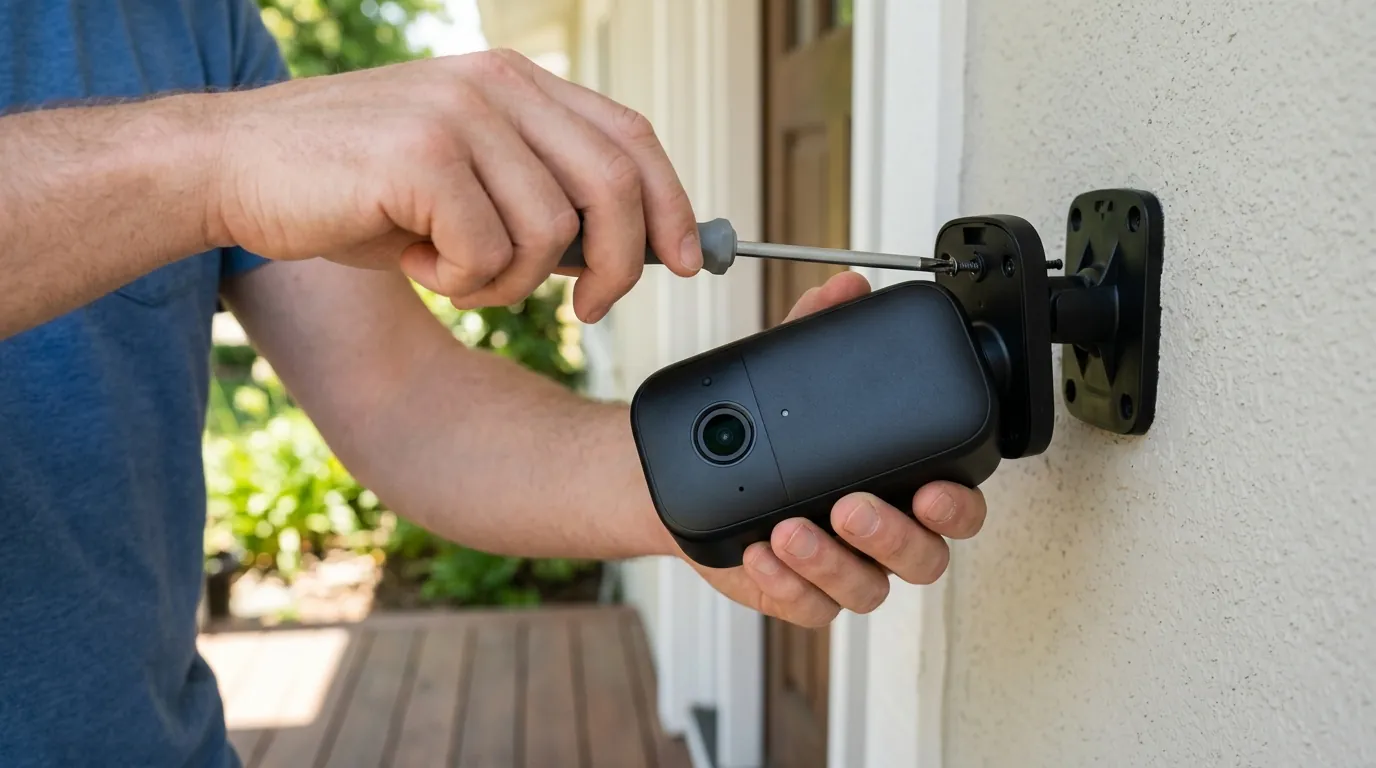
An overheating doorbell is more than a technical glitch; it is a security vulnerability that can have long-term financial costs.
The ‘Blind Spot’ Problem
The most dangerous aspect of thermal shutdown is that it typically happens between 2:00 PM and 5:00 PM—the exact window when most residential package deliveries occur. If the device is in “Device Cooldown,” it will not record the delivery or any potential porch piracy. For small businesses, this can mean missing a client at the door or failing to capture a daytime incident.
Permanent Battery Degradation
Heat is the “silent killer” of lithium-ion batteries. Every time a Ring doorbell exceeds 110°F, the internal chemistry undergoes slight, permanent degradation. Over a single summer of repeated overheating, a battery that used to last three months on a charge may drop to only lasting six weeks. This forces the owner into more frequent charging cycles, further shortening the device’s 3-to-5-year lifespan.
Impact on Amazon Sidewalk
Many Ring doorbells act as bridges for the Amazon Sidewalk network, which helps keep devices like Level Locks or Tile trackers connected. When a Ring doorbell shuts down due to heat, it can temporarily “orphan” nearby Sidewalk-enabled devices, potentially causing issues with smart locks or outdoor lighting that rely on that bridge for remote connectivity.
Common misconceptions
There are several myths regarding how to “fix” heat issues that can actually make the problem worse.
The Hardwiring Paradox
Misconception: “Hardwiring the doorbell prevents it from dying in the heat.” Reality: Hardwiring actually increases internal heat. The process of converting 16V-24V AC power to DC power for the battery generates heat. Furthermore, the battery charging process itself is exothermic. If your doorbell is already struggling with 100°F sun, the added heat from the trickle-charging circuit can be the “final straw” that triggers a shutdown. In extreme heat, it is actually better to run the device on battery power alone.
Solar Charger Myths
Misconception: “Adding a solar charger will help keep the battery full so it doesn’t work as hard.” Reality: Solar chargers provide power, but they do not provide cooling. In fact, most solar chargers for Ring are black plastic mounts that sit behind or around the doorbell, potentially adding more surface area for heat absorption. As noted, Ring devices stop accepting solar power once the internal temp hits 113°F, so the solar panel becomes useless exactly when you think you need it most.
Weatherproof vs. Heatproof
Misconception: “The device is rated for outdoors, so it should handle any weather.” Reality: An IP65 rating means the device is protected against dust and “water jets from any angle.” It says nothing about thermal management. Most consumer electronics are designed for a “temperate” climate. High-desert or tropical environments often exceed the design parameters of consumer-grade hardware.
Decision Framework: Managing Your 2026 Setup
If you are deciding how to handle heat or which model to buy, use this framework to guide your choice:
| Situation | Recommendation | Priority Action |
|---|---|---|
| Unshaded, South-Facing Door | Use a Hardwired-only model (Pro 2) | Install a 3rd-party sun hood immediately. |
| Renter (No Drilling) | Battery Doorbell Plus | Use a Satin Nickel faceplate; avoid the Black/Bronze. |
| High Heat + High Traffic | Battery Doorbell Pro | Enable “Low Power Mode” and disable “Pre-Roll” in July/August. |
| Extreme Climate (110°F+ Air) | Switch to PoE (Power over Ethernet) | Move to the Ring Video Doorbell Elite (runs cooler than Wi-Fi models). |
Total Cost of Ownership (3-Year Breakdown)
When dealing with heat, the “cost” of the doorbell includes the potential need for battery replacements and the mandatory subscription to see the footage you’re trying to protect.
- Hardware: $150–$250 (range for Pro models).
- Subscription (Ring Home Standard): Around $50/year ($150 over 3 years).
- Heat Mitigation: $20–$40 for a high-quality sun hood or light-colored faceplate.
- Battery Replacement: $30 (if heat kills the original battery after 2 years).
- Total 3-Year Cost: $350–$470.
Note: Ring’s 2026 “Ring Home” tiers (Basic, Standard, Premium) now gate features like “24/7 Continuous Recording” (on select wired models) and “Extended Video Storage” behind the higher tiers.
Further reading
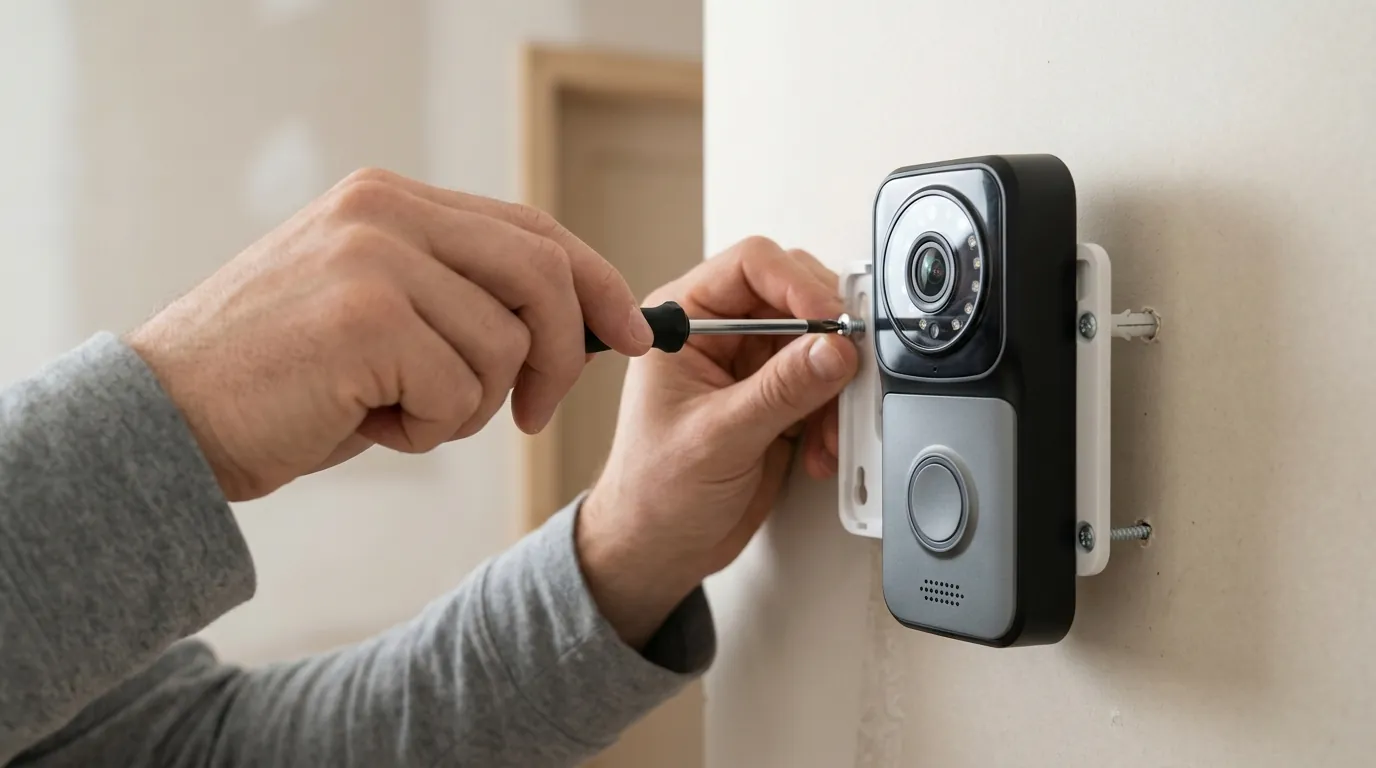
If the Ring ecosystem continues to fail in your specific microclimate, it may be time to look at industrial-grade or local-storage alternatives.
Alternative Brands with Higher Heat Tolerance
While most consumer doorbells share the 122°F limit, brands like Reolink and Eufy offer models that do not rely on a central “cloud” processor for every motion event. By processing motion locally on an NVR (Network Video Recorder) or a HomeBase, the doorbell unit itself does less work and generates less internal heat. Specifically, PoE (Power over Ethernet) cameras like the Reolink Doorbell PoE tend to run cooler because they lack a Wi-Fi radio and a battery—the two biggest heat generators in a Ring device.
The Best Shading Accessories for 2026
Since Ring does not manufacture an official “sun shield,” the market is filled with third-party options. Look for:
- Silicone Covers: Avoid dark silicone covers; they act as insulators and trap heat. If you use a cover, choose white.
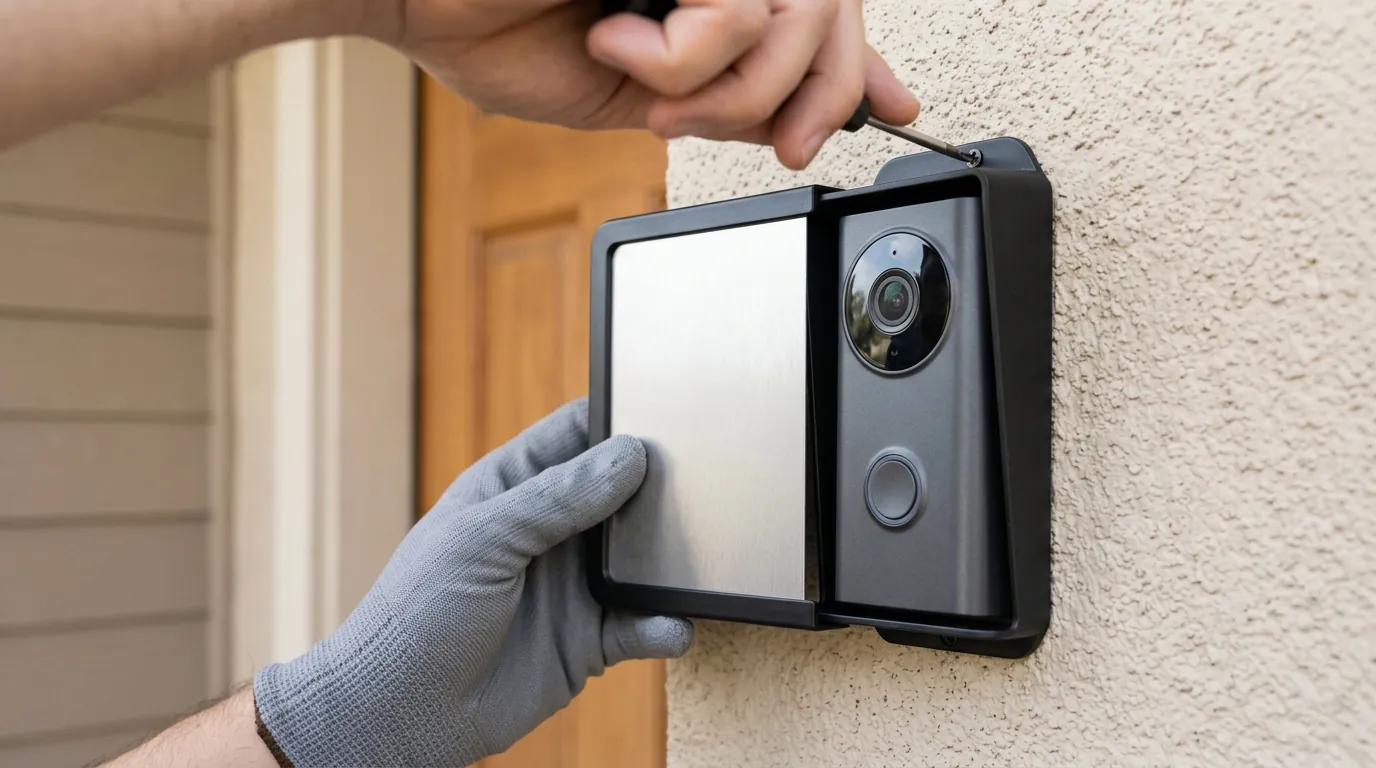
- Hard-Shell Sun Hoods: These are plastic “roofs” that mount above the doorbell. The best models are those that allow at least a half-inch of air gap between the hood and the camera body.
- UV-Resistant Films: Some users apply a clear UV-blocking film over the lens area to reduce infrared heat intake, though this can occasionally interfere with night vision.
When to contact support
If your Ring doorbell enters “Device Cooldown” when the ambient temperature is only 80°F (26°C), you likely have a defective internal thermistor or a failing battery. In this case, no amount of shading will fix the issue. Check your “Device Health” in the Ring app; if the battery level is dropping rapidly despite being hardwired, the battery may be “venting” and requires a warranty replacement.
Frequently Asked Questions
Does the Ring solar charger prevent overheating?
No. In fact, a solar charger can contribute to overheating by attempting to charge the battery during the hottest part of the day. Ring devices are programmed to stop accepting a charge once internal temperatures exceed 113°F (45°C) to prevent battery damage.
Can I put an ice pack on my Ring doorbell?
While it will cool the device, it is not recommended. Rapid cooling can cause condensation to form inside the weather-sealed housing, which can lead to short circuits or permanent corrosion of the logic board. It is better to use a fan or provide shade.
Why is my Ring doorbell hot even when it’s not sunny?
If your doorbell is hot to the touch in the shade, it is likely “stuck” in a high-power state. This can happen if the device is constantly searching for a weak Wi-Fi signal or if “Live View” is left open for extended periods. Check your Wi-Fi RSSI in the app; a signal weaker than -60 can cause the radio to work harder and generate excess heat.
Sources
- Ring Official Support — Extreme Temperatures and Ring Devices
- Ring Product Page — Battery Doorbell Pro Specs
- Ring Product Page — Video Doorbell Pro 2 Specs
- Amazon Sidewalk Privacy & Tech — How Sidewalk Works
- Battery University — Charging Lithium-ion at High and Low Temperatures