
Ring Camera Keeps Disconnecting? 7 Proven Fixes for 2026
A stable connection is the difference between a functional security system and an expensive plastic ornament. When a Ring camera drops offline, the failure usually stems from a specific intersection of signal physics, power delivery, and network configuration.
Quick Answer: Fix Ring Wi-Fi drops by checking RSSI in the app (aim for -60 or better). Use a 2.4GHz dedicated band, upgrade to a 16V/30VA transformer for wired models, or add a Ring Chime Pro to bridge signal gaps.
What it means
When a Ring camera disconnects, it typically enters one of two states: a hard “Offline” status or intermittent “Live View” failures. A hard offline status means the device has lost its handshake with the Amazon AWS cloud servers entirely, often indicated by a red icon in the Ring app. Intermittent failures, however, are more deceptive; the device appears “Online,” but the bandwidth is too narrow to sustain a video stream, resulting in the “Activating Device” spinning wheel that never connects.
To diagnose this, users must look past the “bars” on their phone and examine the RSSI (Received Signal Strength Indicator). RSSI measures the power level a device receives from the wireless access point. Because it is measured in decibels (dBm), it is expressed as a negative number. The closer to zero the number is, the stronger the signal.
RSSI Stability Table
| RSSI Value | Connection Status | Real-World Performance |
|---|---|---|
| -40 to -60 | Great | Instant Live View; high-bitrate video; reliable notifications. |
| -60 to -70 | Okay | Possible latency; occasional pixelation; reliable connection. |
| -70 to -80 | Poor | Frequent “Device Offline” alerts; failed Live View attempts. |
| -80+ | Critical | Constant disconnection; device may fail to reconnect without a reboot. |
Decoding the ‘Device Offline’ Badge
The “Device Offline” badge in the Ring app is a post-mortem indicator. It does not trigger the moment a packet is dropped; rather, it appears after the device fails multiple “heartbeat” check-ins with Ring’s servers. If you see this badge frequently but your internet is otherwise fine, the issue is likely localized to the distance between the camera and the router, or physical interference.
RSSI vs. Internet Speed
A common point of confusion is the distinction between signal strength (RSSI) and internet speed (bandwidth). You can have a 1Gbps fiber connection, but if the RSSI at your front door is -78, the camera will still disconnect. Ring cameras typically require at least 2Mbps of dedicated upload speed per device to maintain a 1080p or 4K stream according to Ring’s official system requirements.
Why it exists
The environment outside your home is hostile to Wi-Fi. While a laptop works fine in the living room, a Ring camera is often bolted to brick, stucco, or metal—materials that act as signal dampeners.
The Hidden Impact of Exterior Walls
Modern construction often uses “Low-E” glass and foil-backed insulation, both of which are highly effective at blocking RF signals. Stucco walls frequently contain a metal mesh (lathe) that creates a literal Faraday cage, dropping the signal by as much as 20dBm as it passes from the indoor router to the outdoor camera.
Transformer VA Ratings: The Silent Killer
For wired models like the Ring Video Doorbell Pro 2, disconnections are often power-related rather than signal-related. When the camera attempts to engage the Wi-Fi radio for a high-draw event (like a Live View or Night Vision IR activation), an underpowered transformer will “sag.” This voltage drop causes the camera to reboot, which looks like a Wi-Fi disconnection in the app.
Transformer Voltage Requirements Table
| Model | Required Voltage | Recommended VA (Volt-Amps) |
|---|---|---|
| Video Doorbell Wired | 10-24 VAC | 10VA Minimum |
| Video Doorbell Pro / Pro 2 | 16-24 VAC | 30VA (Recommended for stability) |
| Video Doorbell Plus | 8-24 VAC | 10VA-20VA |
| Battery Models (Hardwired) | 8-24 VAC | 10VA (Trickle charge only) |
Data synthesized from Ring’s hardware compatibility guides.
Network Congestion and Firmware ‘Stuck’ States
In 2026, the average home has over 30 connected devices. This “IoT bloat” causes packet collisions on the 2.4GHz band. If a Ring camera is mid-firmware update and the signal drops, it can enter a “reconnection loop” where it fails to handshake with the router until the power is physically cycled.
How it works under the hood
Understanding the technical handshake between a Ring device and a router helps pinpoint why “standard” fixes often fail.
The 2.4GHz vs. 5GHz Trade-off
Most Ring devices are optimized for 2.4GHz because it has longer waves that penetrate solid objects like brick and wood more effectively than 5GHz. However, 2.4GHz is prone to interference from microwaves, baby monitors, and neighbors’ Wi-Fi. While newer models like the Doorbell Pro 2 support 5GHz, this band has significantly less range. If your camera is more than 20 feet from the router with a wall in between, 5GHz is often the cause of the disconnection, not the fix.
Wi-Fi Band Comparison
| Feature | 2.4 GHz Band | 5 GHz Band |
|---|---|---|
| Range | Longer (ideal for outdoors) | Shorter (best for same-room) |
| Wall Penetration | High | Low |
| Congestion | High (interference-prone) | Low |
| Best Use Case | Standard doorbells/Floodlights | Cameras near Mesh nodes |
DHCP Reservations and Static IPs
By default, routers “lease” IP addresses to devices for a set period. When the lease expires, the router assigns a new IP. Sometimes, the Ring-to-Amazon cloud tunnel fails to update this change instantly, causing the camera to hang. Setting a DHCP Reservation (Static IP) in your router settings ensures the Ring camera always has the same address, stabilizing the cloud handshake.
WPA2 vs. WPA3 Handshake Failures
As routers move toward WPA3 security standards in 2026, older hardware like the Ring Stick Up Cam (3rd Gen) may struggle. Some routers use a “Transition Mode” that attempts to support both WPA2 and WPA3, but this often causes legacy Wi-Fi chips to drop the connection during the security handshake. Forcing the IoT band to WPA2-AES often resolves persistent drops on older Ring units.
Real-world implications
A disconnecting camera is more than a technical nuisance; it is a security vulnerability.
The Cloud-Only Vulnerability
Unlike brands that offer local microSD storage or NVR integration, Ring is a cloud-first ecosystem. If the Wi-Fi drops, the recording stops. There is no “buffer” on most Ring models to save footage during a blackout. If a thief uses a Wi-Fi jammer or if your router reboots during a package theft, that footage is lost forever. This “all-or-nothing” reliance on the connection makes RSSI management critical.
Battery Life Degradation
When a battery-powered Ring camera (like the Video Doorbell 4) loses its Wi-Fi signal, it doesn’t just sit idle. It enters an aggressive “active searching” mode, firing the Wi-Fi radio at max power to find a SSID.
Battery Life vs. RSSI (Estimated):
- RSSI -50: 4–6 months per charge.
- RSSI -70: 2–3 months per charge.
- RSSI -80: 1–2 weeks per charge (due to constant radio cycling).
Notification Latency and User Safety
High RSSI values cause “latency,” the delay between an event happening and your phone buzzing. In a security context, a 10-second delay can mean the difference between seeing a visitor and seeing the back of their head as they walk away. This latency is often the first sign that a total disconnection is imminent.
Common misconceptions
Many users spend money on the wrong solutions because they misunderstand how Wi-Fi interacts with security hardware.
The ‘Gigabit’ Fallacy
“I have the fastest internet available” is the most common phrase in troubleshooting forums. However, internet speed (WAN) is irrelevant if the local signal (LAN) cannot reach the camera. A 1000Mbps fiber line will not help a camera that is struggling with -75 RSSI. The bottleneck is almost always the router’s placement or the home’s construction materials, not the ISP.
Extender Overuse vs. Ring Chime Pro
Standard N300 Wi-Fi extenders often create a “double hop” scenario that doubles latency. While they show a “strong” signal, the actual data throughput is halved. The Ring Chime Pro is a proprietary bridge designed specifically to handle the Ring handshake protocol.
Benchmark: Latency Comparison
- Direct to Router (-55 RSSI): ~1.5s delay.
- Ring Chime Pro: ~2.5s delay.
- Generic N300 Extender: ~4.0s+ delay.
The Problem with Band Steering
Many modern Mesh systems (Eero, Orbi, TP-Link Deco) use “Band Steering” to force devices onto the 5GHz band for better speed. Ring cameras often get “stuck” being pushed to 5GHz by the router, only to drop the connection because the 5GHz signal can’t penetrate the exterior wall. Disabling band steering or creating a dedicated 2.4GHz guest network for IoT devices is a high-success fix.
Decision Framework: How to Fix Your Specific Setup
| If your situation is… | Prioritize this fix: |
|---|---|
| Renter (No wiring access) | Add a Ring Chime Pro halfway between the router and the door. |
| Homeowner (Wired Pro model) | Replace the doorbell transformer with a 16V/30VA unit. |
| New Construction (Thick walls) | Use a Mesh node placed within 10 feet of the camera’s interior wall. |
| High-Density Area (Apartment) | Switch to a less-congested 2.4GHz channel (1, 6, or 11). |
Further reading
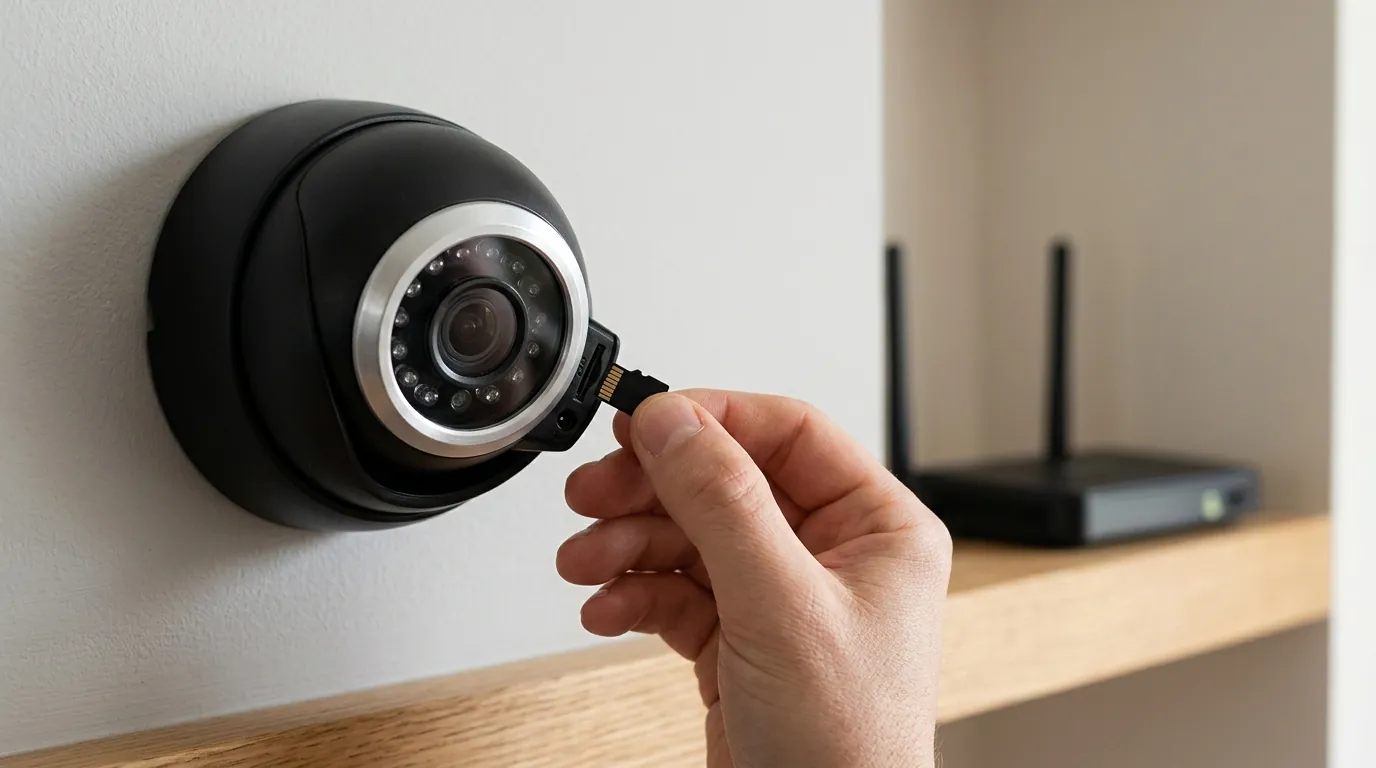
For users who find the cloud-dependency of Ring too limiting, exploring professional-grade alternatives can provide a more permanent solution.
Escaping the Subscription Loop
Ring’s Total Cost of Ownership (TCO) includes more than the hardware. Over three years, a single camera can cost significantly more than its sticker price when factoring in subscription fees.
3-Year TCO Estimate (Single Camera):
- Hardware: ~$150-$200
- Ring Protect Basic ($50/yr): $150
- Total: $300 - $350
In contrast, brands like Reolink or Eufy offer local storage options (NVR or SD card) that function even if the internet goes down. While they may require more setup, they eliminate the monthly “feature paywall” and provide 100% uptime for recording.
Hardwiring for Permanent Stability
The ultimate fix for Ring disconnection is moving away from Wi-Fi entirely. The Ring Video Doorbell Elite and certain Stick Up Cam Elite models support PoE (Power over Ethernet). This allows a single Cat6 cable to provide both power and a hardwired data connection, bypassing Wi-Fi interference and transformer issues entirely. For users in the middle of a renovation, running Ethernet to camera locations is the single best investment for long-term security stability.
Hard Resets and VLANs
If a camera remains “Offline” despite perfect RSSI and power, a hard reset is required. This is usually done by holding the setup button for 20 full seconds. For advanced users, placing Ring cameras on a dedicated IoT VLAN (Virtual Local Area Network) can prevent the cameras from competing with high-bandwidth activities like 4K streaming or gaming on the main network, ensuring they always have the “room” to communicate with the cloud.
Sources
- Ring Support: RSSI Values and Signal Strength — https://support.ring.com/hc/en-us/articles/217271526-Understanding-RSSI-Values-and-Signal-Strength
- Ring Help: Transformer Compatibility Guide — https://support.ring.com/hc/en-us/articles/115000148646-Wiring-Diagrams-for-Ring-Video-Doorbell-Pro-Setups
- RTINGS: Best Video Doorbells of 2024-2025
- The Verge: The Problem with Mesh Networking and IoT — https://www.theverge.com/22994483/mesh-wi-fi-router-smart-home-devices-interference-how-to
- FCC ID Search: Ring LLV Wi-Fi Specifications — https://fccid.io/2AEUP