
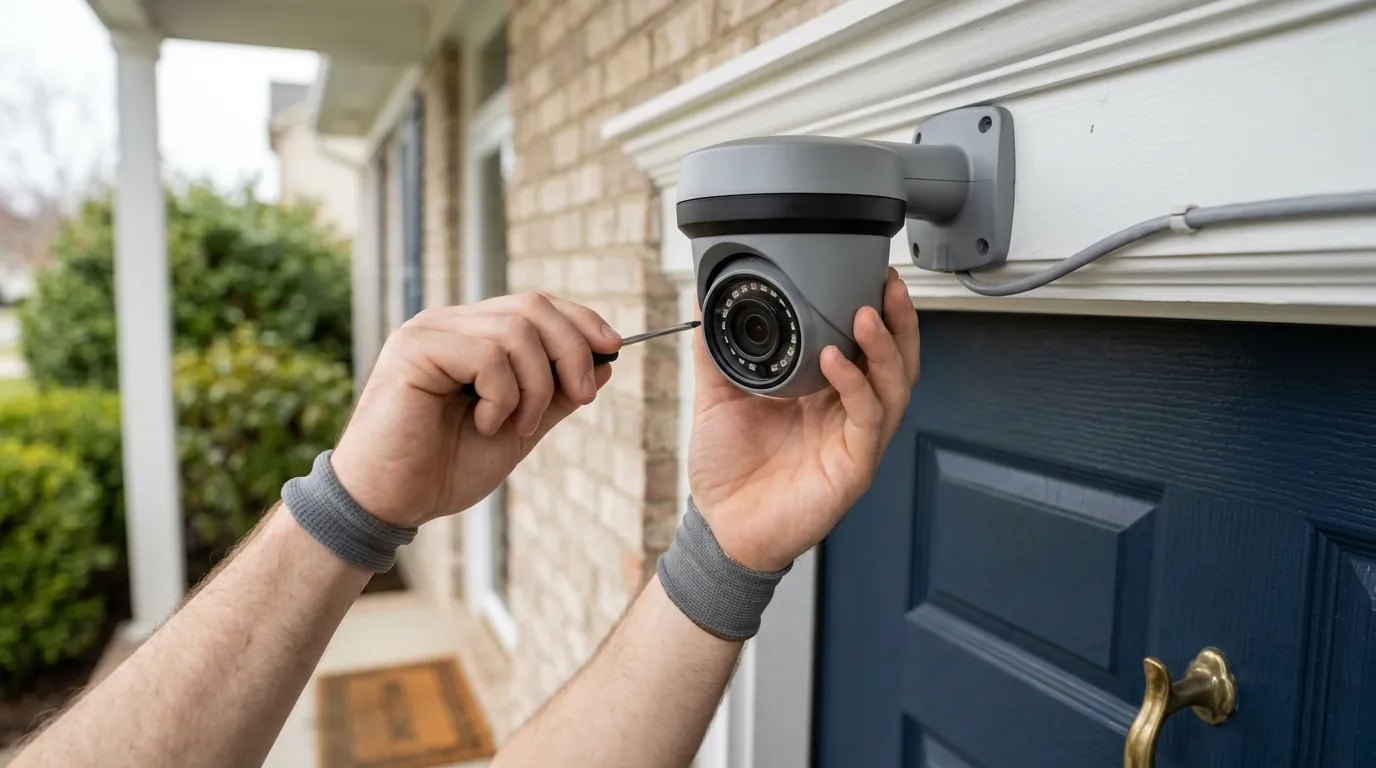
Fixing Reolink PoE Doorbell Motion Delay: 2026 Optimization Guide
A doorbell camera that only records the back of a visitor’s head is a security liability. For Reolink PoE Doorbell owners, eliminating this motion detection lag is the difference between capturing a face and seeing an empty porch.
Quick Answer: To fix Reolink PoE Doorbell lag, set ‘Alarm Delay’ to 0s, update to the latest 2026 firmware (v3.2.0.x series), and enable ‘Pre-Record.’ If recording still starts late, upgrade to a high-speed Samsung PRO Endurance microSD card to eliminate write-latency.
What it means
Related: Ring Doorbell Privacy Settings for Summer Guests: 2026 Guide · Arlo Pro 5S 2K Night Vision Stuck On: Causes & 2026 Fixes · Fix Your Overheating Security Camera: Summer Solutions & Prevention
Motion detection delay in the Reolink ecosystem manifests in two distinct ways: notification latency and recording lag. While they both feel like “delay” to the user, they stem from different technical bottlenecks within the camera’s hardware and software stack.
Trigger Latency vs. Push Latency
Trigger latency refers to the time elapsed between an object entering the camera’s field of view and the camera’s processor (SoC) identifying it as a valid event. Push latency is the subsequent time it takes for that alert to travel from the camera, through the Reolink servers, and onto your mobile device. For the Reolink PoE Doorbell, which handles AI processing “at the edge” (locally on the camera), trigger latency is typically under 1 second, but software configurations can artificially inflate this.
The ‘Missing Face’ Problem
The most common complaint from users is the “Ghosting” effect. This occurs when the recording starts several seconds after the person has already approached the door. By the time the file is written to the microSD card or NVR, the visitor is either turning away or has already left the frame. This is often caused by a failure to correctly stitch the “Pre-Record” buffer to the triggered event file.
Benchmark Table: Average Trigger Times (2026 Estimates)
| Model | Connection | Trigger Time (Local) | Notification Delay | Pre-Record Buffer |
|---|---|---|---|---|
| Reolink PoE Doorbell | Ethernet/PoE | < 0.8s | 1.5 - 3s | 6 Seconds |
| Ring Video Doorbell Pro 2 | Wi-Fi (Hardwired) | < 1.0s | 2 - 4s | 6 Seconds |
| Nest Doorbell (Wired, Gen 2) | Wi-Fi (Hardwired) | < 1.2s | 2 - 5s | 3 Seconds |
| Reolink Battery Doorbell | Wi-Fi/Battery | 1.5 - 2.5s | 4 - 7s | None |
Data synthesized from Reolink Product Specs and independent testing benchmarks from RTINGS.
Why it exists
The delay isn’t a “bug” in the traditional sense; it is often a byproduct of how the camera manages its limited processing resources and attempts to prevent false positives (like a swaying tree or a passing shadow).
The AI Analysis Bottleneck
The Reolink PoE Doorbell uses an on-board System on a Chip (SoC) to run its Person/Vehicle detection algorithms. When a pixel change is detected, the SoC must compare those changes against its trained AI models. In earlier firmware versions, the camera required a higher “confidence score” before it would trigger a recording, leading to a noticeable pause while the AI “decided” if the object was truly a human.
NVR vs. Standalone Processing
If your doorbell is connected to a Reolink NVR, the detection logic still happens on the camera (the “edge”). However, the communication path can introduce lag. When the camera detects motion, it must send a signal to the NVR to begin the “permanent” write to the Hard Disk Drive (HDD). If the NVR’s disks are spun down or the network is congested with other high-bitrate 4K streams, the start of that recording can be delayed by 1-2 seconds compared to recording directly to an onboard microSD card.
I/O Bottlenecks
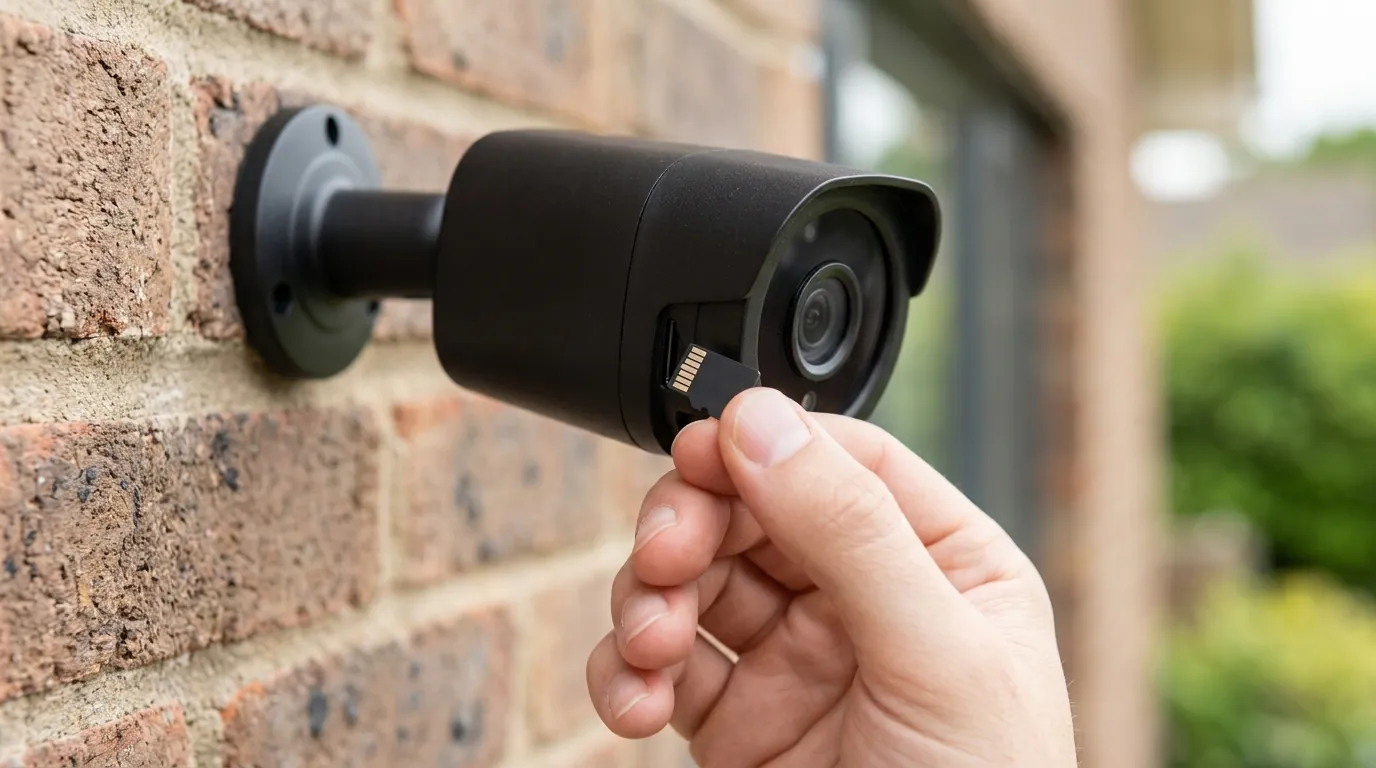
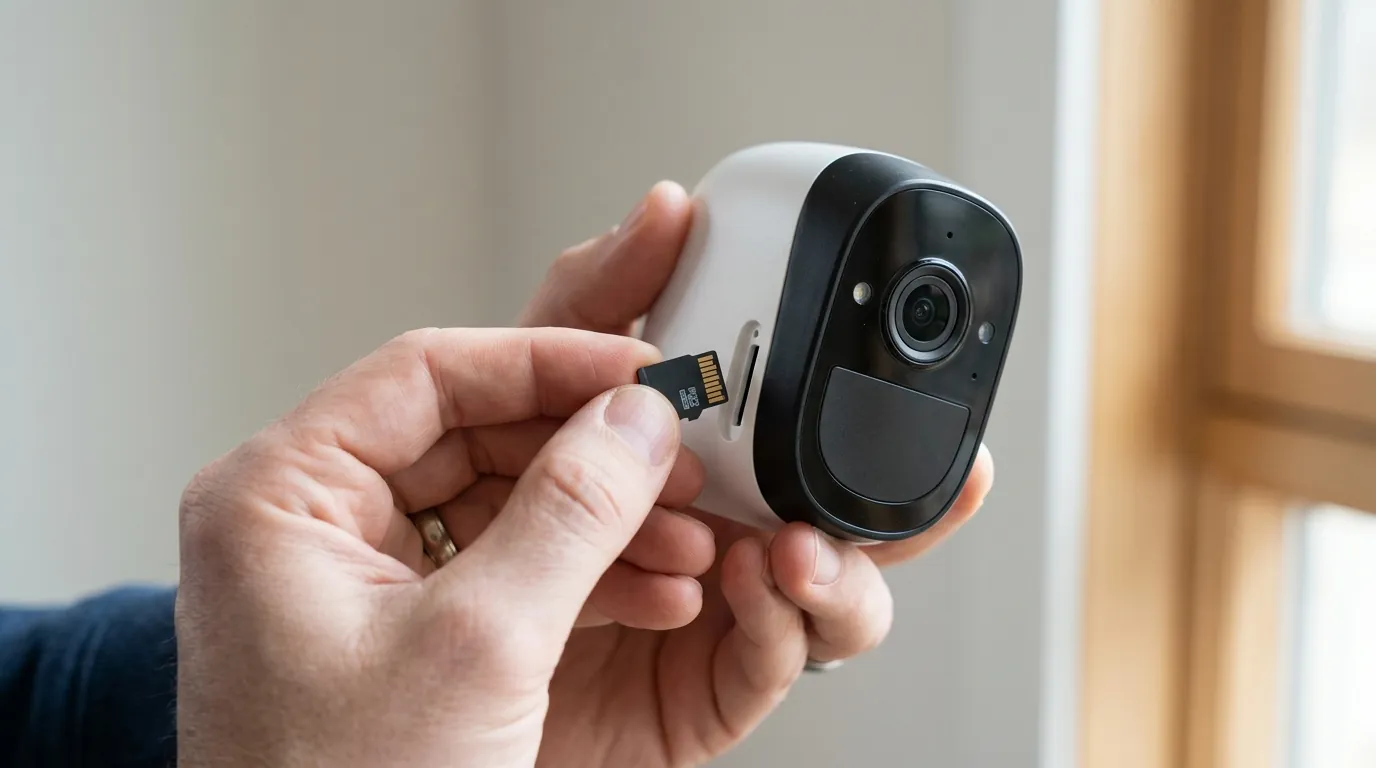
Many users repurpose old “Class 10” or “U1” microSD cards. The Reolink PoE Doorbell records at a high bitrate (up to 6144 kbps). If the card’s write speed is inconsistent, the camera may struggle to “flush” the 6-second pre-record buffer from its RAM to the storage medium quickly enough, causing the initial seconds of the event to be dropped.
How it works under the hood
Understanding the internal mechanics of the Reolink PoE Doorbell helps in diagnosing why certain settings impact speed more than others.
The RAM Buffer Mechanism
Unlike battery-powered cameras that “sleep” to save power, the Reolink PoE Doorbell is always “awake.” It maintains a rolling 6-second video buffer in its volatile memory (RAM). When the AI engine confirms a person is present, the camera takes those 6 seconds from RAM and appends them to the beginning of the new video file being written to the storage. If the “Pre-Record” setting is disabled, the camera must start a fresh write from the exact millisecond of detection, which inherently feels slower because it misses the approach.
Alarm Delay Logic Explained
The “Alarm Delay” setting is a software filter designed to reduce “noise.” If set to 2 seconds, the camera requires the motion to be continuous for a full 2 seconds before it triggers an alert. While this is excellent for ignoring a bird flying past, it is catastrophic for a doorbell where a delivery person may only be in the “hot zone” for 3 or 4 seconds total.
Detection Threshold vs. Sensitivity
Reolink uses two primary metrics for detection:
- Sensitivity: A 1-100 scale determining how much pixel change is needed to “wake up” the AI engine.
- Detection Threshold: (Found in the “Object Size” and “Alarm Delay” sub-menus) This determines the physical size or duration the object must maintain to be classified as a Person. Setting an “Object Size” too large will cause the camera to ignore people until they are very close to the lens, creating a perceived delay.
Real-world implications
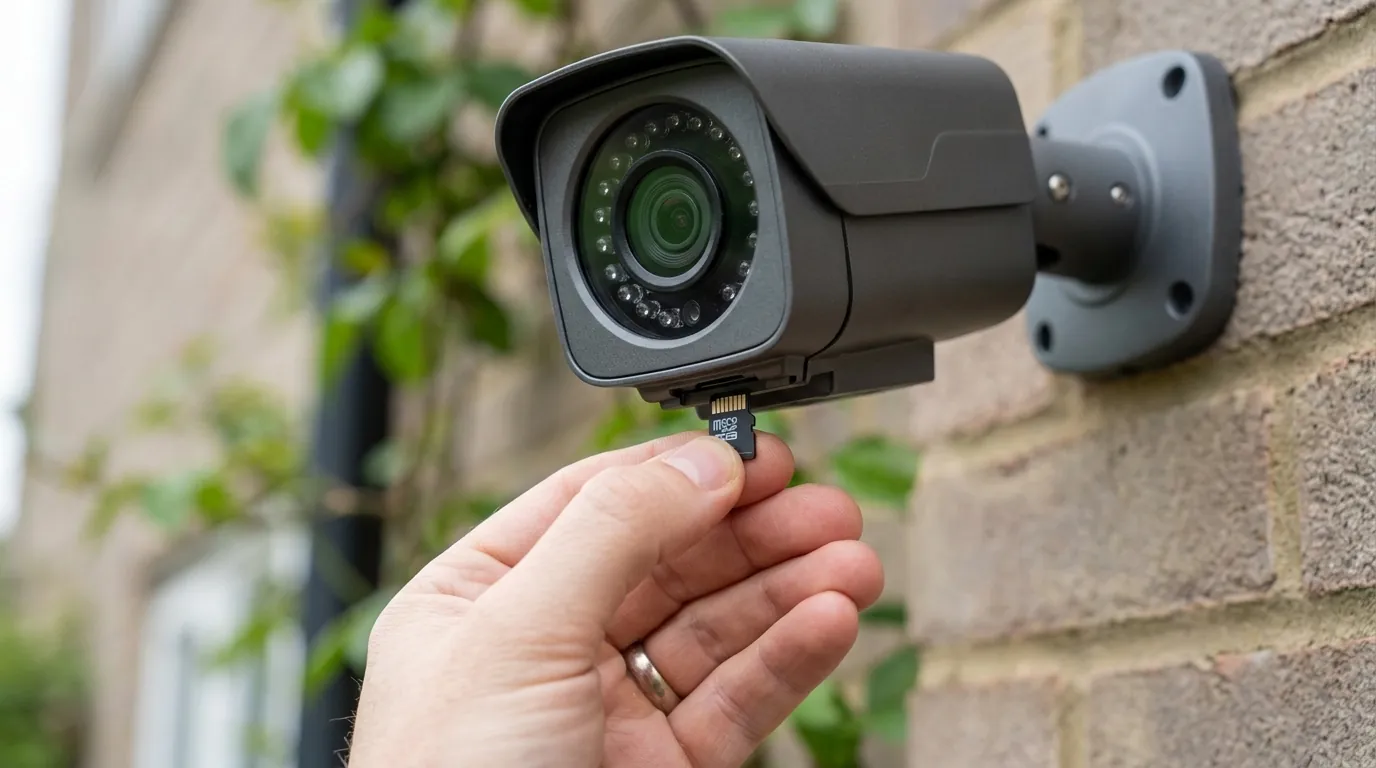
A delay of even two seconds can render a high-definition security camera functionally useless in several critical scenarios.
Porch Piracy and the Approach
Security footage is most valuable when it shows the “leading edge”—the approach of a person toward the property. Law enforcement often requires footage of a suspect’s face, which is usually only visible as they walk toward the door. If the camera has a 2-second delay, the recording might only start when the suspect is already leaning down (facing away) to grab a package or is already walking away.
Smart Home Integration Lag
For users integrating their Reolink Doorbell with Home Assistant, Hubitat, or Blue Iris, the onboard delay is amplified by the integration layer. If the doorbell takes 1.5 seconds to “see” a person and another 1 second to update its ONVIF state, a “Turn on Porch Light” automation will trigger 2.5 seconds late. In many cases, the visitor will have already pressed the doorbell in the dark before the light activates.
Evidence Reliability
If a recording starts late, the metadata associated with the file (the “Time of Event”) can be inaccurate. This can complicate the timeline of events when providing footage to insurance companies or authorities, as the timestamp may reflect when the person was already at the door rather than when they first entered the property boundary.
Common misconceptions
There are several myths regarding what causes Reolink lag, often leading users to spend money on unnecessary upgrades.
Internet Speed vs. Local Processing
Misconception: “My doorbell is slow because my upload speed is low.” Correction: The Reolink PoE Doorbell performs all AI detection and recording locally. Your internet speed only affects how quickly you can view the footage remotely or how fast you receive the notification. It has zero impact on the actual “trigger speed” of the recording saved to the microSD card.
The Sensitivity Paradox
Misconception: “Higher sensitivity (100) will make the camera trigger faster.” Correction: Setting sensitivity to the absolute maximum can actually create “motion blindness.” If the camera is constantly seeing “motion” from digital noise or wind, the AI engine may become saturated, leading to a delay in re-triggering for a legitimate human event. A setting of 60-85 is generally optimal for the PoE model.
Myth vs. Fact: Reolink Settings
| Myth | Fact |
|---|---|
| NVRs make detection faster. | The camera does the work; NVRs can actually add a slight write-delay. |
| 4K resolution causes lag. | The PoE Doorbell’s SoC is designed for its native 2K/5MP resolution; downscaling doesn’t significantly speed up AI. |
| Wi-Fi and PoE have the same lag. | PoE is consistently faster because it lacks the “power-save” wake-up cycles of Wi-Fi chips. |
Further reading
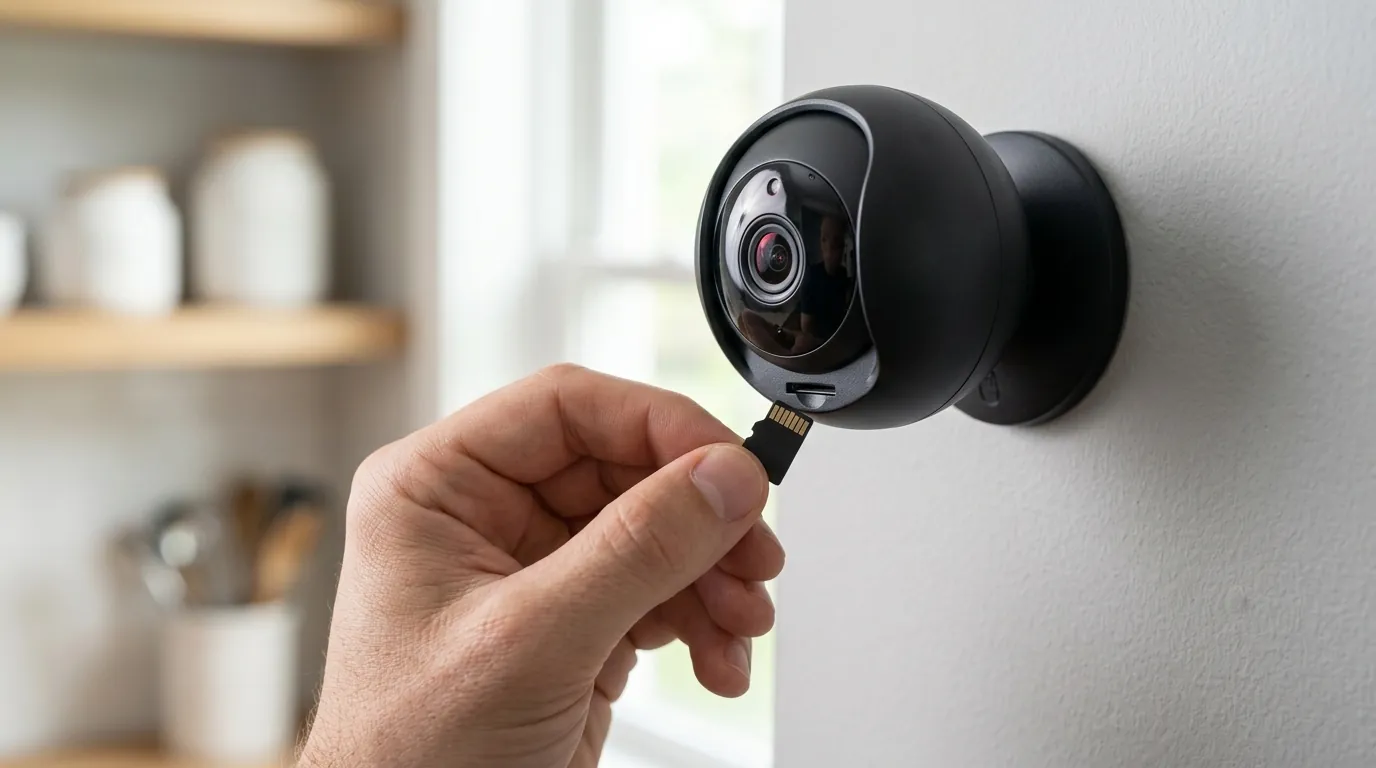
To optimize your Reolink PoE Doorbell for 2026, follow this technical checklist to ensure the hardware and software are aligned for maximum speed.
2026 Firmware Update Guide
Reolink frequently releases firmware that improves AI model efficiency. As of mid-2026, ensure your doorbell is running the v3.2.0.x series or newer.
- Access the doorbell via the Web Client (typing the IP address into a browser) rather than just the mobile app. The web client often reveals firmware versions the app hides.
- Check the Reolink Download Center for your specific hardware version (visible in Settings > Device Info).
- Manual Update: If the app says “Up to Date” but the website shows a newer version, download the .pak file and update manually via the web client.
The Hardware Solution: High-Endurance Storage
If you have optimized your settings and still experience a “hitch” at the start of recordings, the issue is likely your microSD card. Standard cards are not designed for the constant “Pre-Record” write cycles of a PoE camera.
- Recommendation: Use a Samsung PRO Endurance or SanDisk Max Endurance card in the $30-50 price range for 128GB/256GB.
- Why: These cards use high-quality NAND flash that can handle the simultaneous reading/writing required to stitch the RAM buffer to the permanent file without latency.
Optimal Settings Checklist for 2026
| Setting | Recommended Value |
|---|---|
| Sensitivity (Person) | 70 - 85 |
| Alarm Delay | 0 Seconds (Critical) |
| Pre-Record | On (Standard 6s) |
| Object Size | None / Default (Unless experiencing heavy false positives) |
| Interframe Space | 1x or 2x (Lower values improve stream start time) |
Decision Framework: How to Prioritize Speed
- If you are a Homeowner with an NVR: Prioritize recording to both the NVR and an internal microSD card. Set the App to playback from the microSD card for faster response.
- If you are a Smart Home Power User: Bypass the Reolink AI by using the RTSP stream with Frigate or Blue Iris. These platforms use external hardware (like a Google Coral TPU) to process motion in sub-millisecond timeframes, completely bypassing the camera’s internal “Alarm Delay” logic.
- If you have a high-traffic sidewalk: Use the “Non-Detection Zone” to black out the sidewalk. This allows you to keep sensitivity high for your actual porch without the AI engine being constantly triggered by passersby.
Total Cost of Ownership (3-Year Estimate)
The Reolink PoE Doorbell is one of the most cost-effective professional-grade options because it lacks mandatory subscriptions.
- Hardware: Around $100 range.
- High-Endurance Storage: $30 - $50 range (One-time).
- Subscription Fees: $0 (Local storage model).
- 3-Year Total: $130 - $150.
- Comparison: A Ring or Nest doorbell often costs $150-200 upfront plus $36-$120/year in subscriptions, bringing the 3-year TCO to over $300-$500.
Frequently Asked Questions
Why does my Reolink doorbell only record when someone is walking away?
This is almost always caused by the “Alarm Delay” setting being higher than 0 seconds or the “Pre-Record” feature being disabled. Without Pre-Record, the camera only starts writing to the disk the moment it confirms a person, which is often too late to catch the approach.
Does the Reolink PoE Doorbell support 24/7 recording?
Yes. Unlike battery-powered doorbells, the PoE model can record continuously to a microSD card or a Reolink NVR. This is the ultimate fix for “missing” motion, as you can simply scroll back in the timeline to see what happened before the motion alert triggered.
Will a faster Ethernet cable (Cat6 vs Cat5e) fix the delay?
No. The Reolink PoE Doorbell operates on a 10/100 Mbps interface. Even a 2K stream only uses about 6-8 Mbps. A Cat5e cable is more than sufficient; the delay is processed in the camera’s software, not the cable’s bandwidth.
Can I use the Reolink Doorbell without the cloud?
Absolutely. One of the primary advantages of the PoE version is that it is fully functional without a cloud subscription. All motion detection, AI analysis, and storage happen locally on your property.
Sources
- Reolink Official Support — Optimizing Motion Detection for Doorbell Cameras
- RTINGS — Reolink Video Doorbell PoE Review and Benchmarks
- Reolink Firmware Center — Doorbell PoE Firmware History
- Samsung Semiconductor — PRO Endurance MicroSD Specs for Surveillance