
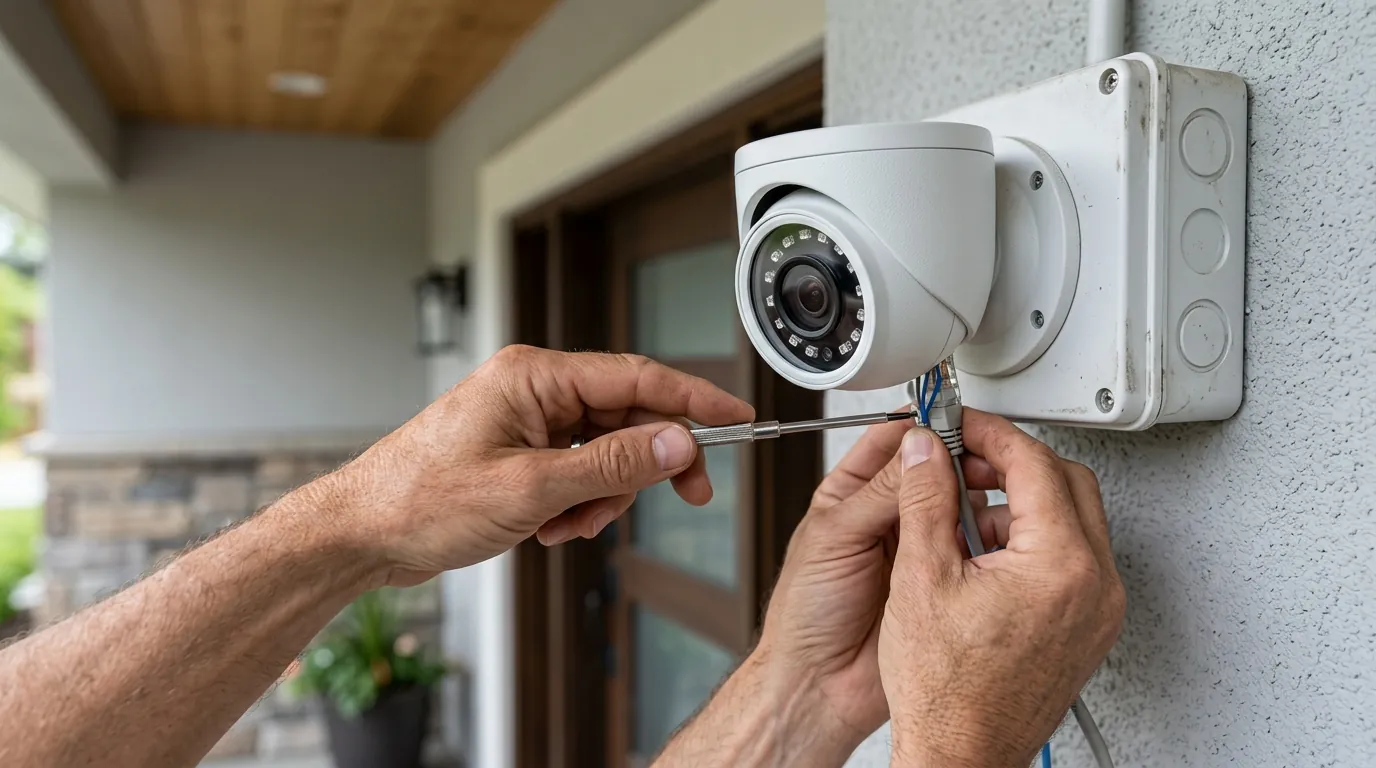
Reolink Doorbell PoE Connection Drops: Firmware & Troubleshooting Guide
A wired connection is generally the gold standard for stability, yet even the Reolink Doorbell PoE can encounter intermittent “offline” statuses that disrupt home security.
Quick Answer: Connection drops on a Reolink Doorbell PoE, potentially associated with firmware v3.0.0.2126, often stem from underlying power delivery issues, compromised Ethernet cabling, or network configuration problems rather than solely a specific firmware bug. While newer firmware versions like v3.0.0.6460 (released May 2026) have addressed “some known bugs,” thorough troubleshooting of your PoE setup and network environment is crucial for a stable connection.
What it means
Related: Why Nest Cameras Go Offline During Summer Storms (2026 Guide) · Fix Eufy Security Camera Motion Notifications Not Working (2026 Guide) · Reolink Argus 4 Pro vs. Eufy SoloCam S340: 180° Wide vs. 360° PTZ
A “connection drop” in the context of the Reolink Doorbell PoE is more than just a minor glitch; it is a total failure of the device’s primary communication and power pathway. Because this device uses Power over Ethernet (PoE), a loss of connectivity often implies a loss of power or a failure in the data handshake between the camera and the network switch.
Identifying a True Connection Drop vs. Other Issues
It is important to distinguish between a device that has completely lost its connection and one that is simply experiencing high latency. A true connection drop means the device is unreachable via its IP address, fails to respond to “pings,” and shows a “Device Offline” status in the Reolink client or mobile app. This is distinct from “stuttering” video, which is often a bandwidth or bitrate issue, or a failure of the mechanical chime, which is a separate circuit logic within the device. When the Reolink Doorbell PoE drops, it stops recording to the NVR, ceases motion detection, and effectively becomes a paperweight on your doorframe until the connection is restored.
Impact on Security and Convenience
The primary appeal of a PoE doorbell is its perceived “unshakeable” reliability compared to Wi-Fi alternatives. When a connection drop occurs, that reliability is compromised. From a security standpoint, a drop creates a blind spot; if a visitor approaches during a 60-second connection reset, no footage is captured. From a convenience standpoint, it renders the “smart” features of the home—such as rich notifications on a smartphone or integration with home automation platforms like Home Assistant—completely non-functional.
Why it exists
While users often point to firmware as the primary culprit, connection drops are frequently a symptom of infrastructure weaknesses that firmware merely exposes.
The Role of Firmware in Network Stability
Firmware acts as the bridge between the doorbell’s hardware and your network. In older versions like v3.0.0.2126, some users reported instability during high-traffic events, such as when the camera attempted to push a high-bitrate 2K+ stream while simultaneously performing AI person detection. Reolink’s official firmware archives indicate that subsequent updates, including the v3.0.0.6460 release in May 2026, specifically targeted “known bugs” related to network stack stability. If a doorbell is running an outdated version, it may lack the refined error-correction protocols necessary to recover from minor network blips, leading to a permanent “offline” state that requires a power cycle.
Power Delivery Challenges in PoE Setups
The Reolink Doorbell PoE follows the IEEE 802.3af standard. While this standard is robust, the doorbell is a power-hungry device compared to a standard IP camera because it must power an IR cut filter, infrared LEDs, a high-resolution sensor, and a heating element for cold weather.
| PoE Component | Spec / Requirement | Source |
|---|---|---|
| Standard | IEEE 802.3af (15.4W max) | Reolink Spec Sheet |
| Input Voltage | 48V PoE or 12-24V AC / 24V DC | Reolink Support |
| Max Cable Run | 100 meters (328 feet) | IEEE 802.3 Standards |
| Recommended Cable | Cat5e or Cat6 (Pure Copper) | Community Consensus |
If your PoE switch is oversubscribed—meaning the total wattage of all connected cameras exceeds the switch’s “power budget”—the switch may intermittently “brown out” the doorbell to protect other ports.
Network Infrastructure: Cables and Switches
The quality of the physical layer is the most overlooked cause of drops. Many “connection drops” are actually physical link failures.
- CCA (Copper Clad Aluminum) Cables: These are common in cheap bulk Ethernet spools. CCA has higher resistance than pure copper, leading to significant voltage drops over long runs. This can cause the doorbell to reboot every time the IR LEDs kick in at night.
- Poor Terminations: A poorly crimped RJ45 connector can cause “packet loss.” If the loss exceeds a certain threshold, the Reolink firmware may trigger a network reset, resulting in a visible drop in the app.
- Switch Logic: Some “Green” or “Energy Efficient” Ethernet (EEE) switches attempt to save power by putting ports into a low-power state. This can interfere with the constant heartbeat signal required by security cameras.
How it works under the hood
To troubleshoot effectively, one must understand the handshake between the doorbell and the Power Sourcing Equipment (PSE).
Power Over Ethernet (PoE) Fundamentals
When you plug the Reolink Doorbell into a PoE switch, a process called “Detection and Classification” occurs. The switch sends a low voltage to see if the device is PoE-compatible. The doorbell responds with a specific resistance, signaling it is a “Class 3” device (requiring up to 12.95W). Once classified, the switch applies the full 48V. If there is a momentary short or a fluctuation in resistance—often caused by moisture in the Ethernet jack or a fraying cable—the switch will immediately cut power to prevent hardware damage, causing a connection drop.
Data Transmission and Network Protocols
The Reolink Doorbell PoE uses a 10M/100Mbps Ethernet interface. While 100Mbps is more than enough for a 5MP video stream (which typically peaks at 8-10Mbps), the device relies on several protocols to stay “online”:
- DHCP: The doorbell requests an IP address from your router. If the lease time is too short or the router fails to renew the lease, the camera may lose its place on the network.
- ONVIF/RTSP: These protocols handle the video stream. If you are using third-party software (like Blue Iris or Home Assistant), the doorbell must manage multiple simultaneous streams, which increases CPU load and heat.
- P2P (UID): This is the protocol Reolink uses to allow remote access without port forwarding. If the Reolink P2P servers are unreachable, the app may show the camera as “offline” even if it is still recording locally to an NVR.
The Firmware’s Role in Device Functionality
Firmware is the operating system of the doorbell. It manages the “Watchdog Timer,” a piece of code designed to reboot the camera if the system freezes. In firmware version v3.0.0.2126, some users hypothesized that the Watchdog was too sensitive or that a memory leak in the AI detection engine was triggering unnecessary reboots. The v3.0.0.6460 update (May 2026) refined these background processes to ensure that minor software errors are handled without a full network disconnect.
Real-world implications
A doorbell that drops its connection is a liability rather than an asset. The implications range from security risks to technical debt.
Compromised Home Security
The most severe implication is the loss of evidence. Most connection drops occur during transitions—such as when the camera switches from Day to Night mode (activating IR LEDs) or when a person is detected (triggering high-CPU AI analysis). If the device drops during these moments, the very event you bought the camera to record—a person approaching your door at night—is exactly what is lost.
Impact on Daily Convenience
A smart doorbell is often the primary way homeowners interact with visitors. If the connection is unstable:
- Delayed Notifications: You might receive a “Person Detected” alert three minutes after the person has left.
- Failed Intercom: Attempting to use the “Two-Way Talk” feature requires a stable, low-latency connection. A drop during a conversation is not just frustrating; it makes the feature unusable.
- Chime Desync: Some users report that after a connection drop and subsequent reconnect, the internal chime or the Reolink Wi-Fi chime may fail to sync until the device is manually rebooted again.
Troubleshooting Time and Effort
For the average user, troubleshooting a PoE device is more labor-intensive than a Wi-Fi one. It often involves:
- Climbing a ladder to inspect the weather sealing on the RJ45 jack.
- Using an Ethernet cable tester to verify the integrity of the run.
- Logging into a PoE switch management interface to check power draw logs.
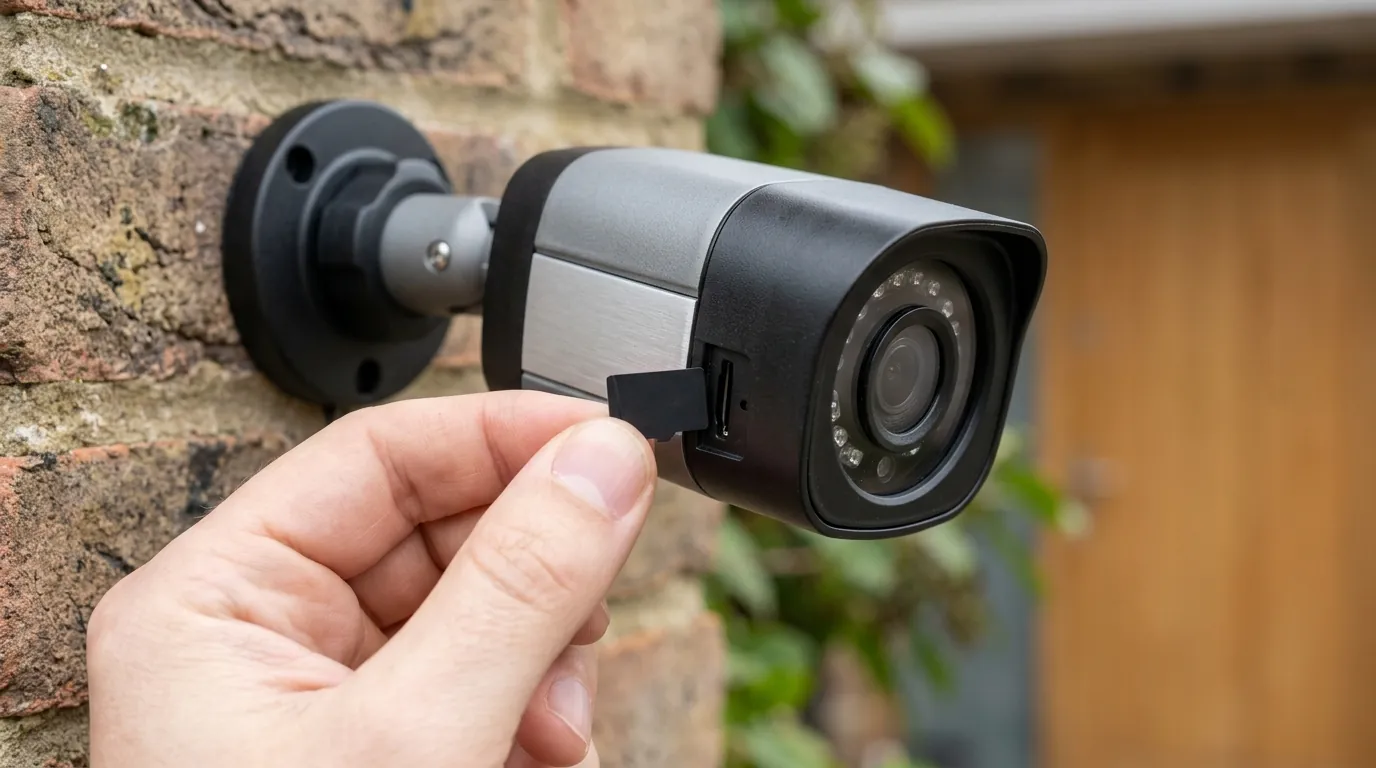
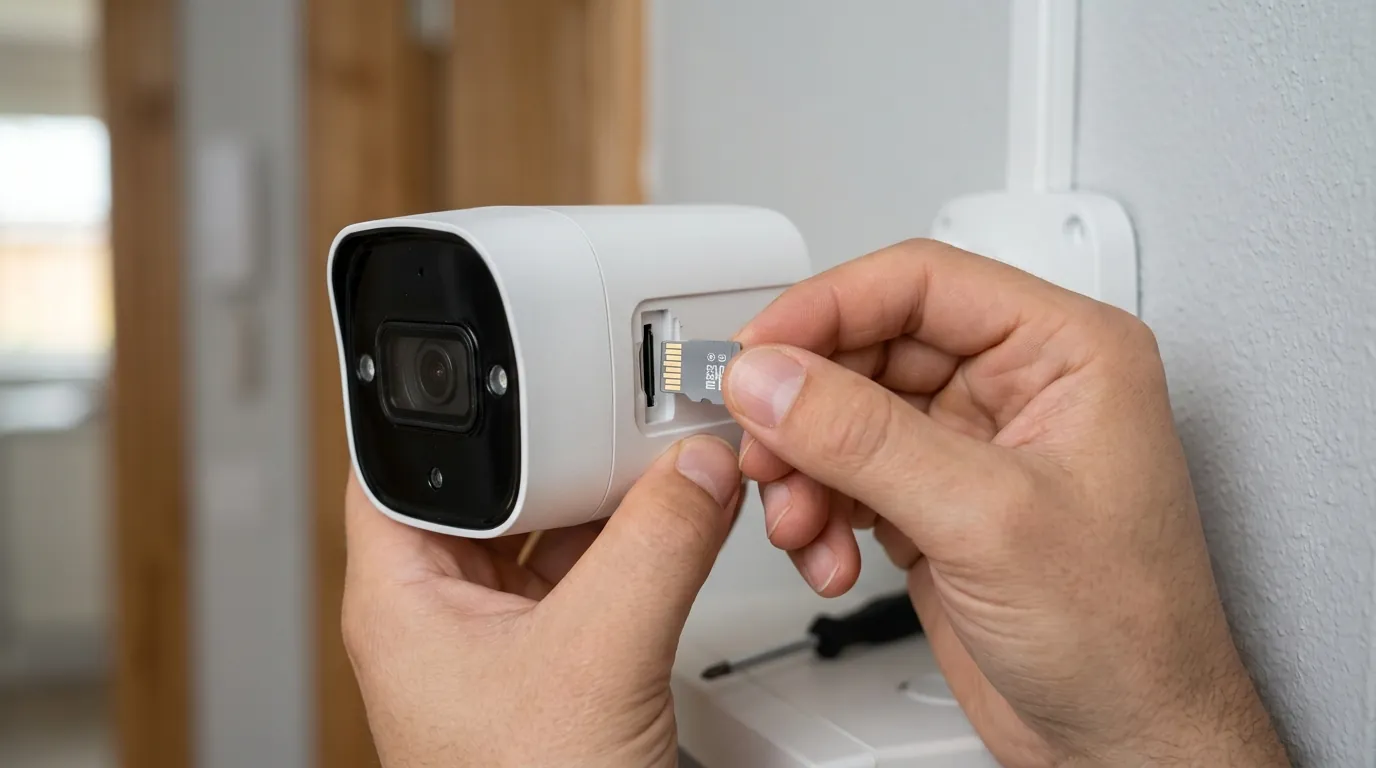
- Manually flashing firmware via a microSD card or a local PC client because the “Auto-Update” feature often fails to find the latest versions.
Decision Framework: Troubleshooting the Drop
If you are experiencing connection drops, use the following framework to identify the root cause based on your specific setup.
| If you are a… | Prioritize this step: | Why? |
|---|---|---|
| New Installer | Check Cable Quality (Pure Copper vs CCA) | Most initial failures are due to high-resistance cheap cabling. |
| Renter / DIYer | Use a Dedicated PoE Injector | If using a cheap PoE switch, a dedicated injector provides more stable, isolated power. |
| Advanced User | Assign a Static IP / DHCP Reservation | Eliminates “IP Conflict” or “Lease Renewal” drops. |
| Legacy User | Manual Firmware Update to v3.0.0.6460+ | Older versions (v3.0.0.2126) have known stability bugs in the network stack. |
Total Cost of Ownership (TCO) Analysis
One reason users stick with the Reolink Doorbell PoE despite connection hurdles is the aggressive TCO. Unlike competitors like Ring (Elite) or Nest, Reolink does not lock core functionality behind a subscription.
3-Year Cost Breakdown (Estimated):
- Hardware: ~$100 (Doorbell unit).
- Infrastructure: ~$50 (Mid-range PoE Switch or high-quality Injector + Cat6 cabling).
- Storage: ~$25 (High-end 256GB MicroSD card for local backup).
- Subscription Fees: $0 (No “paywall” for person detection or cloud storage if using NVR/FTP).
- Total: ~$175.
In contrast, a PoE doorbell from a subscription-heavy brand can cost over $500 over three years when factoring in the hardware price (often ~$350) and a $5-10/month cloud plan required for person detection. The “cost” of the Reolink is often paid in “troubleshooting time” rather than monthly fees.
Common misconceptions
Blaming the Device First
The most common misconception is that a “Device Offline” message means the Reolink doorbell is broken. In reality, the doorbell is often perfectly fine, but the network path has collapsed. Because PoE combines power and data, an issue that would just “slow down” a Wi-Fi camera (like interference) will “kill” a PoE camera (as the switch might reset the port due to CRC errors).
Overlooking Network Infrastructure
Users often assume that if their laptop works on an Ethernet cable, the doorbell should too. However, a laptop has a battery to buffer power fluctuations; the doorbell does not. Furthermore, the Reolink Doorbell is exposed to the elements. Moisture in the RJ45 plug—even a tiny amount—can cause a “ground fault” that triggers the PoE switch’s safety shutdown. Always use the included waterproof cable cover.
The Double-Edged Sword of Firmware Updates
There is a belief that you should always be on the latest firmware. While usually true, Reolink firmware updates can occasionally change how the device interacts with chimes or NVRs. For example, some users found that updates after v3.0.0.2126 changed the “HTTP/HTTPS” port settings, which caused the camera to “drop” from third-party dashboards like Home Assistant even though the camera was still online in the official app. Always check the Reolink Subreddit for “megathreads” on new firmware before updating.
Further reading
- PoE Standards Deep Dive: Understanding the difference between 802.3af, 802.3at (PoE+), and 802.3bt (PoE++) and why using a higher-standard switch can sometimes solve stability issues.
- Advanced Ethernet Testing: How to use a TDR (Time Domain Reflectometer) to find the exact foot-marker where a cable is pinched or damaged.
- Router Optimization: Setting up Quality of Service (QoS) to prioritize security camera traffic over Netflix or gaming to prevent “bufferbloat” drops.
Frequently Asked Questions
Does the Reolink Doorbell PoE support 5GHz Wi-Fi?
No, the PoE version of the doorbell does not have Wi-Fi hardware inside. It relies entirely on the Ethernet connection for data. If you require Wi-Fi, you must purchase the Reolink Doorbell Wi-Fi model, which supports dual-band 2.4/5GHz.
Can I use a 12V power adapter with the PoE doorbell?
Yes. The Reolink Doorbell PoE has a dual-power design. You can power it via the Ethernet cable (PoE) OR via the power terminals on the back using a 12-24V AC or 24V DC transformer. Note that if you use the terminals for power, you still need the Ethernet cable for data.
Why does my doorbell drop connection only at night?
This is almost certainly a power issue. At night, the camera activates its Infrared (IR) LEDs, which significantly increases the power draw. If your PoE switch is at its limit or your Ethernet cable has too much resistance (CCA cable), the voltage will drop below the operational threshold, causing the camera to reboot.
How do I manually update the firmware if the app says “up to date”?
Reolink’s “Auto-Update” feature is notoriously conservative. To get the latest version (like v3.0.0.6460), you must visit the Reolink Download Center, download the .pak file for your specific hardware version (check the device info in the app), and upload it via the Reolink Client on a PC or Mac.
Sources
- Reolink Product Specifications — https://reolink.com/product/reolink-video-doorbell-poe/#specifications
- Reolink Firmware Download Center
- IEEE 802.3af PoE Standard Overview
- Reolink Community Discussion on Firmware v3.0.0.2126 — https://www.reddit.com/r/reolinkcam/comments/11v6b7o/new_firmware_for_video_doorbell_poewifi/
- Troubleshooting PoE Connection Issues — https://support.reolink.com/hc/en-us/articles/360007011053-Connection-Failed-when-Connecting-Reolink-IP-Cameras/
- Technical Analysis of Reolink Doorbell Hardware