
Fix Reolink Camera False Motion Detection Alerts: A 2026 Guide
Few experiences in home security are more frustrating than a smartphone that buzzes every time the wind blows through a maple tree. For Reolink users, mastering motion detection settings is the difference between a reliable security tool and a persistent digital nuisance.
Quick Answer: To fix Reolink camera false motion detection alerts, adjust sensitivity levels, define specific detection zones to exclude irrelevant areas like public roads or swaying trees, enable Smart Detection for person/vehicle/pet filtering, and ensure your camera’s firmware is up to date (for non-battery models). Proper camera placement and avoiding environmental triggers are also crucial for reducing unwanted notifications.
What it means
Related: How to Protect Outdoor Security Cameras from Summer Storms · Ring Doorbell Overheating: 2026 Guide to Summer Heat Fixes · Nest Cam Battery Overheating Notification: 2026 Fix Guide
In the context of home security, a “false alert” is any notification or recording triggered by an event that does not pose a security threat. For Reolink users, these typically manifest as push notifications for non-human movement. While the camera is technically doing its job—detecting change in its field of view—the relevance of that change determines the system’s utility.
Common triggers for Reolink false alerts include:
- Environmental movement: Swaying tree branches, tall grass, or bushes moving in the wind.
- Lighting changes: Sudden shadows from clouds, headlights from passing cars reflecting on windows, or the transition between day and night modes (IR cut-filter switching).
- Weather events: Heavy rain, snowflakes passing close to the lens, or thick fog.
- Small creatures: Insects crawling across the lens cover or spiders spinning webs in front of the infrared (IR) LEDs.
The impact of these alerts goes beyond mere annoyance. “Notification fatigue” occurs when a user receives so many irrelevant pings that they begin to ignore their phone entirely, potentially missing a genuine security event. Furthermore, for battery-powered models like the Reolink Argus series, every false trigger wakes the camera, significantly reducing battery life and consuming unnecessary local or cloud storage space. The ultimate goal of optimization is a “quiet” system that only speaks when it has something important to say.
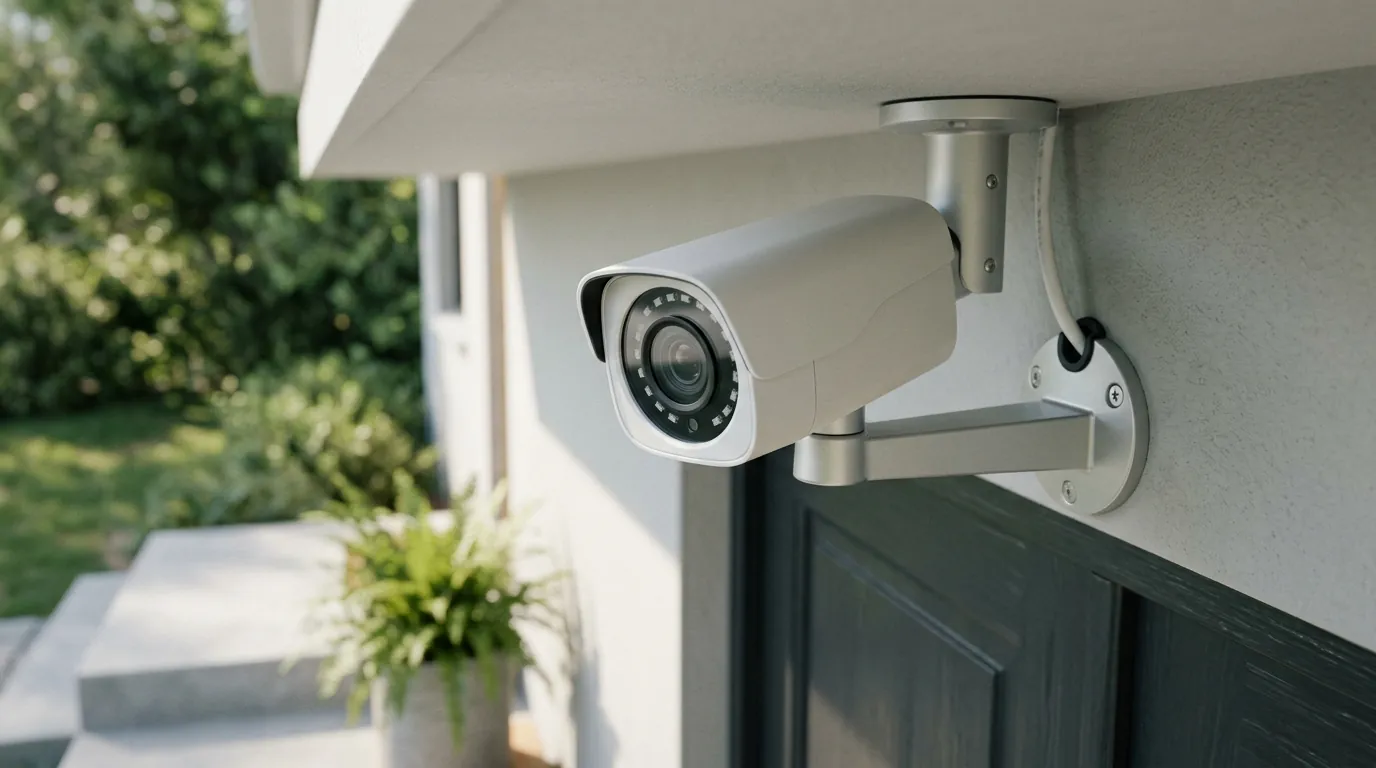
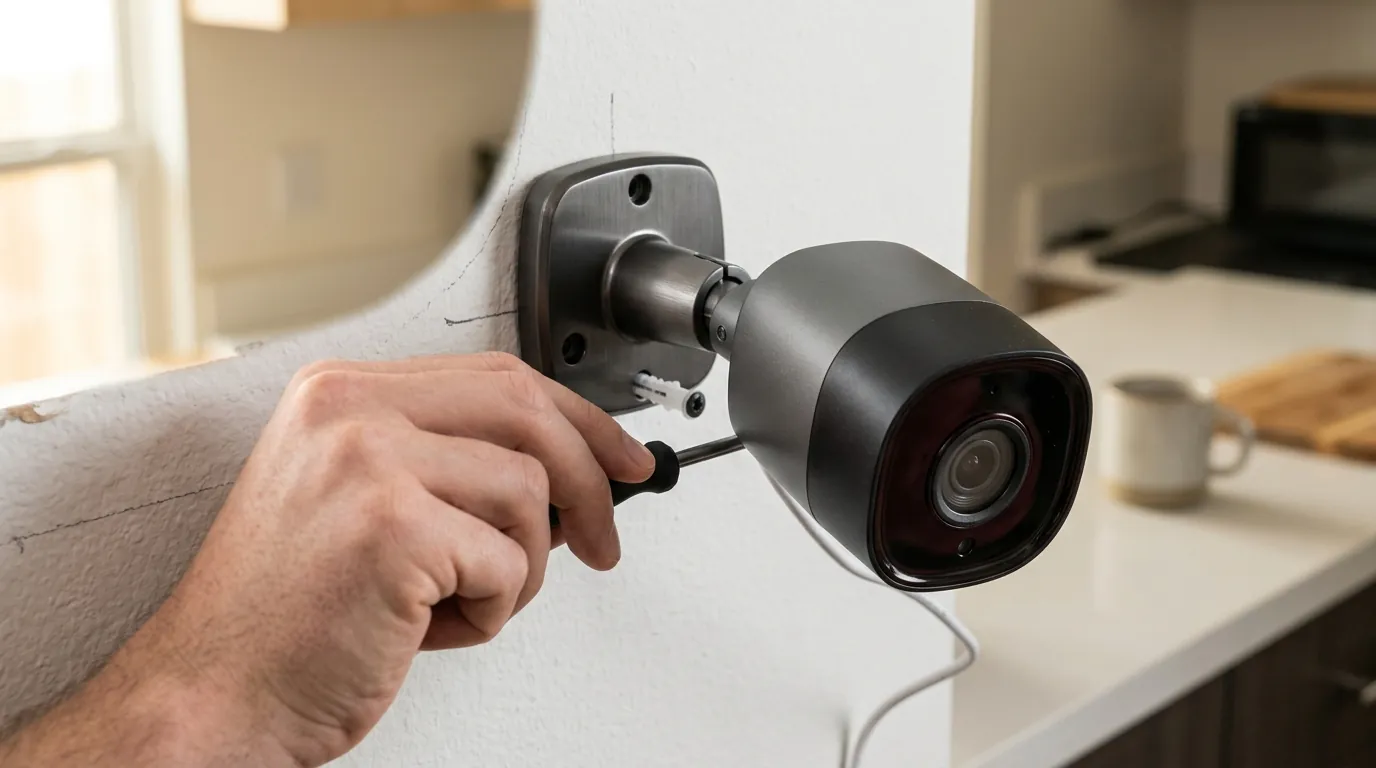
[Image Spec: A Reolink outdoor security camera (e.g., RLC-810A or Argus 4 Pro) mounted under an eave, overlooking a driveway or backyard, with detection zones overlaid to illustrate exclusion of a public sidewalk or swaying tree. Aspect ratio 16:9.]
Why it exists
False alerts exist because of the inherent difficulty in teaching a machine to distinguish between a “person” and a “large dog,” or a “car” and a “moving shadow.” While hardware has improved, several factors contribute to the persistence of these triggers.
- Environmental Dynamics: Nature is rarely still. Sunlight reflecting off a pool or a sudden gust of wind moving a patio umbrella creates a change in the image that the camera must interpret.
- Technology Limitations: Traditional motion detection relies on “pixel changes.” If a cloud moves and the porch gets darker, thousands of pixels change values simultaneously. To a basic camera, this looks exactly like a large object moving across the frame.
- Placement and Angle: Cameras pointed toward public sidewalks or busy streets will naturally trigger more often. If the camera is angled too low, it may be overwhelmed by ground-level movement like pets or blowing leaves.
- Sensitivity Thresholds: By default, many cameras are set to a high sensitivity to ensure they don’t miss anything. However, an “out of the box” Reolink camera is often too sensitive for high-traffic residential environments.
- Firmware Maturity: Algorithms for object recognition are constantly evolving. Users running older firmware on PoE (Power over Ethernet) or Wi-Fi plug-in cameras may be missing out on refined AI models that better filter out rain or insects.
How it works under the hood
Understanding how your specific Reolink model “sees” motion is the first step toward fixing it. Reolink utilizes two primary methods of detection, depending on the power source of the camera.
PIR vs. Pixel-Based Motion
PIR (Passive Infrared) Detection: Used primarily in battery-powered cameras (like the Argus 4 Pro), PIR sensors detect “heat energy.” They look for moving objects that emit infrared radiation, such as humans or animals.
- Pros: Highly effective at ignoring swaying trees or moving shadows because trees don’t emit body heat.
- Cons: Limited range (typically up to 30 feet) and can be triggered by sudden temperature fluctuations or hot air blowing from a vent.
Pixel-Based Detection: Used in wired (PoE) and plug-in Wi-Fi cameras (like the RLC-811A). The camera’s processor compares consecutive frames of video. If enough pixels change, it triggers an alert.
- Pros: Long-range detection and high customization.
- Cons: Highly susceptible to environmental changes like rain, light, and wind-blown foliage.
The Power of Smart Detection AI
To bridge the gap between PIR and Pixel detection, Reolink utilizes on-device AI. This “Smart Detection” analyzes the shape and movement patterns of the detected object.
- Person/Vehicle/Pet Detection: Instead of alerting on any motion, the camera checks if the motion matches the profile of a human, a car, or a dog/cat.
- On-Device Processing: This happens locally on the camera or the NVR, meaning your data isn’t sent to the cloud for analysis, which improves speed and privacy.
- Reolink AI Box (2026 Enhancement): For older Reolink systems or non-AI cameras, the Reolink Home Hub/AI Box provides centralized, faster AI processing. It allows for natural language search (e.g., “Find a person in a red shirt”) and brings advanced filtering to cameras that previously only had basic pixel detection.
Fine-Tuning Detection Parameters
The Reolink app provides several levers to pull to reduce noise:
- Customizable Detection Zones: You can “paint” over areas of the screen you want the camera to ignore, such as a busy street or a neighbor’s yard.
- Sensitivity Sliders: Usually scaled 1-50 or 1-100. Lowering this requires a “bigger” change in the image to trigger an alert.
- Object Size Filtering: You can define the minimum and maximum size of an object. This is highly effective for ignoring insects (too small) or very large light changes (too big).
- Alarm Delay: This feature requires the motion to persist for a set number of seconds (e.g., 1 or 2 seconds) before an alert is sent. This effectively filters out “fleeting” triggers like a bird flying past the lens.
| Feature | Battery Cameras (Argus) | Wired/Plug-in (RLC/E1) |
|---|---|---|
| Primary Detection | PIR (Heat) | Pixel-Based |
| Smart AI Support | Person/Vehicle/Pet | Person/Vehicle/Pet |
| Detection Zones | Yes (Non-PIR zones) | Yes (Grid-based) |
| Object Size Filter | [Information Unavailable]* | Yes |
| Alarm Delay | No | Yes |
| Typical Range | ~30 Feet | ~100+ Feet |
*Note: While some newer battery models are beginning to implement software-based size filtering, it is not standard across the entire legacy Argus line.
Real-world implications
Optimizing your Reolink system isn’t just about stopping annoying pings; it fundamentally changes the utility of the hardware.
Reduced Notification Fatigue When a notification arrives from a properly tuned camera, the user knows it is likely a person on the porch rather than a squirrel. This restores the “alert” status of the notification, ensuring the user actually looks at the feed.
Optimized Battery Life For battery-powered cameras, every false alert is a “wake event.” According to community data on r/ReolinkCam, a camera triggered 50 times a day by wind may only last two weeks, whereas a tuned camera triggered 5 times a day can last months on a single charge.
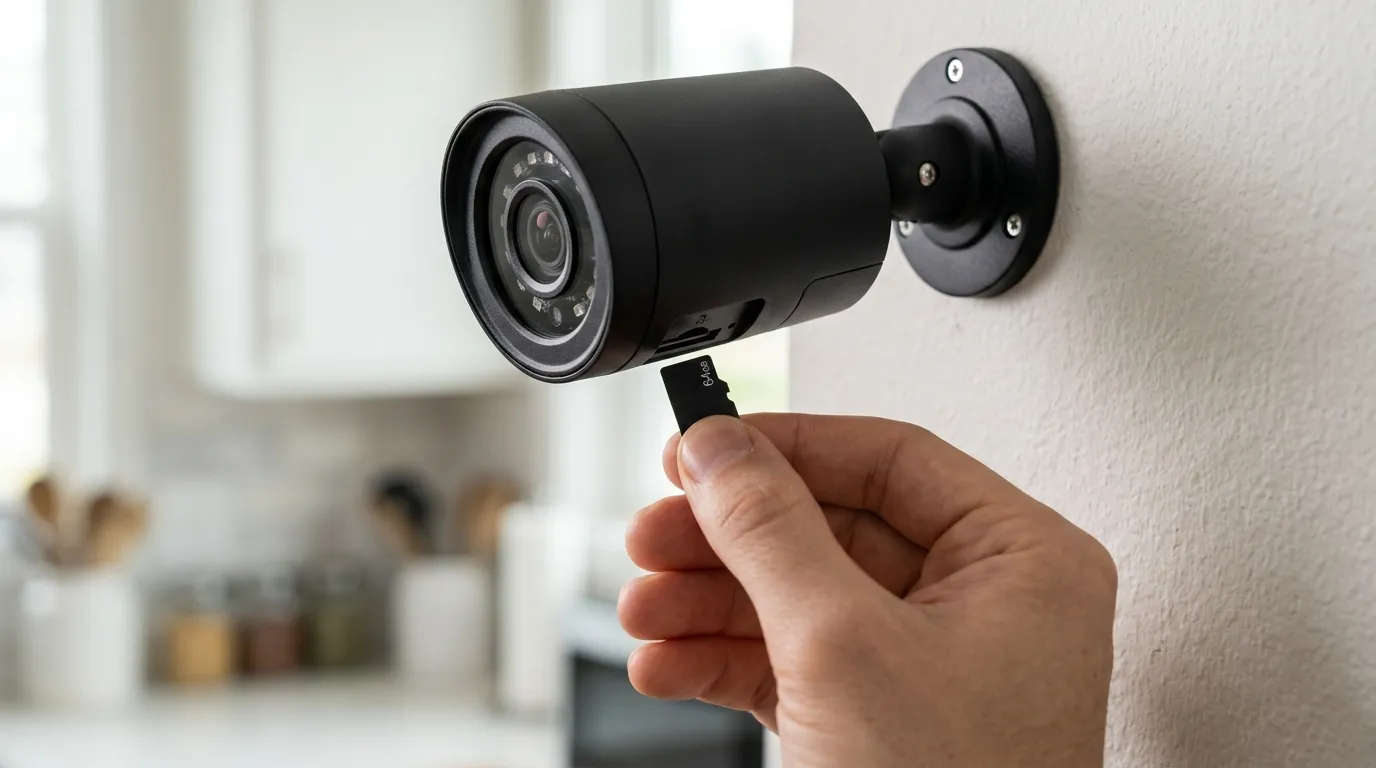
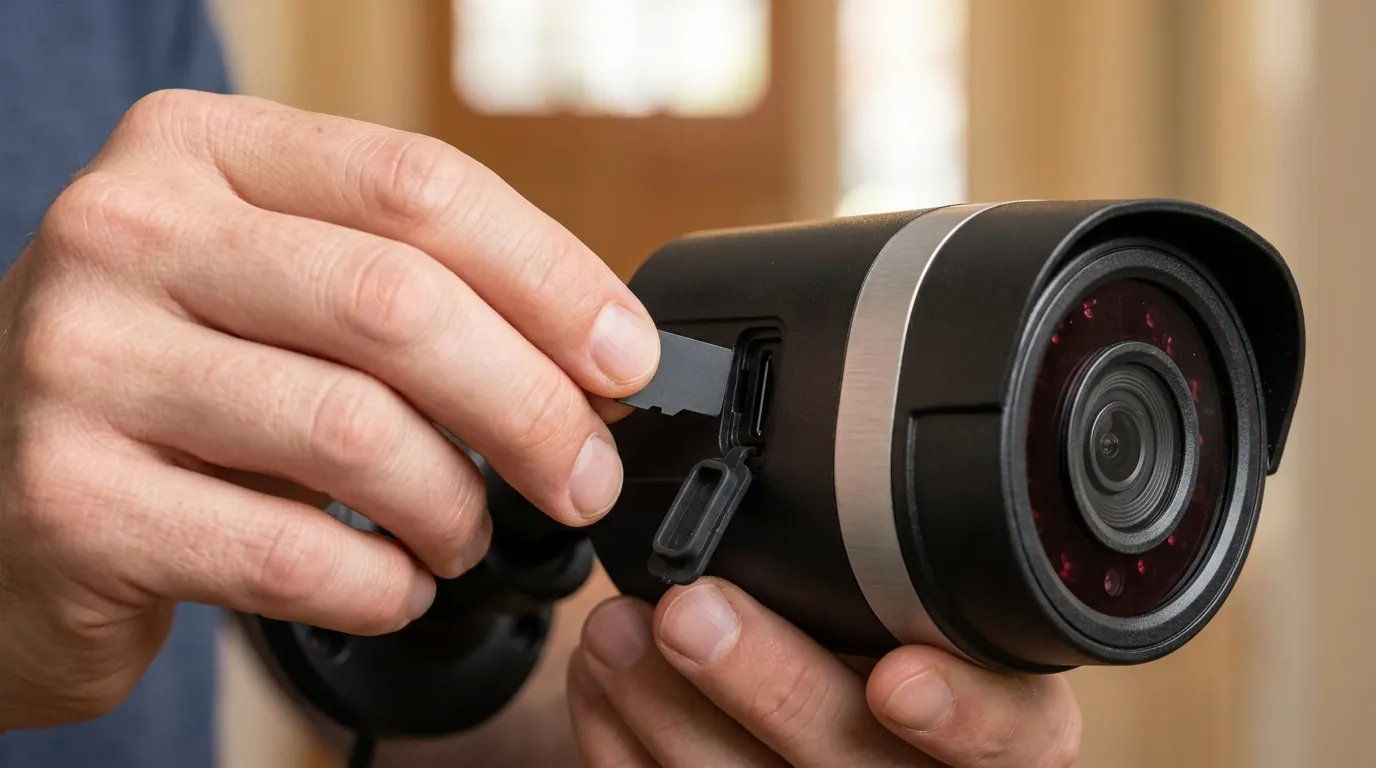
Efficient Storage Management Whether you use Reolink local storage options like a microSD card or a dedicated NVR, false alerts waste space. Filtering out 90% of “noise” recordings means you can keep several additional weeks of relevant footage on the same hard drive.
Decision Framework: How to Prioritize Your Fix
- If you are a Renter (Battery Cameras): Focus on PIR Sensitivity and Detection Zones. Since you likely can’t move the camera easily, software-based exclusion of sidewalks is your best tool.
- If you are a Homeowner (PoE/Wired): Prioritize Smart Detection (Person/Vehicle) and Object Size. Use the “Alarm Delay” (1s) to kill 90% of insect-related alerts.
- If you have a High-Traffic Area: Invest in the Reolink Home Hub/AI Box. The centralized AI processing is significantly more robust than the chips found in older individual cameras.
Common misconceptions
“Higher sensitivity is always better for security.” This is perhaps the most common error. Setting sensitivity to 100% often creates so much noise that the NVR’s processor struggles to tag actual events correctly. A “balanced” sensitivity (often between 30-40 for general motion) is usually more effective at catching real threats than a “maxed out” setting.
“AI detection is foolproof.” While Reolink’s Smart Detection has improved significantly, it is not perfect. Heavy rain can sometimes be misidentified as “motion,” and a person walking directly toward a camera (minimizing their profile) can occasionally be missed. Reolink generally claims a high accuracy rate, but users should still check their “Any Motion” recordings occasionally to ensure the AI isn’t being too restrictive.
“Firmware updates automatically fix all false alert issues.” Updates often improve the AI’s “brain,” but they cannot fix poor placement. If a camera is pointed directly at a reflective window or a bush three inches from the lens, no amount of software updates will stop the false alerts. Physical adjustments are always the first step.
“You can eliminate all false alerts completely.” In an outdoor environment, 100% accuracy is an unrealistic goal. Spiders will always find a way to build webs over IR lights, and extreme weather will always challenge sensors. The goal is “management,” not “perfection.”
Frequently Asked Questions
Why does my Reolink camera alert me when the lights turn on or off?
This is usually caused by “Pixel-Based Motion Detection.” When lights flip, the camera’s IR cut-filter often engages or disengages to adjust to the light level, causing a massive change in pixel values. To fix this, enable “Smart Detection” and set the camera to only notify you for “Person” or “Vehicle” alerts, ignoring the general “Motion” category.
How do I stop insects from triggering my Reolink camera at night?
Insects are attracted to the heat and light of the IR LEDs. You can reduce these alerts by lowering the “Sensitivity” for motion at night, using the “Object Size” filter to exclude small moving objects, or by turning off the built-in IR LEDs and using a separate, external IR illuminator mounted several feet away from the camera.
Does the Reolink Home Hub really reduce false alerts?
Yes, the 2026 Reolink Home Hub (and AI Box) uses a more powerful processor than what is found inside individual cameras. It can perform more complex image analysis, which helps it better distinguish between a human and a pet or a swaying branch, even in low-light conditions where individual cameras might struggle.
Can I set different sensitivity levels for day and night?
Yes, most Reolink PoE and Wi-Fi cameras allow you to set a “Detection Schedule” with different sensitivity settings for different times. Since cameras are more prone to noise at night due to IR reflections and insects, many users set a lower sensitivity for the nighttime hours.
What is the “Alarm Delay” setting in the Reolink app?
Alarm Delay (available on most non-battery models) requires the detected motion to continue for a specific duration (e.g., 1 or 2 seconds) before the camera triggers an alarm. This is highly effective at filtering out “instant” triggers like a bird flying past or a quick flash of light.
Further Reading
- How to Choose the Best Reolink Camera for Your Home (2026 Edition)
- Understanding Reolink’s Local Storage Options: NVR vs. MicroSD
- Wired vs. Wireless Security Cameras: Pros and Cons for Homeowners
- The Importance of Security Camera Placement for Optimal Security
- Reolink App Guide: Mastering Your Camera Settings
Sources
- Reolink Official — How to Config Motion Detection Settings
- Reolink Official — Smart Person/Vehicle Detection FAQ
- Reddit — r/ReolinkCam Community Wiki & Troubleshooting
- Reolink Official — Argus 4 Pro Product Specifications
- PR Newswire — Reolink at CES 2024: Home Hub and AI Enhancements