
Renter-Friendly Wireless Video Doorbells: No-Drill Security Options
Securing your home or small business as a renter often means navigating a delicate balance between enhanced safety and lease agreement restrictions. Fortunately, a new generation of wireless video doorbells offers robust security features without requiring permanent modifications or complex installations.
Quick Answer: Renter-friendly wireless video doorbells offer drill-free installation methods like adhesive mounts or peephole camera designs, combined with battery power and local storage options to avoid permanent modifications and recurring subscription fees. Top choices for 2026 include models from Eufy and Reolink, which prioritize local storage and easy, non-invasive setup.
What it means
Related: Best Smart Home Security for Summer Travel: 2026 No-Subscription Guide · How to Claim a Wyze Cam v4 Refund: 2026 Process & Policy Guide · eufy SoloCam vs. Ring Solar: The 2026 No-Subscription Guide
“Renter-friendly” in the context of security cameras, particularly video doorbells, refers to devices designed for installation without permanent alterations to a property. This typically means no drilling, no complex wiring, and easy removal, ensuring tenants can retrieve their security investment when they move without jeopardizing their security deposit. These devices are ideal for apartments, condos, and small businesses operating under lease agreements that prohibit exterior modifications.
The term “wireless” for these doorbells primarily denotes two key aspects: battery power and Wi-Fi connectivity. Battery operation eliminates the need to hardwire the doorbell to existing electrical circuits, offering flexibility in placement and simplifying installation for those without existing doorbell wiring or electrical expertise. Wi-Fi connectivity allows the doorbell to communicate with your home network and smartphone, enabling remote access and notifications.
Core features of a video doorbell, whether renter-friendly or not, include a live video feed accessible via a smartphone app, two-way audio communication to speak with visitors, motion detection to alert you to activity, and video recording capabilities to capture events at your doorstep.
Why it exists
The demand for renter-friendly wireless video doorbells stems from several practical and financial considerations. Many rental agreements explicitly prohibit tenants from drilling into walls or making permanent alterations to the property’s exterior. This restriction historically made installing traditional wired video doorbells a non-starter for many renters.
Beyond landlord restrictions, these devices address the desire for simplified installation. Many users lack the electrical expertise required for hardwired installations or simply prefer a quick, DIY setup that doesn’t involve tools or extensive technical knowledge. The “set it and forget it” nature of many battery-powered, wireless doorbells appeals to a broad audience.
Another significant driver is the desire for portable security. Unlike wired systems that are fixed to a property, renter-friendly wireless doorbells can be easily removed and taken to a new residence, allowing tenants to retain their investment in security equipment. This portability enhances the value proposition for temporary residents.
Finally, a growing frustration with subscription-heavy incumbents has fueled the market for alternatives. Many traditional video doorbells lock essential features, such as video recording storage or advanced motion detection, behind mandatory monthly cloud storage fees. Renter-friendly options often prioritize local storage solutions, offering robust features without recurring costs, appealing to budget-conscious consumers seeking long-term value.
How it works under the hood
Renter-friendly wireless video doorbells integrate several technologies to provide discreet, effective security without permanent installation.
Powering Your Wireless Doorbell
The primary power source for these devices is typically a built-in, rechargeable battery. For instance, the Eufy Video Doorbell E340 comes with a 6500mAh battery, while the Reolink Battery Doorbell boasts a 6000mAh battery. These batteries are designed to offer several months of operation on a single charge, though actual battery life can vary based on usage frequency, motion detection events, and local temperature conditions. Some models, like the Eufy Dual Cam, may offer prolonged battery life due to efficient power management or larger capacities.
Connecting to Your Home Network
Connectivity predominantly relies on your home’s Wi-Fi network. Most renter-friendly doorbells utilize the 2.4GHz Wi-Fi band for its broader range, which is often necessary for devices positioned at the edge of a home’s network coverage. Some advanced models may also support 5GHz Wi-Fi, offering faster data transfer and less interference in congested network environments, though its shorter range can be a limiting factor depending on router placement.
Where Your Video Lives: Local vs. Cloud
Video storage is a critical differentiator for renter-friendly doorbells, especially for those seeking to avoid subscriptions.
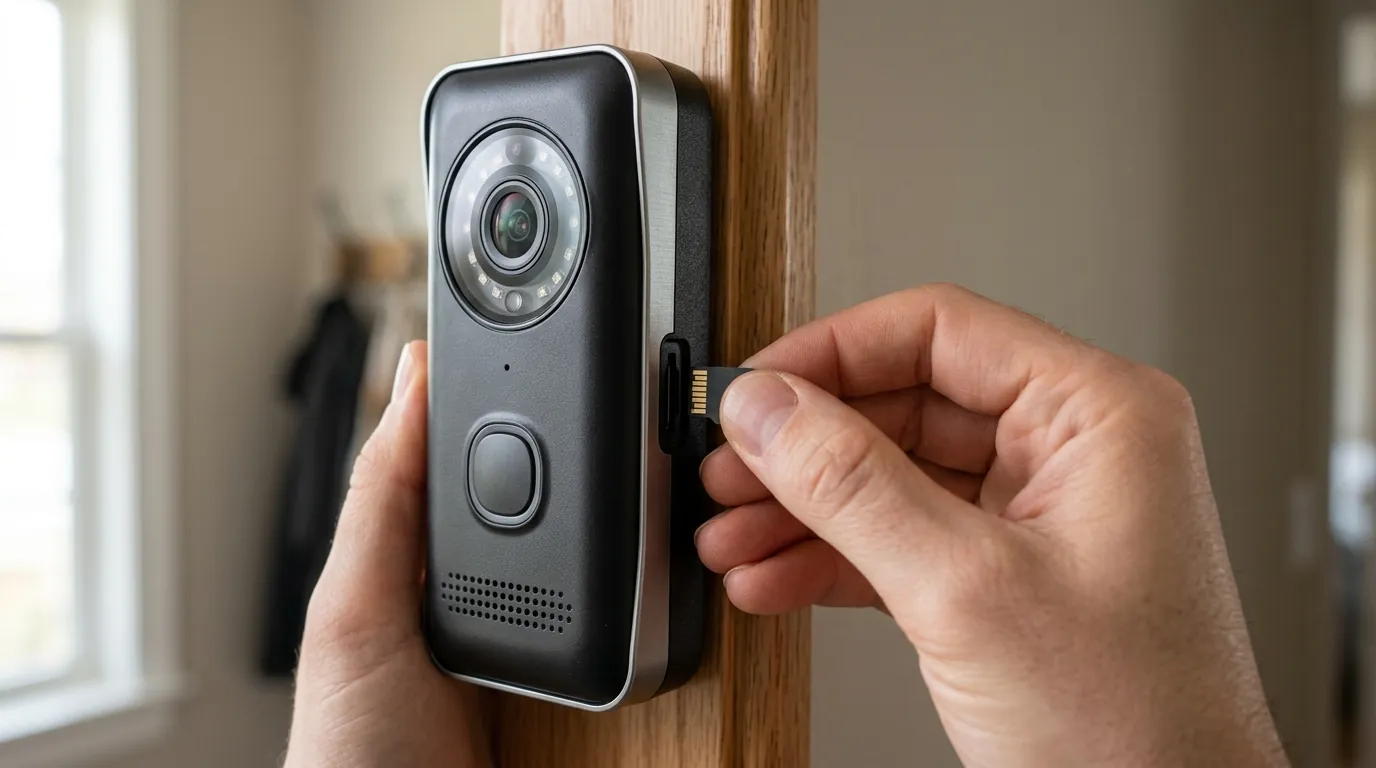
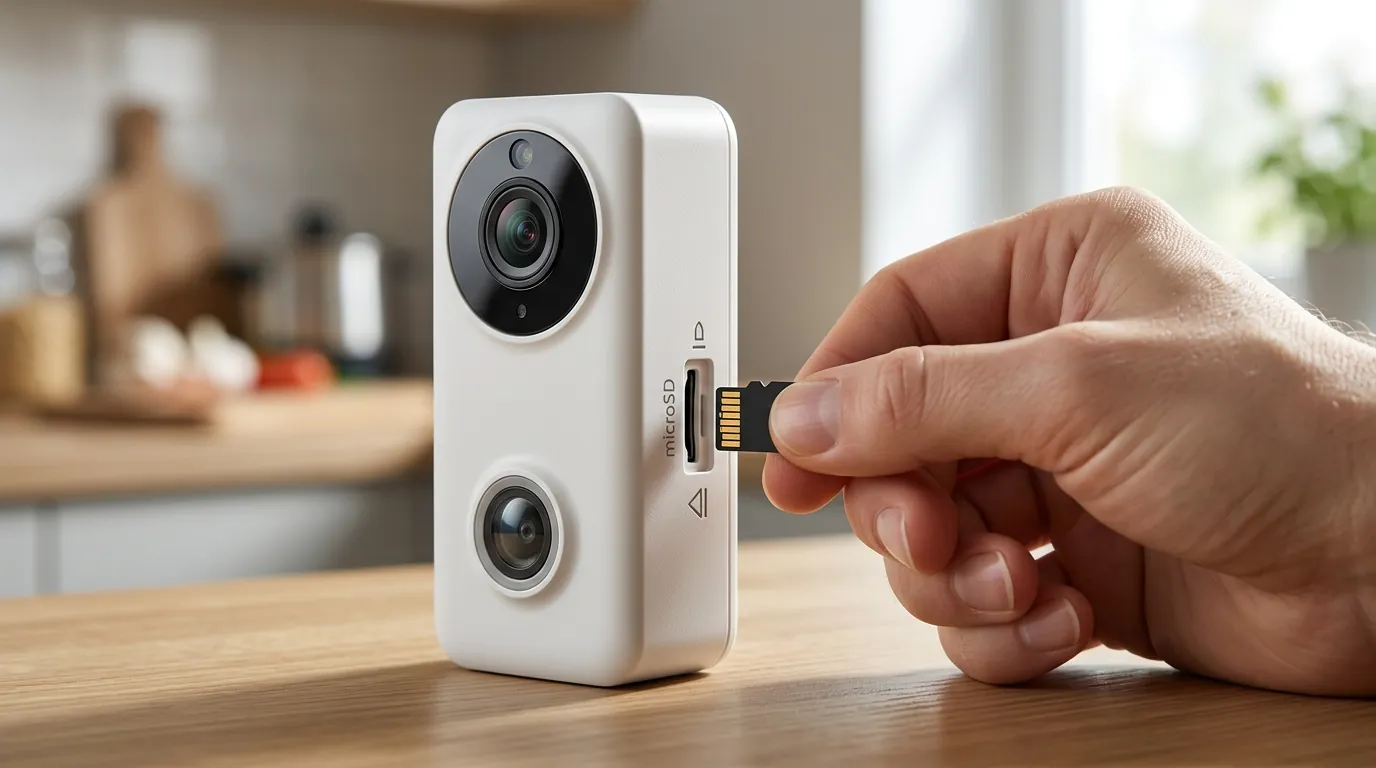
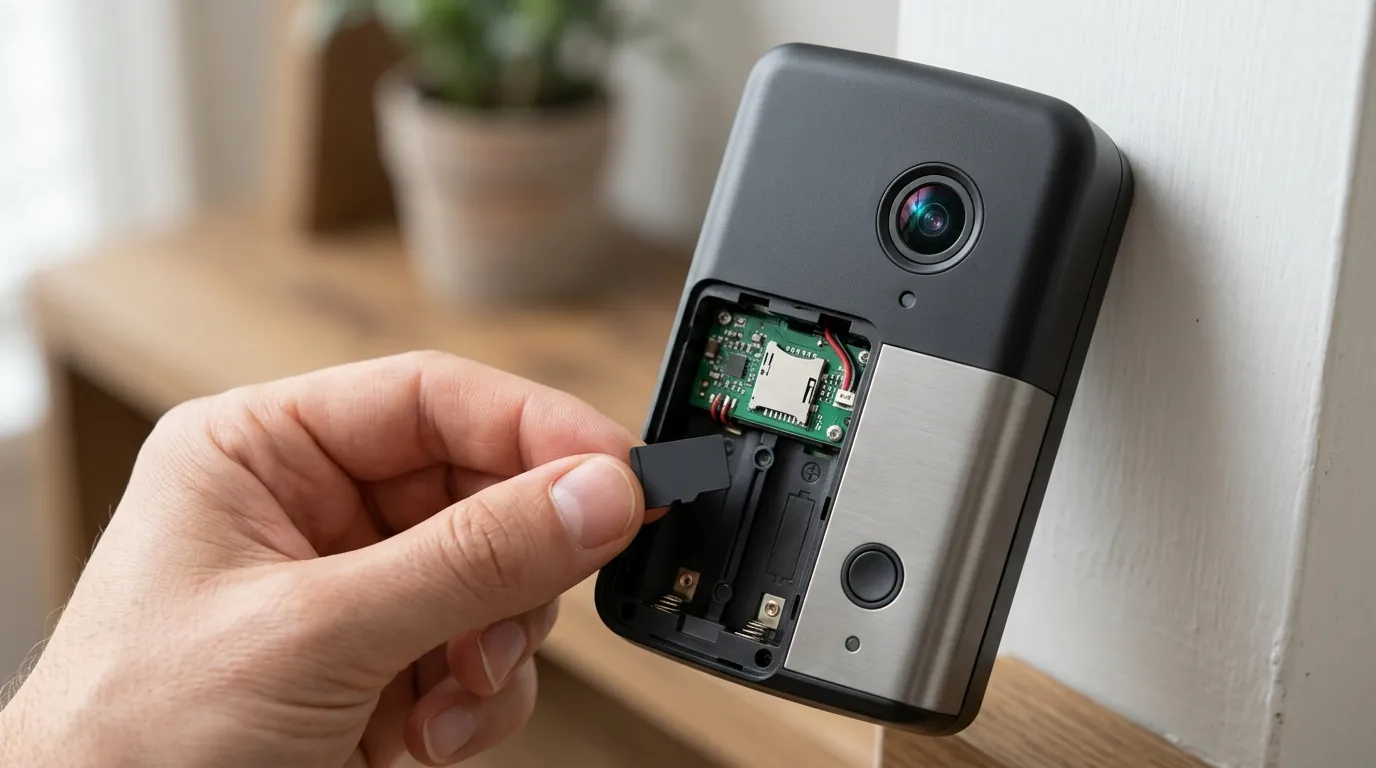
- Local Storage: Many popular options, such as Eufy and Reolink, emphasize local storage. Footage is saved directly to a microSD card inserted into the doorbell itself or to a dedicated home base/hub device. For example, the Eufy Video Doorbell E340 can record to a microSD card (up to 128GB) or connect to a HomeBase 3 for expanded local storage and advanced AI features. Reolink’s Battery Doorbell supports up to a 128GB microSD card for local recording. This method keeps your data on-site, enhancing privacy and eliminating recurring cloud fees.
- Optional Cloud Storage: While local storage is a cornerstone, some brands offer optional cloud subscription tiers for backup, extended history, or additional features. This provides flexibility for users who desire off-site storage without making it mandatory for basic functionality.
No-Damage Installation Methods
The ingenuity of renter-friendly doorbells lies in their diverse, non-invasive mounting solutions:
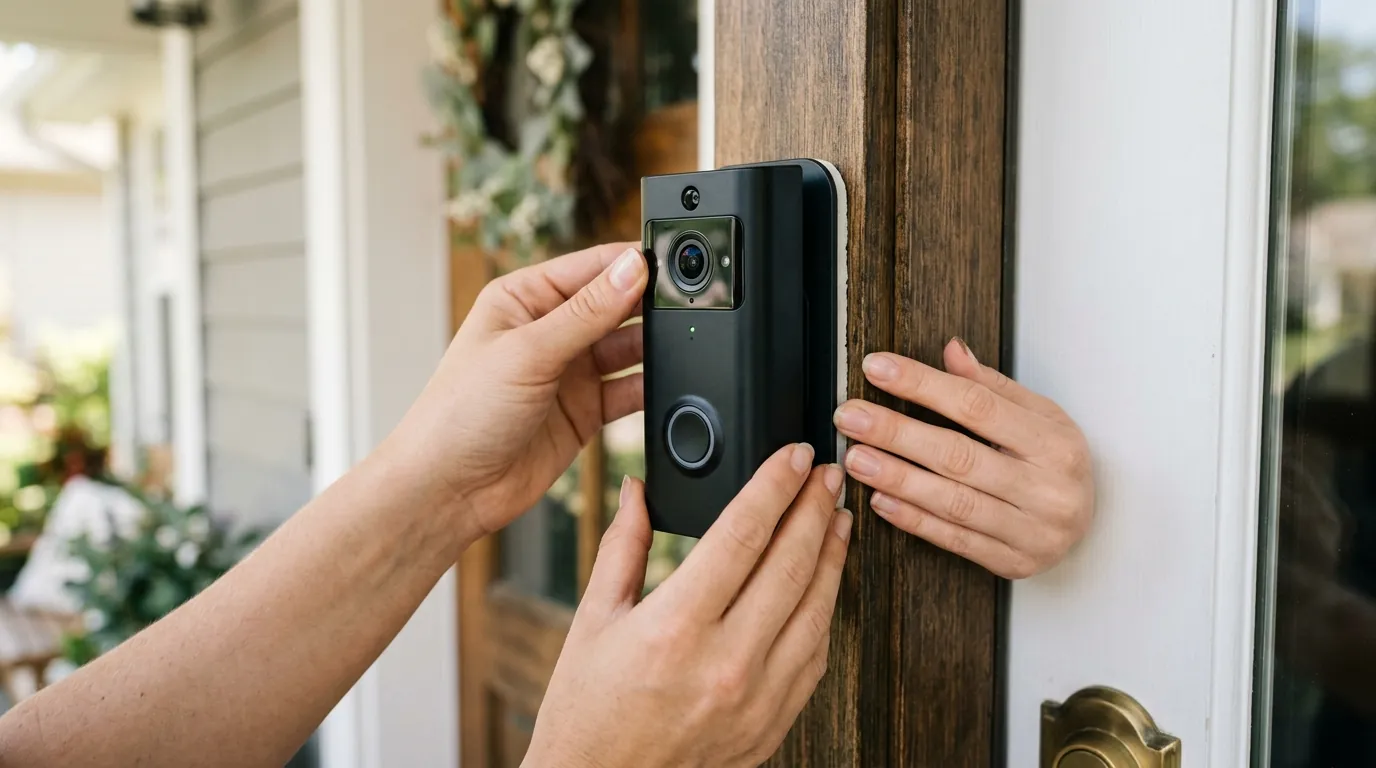
- Adhesive Mounts: These utilize strong, weather-resistant adhesive strips to affix the doorbell to flat, smooth surfaces like door frames or siding. They are quick to install and remove without leaving marks or holes.
- Peephole Cameras: These replace an existing peephole with a camera, offering a fully integrated, drill-free solution. The Ring Peephole Cam is a well-known example of this design, though it is not battery-powered and requires charging the battery. The Aqara G4 also offers a peephole design with local storage.
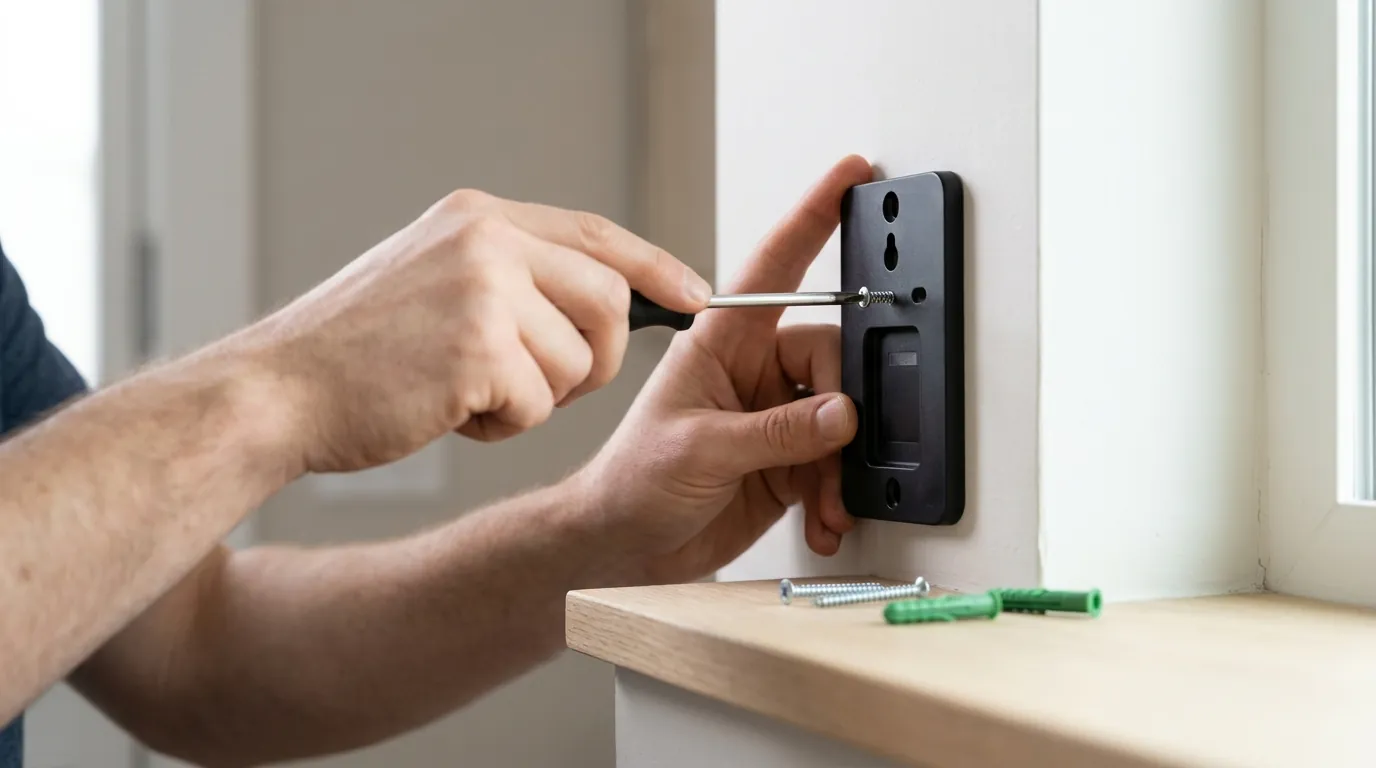
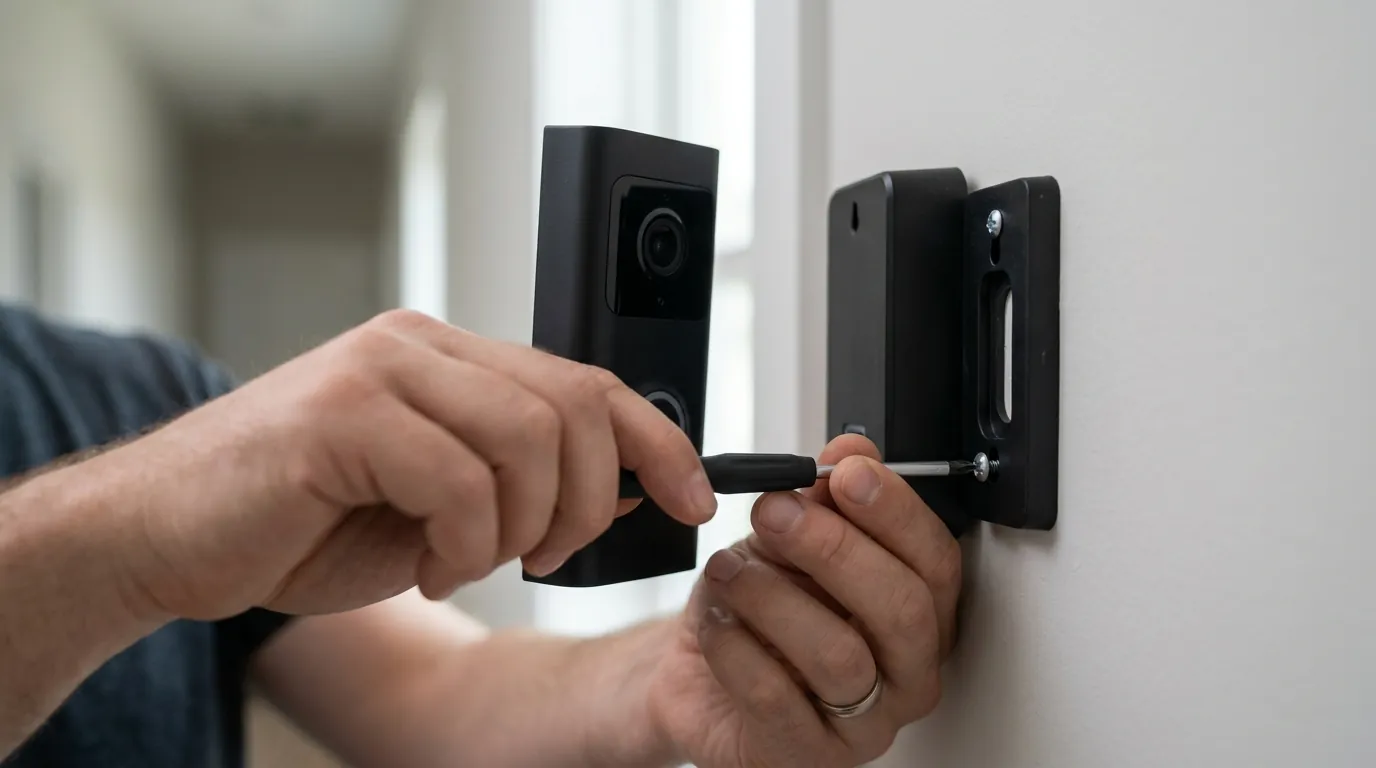
- Over-the-Door Brackets: These innovative brackets hook over the top and bottom of the door, securing the doorbell in place without drilling. Often made of metal or robust plastic, they can incorporate anti-theft designs, such as screws that can only be accessed when the door is open, preventing easy removal by unauthorized individuals.
Smart Detection and Communication
Modern renter-friendly doorbells employ sophisticated motion detection to minimize false alerts. Passive Infrared (PIR) sensors detect heat signatures from moving objects, while AI-powered human and package detection can differentiate between people, animals, vehicles, and inanimate objects, further refining alerts and reducing unnecessary notifications. Most devices offer 2K (or “Super HD”) resolution, providing clear video, often with wide viewing angles (e.g., 170° for some models) to capture a broad area around your entryway, coupled with clear two-way audio for effective communication.
| Feature | Eufy Video Doorbell E340 (Battery) | Reolink Battery Doorbell (Wi-Fi) | Aqara Video Doorbell G4 (Peephole) |
|---|---|---|---|
| Resolution | 2K Dual Camera | 2K (2560x1920) Super HD | 1080p |
| Viewing Angle | 160° (front), 100° (down) | 180° Diagonal | 162° Diagonal |
| Power Source | 6500mAh Rechargeable Battery | 6000mAh Rechargeable Battery | 6 Batteries (AA) |
| Local Storage | MicroSD (up to 128GB) or HomeBase 3 | MicroSD (up to 128GB) | MicroSD (up to 512GB) or Aqara Hub |
| Cloud Storage | Optional Subscription | Optional Subscription | Optional Subscription |
| Mounting Options | Adhesive, Drill Mount | Adhesive, Drill Mount | Peephole, Adhesive |
| AI Detection | Human, Package, Face, Vehicle | Human, Vehicle | Human, Face, Package |
| Battery Life (Est.) | Up to 6 months | Up to 6 months | Up to 4 months |
Real-world implications
The design philosophy behind renter-friendly wireless video doorbells translates into tangible benefits and considerations for everyday use.
Hassle-Free Living
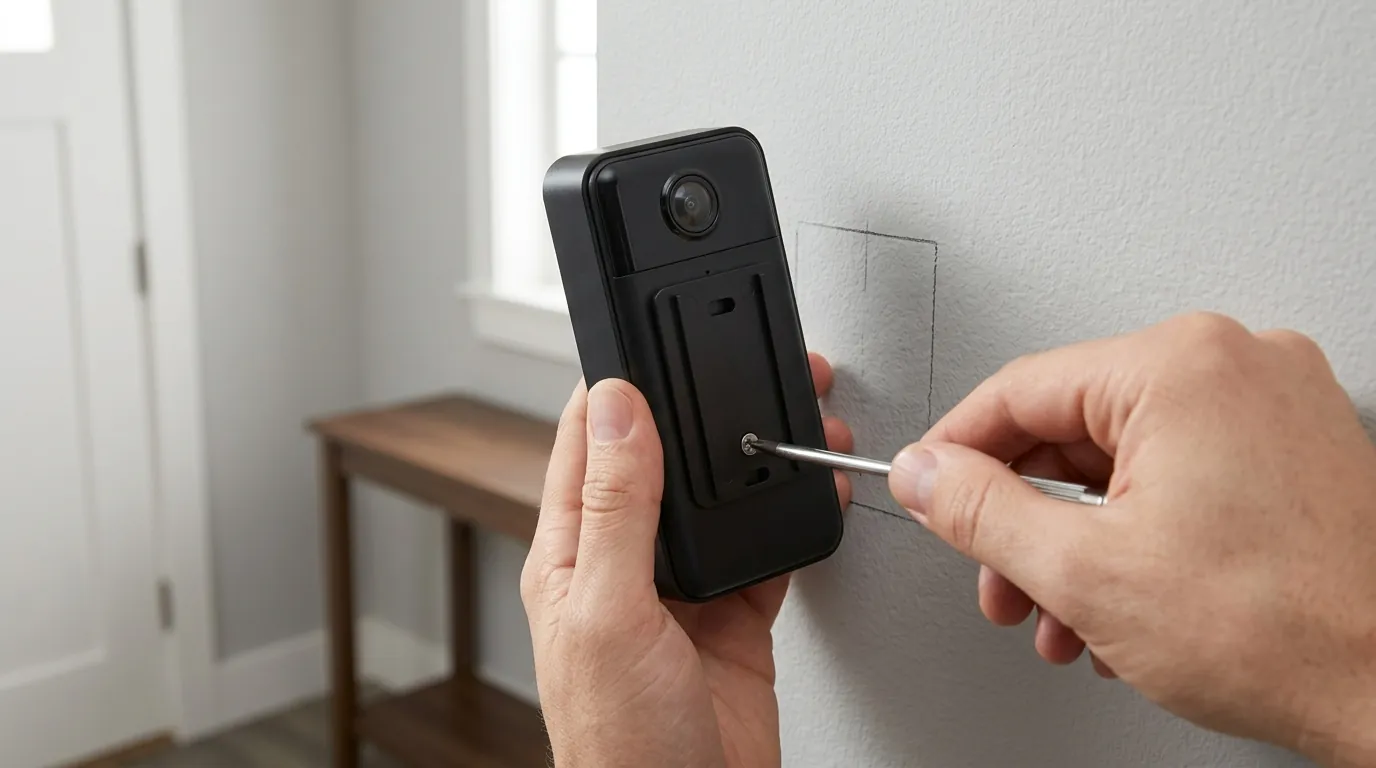
One of the most significant implications is the sheer ease of installation and removal. These doorbells can often be set up in minutes, not hours, typically involving attaching an adhesive mount or slotting a bracket over the door. This simplicity means no specialized tools or electrical knowledge are required, making them accessible to a wider audience. More importantly, it eliminates the risk of property damage that could lead to deductions from a security deposit upon moving out.
Power Considerations
While “wireless” implies freedom from cords, battery-powered doorbells still require periodic recharging. Battery life management becomes a practical consideration. Factors such as the frequency of motion events, live view access, two-way audio usage, and extreme temperatures can all impact how often the device needs to be recharged. Most manufacturers aim for 2-6 months of battery life under typical usage, but heavy traffic areas may necessitate more frequent charging.
Ensuring Reliable Connectivity
Consistent Wi-Fi signal strength at your doorstep is crucial for reliable performance. A weak signal can lead to delayed notifications, choppy video feeds, or even missed events. Renters in larger homes or those with routers far from the front door may need to consider Wi-Fi extenders or mesh network systems to ensure robust connectivity for their doorbell.
Your Data, Your Control
The emphasis on local storage in many renter-friendly options has significant privacy and data security implications. By storing footage on a local microSD card or a home base, users retain more control over their video data, reducing reliance on third-party cloud servers. This local storage is typically encrypted, providing an additional layer of security against unauthorized access. This model can alleviate concerns about data breaches or law enforcement access requests that might arise with cloud-only storage solutions.
Security Against Theft
The ease of removal, while a benefit for renters, can also raise concerns about theft. To counter this, many renter-friendly designs incorporate anti-theft measures. Over-the-door brackets, for example, often secure the doorbell in a way that it cannot be removed unless the door is open, making it difficult for a casual passerby to snatch it. Some models may also feature hidden security screws or tamper alarms that alert the owner if the doorbell is being tampered with.
Long-Term Financial Benefits
Beyond the initial purchase, renter-friendly doorbells, especially those with robust local storage, offer significant cost savings over time. By eliminating recurring monthly or annual subscription fees associated with cloud storage, users can save hundreds of dollars over the lifespan of the device. This focus on a lower Total Cost of Ownership (TCO) makes them an economically attractive option for long-term security.
Total Cost of Ownership (TCO) Breakdown (3-Year Estimate)
Understanding the true cost of a video doorbell goes beyond the initial purchase price. Here’s a look at the 3-year TCO for typical renter-friendly (local storage focused) vs. subscription-heavy models:
| Cost Category | Local Storage Focused (e.g., Eufy, Reolink) | Subscription-Heavy (e.g., Ring, Nest) |
|---|---|---|
| Hardware Cost | Around $100-$200 | Around $100-$250 |
| Subscription (Year 1) | $0 (Optional, if desired) | $30-$60 (Mandatory for key features) |
| Subscription (Year 2) | $0 (Optional) | $30-$60 |
| Subscription (Year 3) | $0 (Optional) | $30-$60 |
| Total 3-Year TCO | Around $100-$200 | Around $190-$430 |
- Hardware Cost: The initial purchase price of the doorbell itself. Renter-friendly options like Eufy’s battery doorbells or Reolink’s battery doorbells typically fall in the around $100 to $200 range. Subscription-heavy brands like Ring and Google Nest also have models in a similar price range, such as the Ring Battery Doorbell Pro or Google Nest Doorbell (battery).
- Subscription Fees: This is where the TCO significantly diverges. Brands like Eufy and Reolink offer full functionality, including 2K video recording and smart detection, with local storage and no mandatory subscription fees. Optional cloud plans are usually available for around $3-$10 per month if desired. In contrast, Ring Protect Basic plans start around $3.99/month or $39.99/year per device for video recording and storage. Nest Aware plans for Google Nest doorbells start around $8/month or $80/year for 30 days of event video history. Without these subscriptions, many crucial features like video history are unavailable, turning into a “feature paywall” trap.
Over three years, a local storage-focused doorbell can save you anywhere from $90 to $270 or more in subscription fees alone, making it a considerably more economical choice in the long run.
Common misconceptions
Several misunderstandings often surround renter-friendly wireless video doorbells. Addressing these can help clarify expectations and guide purchasing decisions.
“Wireless means no maintenance ever”: While battery-powered doorbells remove the need for hardwiring, they are not entirely maintenance-free. They still require periodic recharging, typically every few months, depending on usage and settings. Users also need to ensure their Wi-Fi network is stable and provides adequate coverage to the doorbell’s location.
“Renter-friendly means less secure or fewer features”: This is often untrue. Many no-drill options from reputable brands offer advanced features comparable to their wired counterparts. This includes 2K resolution video, wide viewing angles, AI-powered human and package detection, two-way audio, and robust local storage solutions, all without compromising security or functionality.
“All video doorbells require a monthly subscription”: This is a significant misconception. While many popular brands push cloud subscriptions, a core advantage of renter-friendly options from companies like Eufy and Reolink is their emphasis on local storage. This allows users to record and review footage without any mandatory monthly fees, making them truly subscription-free for essential functions.
“Peephole cameras are always inferior”: Modern peephole cameras, such as the Aqara G4, have evolved significantly. They can offer high-resolution video, smart motion detection, and two-way audio, often integrating seamlessly with existing smart home ecosystems. While their placement might differ from traditional doorbells, their feature set can be quite comparable.
“Installation is always complicated”: Renter-friendly options are specifically designed for quick and easy DIY setup. Methods like adhesive mounts, peephole replacements, or over-the-door brackets require minimal tools and expertise, making installation a straightforward process that most users can complete in minutes.
Decision Framework: Choosing Your Renter-Friendly Doorbell
To help you decide, consider these common scenarios:
- If you prioritize absolute no-damage installation and portability: Prioritize models with over-the-door brackets or adhesive mounts. Look for devices with long battery life to minimize removal for charging.
- If you have an existing peephole and want a discreet solution: Prioritize peephole camera models like the Aqara G4. Ensure it offers the video quality and smart features you need.
- If you want to avoid all subscription fees: Prioritize doorbells with robust local storage options (microSD card or a compatible home base/hub included). Brands like Eufy and Reolink excel here.
- If Wi-Fi signal at your door is weak: Prioritize doorbells that support both 2.4GHz and 5GHz Wi-Fi, or plan to invest in a Wi-Fi extender for optimal performance.
- If package delivery monitoring is crucial: Prioritize models with dedicated package detection AI, often found in dual-camera setups like the Eufy Video Doorbell E340, which has a downward-facing camera.
Further reading
- Understanding Local Storage vs. Cloud Storage for Security Cameras
- Choosing the Best Wireless Security Camera System for Renters
- DIY Home Security Solutions for Apartments and Small Businesses
- The Ultimate Guide to Video Doorbell Features Explained
Frequently Asked Questions
Can I install a wireless video doorbell if I don’t have existing doorbell wiring?
Yes, absolutely. Renter-friendly wireless video doorbells are specifically designed for this scenario. They are battery-powered and connect to your home’s Wi-Fi, eliminating the need for any existing electrical wiring.
How long does the battery last on a typical renter-friendly video doorbell?
Battery life varies by model and usage, but most high-quality renter-friendly video doorbells offer between 2 to 6 months of operation on a single charge. Factors like frequent motion alerts, live view access, and extreme temperatures can reduce this duration.
Do I need a subscription to use a renter-friendly wireless video doorbell?
Many excellent renter-friendly wireless video doorbells, particularly those from brands like Eufy and Reolink, offer full functionality, including video recording and smart detection, without a mandatory monthly subscription. They achieve this by utilizing local storage options like microSD cards or home bases. Some brands do offer optional cloud storage for an additional fee if desired.
Are renter-friendly doorbells secure against theft?
Manufacturers have implemented various anti-theft measures for easily removable doorbells. These can include security screws that are difficult to access, special over-the-door brackets that prevent removal when the door is closed, and tamper alarms that notify you if someone attempts to remove the device.
What is the best way to ensure good Wi-Fi connectivity for my wireless doorbell?
For optimal performance, ensure your Wi-Fi router is within a reasonable range of your front door. If the signal is weak, consider using a Wi-Fi extender or upgrading to a mesh Wi-Fi system to boost coverage and provide a strong, stable connection to your doorbell.
Sources
- topratedbycraig.com
- smarteyecctv.com
- reolink.com
- eufy.com
- doorbellmount.com
- goabode.com
- hindustantimes.com
- toucansolution.com
- youtube.com
- aqara.com
- walmart.com
- reolink.com
- eufy.com
- eufy.com
- reolink.com
- youtube.com
- pcmag.com
- reolink.com
- eufy.com
- eufy.com
- pvrblog.com
- eufy.com
- youtube.com
- safehome.org
- youtube.com
- vxb.com
- ring.com
- lorex.com
- bestdoorbellguide.blog
- pcworld.com
- videwintercom.com
- safewise.com
- aosulife.com
- eufy.com
- eufy.com
- eufy.com
- techradar.com
- mozillafoundation.org
- techbrew.com
- youtube.com