
How to Protect Outdoor Security Cameras from Summer Storms
A summer storm can transition from a cooling breeze to a destructive force of wind, lightning, and torrential rain in minutes, often leaving expensive security hardware vulnerable to electrical surges and water ingress. Protecting your investment requires moving beyond basic mounting to a multi-layered defense strategy involving physical shielding, electrical grounding, and strategic software tuning.
Protect cameras using IP66-rated housings, Ethernet surge protectors for PoE lines, and weatherproof junction boxes. Use drip loops and dielectric grease on connectors to prevent moisture-driven corrosion and electrical failure.
What it means
Related: Ring Doorbell Overheating: 2026 Guide to Summer Heat Fixes · Nest Cam Battery Overheating Notification: 2026 Fix Guide · Fixing Blink Outdoor 4 Battery Drain: June 2026 Guide
In the context of 2026 security hardware, “storm-proofing” is not a single feature but a three-tier defense strategy: moisture ingress prevention, wind stability, and electrical surge protection. While many consumers assume a “weatherproof” sticker is sufficient, standard residential cameras often lack the specialized shielding required to survive the extreme environmental stressors of a severe thunderstorm.
Beyond Waterproof: The Wind and Surge Factors
True storm-proofing accounts for more than just falling rain. High-velocity winds during summer squalls can create a “sail effect,” particularly on large PTZ (Pan-Tilt-Zoom) cameras or solar-powered units. If a mount is not rated for high-wind shear, the resulting vibration can degrade image quality or, in extreme cases, rip the camera from its housing. Furthermore, electrical surges—the primary killer of outdoor electronics—can originate from lightning strikes hundreds of feet away, traveling through the ground or utility lines to reach your camera’s sensitive CMOS sensor and motherboard.
Decoding IP66 and IP67 for Residential Use
The Ingress Protection (IP) rating is the industry standard for measuring a camera’s ability to withstand dust and water. For 2026, we categorize hardware based on the following standards:
| IP Rating | Dust Protection | Water Protection | Ideal Use Case |
|---|---|---|---|
| IP65 | Dust-tight | Protected against low-pressure water jets (nozzles) | Under eaves or in covered porches. |
| IP66 | Dust-tight | Protected against high-pressure water jets (heavy storms) | Fully exposed walls or poles in storm-prone areas. |
| IP67 | Dust-tight | Protected against temporary immersion (up to 1m) | Low-lying areas prone to flash flooding. |
| IK10 | Impact Rated | Can withstand 20 joules of impact | Areas prone to large hail or wind-blown debris. |
For most residential applications, IP66 is the “sweet spot.” While IP67 is technically superior for immersion, IP66 is specifically tested against high-pressure “driving rain,” which more accurately simulates a summer downpour.
Why it exists
The necessity for storm-proofing is driven by the physics of electronic failure in high-humidity environments. Even a perfectly sealed camera can fail due to internal condensation. When a summer storm hits, the ambient temperature can drop 20 degrees in minutes. This rapid cooling causes the air inside the camera housing to contract, potentially pulling moist air through microscopic gaps in the seals.
The Hidden Danger of Summer Humidity
In high-humidity zones like the US Gulf Coast or the Southeast, moisture doesn’t just come from rain; it exists as a vapor that can bypass aging gaskets. Once inside, this moisture settles on the lens or the image sensor, leading to “lens fogging.” According to technical data from Reolink, this condensation is the leading cause of “ghosting” images and long-term hardware corrosion in unprotected units.
Why ‘Weather-Resistant’ Isn’t ‘Storm-Proof’
The term “weather-resistant” is a marketing descriptor, not a technical specification. A camera rated for “weather resistance” may survive a light spring shower but fail when subjected to the horizontal rain and transient voltage spikes of a July thunderstorm.
Economic Impact: The cost of proactive protection is significantly lower than the cost of replacement. A high-quality PoE (Power over Ethernet) surge protector costs between $20 and $50. In contrast, the 3-year Total Cost of Ownership (TCO) for a fried 4-camera NVR system—including hardware replacement and the loss of recorded data—can easily exceed $1,000 for mid-range brands like Lorex or Swann.
How it works under the hood
To understand how to protect your system, you must understand the internal mechanisms designed to fight environmental stress.
Electrical Shielding: GDTs and TVS Diodes
Modern PoE surge protectors, such as those from Ubiquiti or Tupavco, utilize two primary components:
- Gas Discharge Tubes (GDT): These contain a specific gas that becomes conductive when high voltage is detected, shunting the surge to the ground wire before it reaches the camera.
- Transient Voltage Suppression (TVS) Diodes: These act as a secondary, faster-acting defense to “clamp” smaller voltage spikes that the GDT might miss.
Without these components, a lightning strike near your home can send a surge back through the Ethernet cable, destroying the camera’s internal chipset and potentially traveling back to the network switch or NVR.
Pressure Equalization Vents and Gaskets
High-end outdoor cameras often feature “breather” vents. These are made of hydrophobic membranes (similar to Gore-Tex) that allow air molecules to pass through—equalizing internal and external pressure—while blocking liquid water molecules. This prevents the “vacuum effect” that often sucks moisture through O-rings during rapid temperature shifts.
Furthermore, 2026 lens materials increasingly feature hydrophobic coatings. These coatings reduce the surface tension of water, causing droplets to bead and roll off instantly rather than blurring the view. This is critical for AI-driven cameras, as “water masking” on the lens can cause the software to miss human detection events during heavy rain.
Real-world implications
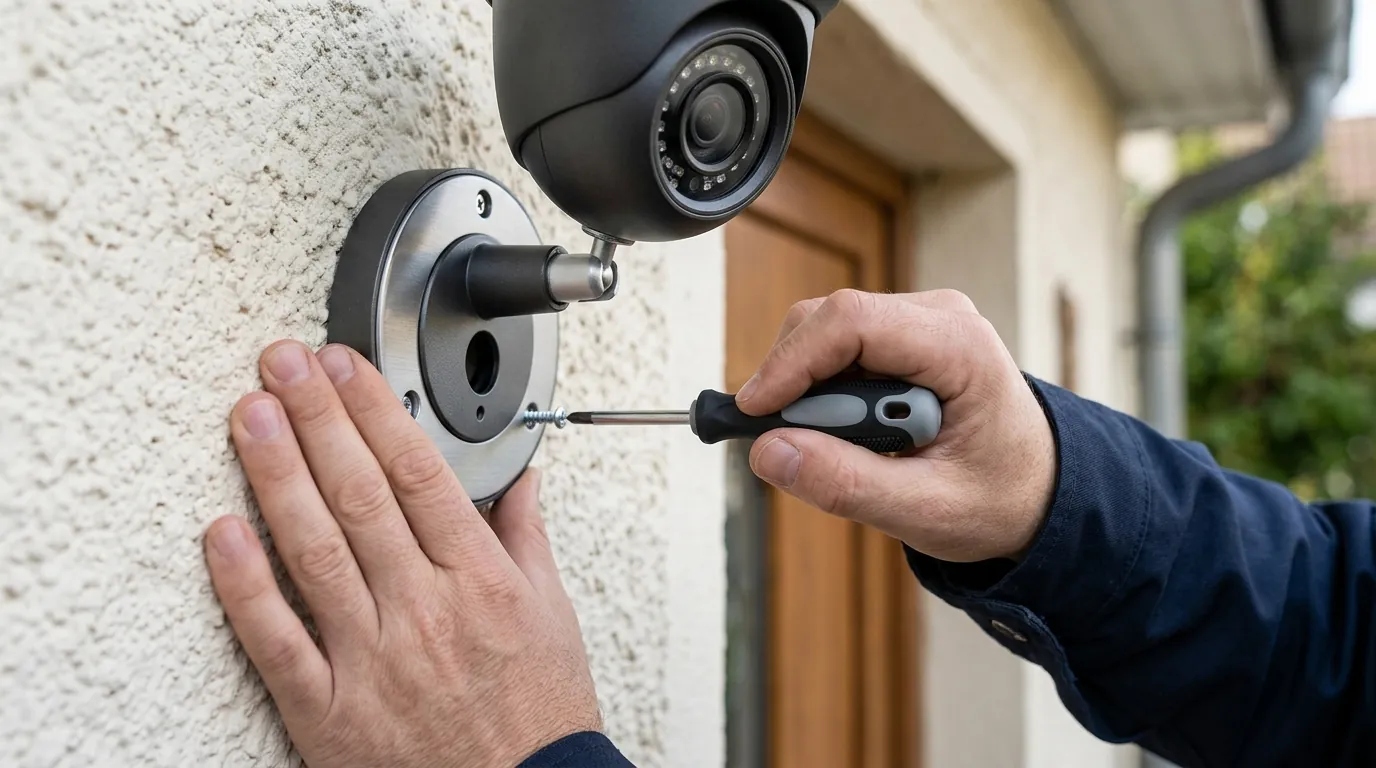
Effective storm protection requires precise installation techniques. Even the most expensive IP67 camera will fail if the cabling provides a direct path for water to enter the house or the device.
The Drip Loop: Your Cheapest Insurance Policy
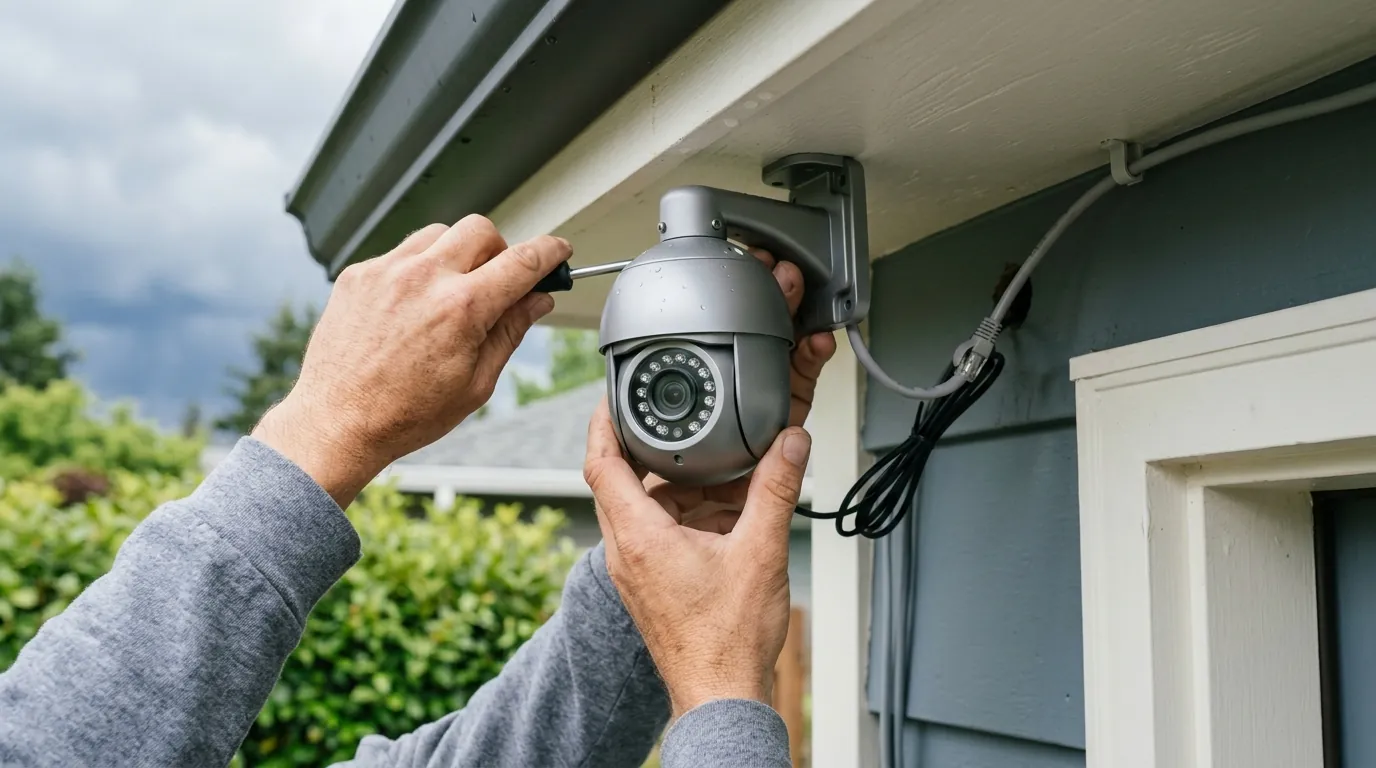
A drip loop is a simple U-shaped curve in the cable just before it enters a building or a camera housing. This ensures that water running down the cable will pool at the bottom of the “U” and drip off, rather than following the wire directly into the sensitive connection ports.
Installation Steps:
- Mount the camera or junction box.
- Run the cable so it hangs at least 2–3 inches below the entry point.
- Secure the cable so the “U” shape remains permanent.
- Apply a bead of outdoor-rated silicone sealant to the entry hole.
Grounding Your PoE System Correctly
For PoE systems, surge protection must be installed at both ends of a long cable run (longer than 30 feet). One protector should be near the camera, and another should be located where the cable enters the house, connected to the home’s main electrical ground. According to IEEE 802.3 standards, improper grounding is the most common cause of “cascading failure” in residential security networks.
Managing False Alerts During Storms
Summer storms create “visual noise”—moving branches, rain streaks, and lightning flashes. To prevent a flood of false notifications:
- Adjust Sensitivity: Lower the motion sensitivity specifically for the “General Motion” zone.
- AI Filtering: Ensure your 2026 firmware is set to “Person” or “Vehicle” detection only. Brands like Eufy and Arlo use edge-processing to ignore rain patterns, but these features must be toggled on in the app settings.
Decision Framework: Choosing Your Protection Level
| If you are a… | Prioritize… | Recommended Hardware Type |
|---|---|---|
| Renter | Portability & Non-destructive mounts | Battery-powered Wi-Fi cameras with silicone “skins.” |
| Homeowner | Long-term reliability & 24/7 recording | Hardwired PoE cameras with dedicated surge protectors. |
| Coastal Resident | Corrosion resistance & Wind stability | Marine-grade stainless steel mounts and IP66+ housings. |
| Rural Property Owner | Lightning protection | Fiber optic isolation or heavy-duty GDT surge suppressors. |
Common misconceptions
The ‘Wireless’ Lightning Safety Fallacy
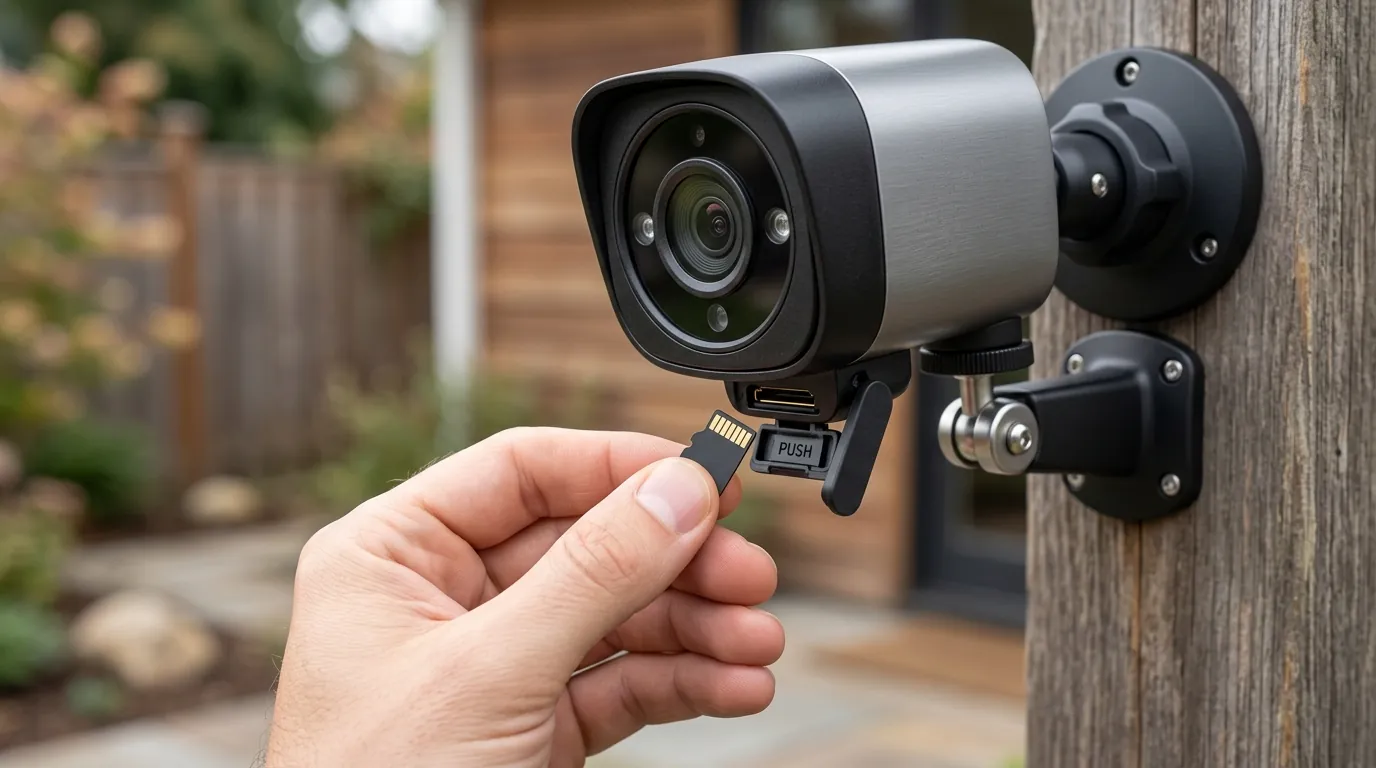
Many users believe that because a camera is “wireless” (Wi-Fi), it is safe from lightning. This is false. Most Wi-Fi cameras are still plugged into a power outlet. A surge can travel through the home’s electrical wiring, hit the AC adapter, and fry the camera. Furthermore, the high electromagnetic pulse (EMP) from a nearby strike can induce a current in the internal antenna of a battery-powered camera, damaging the radio chipset.
IP Ratings vs. Pressure Washers
A common mistake is using a pressure washer to clean a camera lens. An IP67 rating means the camera can survive being submerged in a meter of still water. It does not mean it can withstand the concentrated, high-psi jet of a pressure washer. These jets can easily force water past rubber gaskets and O-rings, voiding the warranty.
Warranty Exclusions
It is a common misconception that manufacturer warranties cover storm damage. Reviewing the 2026 terms of service for major brands:
- Ring: Explicitly excludes damage caused by “Acts of God,” including lightning and floods (Ring Terms of Service).
- Arlo: Excludes damage from “external causes,” including weather and power surges.
- Nest (Google): Standard limited warranty does not cover “natural disasters” or “accidents.”
Total Cost of Ownership (TCO) Analysis (3-Year)
When planning for storm protection, consider the “Feature Paywall” and hardware longevity.
| Brand | Hardware Cost (Avg) | 3-Year Sub. Cost | Surge Protection Cost | Total 3-Year Cost |
|---|---|---|---|---|
| Arlo (Cloud-heavy) | $150-200 | ~$360 (Professional) | $40 (Third-party) | $550-$600 |
| Ring (Subscription) | $100-180 | ~$150 (Basic) | $30 (Plug-in) | $280-$360 |
| Reolink (Local) | $100-150 | $0 | $40 (PoE Surge) | $140-$190 |
Note: Reolink and Eufy offer local storage options that significantly lower TCO by removing the “subscription trap.”
Further reading
Technical Standards and Compliance
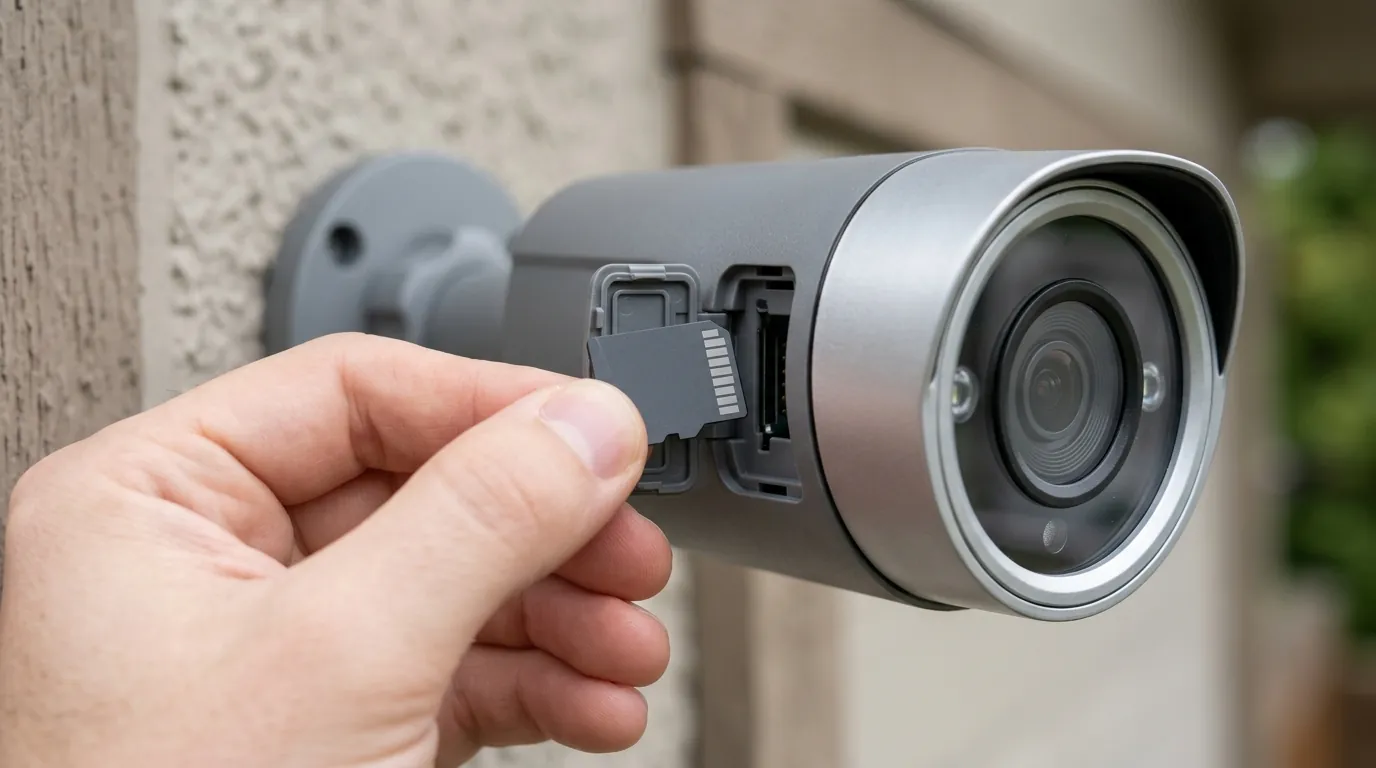
For users seeking the highest level of protection, look for equipment that complies with the IEC 61000-4-5 standard, which defines the testing levels for surge immunity. Additionally, the IK10 rating for impact protection is highly recommended for areas prone to severe hail.
Post-Storm Maintenance Routine
After a major summer storm, perform this 5-minute check to ensure your system remains operational:
| Task | What to Look For | Action |
|---|---|---|
| Lens Inspection | Fogging or water spots | Wipe with microfiber; check seals if fogging persists. |
| Mount Stability | Loosened screws or shifting | Re-tighten and re-aim the camera. |
| Cable Check | Exposed wires or “wicking” | Ensure drip loops are intact and connectors are dry. |
| App Status | “Offline” or “SD Card Error” | Power cycle the device; check surge protector status light. |
Quvii tracks these environmental trade-offs across the category to help consumers build resilient security arrays that survive the season.
Frequently Asked Questions
Can I use a plastic bag to cover my camera during a storm?
No. Covering a camera with plastic can trap heat and moisture, leading to condensation and overheating. Instead, use a dedicated “weather shield” or “sunshade” designed for your specific camera model to deflect rain while allowing airflow.
How do I know if my surge protector is still working?
Most high-quality Ethernet surge protectors have a physical LED indicator or a replaceable “cartridge.” If the LED is off or the cartridge shows a “blown” symbol, the device has sacrificed itself to save your camera and must be replaced.
Does dielectric grease help with storm protection?
Yes. Applying a small amount of dielectric (silicone) grease to the metal contacts of your outdoor connectors (like the RJ45 plug) prevents “crevice corrosion” caused by humidity and salt air, ensuring a stable connection through years of summer storms.
Sources
- Reolink — How to Protect Outdoor Security Cameras from Lightning: https://reolink.com/blog/how-to-protect-outdoor-security-cameras-from-lightning/
- Ubiquiti — Ethernet Surge Protector (ETH-SP-G2) Data Sheet: https://dl.ui.com/datasheets/edgemax/Ethernet_Surge_Protector_DS.pdf
- RTINGS — Best Outdoor Security Cameras 2024-2025:
- Ring — Help Center: Weather Resistance and Operating Temperatures: https://support.ring.com/hc/en-us/articles/115005939463-Ring-Weather-Resistance-and-Operating-Temperatures
- IEEE Xplore — Surge Protection for Ethernet Systems: https://ieeexplore.ieee.org/document/7503111