
Why Nest Cameras Go Offline During Summer Storms (2026 Guide)
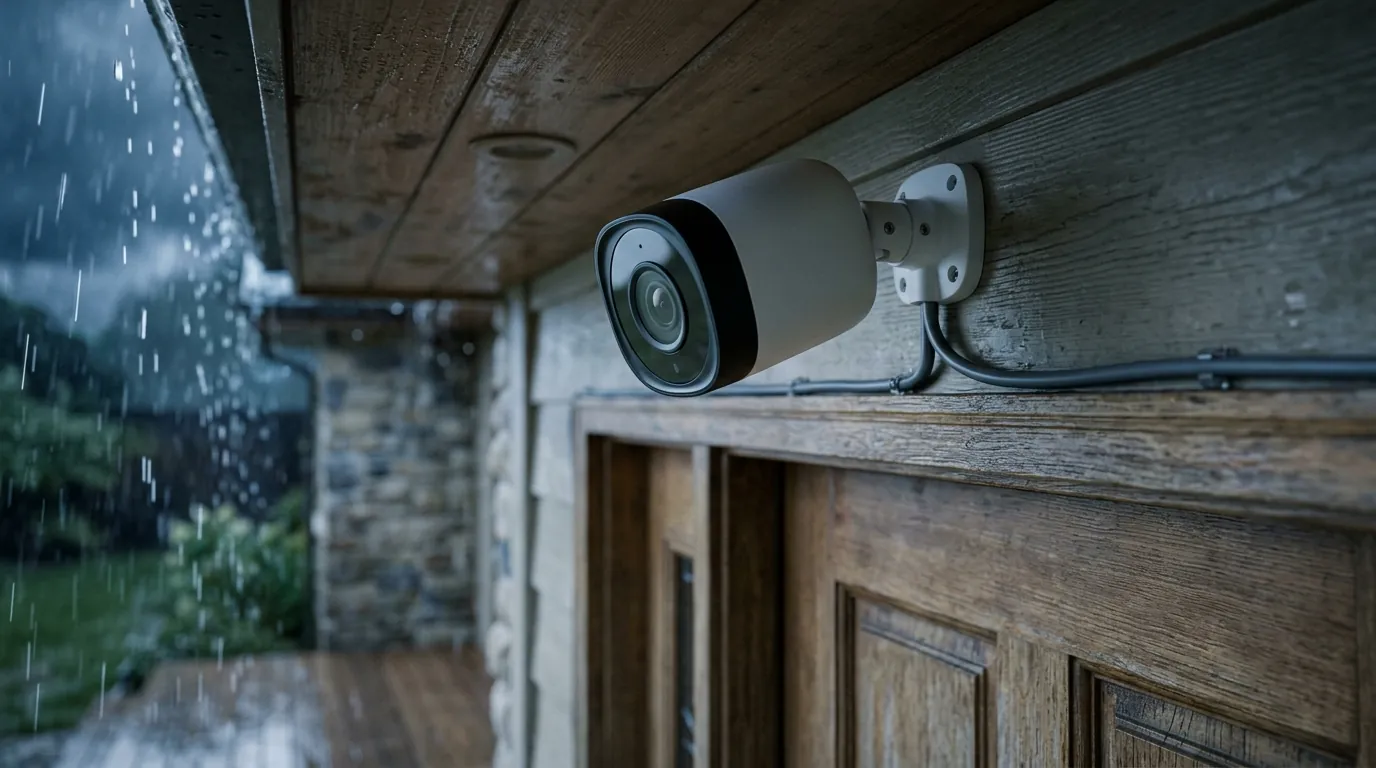
Summer storms often bring a frustrating paradox: just when high winds and heavy rain increase the need for home surveillance, Google Nest cameras frequently drop their connection.
Quick Answer: Nest cameras often go offline during storms due to thermal throttling (exceeding 104°F) or Wi-Fi signal absorption by heavy rain. For a more resilient setup, the Reolink Altas PT Ultra offers local 4K recording that bypasses cloud outages.
What it means
Related: Fix Eufy Security Camera Motion Notifications Not Working (2026 Guide) · Reolink Argus 4 Pro vs. Eufy SoloCam S340: 180° Wide vs. 360° PTZ · Eufy Camera Privacy Settings: Protecting Guests & Your Home
When a Nest camera drops its connection during a weather event, the user experience is defined by a specific set of digital and physical symptoms. In the 2026 version of the Google Home app (v4.20+), this is most commonly signaled by a “Camera is offline” banner appearing over the live feed tile. This status indicates a total break in the communication chain between the camera’s local Wi-Fi chipset and Google’s cloud processing servers.
The Difference Between Power Loss and Connectivity Drops
Identifying the root cause begins with distinguishing between a lack of electricity and a lack of data. In a true power failure—common during electrical storms—the camera’s status LED will be completely dark. However, many users report a “soft” offline state. In this scenario, the camera remains powered (often by its internal battery), but it cannot reach the internet.
During these periods, the Google Home app may offer a “Check Connection” prompt. If the camera is still powered, it is likely attempting to “handshake” with the router, but the data packets are being dropped or timed out due to environmental interference.
Identifying ‘Thermal Shutdown’ vs. ‘Signal Fade’
The status LED on 2nd and 3rd Generation Nest Cams provides critical diagnostics. A pulsing dim green light typically signifies a connection timeout. This is the hallmark of “Signal Fade,” where the camera is trying to talk to the Wi-Fi network but failing.
In contrast, a “Thermal Shutdown” often results in the camera becoming completely unresponsive to the app until the internal temperature drops. In the 2026 firmware environment, Google has implemented more aggressive cooling-down notifications, informing users specifically when a device has reached its thermal ceiling rather than leaving them to guess why the feed disappeared.
Why it exists
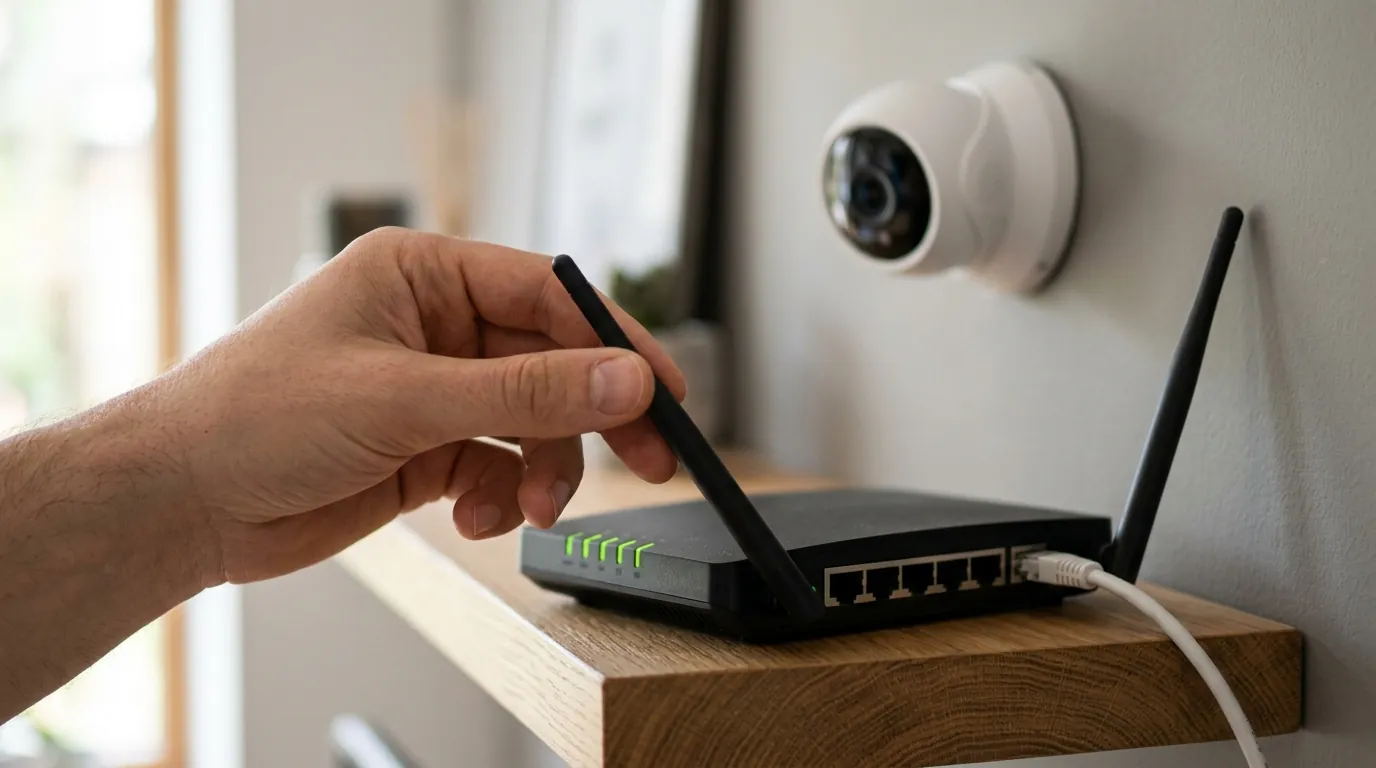
The vulnerability of Nest cameras to summer storms is rarely the result of a single hardware failure; rather, it is a combination of strict operating physics and the inherent limitations of cloud-dependent architecture.
Strict Operating Limits
Google Nest cameras are engineered for a relatively narrow thermal window. According to official Google Nest specifications, the Nest Cam (Battery) is rated for a maximum ambient temperature of 104°F (40°C). While a summer storm brings rain, the periods immediately preceding and following the downpour often feature high humidity and direct solar radiation.
When a camera is mounted on a dark surface or under a shallow eave, the “heat soak” effect can push internal temperatures well beyond 110°F. The camera’s internal processor, already generating heat to encode high-bitrate video, must throttle or shut down to prevent permanent damage to the lithium-ion battery.
| Feature | Nest Cam (Battery) | Nest Cam (Wired, 2nd Gen) |
|---|---|---|
| Max Operating Temp | 104°F (40°C) | 104°F (40°C) |
| IP Rating | IP54 | N/A (Indoor only) |
| Storage Strategy | 1-hr Local Backup | Cloud Only |
| Resolution | 1080p HDR | 1080p HDR |
| Connectivity | 2.4GHz / 5GHz | 2.4GHz / 5GHz |
Wi-Fi Signal Absorption
Summer storms introduce a physical barrier to wireless data: water. “Rain fade” is a well-documented phenomenon where water droplets absorb and scatter radio waves. Because 2026-era Nest cameras often utilize the 5GHz band for higher-bandwidth 4K or enhanced 1080p streams, they are more susceptible to this interference. 5GHz waves have shorter wavelengths than 2.4GHz, making them less capable of penetrating the dense “wall of water” created during a heavy downpour.
Cloud Dependency
Unlike cameras that record to a local microSD card or a Network Video Recorder (NVR), Nest cameras are “cloud-first.” Every second of footage must be uploaded to Google’s servers to be processed and saved. During a storm, even if your home electricity stays on, your Internet Service Provider (ISP) may experience “micro-outages” or increased latency. Because Nest requires a constant, high-speed uplink, even a 5-second dip in upload speed can trigger an “offline” event in the Google Home ecosystem.
The Physics of Rain Fade and 5GHz Interference
The 5GHz frequency provides faster speeds but significantly less range and penetration than 2.4GHz. During a storm, the exterior walls of a home become saturated with water. This “wet skin” on the house acts as a partial Faraday cage, reflecting Wi-Fi signals back toward the router and preventing the camera from maintaining the 2-4 Mbps upload stream required for stable video.
Thermal Throttling: Why the Camera Protects Itself
Thermal protection is a safety feature, not a bug. Lithium-ion batteries are chemically volatile at high temperatures. If a Nest Cam (Battery) continued to operate at 115°F while simultaneously trying to fast-charge from a solar panel or wired connection, the risk of battery swelling or fire would increase. Consequently, the firmware is programmed to cut the most power-hungry component—the Wi-Fi radio—first.
How it works under the hood
The internal logic of a Nest camera is governed by a series of sensors and “handshake” protocols that prioritize device longevity and data security over continuous uptime.
Internal Thermal Sensors
Nest cameras utilize NTC (Negative Temperature Coefficient) thermistors strategically placed near the System on Chip (SoC) and the battery pack. In the 2026 firmware (v1.7x), the threshold for “Low Power Mode” is triggered when the battery core reaches 113°F (45°C). At this point, the camera may stop recording events or disconnect from Wi-Fi entirely to reduce internal heat generation.
Buffer Limitations
While Nest Cams include a small amount of internal flash memory for “local backup” during outages, this buffer is limited. On the Nest Cam (Battery), it typically stores up to 60 minutes of recorded events. However, this buffer is volatile. If the camera reboots due to a power surge or a thermal reset, any footage stored in that temporary buffer that hasn’t yet been uploaded to the cloud is often lost.
Firmware v1.7x: 2026 Connectivity Logic
The 2026 firmware update introduced more frequent security handshakes. To ensure that a camera hasn’t been “spoofed” or intercepted, the device must perform a cryptographic handshake with Google Home servers every few seconds. During a storm, if the “packet loss” (the percentage of data that fails to arrive) exceeds a certain threshold, the server terminates the session. This results in the “offline” flag, even if the camera is technically still capturing frames locally.
Real-world implications
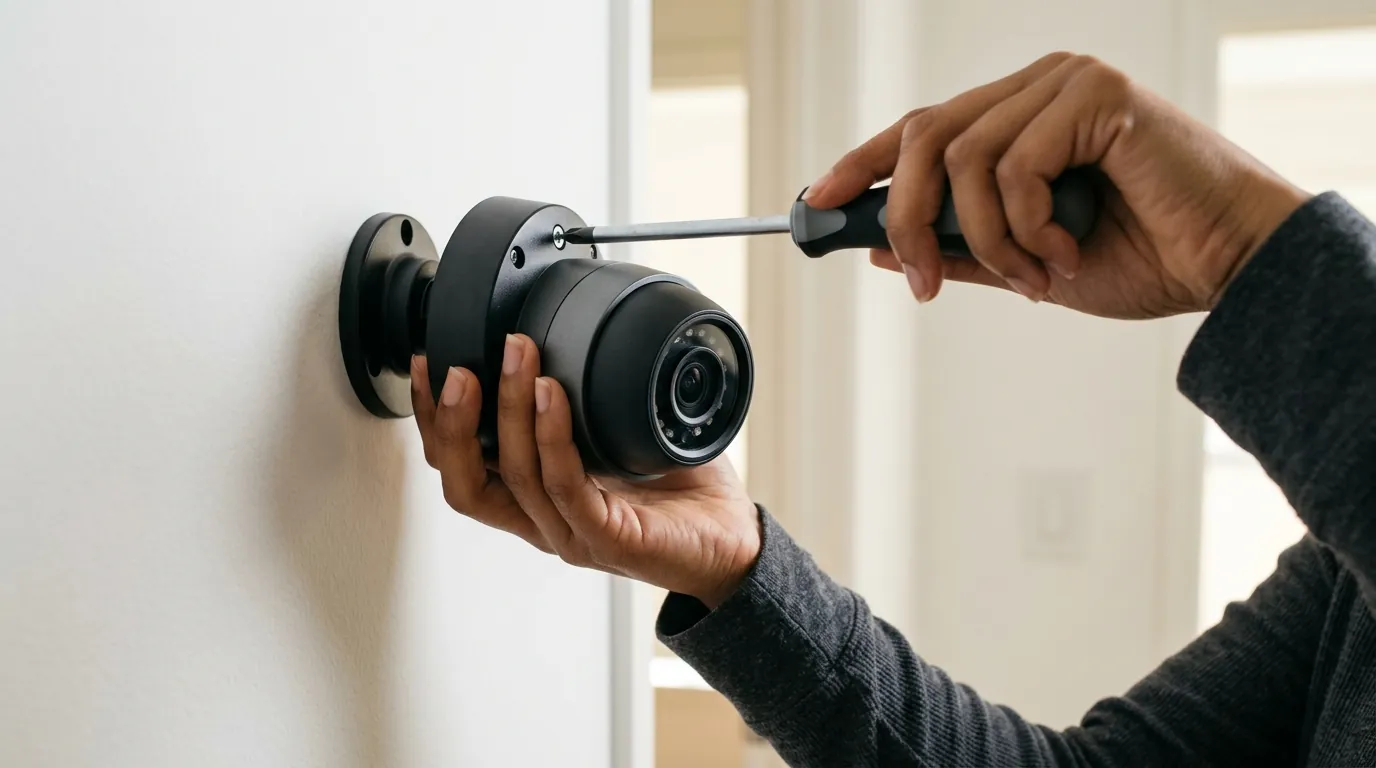
When a camera goes offline during a storm, the consequences range from minor annoyance to significant security vulnerabilities.
Security Gaps
Storms are a preferred time for physical intrusions; the sound of wind and rain masks the noise of breaking glass or footsteps, and fewer neighbors are outside to witness suspicious activity. If a Nest camera drops its connection during the peak of a downpour, the “security envelope” of the home is effectively punctured. Users are left with a “gap” in their timeline exactly when the environmental conditions for a crime are most favorable.
Battery Degradation
Repeated thermal shutdowns are detrimental to hardware. Each time the battery is forced to operate near its thermal limit, the internal chemistry degrades slightly. Furthermore, when a camera goes offline, it enters a high-power “search” mode, constantly scanning for a Wi-Fi SSID. This “search cycling” in high-humidity, high-heat environments can drain a battery from 80% to 0% in a matter of hours, leading to long-term capacity loss.
Privacy and Emergency Disclosures
A technical failure during a storm can also complicate the user’s understanding of their data privacy. In Google’s transparency reports, the company outlines how it handles “Emergency Disclosure Requests” from law enforcement. If a camera is offline or rebooting during an incident, users may find it difficult to verify if their device was active or if data was being accessed by third parties during the “reconnection” phase.
The ‘Porch Pirate’ Risk During Weather Events
Package deliveries do not stop for rain. “Porch pirates” often follow delivery trucks during storms, knowing that homeowners are less likely to check their front doors immediately. An offline Nest doorbell or camera means no “Person Detected” notification reaches the user’s phone, allowing a theft to occur without any digital trail.
Common misconceptions
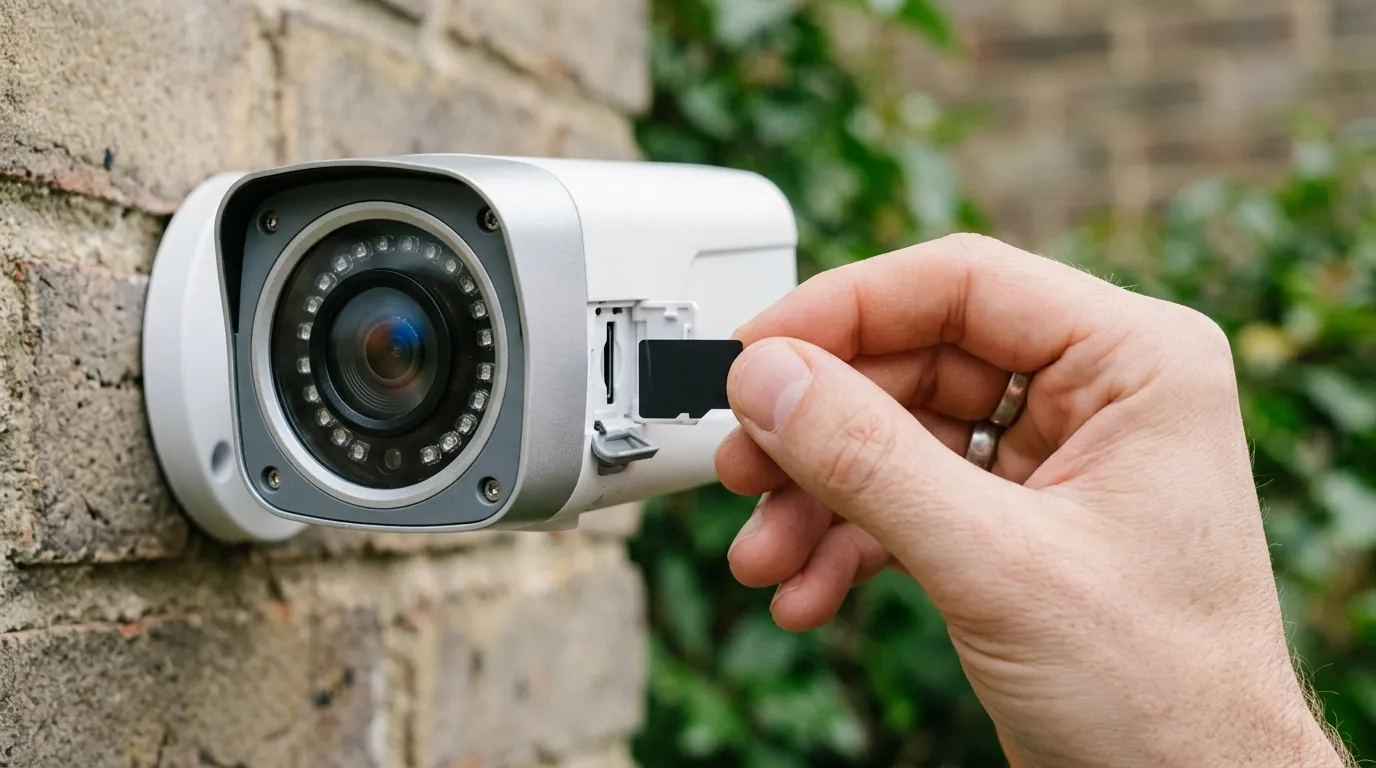
Understanding what a Nest camera cannot do is as important as knowing its features.
Misconception: ‘IP66 means it can’t go offline.’
Many consumers confuse weatherproofing with connectivity. An IP (Ingress Protection) rating only measures how well a device keeps out dust and water. A rating of IP54 (standard for Nest Cam Battery) means it is protected against water splashes but is not waterproof. More importantly, an IP rating has zero correlation with radio transparency. A camera can be perfectly dry inside but still “blind” to Wi-Fi because of the wall of rain between it and the router.
Misconception: ‘My Wi-Fi is fine because my phone works.’
This is the most common fallacy in home security. A smartphone held by a user inside the house has a clear line of sight to the router. A camera mounted on an exterior wall must contend with “multi-path interference.” When siding is wet, Wi-Fi signals bounce off the moisture, creating “ghost” signals that interfere with the actual data stream. A phone getting 200 Mbps in the living room does not mean a camera 30 feet away on a wet brick wall is getting even 2 Mbps.
The ‘Strong Signal’ Fallacy
The “bars” shown in the Google Home app are often a measurement of signal strength, not signal quality. During a storm, you may have “Full Bars” (high power), but if the signal-to-noise ratio (SNR) is poor due to electrical interference from lightning or rain attenuation, the camera will still go offline.
Decision Framework: Choosing the Right Setup
| If your situation is… | Prioritize this feature | Recommended 2026 Strategy |
|---|---|---|
| High Heat / Direct Sun | High Thermal Ceiling | Use a “Cooling Shield” or hood; switch to a camera rated for 120°F+. |
| Frequent Storms / Rain | Local SD Card Storage | Move away from cloud-only; ensure the camera records even without Wi-Fi. |
| Critical Security Need | Power over Ethernet (PoE) | Eliminate Wi-Fi entirely; use a wired data connection for 100% stability. |
| Renter / No Wiring | Massive Battery Capacity | Choose a model like the Reolink Altas PT Ultra with 20,000mAh. |
Further reading
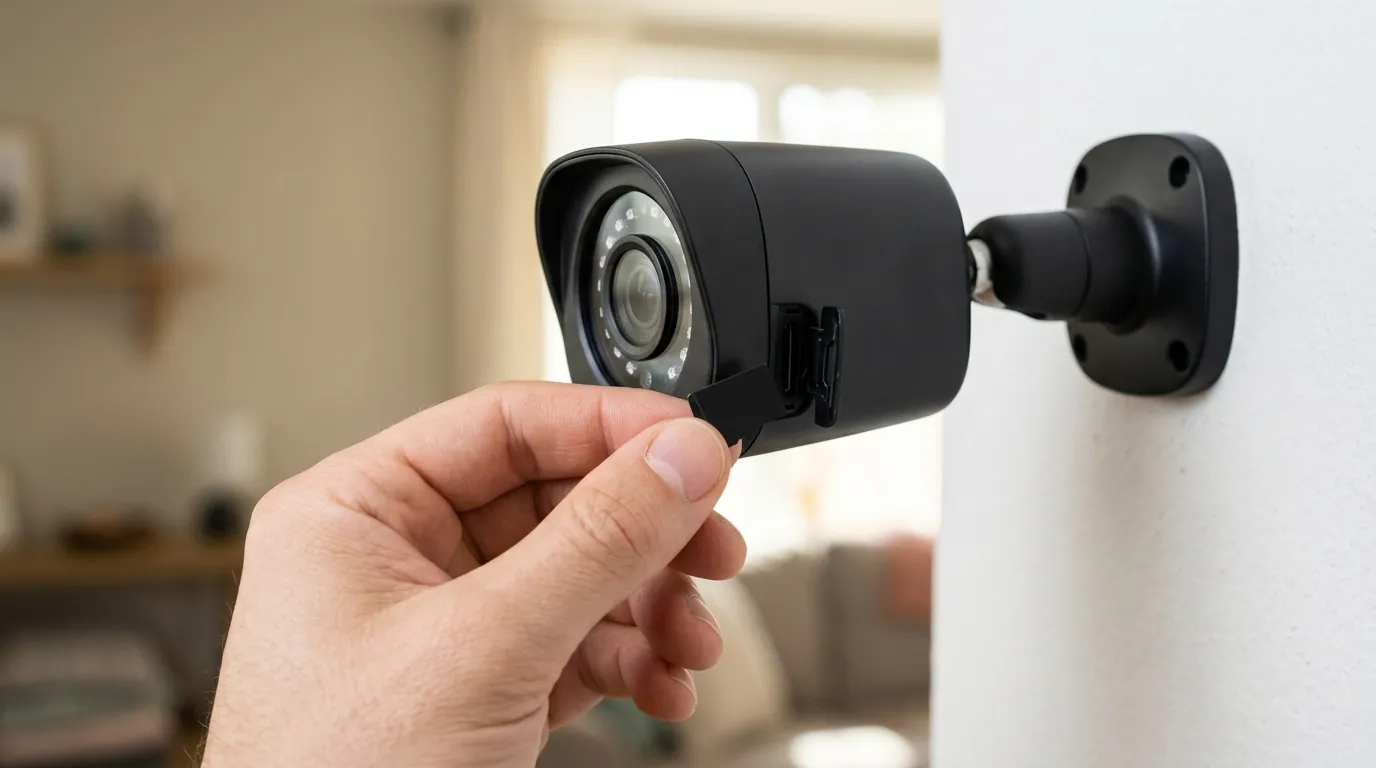
For users who find the Nest ecosystem’s storm performance unacceptable, the 2026 market offers robust alternatives. A standout choice is the Reolink Altas PT Ultra (typically in the $200 range). Unlike Nest, the Altas PT Ultra features 4K continuous local recording to an onboard microSD card. Its massive 20,000mAh battery allows it to power through both thermal peaks and Wi-Fi outages, ensuring that even if the “cloud” goes down, your evidence remains safely stored on the device.
The Case for Local Storage in 2026
The shift toward local storage is driven by a desire for “Total Cost of Ownership” (TCO) transparency and reliability. As cloud subscriptions like Nest Aware continue to see price adjustments, the value of a one-time hardware purchase that doesn’t “break” during a storm becomes clear.
Total Cost of Ownership (3-Year Estimate)
| Expense Item | Google Nest Cam (Battery) | Reolink Altas PT Ultra |
|---|---|---|
| Hardware Price | $160 - $180 | $190 - $210 |
| Subscription (3 Yrs) | $240 (Nest Aware Base) | $0 |
| Local Storage (SD) | N/A | $25 - $40 |
| Total 3-Year Cost | $400 - $420 | $215 - $250 |
Google’s 2026 Privacy Policy Deep Dive
Before committing to a cloud-based system, users should review the Google Privacy Policy. In 2026, the policy emphasizes that while video is encrypted, “functional data” (when the camera goes offline, how often it reboots) is used for diagnostic and marketing purposes. For those seeking maximum privacy during “emergency” weather situations, local-only cameras offer a significant advantage by keeping all data within the physical walls of the home.
Explore our local storage security cameras guide to learn more about eliminating subscription-related downtime.
Frequently Asked Questions
Why does my Nest camera say ‘Offline’ but the light is still green?
The green light indicates the camera has power and is functioning internally. The “Offline” status in your app means the data path to Google’s servers is blocked. This is usually due to Wi-Fi interference from rain or a temporary ISP outage caused by the storm.
Can I make my Nest camera record during a storm without Wi-Fi?
Nest Cam (Battery) models have a limited “local backup” feature that can record up to one hour of events to internal memory during a Wi-Fi outage. However, this footage only becomes viewable once the connection is restored and the data is uploaded to the cloud.
Does heat really make my camera go offline?
Yes. Nest cameras are rated for a maximum ambient temperature of 104°F. During summer storms, high humidity combined with direct sunlight can cause the internal components to exceed this limit, triggering a safety shutdown of the Wi-Fi radio to prevent battery damage.
Will a Wi-Fi extender help keep my Nest camera online during rain?
A Wi-Fi extender can help if the signal is weak, but it may not solve “rain fade.” If the extender is also communicating via Wi-Fi, the rain will interfere with the link between the extender and the router as well. A wired Access Point or a Power-over-Ethernet (PoE) camera is a more reliable solution for heavy weather.
Sources
- Google Nest Technical Specifications
- Google Safety Center: Transparency Report
- RTINGS: Wireless Interference and Rain Fade — https://www.rtings.com/
- Reolink Altas PT Ultra Product Page — https://reolink.com/product/altas-pt-ultra/
- Google Privacy & Terms — https://policies.google.com/privacy