
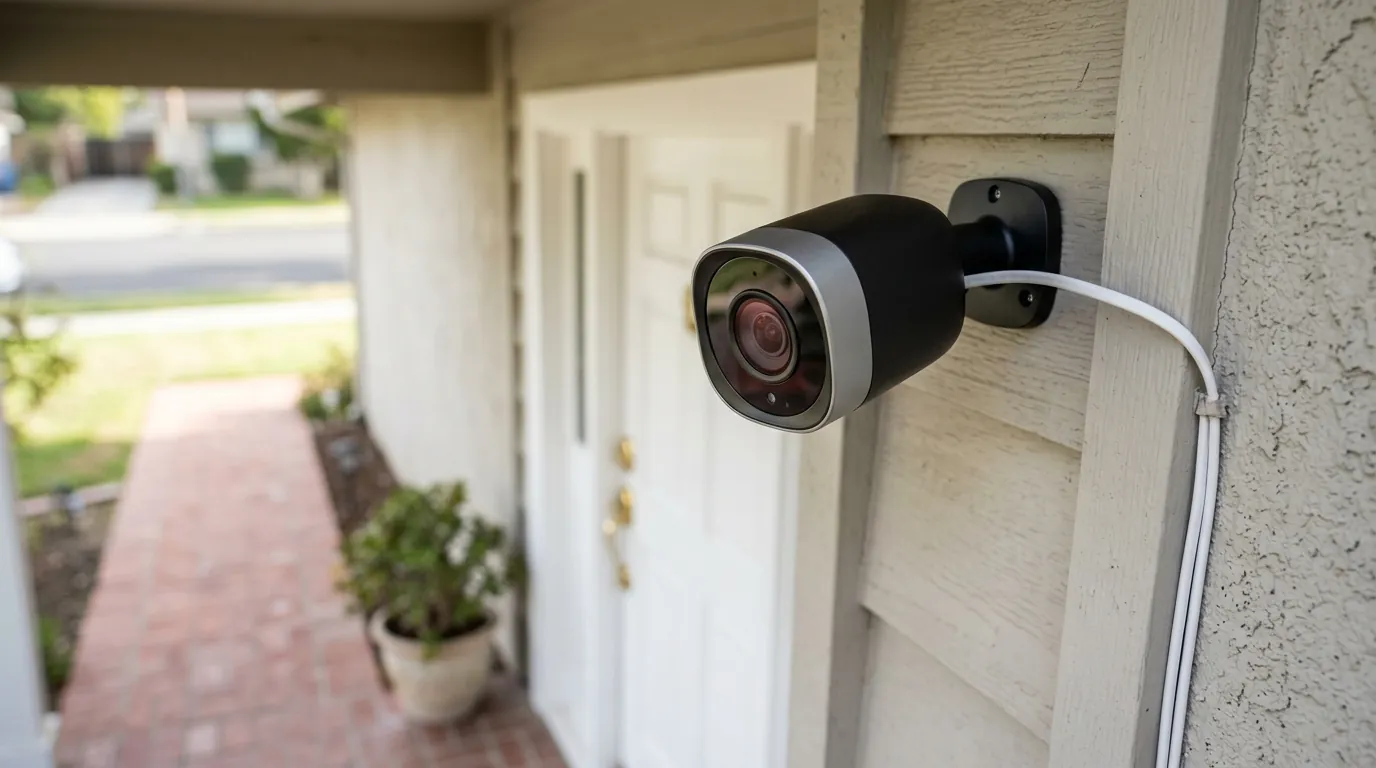
Nest Camera Not Recording Motion? 2026 Causes & Fixes
If your Nest camera is failing to capture critical activity, you aren’t just dealing with a glitch; you are likely bumping into the hard technical and financial boundaries Google has set for its 2026 ecosystem.
Quick Answer: Nest cameras miss events due to “Event-only” limits on the Standard plan, battery-saving “cool down” periods (up to 5 mins), or AI filtering. For 24/7 recording, you must use a wired model with the $20/mo Advanced plan.
What it means
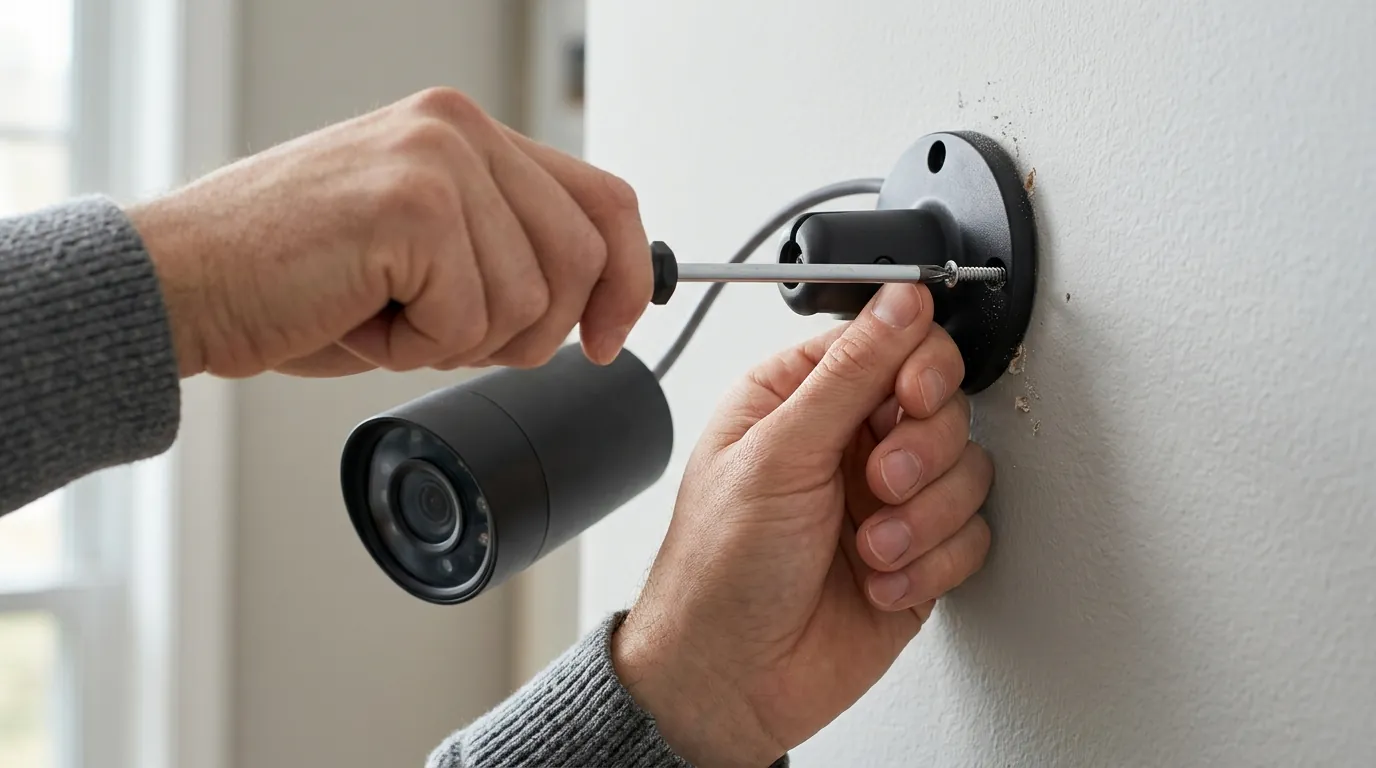
When a Nest camera stops recording motion, it usually manifests as a gap in the timeline—a frustrating occurrence where the Google Home app timeline shows “No events detected” despite you knowing someone walked past the lens. This isn’t always a hardware failure; it is often the result of how the software interprets “importance.”
The Difference Between Missing Clips and Missing Alerts
It is vital to distinguish between a failed alert and a failed cloud save. You might receive a notification on your phone (an alert), but when you tap it, the app says “This video isn’t available yet” or shows nothing at all. Conversely, the camera may record the event to the cloud silently without ever buzzing your pocket because your “Notifications” settings are filtered to “People only,” while the “Recording” settings are set to “All Motion.”
The 2026 Google Home App Interface Changes
With the 2026 rollout of the “Google Home Premium” ecosystem, the interface has shifted toward Gemini AI-generated “Summaries.” Instead of a scrolling list of every movement, the app now attempts to group events. If the AI deems a series of movements as a single “activity session,” it may only save the first few seconds, leading users to believe subsequent motion wasn’t recorded.
Furthermore, new users often fall into the “3-hour Free Tier trap.” Without a paid subscription, Nest cameras only provide a rolling 3-hour window of event history. If a delivery happens at 2:00 PM and you check your phone at 5:01 PM, the footage is permanently deleted from Google’s servers, leaving a blank timeline.
Why it exists
The absence of recorded footage is rarely accidental; it is a byproduct of power management and subscription tiering.
The “Cool Down” Period Explained
Battery-powered Nest Cams (including the 2nd Gen Battery models) utilize a “cool down” period to preserve energy. After the camera finishes recording an event, it may enter a dormant state for up to five minutes. During this window, even if a person is standing directly in front of the lens, the camera will not trigger a new recording. This is a common pain point for users who see a delivery driver approach but miss them leaving with a package.
Subscription Tier Limitations in 2026
Google has consolidated its services into the Google Home Premium branding. The limitations are now more rigid:
- Standard Tier (around $10/mo): This tier only supports “Event-Based Recording” (EBR). The camera only wakes up when it thinks it sees something important. If the AI algorithm misidentifies a person as a swaying tree branch, no footage is saved.
- Advanced Tier (around $20/mo): This is the only tier that allows for 24/7 Continuous Video Recording (CVR), but it is technically restricted to wired models.
| Feature | Free Tier | Home Premium Standard | Home Premium Advanced |
|---|---|---|---|
| History Duration | 3 Hours | 30 Days (Events Only) | 60 Days (Events) + 10 Days (24/7) |
| Recording Type | Event-only | Event-only | Continuous (Wired only) |
| AI Summaries | Basic | Standard | Gemini-Enhanced |
| Annual Cost (Est.) | $0 | Around $100 | Around $200 |
Thermal Throttling
According to Google’s official hardware specifications, Nest cameras are designed to operate between -4°F and 104°F (-20°C to 40°C). In 2026, as record-breaking summer temperatures become more common, outdoor units frequently hit these limits. When a Nest Cam exceeds 104°F, it will often disable recording and Wi-Fi to protect the internal battery, leaving a gap in your timeline until the unit cools down.
How it works under the hood
To understand why a camera misses a “motion event,” you have to look at the hardware’s decision-making process.
On-Device AI and the Edge TPU
Modern Nest cameras use an “Edge TPU” (Tensor Processing Unit)—a specialized chip that allows the camera to process video locally before sending it to the cloud. This is meant to reduce false positives, but it introduces a processing delay. When motion is detected, the chip must decide within milliseconds: Is this a person, a pet, or a vehicle? If the chip is overwhelmed or the motion is too fast (e.g., a person running), the “wake-to-record” latency can be as high as 800ms, often missing the beginning of the action.
PIR vs. Pixel Detection
There is a fundamental difference in how Nest models “see” motion:
- Nest Cam (Battery): Uses a Passive Infrared (PIR) sensor. It detects heat signatures. This is energy-efficient but has a shorter range and struggles to detect motion through glass.
- Nest Cam (Wired): Uses “Pixel Comparison.” It analyzes every single pixel change in the frame. This is far more accurate but requires constant power because the processor never sleeps.
The Cloud Upload Buffer
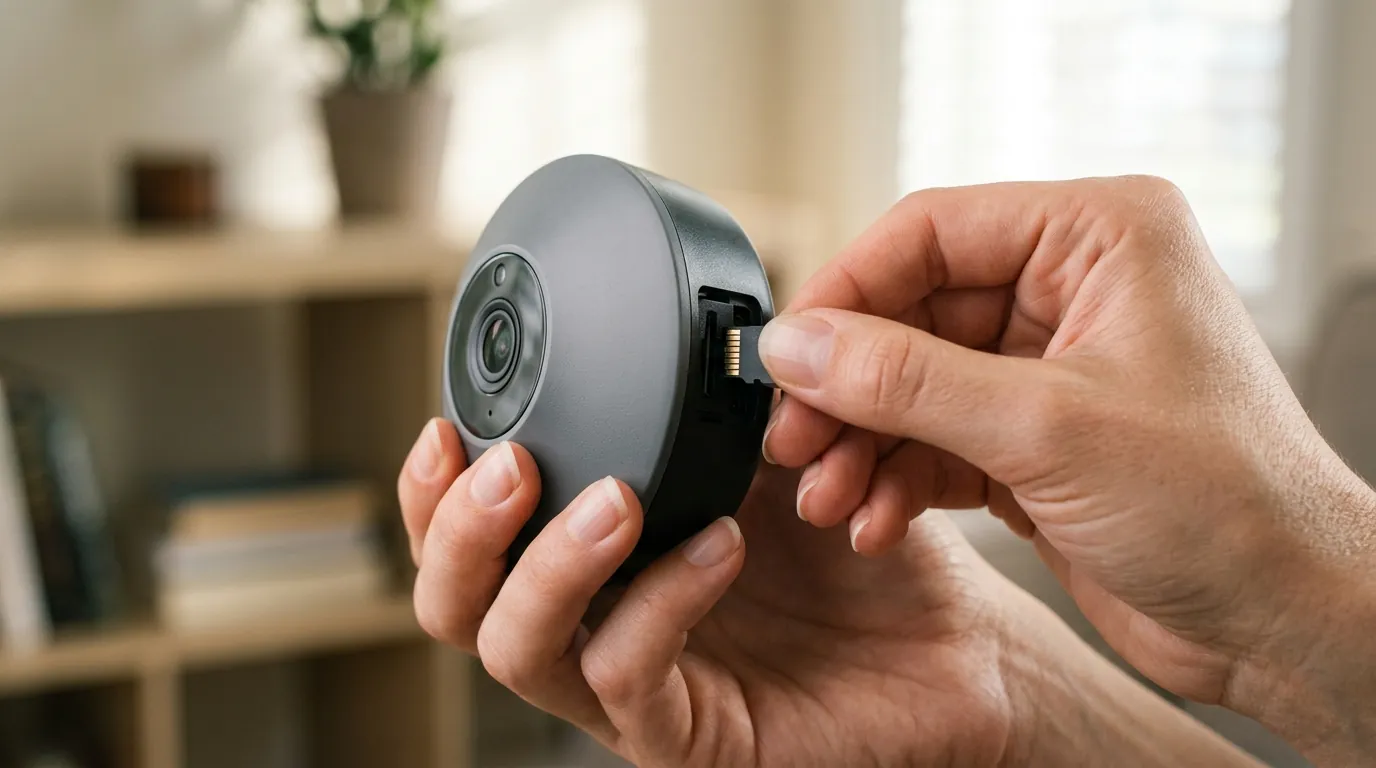
Nest cameras do not have local SD card slots for primary storage. When motion is detected, the camera starts an encrypted stream to Google’s data centers. If your Wi-Fi experiences a momentary spike in latency (buffer bloat), the “handshake” between the camera and the cloud can fail. In these cases, the camera may record a “local clip” to its internal memory, but Google’s documentation notes that this is only a backup for total Wi-Fi outages, not for temporary congestion.
Real-world implications
Missing footage isn’t just an inconvenience; it can have legal and financial consequences.
Legal and Insurance Reliability
For homeowners filing insurance claims for theft, “Event-only” footage is often insufficient. If a “Porch Pirate” is fast enough, a battery-powered Nest Cam might only capture the back of their head as they walk away. Without the “pre-roll” (the seconds leading up to the event), identifying suspects becomes nearly impossible. Most insurance adjusters prefer 24/7 continuous footage, which Nest only provides on its most expensive tier with hardwired hardware.
The 2026 Privacy Landscape
Privacy policies have evolved. As of 2026, Google’s Transparency Report and privacy terms indicate that while they require a warrant for most data requests, they reserve the right to share “emergency” footage with law enforcement without a warrant in situations involving immediate danger to life. For some users, the fact that their “missed events” are actually being processed by Gemini AI in the cloud raises concerns about how much of their “private” motion data is being used to train larger models.
Total Cost of Ownership (TCO)
When buying a Nest camera, the sticker price is only the beginning. Over three years, a single Nest Cam (Battery) on the Standard plan will cost significantly more than the hardware itself.
- Hardware: Around $180
- 3 Years of Subscription: Around $300
- Total 3-Year Cost: ~$480 per camera.
This “feature paywall” means that if you stop paying the monthly fee, your $180 camera loses almost all its security utility, reverting to the 3-hour history limit.
Common misconceptions
The 24/7 Recording Myth
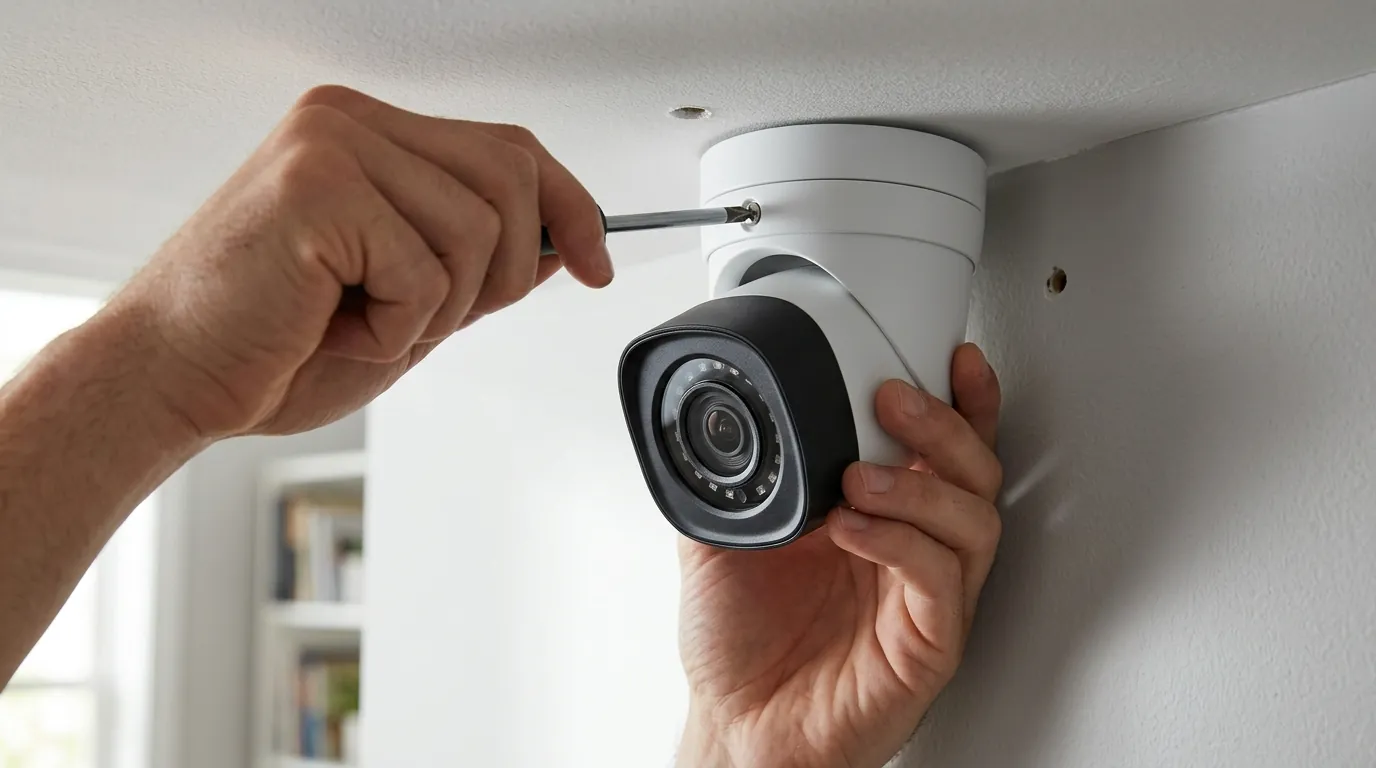
A common mistake is assuming that plugging a Nest Cam (Battery) into a power outlet automatically enables 24/7 recording. This is false. Even when plugged in, the Nest Cam (Battery) models are often restricted by software to “Event-only” recording unless you have a specific legacy model or the highest “Advanced” subscription tier. For true 24/7 history, you must purchase the dedicated “Nest Cam (Wired)” model.
Sensitivity Settings vs. AI Accuracy
Many users believe that turning “Motion Sensitivity” to “High” will fix missed events. In reality, this often makes the problem worse. High sensitivity can cause the camera to trigger on every moving leaf, exhausting the battery and triggering the “cool down” period more frequently. When the actual intruder arrives, the camera is often in its mandatory rest period.
Wi-Fi 6 vs. Software Limits
While upgrading to a Wi-Fi 6 or Wi-Fi 7 router can reduce this delay, it cannot override the software-imposed limits of the Google Home ecosystem. If your subscription doesn’t support CVR, no amount of bandwidth will give you a continuous timeline.
Decision Framework: Which Setup Fixes the Gaps?
If you are currently experiencing missed events, use this matrix to determine your next step:
| If you are… | Your priority should be… | Recommended Action |
|---|---|---|
| A Renter | Portability & No Drilling | Use Nest Cam (Battery) but set “Activity Zones” to only cover the door to reduce “cool down” triggers. |
| A Homeowner | Maximum Security/Evidence | Hardwire a Nest Cam (Wired) and upgrade to the Advanced ($20/mo) plan for 24/7 coverage. |
| Budget Conscious | Low Monthly Fees | Consider switching to a local-storage brand like Reolink or Eufy, which avoids the “Subscription Trap.” |
| High-Traffic Area | Reliability | Avoid battery cameras entirely; the “cool down” periods will cause you to miss 50% of the action. |
Further reading
Breaking the Subscription Cycle
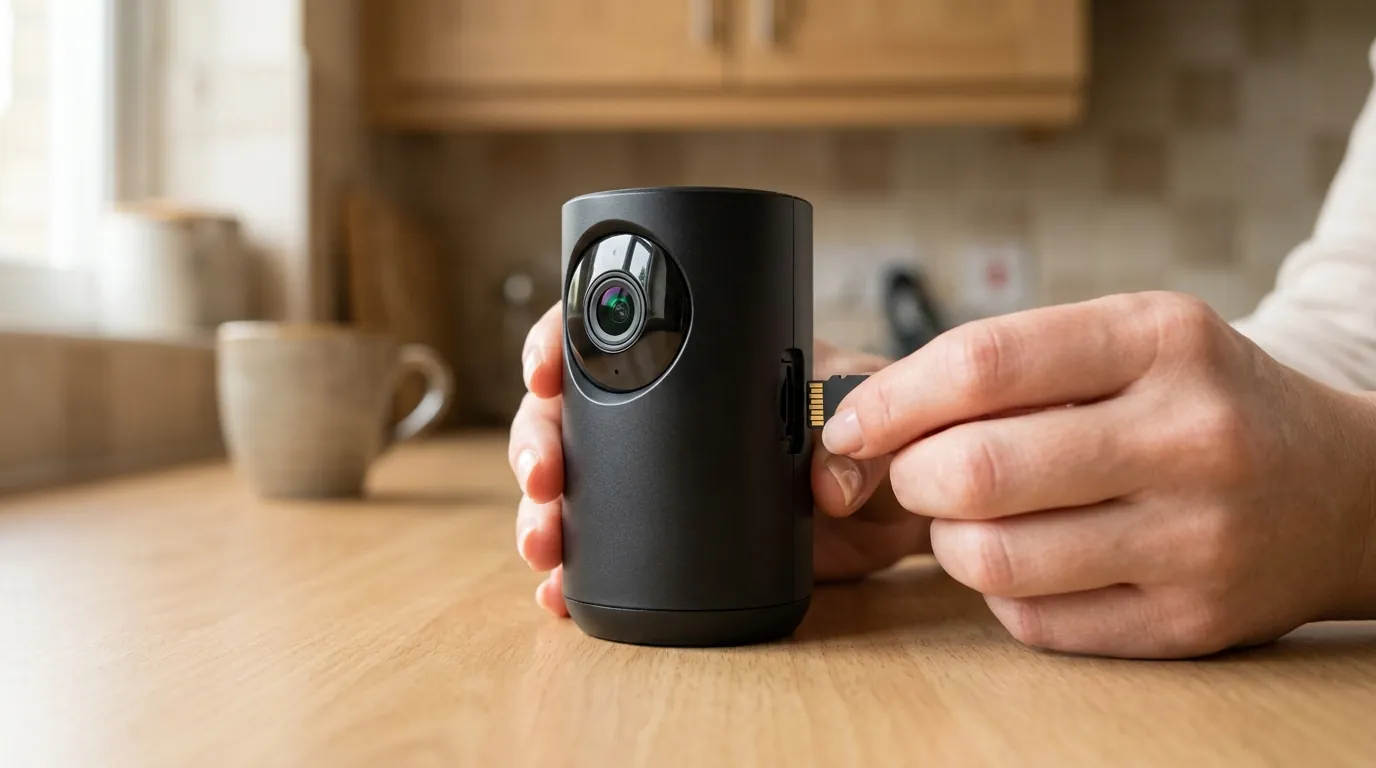
The 2026 camera market has seen a massive shift toward “Local Storage” as users tire of monthly fees. Brands like Eufy and Reolink now offer 4K resolution with “No-Subscription” models that save footage to an internal HomeBase or an NVR (Network Video Recorder). These systems bypass these recording gaps entirely because they do not rely on a cloud handshake to start recording.
Local Storage vs. Cloud Storage
While cloud storage (like Nest) offers the benefit of “off-site” backups (if a thief steals the camera, the footage is already in the cloud), local storage offers speed and privacy.
Comparison: Nest vs. Local-Storage Competitors (2026)
| Brand | Storage Location | Monthly Fee | 24/7 Recording? | AI Processing |
|---|---|---|---|---|
| Nest (Google) | Cloud Only | $10 - $20 | Yes (Paid/Wired) | Cloud-based Gemini |
| Eufy | Local (HomeBase 3) | $0 | Yes | On-device BionicMind |
| Reolink | Local (SD/NVR) | $0 | Yes | On-device |
Hardwiring your battery camera
If you already own a Nest Cam (Battery) and are missing events, the best “fix” is to purchase the optional weatherproof cable. This allows the camera to stay “awake” more consistently, though it still may not support 24/7 CVR unless you are on the Advanced subscription tier. Hardwiring eliminates the PIR “wake-up” delay, as the camera can transition to pixel-based detection.
At Quvii, we track these trade-offs across the entire security category to help you decide if the convenience of the Google ecosystem outweighs the reliability of local-storage alternatives.
Sources
- Google Nest Cam Technical Specifications
- Google Home Premium Subscription Tiers (2026 Update)
- RTINGS: Nest Cam (Battery) Review & Latency Testing
- Google Transparency Report: Law Enforcement Requests
- FCC ID Search: Google Nest RF & PIR Sensor Filings