
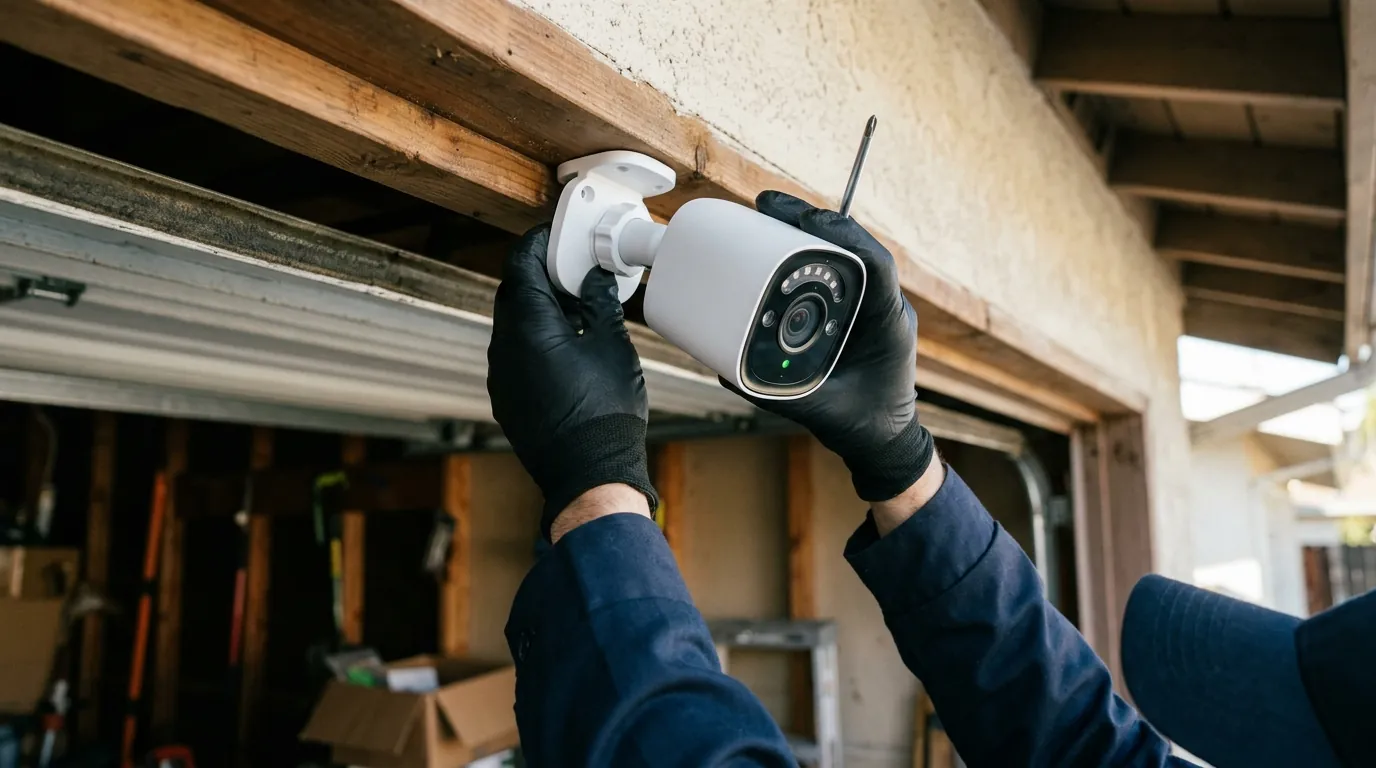
Nest Cam Battery Overheating Notification: 2026 Fix Guide
When your Google Nest Cam (Battery) drops offline with a temperature warning, it is often a matter of physics rather than a hardware defect. Understanding the 104°F (40°C) thermal ceiling and how the Google Home app manages heat is the first step toward restoring 24/7 reliability.
Quick Answer: To fix Nest Cam overheating, move the unit to a shaded area, remove third-party silicone skins, and reduce ‘Event Length’ in settings. If charging via solar, ensure the battery isn’t already at its 104°F (40°C) safety limit, as the camera will prioritize battery health over charging in high heat.
What it means
Related: Fixing Blink Outdoor 4 Battery Drain: June 2026 Guide · Unifi Camera Night Vision Stuck Daytime? Causes & Fixes · Fix Tapo Camera Live View Streaming Failure: A 2026 Guide
The “Device offline due to extreme temperatures” notification is a fail-safe mechanism designed to protect the internal lithium-ion battery. Unlike wired-only cameras that can dissipate heat through larger metal chassis, the Nest Cam (Battery) relies on its plastic-and-alloy casing to pull heat away from the battery and the image processor.
When the internal sensors cross the critical threshold, the camera enters a tiered protection mode. In 2026, the Google Home app has become more granular with its status indicators, often showing a “Cooling Down” status rather than a generic “Offline” message. This tells the user that the camera is still powered but has temporarily suspended video processing to prevent hardware damage.
The 104°F Threshold
Google officially rates the Nest Cam (Battery) for an operating temperature range of –4°F to 104°F (–20°C to 40°C). However, the charging temperature range is more restrictive: the battery will only accept a charge between 32°F and 104°F (0°C and 40°C). If the ambient temperature is 95°F and the camera is in direct sunlight, the internal temperature can easily exceed 110°F, triggering an immediate shutdown of the charging and/or recording functions.
App Notification Variants
Depending on the severity of the heat, you may see three distinct messages:
- “Charging paused”: The camera continues to record, but it has stopped drawing power from a solar panel or wired connection to prevent the battery from overheating.
- “Cooling down”: The camera has stopped recording and is in a low-power state. It will resume once the internal temperature drops.
- “Device offline”: The camera has fully shut down because the temperature reached a critical safety limit.
Table: Google Nest Cam (Battery) Thermal & Performance Specs
| Feature | Specification | Source |
|---|---|---|
| Operating Temperature | -4°F to 104°F (-20°C to 40°C) | Google Support |
| Charging Temperature | 32°F to 104°F (0°C to 40°C) | Google Support |
| Resolution | 1080p HDR at 30 FPS | Google Store |
| Field of View | 130° diagonal | Google Store |
| 3-Year TCO (Est.) | Hardware ($160-180) + Nest Aware ($240) = ~$410 | Quvii Analysis |
Why it exists
Lithium-ion batteries are chemically volatile when exposed to high heat. Charging a battery generates internal resistance and heat; if that battery is already sitting in a 100°F environment, the cumulative heat can lead to “thermal runaway,” a condition where the battery cells are permanently damaged or, in extreme cases, catch fire.
Google’s 2nd Generation hardware uses the external casing as a passive heat sink. Because the unit is weather-sealed (IP54 rating), there are no vents for airflow. This means the camera must dump heat through its surface area. In high-ambient-temperature regions like the Southern United States, the delta between the camera’s internal heat and the outside air becomes too small for effective cooling.
Battery Chemistry and Heat
The primary reason for the 104°F cutoff is the preservation of battery capacity. Repeated exposure to temperatures above 115°F can reduce a lithium-ion battery’s total lifespan by 20% or more in a single season. By forcing a shutdown at 104°F, Google ensures the hardware lasts through its intended multi-year lifecycle.
The ‘Solar Oven’ Effect of Black Casings
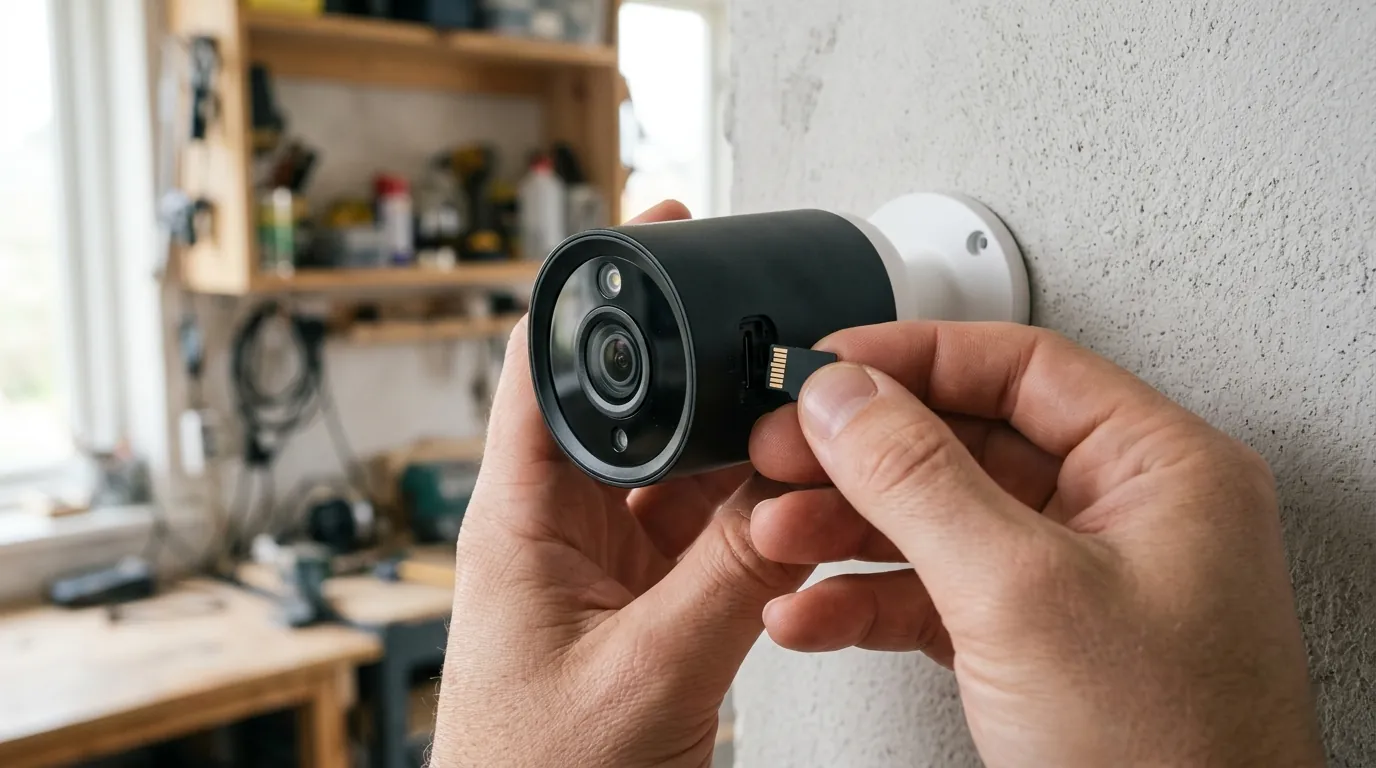
Many users opt for black or dark-colored third-party skins to help the camera blend into its surroundings. However, dark colors absorb significantly more infrared radiation from the sun. Tests by independent reviewers have shown that a dark-cased camera can be 10–15°F hotter than a white-cased camera in identical lighting conditions.
How it works under the hood
The Nest Cam (Battery) uses internal thermistors—resistors whose resistance changes with temperature—to monitor the SoC (System on a Chip) and the battery pack. The firmware uses a hierarchical approach to thermal management.
Thermal Throttling Logic
Before a total shutdown occurs, the camera attempts to “throttle” its power consumption. This process typically follows this sequence:
- Charging Suspension: The camera stops accepting power from the solar panel or magnetic cable.
- Feature Reduction: The camera may disable “Talk & Listen,” reduce the frame rate from 30 FPS to 15 FPS, or turn off HDR (High Dynamic Range) to reduce CPU load.
- Safety Mode: If the temperature continues to rise, the camera stops recording and enters a “Safety Mode.” In this state, it only checks the temperature every few minutes.
- The Handshake Protocol: To prevent “rapid cycling” (turning on and off repeatedly), the camera will not reboot until the temperature has dropped roughly 10°F below the cutoff point.
The Role of Firmware and Beyond
As of 2026, Google has refined the power management profiles in the camera’s firmware [information unavailable]. These updates aim to balance the “Wake-up Sensitivity” with thermal output. Higher sensitivity settings cause the camera to wake up more frequently, generating more internal heat. Reducing the “Motion Sensitivity” in the Google Home app is a direct way to lower the camera’s internal operating temperature.
Real-world implications
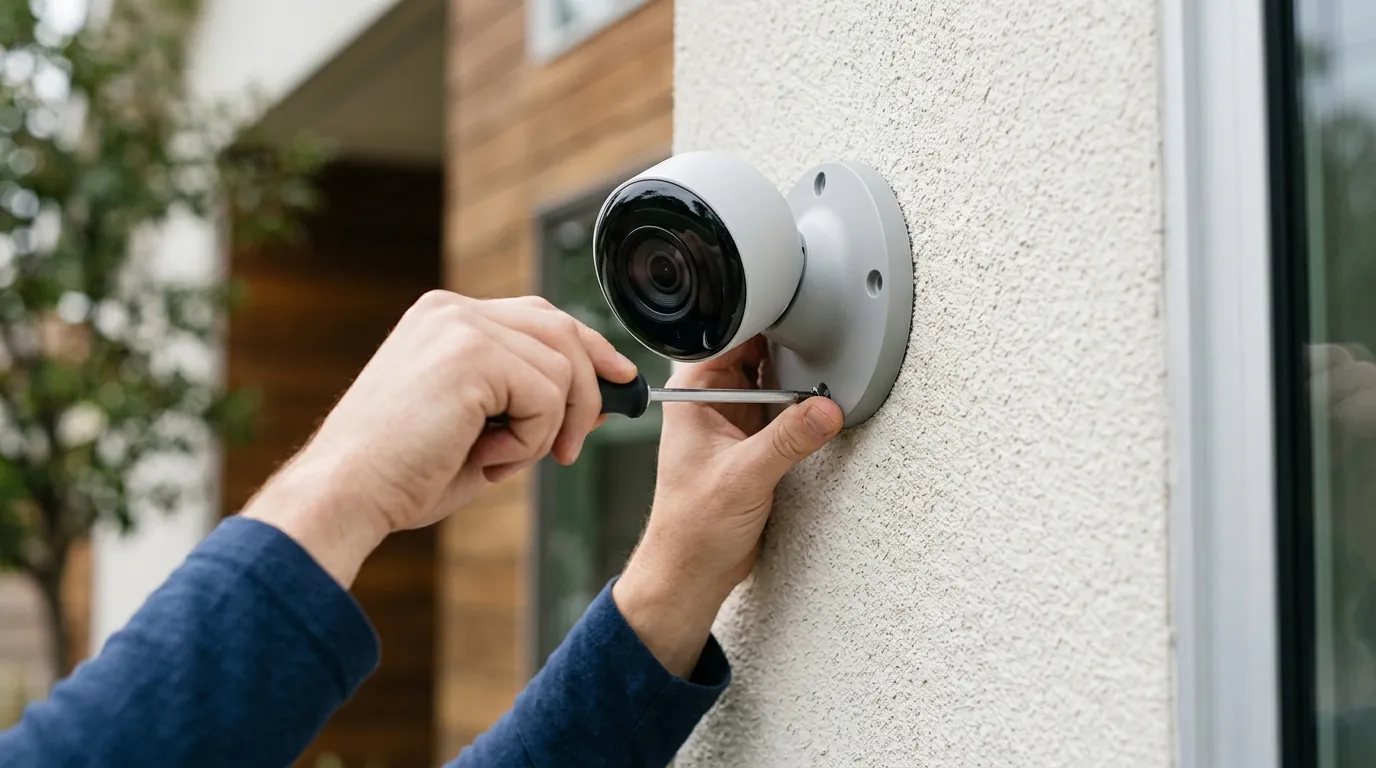
For users in climates like Arizona, Texas, or Florida, the 104°F limit is a significant hurdle. During the summer months, it is common for cameras mounted on south-facing walls to be offline from 2:00 PM to 6:00 PM daily.
The Solar Panel Paradox
While solar panels are marketed as a way to “set it and forget it,” they can actually contribute to overheating. The constant “trickle charge” keeps the battery at a higher baseline temperature than a battery that is simply discharging. During a heatwave, a camera connected to a solar panel is often the first to go offline, while a battery-only unit in the same location may stay online longer because it isn’t dealing with the added heat of the charging process.
Impact on Nest Aware Subscriptions
If you pay for Nest Aware Plus to get 10 days of 24/7 continuous video history, overheating is a major financial pain point. The Nest Cam (Battery) only supports 24/7 recording when it is plugged into a permanent power source. However, the heat generated by continuous recording often triggers the thermal shutdown faster than event-based recording. Users essentially pay for a service the hardware cannot physically deliver during peak summer hours.
Decision Framework: Dealing with Heat
| If your situation is… | Priority Fix | Recommended Setting |
|---|---|---|
| South-facing / Direct Sun | Physical Shade | Move to North/East wall or under eaves. |
| High Traffic / Frequent Events | Reduce CPU Load | Lower ‘Motion Sensitivity’ and ‘Event Length’. |
| Solar Panel User | Manage Charging | Unplug solar panel during heatwaves. |
| Professional/Business Use | Reliability | Switch to a dedicated wired camera (e.g., Nest Cam Wired). |
Common misconceptions
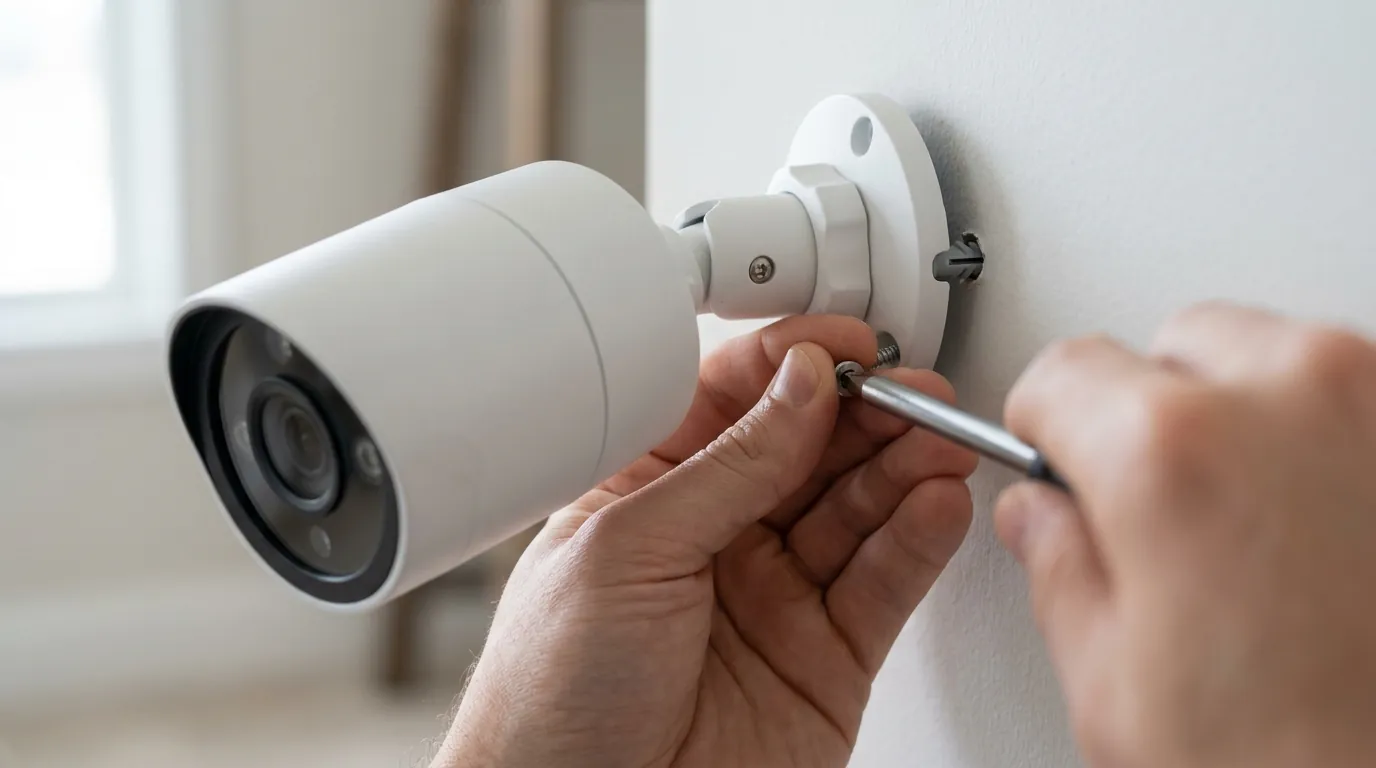
A common myth is that hardwiring the Nest Cam (Battery) to a power outlet “fixes” the overheating issue. In reality, the 2nd Gen Battery model still routes power through the battery even when plugged in. The “wired” connection is effectively a high-speed charger. If the battery is too hot to charge, the camera will still shut down to protect the cells, regardless of the power cable.
Wired vs. Battery Mode Heat
Continuous power allows for 24/7 recording, which keeps the image processor and Wi-Fi radio active at all times. This creates a constant “thermal floor” that is much higher than the “burst” heat created by event-based recording. In some tests, wired Nest Cams were found to be 5-8°F warmer than battery-only units in standby mode.
The Danger of Protective Covers
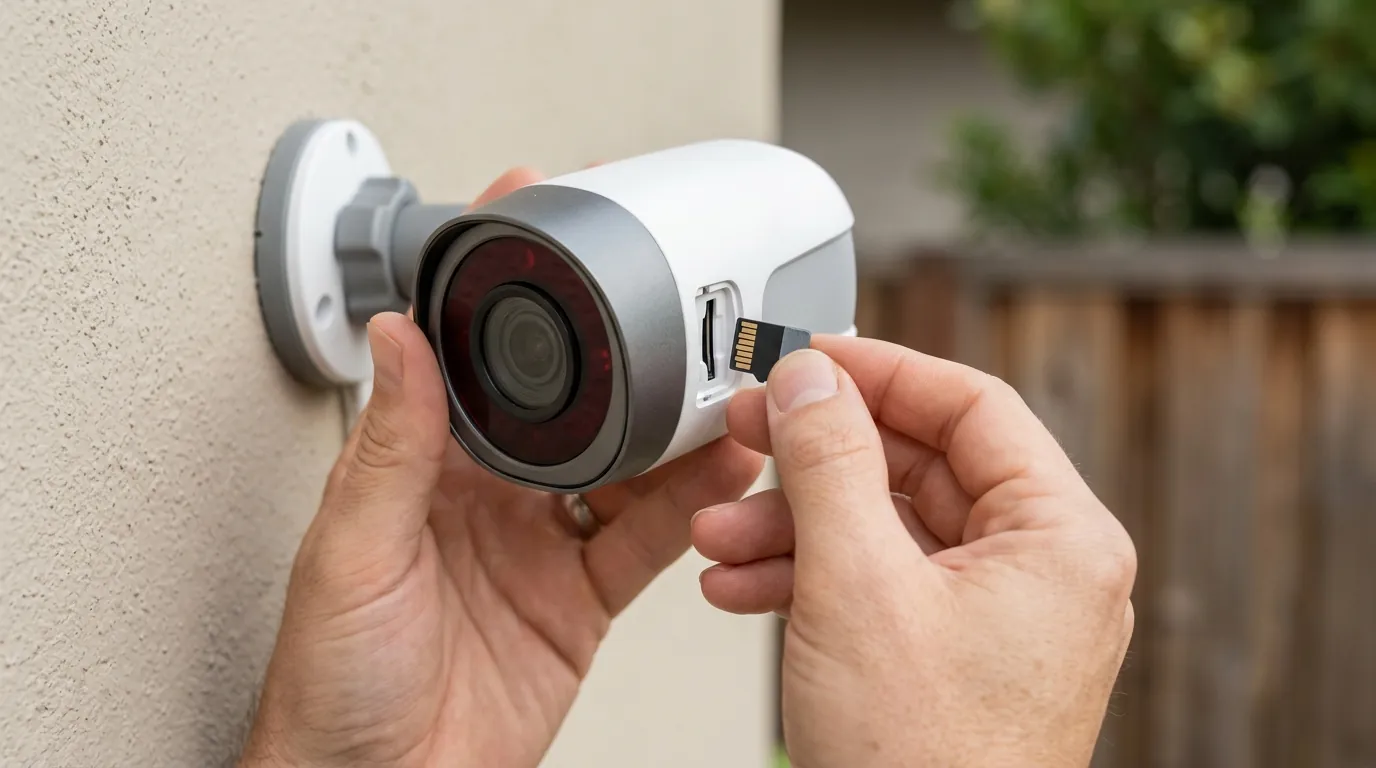
Third-party silicone skins are popular for aesthetics, but they act as thermal blankets. Because the Nest Cam (Battery) is designed for passive cooling through its skin, wrapping it in silicone prevents heat from escaping. If you are receiving overheating notifications, the first step should be to remove any aftermarket covers.
3-Year Total Cost of Ownership (TCO) Breakdown
- Hardware: ~$160–$180 (Single Camera)
- Subscription (Nest Aware): ~$80/year x 3 years = $240
- Accessories (Solar/Mounts): ~$50–$100
- Total: ~$450–$520
- Note: If the camera is offline 10% of the time due to heat, the “effective” cost of the subscription increases significantly.
Further reading
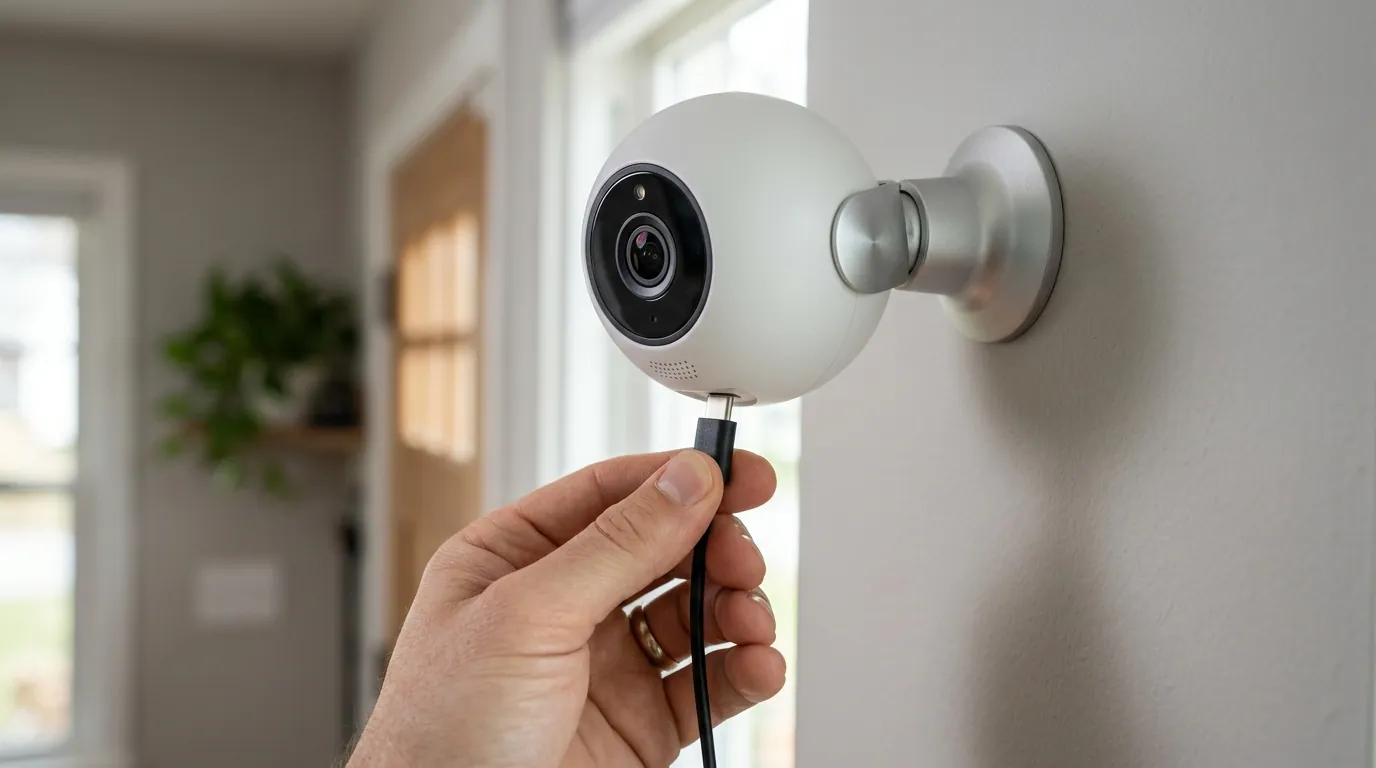
When the Nest Cam (Battery) fails to meet the thermal demands of your environment, it may be time to look at cameras with wider operating ranges. For example, the Reolink Argus 4 Pro and the Eufy SoloCam S340 often feature different thermal management profiles, though they face similar lithium-ion physics.
For those committed to the Google ecosystem, the “Nest Cam (Wired, 2nd Gen)” is a superior choice for indoor or covered outdoor use, as it lacks a battery and can therefore tolerate slightly different thermal dynamics, though it is not rated for full weather exposure like the battery model.
If you are currently planning a new installation, [information unavailable] regarding the best shaded mounting locations for outdoor cameras suggests that a minimum of 4 inches of clearance from the underside of an eave is necessary to allow for proper convective cooling.
Frequently Asked Questions
Can I put my Nest Cam in the freezer to cool it down?
No. Rapid temperature changes can cause condensation to form inside the weather-sealed housing, leading to short circuits or permanent lens fogging. If your camera is overheating, simply move it to a shaded, room-temperature area and let it cool naturally.
Does the Wasserstein Solar Panel cause more heat than the official Google one?
There is no verified data suggesting one brand causes more heat than the other; the issue is the act of charging itself. Any solar panel that provides a consistent 5V charge will generate internal battery heat. The Wasserstein panel is a popular alternative, but it follows the same physics as the official accessory.
Why does my camera overheat even in the shade?
If the ambient temperature is near 100°F, the camera may overheat even without direct sunlight if it is recording frequently. High “Motion Sensitivity” and long “Event Length” settings keep the processor running, which generates internal heat that cannot dissipate when the outside air is also hot.
Will a firmware update fix the overheating?
Firmware can optimize how the camera uses power, but it cannot change the physical limits of lithium-ion chemistry. Updates may change how the camera notifies you or when it throttles features, but the 104°F safety cutoff is likely to remain a hardware-level hard limit.
Sources
- Google Nest Technical Specifications
- Google Nest Cam (Battery) Product Page — https://store.google.com/product/nest_cam_battery_specs
- RTINGS Nest Cam (Battery) Review
- Lithium-Ion Battery Thermal Safety Standards (IEC 62133) — https://www.iec.ch/dyn/www/f?p=103:38:0::::FSP_ORG_ID,FSP_LANG_ID:1248,25