
Nest Cam (Battery) Offline After Storm: Causes & Fixes
Severe weather events often reveal the hidden dependencies of smart home security, leaving homeowners to wonder if their property is still being monitored when the cloud goes dark.
Quick Answer: If your Nest Cam (battery) goes offline after a storm, it’s typically due to a loss of Wi-Fi or internet connectivity, or the camera’s internal battery has depleted. While offline, the camera can store up to one hour of event video locally, which uploads to the cloud once power and internet are restored.
What it means
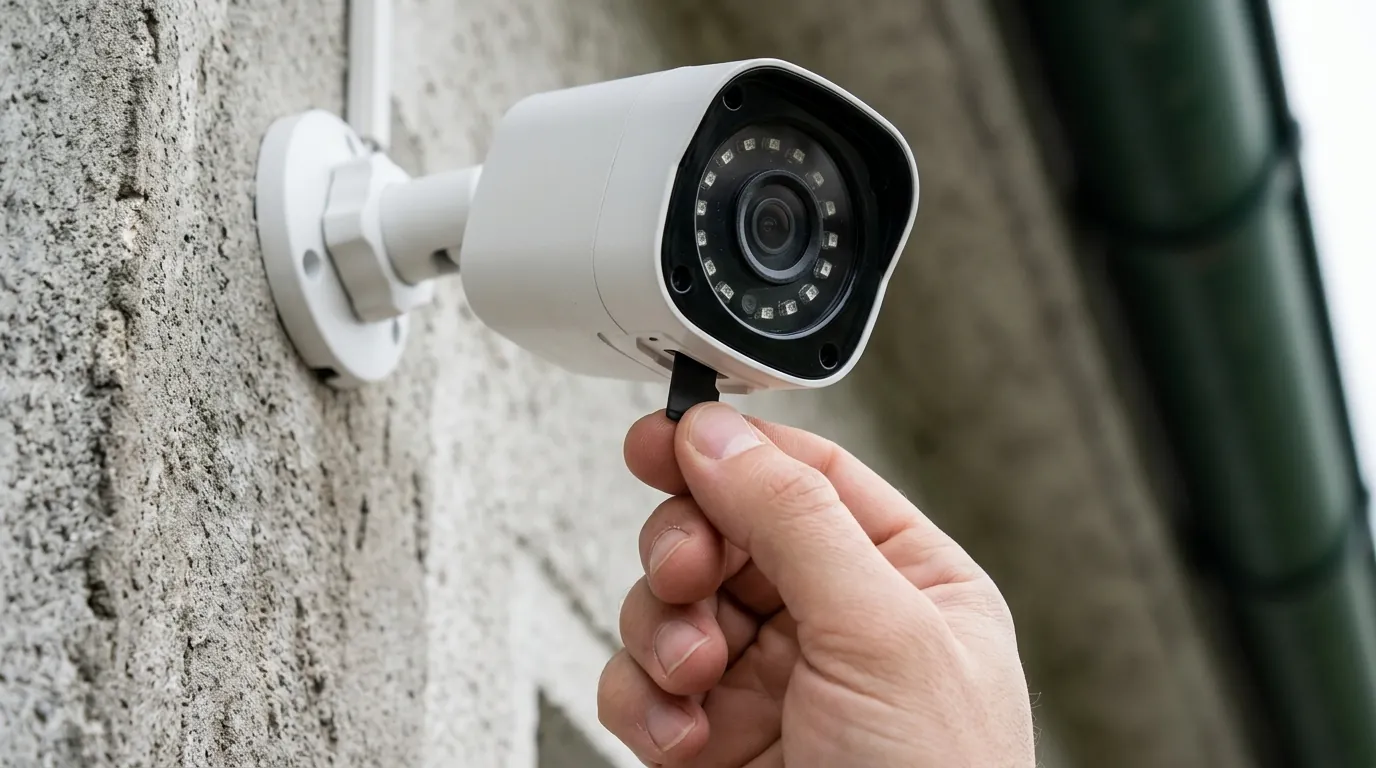
When the Google Home app reports that your Nest Cam (battery) is “offline,” it indicates a break in the communication chain between the device and Google’s cloud servers. In the context of a storm, this status is a symptom of environmental disruption rather than an immediate hardware failure.
Distinguishing ‘Offline’ from ‘No Power’
It is crucial to differentiate between a camera that has lost its network connection and one that has lost its power source. Because the Nest Cam (battery) contains an internal 6 Ah lithium-ion battery, it can remain operational even if your home’s electrical grid fails. A camera that is “offline” in the app may still be powered on and recording events to its internal memory, provided the battery hasn’t depleted. Conversely, if the camera is completely unresponsive and shows no status lights even when triggered, it may have suffered a hardware failure due to a surge or physical damage, or the battery may be dead.
Impact on Live View and Notifications
The primary consequence of an offline status is the immediate loss of real-time visibility. You cannot access a “Live View” through the Google Home app, and the camera cannot send push notifications to your phone. During a storm, this can be particularly frustrating as users often want to check for property damage or flooding in real-time. While the camera continues to monitor for motion, the “intelligence” of the system—such as identifying a person versus a branch moving in the wind—is partially processed on-device, but the delivery of that information requires an active internet connection.
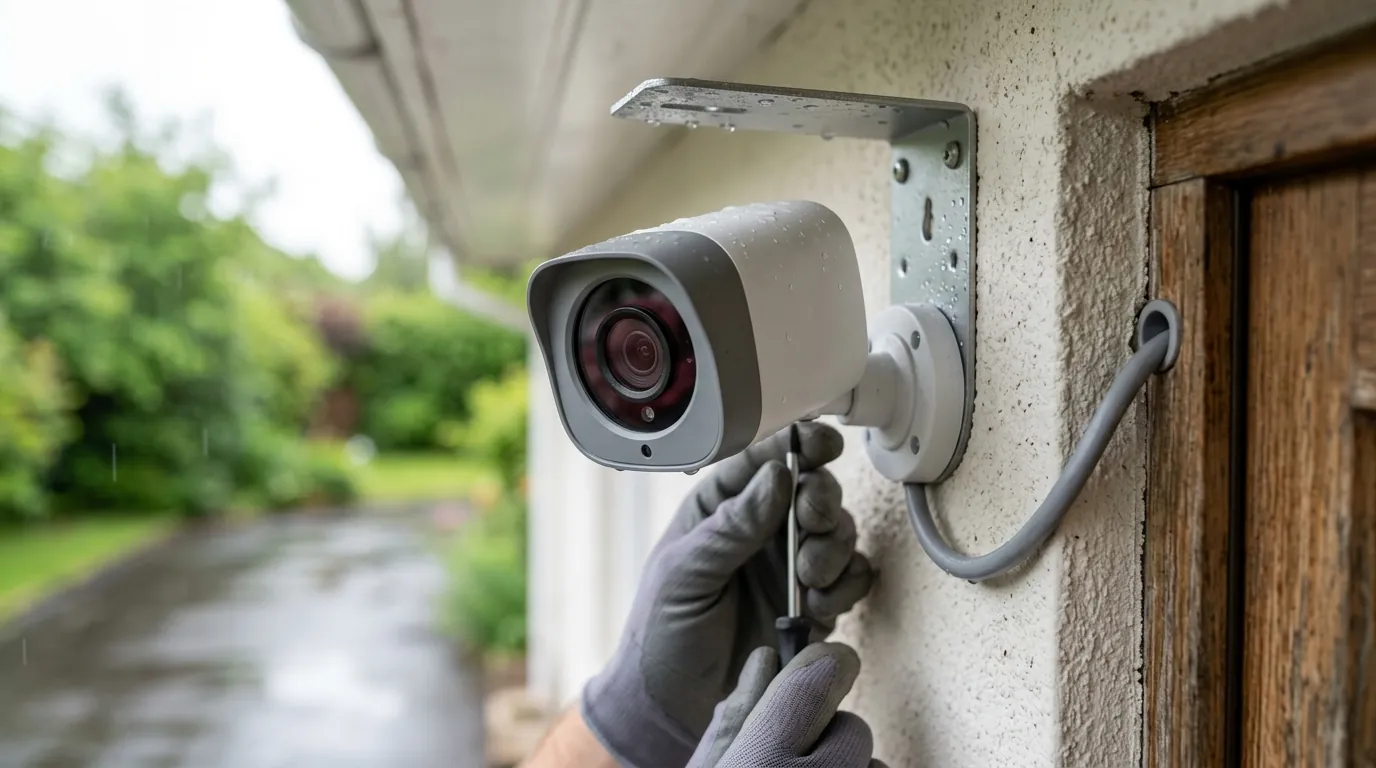
[Image Specification: A Nest Cam (battery) mounted outdoors under an eave, with a stormy sky in the background, showing the camera’s status light off or amber. Aspect ratio 16:9.]
Why it exists
Storms create a “perfect storm” of technical failures that can knock a wireless camera offline. Understanding these triggers helps in prioritizing which part of your home infrastructure to fix first.
Power Outages and Wi-Fi Dependency
The most common reason a Nest Cam goes offline after a storm is the loss of power to your network equipment. Even though the camera has its own battery, your Wi-Fi router and modem likely do not. If the storm causes a local power flicker or a sustained outage, your router shuts down, and the camera loses its bridge to the internet. According to Google Nest Support, the camera requires a constant Wi-Fi connection to remain “online” in the app interface.
Internet Service Provider Disruptions
Even if your home has a backup power solution (like a UPS or generator) for your router, the storm may have damaged the infrastructure of your Internet Service Provider (ISP). Fallen trees can sever fiber or cable lines, and lightning strikes can damage neighborhood nodes. In these cases, your Wi-Fi network may be active, but there is no “gateway” to the cloud. The camera will stay connected to the router but will show as offline because it cannot reach Google’s servers.
Battery Depletion in Extended Outages
If a storm results in a multi-day power outage, and your Nest Cam was previously relying on a wired connection for “trickle charging,” it will switch entirely to battery power. During high-activity events—such as heavy rain or wind-blown debris constantly triggering the motion sensor—the battery can drain significantly faster than usual. If the battery hits 0% before power is restored, the camera will shut down entirely, losing both its connection and its ability to record local events.
How it works under the hood
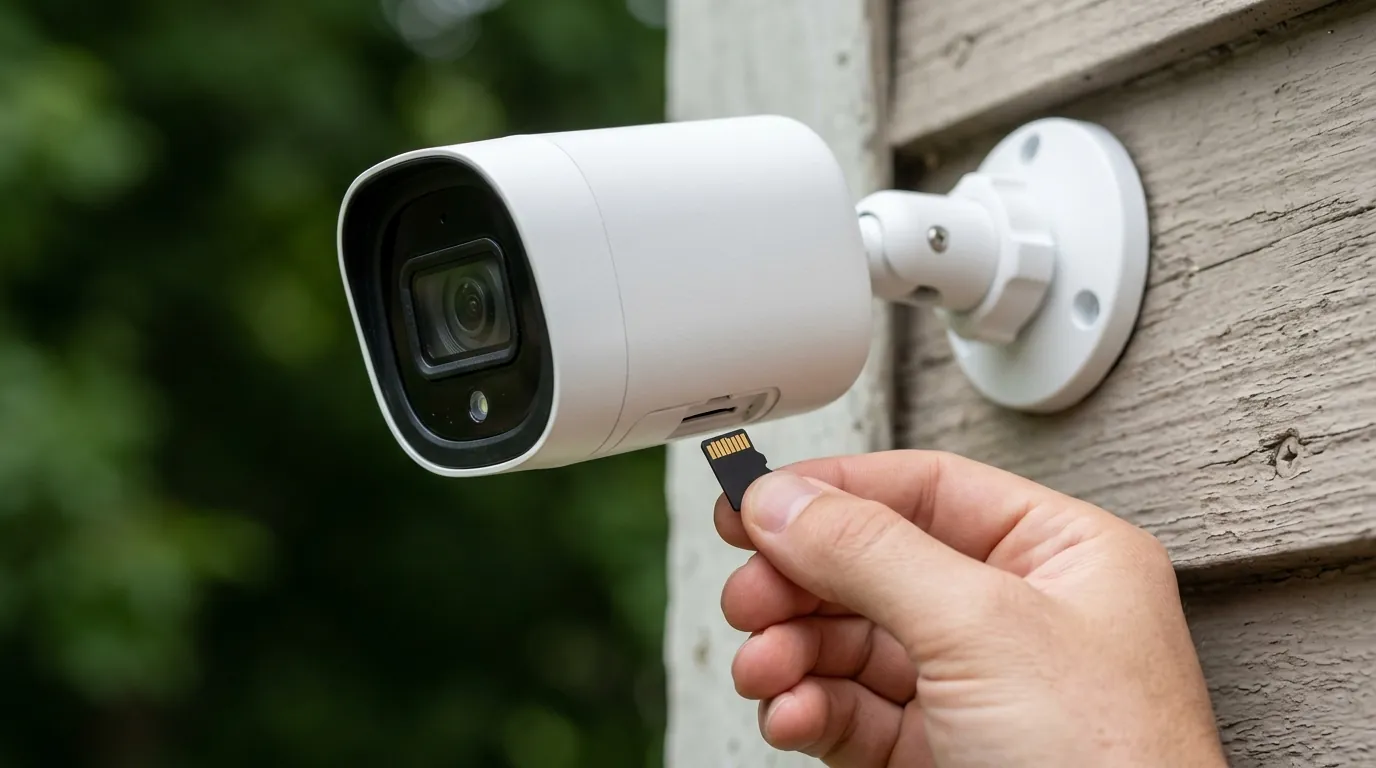
The Nest Cam (battery) is designed with a specific fail-safe architecture to handle intermittent connectivity, though it has distinct limitations compared to cameras with expandable local storage.
Wi-Fi and Cloud Connectivity
The Nest Cam (battery) utilizes a dual-band 802.11a/b/g/n Wi-Fi radio, supporting both 2.4GHz and 5GHz frequencies. For maximum stability during and after a storm, 2.4GHz is often preferred due to its superior range and ability to penetrate walls, though 5GHz offers higher data throughput. Google recommends a minimum upload speed of 2 Mbps per camera for 1080p video as noted in their technical specifications. When this connection is severed, the camera enters an “isolated” mode.
On-Device Storage for Offline Events
One of the most misunderstood features of the Nest Cam (battery) is its local storage capacity. When the camera detects it is offline but still has battery power, it uses its internal flash memory to store “event-based” recordings.
- Capacity: The camera can store approximately one hour of event video history according to Google’s official documentation.
- Behavior: It does not record 24/7 footage to this local buffer; it only records clips triggered by motion or sound.
- Syncing: Once the Wi-Fi connection is re-established, the camera prioritizes uploading these buffered clips to the Google Nest cloud. They will eventually appear in your timeline, often marked with a “disconnection” icon to indicate they were captured while the unit was offline.
Power Sources and Battery Management
The unit is powered by a 6 Ah, 3.65V lithium-ion battery. If you use the optional weatherproof power cable, the camera stays at 100% charge and can even support 24/7 continuous video recording (CVR) if you have a Nest Aware Plus subscription. However, during a storm-induced power failure, even a wired Nest Cam (battery) reverts to “event-only” recording to preserve its internal charge.
Comparison: Nest Cam (Battery) vs. Leading Competitors (2026 Data)
| Feature | Nest Cam (Battery) | Reolink Argus 4 Pro | Ring Stick Up Cam Pro |
|---|---|---|---|
| Resolution | 1080p HDR | 4K UHD | 1080p HDR |
| Local Storage | 1 Hour (Internal) | microSD (up to 512GB) | Optional via Alarm Pro |
| Battery Size | 6,000 mAh | 5,200 mAh | Removable Pack |
| Offline Recording | Event-only | Event or Continuous | Limited (Ring Edge) |
| Subscription Req. | For History > 3hrs | Optional | Required for History |
| TCO (3 Years) | ~$420 - $630 | ~$200 - $250 | ~$350 - $500 |
Note: TCO (Total Cost of Ownership) includes the estimated hardware price band plus three years of the standard manufacturer subscription plan.
Real-world implications
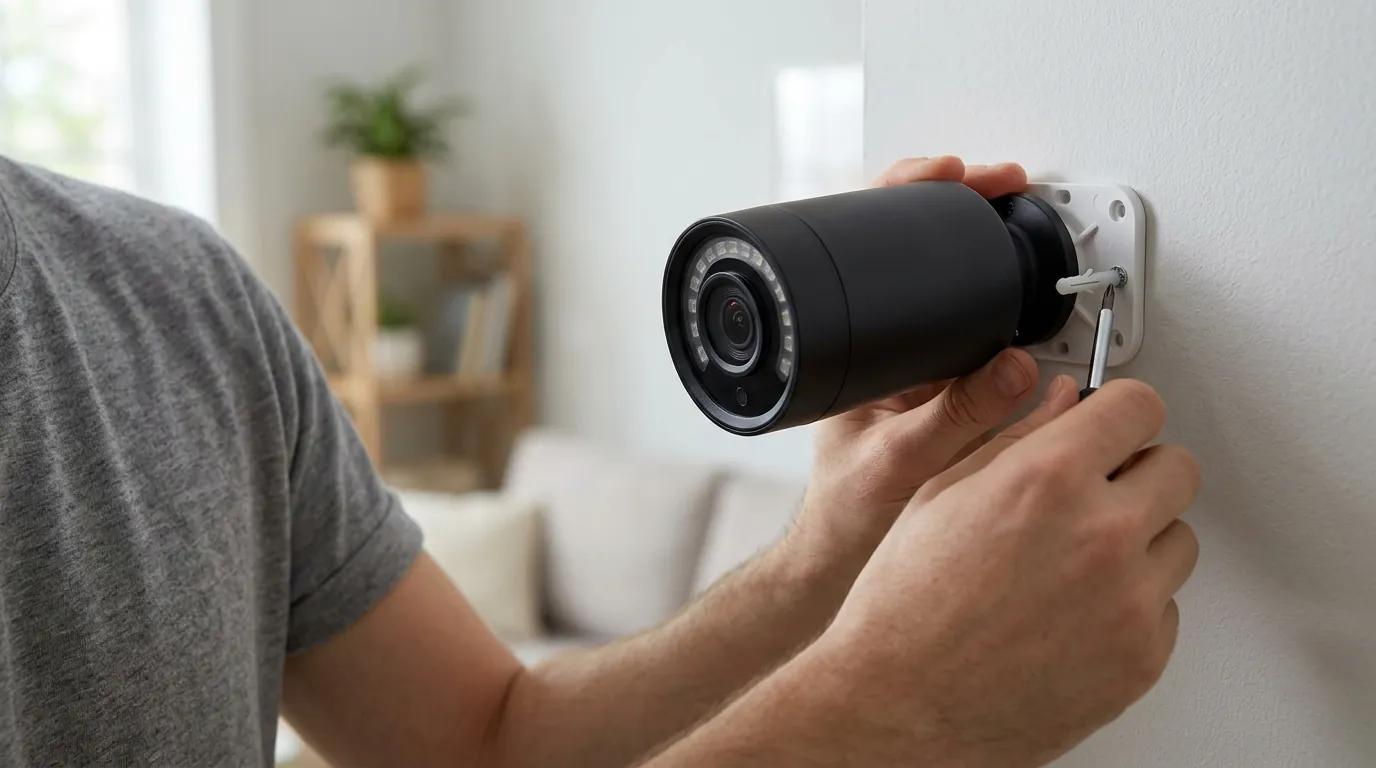
The immediate aftermath of a storm is often when security is most needed. If your camera is offline, your approach to restoration should be methodical.
Loss of Real-time Monitoring
The most significant implication is the “blind spot” created during the outage. If an intruder or a falling limb strikes your property while the camera is offline, you will not know until the internet returns. This delay can be critical for insurance claims or emergency responses.
Delayed Access to Recordings
Because the Nest Cam (battery) must upload its local buffer before you can view it, there is a “processing lag” once the internet returns. If your camera captured an hour of footage during a 12-hour outage, it may take several minutes (depending on your upload speed) for those clips to become visible in the Google Home app.
Step-by-Step Troubleshooting Guide
If the storm has passed and your camera remains offline, follow this sequence:
- Check Power to Your Router/Modem: Verify that your network equipment is receiving power. If the lights are on but there’s no internet, perform a “power cycle” by unplugging the router for 30 seconds.
- Verify Internet Service: Use a smartphone on cellular data to check your ISP’s outage map. You can also check the Google Nest System Status to ensure the issue isn’t on Google’s end.
- Inspect Camera Power: If the camera was wired, check the outlet or the breaker. If it was on battery, it may have reached a critically low level. Take the camera down and plug it into a known-working indoor charger. A pulsing white light indicates it is charging.
- Restart the Camera: If the camera has power and the Wi-Fi is back but it won’t reconnect, you can perform a soft restart. For the Nest Cam (battery), use the included tool (or a paperclip) to press the button on the back for 5 seconds. Do not hold it for 12 seconds, as that may trigger a factory reset.
- Address Wi-Fi Interference: Storms can sometimes move outdoor equipment or cause moisture buildup in walls, slightly altering your Wi-Fi signal path. If the camera stays offline, try moving your router closer to the camera’s location or using a Wi-Fi extender.
- Update Firmware: Once reconnected, check the Google Home app for any pending firmware updates. Critical patches are often released to improve reconnection logic after power cycles.
Decision Framework: Is the Nest Cam (Battery) Right for Your Storm Profile?
- If you are a Renter: The Nest Cam (battery) is excellent due to its magnetic mount and “good enough” offline buffer. You likely don’t need 24/7 local storage.
- If you live in a Hurricane/Storm Zone: Prioritize cameras with microSD local storage (like Reolink or Eufy). A one-hour buffer is insufficient for multi-day outages.
- If you have a Remote Property: Consider a camera with a cellular backup or a dedicated solar panel. Relying on a home router in a remote area during a storm is a high-risk strategy.
- If you want 24/7 Security: You must wire the Nest Cam (battery) and subscribe to Nest Aware Plus. Relying on battery power alone during a storm will always limit you to event-based clips.
Total Cost of Ownership (TCO) Analysis

When purchasing a Nest Cam (battery), the sticker price (usually in the $150-$180 range) is only the beginning. To make the camera useful after a storm, you almost certainly need a subscription.
- Hardware: ~$180
- Nest Aware (Standard): ~$80/year. Provides 30 days of event video history. Without this, you only get 3 hours of history, which is often useless if a storm knocks your internet out overnight.
- Nest Aware Plus: ~$150/year. Provides 60 days of event history and 10 days of 24/7 history (if wired).
- 3-Year Total: For a single camera with basic Nest Aware, you are looking at approximately $420. If you opt for the Plus plan to ensure you don’t miss a second of storm footage, the cost rises to over $600.
Common misconceptions
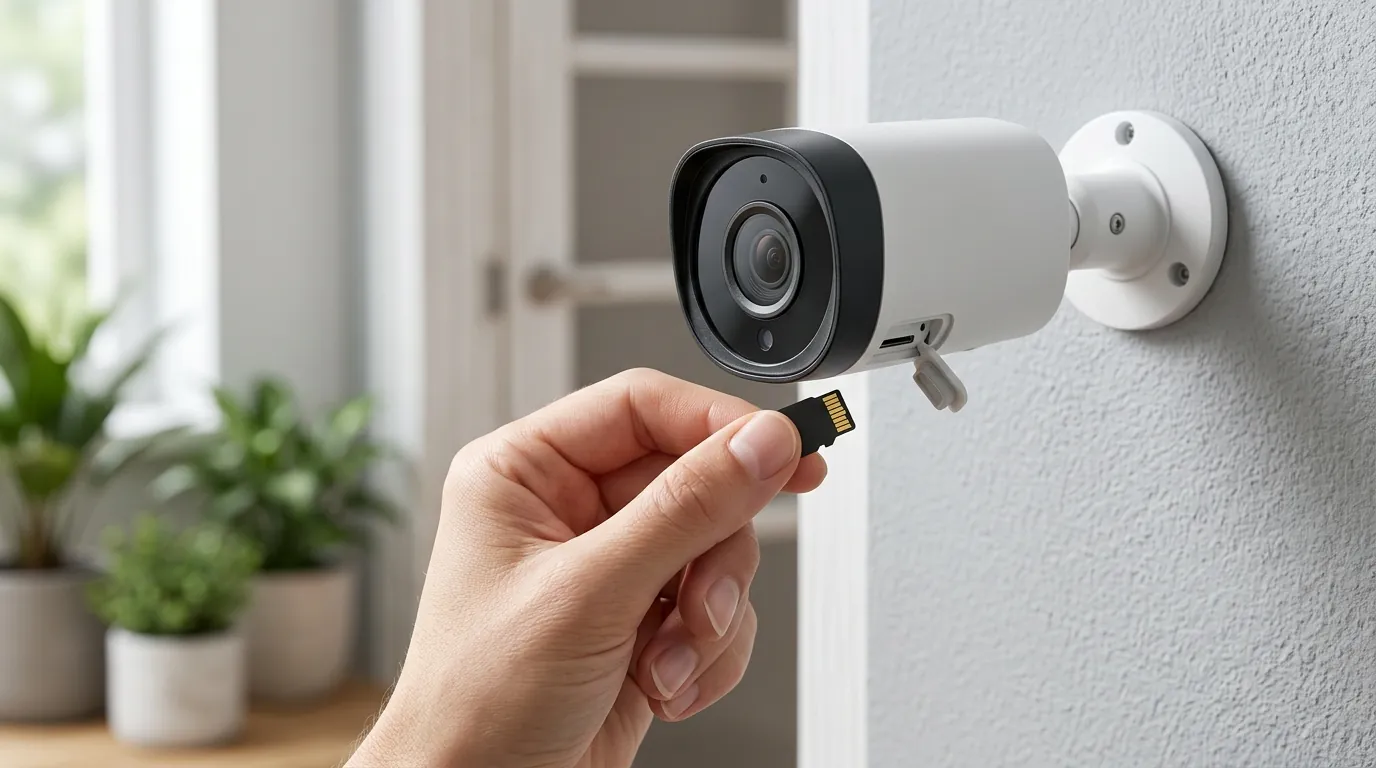
Battery Power vs. Network Connectivity
Many users assume that because the camera has a battery, it is “wireless” in every sense of the word. This is false. The battery only provides power. The camera is still 100% dependent on a Wi-Fi signal to communicate with you. A “wireless” camera is actually a “Wi-Fi camera,” and the Wi-Fi is often the first thing to fail in a storm.
Offline Status vs. Hardware Failure
Seeing “Offline” in the app is scary, but it rarely means the camera is broken. Nest Cams are IP54 rated, meaning they can handle rain and dust. Unless the camera was struck by lightning or hit by a heavy branch, the “offline” status is almost always a network handshake issue that can be fixed with a router reboot.
Local Storage Limitations
There is a common belief that Nest Cams have “built-in storage” like a DVR. In reality, the internal memory is a volatile buffer. It can only hold about 60 minutes of total footage. If the storm causes your internet to be out for 48 hours and there is a lot of activity (wind, rain, animals) in front of the camera, it will quickly fill that hour and begin overwriting the oldest footage.
Battery Life Expectations
Google’s battery life estimates (often cited as several months) are based on “typical” usage of about 9–12 events per day. During a storm, the camera may record 50+ events in a single day due to moving trees and debris. This can drop your battery from 80% to 20% in a single weekend. Cold temperatures following a winter storm further degrade lithium-ion performance, sometimes preventing the battery from charging at all if temperatures are below freezing.
Frequently Asked Questions
Will my Nest Cam (battery) record if my Wi-Fi is down?
Yes, it will record event-based clips (motion/people/animals) to its internal memory for up to one hour of total footage. Once your Wi-Fi is restored, these clips will upload to the cloud and appear in your Google Home app history.
How do I get my Nest Cam back online after a power outage?
Usually, the camera will reconnect automatically once your router finishes rebooting. If it doesn’t, ensure your phone is on the same Wi-Fi network, open the Google Home app, and check the camera’s status. If it remains offline, a quick 5-second press of the reset button on the back of the device usually forces a reconnection.
Can the Nest Cam (battery) record 24/7 without internet?
No. The Nest Cam (battery) only supports 24/7 continuous video recording if it is plugged into a permanent power source and has an active Nest Aware Plus subscription. Even then, if the internet goes down, it reverts to event-only recording for its one-hour local buffer.
Does rain or wind drain the Nest Cam battery?
Indirectly, yes. While the rain itself doesn’t drain the battery, the motion caused by heavy rain or wind-blown branches will trigger the camera to “wake up” and record. This increased activity can significantly shorten the battery life during a storm.
Sources
- Google Nest Support: Nest Cam technical specifications
- Google Nest Support: How Nest cameras record when offline
- RTINGS: Google Nest Cam (Battery) Review
- FCC ID Filing: Google G3AL9 (Nest Cam Battery)
- Google Nest Community: Troubleshooting Offline Cameras