
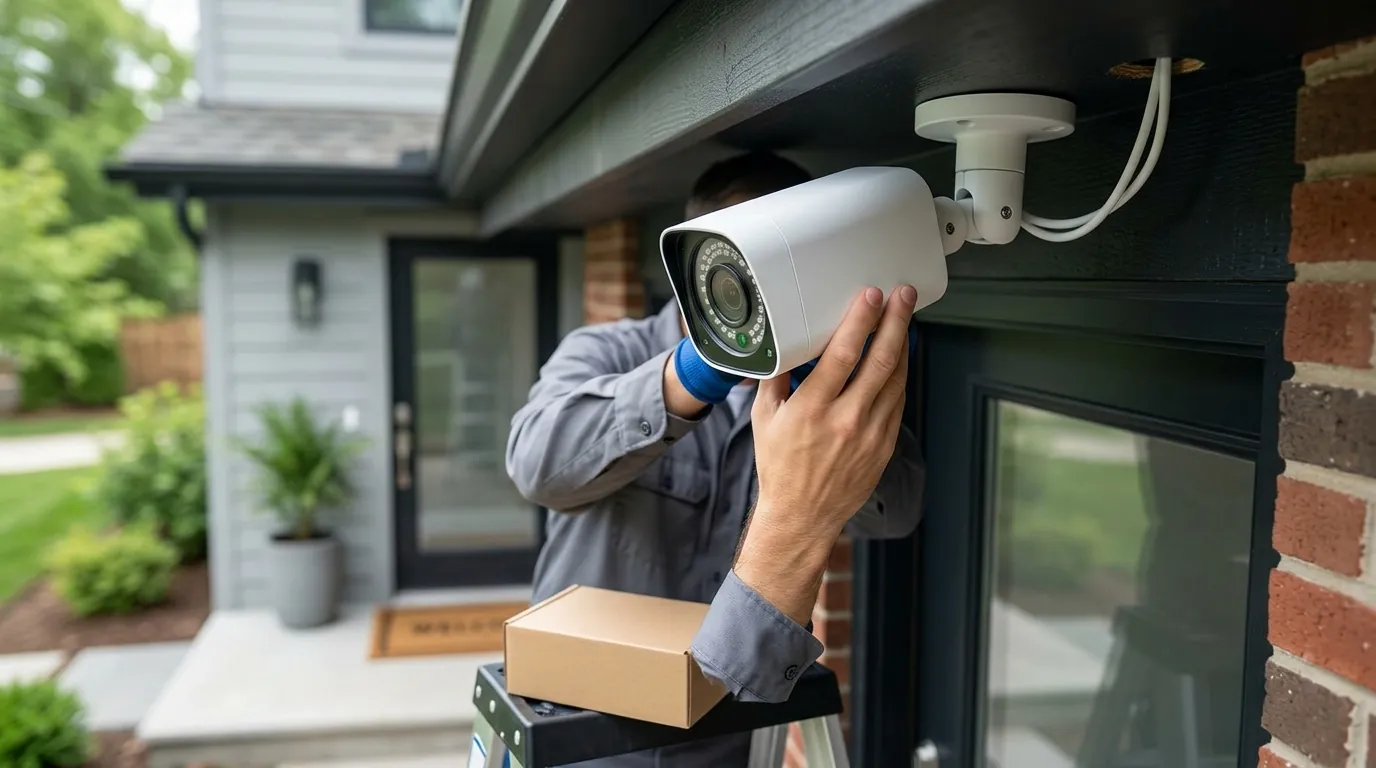
Is Wyze Cam v4 Safe? Understanding Its Security & Privacy in 2026
For home and small-business security cameras, “safe to use” extends far beyond simply recording video; it encompasses robust data privacy, stringent cybersecurity, physical device integrity, and transparent operational reliability. Understanding these facets is crucial for any user considering or already owning a Wyze Cam v4.
The Wyze Cam v4 generally offers a secure user experience, incorporating features like AES 128-bit encryption, two-factor authentication, and regular firmware updates. However, users should be aware of past security incidents and a reported physical theft vulnerability, emphasizing the importance of strong personal security practices and understanding Wyze’s data policies.
What it means to be ‘safe to use’ for a security camera
Related: Why Your Wyze Camera Goes Offline During Summer Power Outages · Reolink Doorbell PoE Connection Drops: Firmware & Troubleshooting Guid · Why Nest Cameras Go Offline During Summer Storms (2026 Guide)
Defining “safety” for a security camera involves a multi-faceted approach, moving beyond its basic function of capturing footage. It encompasses how your data is handled, how well the device resists digital attacks, its resilience against physical tampering, and the manufacturer’s commitment to ongoing security.
Data Privacy: Your Footage, Your Control
Data privacy in the context of a security camera refers to how your personal video footage and associated user data are collected, stored, and potentially shared. A safe camera system provides transparency regarding its data practices, offers users control over their data, and minimizes unnecessary collection. This includes understanding what data is sent to the cloud, for how long it’s retained, and whether it’s used for purposes beyond providing the core service, such as targeted advertising.
Cybersecurity: Protecting Against Digital Threats
Cybersecurity focuses on the protection of your camera system against unauthorized digital access, hacking attempts, and data breaches. This involves the encryption methods used for video streams and stored data, the strength of user authentication processes like two-factor authentication (2FA), and the manufacturer’s practices for securing their cloud infrastructure and developing secure firmware. Robust cybersecurity measures aim to prevent malicious actors from viewing your private feeds or accessing your account.
Physical Security: Deterring Tampering and Theft
Physical security addresses measures designed to prevent tampering or unauthorized use if the device itself is physically compromised. This can include secure mounting options, tamper-detection features, and mechanisms to prevent a stolen device from being easily re-registered or exploited by a new owner. While no camera is entirely theft-proof, effective physical security makes it harder for an intruder to disable the camera or gain access to its stored data.
Operational Reliability: Trust in the Long Run
Operational reliability speaks to the consistent performance of the camera and the manufacturer’s commitment to maintaining its security over time. This includes a clear policy on timely security updates and patches, a transparent communication strategy regarding any vulnerabilities or incidents, and the longevity of support for the device. A reliable system ensures that security measures remain effective against evolving threats throughout the product’s lifecycle.
Why concerns about Wyze Cam v4 safety exist
Concerns regarding the safety of Wyze Cam v4, and Wyze products in general, often stem from a combination of past security incidents and ongoing discussions about data handling practices within the smart home industry.
Past Incidents and Their Impact on Trust
Wyze has a documented history of security and privacy incidents that have understandably raised questions among users. In 2019, a data leak exposed personal information, including email addresses, device nicknames, and Wi-Fi SSIDs, for approximately 2.4 million customers. Although Wyze stated that passwords and financial information were not exposed, and that the leak was quickly contained, the incident highlighted vulnerabilities in their system.
Another incident occurred in 2022, involving a cloud computing lapse. During an AWS outage, some Wyze users reported seeing thumbnails from other users’ accounts, leading to a temporary exposure of private images. Wyze attributed this to a caching issue during server recovery and implemented changes to prevent recurrence. These events, while addressed by the company, underscore the inherent risks in cloud-connected devices and can impact user trust.
The Physical Theft Vulnerability (2026)
A notable concern reported in June 2026 involves a potential physical theft vulnerability with the Wyze Cam v4. According to community discussions, a stolen Wyze Cam v4 could reportedly be easily claimed by a new user, effectively removing it from the original owner’s account without sufficient verification. This means that if a camera is physically removed from a property, the original owner might lose control and access to the device, and the thief could potentially re-register it for their own use. This vulnerability raises significant questions about device ownership and security after physical compromise, emphasizing the need for secure mounting and robust anti-theft measures.
Data Collection and Third-Party Sharing
Wyze’s privacy policy, like many smart home device manufacturers, outlines its data collection practices and potential sharing with third-party partners. While Wyze states it does not sell personal data, its policy indicates that data may be shared with service providers for various operational purposes, including targeted advertising. Users have expressed concerns about the scope of data collected, which can include usage data, device information, and even certain types of video content (e.g., for AI feature development). Understanding these policies and exercising available opt-out options for advertising is crucial for users prioritizing their privacy.
How Wyze Cam v4 works under the hood for security
The Wyze Cam v4 incorporates several standard security features designed to protect user data and device integrity. These measures form the foundation of its security posture, from data transmission to user authentication and cloud infrastructure.
Encryption Standards and Data Transmission
The Wyze Cam v4 utilizes AES 128-bit encryption for video streams, ensuring that your footage is encrypted both during transmission and when stored in the cloud. This is a widely recognized encryption standard in the industry. Communications between the Wyze Cam v4 device, the Wyze app, and Wyze’s cloud servers (which leverage Amazon Web Services) are secured via Transport Layer Security (TLS), commonly known as HTTPS. This protocol encrypts data exchanged over networks, helping to prevent eavesdropping and tampering during transit.
User Authentication and Account Protection
To protect user accounts from unauthorized access, Wyze Cam v4 supports two-factor authentication (2FA). This feature can be enabled via SMS, an authenticator app, or email. For new Wyze accounts, 2FA is often enabled by default, adding an extra layer of security beyond just a password. Wyze also implements measures like failed login attempt limits and account lockout policies to deter brute-force attacks.
Cloud Infrastructure and Data Handling
Wyze leverages Amazon Web Services (AWS) for its cloud infrastructure. AWS is a highly secure and compliant platform, adhering to industry standards such as SOC2 and ISO. Wyze further employs additional security measures within AWS, including AWS WAF (Web Application Firewall) to protect against common web exploits and GuardDuty services for threat detection. This robust cloud environment is designed to secure stored video footage and user data.
Firmware Updates and Vulnerability Management
The Wyze Cam v4 supports automatic firmware updates, which are typically enabled by default. These updates are critical for delivering security patches, bug fixes, and performance improvements to the camera. Regular and timely firmware updates are essential for addressing newly discovered vulnerabilities and maintaining the camera’s security posture against evolving threats. Users are encouraged to ensure this feature remains active.
Local Storage Capabilities and Limitations
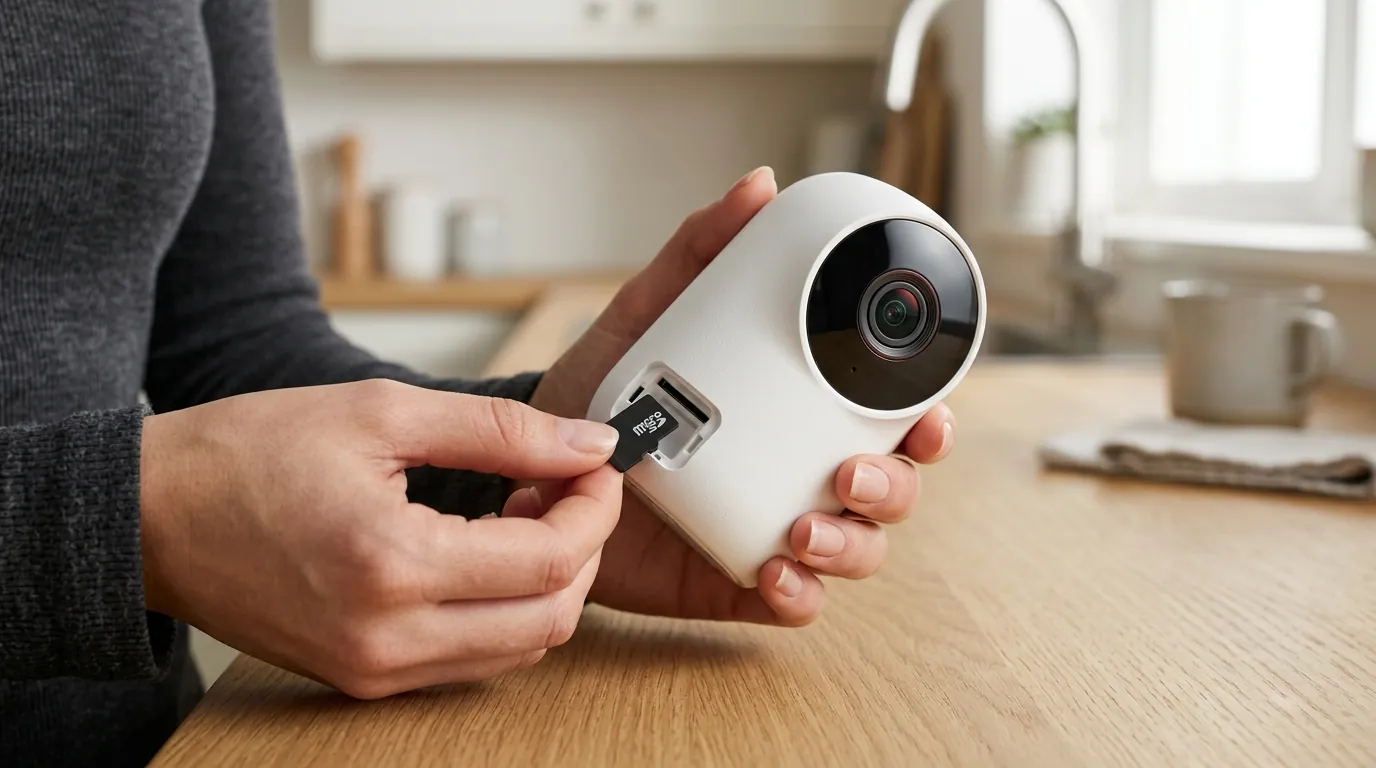
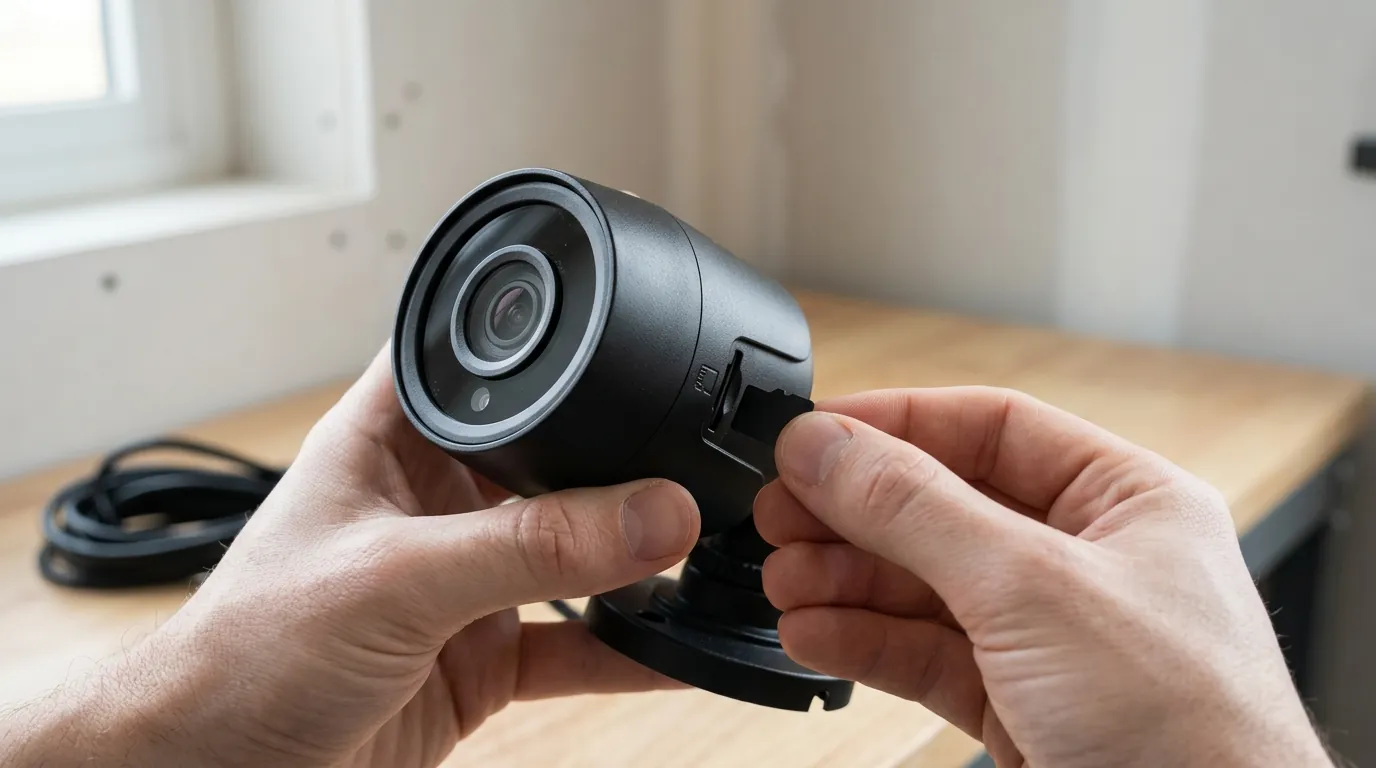
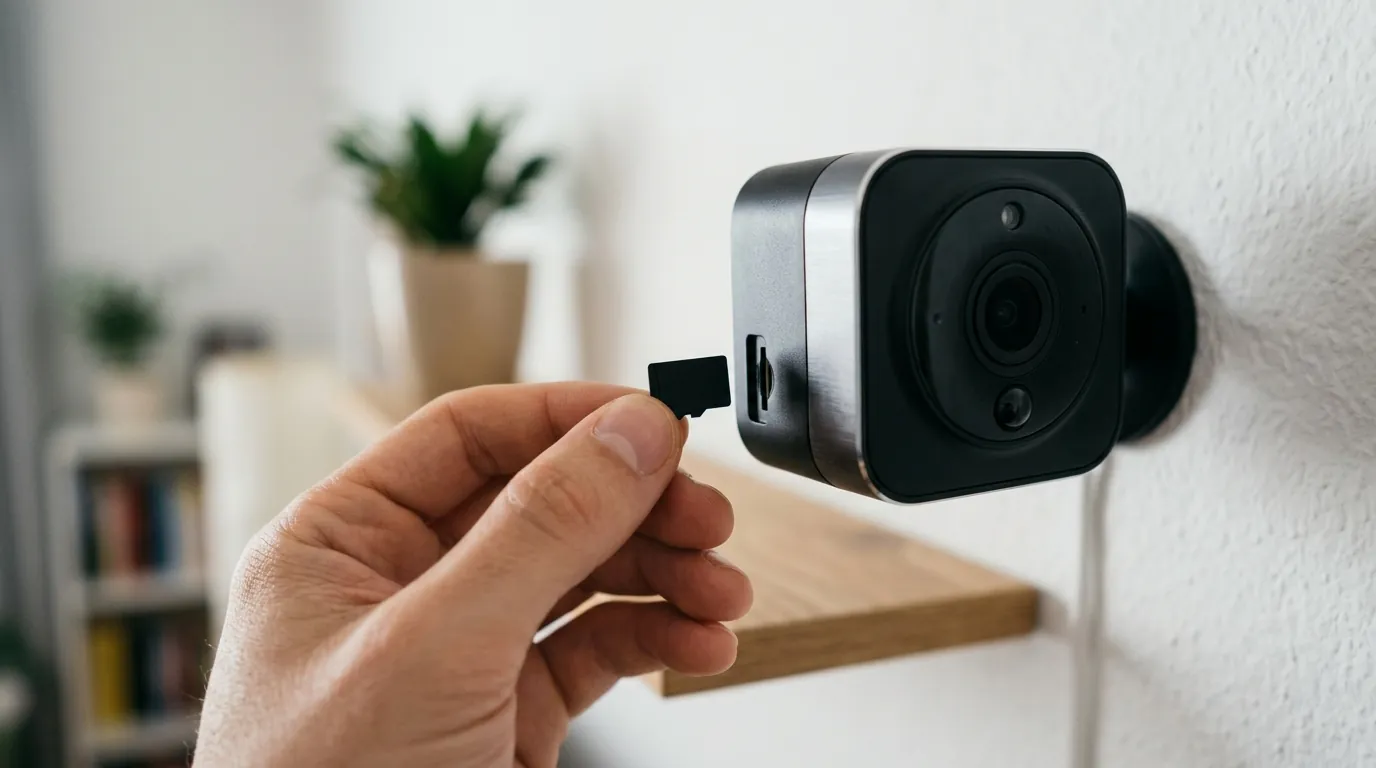
The Wyze Cam v4 features a microSD card slot, allowing for continuous 24/7 local recording. This provides an alternative or supplement to cloud-only storage, with support for cards up to 256GB. Some sources suggest support for up to 512GB, but 256GB is consistently mentioned. Local storage means footage is saved directly on the device, which can be beneficial for privacy as it doesn’t rely on cloud transmission for primary recording. However, it’s important to note that if the camera is stolen, the footage on the microSD card may be compromised unless it’s encrypted on the device, and the physical theft vulnerability (discussed previously) could still allow re-registration.
Network Connectivity and Protocols
The Wyze Cam v4 supports Wi-Fi 6 (802.11ax) on the 2.4GHz band for network connectivity. For securing the wireless connection, it supports WPA2/WPA3 encryption protocols. WPA3 is the latest standard, offering enhanced security over WPA2, particularly against dictionary attacks and providing individualized data encryption. Utilizing WPA3 on your home network, if supported by your router, can further enhance the security of your Wyze Cam v4’s connection.
| Feature | Wyze Cam v4 Specification | Source |
|---|---|---|
| Encryption | AES 128-bit for video streams; TLS (HTTPS) for communication | |
| 2FA Support | Yes (SMS, authenticator app, email); enabled by default for new accounts | |
| Cloud Provider | Amazon Web Services (AWS) | |
| Cloud Security | SOC2 & ISO compliant AWS infrastructure; AWS WAF, GuardDuty | |
| Firmware Updates | Automatic updates supported; enabled by default | |
| Local Storage | microSD card slot (up to 256GB confirmed, some sources suggest 512GB) | |
| Wi-Fi Security | WPA2/WPA3 | |
| Wi-Fi Standard | Wi-Fi 6 (802.11ax) on 2.4GHz | |
| VerifiedView | Embeds hashed user ID into videos/photos/livestreams for rightful owner access |
Real-world implications for Wyze Cam v4 users
Understanding the technical security features of the Wyze Cam v4 is only part of the equation. Real-world safety also heavily depends on user practices and a clear understanding of Wyze’s operational policies.
Your Role in Maintaining Security
Ultimately, a significant portion of your camera’s security rests with you, the user. It is paramount to use strong, unique passwords for your Wyze account and any associated email accounts. Enabling two-factor authentication (2FA) is a critical step that adds a significant layer of protection against unauthorized access, even if your password is compromised. Regularly reviewing and updating your passwords and 2FA methods is also a good practice. Furthermore, securing your home Wi-Fi network with a strong, complex password and utilizing WPA3 encryption if your router supports it will protect all connected devices, including your Wyze Cam v4.
Understanding Wyze’s Data Practices
Users should take the time to review Wyze’s current privacy policy. This document outlines in detail what data is collected, how it’s used, and under what circumstances it might be shared with third parties. While Wyze states it doesn’t sell personal data, understanding the nuances of data sharing for purposes like targeted advertising is important. Wyze provides options to opt-out of certain data uses, and users should explore these settings within the Wyze app if they have concerns about their data privacy.
Mitigating Physical Theft Risks
Given the reported vulnerability where a stolen Wyze Cam v4 could potentially be re-registered by a new user, physical security becomes even more critical. Strategically mounting your camera in a location that is difficult for an intruder to reach or easily dislodge can deter theft. If the camera is installed outdoors or in an accessible indoor location, consider additional physical deterrents or more robust mounting hardware. While not foolproof, these measures can make your camera less of an easy target.
Managing Shared Access
The Wyze ecosystem allows for sharing camera access with other users. When sharing access, be mindful of the permissions granted. Shared users can view live streams and recorded events, but they typically have limited controls, such as not being able to view microSD card footage or change certain camera settings. Always ensure you trust the individuals you share access with and regularly review who has access to your cameras.
Common misconceptions about security camera safety
Navigating the world of security cameras often involves encountering various myths and misunderstandings. Debunking these can help users make more informed decisions about their security setup.
Misconception 1: ‘Local storage means 100% privacy and security.’
While local storage, such as a microSD card in the Wyze Cam v4, keeps footage off the cloud and out of the manufacturer’s servers, it doesn’t guarantee absolute privacy or security. If the camera itself is physically stolen, the data on the SD card can be compromised. Unless the camera encrypts the data on the SD card by default, a thief could remove the card and access the footage. Furthermore, even with local storage, metadata or event notifications might still be sent to the cloud, depending on the camera’s configuration.
Misconception 2: ‘All cloud cameras are inherently insecure.’
The security of cloud-connected cameras varies significantly based on the provider’s infrastructure and practices. Reputable brands like Wyze, which utilize services like Amazon Web Services (AWS), benefit from enterprise-grade security measures, including physical data center security, robust network firewalls, and advanced threat detection systems. While no system is impenetrable, a well-secured cloud service can often offer better protection against sophisticated cyberattacks than a poorly secured local network. The key is to evaluate the specific cloud provider’s security certifications and transparency.
Misconception 3: ‘My home network is secure, so my camera is secure.’
A strong home Wi-Fi password and router security are essential, but they don’t make your camera immune to vulnerabilities. Camera-specific flaws, such as past command injection vulnerabilities found in some Wyze Cam firmware, can exist independently of your router’s security. These vulnerabilities might allow an attacker to exploit the camera directly, even if your network is otherwise well-protected. This highlights the importance of keeping camera firmware updated.
Misconception 4: ‘Privacy policies are just legal jargon.’
Privacy policies are legally binding documents that clearly outline how a company collects, uses, stores, and shares your personal data. Far from being mere jargon, they are crucial for understanding a brand’s actual data practices. Reading and understanding these policies allows you to make informed decisions about whether a product aligns with your privacy expectations and to exercise any opt-out options available.
Misconception 5: ‘Budget cameras are always less secure.’
While higher-priced cameras often come with more advanced features and potentially more robust security audits, the price point does not solely dictate a camera’s security. Many budget-friendly cameras, including the Wyze Cam v4, incorporate industry-standard security protocols like AES 128-bit encryption and two-factor authentication. The critical factor is the manufacturer’s commitment to security, regular firmware updates, and transparent communication about their practices, rather than just the initial cost of the device.
Decision Framework: Choosing a Wyze Cam v4 Based on Your Needs
Making an informed decision about the Wyze Cam v4’s safety involves aligning its features and limitations with your specific security priorities and usage scenarios.
- If you prioritize maximum data privacy and minimal cloud reliance: Focus on utilizing the Wyze Cam v4’s local microSD card storage for continuous recording. Be aware that event notifications and some AI features may still rely on cloud processing. Ensure automatic firmware updates are enabled to patch any local vulnerabilities.
- If you are concerned about physical theft (e.g., outdoor use, accessible indoor locations): Prioritize secure, tamper-resistant mounting for your Wyze Cam v4. Consider placing it out of easy reach. Understand that even with local storage, a stolen camera means lost footage and potential re-registration by a thief.
- If you rely heavily on cloud features (e.g., event recording, AI detection, remote access): Ensure strong account security, including a unique password and mandatory two-factor authentication. Regularly review Wyze’s privacy policy and adjust data-sharing preferences to your comfort level.
- If you have multiple users accessing the camera: Carefully manage shared access permissions within the Wyze app. Educate all users on strong password practices and the importance of 2FA. Understand that shared users have limited control, which can be a security benefit.
- If you are on a tight budget but need reliable security features: The Wyze Cam v4 offers a good balance of core security features (encryption, 2FA) at a competitive price point. Be prepared to potentially pay for a Wyze Cam Plus subscription to unlock all features, which impacts the total cost of ownership.
Total Cost of Ownership (TCO) for Wyze Cam v4
When considering a security camera like the Wyze Cam v4, it’s essential to look beyond the initial purchase price and evaluate the total cost of ownership over several years. This includes hardware, optional subscription fees, and the value of features that might be paywalled.
1. Hardware Cost: The Wyze Cam v4 typically falls into the “under $50” price band. This initial cost is relatively low compared to many competitors.
2. Subscription Tiers: Wyze offers subscription plans that significantly enhance the camera’s capabilities, moving features behind a paywall.
- Wyze Cam Plus: This plan, generally costing around $20 per camera per year or a slightly higher monthly fee, unlocks features like unlimited length event recordings, person detection, package detection, vehicle detection, and pet detection. Without Cam Plus, you typically get 12-second event recordings with a 5-minute cooldown, making continuous monitoring less effective.
- Wyze Cam Protect: This is a more comprehensive monitoring service, often in the “$50-100 per year” range, that may include professional monitoring services for a broader home security system, integrating cameras and other sensors. For a single camera user, Cam Plus is the more relevant subscription.
3. Cloud Storage Fees: The subscription plans primarily cover cloud storage for event videos. Without a subscription, free cloud storage is limited to short clips, often with cooldown periods between recordings. For continuous cloud recording or longer event history, a Cam Plus subscription is necessary.
4. The “Feature Paywall” Trap: Many security camera brands, including Wyze, use subscription models to gate advanced features. While the camera hardware is affordable, accessing the full suite of intelligent detection, longer recording times, and sometimes even basic person detection, requires a recurring payment. This means the “sticker price” doesn’t reflect the cost of a fully functional system.
Estimated 3-Year Total Cost of Ownership (Example for one Wyze Cam v4 with Cam Plus):
- Initial Hardware Cost: Around $40
- Wyze Cam Plus (3 years): 3 x ~$20/year = ~$60
- Total Estimated 3-Year Cost: ~$100
This example illustrates that while the initial hardware cost is low, the recurring subscription fees for advanced features can significantly increase the total investment over time. Users should factor in these ongoing costs to avoid surprises and ensure they get the desired functionality from their Wyze Cam v4.
Frequently Asked Questions
Is Wyze Cam v4 footage encrypted?
Yes, Wyze Cam v4 footage utilizes AES 128-bit encryption for video streams and TLS (HTTPS) for communications between the device, app, and AWS cloud servers, helping to secure your data in transit and at rest.
Does Wyze Cam v4 have two-factor authentication (2FA)?
Yes, the Wyze Cam v4 supports two-factor authentication (2FA) via SMS, authenticator app, and email. For new accounts, 2FA is often enabled by default to enhance account security.
Can a stolen Wyze Cam v4 be used by someone else?
Reports from June 2026 indicate a vulnerability where a stolen Wyze Cam v4 might be easily re-registered by a new user, removing it from the original owner’s account without sufficient verification. This highlights the importance of physical security for the device.
What are the local storage options for Wyze Cam v4?
The Wyze Cam v4 includes a microSD card slot for local storage, supporting continuous 24/7 recording. It can accommodate microSD cards up to 256GB, with some sources suggesting up to 512GB.
Does Wyze share my data with third parties?
Wyze’s privacy policy indicates that while they do not sell personal data, they may share it with service providers for operational purposes, including targeted advertising. Users can review the privacy policy and opt-out of certain data uses.
Further reading on camera security and privacy
- Guide to understanding security camera encryption standards.
- Best practices for securing your home Wi-Fi network for smart devices.
- Comparing local vs. cloud storage options for home security cameras.
- How to choose a security camera that respects your privacy.
- Understanding transparency reports from security camera manufacturers.
Sources
- HiddenLayer
- Wyze
- Wyze
- Wyze
- Wyze
- Tom’s Guide
- Mozilla Foundation
- Wyze
- Wyze
- Wyze — https://support.wyze.com/hc/en-us/articles/19131970258075-Wyze-Cam-v4-FAQ
- Wyze
- Wyze
- Wyze
- Reddit — https://www.reddit.com/r/wyzecam/comments/1c61w2i/how_do_i_secure_my_wyze_cam_v4_from_theft/
- Reddit — https://www.reddit.com/r/wyzecam/comments/1dld082/stolen_cam_v4_can_be_added_to_new_account/
- Wyze — https://support.wyze.com/hc/en-us/articles/360030510251-What-is-2-Step-Verification
- Wyze
- Wyze — https://support.wyze.com/hc/en-us/articles/360029762172-Sharing-Your-Wyze-Cam
- Outdoor Tech Lab
- Wyze
- Wyze — https://support.wyze.com/hc/en-us/articles/360030510251-What-is-2-Step-Verification
- Reddit — https://www.reddit.com/r/wyzecam/comments/1dld082/stolen_cam_v4_can_be_added_to_new_account/
- Wyze
- Georgia Tech
- Tom’s Guide
- HiddenLayer
- Wyze