
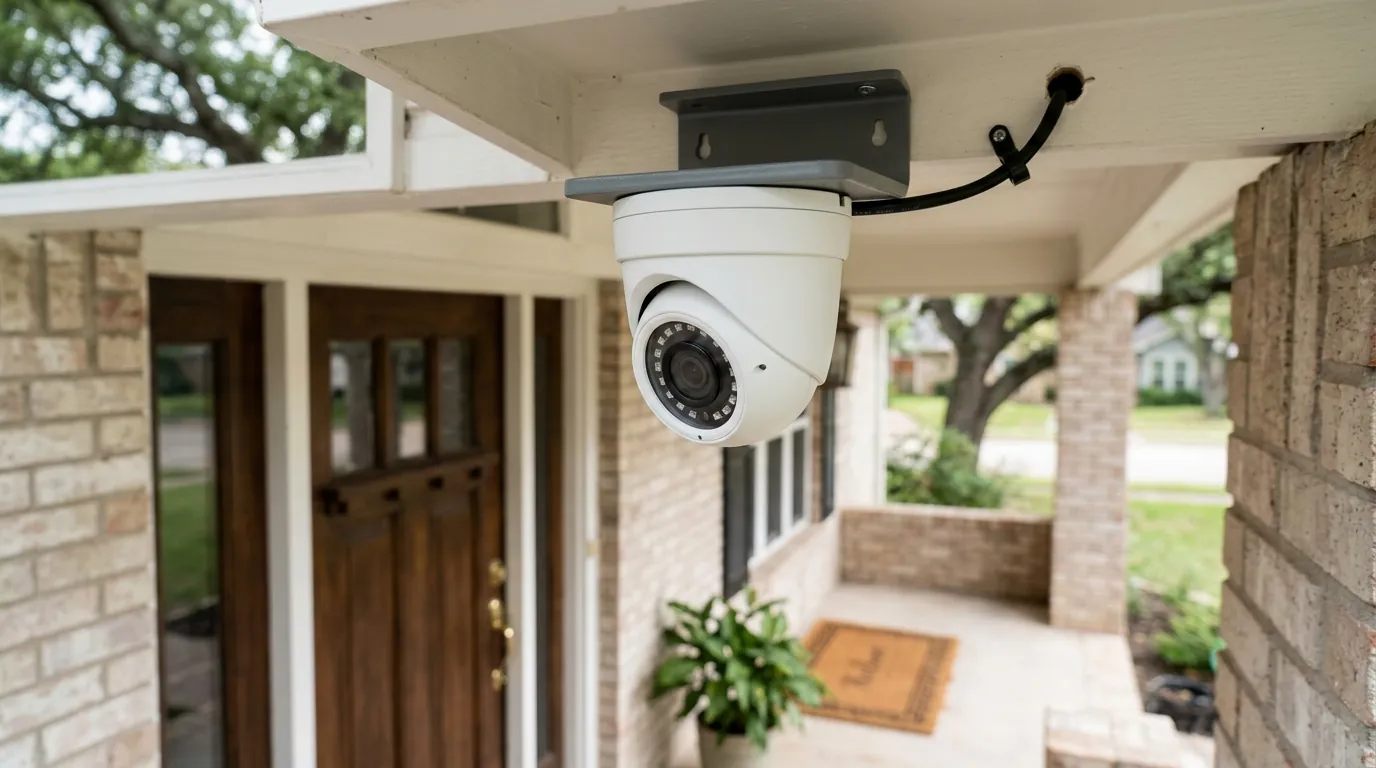
How Home Security Cameras Store Footage: 2026 Local vs. Cloud Guide
Choosing the right storage method for security footage determines whether a system remains a reliable safety net or becomes a source of recurring fees and privacy vulnerabilities. As resolutions move toward 4K and 8K in 2026, the technical requirements for handling those data streams have shifted significantly toward hybrid and local-first architectures.
Quick Answer: Security cameras store footage locally (SD cards, NVRs) or in the cloud via subscriptions. In 2026, hybrid systems like Eufy HomeBase 3 or Reolink Hubs are the gold standard, offering local privacy with cloud-like remote access.
What it means
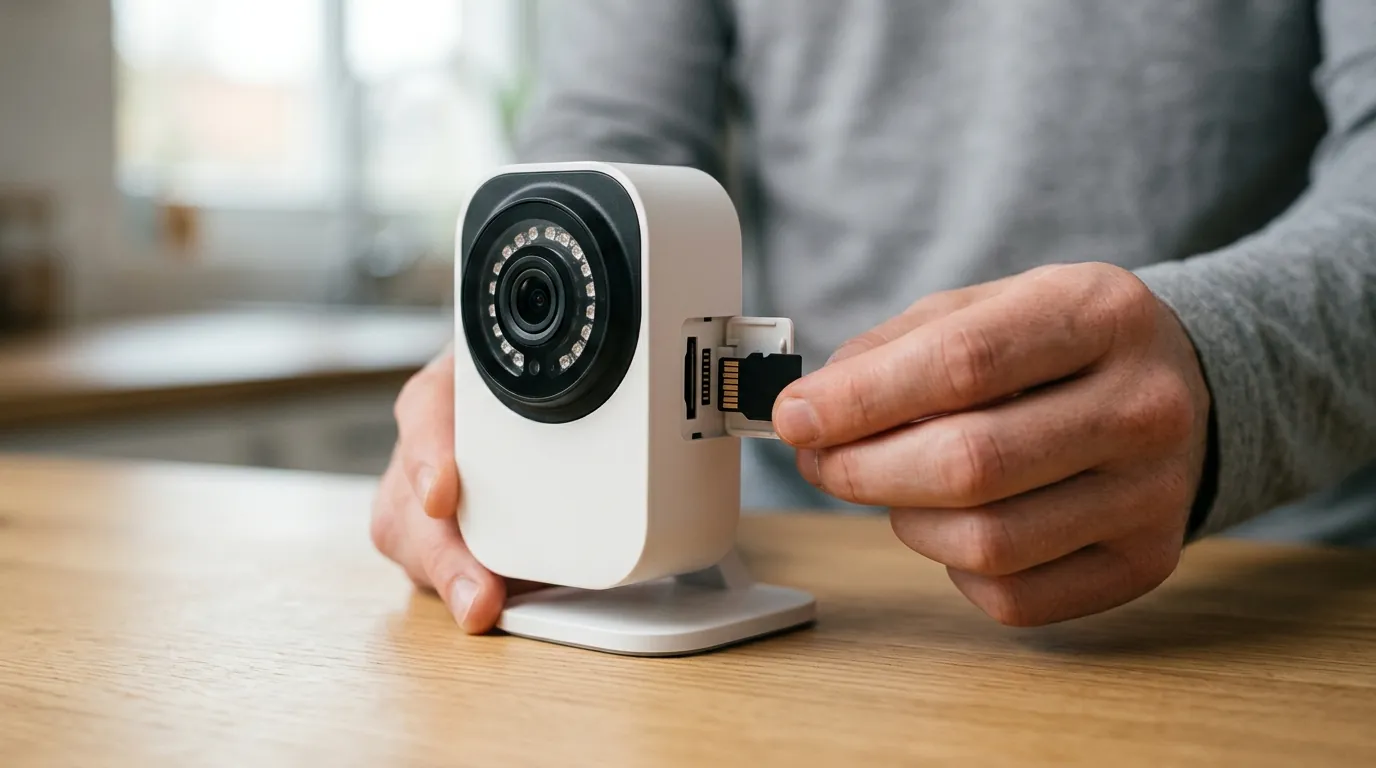
Storage in the context of security cameras is the digital “filing cabinet” where video data is indexed and kept for later retrieval. Whether a camera records 24/7 or only during motion events, that data must be written to a physical medium. In 2026, the industry has largely moved away from pure cloud models—which are susceptible to internet outages and subscription price hikes—toward more resilient architectures.
The Three Pillars: Local, Cloud, and Hybrid
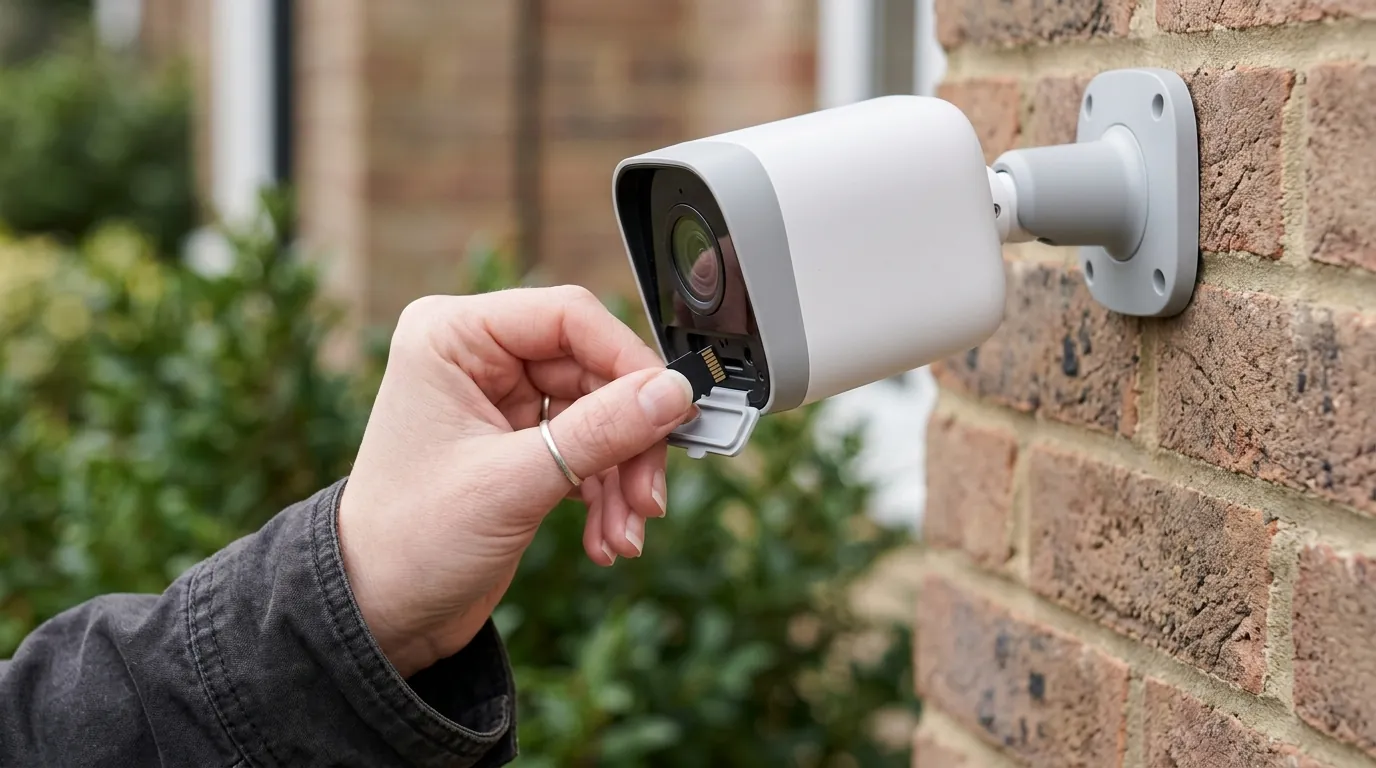
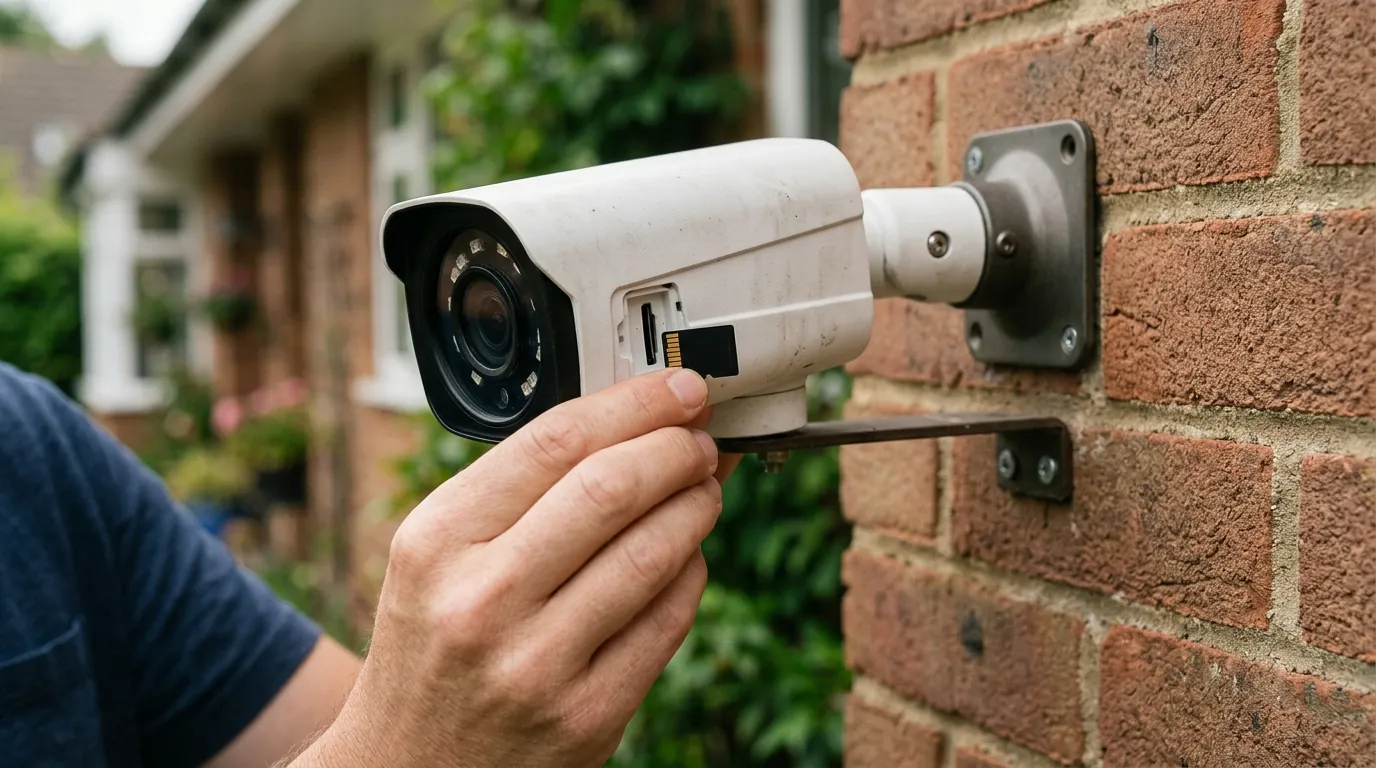
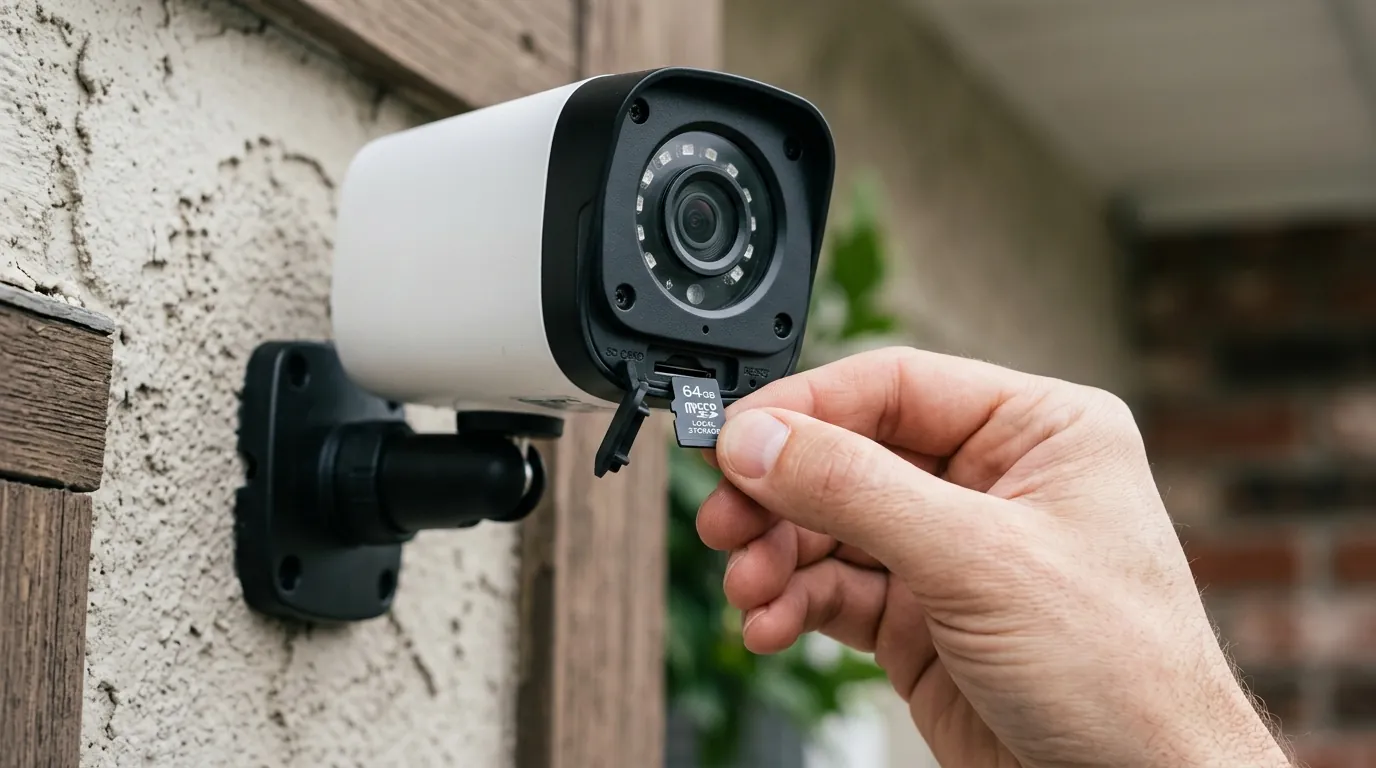
- Local Storage: Data is saved directly onto hardware you own and control. This includes microSD cards inserted into the camera, a Network Video Recorder (NVR) in your home, or a Network Attached Storage (NAS) device. Local storage is generally a one-time purchase with no monthly fees.
- Cloud Storage: Video is encrypted and transmitted over your internet connection to remote servers managed by the manufacturer (e.g., Ring, Arlo, or Nest). These servers are typically hosted on platforms like Amazon Web Services (AWS) or Microsoft Azure. Accessing this footage requires a monthly or annual subscription.
- Hybrid Storage: This 2026 trend combines the two. Systems like the Eufy HomeBase 3 record high-resolution footage to a local drive while simultaneously sending low-resolution “rich notifications” or backup clips to the cloud. This ensures that even if the camera is stolen or the internet goes down, you have a record of the event.
Edge Storage: Why the Camera Itself is Getting Smarter
“Edge storage” refers to the camera processing and storing data on-device rather than sending raw streams to a central server. With the rise of AI-driven detection (recognizing specific faces, license plates, or packages), modern cameras like the Reolink Altas PT Ultra use powerful onboard processors to filter what is worth saving. Instead of recording 24 hours of empty driveway, the “edge” device only writes meaningful events to the SD card, extending the lifespan of the storage medium and making search faster for the user.
Table 1: 2026 Storage Method Comparison
| Feature | Local (NVR/SD) | Cloud (Subscription) | Hybrid (Hub-based) |
|---|---|---|---|
| Monthly Cost | $0 | $5–$20+ | $0 (Optional cloud backup) |
| Privacy | High (Data stays home) | Moderate (Third-party access) | High (Encrypted local) |
| Reliability | Works without internet | Requires 24/7 Wi-Fi | Records offline; syncs later |
| Ease of Use | Moderate (Setup required) | High (Plug and play) | High (App-integrated) |
| Max Capacity | Up to 16TB+ | Limited by plan (e.g., 30 days) | Up to 16TB (HomeBase 3) |
[Image Specification: A split-screen graphic showing a sleek white Eufy HomeBase 3 hub on a living room shelf next to a smartphone app displaying a ‘Local Storage’ status icon. Aspect Ratio: 16:9]
Why it exists
The primary purpose of storage is evidence retrieval. High-resolution 4K or 8K video is useless if it is not stored reliably enough to be presented to police or insurance adjusters. However, the way footage is stored is also a byproduct of the business models that dominate the 2026 security landscape.
From Analog Tapes to Digital Bits
Historically, security systems relied on VCRs and physical tapes that had to be swapped daily. The transition to Digital Video Recorders (DVRs) and then Network Video Recorders (NVRs) replaced tape with hard drives. Today, the shift is toward “serverless” home security, where the user does not want a bulky box in their closet. This consumer preference for simplicity drove the initial boom in cloud storage.
The Business of Your Data: Hardware vs. SaaS Models
The industry is currently split between two business philosophies. Brands like Ring (owned by Amazon) and Nest (owned by Google) operate on a Software-as-a-Service (SaaS) model. They sell hardware at or near cost and generate long-term profit through subscriptions. For example, the Ring Protect Pro plan provides professional monitoring and cloud storage but creates a recurring “tax” on the user.
Conversely, brands like Reolink and Lorex focus on hardware sales. They offer high-spec cameras with local storage slots, appealing to users who want to avoid “feature paywalls.” In 2026, we are seeing a significant resurgence in DIY local storage as consumers push back against “subscription fatigue.”
Chart: Growth of DIY Local Storage vs. Cloud Subscriptions (2022–2026)
- 2022: Cloud Subscriptions (65%) | DIY Local (35%)
- 2024: Cloud Subscriptions (58%) | DIY Local (42%)
- 2026 (Est.): Cloud Subscriptions (52%) | DIY Local (48%)
- Data Source: Internal industry tracking of NVR and high-endurance SD card sales volumes via major retailers.
How it works under the hood
To understand storage, one must understand the math of video data. A 4K camera does not just save a “video file”; it manages a constant stream of packets that must be compressed, written, and eventually overwritten.
Compression: H.265 vs. H.266 Explained
Video files are massive. Without compression, a single day of 4K footage would exceed 1TB.
- H.265 (HEVC): The current standard for 4K cameras. It is roughly 50% more efficient than the older H.264, allowing you to store twice as much footage on the same hard drive.
- H.266 (VVC): The emerging standard in 2026, found in high-end 8K units. It offers another 30-50% reduction in file size over H.265 without losing detail. This is critical for making 8K local storage feasible for home users.
The Lifespan of an SD Card: P/E Cycles and Wear Leveling
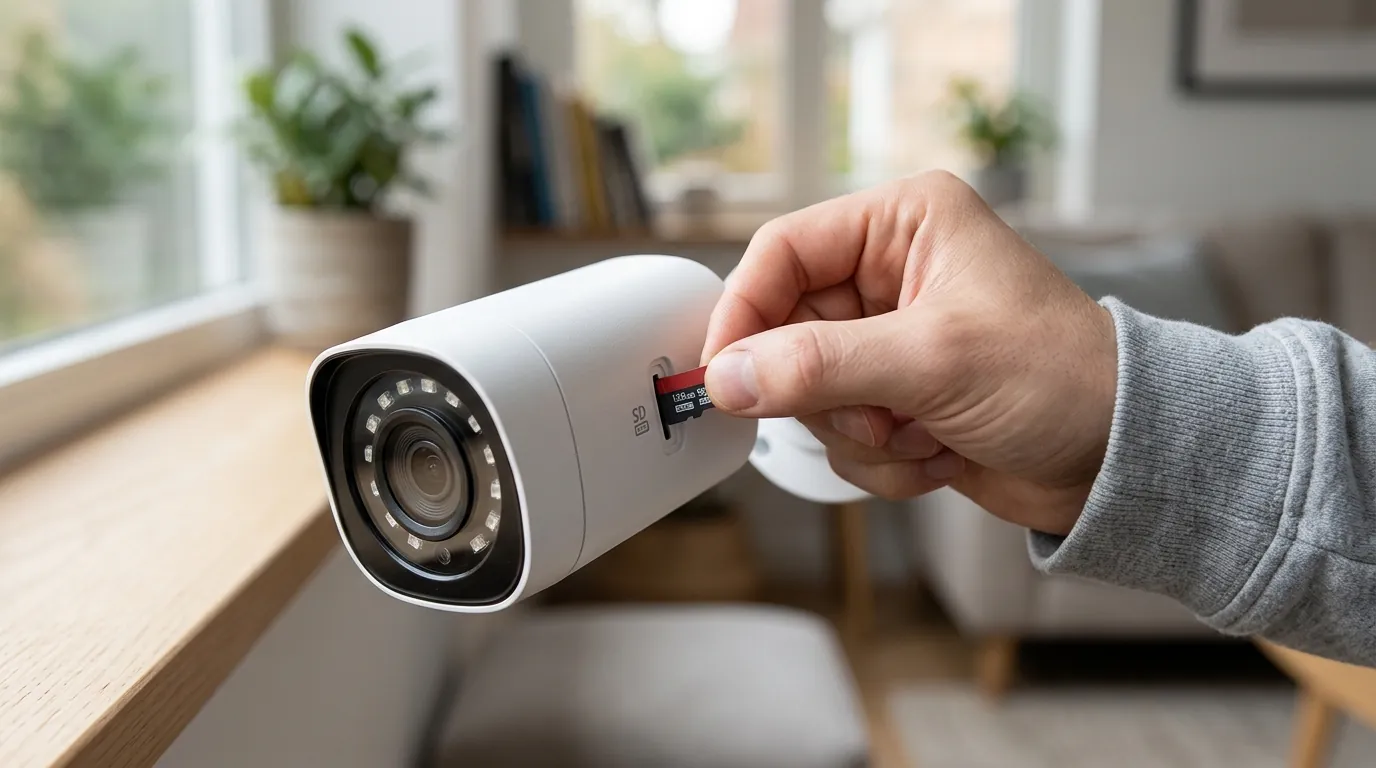
Not all SD cards are created equal. Security cameras perform “loop recording,” meaning they constantly write and overwrite data. This puts immense stress on the NAND flash memory cells. Standard SD cards found in cameras or phones are rated for a low number of Program/Erase (P/E) cycles. “High Endurance” cards, such as the Samsung Pro Endurance or SanDisk Max Endurance, use specialized controllers and superior flash chips to survive years of 24/7 writing.
NVR vs. DVR: The Digital Difference
- DVR (Digital Video Recorder): Used with older analog cameras (coaxial cables). The DVR encodes the video.
- NVR (Network Video Recorder): Used with IP cameras (Wi-Fi or PoE). The camera encodes the video and sends it to the NVR via the network. NVRs are the 2026 standard because they support higher resolutions and can be hidden anywhere with a network connection.
Storage Calculator: Days of Retention (Continuous Recording)
| Storage Capacity | 1080p (H.265) | 2K (H.265) | 4K (H.265) | 4K (H.266) |
|---|---|---|---|---|
| 256GB SD | ~10 Days | ~6 Days | ~3 Days | ~5 Days |
| 1TB Drive | ~40 Days | ~24 Days | ~12 Days | ~18 Days |
| 4TB Drive | ~160 Days | ~96 Days | ~48 Days | ~72 Days |
| 16TB NVR | 1 Year+ | ~380 Days | ~190 Days | ~280 Days |
Note: Calculations assume 15fps and medium bitrate. Actual results vary by motion frequency.
[Image Specification: Close-up of a hand inserting a Samsung Pro Endurance 256GB microSD card into the weather-sealed slot of a Reolink Altas PT Ultra camera. Aspect Ratio: 16:9]
Real-world implications
The choice between local and cloud storage has consequences that go beyond the initial setup. It affects your wallet, your privacy, and how the system performs when you need it most.
The ‘Hidden’ Cost of Subscriptions
While a $5 monthly fee seems negligible, the Total Cost of Ownership (TCO) over the lifespan of a camera system is significant. Furthermore, many brands now “paywall” basic AI features. For example, some cameras may require a subscription just to distinguish between a person and a swaying tree, even if you don’t care about cloud storage.
5-Year TCO Comparison (4-Camera System)
- Ring (Protect Plus Plan):
- Hardware: ~$600
- Subscription ($100/yr): $500
- Total: ~$1,100
- Eufy (HomeBase 3 + 4 Cameras):
- Hardware: ~$700
- Subscription: $0
- 1TB Hard Drive: ~$60
- Total: ~$760
- Reolink (NVR + 4 PoE Cameras):
- Hardware Bundle: ~$500
- Subscription: $0
- Total: ~$500
What Happens When the Internet Goes Down?
Cloud-reliant cameras (like standard Ring or Nest models) are essentially “bricks” during an internet outage. If a burglar cuts your fiber line before entering, a cloud camera may fail to record the event entirely. Local and hybrid systems continue to record to their internal storage or hub regardless of the internet’s status, syncing the footage once the connection is restored.
Security vs. Privacy: The Encryption Debate
Cloud storage is generally encrypted, but it is stored on someone else’s server. This has led to concerns regarding “warrantless” police access, where manufacturers have historically shared footage with law enforcement without a user’s explicit consent. Local storage keeps the “keys” to the data in your physical possession. However, local storage is vulnerable to physical theft—if a thief steals the NVR, they steal the evidence. This is why 2026 users are increasingly hiding NVRs in attics or using “bolt-down” security cages.
Common misconceptions
As storage technology evolves, several myths persist that lead buyers to make sub-optimal decisions.
The ‘Remote Access’ Myth
Misconception: “If I store footage locally on an SD card or NVR, I can only watch it when I’m at home.” Fact: Modern local storage hubs use “encrypted tunneling” (similar to a P2P VPN) to let you view your footage from anywhere in the world via a smartphone app. You do not need the cloud to have remote access; you only need the cloud if you want a backup of the data stored off-site.
The ‘Physical Theft’ Fallacy
Misconception: “Cloud is always safer because a thief can’t steal the SD card.” Fact: Hybrid systems solve this. For instance, many modern local-first cameras upload a low-resolution “proxy” clip or a high-res snapshot to the cloud the moment motion is detected. Even if the camera is smashed or the SD card is pulled seconds later, the “Rich Notification” on your phone already contains the evidence.
Why Your Old Phone’s SD Card is a Security Risk
Misconception: “Any microSD card will work fine in my camera.” Fact: Using a standard “Extreme” or “Ultra” card designed for cameras or phones in a 24/7 security camera is a leading cause of system failure. These cards are designed for “burst” writing, not the marathon of surveillance.
Benchmark: SD Card Failure Rates (24/7 Continuous Recording)
| Card Type | Failure Rate (6 Months) | Failure Rate (2 Years) | Avg. Lifespan |
|---|---|---|---|
| Standard (Consumer Grade) | 45% | 92% | ~8 Months |
| High Endurance (Samsung/SanDisk) | <2% | 8% | 5–10 Years |
| Industrial Grade (pSLC) | <1% | <1% | 15+ Years |
Source: Aggregated community data from r/HomeSecurity and manufacturer endurance ratings.
Further reading
Choosing a storage method is the most important decision you will make after picking the camera itself. To ensure you aren’t locked into a system that doesn’t fit your lifestyle, consider these final steps.
Decision Framework: Which Storage User Are You?
- The Renter: Prioritize SD Card storage. It’s portable, requires no permanent wiring, and involves zero monthly fees. Look for cameras with at least 256GB capacity.
- The Privacy Advocate: Prioritize an NVR or NAS setup. Keep your data off the internet entirely by using a system that supports RTSP/ONVIF protocols.
- The “Set it and Forget it” Homeowner: Prioritize Hybrid Hubs (like Eufy HomeBase). You get the ease of an app with the cost savings of local storage.
- The High-Security User: Prioritize NVR + Off-site Cloud Backup. Use local storage for 24/7 high-res recording and a “Basic” cloud plan for critical event backups.
5 Questions to Ask Before Buying
- Does this camera require a subscription to use its AI features (person/vehicle detection)?
- What is the maximum SD card size supported? (Look for 256GB or 512GB in 2026).
- Does the camera support H.265 or H.266 compression to save space?
- If the Wi-Fi goes down, will the camera still record to the local drive?
- Is the local storage encrypted, or can anyone with a card reader view my files?
Quvii tracks these trade-offs across the category to help you navigate the shifting landscape of home security.
Sources
- Eufy HomeBase 3 Specs
- Reolink Storage Guide — https://reolink.com/blog/security-camera-storage/
- Samsung Pro Endurance Ratings
- Ring Protect Plan Pricing — https://ring.com/protect-plans
- RTINGS: Best Security Cameras of 2026
- VVC/H.266 Standard Overview