
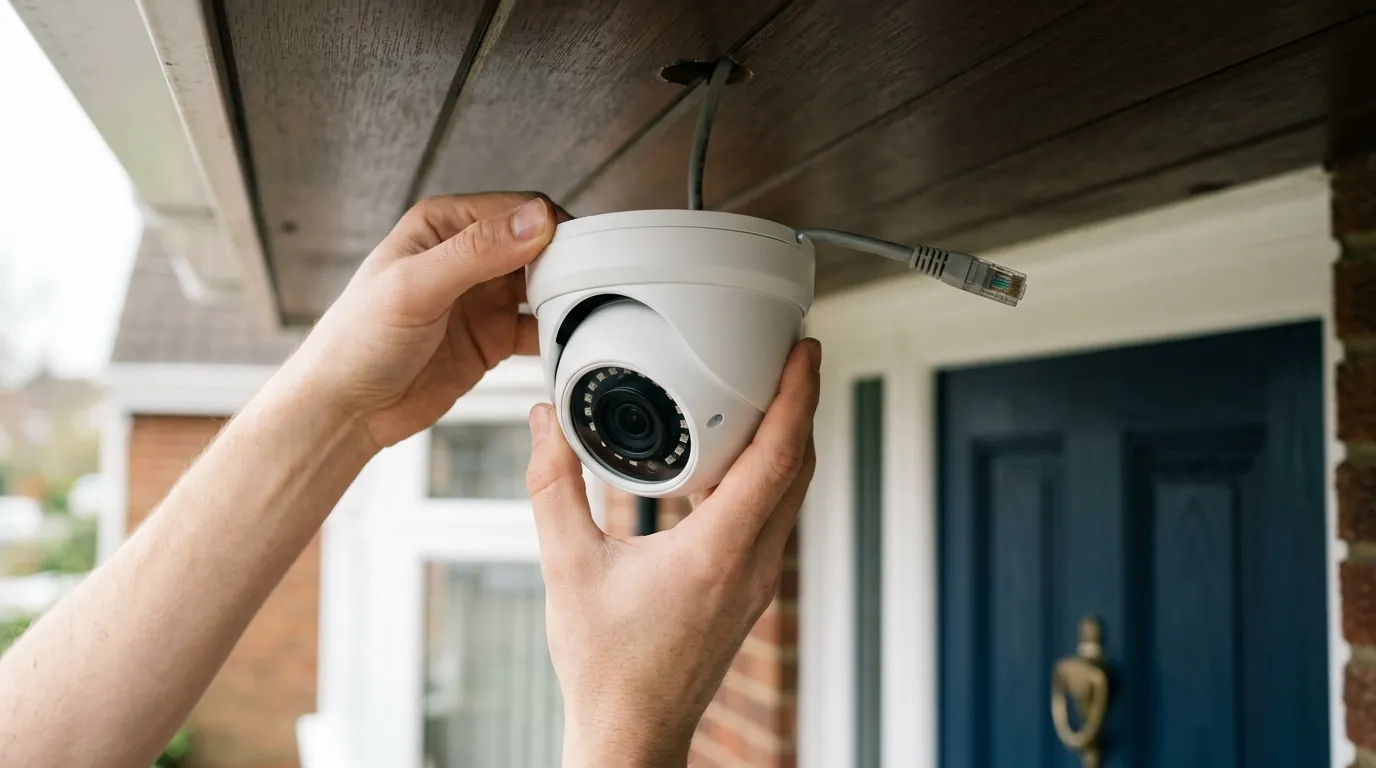
Are Home Security Cameras Vulnerable to Recent Hacks? What You Need to Know
Home security cameras offer peace of mind, but the evolving landscape of cyber threats means it’s crucial to understand their vulnerabilities. While no single “recent hack” targets all security cameras universally, the continuous emergence of vulnerabilities and data breaches in the Internet of Things (IoT) sector remains a significant concern for homeowners and small businesses.
📝 Editorial Note: This guide is AI-assisted and game data evolves rapidly. Please cross-reference with in-game information. Updated: 2026-07-09.
While no single ‘recent hack’ affects all security cameras, vulnerabilities and data breaches are ongoing concerns in the IoT landscape. Your camera’s security depends on factors like strong passwords, multi-factor authentication, up-to-date firmware, and the manufacturer’s commitment to privacy and security. Regularly checking for updates and reviewing privacy policies is crucial to protect your home.
What it means
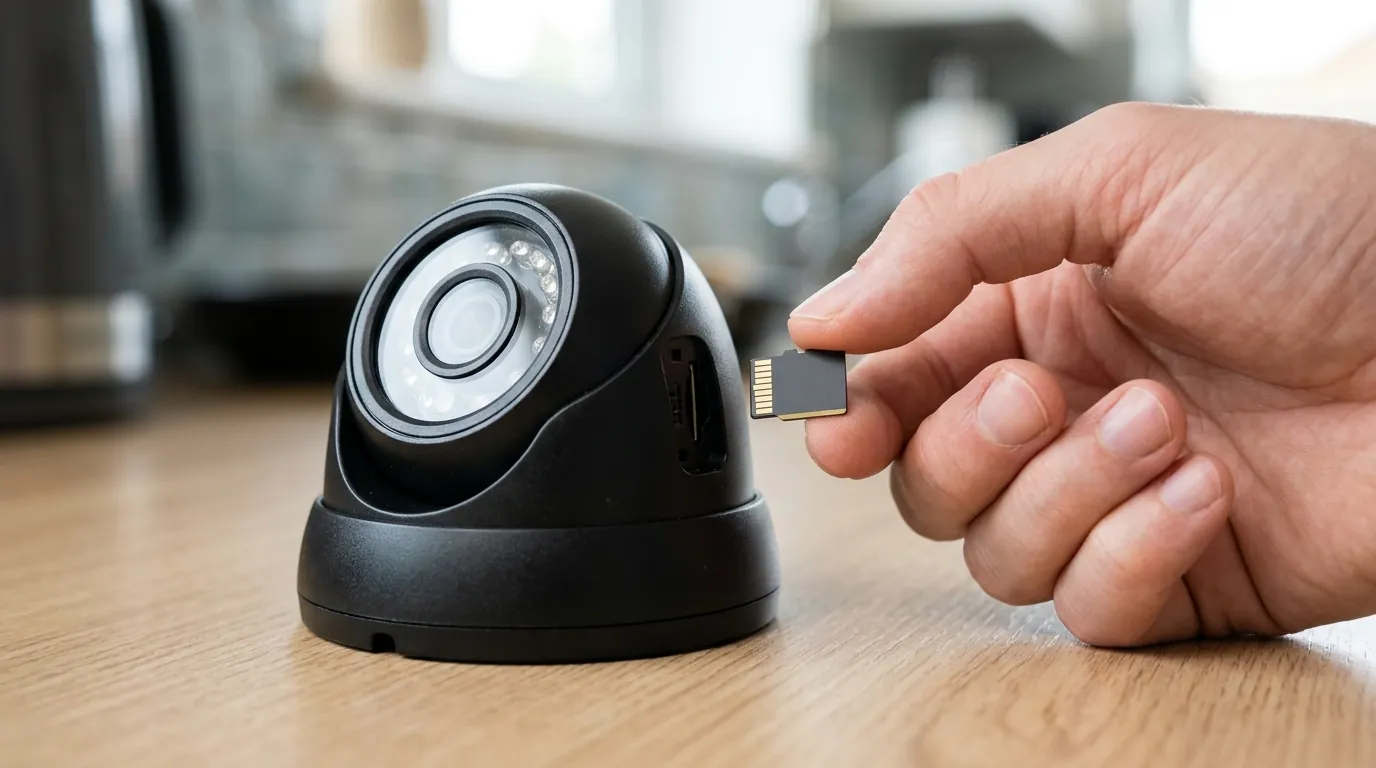
Security camera “hacks” refer to various forms of unauthorized access, which can range from data breaches and privacy invasions to devices being co-opted into larger botnets. This unauthorized access can manifest as intruders viewing live or recorded footage, remotely controlling camera functions such as panning or tilting, or even utilizing the camera’s network connection for malicious activities.
Vulnerabilities frequently arise from systemic design weaknesses inherent in many consumer IoT devices. These weaknesses often include insecure authentication mechanisms, insufficient firmware protections, and poorly secured cloud integrations. The years leading up to and including 2025 and 2026 have seen a substantial increase in IoT-targeted attacks, with reports indicating hundreds of thousands of malicious attempts daily against such devices.
Why it exists
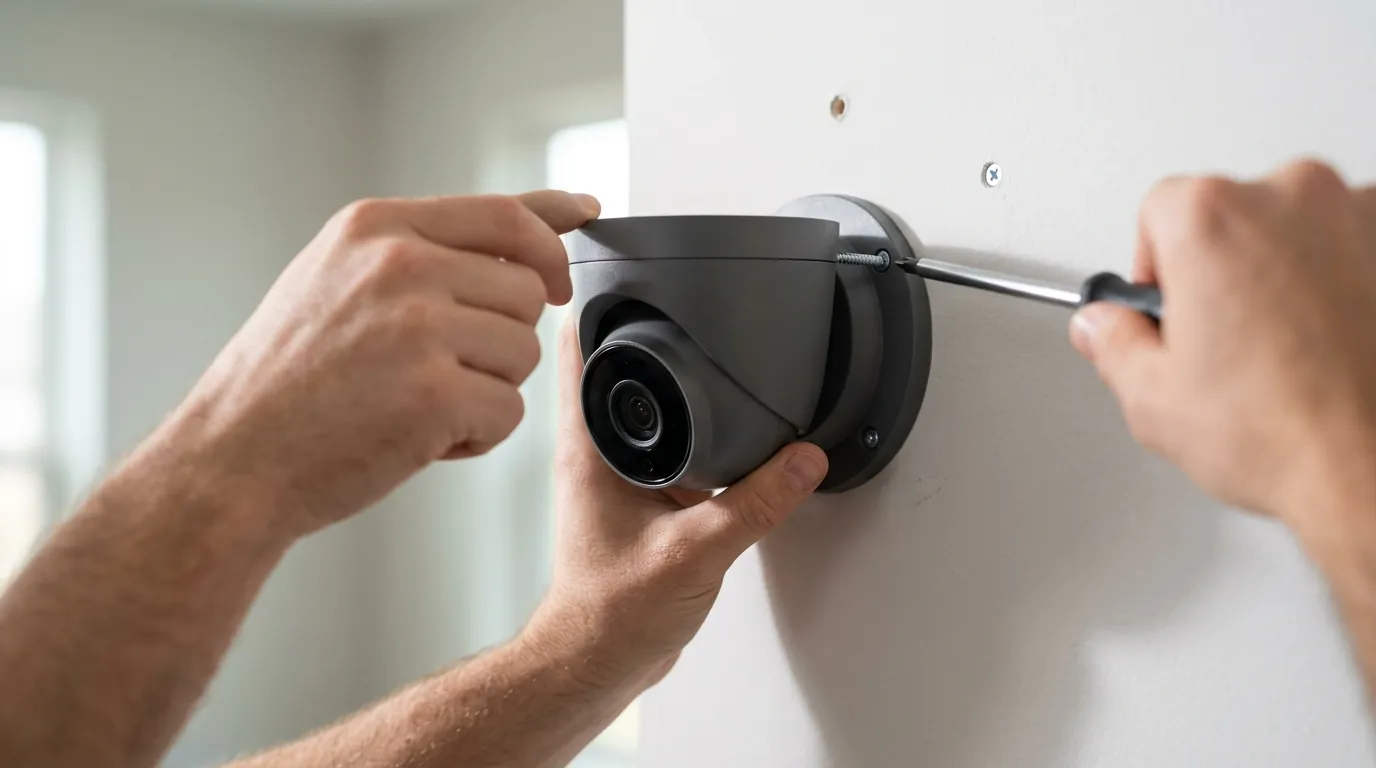
The rapid expansion of consumer Internet of Things (IoT) devices, including home security cameras, has created a vast attack surface for cybercriminals. This proliferation means more devices are connected to networks, each potentially representing an entry point for attackers.
The IoT Landscape and Attack Surface
Many consumer IoT devices are developed rapidly, often with embedded operating systems and minimal onboard storage. This design often leads to a heavy reliance on remote cloud services for data processing and storage, introducing additional points of potential vulnerability. The sheer volume of IoT devices makes them an attractive target for attackers seeking to build botnets or harvest data.
Manufacturer Practices and Design Flaws
Common underlying weaknesses in these devices include the widespread use of default or hardcoded credentials, which are rarely changed by users. Insecure web interfaces, insufficient firmware validation processes, and improper encryption implementations further contribute to the vulnerability landscape. Some manufacturers may prioritize speed to market and lower costs over robust security measures, leading to devices with inherent flaws.
Outdated Firmware and Patching Challenges
A significant challenge is the lack of sustained patch support for many consumer IoT devices. This means that known vulnerabilities can persist long after their disclosure, leaving devices open to exploitation by attackers. Even when patches are released, users may not install them promptly, or older devices may reach an “end-of-life” status where updates are no longer provided, making them permanently vulnerable. The economics of IoT exploitation often favor attackers, as the cost of an average IoT security incident can be substantial, yet the cost to exploit a widely deployed vulnerability can be minimal.
How it works under the hood
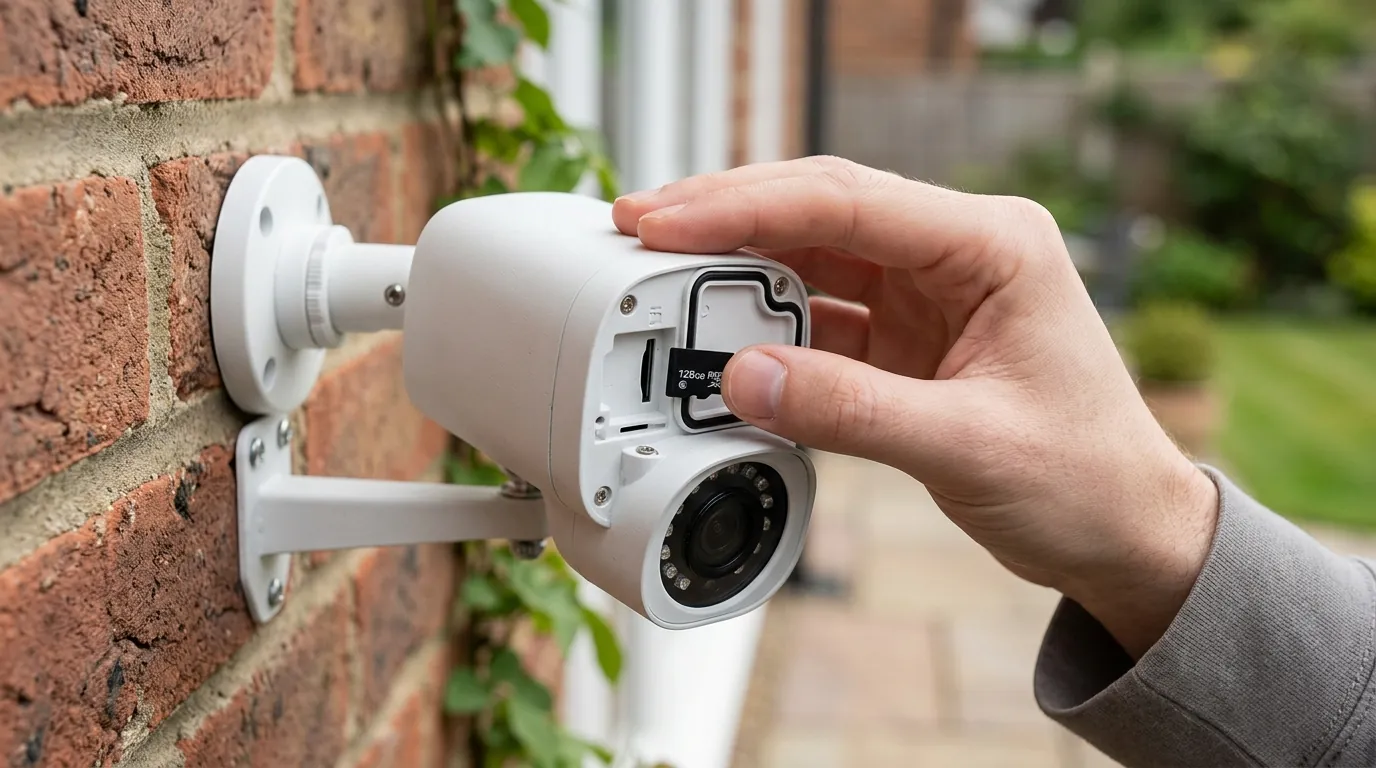
Hackers typically gain initial access to security cameras through network vulnerabilities. This can involve exploiting poorly secured Digital Video Recorder (DVR) or Network Video Recorder (NVR) systems, leveraging default router credentials, or cracking weak Wi-Fi passwords.
Initial Access: Network and Credentials
Attackers often begin by scanning networks for connected devices, probing open ports (such as port 8080 or 80) to identify camera login pages or management interfaces. Once identified, they attempt to bypass authentication. Common attack vectors include brute-force attempts on passwords, where automated tools try numerous combinations until successful. Phishing attacks can also be used to trick users into divulging their credentials.
Exploiting Software and Firmware
Exploiting known firmware vulnerabilities is another prevalent method. These flaws can allow attackers to gain unauthorized control or access to the device’s operating system. Man-in-the-middle (MITM) attacks can intercept unencrypted login credentials or video streams if a camera’s web interface transmits data over HTTP instead of the more secure HTTPS protocol. Peer-to-peer (P2P) features, designed to facilitate remote access, can sometimes be exploited to rapidly discover vulnerable cameras and intercept connections, as demonstrated by past incidents. Vulnerabilities can also arise from insecure Application Programming Interfaces (APIs) or hardcoded encryption keys within device software, which could allow attackers to decrypt sensitive data if discovered.
Advanced and Physical Eavesdropping
Beyond network-based attacks, some advanced techniques, such as analyzing electromagnetic radiation leakage, have even shown it’s theoretically possible to reconstruct video feeds, albeit with significant technical challenges. While not common for consumer devices, it highlights the diverse range of potential eavesdropping methods.
Real-world implications
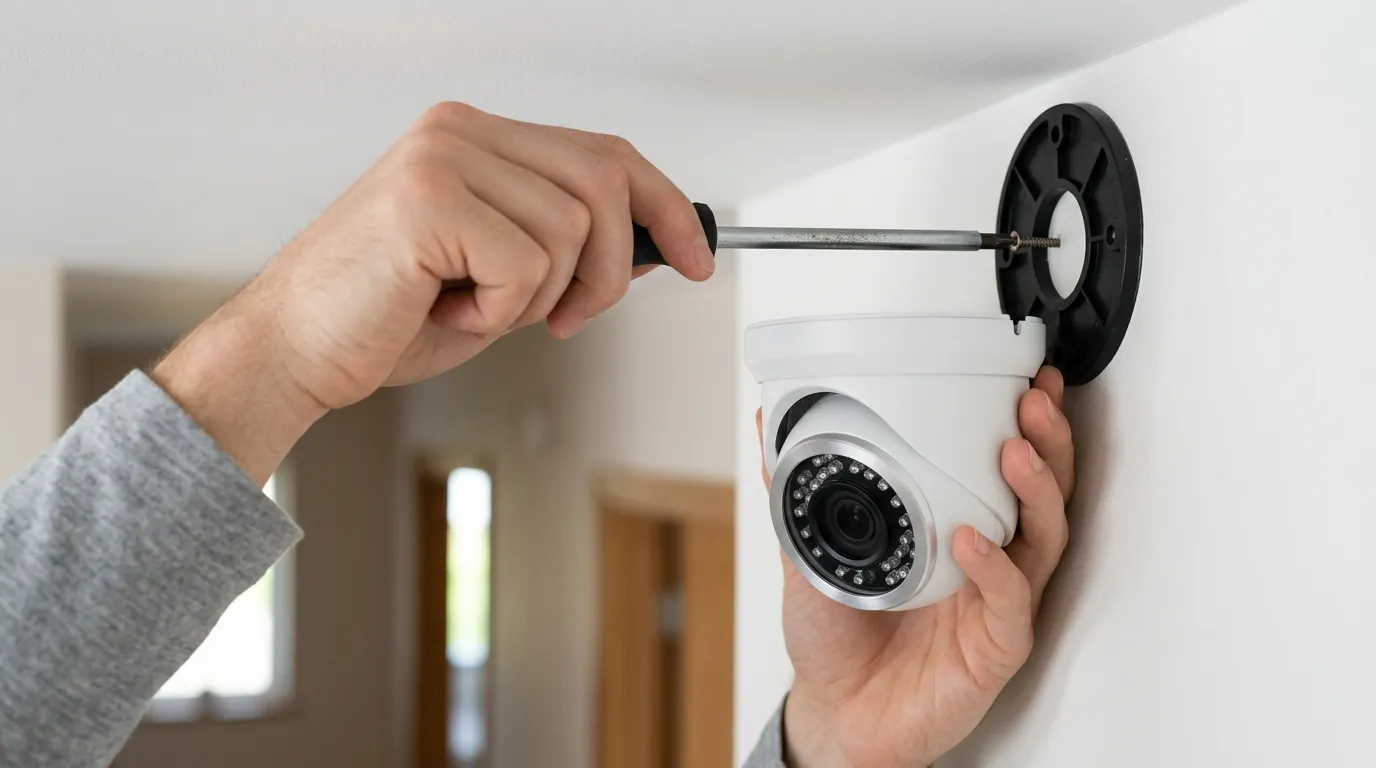
The consequences of security camera vulnerabilities can be significant, impacting personal privacy, data security, and even broader cyber stability.
Personal Privacy and Data Exposure
Unauthorized access to security cameras directly leads to privacy invasion, allowing strangers to view private moments within a home or business. This can cause significant distress and compromise personal security. Beyond live viewing, hackers can steal sensitive personal data, including recorded video footage, account credentials, and network information, which can then be used for identity theft or other malicious purposes.
Broader Cyberattack Involvement
Compromised cameras can be recruited into large botnets, such as those employing Mirai-family variants. These networks of hijacked devices are then used to launch massive Distributed Denial of Service (DDoS) attacks against other targets, effectively making your camera an unwitting participant in cyber warfare. In more severe cases, access to cameras could provide attackers with intelligence for physical intrusions or allow them to manipulate devices, potentially disabling security features or unlocking smart locks if integrated.
Notable Incidents and Brand Responses
Recent years have continued to highlight specific vulnerabilities across popular brands:
- Reolink: In 2025-2026, multiple CVEs (Common Vulnerabilities and Exposures) have been reported for Reolink devices. These include vulnerabilities allowing brute-force credential cracking, insecure direct object references (IDOR), and issues with hardcoded encryption keys found in desktop applications. Users are advised to keep firmware updated and use strong, unique passwords.
- Wyze: Wyze Cam v3 models have faced scrutiny for vulnerabilities (CVE-2023-6322, -6323, -6324) that could allow root access from a local network. Wyze has since released firmware updates to patch these issues. It’s crucial for users to ensure their Wyze Cam v3 firmware is current. Older models like the Wyze Cam v1 are no longer supported and remain vulnerable to known exploits. Wyze also issued a recall for some Solar Cam Pan models due to a fire hazard identified by the CPSC in 2024.
- Eufy: Eufy has faced scrutiny for past privacy breaches, including a 2021 bug that exposed live feeds from some cameras to unauthorized users. In 2022, Eufy settled with the New York Attorney General over claims of falsely advertising end-to-end encryption for certain devices. While Eufy has since clarified its encryption practices, vulnerabilities have also been identified in devices like the Eufy 2K Indoor Camera. Users should carefully review Eufy’s current privacy policy for specific details on data handling and encryption.
- Ring/Nest: These brands, while popular, have faced ongoing criticism regarding their data sharing practices. Ring has drawn attention for its policies on sharing footage with law enforcement, sometimes without explicit owner consent or a warrant, often relying on “emergency” requests. Nest cameras, which process video on Google’s cloud servers, have also disclosed footage in “emergency” situations without warrants, as outlined in Google’s privacy policy. Users of Ring and Nest devices should thoroughly understand their respective privacy policies regarding data access and sharing.
Here’s a table summarizing key aspects of popular consumer security cameras, reflecting general specifications and subscription approaches in 2026:
| Feature/Brand | Ring Stick Up Cam Battery (3rd Gen) | Eufy SoloCam S340 | Reolink Argus 3 Pro | Wyze Cam v4 |
|---|---|---|---|---|
| Max Resolution | 1080p HD | 3K (2880x1620) | 2K (2560x1440) | 2K (2560x1440) |
| IR Night Vision Range | Up to 30 ft | Up to 26 ft | Up to 33 ft | Up to 30 ft |
| Local Storage | No (requires Ring Protect Plan for recordings) | microSD card (up to 128GB) | microSD card (up to 128GB) | microSD card (up to 256GB) |
| Cloud Storage | Ring Protect Plan (paid subscription) | Eufy Cloud Storage (paid subscription) | Reolink Cloud (paid subscription) | Cam Plus (paid subscription) |
| Subscription Cost/Year | Around $40-100+ (depending on plan) | Around $30-100+ (depending on plan) | Around $50-100+ (depending on plan) | Around $20-60+ (depending on plan) |
| Power Type | Battery, Solar Panel (optional) | Built-in Battery, Solar Panel | Battery, Solar Panel (optional) | Wired (USB-C) |
Common misconceptions
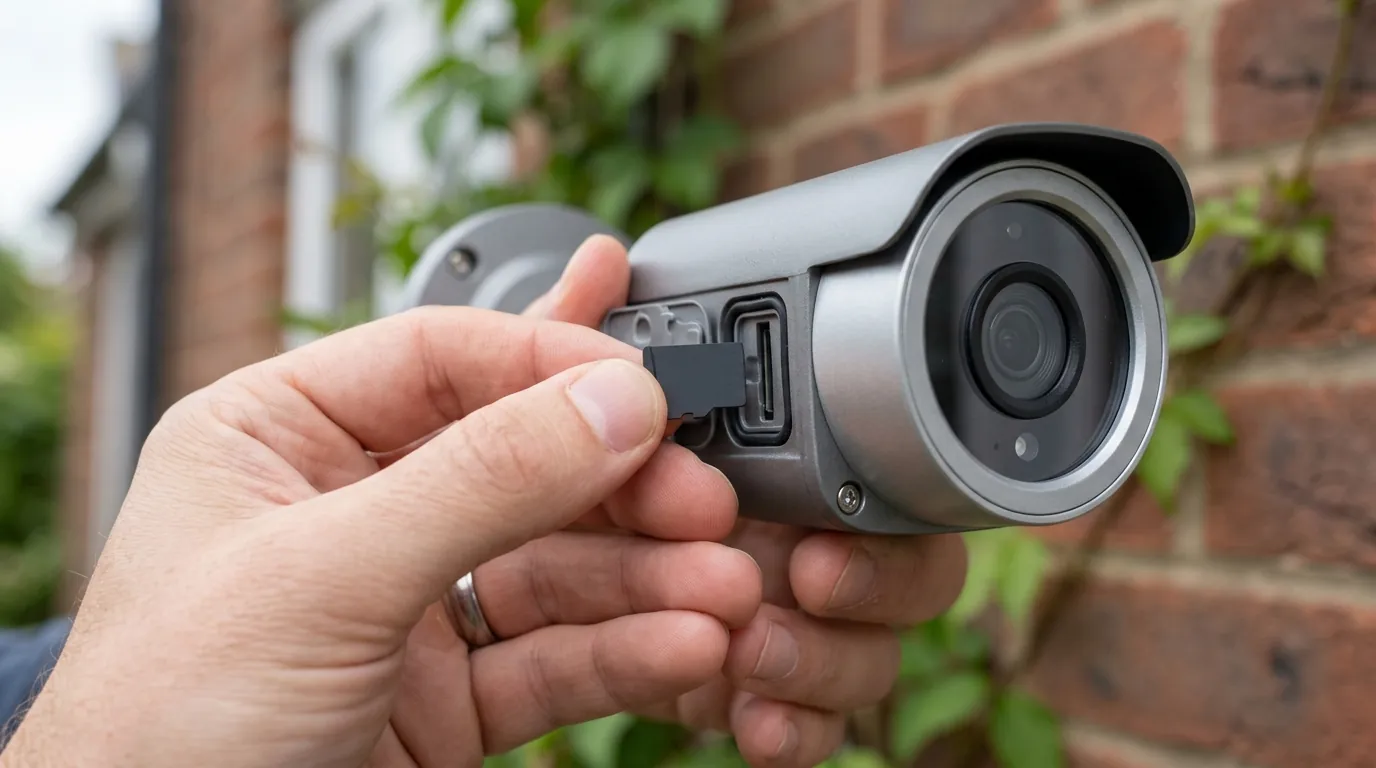
Several common misconceptions can lead users to a false sense of security regarding their home security cameras.
Wired vs. Wireless Security
‘My camera is wired, so it’s secure.’ While wired cameras often provide more stable connections and can be less susceptible to Wi-Fi jamming, they are not immune to hacking. If the network they connect to is poorly secured, or if the recording interface (DVR/NVR) has vulnerabilities or weak credentials, a wired camera can still be compromised. Physical access to the network infrastructure can also pose a threat.
Price Point and Target Selection
‘Only expensive cameras are targeted.’ This is incorrect. Attackers often target devices with the largest install base and weakest default credentials, regardless of their price point. Many lower-cost consumer brands have been implicated in security incidents precisely because of widespread deployment and often less robust security practices.
Network Security vs. Device Security
‘My Wi-Fi is secure, so my camera is secure.’ A strong Wi-Fi password and network encryption (like WPA3) are essential first steps, but they do not guarantee the security of individual devices. Individual camera vulnerabilities, default device passwords, and unpatched firmware can still expose your camera even on an otherwise secure home network. Each device is a potential entry point.
Cloud Storage Assumptions
‘Cloud storage means my data is automatically safe.’ The security of cloud storage depends heavily on the provider’s practices, including their encryption methods, data center security, and incident response protocols. Furthermore, your account’s security (e.g., strong password, multi-factor authentication) is paramount. Past incidents have shown that even cloud-dependent systems can have vulnerabilities that lead to data exposure.
The Purpose of Firmware Updates
‘Firmware updates are just for new features.’ This is a critical misconception. While firmware updates can introduce new features, their primary importance often lies in patching known security flaws, improving system stability, and protecting against emerging cyber threats. Neglecting firmware updates leaves your device vulnerable to exploits that manufacturers have already addressed.
Further reading
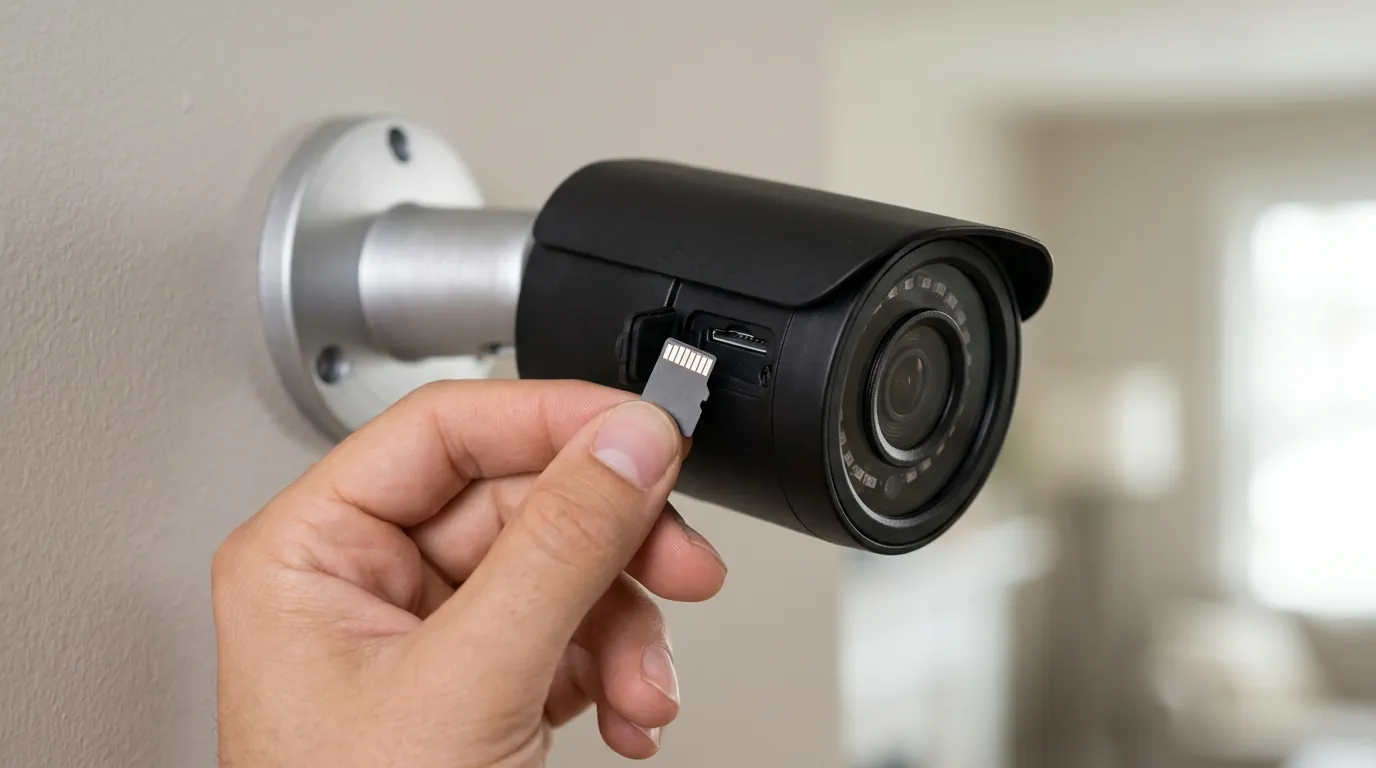
Protecting your home security camera from potential hacks requires a proactive approach. Here are essential steps you should take:
Strengthening Your Credentials
Enable Multi-Factor Authentication (MFA): Always activate MFA (also known as two-factor authentication or 2FA) for your camera accounts and any associated cloud services. This adds a crucial layer of security, making it significantly harder for unauthorized users to access your account even if they obtain your password.
Change Default Passwords Immediately: Replace any default usernames and passwords on your cameras, DVR/NVR systems, and your home router with strong, unique credentials. Avoid easily guessable information and use a combination of uppercase and lowercase letters, numbers, and symbols.
Maintaining Device Software
Keep Firmware and Software Updated: Regularly check for and install firmware updates for your cameras and any associated mobile or desktop applications. These updates frequently contain critical security patches that address newly discovered vulnerabilities. Consider enabling automatic updates if available and reliable.
Enhancing Network Security
Secure Your Home Network: Use a strong, unique password for your Wi-Fi network and ensure it uses modern encryption like WPA3. Consider creating a separate guest network or a Virtual Local Area Network (VLAN) for your smart devices to segment them from your main network, limiting potential lateral movement for attackers.
Check for HTTPS: When accessing your camera’s settings or live feed via a web browser, always ensure the URL begins with ‘https’ (Hypertext Transfer Protocol Secure) to confirm that the communication is encrypted and protected from eavesdropping.
Understanding Data Handling
Review Privacy Policies: Take the time to understand how your camera manufacturer handles your data. Read their privacy policies to learn about data storage, encryption methods, and any third-party sharing practices.
Utilize Local Storage Options: Where available, prioritize cameras that offer local storage solutions (e.g., microSD card, NVR). This keeps your footage within your control and can reduce your reliance on cloud services, potentially enhancing privacy.
Considering Device Lifespan
Be Aware of End-of-Life Devices: Discontinued camera models may no longer receive security updates or support, leaving them vulnerable to new exploits. If you own an older device that has reached its end-of-life, consider upgrading to a newer, supported model to maintain optimal security.
Decision Framework: Choosing and Securing Your Camera
Choosing and securing a home security camera depends heavily on your specific needs and environment.
- If you are a renter or live in an apartment: Prioritize wireless cameras that are easy to install and remove, and focus heavily on strong Wi-Fi security and multi-factor authentication for cloud accounts. Look for cameras with robust app-based controls and good privacy policies.
- If you are a homeowner with basic surveillance needs: Consider a mix of wired and wireless options. Emphasize cameras with local storage capabilities to reduce reliance on cloud subscriptions. Ensure your home network is well-secured and regularly update all device firmware.
- If you operate a small business: Invest in more robust NVR/DVR systems with professional-grade security features. Implement network segmentation for IoT devices and ensure dedicated IT oversight for security patches and monitoring. Prioritize brands known for strong enterprise-level security and support.
- If you have limited or no reliable Wi-Fi: Focus on cellular-enabled cameras or systems that rely entirely on local storage and can operate offline. Understand that remote access will be limited or unavailable without an internet connection.
Total Cost of Ownership (TCO) for Home Security Cameras
When purchasing a security camera, the sticker price is only part of the equation. Understanding the 3-year Total Cost of Ownership (TCO) is crucial due to ongoing expenses.
1. Hardware Cost: This is the initial purchase price of the camera itself. For a single camera, this can range from under $50 for basic models to over $300 for advanced feature-rich devices.
2. Subscription Fees (Cloud Storage/Features): Many popular brands lock essential features, such as recorded video history, advanced motion detection, and smart alerts, behind monthly or annual subscription plans. * Basic Plan (e.g., 30-60 days of cloud history, single camera): Around $3-10 per month or $30-100 per year. Over three years, this is approximately $90-300. * Premium Plan (e.g., longer history, multiple cameras, advanced AI): Around $10-20 per month or $100-200 per year. Over three years, this is approximately $300-600. * Some brands, like Ring, offer tiered plans with varying costs based on the number of cameras and features.
3. Accessory Costs: This can include additional batteries, solar panels (around $30-60), longer power cables, or higher-capacity microSD cards (around $10-50).
4. Potential Upgrade Costs: As devices age or reach end-of-life, you might need to replace them to maintain security, incurring new hardware costs every few years.
Example 3-Year TCO Breakdown (Single Camera with Basic Cloud Subscription):
- Initial Camera Cost: Around $100
- 3 Years of Basic Subscription: $30/year x 3 = $90
- MicroSD Card: $20
- Total 3-Year TCO: Approximately $210
This demonstrates that ongoing subscription fees often represent a significant portion of the camera’s true cost, sometimes exceeding the initial hardware price over several years. Always factor in these recurring costs when making your purchase decision.
Frequently Asked Questions
What is the most common way security cameras are hacked?
The most common ways security cameras are hacked involve exploiting weak or default passwords, unpatched firmware vulnerabilities, and insecure network configurations. Attackers often use automated tools to scan for vulnerable devices and attempt to brute-force credentials.
Can my Wi-Fi camera be hacked even if I have a strong password?
Yes, even with a strong Wi-Fi password, your camera can still be vulnerable if the camera itself has weak default credentials, unpatched firmware, or if its cloud service is compromised. Network security is important, but device-specific security is equally crucial.
How do I know if my security camera has been hacked?
Signs your security camera might be hacked include unusual camera movement, changes to settings you didn’t make, blinking LED lights when the camera should be off, or unexplained network activity. You might also find unknown accounts linked to your camera’s app or receive notifications of unauthorized login attempts.
Is local storage more secure than cloud storage for security cameras?
Local storage, such as a microSD card or NVR, can offer more direct control over your footage and reduce reliance on third-party cloud services, potentially enhancing privacy. However, local storage is still vulnerable to physical theft or damage, and the device itself must be secured against network attacks.
Do all security cameras require a subscription?
No, not all security cameras require a subscription. Many cameras offer local storage options (e.g., microSD card) that allow you to record and review footage without recurring fees. However, cloud storage, advanced AI features, and extended video history often require a paid subscription.
Sources
- truehomeprotection.com — https://vertexaisearch.cloud.google.com/grounding-api-redirect/AUZIYQHsvqXHveiYZTslGKfHptAvNbW2bCdb5sK8_Emw0g9r3bn5ehs1uqjrVkqZP7n0bz3zFF9yarZHuxre-nKiRaA0gxErZVqH0tpilrBxcrr12K6ens0nXmGoNu44yKhfxtuLpB0mqn0ZNPJPazFu-QVjlhszDA5DgZVSV9s2S7ocLYhxxmzUmn52mlwUDdXrqzSsp3-vqT6VSg==
- allroundsecurity.co.nz — https://vertexaisearch.cloud.google.com/grounding-api-redirect/AUZIYQGV9voj3xBV8MKID9Xz1FmxVAIofiwZpfATayMZDqdFSxOSIGNWeRf8Q4A1u0Od7EmRmM56vpFqk0OP5stk0ixZDgK5abmlBLjzjxBkqivfZLDxX5Tlhz6SF9x2-63mhz9Orwr9C75TAhpeaBXnYj8myeK2f5QPatLC8HlTvYsbrC3T-Xc_6v_nc4K9qgIGoyqsPDqc
- asimily.com — https://vertexaisearch.cloud.google.com/grounding-api-redirect/AUZIYQHJJFqHIT4xFSSly_fBfBBDMTlSB1VHgwryvxbmohQLSqu8nwap0PWk9lOWfwgdTXiJy3PZ0TDiKNP-AZ4sfJF7ol5UA6JLQtsJSRCNt6-w1RODshPnf8P5lvwlZL6X6oFtcxJ-foMZu7wHVf6drnLfa-58mmQGnNI1nmAr-1JIsZyEncIx61ATwziowcoBlvj7
- blackhatmea.com — https://vertexaisearch.cloud.google.com/grounding-api-redirect/AUZIYQGLkhcFNOCH-NL9LNprRI3QIxk-d6YKWWnQfXqNCmvc7ylSZoI2srJOjPDd9xKlqvIdT9zgwcUzqs_UI4tlrI5r5vGYIJfsazTPiX—sli3Bn_3LrH_pHbnk7iijthOeCbzf4LYJ-3hatefuC4yQU0jAKSg_O9ynvWerdblWZqaYY3lI99MJj2gWGKTVa4Db6QcuSMN_wfOO6Q6
- hacked.camera — https://vertexaisearch.google.com/grounding-api-redirect/AUZIYQFToNFIpOWaWJx-pdO0KsCwfGDdTofBmindnDvkrEHkupT-U3Zh2HsKiods1zEIRNwPU322P7ZLoXmpruVk2fucOa8_ccqJ4MmwAqTPrQE7vw==
- Eufy Privacy Policy — https://us.eufy.com/pages/privacy-policy
- Ring Privacy Policy
- Google Nest Privacy Policy — https://policies.google.com/privacy
- Ring Stick Up Cam Battery (3rd Gen) Product Page
- Eufy SoloCam S340 Product Page — https://us.eufy.com/products/t8171121
- Reolink Argus 3 Pro Product Page
- Wyze Cam v4 Product Page — https://www.wyze.com/products/wyze-cam-v4
- security.org - Security Camera Cloud Storage Costs
- nus.edu.sg — https://vertexaisearch.cloud.google.com/grounding-api-redirect/AUZIYQFSPiB1n4r-sTg2T_m40rbqYi7O8avwtcDtd3YItsM9CDiYypIoPSOqiuxQl-cL1l0TJJH8iBZwPD2VV7WKlQkVJNaAm2waHc80zUBkzltKLb4-6ultvCV3gGp_YRhUxCEFLIMTbkPbh4wmsoIbrYJl9qyY_SNK-ZiNNA==
- opencve.io - Reolink Vulnerabilities — https://www.opencve.io/vendors/Reolink
- bitdefender.com - Wyze Cam v3 Vulnerabilities
- cpsc.gov - Wyze Solar Cam Pan Recall — https://www.cpsc.gov/Recalls/2024/Wyze-Recalls-Solar-Power-Banks-for-Outdoor-Cameras-Due-to-Fire-Hazard
- privacysmarthome.com - Eufy Security Camera Vulnerabilities
- sauderschelkopf.com - Eufy Privacy Settlement
- gcinfotech.com - Eufy 2K Indoor Camera Vulnerabilities
- digitaltrends.com - Ring and Police Partnerships — security cameras offer peace of mind, but the evolving landscape of cyber threats means it’s crucial to understand their vulnerabilities. While no single “recent hack” targets all security cameras universally, the continuous emergence of vulnerabilities and data breaches in the Internet of Things (IoT) sector remains a significant concern for homeowners and small businesses.
Are Home Security Cameras Vulnerable to Recent Hacks? What You Need to Know
While no single ‘recent hack’ affects all security cameras, vulnerabilities and data breaches are ongoing concerns in the IoT landscape. Your camera’s security depends on factors like strong passwords, multi-factor authentication, up-to-date firmware, and the manufacturer’s commitment to privacy and security. Regularly checking for updates and reviewing privacy policies is crucial to protect your home.
What it means
Security camera “hacks” refer to various forms of unauthorized access, which can range from data breaches and privacy invasions to devices being co-opted into larger botnets. This unauthorized access can manifest as intruders viewing live or recorded footage, remotely controlling camera functions such as panning or tilting, or even utilizing the camera’s network connection for malicious activities.
Vulnerabilities frequently arise from systemic design weaknesses inherent in many consumer IoT devices. These weaknesses often include insecure authentication mechanisms, insufficient firmware protections, and poorly secured cloud integrations. The years leading up to and including 2025 and 2026 have seen a substantial increase in IoT-targeted attacks, with reports indicating hundreds of thousands of malicious attempts daily against such devices.
Why it exists
The rapid expansion of consumer Internet of Things (IoT) devices, including home security cameras, has created a vast attack surface for cybercriminals. This proliferation means more devices are connected to networks, each potentially representing an entry point for attackers.
The IoT Landscape and Attack Surface
Many consumer IoT devices are developed rapidly, often with embedded operating systems and minimal onboard storage. This design often leads to a heavy reliance on remote cloud services for data processing and storage, introducing additional points of potential vulnerability. The sheer volume of IoT devices makes them an attractive target for attackers seeking to build botnets or harvest data.
Manufacturer Practices and Design Flaws
Common underlying weaknesses in these devices include the widespread use of default or hardcoded credentials, which are rarely changed by users. Insecure web interfaces, insufficient firmware validation processes, and improper encryption implementations further contribute to the vulnerability landscape. Some manufacturers may prioritize speed to market and lower costs over robust security measures, leading to devices with inherent flaws.
Outdated Firmware and Patching Challenges
A significant challenge is the lack of sustained patch support for many consumer IoT devices. This means that known vulnerabilities can persist long after their disclosure, leaving devices open to exploitation by attackers. Even when patches are released, users may not install them promptly, or older devices may reach an “end-of-life” status where updates are no longer provided, making them permanently vulnerable. The economics of IoT exploitation often favor attackers, as the cost of an average IoT security incident can be substantial, yet the cost to exploit a widely deployed vulnerability can be minimal.
How it works under the hood
Hackers typically gain initial access to security cameras through network vulnerabilities. This can involve exploiting poorly secured Digital Video Recorder (DVR) or Network Video Recorder (NVR) systems, leveraging default router credentials, or cracking weak Wi-Fi passwords.
Initial Access: Network and Credentials
Attackers often begin by scanning networks for connected devices, probing open ports (such as port 8080 or 80) to identify camera login pages or management interfaces. Once identified, they attempt to bypass authentication. Common attack vectors include brute-force attempts on passwords, where automated tools try numerous combinations until successful. Phishing attacks can also be used to trick users into divulging their credentials.
Exploiting Software and Firmware
Exploiting known firmware vulnerabilities is another prevalent method. These flaws can allow attackers to gain unauthorized control or access to the device’s operating system. Man-in-the-middle (MITM) attacks can intercept unencrypted login credentials or video streams if a camera’s web interface transmits data over HTTP instead of the more secure HTTPS protocol. Peer-to-peer (P2P) features, designed to facilitate remote access, can sometimes be exploited to rapidly discover vulnerable cameras and intercept connections, as demonstrated by past incidents. Vulnerabilities can also arise from insecure Application Programming Interfaces (APIs) or hardcoded encryption keys within device software, which could allow attackers to decrypt sensitive data if discovered.
Advanced and Physical Eavesdropping
Beyond network-based attacks, some advanced techniques, such as analyzing electromagnetic radiation leakage, have even shown it’s theoretically possible to reconstruct video feeds, albeit with significant technical challenges. While not common for consumer devices, it highlights the diverse range of potential eavesdropping methods.
Real-world implications
The consequences of security camera vulnerabilities can be significant, impacting personal privacy, data security, and even broader cyber stability.
Personal Privacy and Data Exposure
Unauthorized access to security cameras directly leads to privacy invasion, allowing strangers to view private moments within a home or business. This can cause significant distress and compromise personal security. Beyond live viewing, hackers can steal sensitive personal data, including recorded video footage, account credentials, and network information, which can then be used for identity theft or other malicious purposes.
Broader Cyberattack Involvement
Compromised cameras can be recruited into large botnets, such as those employing Mirai-family variants. These networks of hijacked devices are then used to launch massive Distributed Denial of Service (DDoS) attacks against other targets, effectively making your camera an unwitting participant in cyber warfare. In more severe cases, access to cameras could provide attackers with intelligence for physical intrusions or allow them to manipulate devices, potentially disabling security features or unlocking smart locks if integrated.
Notable Incidents and Brand Responses
Recent years have continued to highlight specific vulnerabilities across popular brands:
- Reolink: In 2025-2026, multiple CVEs (Common Vulnerabilities and Exposures) have been reported for Reolink devices. These include vulnerabilities allowing brute-force credential cracking, insecure direct object references (IDOR), and issues with hardcoded encryption keys found in desktop applications. Users are advised to keep firmware updated and use strong, unique passwords.
- Wyze: Wyze Cam v3 models have faced scrutiny for vulnerabilities (CVE-2023-6322, -6323, -6324) that could allow root access from a local network. Wyze has since released firmware updates to patch these issues. It’s crucial for users to ensure their Wyze Cam v3 firmware is current. Older models like the Wyze Cam v1 are no longer supported and remain vulnerable to known exploits. Wyze also issued a recall for some Solar Cam Pan models due to a fire hazard identified by the CPSC in 2024.
- Eufy: Eufy has faced scrutiny for past privacy breaches, including a 2021 bug that exposed live feeds from some cameras to unauthorized users. In 2022, Eufy settled with the New York Attorney General over claims of falsely advertising end-to-end encryption for certain devices. While Eufy has since clarified its encryption practices, vulnerabilities have also been identified in devices like the Eufy 2K Indoor Camera. Users should carefully review Eufy’s current privacy policy for specific details on data handling and encryption.
- Ring/Nest: These brands, while popular, have faced ongoing criticism regarding their data sharing practices. Ring has drawn attention for its policies on sharing footage with law enforcement, sometimes without explicit owner consent or a warrant, often relying on “emergency” requests. Nest cameras, which process video on Google’s cloud servers, have also disclosed footage in “emergency” situations without warrants, as outlined in Google’s privacy policy. Users of Ring and Nest devices should thoroughly understand their respective privacy policies regarding data access and sharing.
Here’s a table summarizing key aspects of popular consumer security cameras, reflecting general specifications and subscription approaches in 2026:
| Feature/Brand | Ring Stick Up Cam Battery (3rd Gen) | Eufy SoloCam S340 | Reolink Argus 3 Pro | Wyze Cam v4 |
|---|---|---|---|---|
| Max Resolution | 1080p HD | 3K (2880x1620) | 2K (2560x1440) | 2K (2560x1440) |
| IR Night Vision Range | Up to 30 ft | Up to 26 ft | Up to 33 ft | Up to 30 ft |
| Local Storage | No (requires Ring Protect Plan for recordings) | microSD card (up to 128GB) | microSD card (up to 128GB) | microSD card (up to 256GB) |
| Cloud Storage | Ring Protect Plan (paid subscription) | Eufy Cloud Storage (paid subscription) | Reolink Cloud (paid subscription) | Cam Plus (paid subscription) |
| Subscription Cost/Year | Around $40-100+ (depending on plan) | Around $30-100+ (depending on plan) | Around $50-100+ (depending on plan) | Around $20-60+ (depending on plan) |
| Power Type | Battery, Solar Panel (optional) | Built-in Battery, Solar Panel | Battery, Solar Panel (optional) | Wired (USB-C) |
Common misconceptions
Several common misconceptions can lead users to a false sense of security regarding their home security cameras.
Wired vs. Wireless Security
‘My camera is wired, so it’s secure.’ While wired cameras often provide more stable connections and can be less susceptible to Wi-Fi jamming, they are not immune to hacking. If the network they connect to is poorly secured, or if the recording interface (DVR/NVR) has vulnerabilities or weak credentials, a wired camera can still be compromised. Physical access to the network infrastructure can also pose a threat.
Price Point and Target Selection
‘Only expensive cameras are targeted.’ This is incorrect. Attackers often target devices with the largest install base and weakest default credentials, regardless of their price point. Many lower-cost consumer brands have been implicated in security incidents precisely because of widespread deployment and often less robust security practices.
Network Security vs. Device Security
‘My Wi-Fi is secure, so my camera is secure.’ A strong Wi-Fi password and network encryption (like WPA3) are essential first steps, but they do not guarantee the security of individual devices. Individual camera vulnerabilities, default device passwords, and unpatched firmware can still expose your camera even on an otherwise secure home network. Each device is a potential entry point.
Cloud Storage Assumptions
‘Cloud storage means my data is automatically safe.’ The security of cloud storage depends heavily on the provider’s practices, including their encryption methods, data center security, and incident response protocols. Furthermore, your account’s security (e.g., strong password, multi-factor authentication) is paramount. Past incidents have shown that even cloud-dependent systems can have vulnerabilities that lead to data exposure.
The Purpose of Firmware Updates
‘Firmware updates are just for new features.’ This is a critical misconception. While firmware updates can introduce new features, their primary importance often lies in patching known security flaws, improving system stability, and protecting against emerging cyber threats. Neglecting firmware updates leaves your device vulnerable to exploits that manufacturers have already addressed.
Further reading
Protecting your home security camera from potential hacks requires a proactive approach. Here are essential steps you should take:
Strengthening Your Credentials
Enable Multi-Factor Authentication (MFA): Always activate MFA (also known as two-factor authentication or 2FA) for your camera accounts and any associated cloud services. This adds a crucial layer of security, making it significantly harder for unauthorized users to access your account even if they obtain your password.
Change Default Passwords Immediately: Replace any default usernames and passwords on your cameras, DVR/NVR systems, and your home router with strong, unique credentials. Avoid easily guessable information and use a combination of uppercase and lowercase letters, numbers, and symbols.
Maintaining Device Software
Keep Firmware and Software Updated: Regularly check for and install firmware updates for your cameras and any associated mobile or desktop applications. These updates frequently contain critical security patches that address newly discovered vulnerabilities. Consider enabling automatic updates if available and reliable.
Enhancing Network Security
Secure Your Home Network: Use a strong, unique password for your Wi-Fi network and ensure it uses modern encryption like WPA3. Consider creating a separate guest network or a Virtual Local Area Network (VLAN) for your smart devices to segment them from your main network, limiting potential lateral movement for attackers.
Check for HTTPS: When accessing your camera’s settings or live feed via a web browser, always ensure the URL begins with ‘https’ (Hypertext Transfer Protocol Secure) to confirm that the communication is encrypted and protected from eavesdropping.
Understanding Data Handling
Review Privacy Policies: Take the time to understand how your camera manufacturer handles your data. Read their privacy policies to learn about data storage, encryption methods, and any third-party sharing practices.
Utilize Local Storage Options: Where available, prioritize cameras that offer local storage solutions (e.g., microSD card, NVR). This keeps your footage within your control and can reduce your reliance on cloud services, potentially enhancing privacy.
Considering Device Lifespan
Be Aware of End-of-Life Devices: Discontinued camera models may no longer receive security updates or support, leaving them vulnerable to new exploits. If you own an older device that has reached its end-of-life, consider upgrading to a newer, supported model to maintain optimal security.
Decision Framework: Choosing and Securing Your Camera
Choosing and securing a home security camera depends heavily on your specific needs and environment.
- If you are a renter or live in an apartment: Prioritize wireless cameras that are easy to install and remove, and focus heavily on strong Wi-Fi security and multi-factor authentication for cloud accounts. Look for cameras with robust app-based controls and good privacy policies.
- If you are a homeowner with basic surveillance needs: Consider a mix of wired and wireless options. Emphasize cameras with local storage capabilities to reduce reliance on cloud subscriptions. Ensure your home network is well-secured and regularly update all device firmware.
- If you operate a small business: Invest in more robust NVR/DVR systems with professional-grade security features. Implement network segmentation for IoT devices and ensure dedicated IT oversight for security patches and monitoring. Prioritize brands known for strong enterprise-level security and support.
- If you have limited or no reliable Wi-Fi: Focus on cellular-enabled cameras or systems that rely