
Home Assistant Matter Integration: Aqara Hub Connection Guide
Connecting an Aqara Hub to Home Assistant via Matter eliminates the need for proprietary cloud APIs, allowing your Zigbee sensors and security devices to communicate locally and instantly.
To connect an Aqara Hub (M3 or M2) to Home Assistant via Matter, enable ‘Matter Bridge’ in the Aqara Home app, then use the Matter integration in HA to scan the provided pairing code for local, subscription-free control.
What it means
Related: Wyze Camera Water Ingress: 2026 Guide to Hardware Failure · Fix Wyze Cam v3 Firmware 4.36.14.3497 SD Playback Issues · Does Wyze Cam v4 Support RTSP? 2026 Local Streaming Guide
In the 2026 smart home landscape, the “Matter Bridge” has become the primary method for integrating specialized ecosystems like Aqara into open-source platforms. Aqara hubs act as translators; they speak Zigbee to their child devices (like door sensors or motion detectors) and speak Matter to Home Assistant. This allows users to leverage Aqara’s high-quality hardware without being locked into the Aqara Home app for daily automation.
The Matter Fabric Explained
A Matter “fabric” is a private virtual network shared by your devices. When you add an Aqara Hub to Home Assistant, the hub joins the HA fabric. This connection happens over your local network—either via Wi-Fi or Ethernet—and does not require an active internet connection to toggle a switch or trigger an alarm. Home Assistant acts as the “Matter Controller,” the central brain that manages these local commands.
Bridging vs. Native Matter Support
It is important to distinguish between a Matter Bridge and a Native Matter device. Most Aqara sensors are Zigbee-based and cannot speak Matter directly. The Hub (M3, M2, or G3) serves as the bridge, exposing those Zigbee devices to Home Assistant as if they were Matter devices. Conversely, newer products like the Aqara Door and Window Sensor P2 use Matter-over-Thread and can connect directly to Home Assistant without an Aqara hub at all, provided you have a Thread Border Router.
| Feature | Aqara Hub M3 | Aqara Hub M2 | Aqara G3 Camera Hub |
|---|---|---|---|
| Primary Connection | PoE Ethernet / Wi-Fi | Ethernet / Wi-Fi | Wi-Fi (Dual-band) |
| Matter Role | Bridge & Thread Border Router | Matter Bridge | Matter Bridge |
| Zigbee Support | Zigbee 3.0 | Zigbee 3.0 | Zigbee 3.0 |
| Max Bridged Devices | 127 | 128 | 128 |
| Local Logic | Aqara Edge Mode | Standard | Standard |
| Price Band | Around $120-$130 | Around $50-$60 | Around $100-$110 |
Data sources: Aqara M3 Product Page, Aqara M2 Specs, Aqara G3 Camera Hub
Why it exists
The shift toward Matter was driven by consumer frustration with “walled gardens” and the increasing cost of security subscriptions. By 2026, US consumers have largely moved away from the “cloud-first” models popularized by early Ring and Nest products in favor of local-first architectures that offer better privacy and zero monthly fees.
The Death of Proprietary Clouds
Historically, integrating Aqara with Home Assistant required a cloud-based API or a complex “Xiaomi Gateway” integration that was prone to breaking whenever the manufacturer updated their servers. Matter provides a standardized, vendor-neutral language. This means that even if Aqara were to discontinue its cloud service tomorrow, your Hub M3 would continue to communicate with Home Assistant exactly as it does today.
The Privacy Advantage of Local Control
Privacy is a significant driver for the Home Assistant community. When using the Matter integration, your device status (e.g., “Front Door Open”) never leaves your local network. This bypasses the risk of third-party data breaches or unauthorized access by cloud providers. Furthermore, Matter’s “Multi-Admin” feature allows you to connect the Aqara Hub to both Home Assistant and Apple Home simultaneously. This redundancy ensures that if your Home Assistant server is down for maintenance, you can still control your security system via your phone’s native home app.
| Metric | Cloud-Based API | Matter Local Integration |
|---|---|---|
| Command Latency | 500ms – 2,500ms | 20ms – 100ms |
| Internet Dependency | Required | Not Required |
| Subscription Cost | Often $3–$10/mo | $0 |
| Reliability | Dependent on WAN/ISP | Dependent on LAN |
Latency benchmarks based on community testing at r/HomeAssistant and MatterAlpha
How it works under the hood
The technical foundation of this integration is IPv6. Unlike older protocols that relied on proprietary addressing, Matter uses standard internet protocol (IP) routing to move data across your home network.
The Matter Server in Home Assistant
Home Assistant runs a dedicated “Matter Server” (often as an add-on). This server manages the commissioning process—the secure “handshake” that happens when you first pair the hub. In 2026, the matter.js implementation used by HA has matured significantly, offering stable support for complex device types including locks, thermostats, and security panels.
The Role of Thread Border Routers
While the Aqara M2 and G3 hubs connect to Home Assistant via Wi-Fi or Ethernet, the newer Hub M3 acts as a Thread Border Router. This means it can bridge Thread-based sensors (like the P2 series) into your network. If you are building a modern security setup, having a Border Router is essential for creating a self-healing mesh network that doesn’t congest your Wi-Fi bandwidth.
Security and Encryption: How Matter Protects Your Data
Matter uses a Distributed Compliance Ledger (DCL) to verify that a device is genuine and secure. During the pairing process, the Aqara Hub provides a digital certificate. Home Assistant verifies this certificate before allowing the hub onto the fabric. All communication is encrypted end-to-end, ensuring that even if someone intercepted the data packets on your Wi-Fi, they could not see the status of your sensors or inject false commands.
Real-world implications
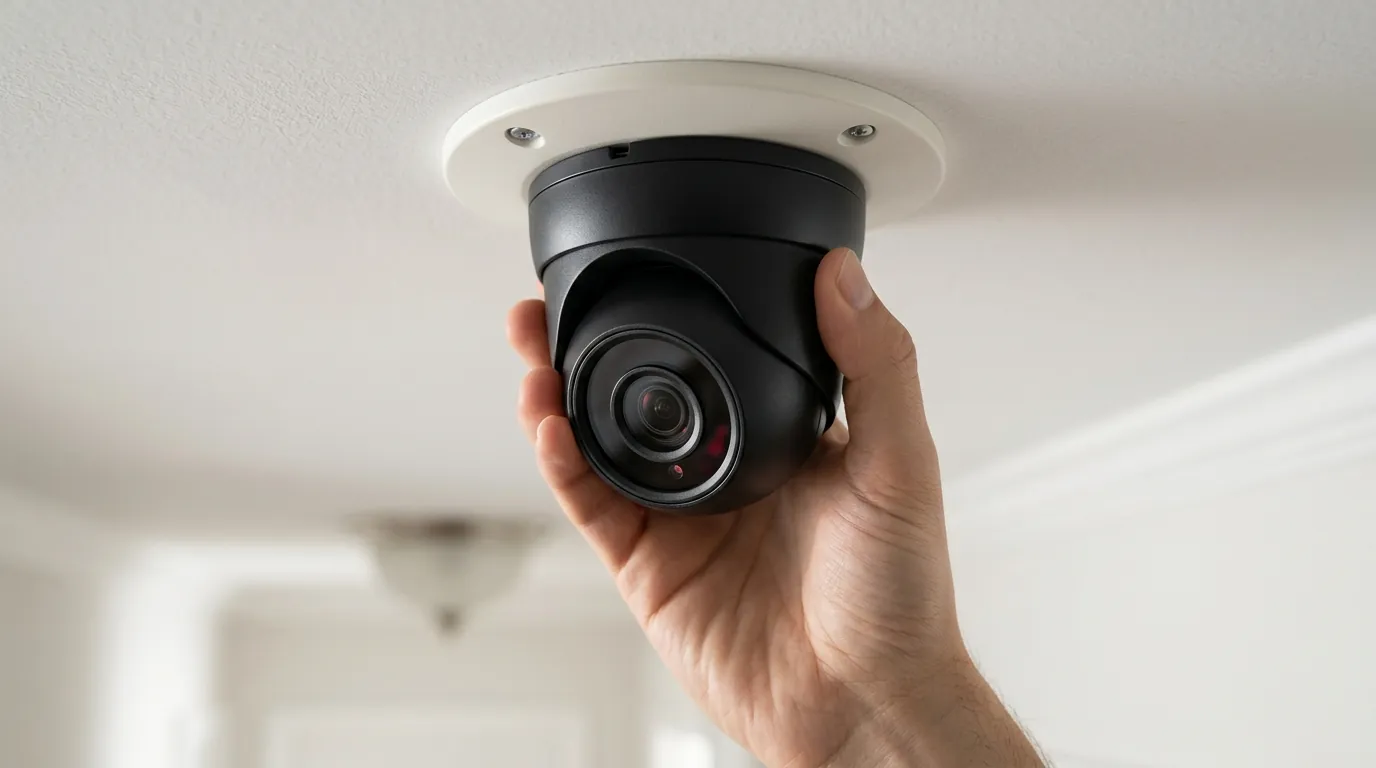
Integrating Aqara via Matter is not without its nuances, particularly regarding battery life and advanced camera features.
Matter 1.5.1 and Security Cameras
As of 2026, Matter 1.5.1 has expanded support for security cameras, but the implementation is still evolving. While the Aqara G3 Camera Hub can bridge its sensors (motion, door, etc.) to Home Assistant via Matter, the high-definition video stream often still requires a secondary protocol like RTSP or the HomeKit Controller (now Apple Home) integration for the most reliable performance. Users should prioritize the Aqara M3 for sensor bridging and use dedicated video integrations for the camera feeds until Matter video streaming achieves parity with native protocols.
Battery Life Impact: Zigbee vs. Thread
A major consideration for security is how long your sensors last. Traditional Aqara Zigbee sensors (bridged via an M2/M3) are incredibly efficient, often lasting 2 years on a single CR2032 battery. Newer Matter-over-Thread sensors, like the Aqara P2, offer similar longevity but provide faster response times and better range.
Benchmark: Sensor Longevity
- Aqara P1 (Zigbee): ~24 months (Standard 2.4GHz mesh)
- Aqara P2 (Thread): ~22 months (Requires Thread Border Router; faster wake-up time) Source: Aqara P2 Technical Specifications
The “What to do now” Resolution
If you are currently experiencing drops or latency with an older M2 hub, the recommendation for 2026 is to upgrade to the Aqara Hub M3 (around $120). The M3’s support for Power over Ethernet (PoE) provides a rock-solid physical connection to your network, which is critical for a security backbone. It also features “Edge Mode,” which allows Aqara devices to continue running complex automations locally even if the Home Assistant server is temporarily offline.
Decision Framework: Choosing Your Setup
- If you are a renter: Prioritize the Aqara G3 Camera Hub (around $100). It serves as a 2K security camera and a Matter bridge, making it a space-saving, all-in-one solution that is easy to move.
- If you are a homeowner with Ethernet wiring: Choose the Aqara Hub M3 (around $120). Use PoE to power the device and ensure it is centrally located to provide the best Zigbee and Thread coverage.
- If you have a large budget and want zero cloud: Use an Aqara Hub M3 paired with Home Assistant Green or Yellow. This “local-only” stack ensures your security data never touches a server you don’t own.
Total Cost of Ownership (3-Year Analysis)
When choosing a security ecosystem, the hardware price is only one part of the equation. Aqara’s Matter-compatible hubs offer a significant financial advantage over subscription-based competitors.
| Expense Category | Aqara + Home Assistant (Local) | Ring / Arlo (Cloud) |
|---|---|---|
| Initial Hardware | ~$130 (M3 Hub) + ~$100 (Sensors) | ~$150 (Starter Kit) |
| Subscription Fee | $0 | ~$120/year (Professional Monitoring/Cloud Storage) |
| 3-Year Total Cost | ~$230 | ~$510 |
By opting for the Home Assistant Matter integration, you are effectively “buying back” your privacy and saving nearly $300 over three years.
Common misconceptions
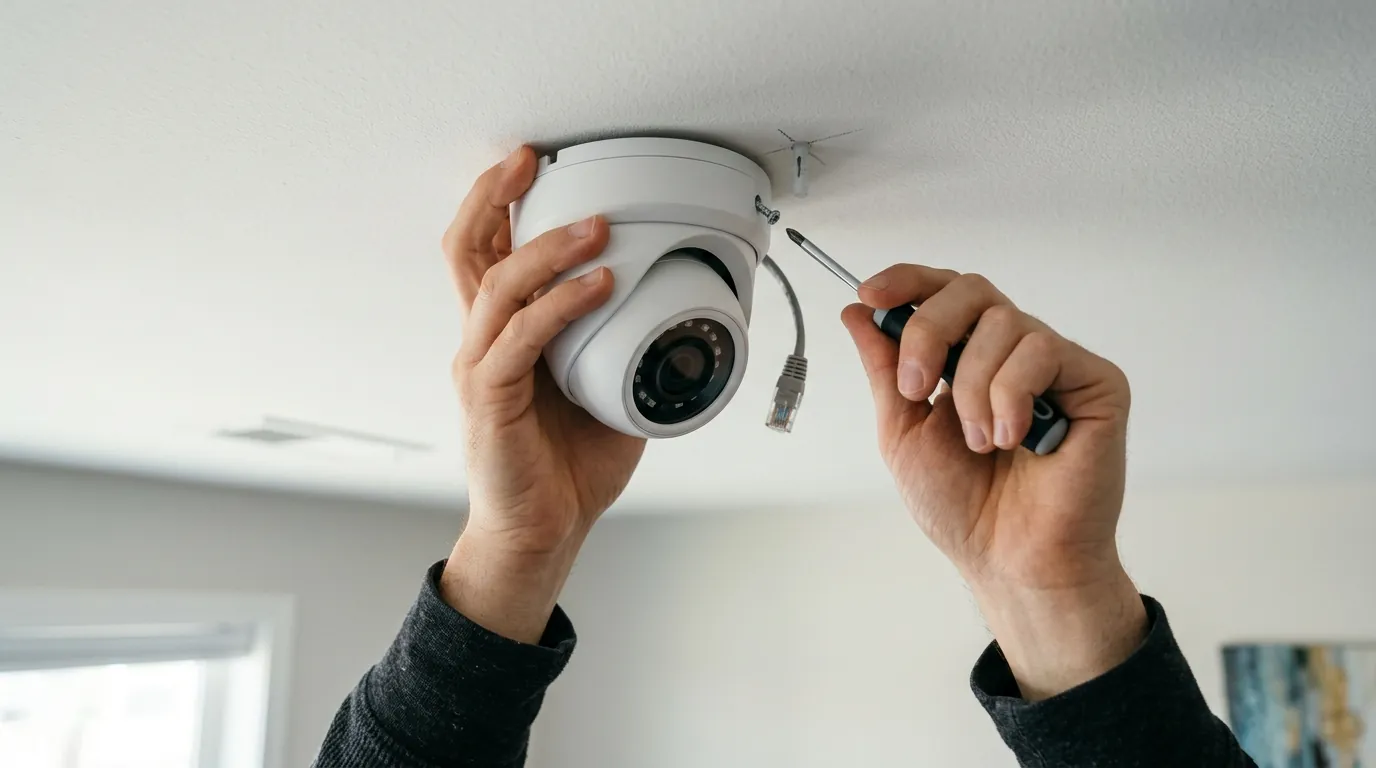
Misconception 1: “Matter means I don’t need the Aqara App.”
Reality: You still need the Aqara Home app for two critical tasks: firmware updates and advanced device configuration. Matter does not yet support “Over-the-Air” (OTA) firmware updates across different brands. To keep your Hub M3 secure, you must occasionally check the Aqara app. Additionally, AI features on cameras (like face recognition or gesture control) are not yet exposed via the Matter protocol and must be managed in the native app.
Misconception 2: “All Zigbee devices become Matter devices.”
Reality: The hub bridges the devices, but the Matter standard determines what “types” of devices are visible. While basic sensors (contact, motion, temperature) work flawlessly, more niche Zigbee devices like energy-monitoring plugs may not always pass their energy data through the Matter bridge to Home Assistant, depending on the current version of the Matter standard being used.
Misconception 3: “Matter is only for Thread.”
Reality: This is a common point of confusion. Matter is a software layer that can run over Wi-Fi, Ethernet, or Thread. The Aqara M2 and M3 hubs use Wi-Fi or Ethernet to talk to Home Assistant, while using Zigbee to talk to their sensors. You do not need to replace your existing Zigbee sensors to use Matter.
Misconception 4: “Matter is 100% local.”
Reality: While the control is local, some “Edge” features—like push notifications to your phone when you are away from home—still rely on a cloud relay. If your internet goes out, your Home Assistant automations (like “Turn on lights if motion detected”) will work, but you won’t receive a notification on your phone until the connection is restored.
Further reading
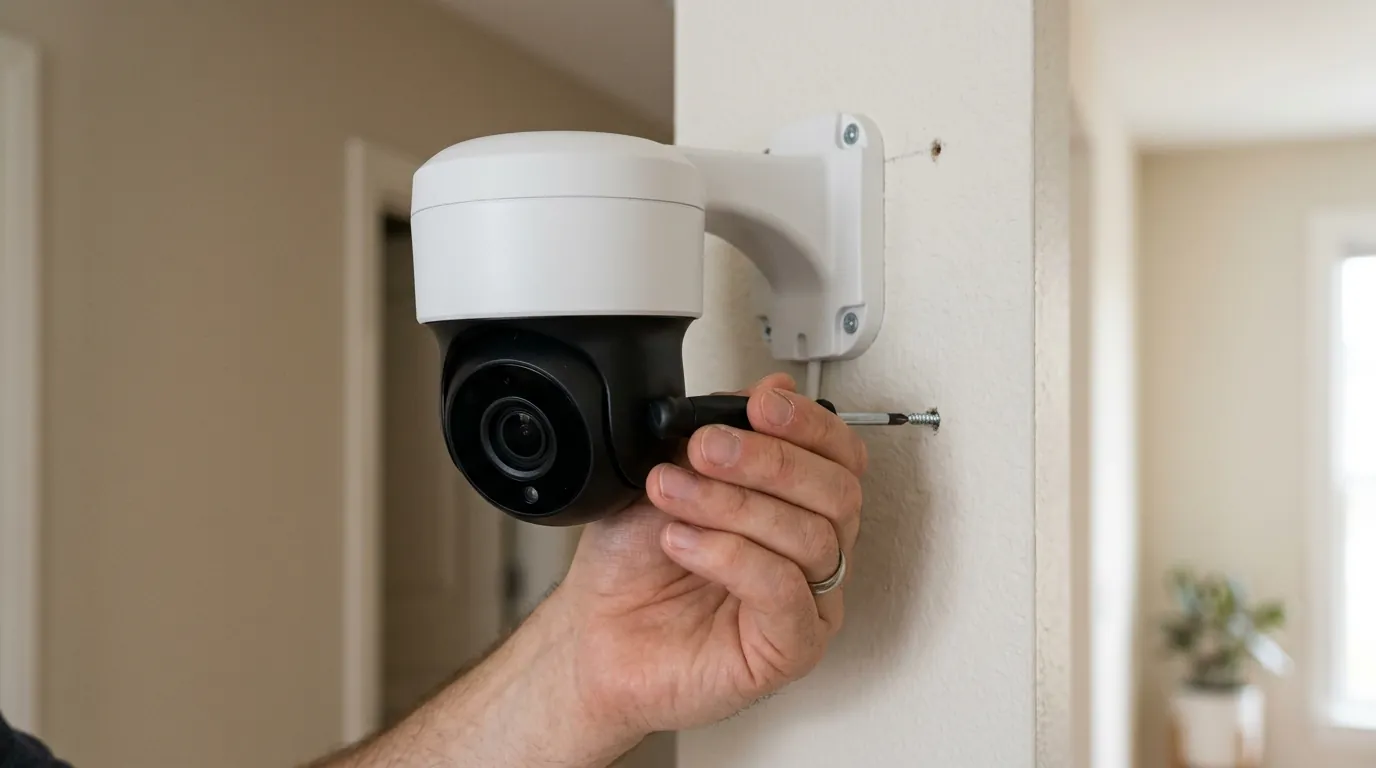
To maintain a healthy local security ecosystem, regular maintenance is required. Matter is a “chatty” protocol, and your network hygiene is paramount to preventing drops.
Checklist: 5 Steps to Verify Your Matter Network Hygiene
- Assign Static IPs: Ensure your Aqara Hub and Home Assistant server have reserved IP addresses in your router settings.
- Check IPv6 Support: Confirm that your router has IPv6 enabled; Matter will not function correctly on IPv4-only networks.
- Update Hub Firmware: Before pairing via Matter, ensure the hub is on the latest version via the Aqara Home app.
- Monitor Signal Strength: Ensure your Hub M3 is not placed inside a metal cabinet, which can severely degrade Zigbee and Thread range.
- Backup Your Fabric: Use Home Assistant’s backup tool to save your Matter credentials and fabric state weekly.
Advanced Home Assistant Configurations
For those looking to push their setup further, consider exploring the “Multi-Admin” capabilities. You can pair your Aqara Hub to Home Assistant as your primary automation engine, while also pairing it to an Apple HomePod or Google Nest Hub. This allows for voice control via Siri or Google Assistant without compromising the local-first integrity of your Home Assistant setup.
Expanding Your Local Security Ecosystem
As you grow your system, look for “Native Matter” devices to complement your bridged Aqara sensors. Mixing bridged Zigbee devices with native Thread devices creates a robust, multi-layered security mesh that is resilient to interference and hardware failures. Quvii tracks these trade-offs across the category to help users navigate the transition from legacy cloud systems to modern, local-first security.
Frequently Asked Questions
Can I use Aqara sensors in Home Assistant without an Aqara hub?
Yes, you can use a generic Zigbee USB dongle (like the SkyConnect or Sonoff ZBDongle-E) with the Zigbee2MQTT or ZHA integration. However, using an Aqara Hub via Matter is often easier for beginners and allows you to keep the Aqara app for easy firmware updates.
Does the Aqara M3 Hub support PoE?
Yes, the Aqara Hub M3 supports Power over Ethernet (PoE), allowing it to receive both power and data through a single Ethernet cable. This is highly recommended for stability in a Home Assistant setup.
Will my existing Aqara Zigbee sensors work with Matter?
Yes, as long as they are paired to a Matter-compatible Aqara hub (like the M3, M2, or M1S Gen 2). The hub acts as a bridge, making your old Zigbee sensors appear as Matter devices in Home Assistant.
What happens if the Aqara cloud goes down?
If you have connected your hub to Home Assistant via Matter, your automations and local control will continue to work without interruption. Only cloud-dependent features, like remote push notifications from the Aqara app, would be affected.
Sources
- Aqara M3 Product Page
- Aqara M2 Product Page — https://www.aqara.com/en/product/hub-m2
- Home Assistant Matter Integration Documentation — https://www.home-assistant.io/integrations/matter/
- Matter Standard 1.3/1.4 Specifications — https://csa-iot.org/all-solutions/matter/
- Aqara P2 Sensor Technical Data — https://www.aqara.com/en/product/door-and-window-sensor-p2
- Privacy Policy and Local Control (Aqara) — https://www.aqara.com/en/privacy-policy/