
Home Assistant 2026.7.0: Alexa Media Player Breaking Changes
The release of Home Assistant 2026.7.0 brings significant performance upgrades to smart home dashboards, but for many users, it also brings an immediate “Integration Error” for one of the community’s most popular tools.
Quick Answer: The 2026.7.0 update breaks Alexa Media Player due to aiohttp cookie changes. Update to v5.15.5+ to restore Echo Show camera feeds and use the new ‘Purpose-Specific Triggers’ for faster doorbell notifications.
What it means
Related: EZVIZ Camera Motion Detection Zones: A Complete Setup Guide · Tapo C210 Motion Tracking Issues: Understanding Firmware & Fixes · Nest Cam (Battery) Offline After Storm: Causes & Fixes
The release of Home Assistant Core 2026.7.0 (and its preceding beta, 2026.7.0b0) introduces a critical breaking change for the alexa_media_player HACS integration. This custom component, used by hundreds of thousands of users to bridge Amazon Echo devices with Home Assistant, relies on an unofficial API that has been destabilized by architectural shifts in the Home Assistant core.
Users upgrading to the 2026.7.0 cycle will likely encounter “Integration fails to launch” or “Invalid flow specified” errors in their logs. Because this integration handles the communication between Home Assistant and Amazon’s cloud, the failure effectively disables two-way audio, Text-to-Speech (TTS) announcements, and—most critically for security-minded users—the ability to automatically trigger camera feeds on Echo Show devices.
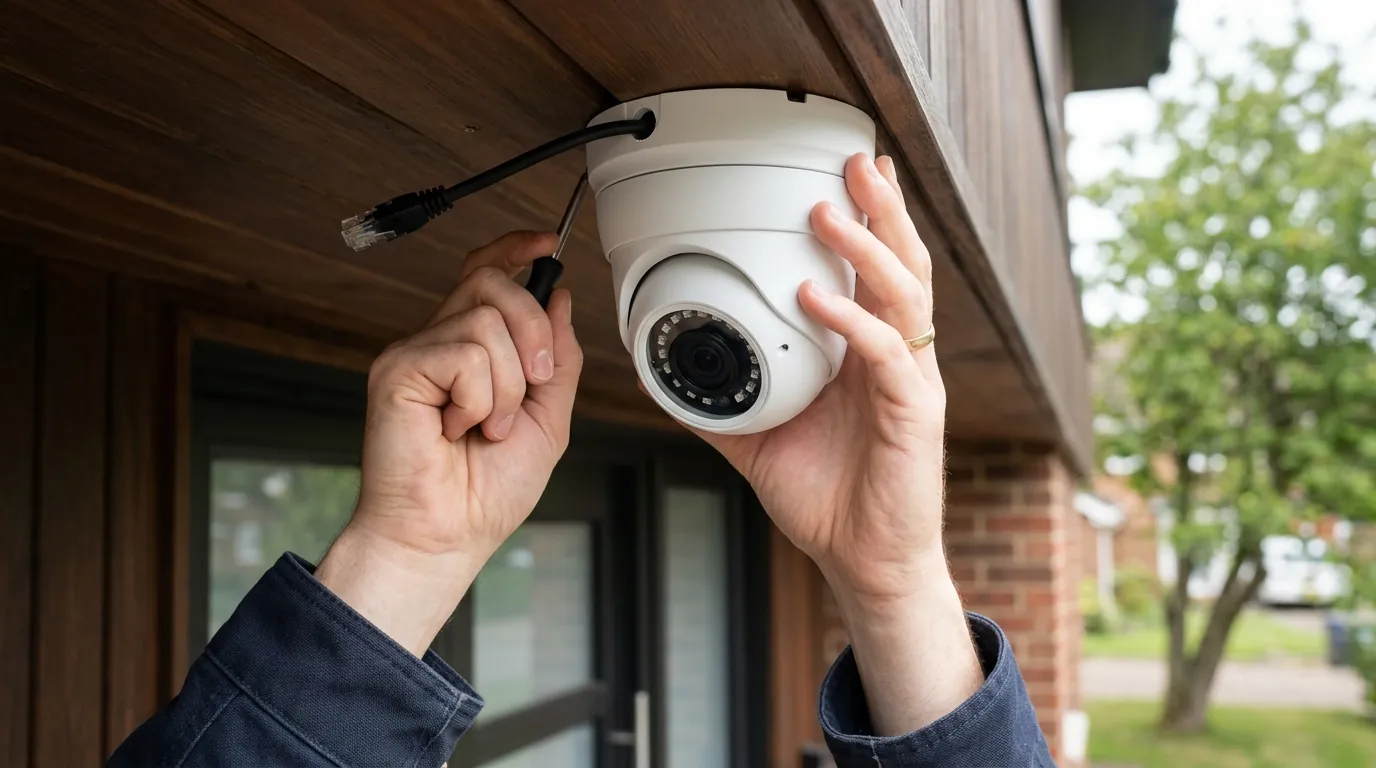
For camera owners, this means automations like “Show front door on Echo Show when someone rings the doorbell” will stop functioning. The integration can no longer maintain a stable session with Amazon’s servers, leading to a complete loss of control over Alexa-enabled hardware from within the Home Assistant UI. Furthermore, this update marks the official transition to “Purpose-Specific Triggers,” which fundamentally changes how camera motion and doorbell events are categorized and handled in the automation engine.
The End of Legacy Cookie Sessions
Historically, alexa_media_player maintained its connection to Amazon by storing session cookies in a local file. However, Home Assistant 2026.7.0 mandates a new way of handling these persistent sessions to align with modern security standards. The legacy method of simply writing a “CookieJar” to disk without partitioned attributes is no longer supported by the underlying Python libraries used in the 2026.7.0 release. This results in the integration being unable to “remember” its login state, forcing users into a loop of constant re-authentication that eventually triggers Amazon’s bot detection.
Impact on Echo Show Camera Feeds
The Echo Show 5, 8, 10, and 15 remain the most popular “kiosk” devices for Home Assistant users to view their security cameras. In previous versions, Home Assistant would send a “media_control” command to the Echo Show to open a specific camera stream. With the 2026.7.0 breaking change, the bridge that translates these commands is severed. Even if your cameras (such as those from Reolink or Eufy) are working perfectly within the Home Assistant dashboard, they will appear “Unavailable” to your Echo devices until the integration is patched and the session handling is modernized.
Why it exists
The breakage in 2026.7.0 isn’t an accident or an act of malice by the Home Assistant developers; it is a side effect of necessary security hardening and the adoption of newer web standards.
Security Hardening in aiohttp
Home Assistant Core 2026.7 has upgraded its underlying aiohttp library to version 3.11+. This version introduces support for “Partitioned” cookies, also known as CHIPS (Cookies Having Independent Partitioned State). This is a privacy standard required by modern browsers to prevent cross-site tracking. The unofficial Alexa API used by the HACS integration was not designed to handle these partitioned attributes. When the integration attempts to save its CookieJar, the new library version flags the metadata as incompatible and crashes the session save process.
The Push for Local WebRTC Standards
Beyond the cookie issue, the 2026.7 update reflects a broader industry shift toward WebRTC (Web Real-Time Communication). Amazon’s 2026 “Works with Alexa” (WWA) mandate now requires WebRTC for all camera streams to ensure low-latency performance. Legacy methods like MJPEG or HLS tunneling—which many Home Assistant users still rely on for older cameras—are being deprecated in favor of these faster, encrypted streams.
Additionally, Home Assistant OS 18.0, which often accompanies this core update, ships with Python 3.14. This version of Python has stricter requirements for asynchronous code. It now flags “blocking calls” (code that stops the whole system while waiting for a response) more aggressively. The alexa_media_player authentication flow, which often waits several seconds for an Amazon response, was triggering these safety checks, leading to system instability.
| Feature | Legacy HLS (Pre-2026) | 2026 WebRTC Requirements |
|---|---|---|
| Latency | 6–12 seconds | < 2 seconds |
| Encryption | Optional / TLS 1.2 | Mandatory / DTLS-SRTP |
| Network | TCP (High overhead) | UDP (Low overhead) |
| Browser Support | Requires plugin/buffer | Native (No buffer) |
| HA Version | 2024.x and older | 2026.7.0+ Recommended |
Data cited from Amazon Developer SnapshotProvider API and Home Assistant Architecture Discussion.
How it works under the hood
To understand the fix, one must look at the “alexapy” library—the Python backbone of the Alexa integration. When Home Assistant 2026.7 attempts to initialize the integration, it calls CookieJar.save(). Because the new version of aiohttp adds metadata to the cookies (like the Partitioned flag), the old serialization logic in alexapy fails to write the file.
The aiohttp CookieJar Conflict
The conflict occurs because the integration tries to treat the cookie jar as a simple dictionary. In 2026.7, the cookie jar is a complex object with specific security constraints. To bypass this, the updated version of the integration (v5.15.5) must intercept the save command and strip out the incompatible metadata before writing to the /config/.storage/ folder. This allows the session to persist across Home Assistant restarts without triggering a fresh login request to Amazon.
Sub-device Mapping for Multi-Lens Cameras
A second major “under the hood” change in 2026.7.0 is how multi-lens cameras are handled. Cameras like the Reolink Duo 3, which uses two 4K sensors to create a 180-degree field of view, were previously treated as a single, ultra-wide video entity. This often confused Alexa, which struggled to display non-standard aspect ratios.
In 2026.7.0, Home Assistant now supports “Sub-device Mapping.” This allows the integration to present the Duo 3 to Alexa as two separate lenses or a single stitched feed, depending on the Echo Show’s capabilities. You can now use more specific voice commands, such as “Alexa, show the Left Driveway,” by targeting the specific lens entity.
2026.7.0 Automation YAML Example:
alias: "Doorbell Press: Show Camera on Echo"
trigger:
  - platform: device
    device_id: front_door_camera
    domain: camera
    type: doorbell_press # New Purpose-Specific Trigger
action:
  - service: media_player.play_media
    target:
      entity_id: media_player.kitchen_echo_show
    data:
      media_content_id: camera.front_door_stitched
      media_content_type: "app://com.amazon.echo.show.camera"
Real-world implications
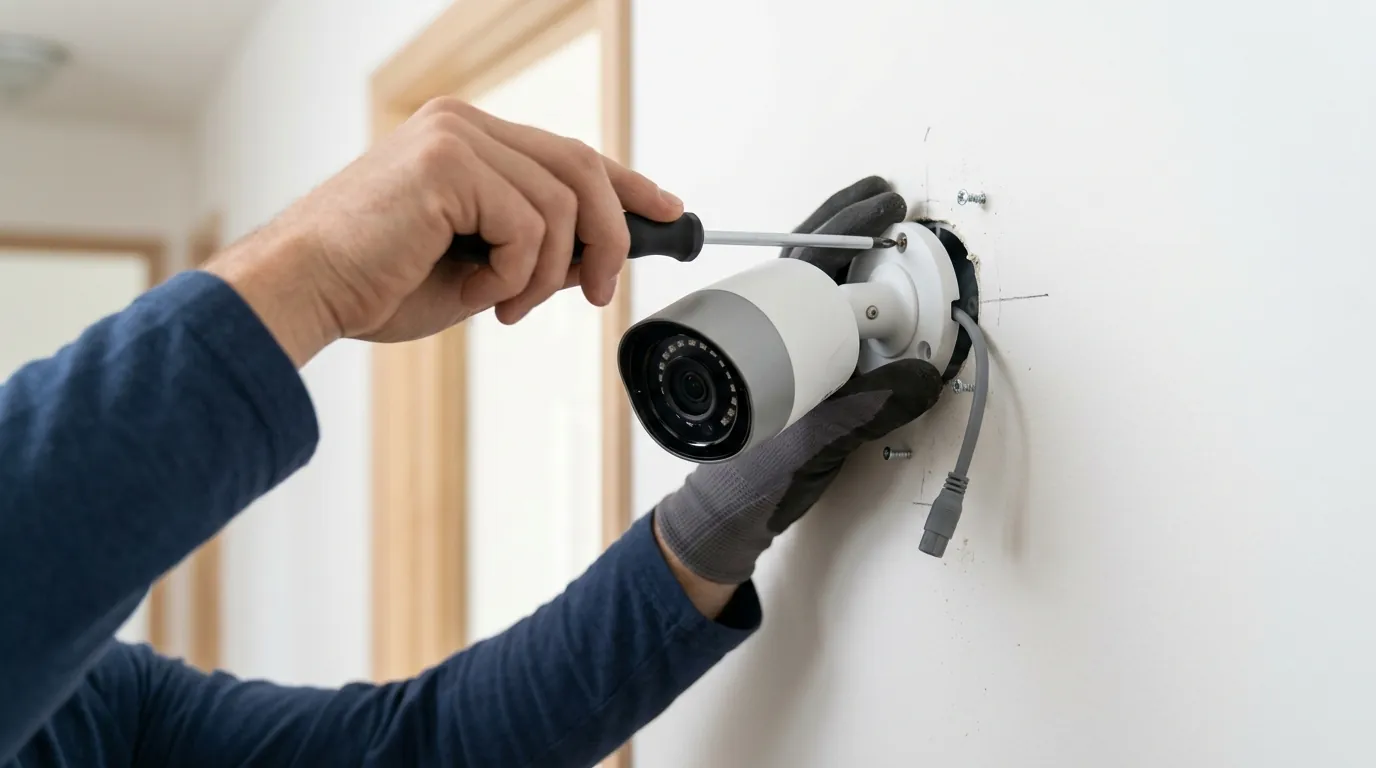
The immediate reality for users is that they must perform a specific update sequence to avoid a “dark” smart home.
The 2-Second Stream Goal
The primary benefit of moving to 2026.7.0 and the new WebRTC standards is the massive reduction in “Wait for Home Assistant” times on Echo devices. In 2024, it was common to wait 8 to 10 seconds for a camera feed to appear on an Echo Show after a doorbell press. By utilizing the new WebRTC “Protocol Management” panel in HA 2026.7, users can achieve sub-2-second start times. This makes the difference between seeing who is at the door and seeing their back as they walk away.
Migrating Your Doorbell Automations
Users should also migrate their existing “state-based” triggers (e.g., triggering when binary_sensor.doorbell goes from off to on) to the new “Purpose-Specific” triggers. These new triggers are more resilient; they are tied to the function of the device rather than the specific entity name. If you replace your doorbell hardware in the future, the automation remains intact because the “doorbell_press” intent is preserved.
Decision Framework: Handling the Update
| If you are… | Your Priority Should Be… | Recommended Action |
|---|---|---|
| A Renter | Ease of setup / No wiring | Use Nabu Casa Cloud to handle the Alexa OAuth2 handshake; it bypasses the cookie bug entirely. |
| A Homeowner | Privacy / Local speed | Configure a local go2rtc bridge in HA to convert RTSP feeds to WebRTC for the Echo Show. |
| A Power User | Redundancy | Maintain a secondary Zigbee chime in case the Alexa cloud-to-cloud integration fails during an update. |
Total Cost of Ownership (TCO) Analysis
While Home Assistant itself is free, maintaining a high-performance Alexa-integrated camera system has hidden costs over a 3-year period.
- Hardware: A high-quality 4K PoE camera (e.g., Reolink or Amcrest) costs $100–$180.
- Subscription: While HA doesn’t require one, Nabu Casa ($65/year) is highly recommended for secure Alexa integration. (3-year cost: $195).
- Storage: A 2TB surveillance-grade HDD for local NVR storage costs around $70.
- Power: A PoE switch or injector adds $20–$50.
- 3-Year Total: $385–$495. Compare this to a Ring or Nest system, which can exceed $700 over three years when factoring in mandatory “Professional” cloud plans to access basic AI features.
Common misconceptions
Misconception: “Amazon has blocked Home Assistant.”
Reality: Every time a major integration breaks, rumors circulate that Amazon is “closing the garden.” In the case of 2026.7.0, the issue is purely technical. It is a conflict between the aiohttp library and the way the custom integration stores session data. Amazon’s official Smart Home API remains open to developers, though the unofficial “Media Player” method remains a cat-and-mouse game of library updates.
Misconception: “I need a new Echo Show to get the fast 2-second streaming.”
Reality: Even an older 2nd Gen Echo Show or an original Echo Show 5 supports WebRTC. The latency bottleneck is almost always the server (Home Assistant) or the protocol (HLS). By configuring the go2rtc addon in Home Assistant 2026.7, you can force the older Echo hardware to use the faster WebRTC protocol.
Misconception: “Local control is gone.” Reality: Alexa has always been a cloud-dependent service. However, 2026.7.0 actually improves local pre-processing. By using the new “Protocol Management” features, Home Assistant does the heavy lifting of transcoding the video locally before handing a ready-to-play stream to the Amazon cloud.
Checklist: Is your camera 2026.7 ready?
- Firmware: Is your camera running a 2025 or newer firmware that supports WebRTC or RTSP?
- Integration: Have you updated
alexa_media_playerto v5.15.5 in HACS? - Authentication: Do you have a 52-character 2SV (Two-Step Verification) key saved in your password manager?
- Add-ons: Is
go2rtcinstalled and configured in your Home Assistant Add-on store?
Further reading
The transition to 2026.7.0 is part of the “Year of the Voice” legacy, where the Open Home Foundation continues to push for faster, more local interactions even when using cloud assistants like Alexa.
Community Fixes and Workarounds
If the automated update via HACS fails, users have found success by manually deleting the pickle files in the .storage directory and re-authenticating using the “Built-in App” method rather than the “SMS/Email” method. This bypasses the partitioned cookie requirement by utilizing a more modern OAuth2 flow.
The Future of the Open Home Foundation
As we move further into 2026, the Open Home Foundation (the entity behind Home Assistant) is working toward a “Matter-native” bridge for Alexa. This would eventually replace the alexa_media_player integration with a standardized, local protocol that doesn’t rely on unofficial APIs or cookie-scraping, potentially ending the cycle of breaking changes for good.
Frequently Asked Questions
Why does my Echo Show say “Camera is not responding” after the 2026.7.0 update?
This is usually caused by the alexa_media_player integration failing to load. Check your Home Assistant logs for “CookieJar” errors. Updating the integration to version 5.15.5 or higher and restarting Home Assistant should resolve the connection.
Do I need Nabu Casa for the new WebRTC features?
While Nabu Casa makes the setup significantly easier by providing a secure URL for Amazon to reach your camera streams, it is not strictly required. You can achieve the same results with a manual DuckDNS setup and a properly configured go2rtc instance, though it requires more advanced networking knowledge.
What are ‘Purpose-Specific Triggers’ in Home Assistant?
Introduced in 2026.7, these are simplified automation triggers. Instead of looking for a specific sensor state (like binary_sensor.front_door_motion = on), you simply select “Motion Detected” from the camera’s device menu. This makes automations more readable and easier to maintain when you swap out hardware.
How do I fix the “Invalid Flow” error when logging into Alexa?
This error occurs when the integration cannot save the authentication token. Ensure you are running the latest version of the integration and try clearing your browser cache before attempting the login flow again. If it persists, you may need to generate a new 2SV key from your Amazon Security settings.
Sources
- Home Assistant Release Notes 2026.7 — https://www.home-assistant.io/blog/2026/07/01/release-20267/
- Alexa Media Player GitHub Issue Tracker — https://github.com/keatontaylor/alexa_media_player/issues
- Amazon Developer: WebRTC Requirements for Cameras
- Python 3.14 Release Schedule and Changes — https://docs.python.org/3.14/whatsnew/3.14.html
- aiohttp Documentation: Cookie Management — https://docs.aiohttp.org/en/stable/client_reference.html#cookiejar
Quvii tracks these trade-offs across the category to help users build resilient, private smart home systems. While we are developing our own hardware solutions, our priority remains providing vendor-neutral intelligence on the integrations you use every day.