
Google Nest Cam vs. Ring Stick Up Cam: 2026 Comparison
Choosing between the Google Nest Cam (Battery) and the Ring Stick Up Cam Pro requires looking past the hardware to the software ecosystem and the long-term subscription costs that define the user experience in 2026. While both cameras offer 1080p HDR video, they diverge significantly in how they process motion alerts and how much they charge for access to your own video history.
Quick Answer: Choose Nest Cam for better free features (3-hour event history) and Gemini AI. Choose Ring Stick Up Cam Pro for superior radar-based motion tracking and lower entry-level subscription costs ($5/mo).
What it means
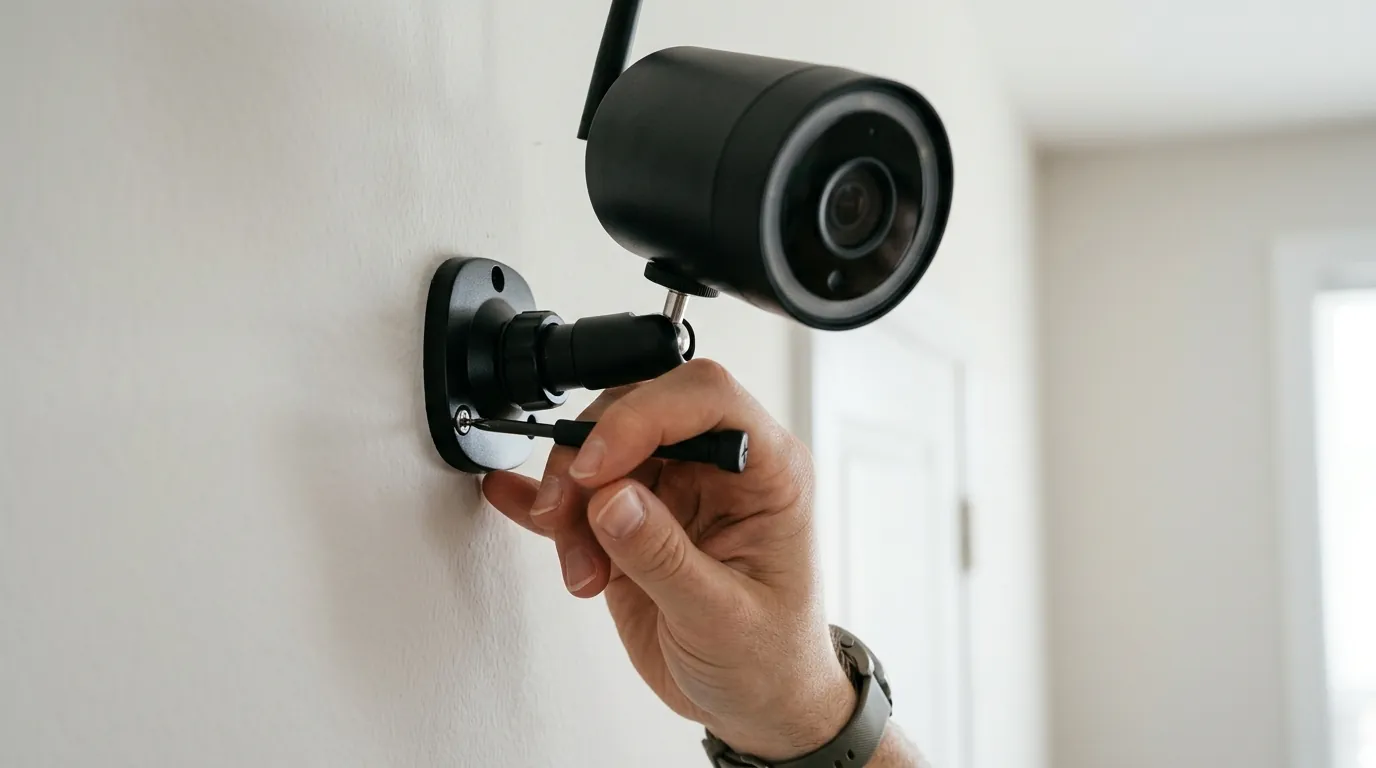
The choice between Nest and Ring is primarily a choice of ecosystem: Google Home/Gemini vs. Amazon Alexa. In 2026, the hardware itself has become secondary to the artificial intelligence and smart home integration that powers it. Buying a Nest Cam means committing to the Google Home app and Google’s Gemini AI, while a Ring purchase anchors you to the Alexa ecosystem and the Ring Neighbors platform.
Both cameras represent the “versatile” tier of the market—battery-powered, weather-resistant, and capable of indoor or outdoor placement. They are designed to be “sticky” products, serving as the entry point for a larger home security network. In 2026, these brands have pivoted heavily toward AI-driven “intelligence” over pure hardware resolution, focusing on the camera’s ability to interpret what it sees rather than just recording pixels.
The Ecosystem Lock-in
Integration is the primary driver of satisfaction for these devices. A Nest Cam’s utility increases if you own a Nest Hub Max, as the Gemini AI can provide verbal summaries of the day’s events. Conversely, a Ring Stick Up Cam Pro is most effective when paired with an Echo Show, utilizing “Bird’s Eye View” to show a visitor’s path directly on the smart display’s map.
Ecosystem Compatibility Chart (2026)
| Feature | Google Nest Cam (Battery) | Ring Stick Up Cam Pro |
|---|---|---|
| Primary App | Google Home | Ring |
| Voice Assistant | Google Assistant / Gemini | Amazon Alexa |
| Smart Display Support | Nest Hub, Chromecast | Echo Show, Fire TV |
| Matter Support | Yes (Bridge/Controller required) | Yes (via Alexa/Matter Controller) |
| Third-Party Apps | Limited (IFTTT, ADT) | Broad (SmartThings, IFTTT) |
| Desktop Viewing | home.google.com | ring.com/users/login |
Hardware Versatility: Battery vs. Wired
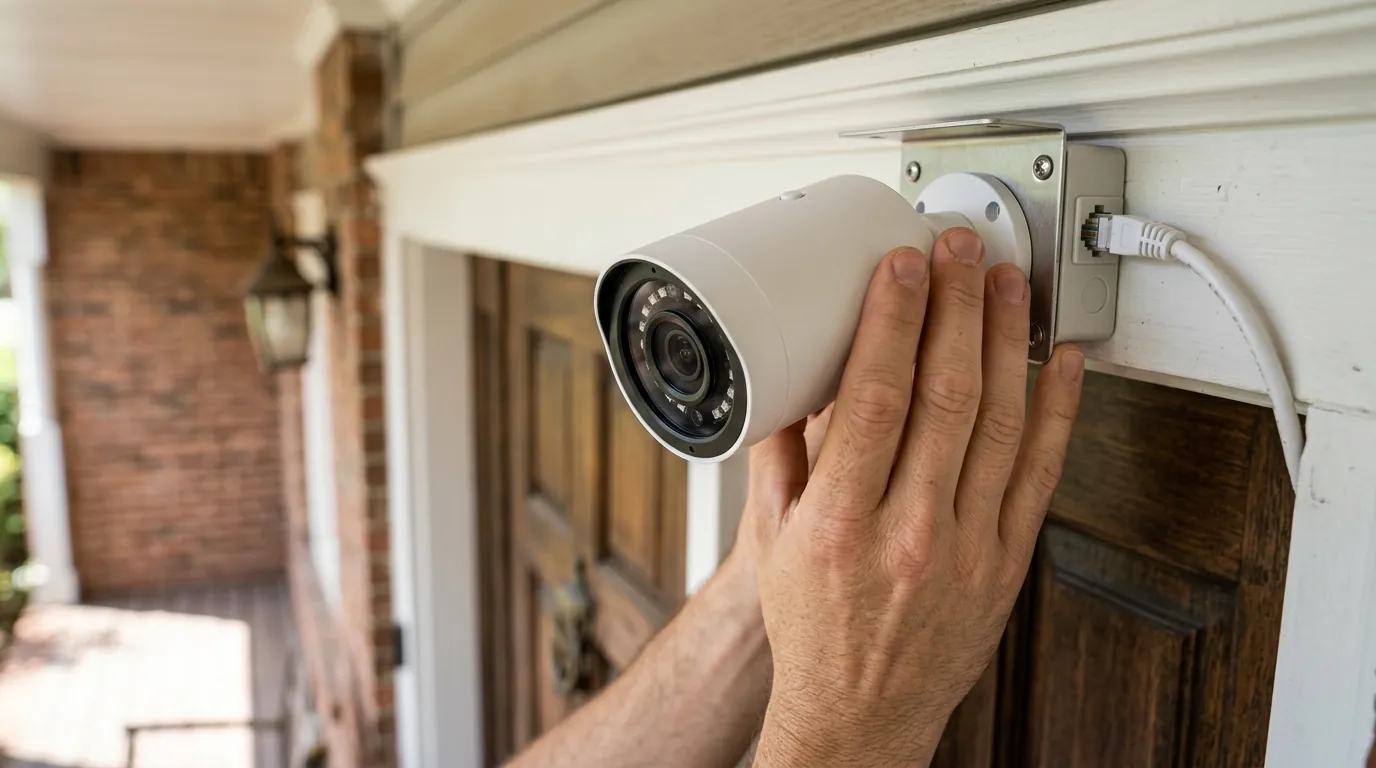
Both models are sold primarily as battery-powered units to appeal to renters and DIY homeowners who avoid drilling through exterior walls. However, both offer “plug-in” versions or solar panel accessories. The Google Nest Cam (Battery) uses a proprietary magnetic mount that allows for easy removal for charging, while the Ring Stick Up Cam Pro features a quick-release battery pack, allowing the camera housing to remain mounted while you swap in a fresh battery.
[Image Spec: A side-by-side real-world installation: A Google Nest Cam (Battery) mounted on a white wooden porch pillar next to a Ring Stick Up Cam Pro mounted on grey siding, showing the size difference and mounting hardware. Aspect Ratio: 16:9]
Why it exists
Amazon and Google dominate the US market by offering affordable hardware subsidized by recurring subscription revenue. The “Stick Up” and “Nest Cam” form factors exist to provide a “one-size-fits-all” solution for renters and homeowners who don’t want complex wiring. By 2026, these cameras have moved away from being simple recording devices and have become sensors for a broader ambient intelligence strategy.
The 2026 landscape is defined by the transition from “motion alerts” to “generative AI descriptions” of events. Instead of a notification saying “Motion detected,” a Nest Cam might report, “The delivery driver left a package by the blue chair,” while a Ring Cam provides a radar-mapped path of that driver’s movement across the lawn.
Market Share Visualization: US Consumer Security Cameras (2025-2026 Data)
Based on 2025 industry reports and retail data:
- Ring (Amazon): ~35-40% (Maintains lead through aggressive pricing and Echo integration).
- Google Nest: ~15-20% (Strongest in “Pro-sumer” and Google Workspace-heavy households).
- Arlo: ~10-12% (Focusing on high-resolution premium hardware).
- Others (Eufy, Wyze, Reolink): ~30% (Gaining ground in the no-subscription and local storage segments).
(Note: Data synthesized from Strategy Analytics and market retail trackers.)
How it works under the hood
While both cameras record in 1080p, the technology used to trigger and process those recordings differs fundamentally between the two brands.
Sensors and Field of View
The Nest Cam (Battery) utilizes a 2-megapixel sensor with HDR (High Dynamic Range) to handle difficult lighting, such as a porch in deep shadow with a bright street in the background. It offers a 130° diagonal field of view (FOV). The Ring Stick Up Cam Pro offers a wider 155° diagonal FOV, which is beneficial for monitoring wide front yards or large indoor rooms.
AI Processing: On-Device vs. Cloud
Google has integrated its Tensor Processing Unit (TPU) directly into the Nest Cam. This allows the camera to perform person, animal, and vehicle detection on the device itself, reducing the latency of notifications and improving privacy by not sending every motion clip to the cloud for analysis. In 2026, this hardware enables “Gemini for Home,” which can answer natural language questions about your footage (e.g., “Did the kids get home from school?”).
Ring Stick Up Cam Pro relies on 3D Motion Detection. This uses radar sensors to measure the distance and angle of an object in front of the camera. Users can set a specific “distance threshold,” so the camera only triggers if someone steps within 10 feet of the door, ignoring cars on the street. This radar data powers “Bird’s Eye View,” an aerial map overlay showing the exact path a visitor took.
The Local Storage Safety Net
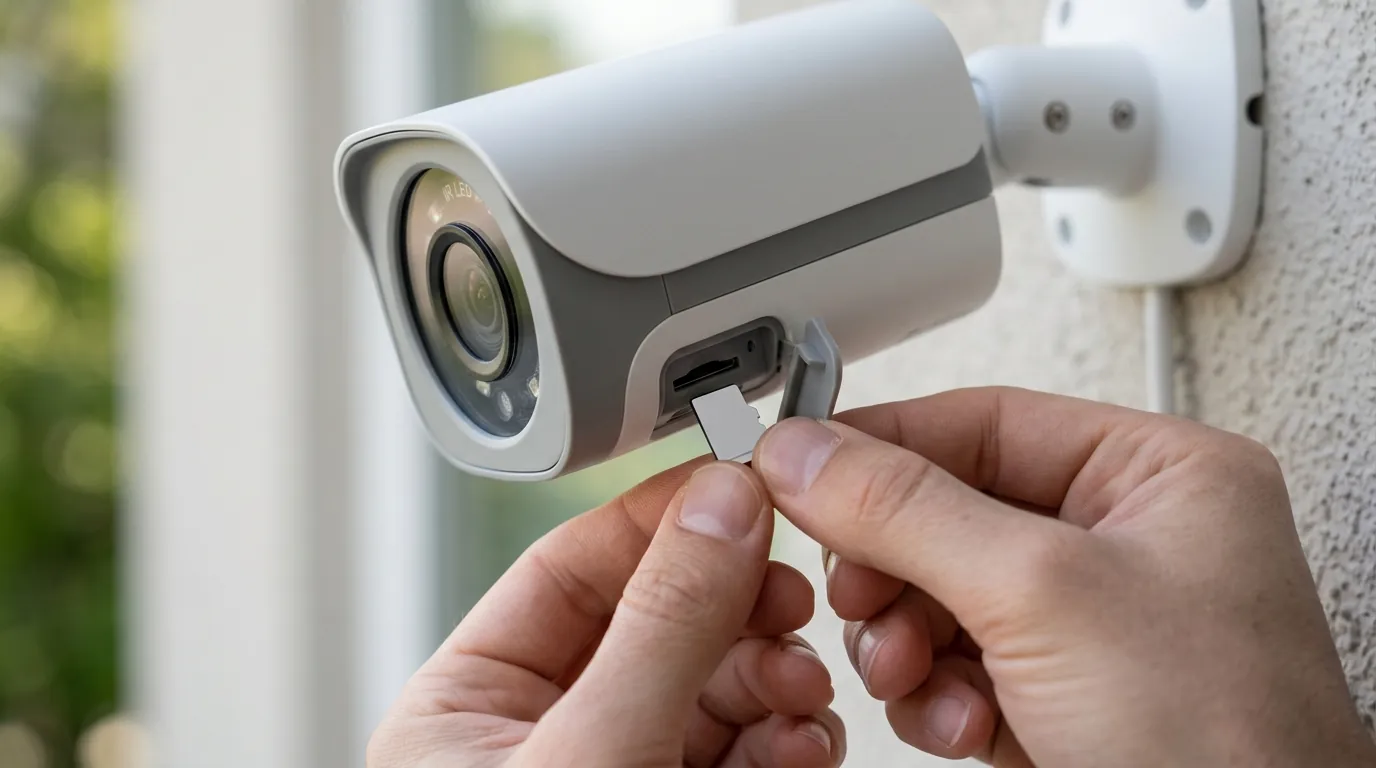
A common weakness of cloud-based cameras is their reliance on an active internet connection. Google Nest Cam includes a local storage buffer that can hold up to 1 hour of event video history if the Wi-Fi goes down. Once the connection is restored, the clips are uploaded to the cloud.
Ring cameras generally do not have on-device storage. To get local storage with a Ring Stick Up Cam, users must purchase a Ring Alarm Pro base station and use “Ring Edge,” which records footage to a microSD card inserted into the base station.
Hardware Spec Table: Nest vs. Ring (2026)
| Spec | Google Nest Cam (Battery) | Ring Stick Up Cam Pro |
|---|---|---|
| Resolution | 1080p HDR | 1080p HDR |
| Field of View | 130° Diagonal | 155° Diagonal |
| Night Vision | 6 High-power IR LEDs | Color Night Vision (LED assisted) |
| AI Processing | On-device TPU (Gemini) | Radar-based 3D Motion Detection |
| Local Storage | 1-hour event buffer | Via Ring Edge (Requires Ring Alarm Pro) |
| Connectivity | 802.11a/b/g/n (2.4/5GHz) | 802.11 b/g/n/ax (2.4/5GHz) |
[Image Spec: A split-screen mobile app comparison showing the Google Home ‘Gemini’ event summary on the left and the Ring ‘Bird’s Eye View’ radar map on the right. Aspect Ratio: 16:9]
Real-world implications
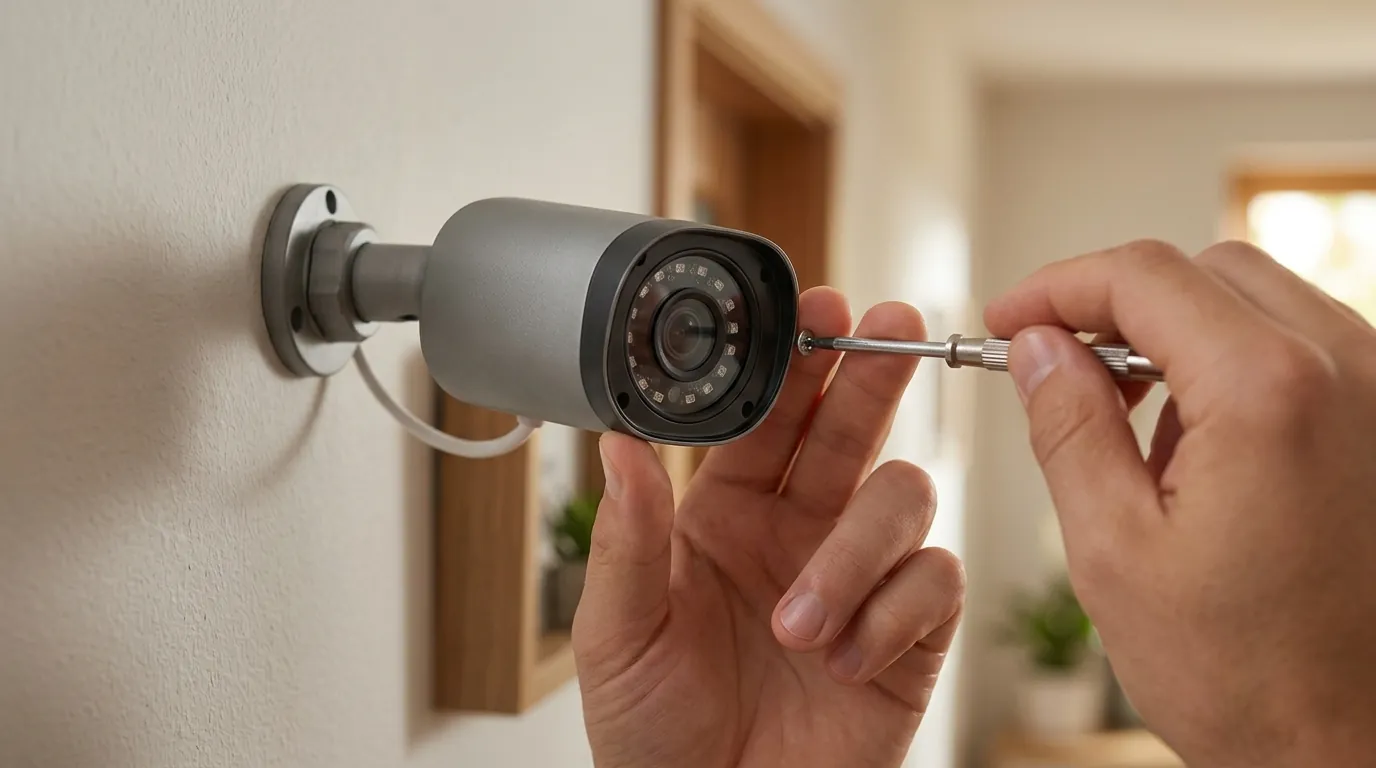
The true cost of these cameras is not the price at the register, but the ongoing “subscription tax” required to make them useful.
The Subscription Tax: 2026 Pricing Tiers
As of 2026, both brands have streamlined their plans. Google offers the “Google Home Premium” plan, while Ring uses the “Ring Solo” and “Ring Protect” tiers.
- Google Home Premium Standard (around $10/mo): Covers all Nest cameras in a single home with 30 days of event video history.
- Google Home Premium Plus (around $15/mo): Increases history to 60 days and adds 10 days of 24/7 continuous video history (for wired cameras only).
- Ring Solo (around $5/mo per device): Provides 180 days of video history for one camera.
- Ring Protect (around $10/mo): Covers unlimited Ring cameras at one location with 180 days of history and professional monitoring discounts for Ring Alarm users.
Privacy and Data Sovereignty
Privacy remains a polarizing topic for both brands. Both Google and Ring have policies regarding “emergency disclosure,” which allow them to share video data with law enforcement without a warrant in specific, life-threatening scenarios. While Ring ended its “Request for Assistance” tool in the Neighbors app in 2024, the underlying legal framework for emergency data requests remains in place in their 2026 transparency reports.
Privacy Policy Summary: Law Enforcement Data Sharing
| Policy Detail | Google Nest | Ring (Amazon) |
|---|---|---|
| Warrant Required? | Yes, for standard requests | Yes, for standard requests |
| Emergency Exception | Yes (Life-safety/Emergency) | Yes (Life-safety/Emergency) |
| End-to-End Encryption | Optional (Disabled by default) | Optional (Disabled by default) |
| Police Access App | None | Neighbors App (Public posts only) |
Reliability in the Smart Home
Total cost of ownership (TCO) for a 3-camera setup over five years often exceeds $1,000 when hardware, mounting accessories, and subscriptions are factored in.
5-Year TCO Comparison (3-Camera Setup)
- Google Nest:
- Hardware: ~$450-$500 (3 cameras @ ~$160 each)
- Subscription: $600 ($10/mo x 60 months)
- Total: ~$1,100
- Ring Stick Up Cam Pro:
- Hardware: ~$480-$540 (3 cameras @ ~$170 each)
- Subscription: $600 ($10/mo Ring Protect x 60 months)
- Total: ~$1,140
Common misconceptions
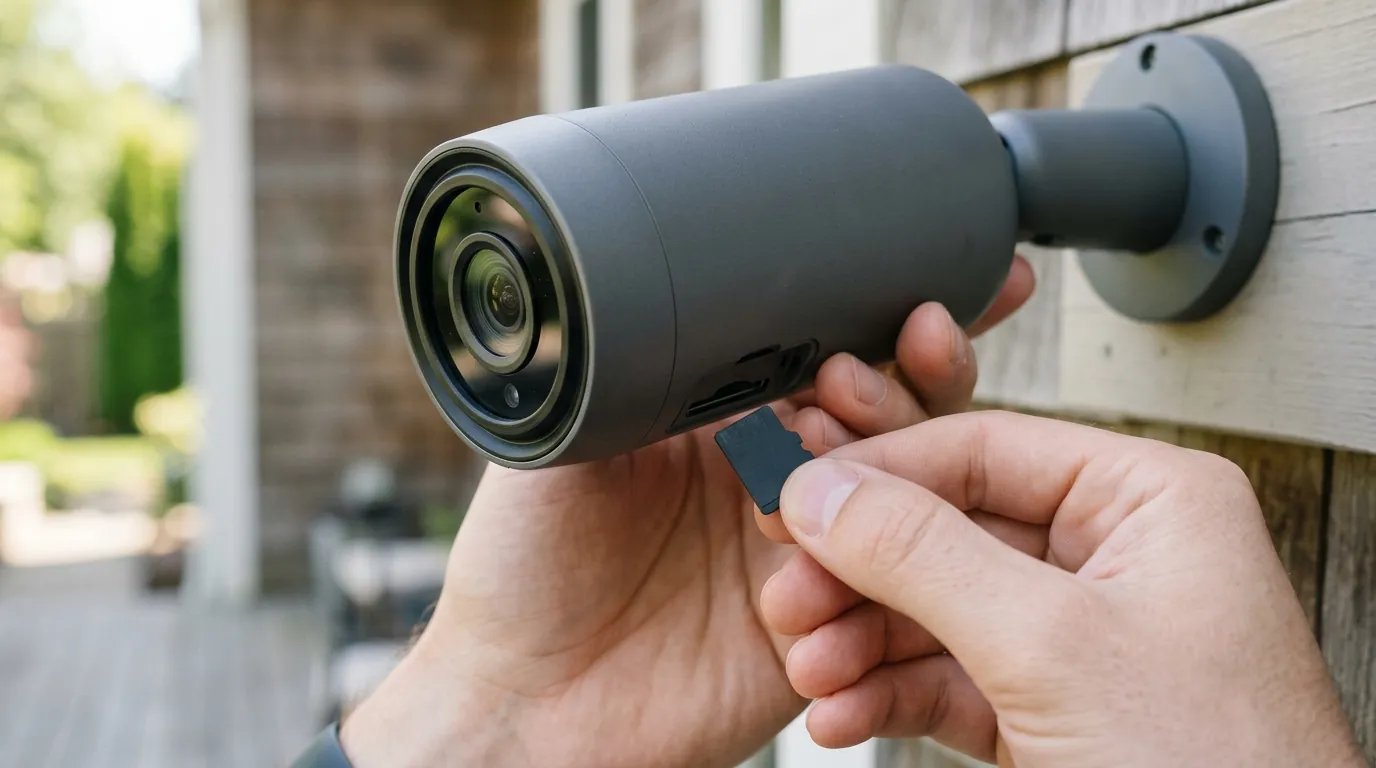
Misconception: “I can use these cameras for free.”
Reality: While you can view a live stream for free on both, their utility as security devices is severely limited without a subscription. In 2026, Ring provides zero video history without a plan; you only receive real-time notifications. Nest is slightly more generous, offering a 3-hour rolling window of event video history for free. If a theft occurs at 3:00 AM and you check your phone at 7:00 AM, the footage is already gone on the free tier.
Comparison of Free Tier Features (2026)
| Feature | Google Nest (Free) | Ring (Free) |
|---|---|---|
| Live View | Yes | Yes |
| Motion Alerts | Yes | Yes |
| Video History | 3 Hours (Events only) | None |
| Person Detection | Included | Subscription Required |
| Rich Notifications | Included | Subscription Required |
Misconception: “1080p is outdated.”
Reality: Many users assume 1080p is inferior to the 4K sensors found in some budget brands. However, both Google and Ring prioritize HDR and bitrate over raw pixel count. This is a deliberate choice to preserve battery life and reduce cloud bandwidth requirements. A high-bitrate 1080p image with HDR often provides better facial recognition in challenging light than a poorly processed 4K image.
Misconception: “Deleting a clip removes it forever.”
Reality: While both brands state that deleted clips are removed from their active servers, 2026 privacy audits and legal disclosures suggest that “residual data” or metadata (the record that a clip existed) can persist in backend backups for a period of time. For users requiring absolute data sovereignty, local storage security cameras or NVR systems are the only viable alternative.
Decision Framework: Which should you buy?
- If you are a Renter: Prioritize the Google Nest Cam (Battery). Its 3-hour free video history means you aren’t forced into a subscription immediately, and the magnetic mount is less invasive for temporary installs.
- If you have a Large Property: Prioritize the Ring Stick Up Cam Pro. The radar-based 3D Motion Detection is significantly better at filtering out “false positives” (like swaying trees or street traffic) over long distances compared to Nest’s optical-based detection.
- If you use Google Workspace/Android: Prioritize the Nest Cam. The integration with Gemini allows you to search your video history using text commands on your phone or Nest Hub.
- If you have a Ring Alarm System: Prioritize the Ring Stick Up Cam Pro. Adding it to your existing Ring Protect plan costs nothing extra, and it can be integrated into your home’s professional monitoring ecosystem.
Further reading
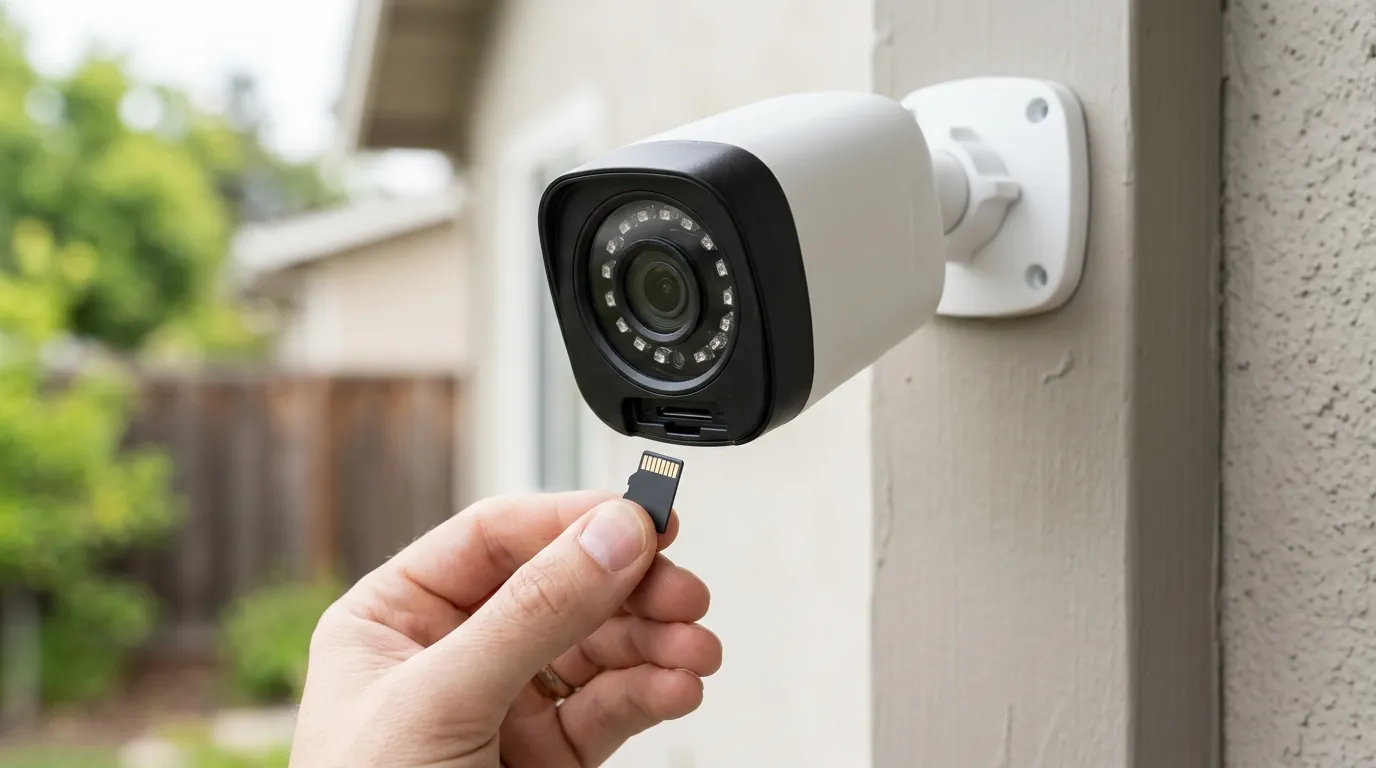
- For users seeking no-subscription alternatives, see our guide on local storage security cameras.
- Deep dive into the differences between NVR vs Cloud storage for long-term video retention.
- Understanding the “Emergency Disclosure” clauses and security camera privacy in modern terms of service.
Sources
- Google Nest Cam (Battery) Technical Specifications — https://store.google.com/product/nest_cam_battery_specs
- Ring Stick Up Cam Pro Product Page — https://ring.com/products/stick-up-cam-pro-battery
- Google Nest Subscription Plans (2026)
- Ring Protect and Solo Plan Details — https://support.ring.com/hc/en-us/articles/115001671383
- Ring Law Enforcement Disclosure Policy
- Google Safety Center: Nest Privacy Commitments
- FCC ID Filing for Ring Radar Sensors (3D Motion) — https://apps.fcc.gov/oetcf/eas/reports/GenericSearch.cfm