
Google Nest Cam Battery Overheating: Causes, Fixes & What You Need to Know
When the mercury rises and the sun beats down on your home’s exterior, your security hardware faces a silent but critical challenge. For many homeowners, the realization that their surveillance system has a “fever” comes only when they receive a notification that their camera has gone offline to cool down.
Quick Answer: The Google Nest Cam (battery) can overheat in direct sunlight, especially models manufactured between 2021-2023, due to its lithium-ion battery and thermal design. This can lead to reduced performance, charging issues, or temporary shutdown when temperatures exceed its 104°F (40°C) operating limit.
What it means
Related: Eufy HomeBase Storage Issues in June 2026: What You Need to Know · Ring Battery Doorbell Plus Overheating: Causes, Fixes & What June 2026 · Ring Battery Doorbell Plus Firmware Updates: What to Know in June 2026
When a Google Nest Cam (battery) overheats, it is not merely getting “warm to the touch”; it is entering a state of thermal distress that triggers a series of automated self-preservation protocols. These protocols are managed by the device’s firmware to prevent permanent hardware failure or safety risks.
Identifying Overheating Symptoms
The first sign of overheating is often a push notification from the Google Home app stating that the “Camera is too hot.” However, the symptoms can manifest in more subtle ways before a total shutdown occurs:
- Temperature Warnings: Users may see a yellow or red status indicator in the app’s live view.
- Feature Throttling: To reduce internal heat generation, the camera may disable power-hungry features such as “Talk & Listen” (two-way audio) or high-resolution live streaming.
- Charging Paused: If the camera is connected to a power source (like a solar panel or outdoor cable), it will stop drawing power to avoid the additional heat generated by the charging process.
- Unexpected Offline Status: In extreme cases, the camera will initiate a hard shutdown, appearing as “Offline” in the app until the internal temperature drops back within the safe operating range.
Google Nest Cam (Battery) Operating Limits
According to Google’s official hardware specifications, the Nest Cam (battery) is designed to operate in ambient temperatures ranging from -4°F to 104°F (-20°C to 40°C). While this range covers most standard weather conditions, “ambient temperature” refers to the air temperature in the shade.
In direct sunlight, the physical casing of the camera can absorb solar radiation, pushing the internal components far beyond the 104°F threshold even on a relatively mild 85°F day. Exceeding this limit triggers the internal thermal management system, which prioritizes component longevity over continuous surveillance.
Furthermore, a significant development occurred in late 2024. Google initiated a voluntary recall for approximately 2.8 million Nest Cam outdoor battery units globally. This recall specifically targeted cameras manufactured between 2021 and 2023. While the primary public concern was related to the magnetic mount’s security, secondary reports and the recall’s technical documentation highlighted overheating concerns under specific high-load and high-heat conditions as a contributing factor for hardware degradation.
Why it exists
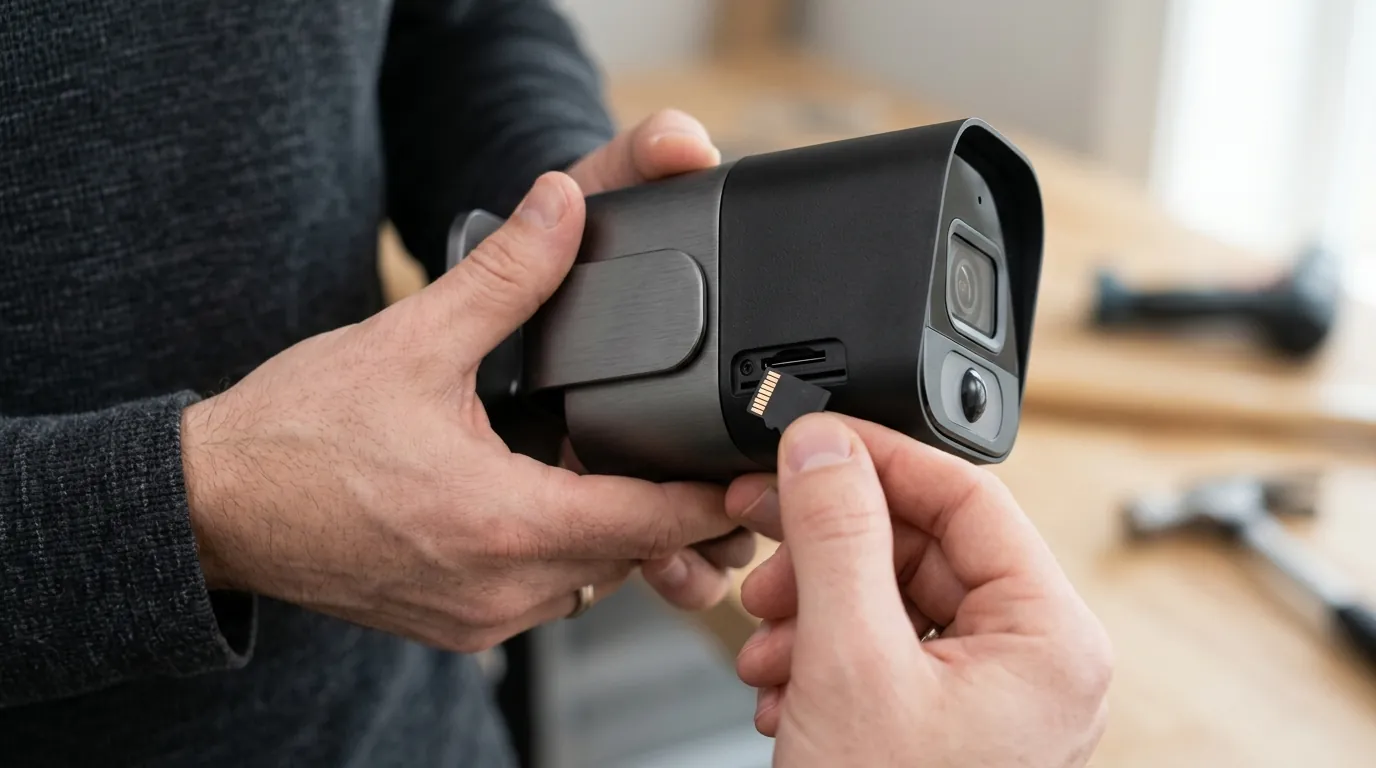
The vulnerability of the Google Nest Cam (battery) to heat is not a singular flaw but a combination of chemical limitations, physics, and industrial design choices.
Lithium-Ion Battery Vulnerability
The core of the issue lies in the lithium-ion battery chemistry. Lithium-ion cells are highly efficient but thermally sensitive. High temperatures accelerate the chemical reactions within the battery, leading to “thermal runaway” if not managed. Even if the battery does not catch fire, prolonged exposure to heat causes the electrolyte to break down, leading to permanent capacity loss. Because the Nest Cam (battery) is a sealed unit, the heat generated by the battery during operation—and especially during charging—has very few places to escape.
Impact of Direct Solar Radiation
Direct sunlight acts as a “solar oven” for outdoor electronics. The Nest Cam (battery) features a white or light-gray plastic casing designed to reflect some heat, but the lens assembly and the internal heat sinks are tightly packed. When the sun hits the unit directly:
- Absorption: The casing absorbs infrared radiation.
- Conduction: This heat is conducted into the internal frame.
- Greenhouse Effect: The sealed, weather-resistant design (IP54) that keeps rain out also traps hot air inside.
Design and Feature Contributions
Early models of the Nest Cam (battery) were noted for having fewer internal thermal sensors compared to more industrial-grade cameras. Furthermore, the reliance on high-intensity processing contributes to the heat. Features like on-device AI processing (distinguishing between a person and a vehicle) require significant CPU cycles. When these features run continuously in a hot environment, the internal processor adds its own heat to the already high ambient temperature, creating a “thermal stacking” effect.
| Component | Heat Contribution Level | Reason |
|---|---|---|
| Battery (Discharging) | Medium | Standard chemical heat during use. |
| Battery (Charging) | High | Resistance during power intake creates significant heat. |
| AI Processor | High | Constant analysis of video frames for person detection. |
| Wi-Fi Radio | Medium | Sustained uploads of 1080p video streams. |
| IR Cut Filter/LEDs | Low | Only active during night vision mode. |
How it works under the hood
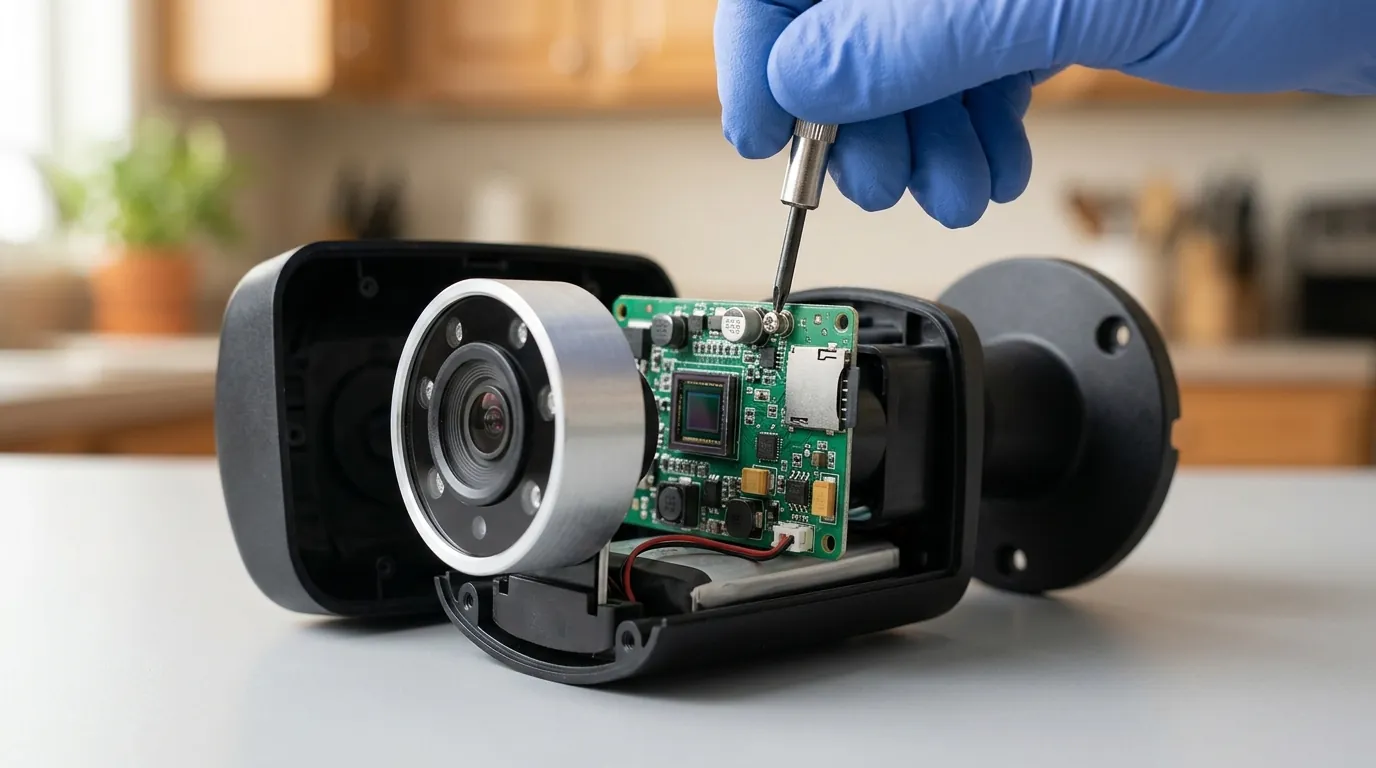
To understand how the Nest Cam protects itself, we must look at the interplay between its hardware sensors and its firmware logic.
Internal Thermal Sensors and Firmware
The Google Nest Cam (battery) is equipped with multiple thermistors—small sensors that change electrical resistance based on temperature. These are typically placed near the battery and the main System-on-a-Chip (SoC). The firmware (the camera’s internal software) constantly polls these sensors.
When the firmware detects that the SoC or battery is approaching the 104°F (40°C) limit, it begins a multi-stage “thermal mitigation” strategy:
- Stage 1 (Warning): The camera sends a signal to the Google Home app to warn the user.
- Stage 2 (Throttling): The processor reduces its clock speed. This might result in a lower frame rate (e.g., dropping from 30fps to 15fps) or a delay in processing notifications.
- Stage 3 (Power Management): The camera stops charging the battery from any external source.
- Stage 4 (Shutdown): If the temperature continues to rise, the camera cuts power to the Wi-Fi radio and image sensor to prevent hardware damage.
Protective Shutdown Mechanisms
The shutdown is a “fail-safe.” For the Nest Cam (battery), the shutdown is usually temporary. Once the thermistors report a temperature back within the “safe” zone (usually requiring a drop of 10-15 degrees below the threshold to prevent rapid cycling), the camera will automatically reboot and attempt to reconnect to the Wi-Fi network.
Battery Charging in Extreme Temperatures
It is a common misconception that heat is the only enemy. The Nest Cam’s thermal management also handles cold. While the camera can operate down to -4°F (-20°C), the battery will not charge if the temperature drops below 32°F (0°C). In high-heat scenarios, the charging circuit often cuts off much earlier than the camera’s actual shutdown point—around 95°F (35°C)—to ensure that the heat of charging doesn’t push the unit into a total shutdown.
Real-world implications
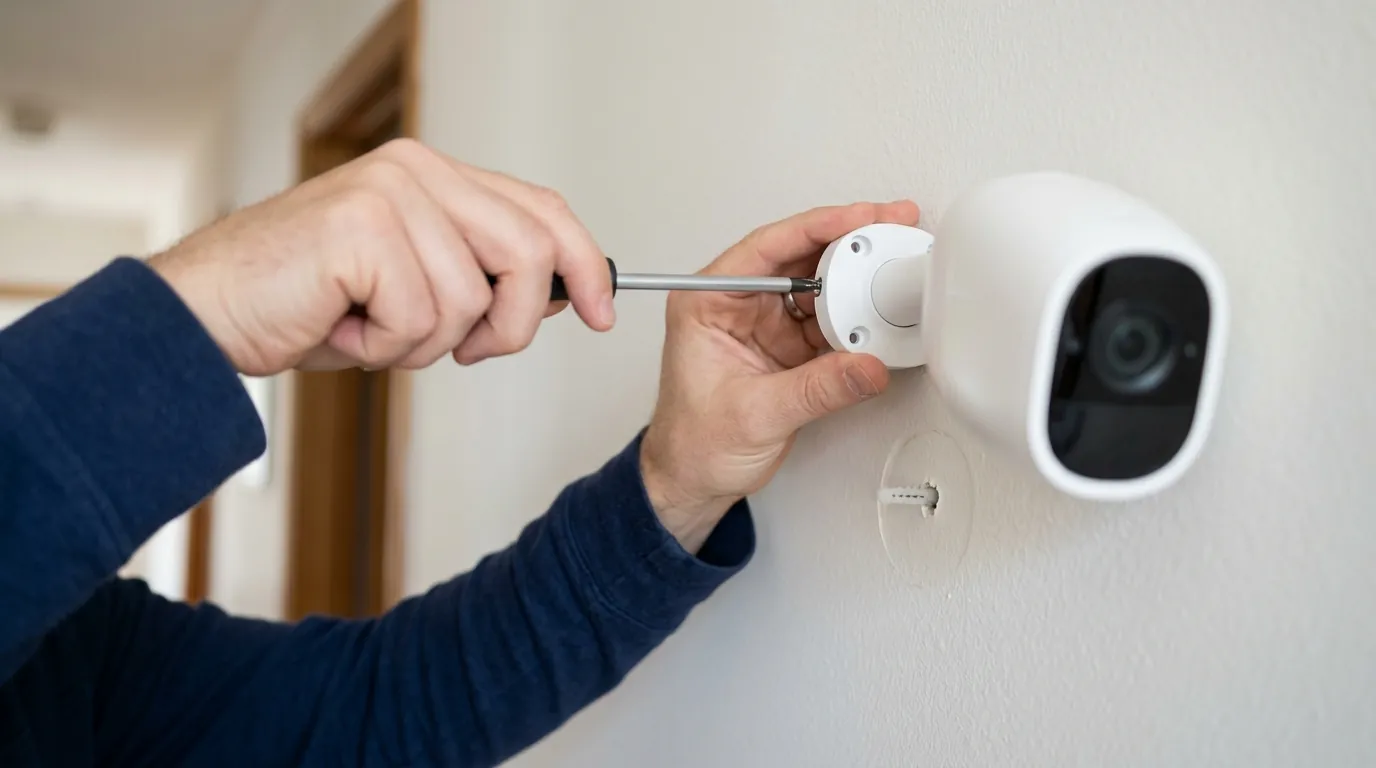
For the end-user, an overheating camera is more than a technical nuisance; it is a security vulnerability.
Surveillance Gaps and Reliability
The most immediate impact is the “surveillance gap.” If a camera shuts down at 2:00 PM during the hottest part of the day, your home is unprotected during those hours. If the camera is part of a professional monitoring setup (such as through ADT’s integration with Nest), these gaps can trigger system health alerts or leave critical entry points unmonitored.
Battery Health and Longevity
Heat is the primary killer of lithium-ion batteries. Every time a Nest Cam exceeds its thermal limits, the battery undergoes a small amount of permanent degradation. Over a three-year period, a camera mounted in direct southern sunlight will likely see its total runtime per charge drop by 30-50% compared to a camera mounted in a shaded, north-facing position.
Warranty Coverage and Claims
Google’s standard limited warranty for the Nest Cam (battery) is typically one year. If you have the device installed by a “Nest Pro” in the US, you may be eligible for an extended three-year warranty. However, there is a grey area regarding “accidental damage” versus “environmental wear.” While Google has been proactive with the 2024 recall for units manufactured between 2021-2023, overheating caused by mounting a camera in a known extreme-heat location without protection might be interpreted by some support agents as “misuse,” potentially complicating warranty claims.
Potential Safety Hazards
While rare, severe overheating can lead to battery swelling. If you notice the casing of your Nest Cam appearing “puffy” or if the front faceplate is separating from the body, stop using the device immediately. Swollen batteries are a fire hazard and indicate that the thermal management systems have failed to protect the internal cells.
Recall Information for Affected Units
If you own a Nest Cam (battery) manufactured between 2021 and 2023, you should check your serial number via the Google Nest Help Center. Under the November 2024 voluntary recall terms, users with affected units may be eligible for a replacement or a refund, depending on the specific hardware revision and regional consumer protection laws.
Common misconceptions
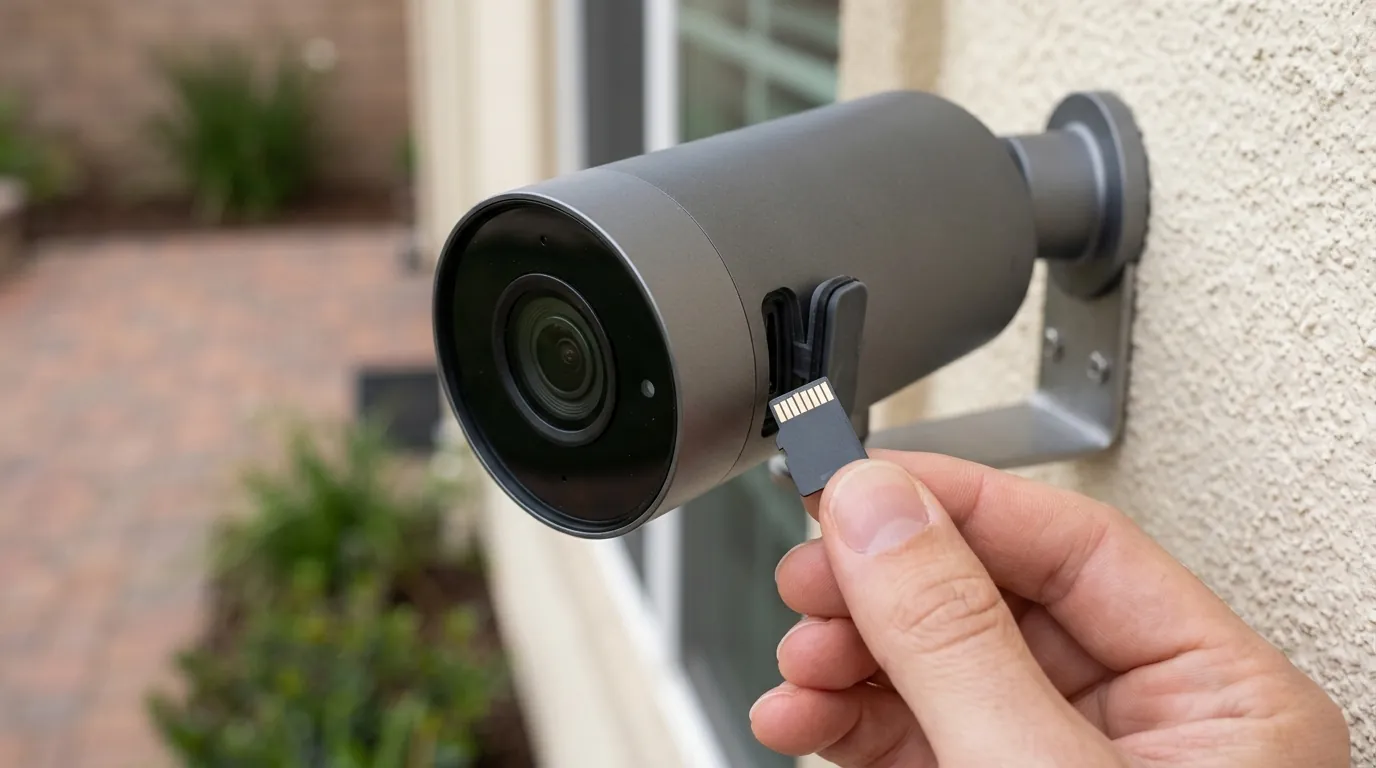
There are several myths regarding how to “fix” or “prevent” overheating that can actually lead to more damage.
Weather-Resistance vs. Heat Tolerance
Many users assume that because the Nest Cam is IP54 rated, it is “rugged.” IP54 means the camera is protected against dust ingress and water splashes. It has nothing to do with thermal regulation. A camera can be perfectly waterproof while simultaneously “cooking” its internal components in the sun.
The Role of Protective Accessories
A popular “fix” on forums is to buy a silicone skin or a third-party plastic housing for the camera. Use caution here. While a white silicone skin might reflect some UV rays, it also acts as an insulator. Most third-party covers do not have the thermal conductivity of the original casing and can trap heat against the camera body, making the overheating problem worse. If you must use a cover, choose a “sun hood” style that provides shade without touching the camera body, allowing for airflow.
Wired Power and Battery Heat
Some users believe that by plugging the Nest Cam (battery) into a permanent power source, they “bypass” the battery and thus the heat. This is false. The Nest Cam (battery) always runs off the battery; the power cable merely provides a trickle charge to keep the battery full. In fact, keeping the camera plugged in during a heatwave can increase temperatures because the charging process itself generates heat.
Variations Across Battery Camera Models
Not all battery cameras are created equal. While the Nest Cam (battery) has a 104°F limit, competitors like the Arlo Pro 5S or Reolink Argus series often have slightly higher or lower tolerances based on their specific battery chemistry and housing volume.
Decision Framework: Is the Nest Cam (Battery) Right for Your Location?
| If your environment is… | Recommendation |
|---|---|
| High Heat / Direct Sun (e.g., Arizona) | Avoid. Prioritize a wired camera (like the Nest Cam Wired) which has no battery to overheat, or a camera with a higher thermal rating (113°F+). |
| Moderate / Shaded | Recommended. The Nest Cam performs excellently when protected from direct midday sun. |
| Renter (No Wiring Allowed) | Use with a Sun Hood. If you cannot drill for wires, use the battery model but install it under an eave or use a non-contact shade accessory. |
| High Security / No Gaps Allowed | Avoid Battery Models. Any battery-powered camera can shut down in heat. Use Power-over-Ethernet (PoE) for 24/7 reliability. |
Total Cost of Ownership (TCO) Analysis
When considering the Nest Cam (battery), the “cost” is more than just the initial purchase price. Overheating issues can actually increase the TCO if you have to replace the unit sooner due to battery degradation.
- Hardware Cost: Around $150 - $180 per unit.
- Subscription (Nest Aware): $8/month (or $80/year) for the entire home. This is almost mandatory, as the free 3-hour event history is insufficient for most users.
- Subscription (Nest Aware Plus): $15/month (or $150/year) for 10 days of 24/7 video history (Note: 24/7 recording is only available when the camera is wired).
- Estimated 3-Year Cost:
- Standard: ~$420 (Hardware + 3 years of basic subscription).
- Premium: ~$630 (Hardware + 3 years of Plus subscription).
If the camera is mounted in high heat, you may also need to factor in the cost of a replacement battery unit or a new camera after 2-3 years, as the non-replaceable battery is the most likely point of failure.
Further reading
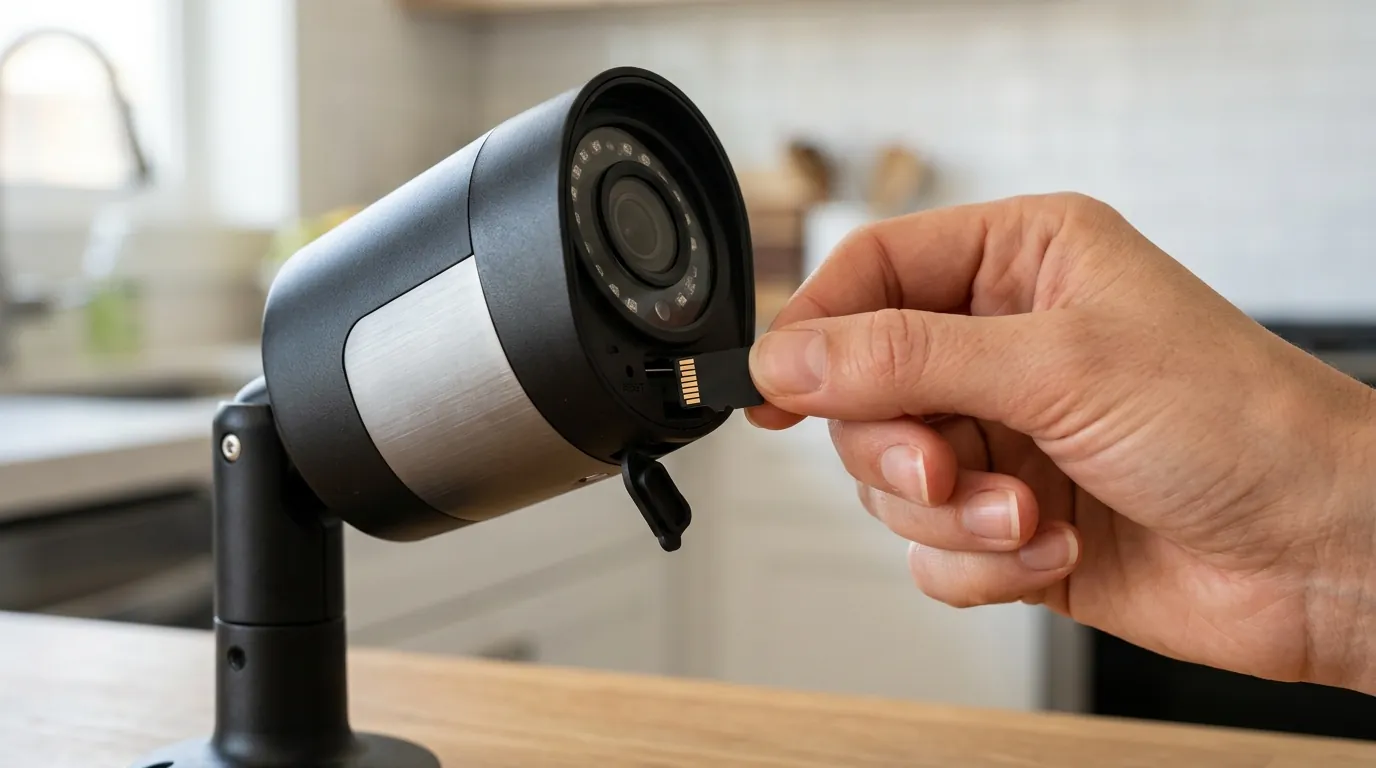
If you find that the Nest Cam (battery) isn’t the right fit for your sun-drenched mounting spot, there are other avenues to explore. You might consider choosing a truly wire-free outdoor camera that utilizes different battery technologies or higher-rated thermal housings.
It is also vital to understand understanding IP ratings for security cameras to ensure your camera can handle the specific dust and moisture of your region, even if it can’t handle the heat. For those looking to move away from subscriptions, looking into local storage vs. cloud storage for security cameras can provide more control over your data. Finally, always stay informed about the privacy concerns with smart home devices and how different manufacturers manage your video footage.
Frequently Asked Questions
Can I use a solar panel to stop my Nest Cam from overheating?
Actually, a solar panel might make it worse during peak heat. While it provides “green” power, the act of charging the battery generates internal heat. If your camera is already struggling with 100°F sunlight, the added heat from solar charging can trigger a thermal shutdown faster.
Is the 2024 Google Nest Cam recall only for overheating?
The November 2024 recall for units made between 2021 and 2023 primarily addressed the magnetic mount’s potential to fail, causing the camera to fall. However, the recall also covered internal hardware issues where cameras were failing to charge or shutting down prematurely in high-heat environments.
How do I cool down my Nest Cam quickly?
The best way to cool the camera is to provide shade. Do not spray it with cold water, as the rapid temperature change can crack the lens or compromise the weather seals. If the camera is offline, bring it indoors to a climate-controlled environment for 30 minutes.
Does the Nest Cam (Wired) have the same overheating issues?
No. The Nest Cam (Wired) does not have an internal lithium-ion battery. Because batteries are the most heat-sensitive component, the wired-only model typically has a much higher tolerance for heat and does not suffer from the same thermal shutdown triggers.
Sources
- Google Nest Help: Nest Cam (battery) Specifications
- Google Nest Help: Safety and Regulatory Information
- CNET: Nest Cam Battery Review
- RTINGS: Google Nest Cam (Battery) Testing
- PCMag: The Best Outdoor Home Security Cameras for 2024 — https://www.pcmag.com/picks/the-best-outdoor-home-security-cameras