
Frigate NVR vs. Reolink: Best Local Storage Choice 2026
For homeowners and small business operators in 2026, the choice between a DIY software-defined NVR and a purpose-built hardware appliance has never been more consequential for data sovereignty. While both paths offer an escape from monthly cloud fees, they represent fundamentally different philosophies regarding technical complexity and system intelligence.
Quick Answer: Frigate NVR is the top choice for advanced AI and Home Assistant users, while Reolink’s Home Hub Pro offers the best plug-and-play local storage for those avoiding complex DIY server setups.
What it means
Related: SimpliSafe Base Station Offline After Update: 2026 Fix Guide · Wyze Cam v2 Stopped Detecting Video Only Sound: 2026 Fixes · Fix Eufy Security Integration: Home Assistant Core 2026.6.4
The shift toward local storage in 2026 is driven by “data sovereignty”—the principle that your security footage should remain on hardware you physically own and control. However, the implementation of this principle varies wildly between Frigate NVR and Reolink.
The DIY Powerhouse: Frigate NVR
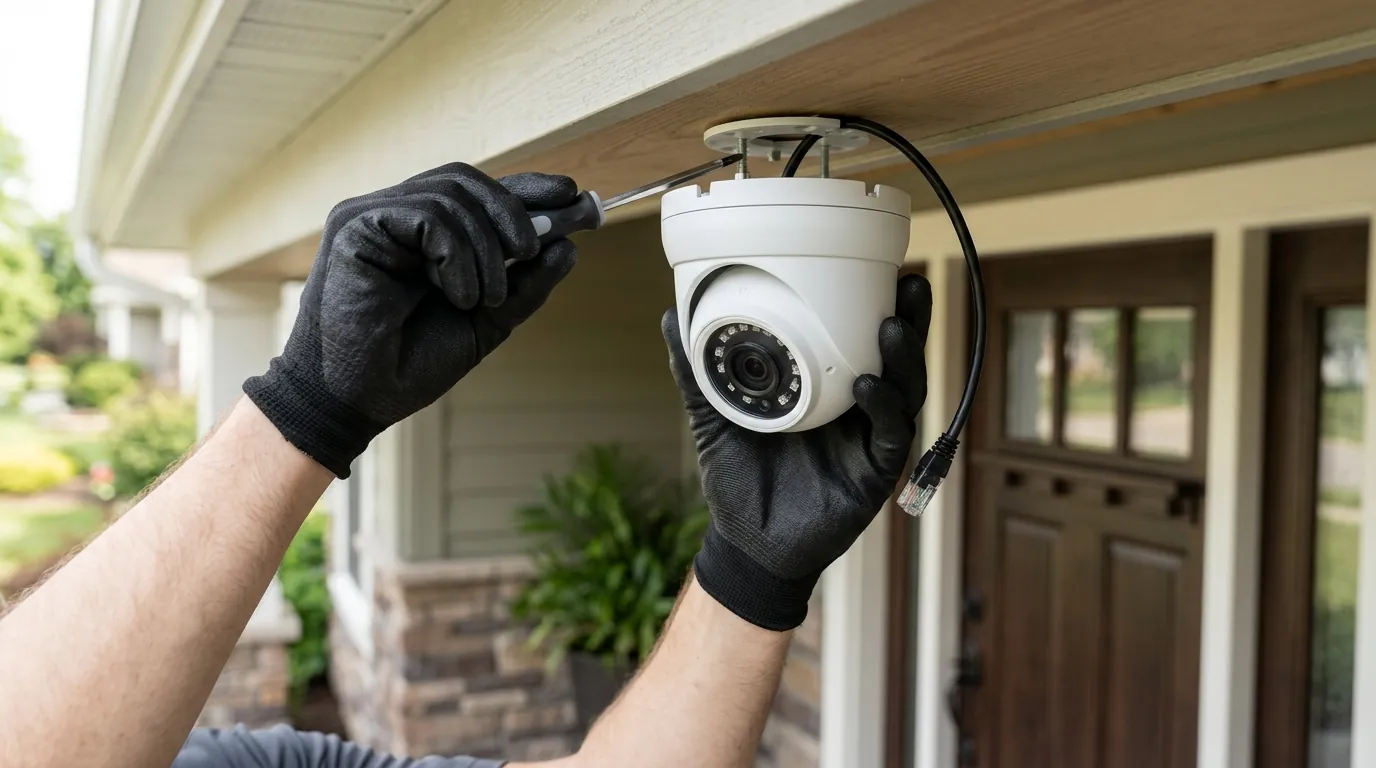
Frigate NVR is an open-source, software-defined Network Video Recorder (NVR) designed to run on generic computer hardware. Unlike traditional NVRs that simply “dumb record” video, Frigate is built around real-time AI object detection. It does not come as a box you buy; it is a containerized application (typically run via Docker) that you install on a Mini-PC, a dedicated server, or a high-end Network Attached Storage (NAS) device. In 2026, Frigate 0.17 has become the gold standard for users who want to integrate their cameras deeply into a broader smart home ecosystem like Home Assistant.
The Consumer Appliance: Reolink Home Hub
Reolink represents the “appliance” approach. While Reolink still sells traditional rack-mountable RLN-series NVRs, their 2026 flagship for most residential users is the Home Hub Pro. This is a dedicated, low-power hardware device that manages camera connections, storage, and remote access through a proprietary but highly polished interface. It is designed to be a “black box” that requires zero command-line knowledge to operate, offering a bridge between the ease of use found in cloud brands like Nest and the privacy of local storage.
Comparison Table: DIY Software vs. Hardware Appliance
| Feature | Frigate NVR (v0.17) | Reolink Home Hub Pro |
|---|---|---|
| Primary Hardware | User-provided (Mini-PC, NAS, Server) | Dedicated Reolink Hub |
| Setup Complexity | High (YAML configuration, Docker) | Low (Plug-and-play, QR scan) |
| AI Detection | Server-side (YOLOv9, OpenVINO) | On-camera SoC (Person/Vehicle/Pet) |
| Storage Capacity | Unlimited (limited only by HDD/SSD size) | Up to 16TB (SATA) |
| Max Camera Count | Scalable (depends on CPU/NPU) | Up to 12-16 cameras (model dependent) |
| Smart Home Support | Native Home Assistant, MQTT | HomeKit, Google, Alexa (via Hub) |
| Data Privacy | 100% Local (Air-gapped capable) | Local storage with optional P2P remote access |
Why it exists
The competition between Frigate and Reolink exists because the security camera market has reached a breaking point regarding “subscription fatigue.”
Subscription Fatigue
By 2026, the cumulative cost of “cloud taxes” from brands like Ring, Nest, and Arlo has become a significant household expense. With many cloud plans now exceeding $120-$200 per year for professional-tier features, users are seeking one-time-cost alternatives. Both Frigate and Reolink allow users to own their “AI brains” rather than renting them from a Silicon Valley server farm.
Privacy and Breach Resiliency
High-profile cloud breaches over the last five years have highlighted the vulnerability of centralized video storage. Local storage systems ensure that even if a manufacturer’s corporate servers are compromised, the actual video of your children, your backyard, or your office remains on a physical disk inside your building. Reolink’s 2026 Privacy Policy emphasizes a “Local First” approach, where P2P (peer-to-peer) encryption is used to bridge the connection to your phone without storing video in the cloud.
5-Year Total Cost of Ownership (TCO) Comparison
When evaluating these systems, the “sticker price” is deceptive. A Reolink system has a higher upfront cost for the Hub, but Frigate requires hidden investments in compute hardware and specialized AI accelerators.
| Cost Component | Cloud-Based (e.g., Nest/Ring) | Reolink Home Hub Pro System | Frigate NVR (Mini-PC Setup) |
|---|---|---|---|
| Hardware (3 Cameras + Hub/PC) | Around $300 - $450 | $400 - $600 | $500 - $800 |
| Subscription (5 Years) | $600 - $1,000 | $0 | $0 |
| Electricity/Maintenance | Negligible | Low (~10W) | Moderate (~25W-45W) |
| Total 5-Year Cost | $900 - $1,450 | $450 - $650 | $600 - $950 |
How it works under the hood
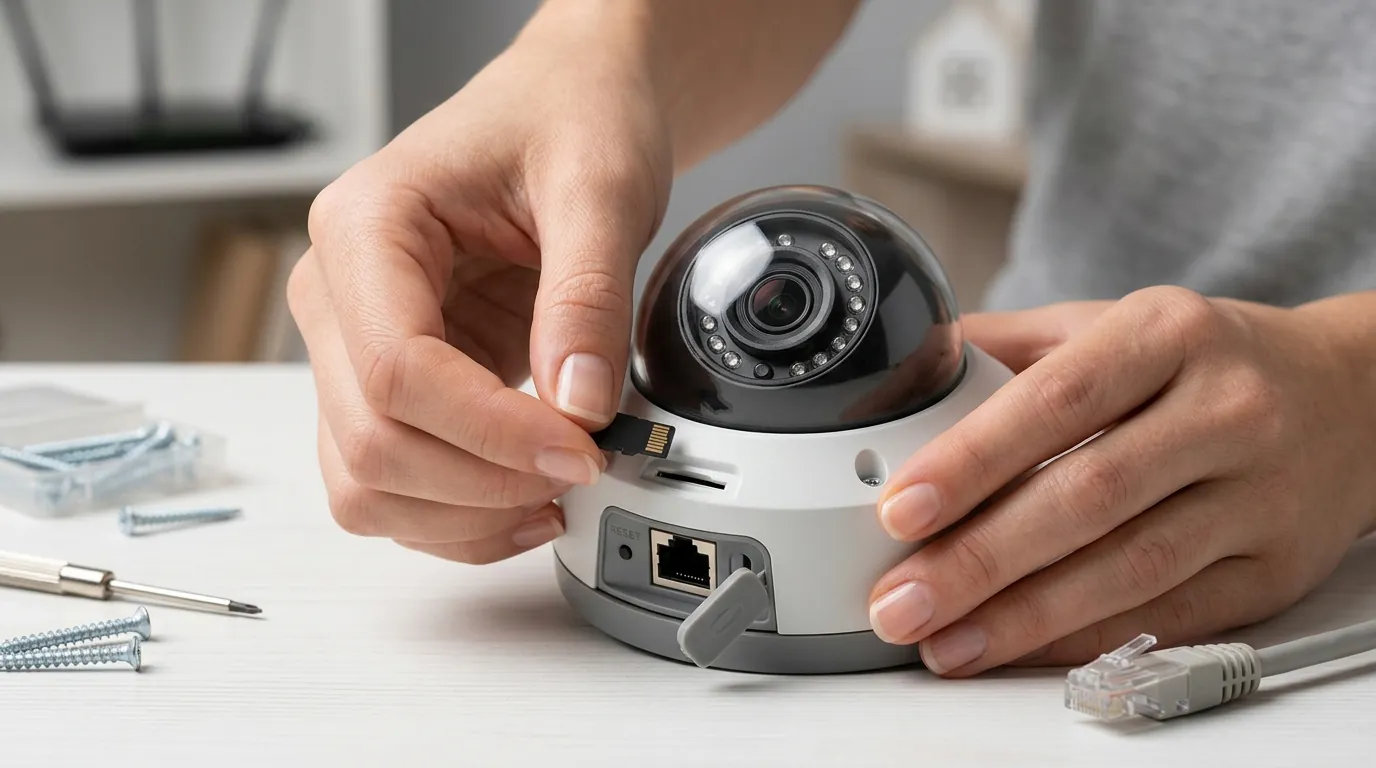
The technical “secret sauce” that separates these two is where the “thinking” happens.
Detection Logic: Software vs. Hardware
Frigate NVR 0.17 utilizes server-side processing. The cameras send a raw video stream to your Mini-PC, which then uses high-performance AI models like YOLOv9 (You Only Look Once) to analyze every frame. This allows Frigate to be incredibly specific; it can distinguish between a delivery truck and a sedan, or even identify specific pets.
Reolink uses edge processing. The “AI” lives inside the camera itself on a specialized System on a Chip (SoC). The camera analyzes the image, identifies a person or vehicle, and then sends a “metadata flag” to the Home Hub Pro. This reduces the workload on the NVR, allowing the Home Hub to remain small, cool, and quiet.
The Role of AI Accelerators
To run high-accuracy AI locally without melting a CPU, Frigate requires hardware acceleration. In 2026, the industry has moved beyond the aging Google Coral TPU toward more robust solutions:
- Intel OpenVINO: Frigate 0.17 is highly optimized for 12th-14th Gen Intel integrated GPUs (iGPUs), allowing for 10+ camera streams with minimal power draw.
- Hailo-8/Hailo-10: These newer M.2 AI accelerators offer significantly higher “TOPS” (Trillions of Operations Per Second) than the original Coral, enabling Frigate to run complex “pose estimation” (detecting if someone is falling or loitering).
- Reolink’s Proprietary SoC: Reolink does not use generic accelerators; they use custom-tuned silicon optimized specifically for their own lens and sensor configurations.
Inference Speed Benchmark (2026 Estimates)
- Reolink On-Device AI: 15–30ms latency (processed at the source).
- Frigate + Intel NPU (14th Gen): 8–12ms latency (highly efficient).
- Frigate + Google Coral: 15–25ms latency (standard but aging).
Storage Protocols: RTSP, ONVIF, and UID
Reolink systems primarily use a proprietary UID (Unique ID) system for easy setup, but they remain one of the few consumer brands to maintain RTSP (Real Time Streaming Protocol) and ONVIF support across most of their PoE and plug-in Wi-Fi lineup. This is the “bridge” that allows you to use Reolink cameras with Frigate software—a popular hybrid approach for many enthusiasts.
Real-world implications
Choosing between these two depends heavily on your technical patience and your household’s needs.
The ‘Wife Acceptance Factor’ (WAF)
In the smart home community, “WAF” refers to how easily a non-technical family member can use the system. Reolink wins this category decisively. The Reolink app is a unified, polished experience available on iOS, Android, and desktop. It feels like a premium consumer product.
Frigate, by contrast, is a tool for power users. While the Frigate UI is functional, most users view their cameras through a customized Home Assistant dashboard. This requires significant “tuning” to make it user-friendly for a spouse or roommate. If the server goes down, you are the IT support department.
Remote Access: VPN vs. P2P
Reolink uses an encrypted P2P relay to allow you to see your cameras when you are away from home. It works instantly, even behind complex cellular or Starlink networks.
Frigate users generally avoid P2P for security reasons. Instead, they typically set up a WireGuard VPN or Tailscale to “tunnel” back into their home network. This is more secure but adds a layer of friction when you just want to quickly check who is at the front door.
Decision Framework: Which is for you?
- The “Set it and Forget it” Homeowner: Choose Reolink Home Hub Pro. It provides 90% of the benefits of local storage with 5% of the setup effort. It is ideal for those who want reliable person/vehicle alerts without learning how to edit YAML files.
- The Privacy Hardliner & Smart Home Hobbyist: Choose Frigate NVR. If you already run a Home Lab or Home Assistant, Frigate offers unparalleled control. You can trigger automations (e.g., “Turn on the porch light only if a person is detected, but not a cat”) that Reolink simply cannot match.
- The Small Business Owner: Choose Reolink RLN-series NVRs. The rack-mountable form factor and dedicated hardware stability are better suited for a 24/7 business environment where “tinkering” with a server could lead to lost evidence.
Common misconceptions
As local storage grows in popularity, several myths persist about both platforms.
Misconception: “Frigate is free.”
While the Frigate software is open-source and free to download, the Total Cost of Ownership is often higher than Reolink. A 2026-era Mini-PC capable of handling 4K streams (like an Intel N100 or higher), plus an AI accelerator and a 4TB purple-label surveillance drive, will cost in the $400–$700 range.
Misconception: “Reolink is a closed system.”
Unlike Ring or Arlo, Reolink is surprisingly open. Most of their cameras (excluding some battery-powered models) allow you to disable the cloud entirely and stream directly to third-party software. This means you can buy Reolink cameras today for their ease of use, and if you decide to switch to Frigate in two years, your hardware isn’t e-waste.
Misconception: “Local storage is less secure than the cloud.”
Critics argue that a thief can simply steal the NVR, taking the evidence with them. While true, modern setups mitigate this. Reolink’s Home Hub Pro supports AES-256 encryption for local disks, and Frigate users often “offsite” their recordings to a secondary NAS or a private S3 bucket (like Backblaze) automatically.
Fact-Check Table: Open Source vs. Proprietary
| Myth | Reality |
|---|---|
| “Frigate requires a PhD to install.” | Partially True. It requires Docker and CLI knowledge, though 2026 installers have simplified the process. |
| “Reolink cameras don’t work with other NVRs.” | False. Their PoE and wired Wi-Fi cameras support ONVIF/RTSP. |
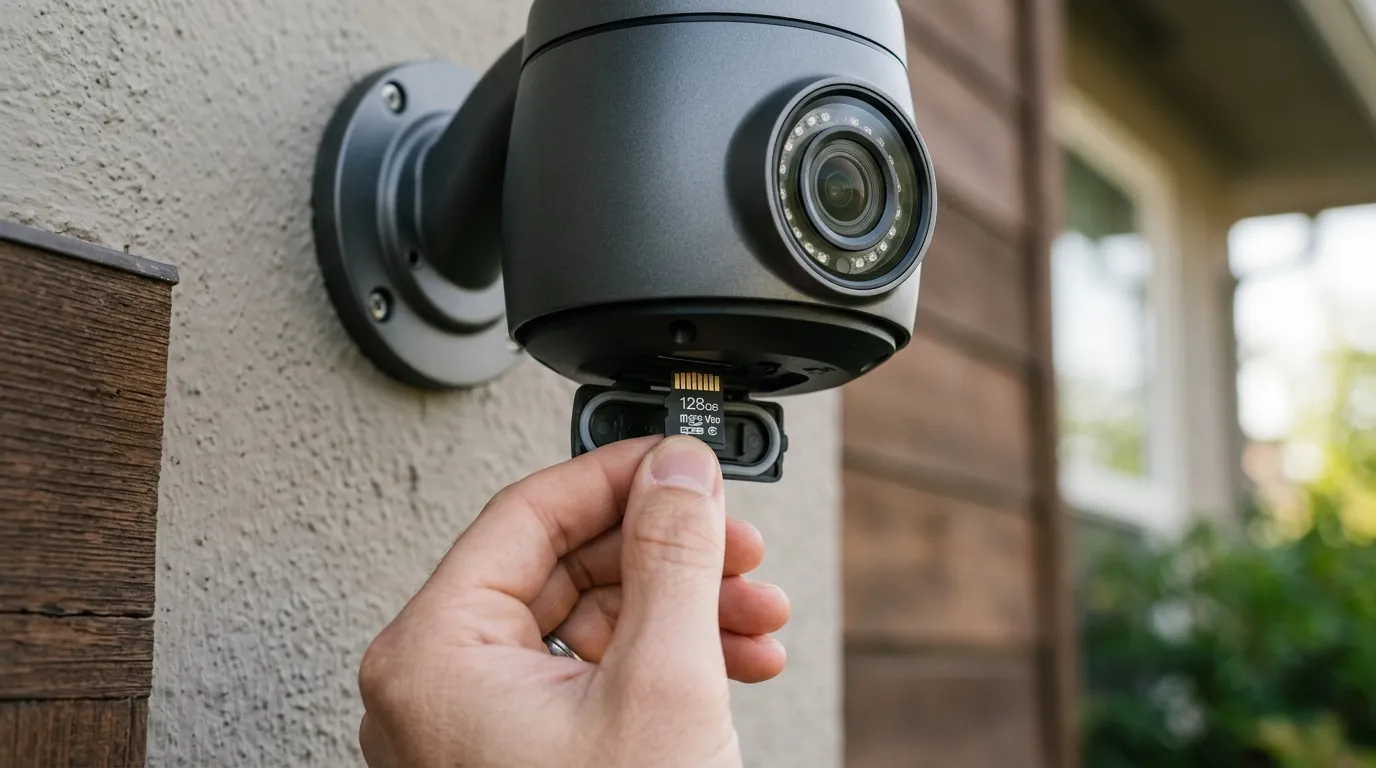
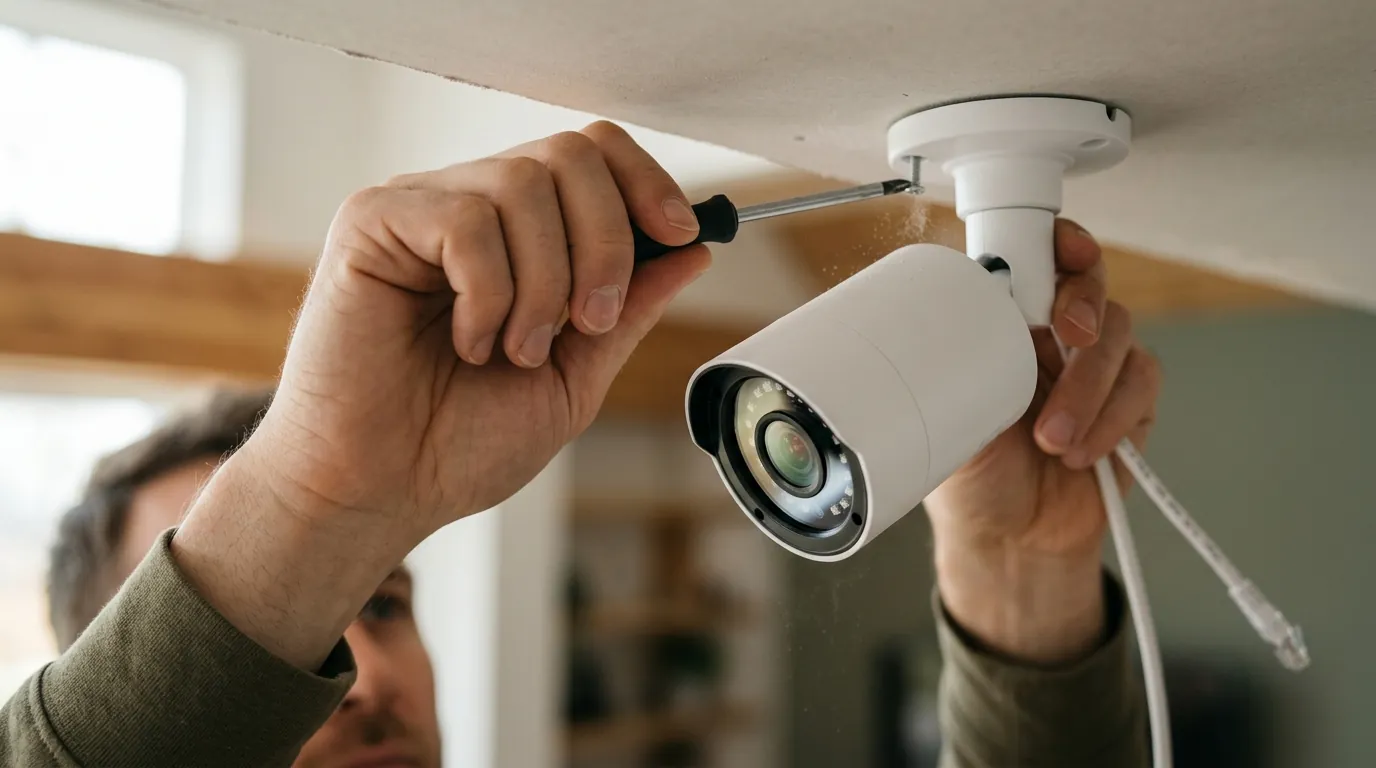
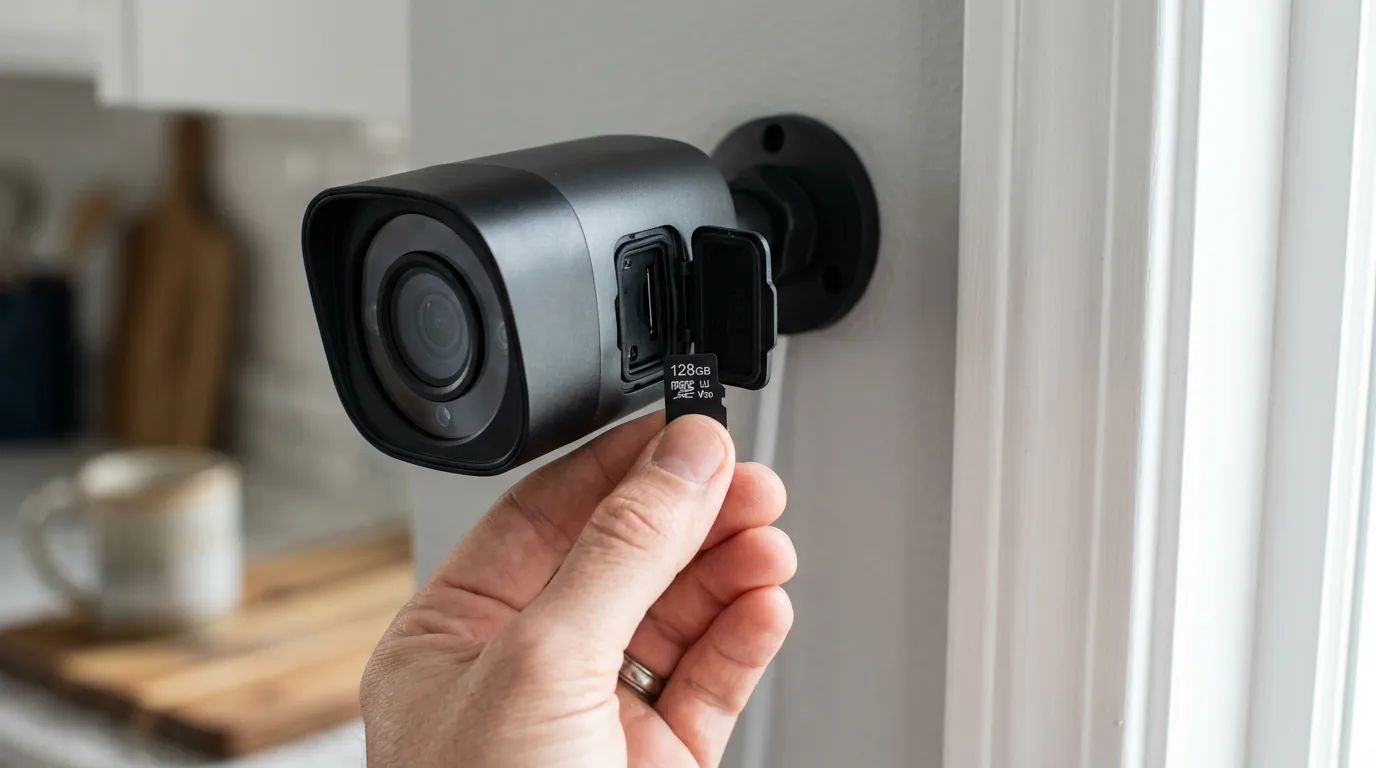
| “SD cards are enough for local storage.” | False. SD cards have high failure rates under constant 24/7 writing; an NVR/Hub with a surveillance-grade HDD is required for reliability. |
Frequently Asked Questions
Can I use Reolink cameras with Frigate NVR?
Yes, this is one of the most common configurations in 2026. Reolink’s PoE cameras are highly regarded for their price-to-performance ratio and their support for RTSP/ONVIF, which allows Frigate to pull the high-resolution video stream for AI analysis.
Does Frigate NVR 0.17 require a Google Coral TPU?
While the Google Coral was the standard for years, Frigate 0.17 has expanded support for Intel’s OpenVINO and newer Hailo accelerators. For many users with 12th Gen Intel CPUs or newer, the integrated NPU/GPU is sufficient, making a separate Coral unnecessary.
What happens to my Reolink footage if my internet goes out?
Because Reolink Home Hubs store data locally on a hard drive, the system will continue to record 24/7 even if the internet is down. You will only lose the ability to view the cameras remotely on your phone until the connection is restored.
Is Frigate better than Blue Iris for local storage?
In 2026, Frigate is generally preferred for users who prioritize AI-driven event detection and Home Assistant integration. Blue Iris remains a powerful choice for users who need legacy Windows support and extremely granular camera management tools, but Frigate’s AI efficiency on Linux is currently superior for modern object detection.
Further reading
- Official Frigate NVR Documentation (v0.17) — Detailed guides on hardware requirements and YOLOv9 integration.
- Reolink Support: How to use Reolink cameras with third-party software — Official guide on enabling RTSP and ONVIF.
- Home Assistant Community: Frigate Discussion — Real-world troubleshooting and configuration examples from the user community.
- Reolink Privacy Policy (2026) — Transparent breakdown of how data is handled in “Local Only” mode.
Sources
- Frigate NVR Official Site — https://frigate.video/
- Reolink Home Hub Pro Product Page — https://reolink.com/product/reolink-home-hub-pro/
- Intel OpenVINO Toolkit — https://www.intel.com/content/www/us/en/developer/tools/openvino-toolkit/overview.html
- r/HomeAssistant Wiki: Security Camera Buyers Guide — https://www.reddit.com/r/homeassistant/wiki/index/
- Reolink Privacy Policy — https://reolink.com/privacy-policy/