
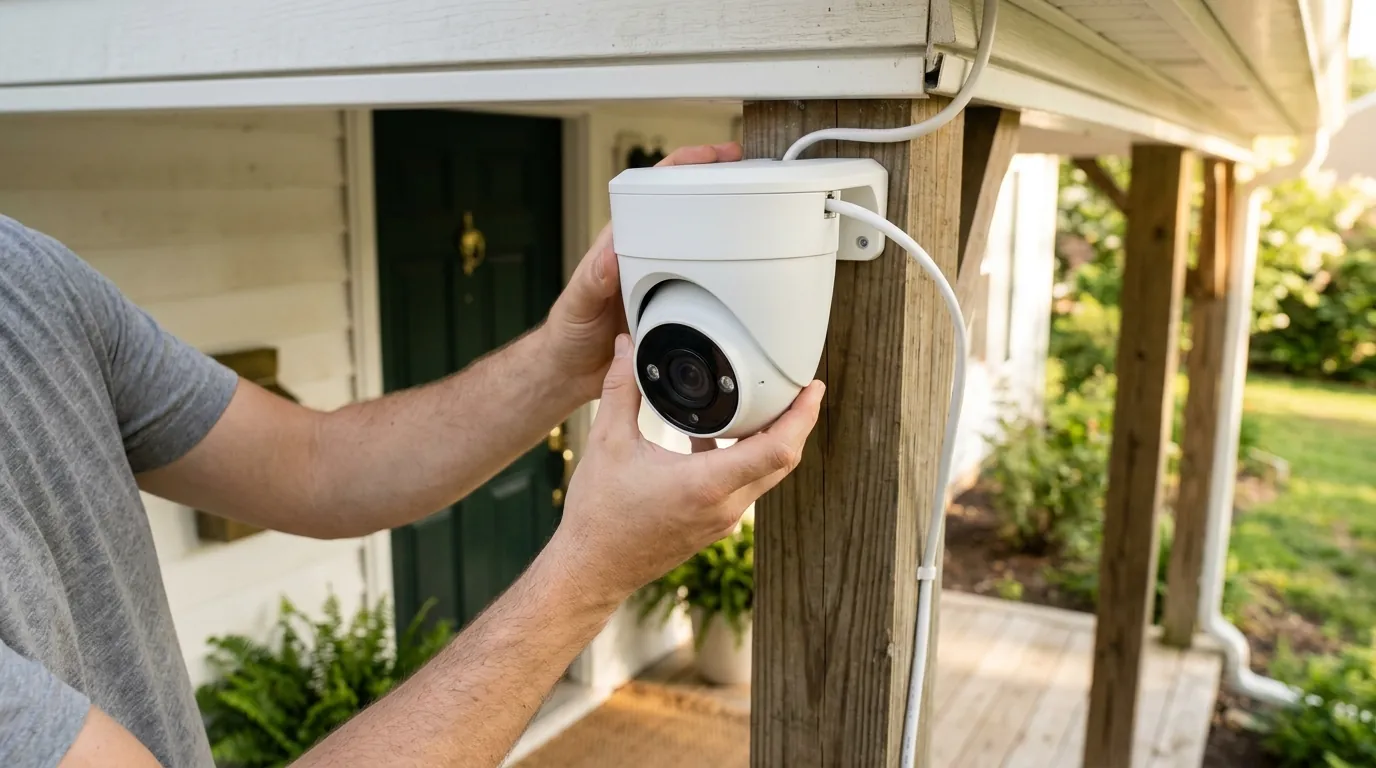
Fix Your Overheating Security Camera: Summer Solutions & Prevention
As summer temperatures climb, a security camera’s reliability can falter just when it is needed most to monitor vacation-empty homes or busy small businesses. High ambient heat combined with direct solar radiation often pushes consumer-grade electronics past their engineered limits, leading to missed recordings and hardware failure.
Quick Answer: Security cameras overheat in summer due to direct sun, high ambient temperatures, and internal heat generation from processors and IR LEDs. To fix it, provide physical shade, ensure proper airflow, update firmware to optimize thermal management, and reduce processing loads like frame rates. For persistent high-heat environments, upgrading to a camera with a higher operating temperature rating, such as the Reolink Argus 4 Pro (rated up to 131°F), is the most effective long-term solution.
What it means
Related: Outdoor Security Cameras: Protecting Summer Guest Privacy · Arlo vs. Ring for Summer Cabin Security: Off-Grid & Subscription-Free · Are Home Security Cameras Vulnerable to Recent Hacks? What You Need to
Security camera overheating occurs when the internal temperature of the device’s components—specifically the Image Signal Processor (ISP) and the battery—exceeds the manufacturer’s safe operating threshold. Unlike a total hardware “burnout,” overheating is often a progressive state where the camera attempts to protect itself before permanent damage occurs.
Common Symptoms of Overheat
When a camera begins to struggle with thermal loads, the symptoms are rarely subtle. You may notice:
- Intermittent Operation: The camera frequently goes “Offline” in the app during the hottest part of the day (typically 2:00 PM to 5:00 PM) and reconnects once the sun sets.
- Video Artifacts and Freezing: High heat affects the sensor’s ability to process data cleanly, resulting in “ghosting,” purple tints, or video streams that freeze after a few seconds of live viewing.
- App Notifications: Modern smart cameras from brands like eufy and Arlo will push a specific “High Temperature” alert to your smartphone, often disabling the live view or recording features until the unit cools down.
- Reduced Responsiveness: Significant lag in motion detection or a delay in the “Time to Live” (the time it takes for the stream to open) are early indicators that the processor is thermal throttling.
Implications for Camera Health
Persistent overheating is more than a temporary inconvenience. Sustained high temperatures accelerate the chemical degradation of lithium-ion batteries in wireless models, significantly shortening their overall lifespan. Furthermore, the constant expansion and contraction of internal components can eventually lead to “solder fatigue,” where internal connections crack, rendering the camera permanently inoperable.
Why it exists
The “why” behind overheating is a combination of environmental physics and the inherent limitations of compact electronic design.
Environmental Factors
Direct exposure to intense summer sunlight is the primary culprit. Even if the air temperature is a manageable 85°F, a camera in direct sun can experience “solar gain,” raising its internal temperature by 30°F or more above the ambient air. Lack of airflow exacerbates this; cameras tucked tightly into corners or under eaves without a breeze cannot shed heat through convection.
Internal Heat Generation
Cameras are not passive observers; they are powerful computers.
- Processors: Encoding 4K video in real-time generates significant heat.
- Image Sensors: The sensor itself warms up during operation, especially during long periods of live viewing.
- IR LEDs: For night vision, infrared LEDs generate heat that can build up inside the housing if they are active for long periods (though this is more common in winter, it contributes to the overall thermal profile).
- Wi-Fi Modules: Constant data transmission, especially in areas with a weak signal, forces the Wi-Fi chip to work harder and run hotter.
Design and Installation Limitations
Many consumer cameras prioritize aesthetics over thermal management. Compact, sealed enclosures (necessary for IP-rated weatherproofing) trap heat inside. Furthermore, dark-colored casings—while popular for blending into home exteriors—absorb significantly more solar radiation than white or light-gray models. Mounting a camera directly against a heat-absorbing surface, like a dark brick wall or a metal shed, creates a “heat sink” effect in reverse, where the wall transfers heat into the camera.
How it works under the hood
To understand how to fix overheating, one must understand the thermal limits of the silicon inside.
Sources of Internal Heat
The CPU/GPU is the primary heat source. In a 4K camera, the processor must handle millions of pixels per second, often while running AI algorithms for person or vehicle detection. This “on-device AI” is computationally expensive. In battery-powered models, the charging and discharging of the battery also generate heat. If a solar panel is plugged in during a 100°F day, the battery may refuse to charge to prevent a “thermal runaway” event.
Heat Dissipation Mechanisms
Most consumer cameras rely on passive cooling. This means they use the outer casing as a heat sink or have small internal metal plates to move heat away from the CPU. Higher-end, professional-grade cameras may use “active cooling” (small internal fans), but these are rare in the consumer space due to the risk of mechanical failure and noise.
Thermal Limits and Throttling
Most consumer electronics use components rated for “commercial” temperature ranges, typically topping out at 158°F (70°C) internally. However, the camera’s firmware will usually trigger thermal throttling much earlier.
- Throttling: The software slows down the processor’s clock speed to reduce heat. This results in lower frame rates (e.g., dropping from 30fps to 10fps).
- Shutdown: If throttling fails to stabilize the temperature, the firmware initiates a hard shutdown. For example, eufy cameras are designed to shut off automatically if internal temperatures exceed 122°F (50°C) to protect the battery and circuitry.
Real-world implications
The impact of an overheating camera ranges from a minor nuisance to a total security failure.
Short-Term and Long-Term Damage
In the short term, you lose coverage. If a camera shuts down at 3:00 PM, you have a security “blind spot” during the hours when many residential burglaries occur. Long-term, the image sensor may develop “hot pixels” (permanent bright dots on the image) or the microSD card used for local storage may fail due to heat-induced data corruption. SanDisk and other manufacturers offer “High Endurance” cards specifically for this reason, as standard cards often fail in high-heat surveillance environments.
Warranty and Reliability
It is a common misconception that “outdoor” means “indestructible.” Most manufacturers specify an operating temperature range in their manuals. Operating a camera in 115°F direct sun when it is only rated for 113°F (as is common with some Arlo models) could technically give a manufacturer grounds to deny a warranty claim if the device fails.
Practical Solutions & Preventative Measures
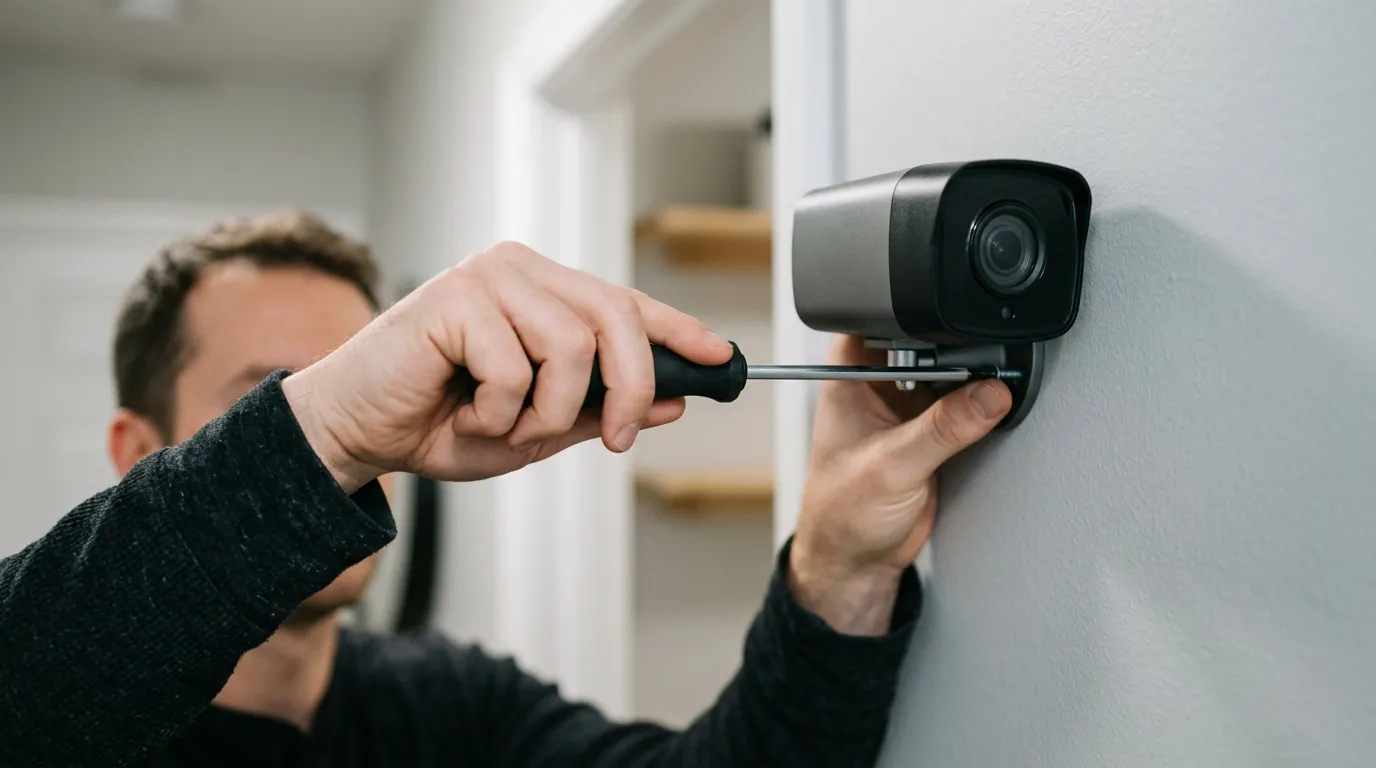
- Relocate for Shade: Move the camera under a deep soffit or overhang. Even a few inches of shade can drop the device temperature by 15–20°F.
- Install a Camera Shield: If relocation isn’t possible, third-party “weather shields” or “sun hoods” act as a parasol for your camera.
- Optimize Firmware: Ensure you are running the latest firmware. Manufacturers often release updates that optimize the “duty cycle” of the processor to reduce heat.
- Reduce Settings: If your camera is struggling, lower the resolution from 4K to 2K, or reduce the “Motion Sensitivity.” This reduces the amount of processing power required.
- Use a Solar Panel as a Roof: For battery cameras, mounting a solar panel slightly above the camera can provide both power and a physical barrier against the sun.
Commercial Recommendation: Reolink Argus 4 Pro
If your current hardware cannot handle your local climate, the Reolink Argus 4 Pro is a standout 2026-era choice for high-heat environments. It features a 4K UHD resolution with a 180-degree panoramic view, eliminating the need for multiple cameras (which would generate more total heat).
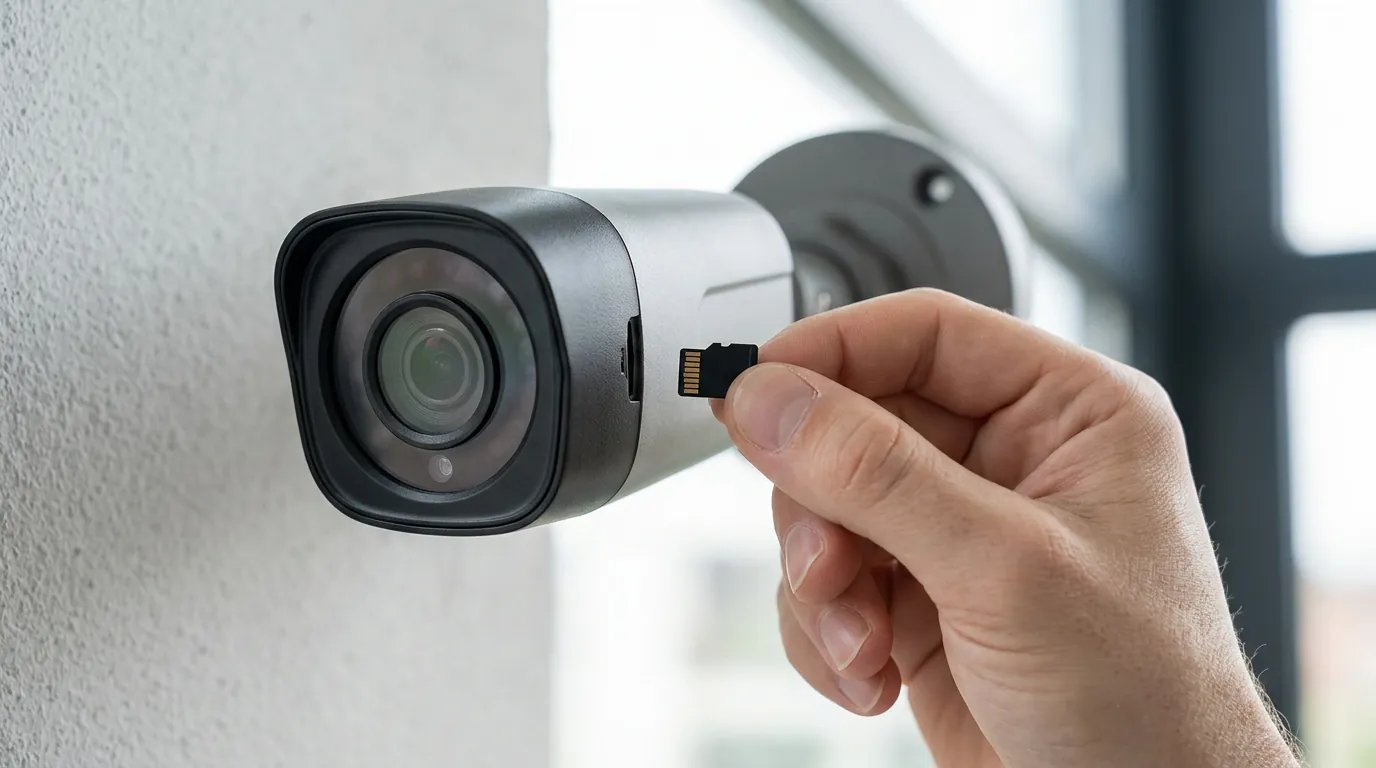
While many competitors max out at 113°F or 122°F, Reolink’s outdoor line, including the Argus 4 Pro, is generally rated to operate in temperatures up to 131°F (55°C). This higher ceiling provides a vital buffer during record-breaking summer heatwaves. Furthermore, its support for local microSD storage up to 128GB means you aren’t reliant on a heat-stressed Wi-Fi module to upload every second of footage to the cloud, further reducing internal heat.
Data Comparison: Thermal Ratings & Specs
The following table compares the thermal operating ranges and key specs of popular 2026 outdoor models.
| Model | Operating Temp Range | Max Resolution | Storage Options | Subscription Required? |
|---|---|---|---|---|
| Reolink Argus 4 Pro | -14°F to 131°F | 4K (Dual Lens) | Local (microSD) | No |
| Arlo Pro 5S 2K | -4°F to 113°F | 2K | Cloud / Local (Hub) | Yes (for AI) |
| eufyCam S330 (Cam 3) | -4°F to 122°F | 4K | Local (HomeBase 3) | No |
| Ring Spotlight Cam Pro | -5°F to 120°F | 1080p/1440p | Cloud | Yes |
| Nest Cam (Battery) | -4°F to 104°F | 1080p | Cloud | Yes |
Note: Operating ranges are based on manufacturer spec sheets. Actual performance may vary based on direct sunlight exposure.
Decision Framework: Choosing Based on Your Situation
- If you are a Renter: Prioritize external shading solutions or window-mounted cameras. Since you cannot easily move wiring, a third-party silicone “skin” with a built-in sun hood is an affordable (under $20) way to protect a battery-powered camera.
- If you are a Homeowner in a Desert Climate: Prioritize high-temperature rated hardware. Look for cameras like the Reolink Argus series or professional PoE (Power over Ethernet) cameras, which often have metal housings that dissipate heat more efficiently than plastic.
- If you are a Small Business: Prioritize wired (PoE) systems. Battery-powered cameras generate more internal heat due to the battery’s chemical reactions. Wired cameras offload the power management to a central NVR, keeping the camera head cooler.
- If you have no Wi-Fi/Remote Location: Prioritize local storage and solar. Ensure the solar panel is positioned to shade the camera body.
Total Cost of Ownership (TCO) Analysis
When fixing an overheating issue, the “cost” isn’t just the price of a new camera or a shade; it’s the 3-year reliability cost.
- Hardware Cost: A high-heat rated camera like the Reolink Argus 4 Pro or eufyCam S330 typically falls in the $150–$250 range.
- Subscription Trap: Brands like Arlo and Ring may require a subscription (around $60–$120/year) to access the very features (like lowered resolution or AI zones) that help manage heat. Over three years, an Arlo camera can cost $200–$300 more than a Reolink or eufy camera that offers these features for free.
- Replacement Cost: A camera not rated for your climate may fail in 18 months. Buying a $100 camera twice is more expensive than buying a $200 heat-resilient camera once.
Common misconceptions
“All outdoor cameras are built to withstand extreme heat.” This is false. “Outdoor” primarily refers to the IP (Ingress Protection) rating, which measures resistance to water and dust. A camera can be waterproof (IP67) but still have a low thermal ceiling of only 104°F, making it unsuitable for many US summer climates.
“Overheating is just a temporary issue; it will cool down and be fine.” While the camera may reboot, the damage to the battery and the image sensor is cumulative. Each “overheat event” shortens the component life.
“Dark-colored cameras are better for blending in, so they’re fine.” Darker colors (black/charcoal) can be 20–30% hotter than white cameras when placed in direct sun. If you must use a dark camera, it must be in a fully shaded area.
“Firmware updates only add new features.” Incorrect. Manufacturers like Arlo frequently include “thermal management improvements” in their release notes, which adjust how the camera handles power during high-heat periods.
Frequently Asked Questions
Can I put an ice pack on my security camera to cool it down?
No. Rapid cooling can cause condensation to form inside the sealed lens housing, leading to fogging or permanent water damage to the electronics. The best way to cool a camera is to provide shade and natural airflow.
Does using 4K resolution make my camera overheat faster?
Yes. Processing 4K video requires significantly more CPU power than 1080p. If your camera is overheating, dropping the resolution to 1080p is one of the fastest ways to reduce the internal “workload” and heat generation.
Why does my camera only overheat when the sun is hitting it, even if it’s not that hot outside?
This is due to solar radiation. The camera’s casing acts like a greenhouse, trapping the energy from the sun’s rays. This can raise the internal temperature of the device far above the actual air temperature.
Will a silicone skin help or hurt overheating?
It depends. A white silicone skin with a “sun hood” or “visor” can help by reflecting sunlight. However, a tight-fitting skin without ventilation holes can act as an insulator, trapping internal heat and making the problem worse.
Further reading
- Choosing the Best Outdoor Security Camera
- Understanding IP Ratings and Weatherproofing
- Local vs. Cloud Storage for Security Cameras
Sources
- eufy Support — Operating Temperature Range of eufy Security Devices
- Arlo Support — How do I keep my Arlo batteries charged in cold weather? (Includes heat notes)
- Reolink — Argus 4 Pro Product Specifications
- Western Digital — SanDisk High Endurance microSD Card Specs
- Ring — Ring Spotlight Cam Pro Tech Specs