
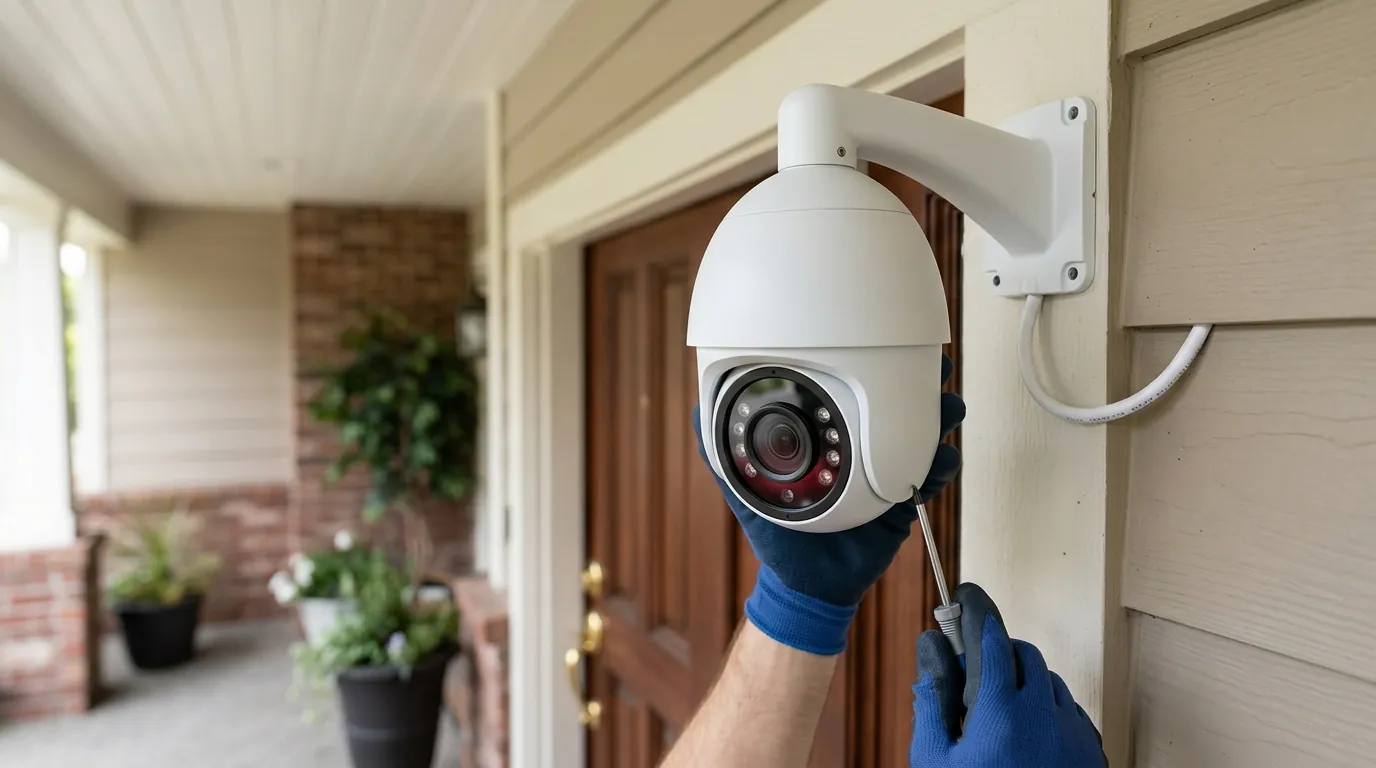
EZVIZ Camera Motion Detection Zones: A Complete Setup Guide
Effective motion detection is the difference between a security system that provides peace of mind and one that becomes a source of constant notification fatigue. For EZVIZ users, mastering detection zones is the primary way to filter out environmental noise and focus on genuine security events.
EZVIZ camera motion detection zones allow users to define specific areas within the camera’s field of view where motion triggers alerts, reducing false alarms from irrelevant movements. This feature is configurable through the EZVIZ app, often alongside adjustable sensitivity and AI-powered detection types like human or vehicle recognition.
What it means
Related: Tapo C210 Motion Tracking Issues: Understanding Firmware & Fixes · Nest Cam (Battery) Offline After Storm: Causes & Fixes · Fixing Reolink Argus 3 Pro Solar Charging Issues (June 2026)
Motion detection zones are a software-defined filter applied to a camera’s video feed. Instead of the camera monitoring every single pixel for movement, the user “paints” or selects a grid over the specific areas they want to monitor. In the EZVIZ ecosystem, this is handled entirely through the EZVIZ mobile app or the EZVIZ Studio software on PC.
When you set a detection zone, you are essentially telling the camera’s processor to ignore any pixel changes occurring outside that boundary. For example, if you have a camera facing your front yard, you might draw a zone that covers only your porch and walkway. Any motion occurring on the public sidewalk or the street—such as passing cars or pedestrians—will still be visible in a live view, but it will not trigger a push notification or start a recording event.
EZVIZ typically offers two ways to define these zones depending on the camera model and firmware version. Some models use a grid-based system where you tap individual squares to activate them, while newer AI-enabled models often allow for more precise, free-form drawing of polygons to match the exact contours of a driveway or entryway.
Why it exists
The implementation of detection zones solves several operational hurdles inherent to video surveillance. Without these zones, a camera is a “dumb” sensor that treats a swaying tree branch with the same urgency as a person opening a door.
- Reducing False Alerts: This is the most immediate benefit. By excluding high-traffic areas like public roads or neighbor’s yards, users can reduce “nuisance” notifications by up to 90%. This ensures that when your phone pings, it is likely an event that requires your attention.
- Optimizing Recording & Storage: Whether you are using a local MicroSD card or EZVIZ CloudPlay, storage is a finite resource. By limiting triggers to specific zones, the camera only saves footage of relevant events. This extends the lifespan of a MicroSD card by reducing the frequency of overwrite cycles and prevents cloud storage from being filled with clips of passing cars.
- Conserving Battery Life: For battery-powered models like the EZVIZ BC1C or EB8, every time the camera wakes up to analyze motion, it consumes power. Precise detection zones ensure the camera stays in its low-power “sleep” state more often, significantly extending the time between charges.
- Enhanced Security Focus: Zones allow you to prioritize high-value targets. You can set a highly sensitive zone around a gun safe or a jewelry box while maintaining a lower sensitivity for the rest of the room.
How it works under the hood
EZVIZ utilizes a combination of hardware and software to determine what constitutes “motion.” Understanding these mechanisms helps in troubleshooting why a zone might be over-performing or under-performing.
Pixel-Based Detection
Most EZVIZ cameras, particularly the wired indoor models like the C6N, use pixel-based analysis. The camera’s software compares the current frame to the previous one. If a significant number of pixels change color or brightness within your defined zone, the software flags it as motion. This is highly effective but can be fooled by sudden changes in lighting, such as clouds moving across the sun or headlights sweeping across a wall.
Passive Infrared (PIR) Technology
Many of EZVIZ’s outdoor and battery-powered units incorporate a physical PIR sensor. Unlike pixel detection, which “looks” at the image, PIR “feels” for heat signatures. It detects the infrared energy emitted by humans and animals. According to EZVIZ technical specifications, PIR is often used as a “wake-up” trigger. The PIR sensor detects heat, wakes the camera’s main processor, and then the software confirms if the motion is within the user-defined zone.
AI-Powered Smart Detection
Modern EZVIZ models (those with “Pro” or “Ultra” designations, such as the C3W Pro) feature on-device AI chips. These chips are trained to recognize the specific shapes of humans and vehicles. When combined with detection zones, this creates a double-filter: the motion must occur within the zone and it must look like a person. This is currently the most effective way to eliminate alerts caused by pets or blowing debris.
Adjustable Sensitivity
EZVIZ provides a sensitivity slider, typically ranging from 0 to 6 or 1 to 10.
- Low Sensitivity: Requires a large object or significant pixel change to trigger. Best for outdoor areas with wind.
- High Sensitivity: Triggers on even small movements. Best for indoor, controlled environments where any movement is suspicious.
Real-world implications
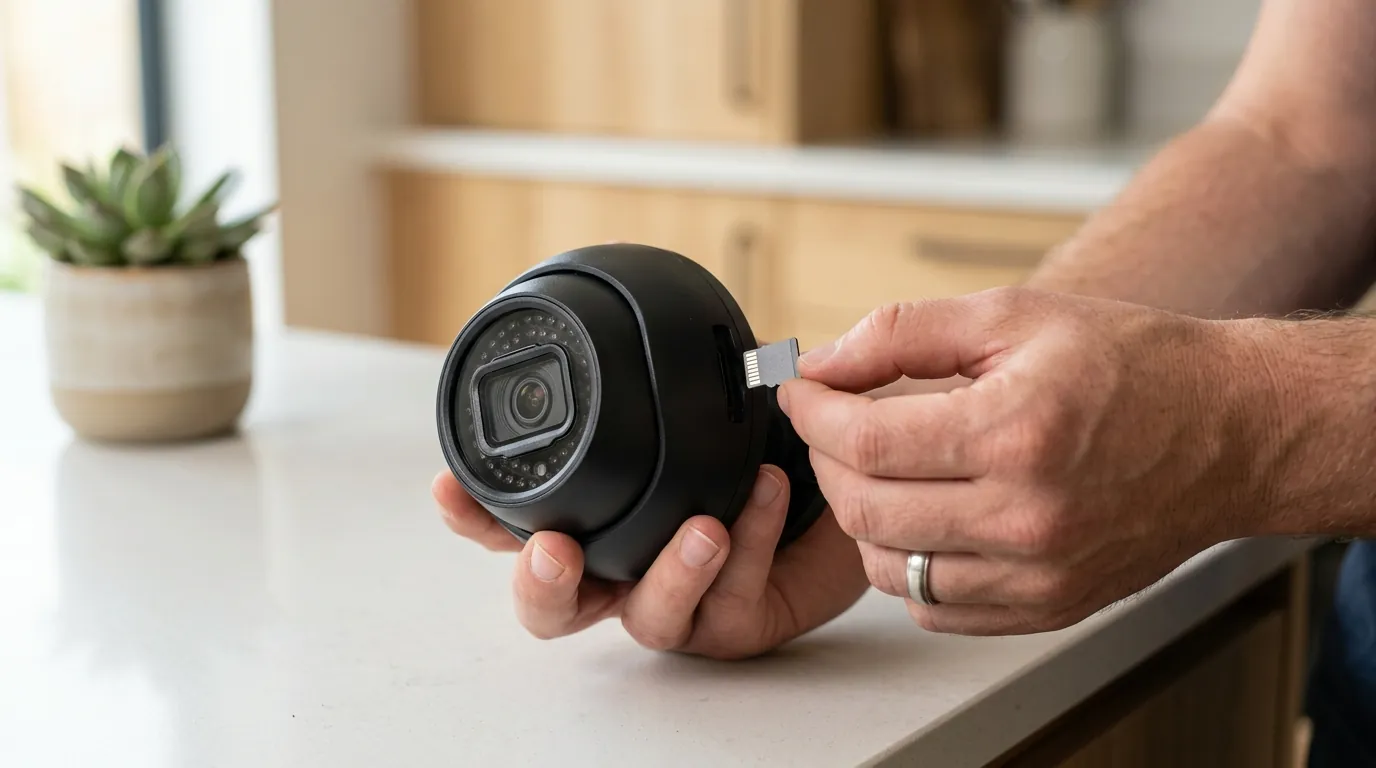
Setting up zones requires a strategic approach based on the specific environment of the camera.
- Driveway Monitoring: If your camera overlooks a driveway and a busy street, you should draw a zone that stops exactly at your property line. This prevents every passing car from triggering an alert while ensuring that anyone stepping onto your pavement is recorded.
- Front Door/Entryway Focus: For doorbell cameras or porch cameras, focus the zone on the “landing” area. Exclude the bottom of the frame if it captures the sidewalk. This ensures you get an alert when someone is at your door, not just walking their dog past your house.
- Pet Exclusion: If you have an indoor camera and a dog, you can draw your detection zone from the waist-level up. This allows the dog to move freely on the floor without triggering alerts, while still capturing any human standing or walking through the room.
- Privacy Zones (No-Filming Areas): It is important to distinguish Motion Zones from Privacy Zones. While Motion Zones tell the camera where to look, Privacy Zones (available on models like the C8W Pro) allow you to place a black digital mask over parts of the image. This is used to legally comply with privacy laws by completely blocking out a neighbor’s windows or a public keypad.
- Targeted Notifications: By utilizing the “Notification Schedule” in tandem with zones, you can set the camera to only alert you to motion in the “Backyard Zone” after 11:00 PM, while keeping the “Front Door Zone” active 24/7.
Comparison of EZVIZ Model Detection Capabilities
| Model Series | Primary Detection Method | AI Features | Power Type | Typical Price Band |
|---|---|---|---|---|
| C6N / C1C | Pixel-Based | Basic Motion Only | Wired (Plug-in) | Under $50 |
| C3N / C3W Pro | Pixel + AI | Human Shape Detection | Wired (Plug-in) | $50 - $100 |
| BC1C / EB8 | PIR + AI | Human & Vehicle | Battery / Solar | $100 - $200 |
| C8 Series (Pan/Tilt) | Pixel + AI | Human Tracking & Zones | Wired / Battery | $80 - $180 |
Note: AI features may require firmware updates via the EZVIZ app to access the latest person/vehicle algorithms.
Common misconceptions
There are several misunderstandings regarding how these software boundaries interact with the physical world.
- Zones Do Not “Hide” Objects: A common misconception is that if an object is outside the motion zone, it won’t be in the video. This is false. The camera still records the entire field of view; the zone simply dictates what parts of that view are “active” for triggering an alert. If a person walks through a non-active area and then enters a zone, the recording will usually include a few seconds of “pre-roll” showing them before they entered the zone.
- Universal AI Features: Not all EZVIZ cameras are created equal. A budget C6N might let you draw a zone, but it lacks the AI to tell a cat from a human. Users often expect “Human Detection” on all models, but this is a hardware-dependent feature. Always check the “Smart Function” section of the spec sheet.
- PIR Limitations: PIR sensors have a physical range, usually around 25-30 feet (approx. 10 meters). If you draw a motion zone for an area 50 feet away on a battery-powered camera, it likely won’t trigger because the PIR sensor cannot “feel” the heat at that distance, even if the “zone” is drawn there in the app.
- Impact of Lighting and Environment: Motion zones are not foolproof against nature. Heavy rain, thick fog, or snow can change enough pixels across the entire frame to bypass zone settings. Similarly, a spider spinning a web directly over the lens will trigger almost any zone because it appears as a massive moving object to the sensor.
Decision Framework: Optimizing Your Setup
To get the most out of your EZVIZ system, choose your settings based on your specific residency or use case:
- If you are a Renter: Prioritize indoor cameras with “Human Shape Detection” (like the C6W). Set zones to cover entry points (windows/doors) but exclude fans or curtains that might move when the AC kicks on.
- If you are a Homeowner (Outdoor): Prioritize the C8C or C3W series. Use the polygon drawing tool to tightly hug your property line. Set sensitivity to “Mid” (Level 3-4) to avoid alerts from small animals while catching intruders.
- If you have a Battery-Powered Setup: You must be aggressive with your zones. Every false trigger shortens the interval between charges. Exclude any area with consistent movement (like a flag or a tree). Use “Human Detection” mode exclusively to ensure the camera only fully powers up when a person is present.
- If you have high Privacy Concerns: Use the “Privacy Mask” feature to black out neighbor’s property. This is a separate setting from motion zones and ensures that even if you are recording, those specific pixels are never captured or stored.
Total Cost of Ownership (TCO)
When setting up EZVIZ cameras, the hardware price is only the first step. Understanding the 3-year cost is vital for budgeting.
- Hardware: Entry-level cameras are around $30-$50, while advanced outdoor PTZ (Pan-Tilt-Zoom) models range from $120-$200.
- Storage (Local): A high-end 128GB or 256GB MicroSD card (High Endurance/V30 rated) costs between $20 and $40. These are a one-time purchase but may need replacement every 2-3 years due to wear.
- Storage (Cloud): EZVIZ CloudPlay is optional but recommended for security (in case the camera is stolen). As of early 2026, standard plans for a single camera generally fall into these bands:
- 7-Day Event History: Around $5.99/month or $59.99/year.
- 30-Day Event History: Around $10.99/month or $109.99/year.
- Power: Battery models may eventually need replacement batteries or a solar panel add-on (around $30-$50) to remain maintenance-free.
3-Year Estimate (Single Camera):
- Local Storage Only: ~$70 - $240 (Hardware + SD Card).
- Cloud Storage (7-day): ~$250 - $420 (Hardware + 3 years of subscription).
Further reading
To further optimize your home security ecosystem, consider exploring these related topics:
- EZVIZ CloudPlay vs. Local Storage: A deep dive into the security trade-offs between physical SD cards and encrypted cloud lockers.
- Best EZVIZ Outdoor Cameras: A comparison of the current lineup, focusing on night vision range and weatherproofing ratings.
- Understanding AI Detection in Security Cameras: How “Edge AI” differs from cloud-based analysis and why it matters for your privacy.
Frequently Asked Questions
Why is my EZVIZ camera still sending alerts for motion outside my zone?
This usually happens if the “Sensitivity” is set too high (Level 5 or 6). At high sensitivity, even slight reflections or shadows moving inside the zone—caused by objects outside the zone—can trigger an alert. Try lowering the sensitivity or refining the zone boundaries to exclude reflective surfaces like windows or puddles.
Can I set different motion zones for day and night?
Currently, the EZVIZ app does not support automatic “time-of-day” zone switching. However, you can use the “Notification Schedule” to mute alerts during the day while keeping the zones active for recording, or manually adjust sensitivity if night-time insects are causing too many triggers.
Does setting a motion zone affect the video quality?
No, motion zones are a processing filter and do not change the resolution or bitrate of the recorded video. The camera continues to capture the full resolution (e.g., 2K or 4K) across its entire field of view; the zone only determines which events are flagged for your attention.
Sources
- EZVIZ Official Support: Motion Detection Configuration
- EZVIZ Product Page: BC1C Battery Camera Specs
- EZVIZ Product Page: C3W Pro AI Features
- EZVIZ CloudPlay Subscription Tiers
- RTINGS: Security Camera Motion Detection Testing Methodology