
Fixing eufyCam S330 & HomeBase 3 Firmware Sync Errors
A sync error between a eufyCam S330 and its HomeBase 3 effectively blinds a high-end 4K security system, usually due to a stalled firmware handshake that prevents the camera from communicating with the hub.
Quick Answer: A eufyCam S330 sync error usually signals a failed firmware handshake with HomeBase 3. Fix it by power-cycling the HomeBase to force a version check or moving the camera within 10 feet of the hub to complete the update.
What it means
Related: Fixing Google Nest Cam Battery Drain After June 2026 Update · Ring Doorbell Recording Neighbors? Understand Your Privacy Rights · Renter-Friendly Wireless Video Doorbells: No-Drill Security Options
When a eufyCam S330 (also known as the eufyCam 3) enters a “Syncing” loop, it has essentially lost its place in the communication protocol with the HomeBase 3 (S380). In the 2026 ecosystem, where eufy has integrated more complex BionicMind AI routines into the local hub, the firmware requirements for both the camera and the HomeBase have become increasingly interdependent. A sync error occurs when the two devices cannot agree on which software version they are running or when a data packet is dropped during an over-the-air (OTA) update.
Identifying the ‘Syncing’ Loop
The most common symptom of this error is the eufy Security app displaying a persistent “Updating” status bar that never moves beyond a certain percentage—often 0% or 99%. In other cases, the camera may simply appear as “Offline,” but upon tapping the device settings, the user is met with a “Syncing with HomeBase” message.
During this state, the camera is functionally paralyzed. It cannot trigger the PIR (Passive Infrared) sensor to detect motion, nor can it stream 4K video to the app. Users often report receiving “Error Code -11” (unstable network) or “Error Code -113” (camera is updating). According to eufy’s official support documentation, -113 is a status indicator rather than a failure code, but if it persists for more than 20 minutes, the update process has stalled.
LED Status Code Reference
Physical indicators on the hardware provide a secondary diagnostic layer. Understanding these patterns is essential for troubleshooting before you reach for a ladder.
| Device | LED Behavior | Meaning |
|---|---|---|
| eufyCam S330 | Flashing Blue & Red | The camera is in “Sync Mode” or actively writing firmware to flash memory. |
| eufyCam S330 | Solid Red | The camera has failed the handshake or the battery is too low to initiate an update. |
| HomeBase 3 | Solid Red | The HomeBase is disconnected from the internet or experiencing a local system error. |
| HomeBase 3 | Flashing Blue | The HomeBase is actively pushing an update to a child device (camera). |
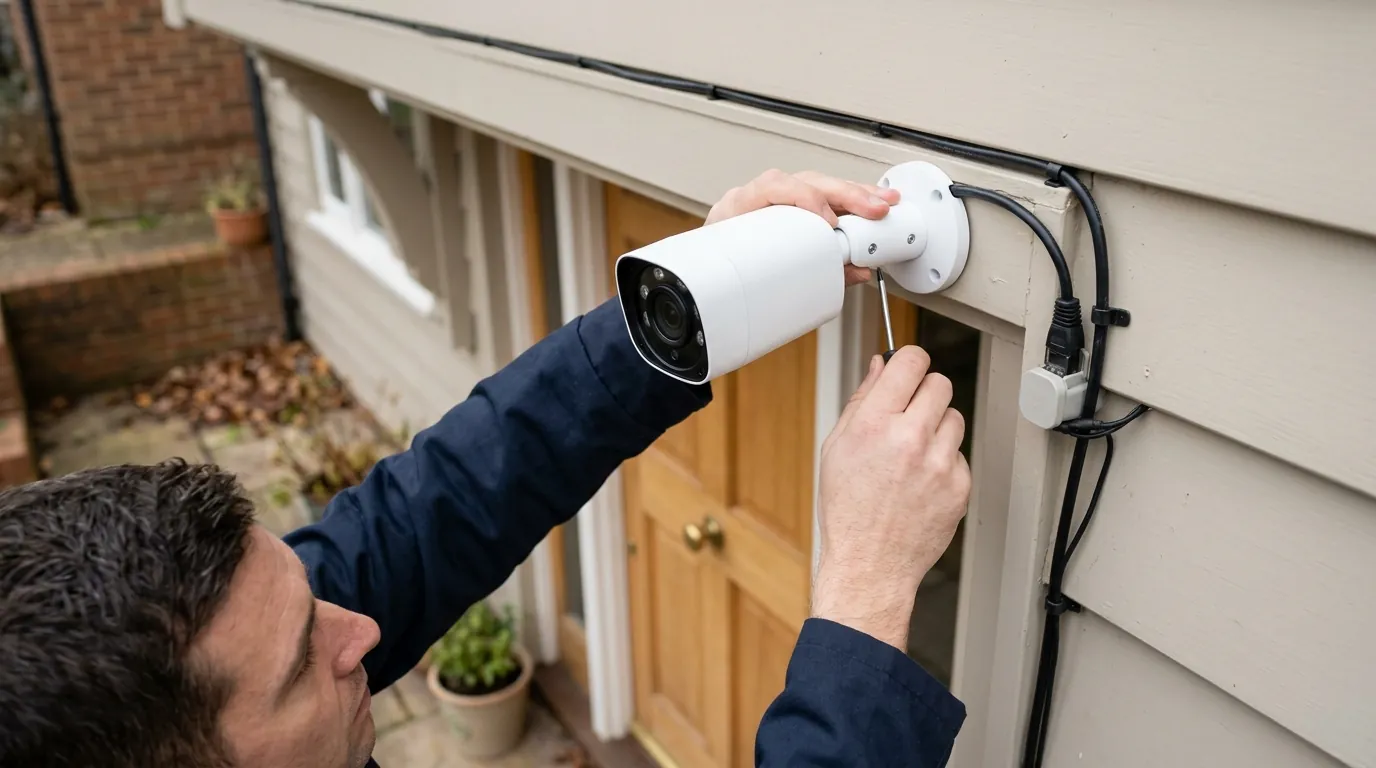
[Image description: A eufyCam S330 mounted on a residential eave with a visible solar panel, showing a red status LED indicating a sync error in a real-world home environment. Aspect ratio 16:9.]
Why it exists
The eufyCam S330 is not a standalone Wi-Fi camera; it is a peripheral of the HomeBase 3. This architecture is designed for security and battery efficiency, but it introduces a point of failure during firmware deployments. As of mid-2026, several specific triggers have been identified as the primary causes of the sync error.
The Role of the Subsystem Version
Firmware for the S330 is split into two parts: the Main OS and the Subsystem (which handles the wireless radio and AI sensor data). In 2026, updates like HomeBase 3 version 3.8.2.8 have introduced more rigorous “Subsystem” checks. If the HomeBase updates its internal AI database but the S330 fails to receive the corresponding Subsystem binary, the “Sync Error” occurs because the two devices are essentially speaking different languages. This version mismatch is the most common reason for a “Syncing” loop in the app.
Environmental and Power Triggers
Two physical factors often stall an update before it can complete:
- Low Battery Threshold: eufy’s safety protocol blocks firmware writes if the S330 battery is below 20%. This prevents the camera from “bricking” (becoming permanently unusable) if the power dies in the middle of a flash write. Even with the S330’s integrated solar panel, a week of overcast weather can drop the battery below this critical threshold, causing an update to hang indefinitely.
- Hard Drive Initialization: HomeBase 3 allows for HomeBase 3 storage expansion via 2.5-inch SATA drives. Community reports on r/eufy indicate that if a mechanical hard drive is failing or uninitialized, the HomeBase may fail to cache the firmware update locally, leading to a sync error when it tries to push “nothing” to the camera.
How it works under the hood
To fix the error, it helps to understand the “Update Bridge” used by the eufy ecosystem. Unlike a standard smart plug that downloads updates directly from your router, the S330 relies on the HomeBase 3 to act as a local deployment server.
The Proprietary 2.4GHz Update Bridge
The HomeBase 3 downloads the firmware binary from eufy’s cloud servers via its Ethernet or Wi-Fi backhaul. Once the file is verified locally, the HomeBase wakes the S330 using a low-power 2.4GHz signal. This is not standard 802.11 Wi-Fi; it is a proprietary protocol optimized for range and battery life.
The “Sync Error” usually happens during the Checksum Verification phase. The camera receives the binary chunks, calculates a mathematical signature (checksum), and compares it to the signature provided by the HomeBase. If they don’t match—due to signal interference or a dropped packet—the camera rejects the update and enters a recovery state, which the app interprets as a sync loop.
[Image description: Technical diagram showing the wireless handshake between a HomeBase 3 hub and an S330 camera, highlighting the 2.4GHz signal path. Aspect ratio 4:3.]
Checksum Verification and Flash Writing
Once the S330 verifies the file, it begins writing to its internal eMMC flash memory. This is the most vulnerable moment for the device. In 2026, these updates often include new AI models for BionicMind facial recognition. If the user has “Multi-Bridge” enabled—a feature that allows the camera to use the home’s Wi-Fi mesh as a range extender—the update path becomes more complex. If the camera attempts to pull the update through a third-party router instead of the HomeBase directly, firewall settings or “Airtime Fairness” features on the router can cause the sync to fail.
Real-world implications
A sync error is more than a technical nuisance; it is a security vulnerability. While the S330 is stuck in a syncing state, the property is unmonitored.
Loss of 4K and AI Functionality
The S330’s primary selling point is its 4K resolution and BionicMind AI. During a sync error, these features are disabled. The camera will not record to the HomeBase 3’s hard drive, and no notifications will be sent to the user’s phone. Furthermore, mismatched firmware can cause the AI to malfunction once the camera does reconnect, leading to “false negatives” where familiar faces are treated as strangers or motion is ignored entirely.
The ‘Ladder Requirement’ for Physical Resets
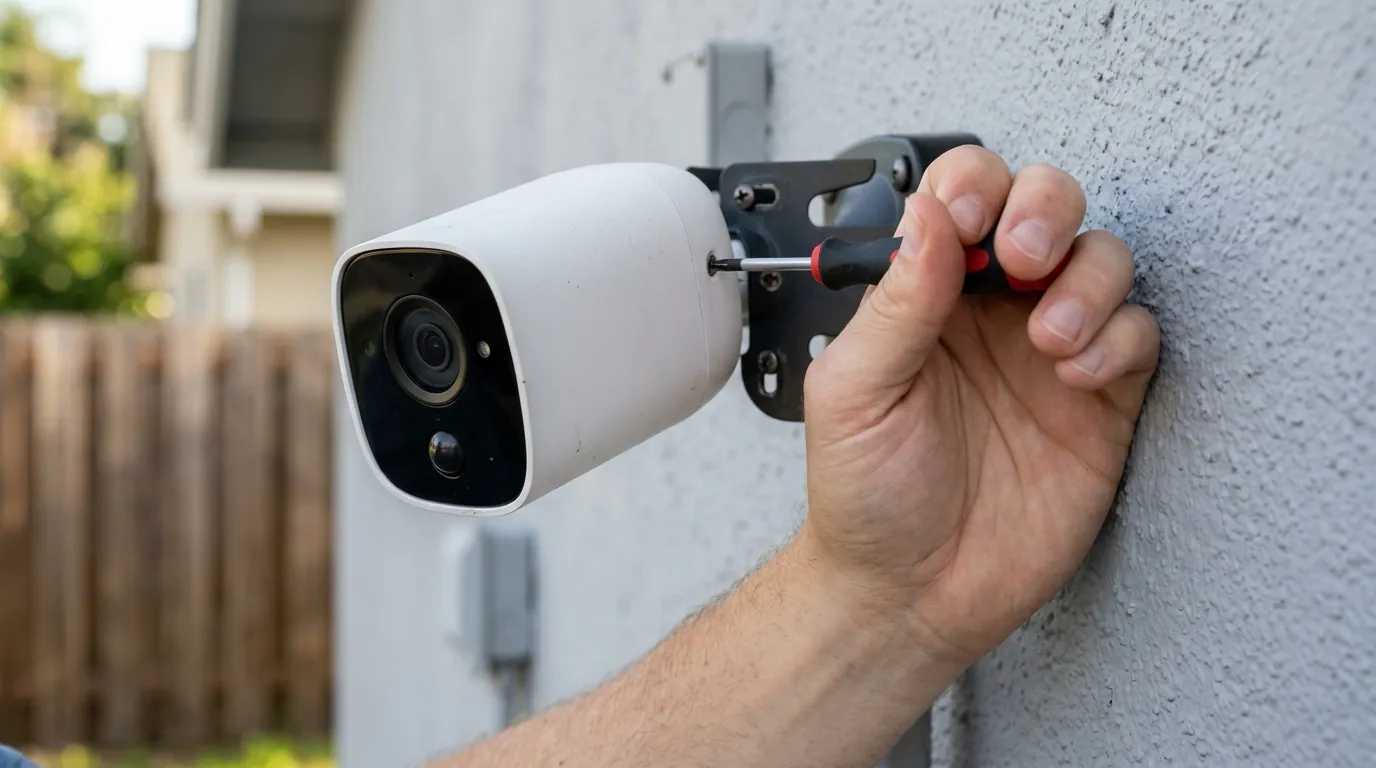
For many homeowners, the S330 is mounted high on eaves or second-story gutters to maximize the solar panel’s sun exposure. If the sync error cannot be resolved via a HomeBase power cycle (software reset), a physical reset is required. This involves holding the “SYNC” button on the back of the camera for 10 to 30 seconds. The logistical burden of retrieving a ladder to fix a software glitch is a significant point of friction for the eufy ecosystem compared to wired systems.
Decision Framework: Troubleshooting Priority
If you encounter a sync error, follow this logic to minimize effort:
- If the camera is reachable without a ladder: Perform a physical 10-second SYNC button hold immediately.
- If the camera is high-mounted: Power cycle the HomeBase 3 first (unplug for 30 seconds). This often forces the hub to re-broadcast the update “Ready” signal.
- If the error occurs after a storm: Check the battery level in the app. If it is below 20%, wait for a sunny day or use a USB-C external power bank to jump-start the charge before attempting another sync.
- If you have multiple cameras failing: The issue is likely the HomeBase 3 or the SATA drive. Check the eufy privacy settings and system logs for storage errors.
Common misconceptions
There are several myths regarding how eufy cameras handle connectivity and updates that can lead users to the wrong troubleshooting steps.
Wi-Fi vs. HomeBase Proprietary Link
A common misconception is that a sync error means “the Wi-Fi is down.” In reality, the S330 does not connect to your home Wi-Fi under normal circumstances. It talks only to the HomeBase 3. Even if your home Wi-Fi is blazing fast, a sync error can occur if there is 2.4GHz interference (from microwaves or baby monitors) between the camera and the HomeBase. Moving the HomeBase closer to the camera’s external wall is often more effective than upgrading your internet speed.
The Risk of ‘Remove and Re-add’
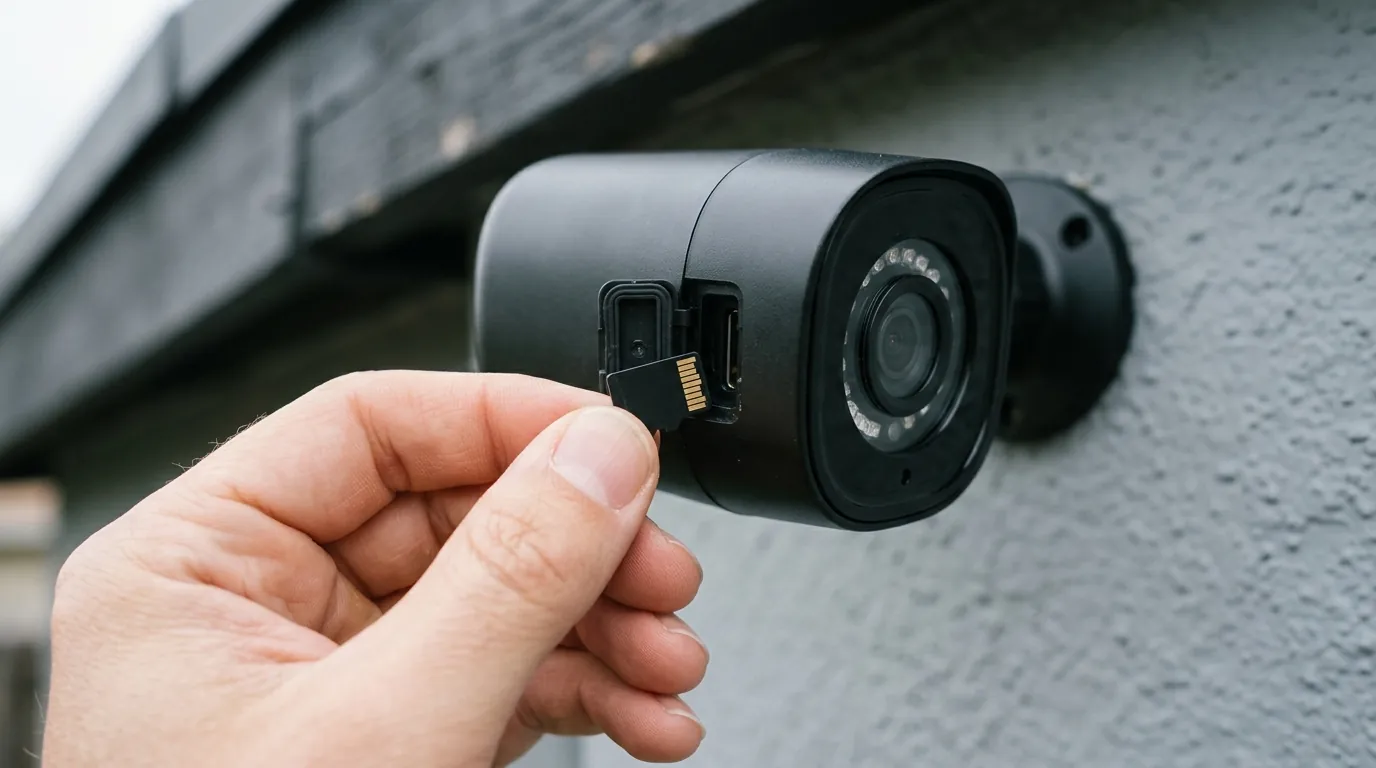
Users often try to fix a sync loop by selecting “Remove Device” in the eufy app. This is a mistake if the camera is mounted out of reach. Once a camera is removed from the app while in a sync error state, it cannot be re-added without physically pressing the SYNC button on the camera body to put it into pairing mode. Always exhaust software-based reboots of the HomeBase before removing the camera from your account.
Total Cost of Ownership (TCO) Comparison
When considering the S330, the lack of a monthly fee is the primary draw. However, the “cost” of maintenance (like resolving sync errors) should be factored in. Here is how the S330 compares to other 2026 market leaders over a 3-year period.
| System | Hardware Cost (2-Cam Kit) | 3-Year Sub. Cost | Add-on Costs (Storage/Solar) | Total 3-Year TCO |
|---|---|---|---|---|
| eufyCam S330 | ~$450 - $500 | $0 | ~$70 (1TB SSD) | ~$520 |
| Arlo Pro 5S | ~$350 - $400 | ~$360 ($10/mo) | Included | ~$710 |
| Ring Spotlight Pro | ~$400 - $450 | ~$360 ($10/mo) | ~$60 (Solar Panels) | ~$820 |
| Reolink 4K Solar | ~$300 - $350 | $0 | ~$40 (SD Cards) | ~$340 |
While eufy offers excellent value by being one of the premier subscription-free security cameras, the technical complexity of the HomeBase-to-camera link means users should be prepared for occasional manual intervention.
Further reading
For those looking to optimize their eufy setup beyond fixing sync errors, several areas deserve attention:
- Storage Optimization: Learning how to properly format and install HomeBase 3 storage can prevent the “local cache” issues that lead to firmware stalls.
- AI Training: Understanding how BionicMind processes data locally helps in recognizing why firmware updates are necessary for improving facial recognition accuracy.
- Competitor Analysis: If sync errors become a recurring frustration, comparing the eufyCam S330 to no-subscription cameras from brands like Reolink (which use standard Wi-Fi or PoE) can provide perspective on system reliability.
- Privacy Protocols: Reviewing the latest eufy privacy transparency reports for 2026 ensures you are comfortable with how thumbnails and AI data are handled during the sync process.
Frequently Asked Questions
Why is my eufyCam S330 stuck at 99% updating?
This usually indicates that the firmware file has been successfully downloaded and transferred, but the camera is failing the final “checksum” verification or the battery is too low to initiate the final flash write. Try power-cycling your HomeBase 3 to reset the handshake.
Can I update my eufyCam S330 without a HomeBase?
No. The S330 is designed to function exclusively with the HomeBase 3 (and some limited functionality with HomeBase 2). The HomeBase acts as the gateway for all firmware updates; the camera cannot pull updates directly from the cloud.
Does the eufyCam S330 work on 5GHz Wi-Fi?
No. The S330 uses a proprietary 2.4GHz connection to communicate with the HomeBase 3. While your HomeBase 3 can connect to your router via 5GHz Wi-Fi or Ethernet, the “last mile” connection to the camera remains on the 2.4GHz band for better wall penetration and lower power consumption.
How do I hard reset a eufyCam S330?
To perform a hard reset, press and hold the SYNC button on the camera for approximately 10 to 15 seconds until you hear a beep. Note that this will require you to re-pair the camera with your HomeBase, which may require a ladder if the camera is mounted high.
Sources
- eufy Support: eufyCam 3/3C Firmware Update Guide
- eufy Trust Center: Privacy and Encryption Policies
- Reddit: r/eufy Community Troubleshooting for HomeBase 3 — https://www.reddit.com/r/eufy/
- RTINGS: eufyCam 3 (S330) Review and Technical Specs
- FCC ID Filing: eufy HomeBase 3 (T8030) RF Exposure and Protocols — https://apps.fcc.gov/oetcf/eas/reports/GenericSearch.cfm (Search Grantee Code: 2AOKB)