
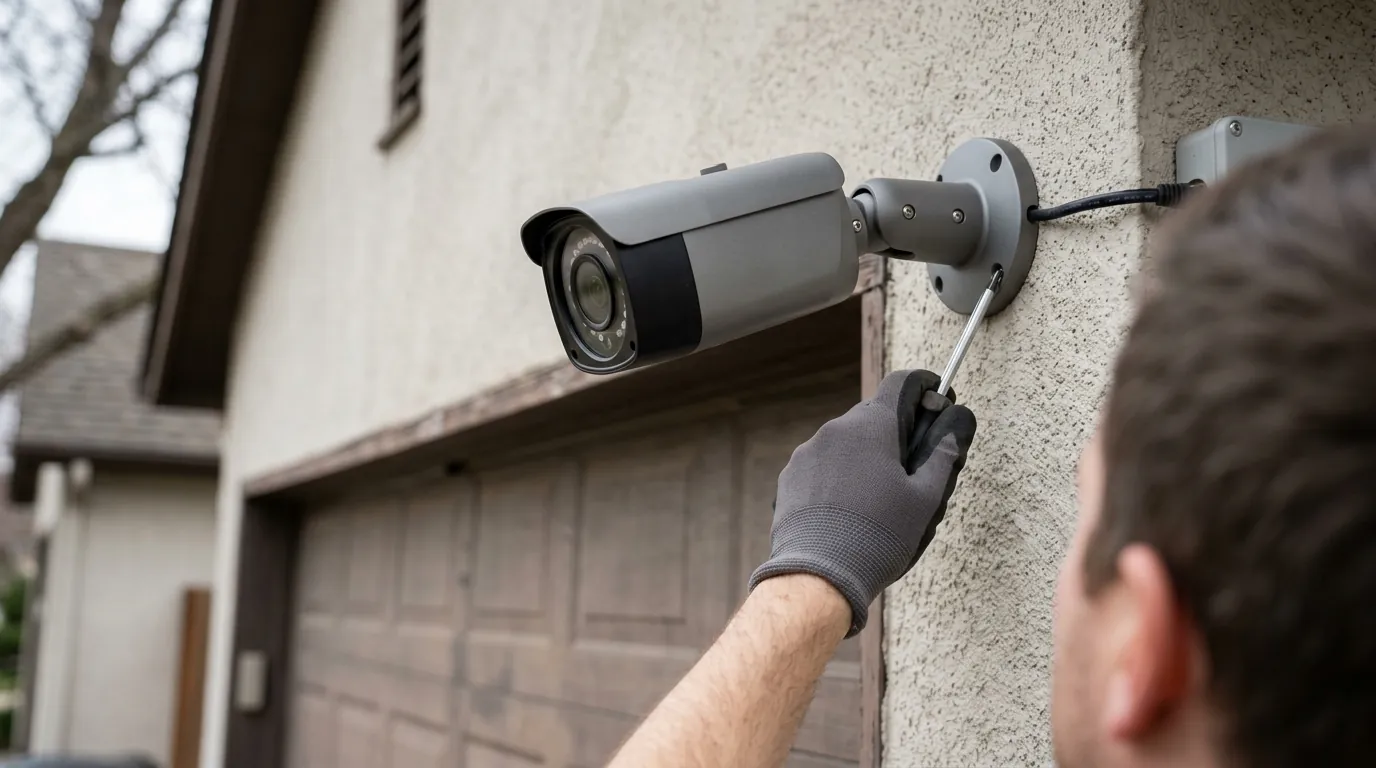
EufyCam S3 Pro Solar Charging: Maximize Efficiency for Continuous Power
Harnessing the sun’s power can transform your home security, offering continuous surveillance without the hassle of wires or frequent battery changes. For EufyCam S3 Pro owners, understanding and optimizing its solar charging capabilities is key to unlocking truly set-and-forget operation.
To maximize your EufyCam S3 Pro’s solar charging efficiency, position its SolarPlus 2.0 panel for at least 1-2 hours of direct, unobstructed sunlight daily, ideally south-facing. Regular cleaning and optimizing camera settings like motion detection and recording modes are crucial for maintaining its 13,000 mAh battery and ensuring year-round operation without manual recharging.
What it means
Related: Blink Outdoor 4 Battery Life in Extreme Heat: What You Need to Know · Reolink Doorbell WiFi vs. PoE: Summer Stability & Performance · Ring Battery Doorbell Plus Motion Zone Issues: What You Need to Know
Solar charging for security cameras refers to the technology that allows a camera to power itself and recharge its integrated battery by converting sunlight into electrical energy. This capability frees the camera from reliance on wired power outlets, enabling flexible placement in locations where running cables might be impractical or impossible. The EufyCam S3 Pro (also known as eufyCam 3) features Eufy’s proprietary SolarPlus 2.0 technology, an advanced solar charging system engineered for enhanced efficiency, even in less-than-ideal sunlight conditions.
The core components of this system include the integrated solar panel, which captures solar energy; the robust 13,000 mAh rechargeable lithium-ion battery, which stores this energy; and the camera unit itself, which draws power from the battery for its operation. This integrated design aims to provide a self-sustaining power solution for continuous home and small-business security monitoring.
Why it exists
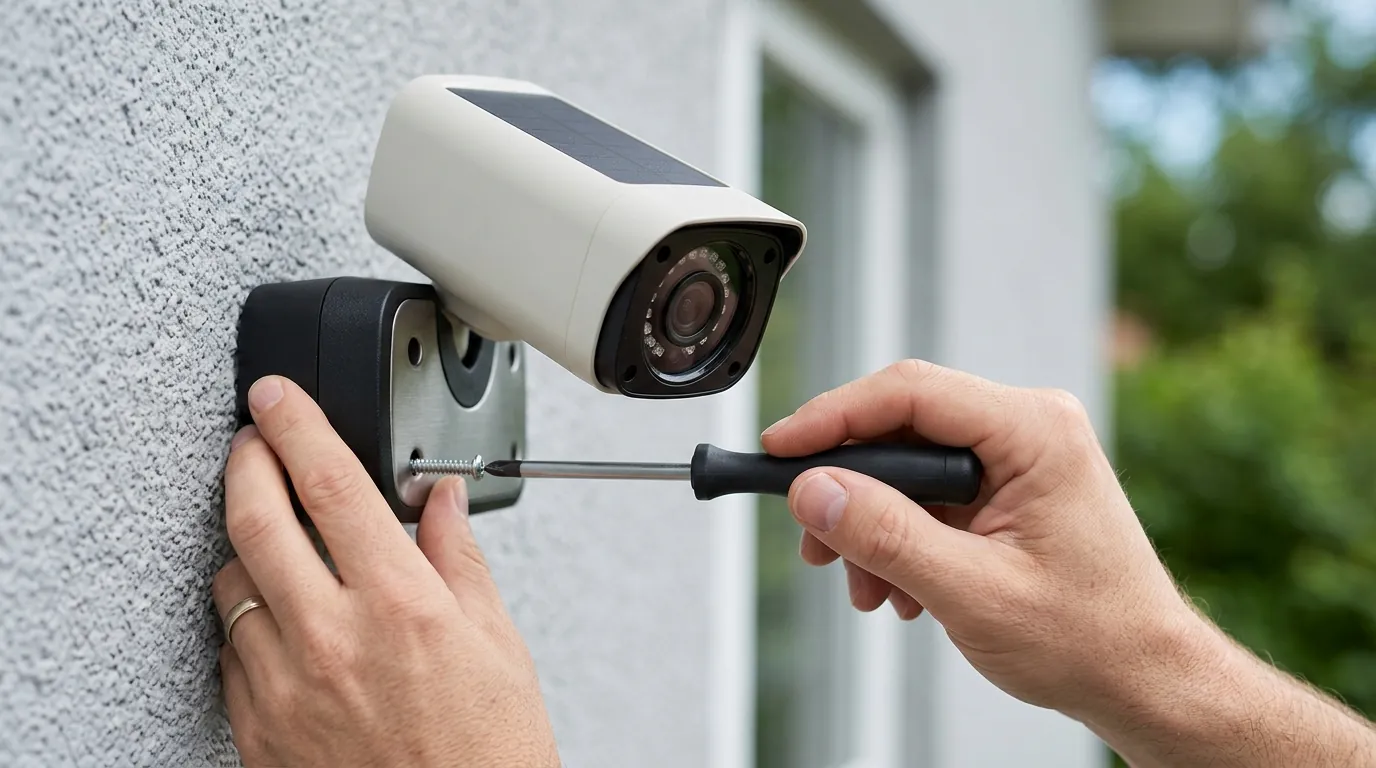
The primary advantage of solar-powered security cameras like the EufyCam S3 Pro is the unparalleled freedom from wires and traditional power outlets. This allows for significantly more flexible placement options, making them ideal for monitoring areas such as detached garages, sheds, fence lines, or remote property corners that lack easy access to electrical wiring.
The overarching goal is to provide continuous, reliable power, ensuring the camera remains operational 24/7 without the need for manual battery recharges. By leveraging renewable solar energy, these cameras aim to offer a low-maintenance security solution. Beyond convenience, solar charging contributes to environmental benefits by reducing electricity consumption and eliminating the need for disposable batteries.
Eufy’s approach with the EufyCam S3 Pro also addresses a common consumer frustration with other security camera brands that often rely heavily on subscription services for cloud storage and advanced features. Eufy emphasizes local storage via its HomeBase 3 and a no-monthly-fee model, making solar charging a crucial enabler for long-term, cost-effective, and low-maintenance security.
How it works under the hood

At its core, solar charging relies on the photovoltaic effect. The integrated solar panel on the EufyCam S3 Pro contains photovoltaic cells that absorb photons from sunlight. When these photons strike the cells, they excite electrons, generating an electric current (direct current, or DC). This DC electricity is then used to power the camera directly or to recharge its internal battery.
The EufyCam S3 Pro is equipped with a substantial 13,000 mAh lithium-ion battery. This battery acts as an energy reservoir, storing the electricity generated by the solar panel during daylight hours. This stored energy is critical for powering the camera at night, during periods of low sunlight (e.g., cloudy days), or when motion detection and recording demand more power than the panel can instantaneously generate. An internal charge controller manages the flow of electricity, preventing overcharging or deep discharge, which helps optimize battery health and prolong its lifespan.
Eufy’s SolarPlus 2.0 technology is designed for enhanced efficiency. The manufacturer states that it is 50% more efficient than previous versions and can achieve “forever power” with as little as 1 to 2 hours of direct sunlight per day. This improved efficiency is crucial for maintaining consistent power, especially in regions with varying weather conditions or during shorter daylight hours in winter.
However, camera features significantly impact power consumption. The EufyCam S3 Pro’s advanced capabilities, such as 4K resolution recording, MaxColor Vision™ for enhanced low-light color, AI detection for person/vehicle recognition, and the integrated spotlight, all draw power from the battery. While these features enhance security, their frequent activation can increase the camera’s energy demands, necessitating consistent and efficient solar charging to prevent battery depletion.
Real-world implications
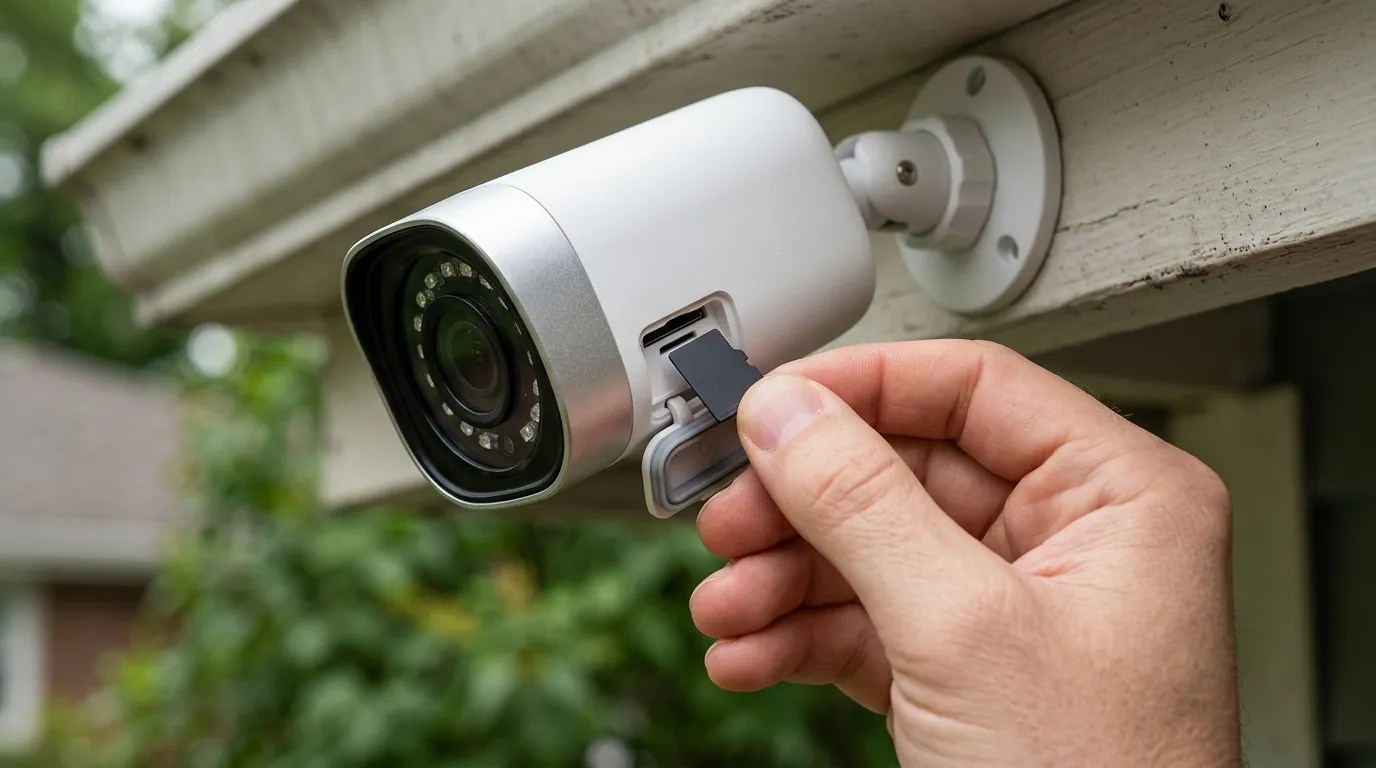
Achieving truly continuous power with the EufyCam S3 Pro’s solar charging requires careful consideration of its real-world operating environment.
Placement Strategies for Maximum Sun Exposure
Optimal placement is paramount for ensuring the solar panel receives sufficient direct sunlight. In the Northern Hemisphere, positioning the camera (and thus its integrated solar panel) facing south is generally recommended to maximize sun exposure throughout the day. It is crucial to avoid obstructions such as overhanging tree branches, tall buildings, eaves, or other structures that could cast shadows on the panel, even for short periods. Even partial shading can significantly reduce charging efficiency.
The ideal mounting height for the EufyCam S3 Pro is typically between 7 and 10 feet, which provides a good balance between field of view for monitoring and accessibility for maintenance. Tilting the camera downward by 5 to 10 degrees can optimize its surveillance angle while also ensuring the solar panel is angled effectively to capture sunlight, especially during midday. If the integrated solar panel on the camera cannot achieve optimal sun exposure due to its mounting location, the EufyCam S3 Pro also includes a detachable external solar panel. This allows for more flexible placement, where the external panel can be mounted separately in a sunnier spot and connected to the camera via a cable, ensuring maximum sunlight capture regardless of the camera’s viewing angle.
Seasonal Adjustments and Weather Challenges
The impact of weather and seasons on solar panel performance is substantial. Cloudy days, rain, and snow inherently reduce the amount of direct sunlight reaching the panel, thus decreasing charging efficiency. During winter months, shorter daylight hours and a lower sun angle further diminish solar input. Snow accumulation on the panel can completely block sunlight, halting charging until cleared.
Regular maintenance is therefore crucial for sustained efficiency. Solar panels should be cleaned periodically to remove accumulated dust, pollen, bird droppings, and other debris that can obstruct sunlight. In colder climates, promptly clearing snow and frost from the panel is essential to resume charging. A soft, damp cloth is usually sufficient for cleaning.
Seasonal Solar Panel Maintenance Checklist:
- Spring: Inspect for accumulated pollen and dust, clean thoroughly. Check mounting for stability after winter weather.
- Summer: Monitor for bird droppings or excessive dust from dry spells, clean as needed. Ensure no new foliage growth is casting shadows.
- Autumn: Clear fallen leaves and debris. Prepare for lower sun angles by verifying optimal panel tilt.
- Winter: Regularly check for snow and ice accumulation, gently clear to maintain charging. Be mindful of shorter daylight hours and adjust camera settings if needed.
Firmware and Software’s Role in Battery Management
Keeping both the Eufy HomeBase 3 and the EufyCam S3 Pro camera firmware updated is vital for optimal battery health and performance. Manufacturers frequently release firmware updates that include bug fixes, performance improvements, and optimizations for power management. For example, some users have reported battery drain issues with specific HomeBase 3 firmware versions (such as the example of firmware 3.7.6.8 mentioned in some community discussions), which Eufy typically addresses through subsequent updates. Regularly checking for and installing these updates ensures your camera benefits from the latest power-saving enhancements.
Beyond firmware, optimizing camera settings can significantly reduce unnecessary power consumption. Adjusting motion detection zones to cover only critical areas, fine-tuning sensitivity to minimize false alerts, and setting appropriate recording durations can prevent the camera from waking up and recording unnecessarily. Utilizing features like activity zones can help focus the camera’s attention, reducing overall power draw compared to continuous monitoring of a wide, active area.
Common misconceptions
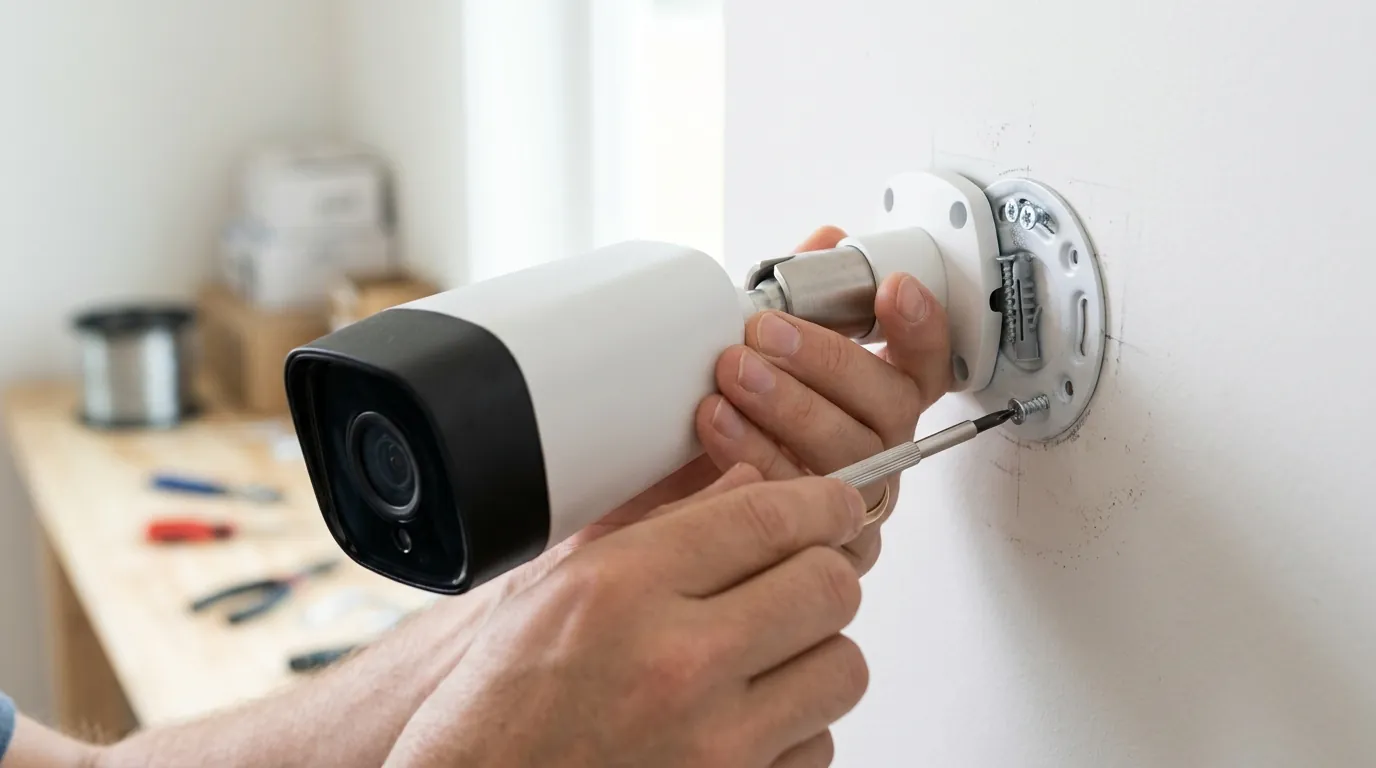
Several misconceptions often arise regarding solar-powered security cameras, which can lead to suboptimal performance if not addressed.
One common belief is that “any light is enough to charge” the camera. While ambient light might register on the panel, efficient charging for the EufyCam S3 Pro’s 13,000 mAh battery requires direct, unobstructed sunlight. Diffused or indirect light provides significantly less energy and may not be sufficient to offset the camera’s power consumption, especially during active use.
Another misconception is the “set it and forget it” mentality in all conditions. While the EufyCam S3 Pro’s SolarPlus 2.0 technology aims for indefinite power, extreme weather conditions (prolonged cloud cover, heavy snow) or unusually heavy usage (frequent motion triggers, extensive live view streaming) can still deplete the battery without optimal solar input. Regular checks, especially during seasonal transitions or periods of inclement weather, are advisable.
Many users also hold expectations for 24/7 continuous recording on a solar-powered camera. It’s important to understand that continuous recording typically requires a wired power connection due to its high power demands. Solar-powered cameras, including the EufyCam S3 Pro, are designed for motion-activated recording to conserve energy, allowing the battery to last longer between charges. Attempting 24/7 recording on a solar camera would quickly deplete its battery.
The idea that “solar panel size doesn’t matter” is also incorrect. The physical size and efficiency of the solar panel directly impact its ability to generate power. Eufy’s SolarPlus 2.0, with its enhanced efficiency, is a key differentiator, allowing the EufyCam S3 Pro to charge effectively with minimal direct sunlight compared to cameras with smaller or less efficient panels.
Finally, privacy concerns are sometimes raised with solar cameras, implying they might be less secure. Eufy, however, emphasizes local storage on its HomeBase 3 and strong encryption protocols for data transmission, addressing general misconceptions about data privacy in solar security systems. Users retain control over their footage, and sensitive data is not automatically uploaded to the cloud without explicit consent.
Decision Framework: Choosing and Maintaining Your EufyCam S3 Pro
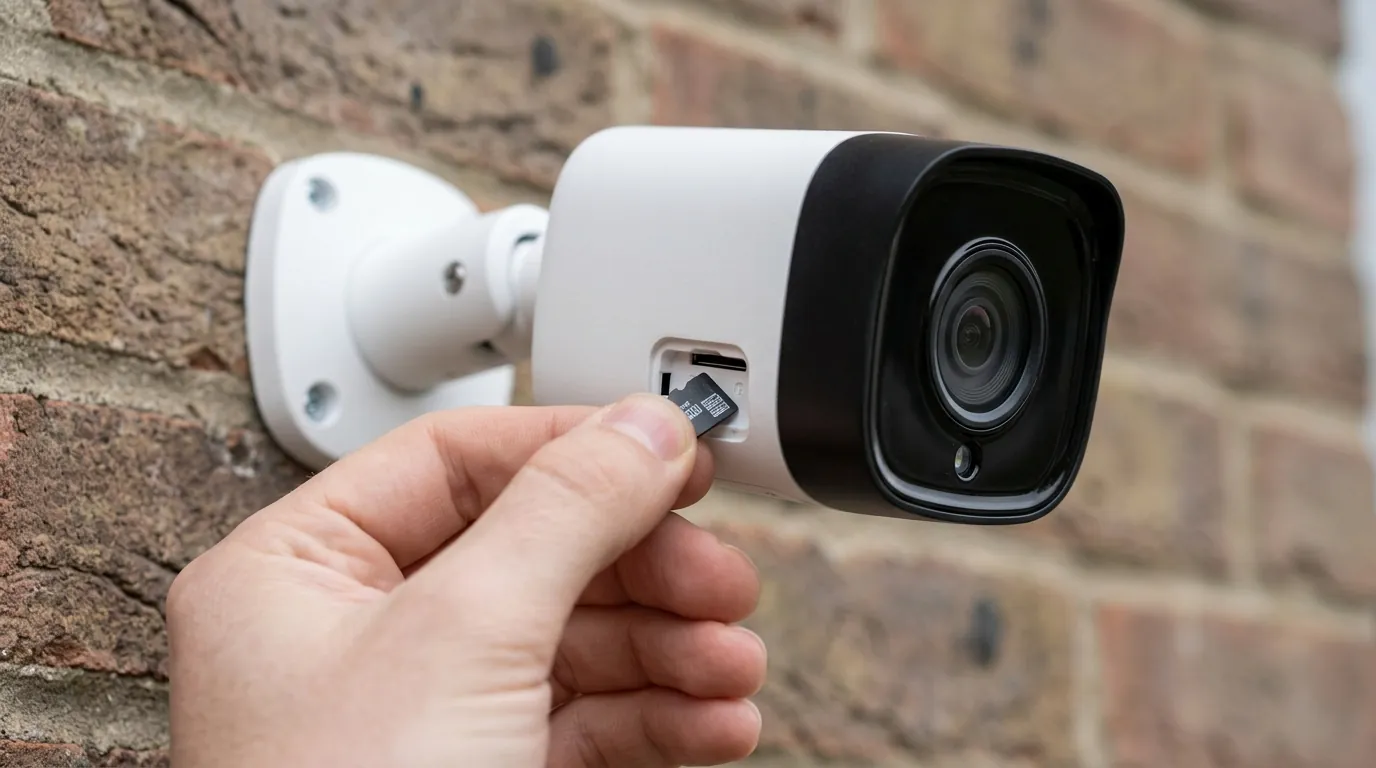
Selecting and setting up a solar-powered camera like the EufyCam S3 Pro involves specific considerations to ensure it meets your security needs.
| Scenario | Prioritize