
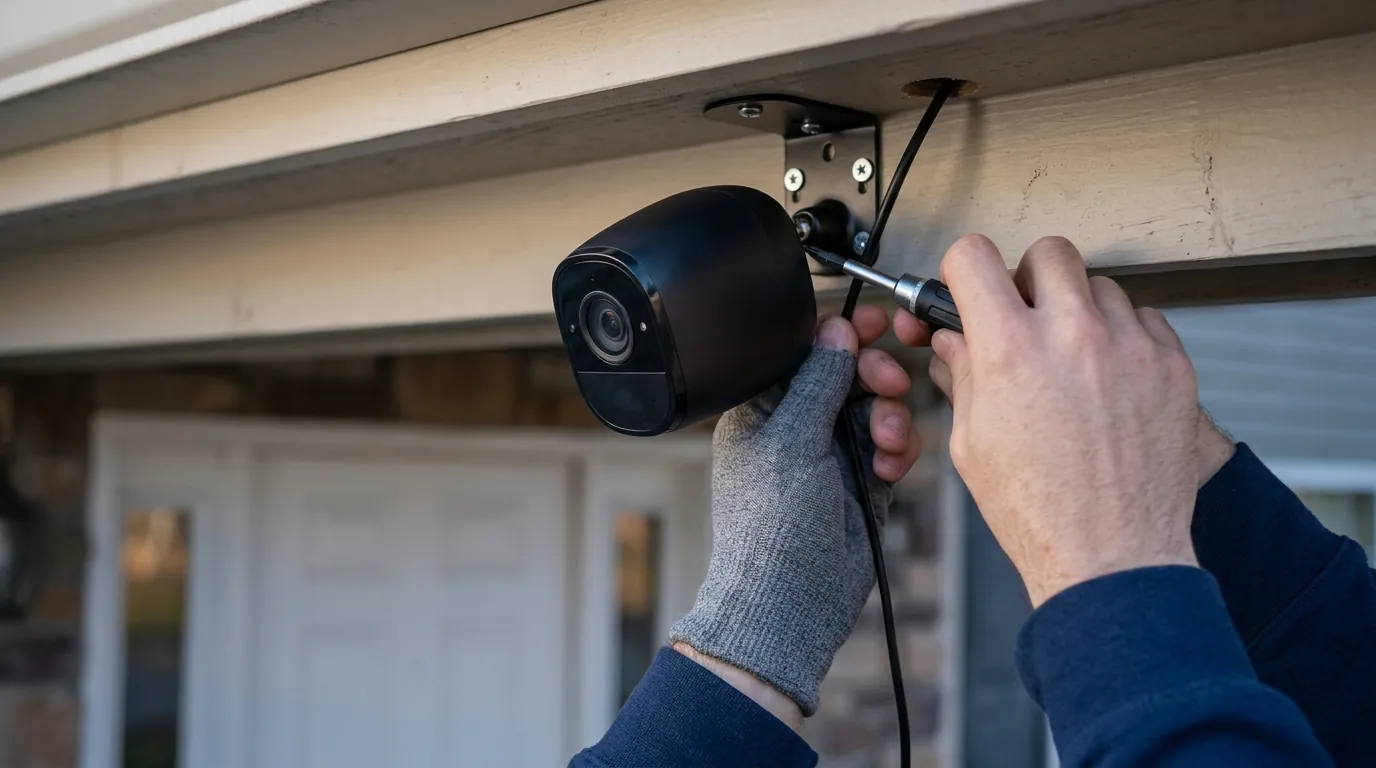
Eufy vs. Wyze: 2026 Budget Security Camera Comparison
For years, the choice between Eufy and Wyze was simply a matter of “cheap” versus “cheaper,” but as 2026 unfolds, the gap has widened into a fundamental disagreement over how home security data should be handled. While both brands dominate the budget tier, their technical architectures have diverged, forcing buyers to choose between Eufy’s expensive-but-private local AI and Wyze’s affordable-but-cloud-dependent ecosystem.
Quick Answer: Eufy is the superior choice for local AI and zero monthly fees via HomeBase 3. Wyze remains the absolute price leader (under $50) but relies heavily on cloud subscriptions for advanced person and vehicle detection.
What it means
Related: Best Smart Locks for Summer Travel 2026: Secure Your Home · Best Wireless Security Cameras for Renters 2026: No-Drill & No-Sub · Fixing Reolink PoE Doorbell Motion Delay: 2026 Optimization Guide
In 2026, the “budget” security camera tier no longer implies grainy video or lack of features. Instead, the category is defined by hardware priced between $35 and $100 that offers at least 2K resolution, color night vision, and some form of artificial intelligence. The competition between Eufy and Wyze represents the two primary ways manufacturers offset the high cost of developing AI: Eufy charges more for the hardware upfront to keep the AI local, while Wyze sells hardware at near-cost and recovers the margin through recurring cloud subscriptions.
The 2026 Definition of “Budget”
A budget camera in 2026 is expected to deliver 2K (3MP or 4MP) resolution as a baseline, with “premium budget” models like the Eufy SoloCam S340 pushing into 4K territory. These devices now commonly include Wi-Fi 6 chips to handle high-bitrate video and integrated solar panels for battery-powered models. The distinction is no longer about the sensor quality alone, but about where the “brain” of the camera lives—on your bookshelf (Eufy) or in a data center (Wyze).
Ecosystem Overview: HomeBase vs. Cloud
Eufy’s ecosystem centers on the HomeBase 3 (S380). This hub acts as a private cloud, providing up to 16TB of expandable storage and centralized AI processing for all connected cameras. Conversely, Wyze remains a cloud-first platform. While Wyze cameras support microSD cards for continuous recording, advanced features like person, pet, and vehicle detection are processed on Wyze’s servers, requiring a Cam Plus or Cam Plus Unlimited subscription to be effective.
| Feature | Eufy SoloCam S340 | Wyze Battery Cam Pro |
|---|---|---|
| Resolution | 3K (Dual Lens: 3K + 2K) | 2K (QHD) |
| Field of View | 360° Pan/Tilt | 134° Diagonal |
| AI Processing | Local (BionicMind) | Cloud-based |
| Storage | 8GB Built-in / HomeBase 3 | MicroSD / Cloud |
| Connectivity | Wi-Fi 6 | Wi-Fi 6 |
| Power | Integrated Solar / Battery | Removable Battery |
| Pricing Band | $150–$200 range | Under $100 |
Data sourced from eufy.com and wyze.com spec sheets.
Why it exists
The fierce rivalry between Eufy and Wyze exists because of a massive consumer shift away from the “subscription tax” pioneered by Ring, Nest, and Arlo. In 2026, the $10 to $20 monthly fees required by legacy brands have become a primary pain point for homeowners, leading to the growth of brands that offer “subscription-free” alternatives.
The Rebellion Against the ‘Subscription Tax’
Market data from 2024 and 2025 indicated a sharp rise in “local-first” security adoption. Consumers are increasingly wary of hardware that becomes a “paperweight” without a monthly fee. Wyze has attempted to bridge this by offering a “Lite” tier, but the most desirable features—such as back-to-back recordings with no cool-down period—remain locked behind the Cam Plus paywall. Eufy has capitalized on this by marketing the HomeBase 3 as a one-time investment that eliminates recurring costs entirely.
The Rise of Local AI Processing
Hardware commoditization has allowed powerful Neural Processing Units (NPUs) to be integrated into consumer-grade hubs. In 2026, it is no longer cost-prohibitive to run facial recognition or vehicle identification locally. This “Edge AI” reduces latency (notifications arrive faster because data doesn’t travel to the cloud and back) and increases privacy, as sensitive video data never leaves the home’s local network.
How it works under the hood
The technical architecture of these two brands determines their speed, reliability, and privacy. Eufy leans into distributed edge computing, while Wyze utilizes a centralized cloud-processing model.
Edge AI vs. Cloud Intelligence
Eufy’s BionicMind AI is the standout technical achievement of the 2026 budget era. When a Eufy camera detects motion, it sends the metadata to the HomeBase 3. The HomeBase uses its NPU to cross-reference the image against a local database of “known faces.” According to Eufy’s technical documentation, this system claims 99.7% accuracy in facial recognition, learning over time to distinguish between a neighbor and a stranger.
Wyze, by contrast, offloads this work to AWS (Amazon Web Services). When a Wyze Cam v4 detects motion, it uploads a small video clip to the cloud. Wyze’s servers analyze the clip for “objects of interest” and then push a notification back to the user’s phone. This process, while accurate, is inherently dependent on the user’s upload speed and Wyze’s server uptime.
Connectivity: Wi-Fi 6 and Matter Integration
By 2026, both brands have moved toward Wi-Fi 6 (802.11ax). This is critical for budget cameras because it allows for better performance in crowded 2.4GHz environments, which are common in apartment complexes or dense suburbs.
Furthermore, the Matter smart home standard has finally begun to influence these brands. The Wyze Cam v4 and Eufy E330 (Professional) series have introduced limited Matter support, primarily allowing the cameras to trigger routines in Apple Home, Google Home, or Amazon Alexa. However, full video streaming via Matter remains inconsistent across the budget tier as the standard continues to evolve.
Benchmark: Notification Latency (Estimated)
- Eufy (Local AI): 0.8 – 1.5 seconds from event to phone.
- Wyze (Cloud AI): 2.5 – 5.0 seconds from event to phone (highly dependent on ISP).
Real-world implications
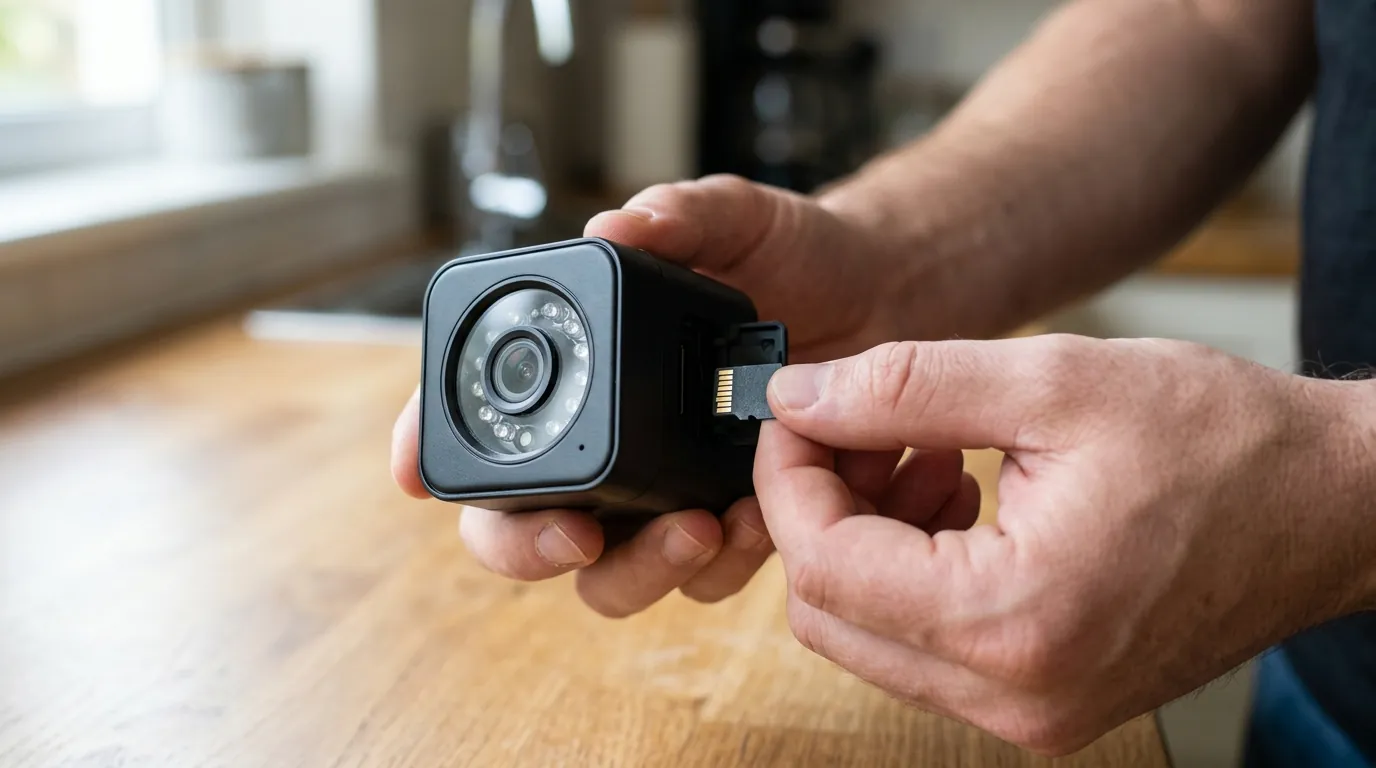
Choosing between these brands has long-term consequences for your wallet and your digital privacy.
The Privacy Factor: Trusting the Brand
Privacy is the most contentious area for both brands. Eufy faced significant scrutiny in late 2022 when it was discovered that some “local” thumbnails were being uploaded to the cloud unencrypted. Since then, Eufy has undergone third-party audits and implemented more transparent privacy toggles within their app.
Wyze, however, has struggled with more recent “incidents.” In February 2024, a security glitch allowed roughly 13,000 users to see thumbnails from cameras that weren’t theirs, and some were even able to view live feeds. While Wyze attributed this to a caching issue during a server outage, it highlighted the inherent risks of a cloud-centralized system. For users who prioritize privacy above all else, Eufy’s local-only storage (when configured correctly) offers a smaller attack surface.
Performance When the Internet Fails
A common failure mode for budget cameras is the loss of internet connectivity.
- Eufy: If your ISP goes down, Eufy cameras connected to a HomeBase 3 will continue to record, process AI, and store footage. You won’t get a notification on your phone while away, but the evidence is safely stored on the HomeBase hard drive.
- Wyze: Without an internet connection, Wyze cameras cannot process AI. If you have a microSD card installed, the camera can record “dumb” footage locally, but you lose the ability to filter by person or vehicle until the connection is restored.
Long-term Cost Analysis (TCO)
The “sticker price” of a Wyze camera is deceptive. To get a fair comparison, one must look at the Total Cost of Ownership (TCO) over three years for a standard four-camera setup.
3-Year TCO Comparison (4-Camera Setup)
| Cost Component | Eufy (HomeBase 3 + 4 Cams) | Wyze (4 Cams + Cam Plus Unlimited) |
|---|---|---|
| Hardware Upfront | ~$500 - $600 range | ~$160 - $220 range |
| Annual Subscription | $0 | ~$100/year |
| Storage (1TB HDD) | ~$50 (one-time) | N/A (Cloud included) |
| 3-Year Total | ~$550 - $650 | ~$460 - $520 |
While Wyze remains cheaper over three years, the gap closes significantly if the user chooses Eufy’s more affordable SoloCam line or if Wyze increases its subscription prices—a frequent occurrence in the industry.
Common misconceptions
The Myth of “Zero-Cost” Security
While Eufy is marketed as “no monthly fees,” there is often a hidden cost in storage hardware. To truly utilize the HomeBase 3, users must purchase a 2.5-inch SATA hard drive. Additionally, Eufy does offer an optional cloud backup service for those who want off-site redundancy, meaning the brand isn’t “anti-cloud,” just “local-first.”
“Wyze is Free”
A common misconception is that Wyze cameras provide full functionality for free. In 2026, using a Wyze camera without a subscription (the “Lite” or Basic tier) often results in a 5-minute “cool-down” period between recorded events. This means if a thief spends 10 minutes at your door, you may only capture the first 12 seconds of their arrival and miss the rest.
Local Storage Security Realities
Many buyers believe local storage is inherently “hack-proof.” However, if a thief steals the camera itself (in the case of Wyze cams with SD cards) or the HomeBase (in the case of Eufy), the footage is gone. Eufy mitigates this by allowing the HomeBase to be hidden deep inside the house, away from the cameras, while Wyze relies on the cloud to ensure footage is preserved even if the camera is destroyed.
Decision Framework: Which should you buy?
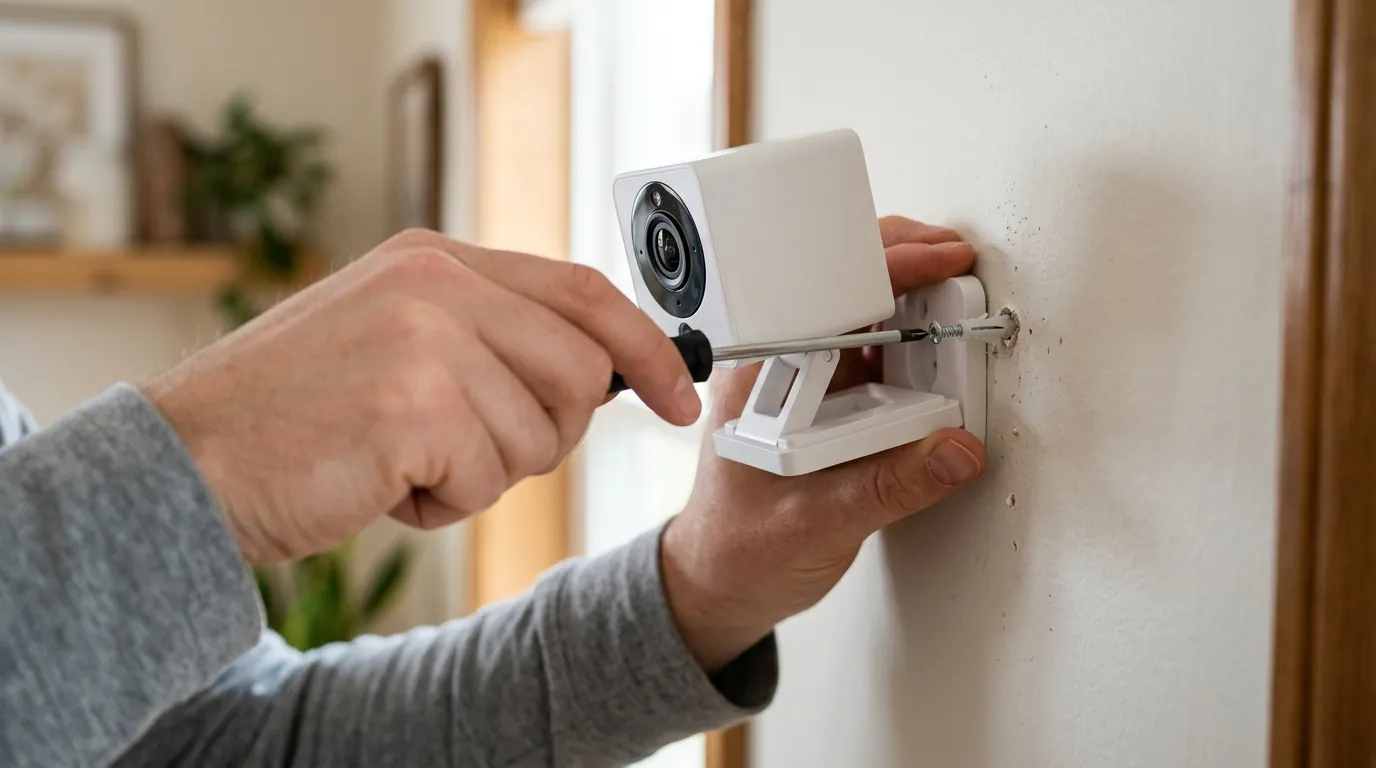
- If you are a renter in a small apartment: Prioritize Wyze. The low upfront cost and lack of a required hub make it easy to deploy and move. The cloud dependency is less of an issue in smaller spaces with reliable Wi-Fi.
- If you are a privacy-conscious homeowner: Prioritize Eufy. The BionicMind AI and local encryption on the HomeBase 3 provide the highest level of data sovereignty in the budget category.
- If you need 24/7 continuous recording: Prioritize Eufy E330 (Professional) or Wyze Cam v4 with high-endurance SD cards. Note that Wyze’s interface is often cited by the r/WyzeCam community as being more user-friendly for scrubbing through long timelines of continuous footage.
- If you are on a strict sub-$50 budget: Wyze is the only viable player. Eufy’s standalone cameras (SoloCams) typically start in the $60-$80 range, whereas the Wyze Cam v4 frequently sits in the $35-$45 range.
Further reading
Before finalizing a budget camera purchase, consider these technical requirements:
- High-Endurance SD Cards: If you choose Wyze or standalone Eufy cameras, do not use standard “Extreme” cards. You need “High Endurance” cards (designed for dashcams) to handle the constant write cycles of security footage.
- Home Assistant Integration: Both brands have community-developed integrations for Home Assistant, but Eufy’s is generally more stable for local streaming, whereas Wyze often requires a cloud-bridge (like “Wyze Bridge”) which can be complex to maintain.
- RTSP and ONVIF Support: Most budget Eufy and Wyze cameras do not support ONVIF natively. If you plan to use a third-party NVR (like Blue Iris or Synology Surveillance Station), you must verify specific model compatibility or use a firmware “hack,” which may void your warranty.
Checklist: 5 things to verify before buying
- Upload Speed: Does your home internet have at least 2Mbps of upload bandwidth per 2K camera?
- Power Access: For “wire-free” cameras, does the mounting spot get at least 3 hours of direct sunlight for the solar panel?
- Hub Compatibility: If buying Eufy, is the model “HomeBase 3 Compatible”? (Some older Eufy models still only work with HomeBase 2).
- Cool-down Periods: If buying Wyze without a subscription, are you comfortable with the 5-minute gap between recordings?
- Return Policy: Budget cameras have higher “dead on arrival” (DOA) rates than enterprise gear; ensure you buy from a retailer with a 30-day window.
Frequently Asked Questions
Does Eufy work without the HomeBase?
Yes, many Eufy models (the SoloCam series) can function as standalone Wi-Fi cameras using built-in storage. However, you lose the advanced BionicMind AI features and the ability to expand storage to multiple terabytes without the HomeBase 3.
Can Wyze cameras record to a local NVR?
Not natively. Wyze cameras are designed to record to microSD cards or the Wyze cloud. While some community workarounds exist to enable RTSP (Real Time Streaming Protocol), Wyze does not officially support ONVIF or third-party NVRs in their standard firmware as of 2026.
Is Eufy’s facial recognition actually accurate?
In ideal lighting conditions, Eufy’s BionicMind AI is highly effective at distinguishing family members from strangers. However, accuracy drops significantly at night or if the subject is wearing a mask or hat, as the system relies on facial geometry that can be obscured.
What happens to my Wyze footage if the camera is stolen?
If you have a Cam Plus subscription, the “Event” clip (up to the moment the camera was disconnected) is saved in the cloud and can be viewed on your phone. If you only use a microSD card with no subscription, the footage is lost along with the camera.
Sources
- Eufy Security — https://www.eufy.com
- Wyze Labs — https://www.wyze.com
- The Verge: Wyze Security Glitch Report
- RTINGS: Security Camera Reviews
- FCC ID Database (Eufy/Wyze RF Filings) — https://apps.fcc.gov/oetcf/eas/reports/GenericSearch.cfm