
Eufy vs. Reolink Battery Cameras: 2026 Comparison Guide
For years, choosing a battery-powered security camera meant accepting a compromise: you could have wire-free convenience, but you had to give up continuous recording and settle for delayed, 10-second clips. In 2026, that compromise has officially ended as Eufy and Reolink battle for dominance in the high-end, subscription-free market.
Quick Answer: Reolink wins for users requiring continuous 24/7 recording (via the Altas PT Ultra) and NVR flexibility. Eufy leads in smart home polish, dual-lens zoom capabilities, and sophisticated facial recognition through the HomeBase 3. Both brands remain the top 2026 picks for homeowners looking to eliminate monthly subscription fees.
What it means
Related: Ring vs. Arlo: Best Porch Theft Protection for Summer 2026 · Best PoE Security Cameras for Residential Use (2026 Guide) · Best 4K Security Cameras with Local Storage (2026 Guide)
The 2026 security camera landscape is defined by the transition from “reactive” to “proactive” surveillance. Historically, battery cameras relied on Passive Infrared (PIR) sensors to “wake up” when heat-based motion was detected. This often resulted in “tailgating”—missing the first few seconds of an event. Today, flagship models from Eufy and Reolink have solved this through massive battery capacities and high-efficiency solar charging, allowing for pre-roll recording and, in Reolink’s case, full 24/7 coverage.
The two primary contenders in this space are the Eufy S3 Pro (SoloCam) and the Reolink Altas PT Ultra. While both offer 4K resolution and solar power, they represent different philosophies in home security. Eufy focuses on a centralized “brain” (the HomeBase 3) that manages multiple cameras and provides advanced AI. Reolink prioritizes hardware versatility, offering standalone operation, dedicated solar hubs, or integration into traditional Network Video Recorders (NVRs).
2026 Flagship Comparison Table
| Feature | Eufy S3 Pro | Reolink Altas PT Ultra |
|---|---|---|
| Resolution | 4K (3840 x 2160) | 4K (3840 x 2160) |
| Night Vision | MaxColor Vision (f/1.0) | ColorX (f/1.0) |
| Battery Size | 13,000 mAh (Integrated) | 20,000 mAh |
| Continuous Recording | No (Event-based + Pre-roll) | Yes (Industry-first 24/7) |
| Local Storage | HomeBase 3 (up to 16TB) | microSD (up to 512GB) / NVR |
| AI Features | BionicMind (Face/Pet/Vehicle) | Person/Vehicle/Animal Detection |
| Price Band | $200–$250 | $200–$250 |
| Solar Panel | Integrated + External Option | External (6W High-Efficiency) |
Source: eufy.com S3 Pro Specs | Source: reolink.com Altas PT Ultra Product Page
The End of the ‘Clip-Only’ Era
In 2026, the primary differentiator is how these cameras handle recording. Reolink has effectively disrupted the market with the Altas PT Ultra, which utilizes a high-capacity 20,000 mAh battery to support continuous 24/7 recording—a feat previously reserved for wired cameras. Eufy, while still primarily event-based, has introduced “Snapshot” and improved pre-buffering, ensuring that the “missing first five seconds” problem is largely a thing of the past.
Local Storage vs. Cloud Dependency
Both brands have doubled down on the “No Monthly Fee” model. Eufy’s ecosystem relies on the HomeBase 3 (S380), which acts as a local server. It contains 16GB of built-in storage but is expandable via a 2.5-inch SATA drive (HDD or SSD) up to 16TB. Reolink offers more decentralized options; you can record to an on-device microSD card, a Reolink Home Hub, or a dedicated Reolink NVR. This makes Reolink the preferred choice for “prosumers” who want to manage their own local network storage without a proprietary hub.
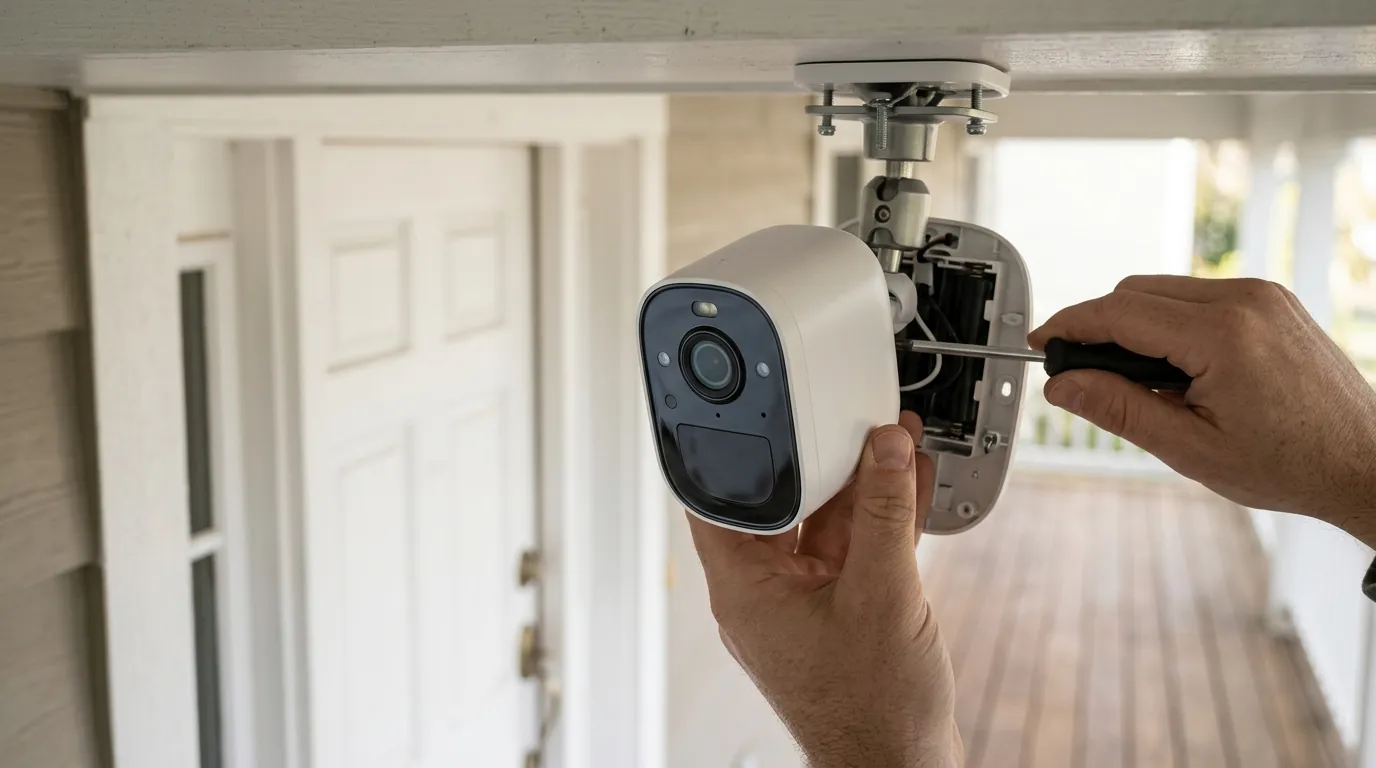
[Image Placeholder: A split-screen comparison showing a Eufy S3 Pro and a Reolink Altas PT Ultra mounted on a modern US suburban home’s eaves, highlighting the integrated vs. external solar panel designs. Aspect Ratio: 16:9]
Why it exists
The surge in popularity for Eufy and Reolink is not accidental; it is a direct result of “subscription fatigue” and a growing demand for data privacy.
The Subscription Fatigue Factor
Between 2024 and 2025, major players like Ring (Amazon), Nest (Google), and Arlo implemented significant price hikes for their cloud storage tiers. Many basic plans now cost $50–$100 per year per camera, or over $150 for a “Plus” household plan. For a homeowner with four cameras, the 3-year Total Cost of Ownership (TCO) for a subscription-based system can easily exceed $1,000.
In contrast, a Eufy or Reolink system has a higher upfront hardware cost but a $0 ongoing cost. The “Return on Investment” (ROI) compared to a Ring system is typically achieved within 14 to 18 months of ownership.
The Privacy First Movement
Consumer privacy mandates have shifted the focus toward “Edge AI.” In 2026, users are increasingly wary of facial recognition data being processed in the cloud. Eufy’s BionicMind AI and Reolink’s on-device detection process all video locally. This means the biometric data used to identify your family members never leaves your home network. Furthermore, both brands have responded to 2023-era security audits by implementing mandatory Two-Factor Authentication (2FA) and end-to-end encryption (E2EE) for remote viewing.
Source: Eufy Privacy Commitment | Source: Reolink Security Whitepaper
How it works under the hood
The 2026 generation of battery cameras relies on two major technological breakthroughs: ultra-wide aperture lenses and localized AI processing.
BionicMind vs. On-Device Detection
Eufy’s BionicMind AI (housed in the HomeBase 3) uses a self-learning algorithm. When a person is detected, the system compares the face against a local database of “known” people. Over time, it learns different angles and lighting conditions for your family members, reducing “Unknown Person” alerts.
Reolink takes a more hardware-centric approach. The Altas PT Ultra uses a high-performance SOC (System on a Chip) to differentiate between humans, vehicles, and pets directly on the camera. While it lacks Eufy’s specific “Face Recognition” naming feature, its detection is often cited by community testers on r/HomeSecurity as being slightly faster for vehicle detection at distances over 30 feet.
Solar Efficiency and Low-Light Optics
Both brands have adopted f/1.0 aperture lenses. In optics, a lower f-number means a larger opening, allowing more light to hit the sensor.
- Reolink ColorX: Uses a large 1/1.8” sensor and f/1.0 lens to produce full-color imagery in near-total darkness without needing a visible spotlight.
- Eufy MaxColor Vision: Similarly uses an f/1.0 lens. The S3 Pro specifically features an integrated solar panel on the top of the camera body, which Eufy claims can maintain 100% battery with just 2 hours of direct sunlight daily.
[Image Placeholder: A close-up of a smartphone screen showing the Eufy app’s facial recognition ‘BionicMind’ dashboard alongside a Reolink app’s 24/7 continuous timeline view. Aspect Ratio: 4:3]
Real-world implications
Installation and Solar Placement
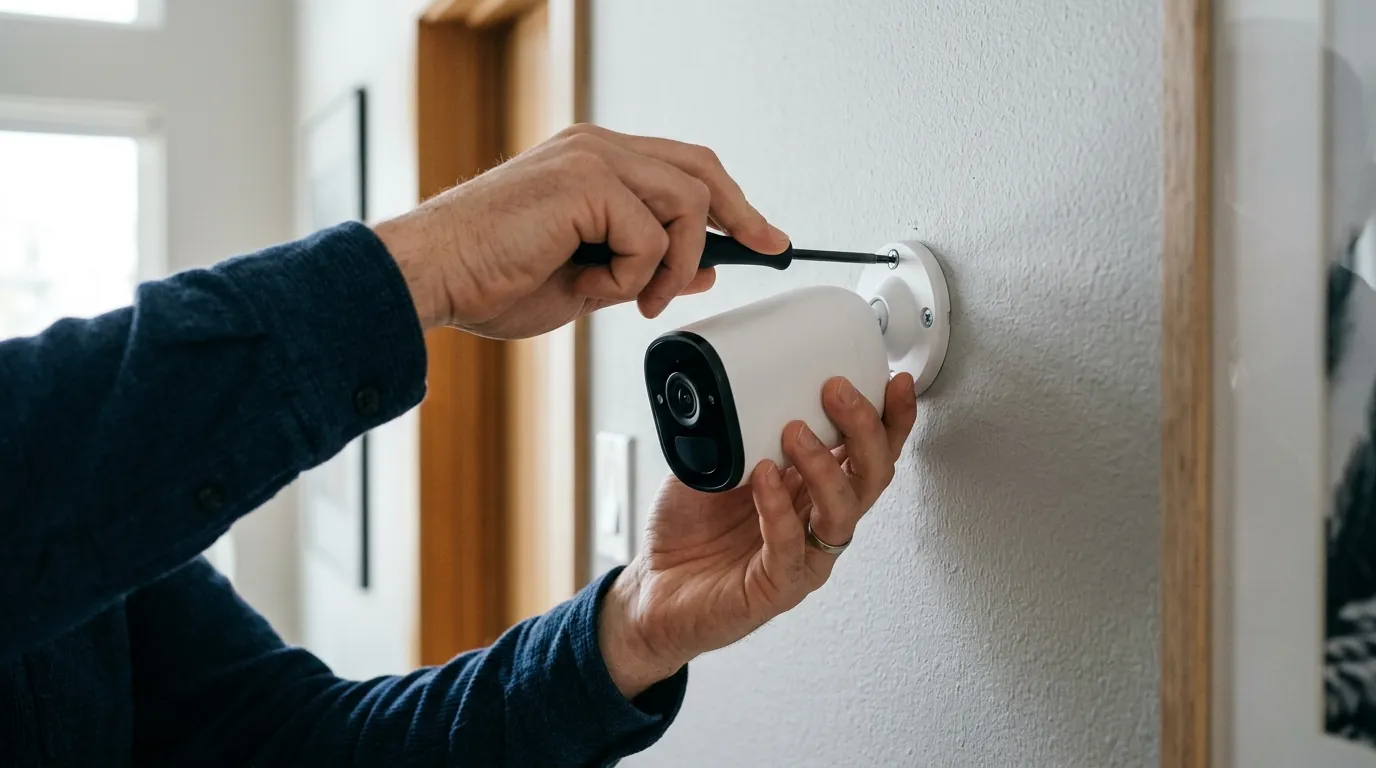
Eufy’s S3 Pro is designed for aesthetic simplicity. The solar panel is built into the top of the camera. However, this can be a drawback if the camera is mounted under a deep eave (soffit) where it is permanently shaded. Eufy does provide a port for an external panel, but it adds to the cost.
Reolink cameras typically ship with a separate, adjustable 6W solar panel. This allows you to mount the camera in the shade (e.g., under a porch) while placing the panel 10 feet away in direct sunlight. For North American latitudes, the ability to tilt the panel to a 45-degree south-facing angle is critical for winter performance.
Notification Speed and Wi-Fi 6
Latency is the “hidden” metric of security. On older 2.4GHz Wi-Fi 4 networks, a battery camera might take 5–8 seconds to send a push notification to your phone. With the Wi-Fi 6 support found in the 2026 Eufy and Reolink flagships, “Time to Alert” has dropped to an average of 1.5–3 seconds. This speed is essential for using the two-way talk feature to speak to a delivery driver before they walk away.
Total Cost of Ownership (TCO) — 3-Year Breakdown
| Expense Category | Eufy (2-Camera Setup) | Reolink (2-Camera Setup) | Subscription Brand (Ring/Nest) |
|---|---|---|---|
| Initial Hardware | $450–$500 (incl. Hub) | $400–$450 | $300–$350 |
| Storage Media | $40 (1TB HDD) | $30 (2x SD Cards) | $0 |
| Monthly Fees | $0 | $0 | $10–$15 |
| 3-Year Total | $490–$540 | $430–$480 | $660–$890 |
Decision Framework: Which should you buy?
- Choose Eufy S3 Pro if: You want the best “set it and forget it” experience. You value facial recognition (knowing who is at the door, not just that a person is there) and you prefer a single, polished app that manages your indoor, outdoor, and doorbell cameras through one HomeBase.
- Choose Reolink Altas PT Ultra if: You need 24/7 recording on a battery. If you are monitoring a high-traffic area (like a small business storefront) where event-based clips might miss critical context, Reolink’s continuous recording is the only viable battery-powered option in 2026.
- Choose Reolink if: You already own an NVR or want to build a “blind-spot free” system with 8+ cameras. Reolink’s compatibility with generic RTSP/ONVIF protocols (in certain modes) makes it more flexible for power users.
Common misconceptions
Misconception: “Battery cameras can’t record 24/7.” This was true until late 2024. The Reolink Altas PT Ultra changed this by using a massive 20,000 mAh battery and specialized low-power chips. While it will drain the battery faster than event-based recording, a 6W solar panel in a sunny location can keep it running indefinitely even in 24/7 mode.
Misconception: “Local storage is lost if the camera is stolen.” This applies to cameras that store footage only on an internal SD card. However, Eufy’s HomeBase 3 and the Reolink Home Hub are kept inside the house. If a thief rips the camera off the wall, the footage of them doing so is already safely stored on the hard drive inside your living room.
Misconception: “No subscription means no smart features.” In 2026, the “feature paywall” is largely a tactic of legacy brands. Both Eufy and Reolink include person, vehicle, and pet detection as standard features out of the box. You do not need a monthly plan to receive “Rich Notifications” (notifications with a thumbnail image) on either platform.
Further reading
For those looking to optimize their 2026 setup, consider these technical guides:
- Storage Optimization: When expanding a Eufy HomeBase 3, we recommend using a high-endurance SSD rather than a traditional HDD to reduce heat and improve seek times for 4K footage.
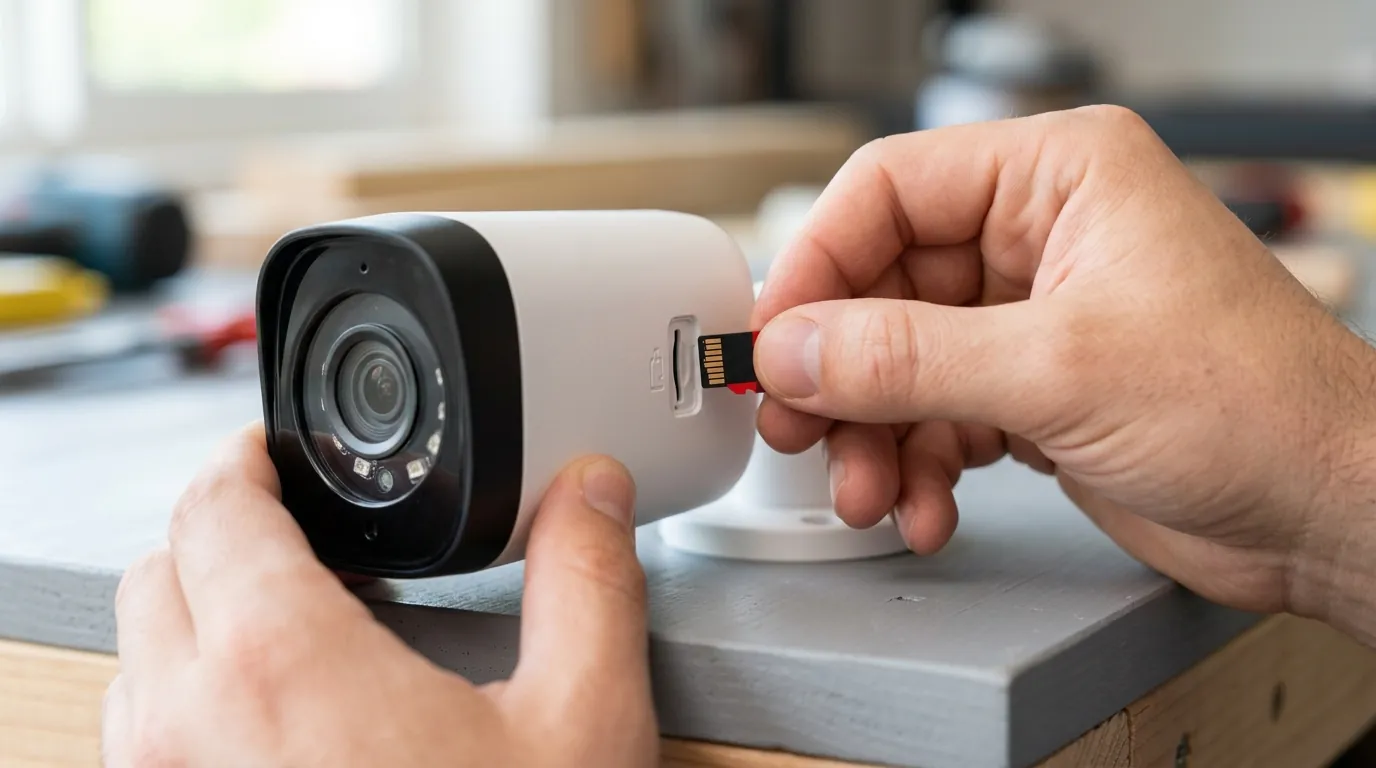
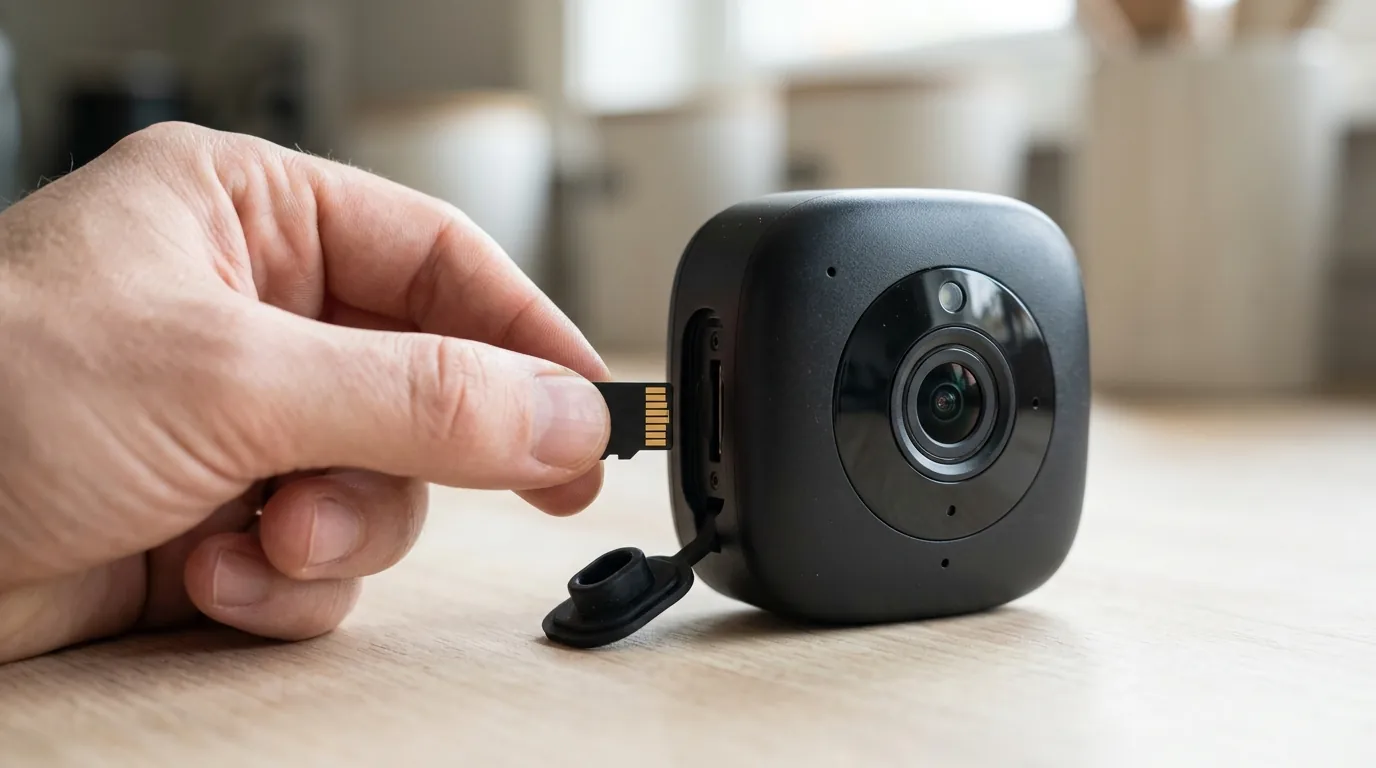
- SD Card Selection: For Reolink cameras recording 24/7, a “High Endurance” card (rated for thousands of write cycles) is mandatory. Standard SD cards will typically fail within 6 months of continuous 4K recording.
- Privacy Settings: Users should audit their “Motion Zones” to ensure they are not recording public sidewalks, which can trigger excessive AI processing and reduce battery life by up to 40%.
Frequently Asked Questions
Can I use Eufy cameras with a Reolink NVR?
No. Eufy is a “closed” ecosystem; their cameras must communicate with a Eufy HomeBase or the Eufy app. Reolink is more “open” and supports the ONVIF protocol on most of its non-battery models, though their battery-powered line (like the Altas) typically requires the Reolink Home Hub or NVR for full feature integration.
Do these cameras work during a power outage?
Yes. Because they run on internal batteries, they will continue to record motion events during a power failure. If you have a local hub (like HomeBase 3) connected to a small Uninterruptible Power Supply (UPS), your entire security system will remain functional and accessible via your smartphone (assuming your internet router is also on a UPS).
How long does the battery actually last in winter?
Lithium-ion batteries lose efficiency in sub-freezing temperatures. In a typical US “Zone 7” winter, expect a 30-50% reduction in battery life. However, both brands now include “Battery Heaters” or optimized charging algorithms in their 2026 flagship models to prevent permanent cell damage during solar charging in the cold.
Sources
- Eufy Security — https://www.eufy.com
- Reolink Official Specs — https://reolink.com
- FCC ID Search (RF Compliance) — https://www.fcc.gov/oet/ea/fccid
- RTINGS Security Camera Reviews — https://www.rtings.com/camera/reviews
- Reddit r/HomeSecurity Wiki — https://www.reddit.com/r/HomeSecurity/