
Eufy HomeBase Storage Issues in June 2026: What You Need to Know
For many Eufy users, the promise of a subscription-free security ecosystem is the primary draw, yet recent storage-related instabilities in mid-2026 have complicated that value proposition. If your HomeBase is currently reporting as “busy,” failing to recognize its internal hard drive, or dropping offline entirely, you are likely navigating the fallout of recent firmware transitions.
Quick Answer: As of June 2026, Eufy HomeBase users, particularly with HomeBase 3 (S380), are encountering storage-related issues frequently tied to recent firmware updates (e.g., version 3.8.2.8). These updates have reportedly caused devices to go offline, internal storage to become unrecognized, and 24/7 recording to fail. While Eufy support has suggested temporary workarounds like removing the hard drive, expanding storage with a compatible 2.5-inch SATA HDD/SSD up to 16TB remains the primary solution for capacity limitations on HomeBase 3.
What it means
Related: Ring Battery Doorbell Plus Overheating: Causes, Fixes & What June 2026 · Ring Battery Doorbell Plus Firmware Updates: What to Know in June 2026 · Wyze Cam v4 Overheating: What You Need to Know in Summer 2026
The term “storage issues” in the context of the Eufy ecosystem has evolved from simple capacity complaints to complex system-level malfunctions. In June 2026, these issues represent a critical failure point for users who rely on the HomeBase as the central brain of their security network.
Defining ‘Storage Issues’ for Eufy Users
For a typical user, a storage issue might mean a “Disk Full” notification. However, the current landscape involves more technical hurdles:
- Storage Non-Recognition: The HomeBase 3 (S380) fails to detect an installed 2.5-inch SATA drive, defaulting to the limited internal 16GB eMMC or stopping recording altogether.
- Database Corruption: Following firmware updates, the index of recorded events may become inaccessible, leading to the “HomeBase is busy” error when users attempt to view historical footage.
- Connectivity Loops: Storage detection errors are frequently triggering system reboots, causing the HomeBase to appear “Offline” in the Eufy Security app.
Impact on Home Security and Data Integrity
When storage fails, the security system is effectively blinded. Because Eufy cameras (particularly the eufyCam 3 and 3C series) rely on the HomeBase to process and store video, a storage malfunction means no clips are saved during a motion event. Furthermore, for users utilizing 24/7 continuous recording on wired models like the E330 Professional, a dropped drive results in permanent gaps in surveillance history. This compromises the “local-first” privacy promise, as users find themselves unable to access the very data they bought the system to protect.
Why it exists
The root causes of these storage issues are a mix of aggressive firmware rollout schedules and the inherent hardware limitations of the older HomeBase 2 versus the newer HomeBase 3.
The Role of Recent Firmware Updates (Early-Mid 2026)
In early 2026, Eufy began pushing firmware version 3.8.2.8 to HomeBase 3 units globally. According to community reports on Reddit, this specific version coincided with a surge in devices falling offline. Specifically, an update released around April 27, 2026, appeared to “drop” the internal storage mount points. When the HomeBase loses the path to its storage directory, it often enters a boot loop or enters a “busy” state while attempting to re-index the file system.
Default Storage Limitations and Video Resolution
The HomeBase 3 comes with 16GB of built-in eMMC storage. While this sounds sufficient for basic motion clips, it is woefully inadequate for modern 4K (8MP) video streams. A single 4K camera can generate several hundred megabytes of data daily even with moderate motion. When the 16GB limit is hit, the system must perform “overwriting,” a process that can fail if the file system is already strained by firmware bugs.
Hardware Compatibility and Installation Factors
HomeBase 3 allows for expansion up to 16TB via a 2.5-inch SATA drive. However, not all drives are created equal. Eufy specifies a power requirement of 5V with a 1.2A limit (peak 6W). Users installing high-performance enterprise SSDs or older high-RPM mechanical HDDs may exceed these power draws, leading to intermittent drive “disappearances” that mimic software bugs.
| Feature | HomeBase 2 | HomeBase 3 (S380) |
|---|---|---|
| Built-in Storage | 16GB eMMC | 16GB eMMC |
| Official Expansion | None | 2.5” SATA HDD/SSD (Up to 16TB) |
| Unofficial Expansion | USB Flash Drive (Firmware dependent) | — |
| Max Resolution Support | 2K | 4K (Ultra HD) |
| AI Processing | Basic Motion/Human | BionicMind (Face/Pet/Vehicle) |
| Power Specs | 12V/2A Adapter | 12V/2A Adapter |
Data sourced from eufy.com product specifications.
How it works under the hood
To troubleshoot effectively, one must understand how the HomeBase handles data. Unlike a standard NVR (Network Video Recorder), the HomeBase acts as both a storage server and an AI processing hub.
HomeBase 3: Built-in and Expandable Storage Architecture
The HomeBase 3 uses a tiered storage approach. The 16GB eMMC is soldered to the motherboard and typically holds the operating system and critical system logs. When a 2.5-inch SATA drive is added, the HomeBase re-routes all video write-commands to the external drive. This is handled via a Linux-based file system (typically EXT4), which is sensitive to improper shutdowns. If the HomeBase loses power while writing a 4K stream, the file headers on the SATA drive can become corrupted, leading to the “Drive Not Found” errors seen in June 2026.
HomeBase 2: Internal Storage and Recent USB Expansion
The HomeBase 2 was long considered a “closed” system with its 16GB of non-expandable storage. However, following community pressure and firmware updates in late 2025 and early 2026, some users have successfully utilized the rear USB port for storage expansion via flash drives. This is not a “true” NAS or HDD expansion; it functions more as a secondary backup for motion clips. It lacks the throughput required for 24/7 continuous recording, which remains a HomeBase 3 exclusive feature.
Data Encryption and Local AI Processing
Eufy utilizes AES-128 + RSA-1024 encryption for all locally stored footage. This encryption happens in real-time as the video is written to the disk. The HomeBase 3’s BionicMind AI also stores its “Face Gallery” and recognition metadata on the local storage. If the storage is failing or “busy,” the AI recognition often fails simultaneously, resulting in “Motion Detected” alerts that lack the specific “John is at the door” identification.
Real-world implications
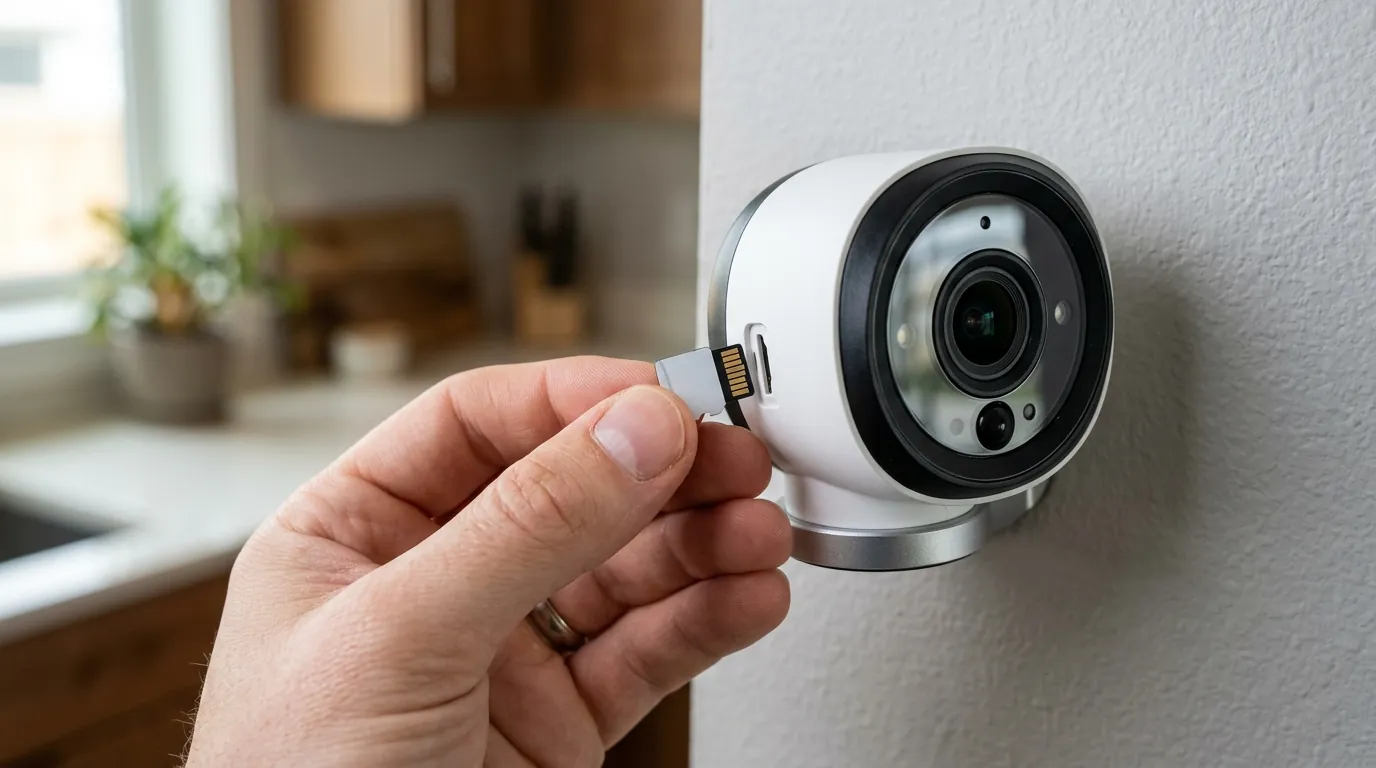
The practical result of these technical failures is a significant reduction in the reliability of the home security perimeter.
Loss of Critical Security Footage and System Downtime
The most severe implication is the “missing clip” phenomenon. Users have reported that while they receive a notification of motion, clicking the notification results in an “Unable to play live video” or “No recording found” error. In June 2026, this has been traced back to the HomeBase 3 failing to mount the external hard drive fast enough to catch the buffer of the incoming video stream.
Frequent Troubleshooting and Manual Interventions
For many, the “set it and forget it” nature of Eufy has been replaced by a weekly ritual of:
- Hard Rebooting: Unplugging the HomeBase to clear the “Busy” status.
- Drive Reseating: Physically removing and re-inserting the SATA drive to force a re-mount.
- Camera Re-pairing: In extreme cases, firmware 3.8.2.8 has caused cameras to lose their sync keys, requiring users to take down cameras and re-sync them to the HomeBase.
Decision Framework: Navigating Storage Choices
If you are deciding how to configure your system to avoid these issues, consider the following matrix:
- If you are a Renter with 1-2 cameras: Stick to the internal 16GB storage. The lower write-load reduces the chance of database corruption.
- If you are a Homeowner with 4+ 4K cameras: Prioritize a dedicated Surveillance-grade HDD (like a WD Purple 2.5-inch) rather than a high-speed SSD. The consistent write-speed of a surveillance HDD is more compatible with the HomeBase’s thermal and power constraints.
- If you require 24/7 recording: A 2TB or larger drive is mandatory. Avoid using the internal 16GB for 24/7 recording as it will reach its write-cycle limit (wear out) within months.
Common misconceptions
Storage Capacity and Expandability
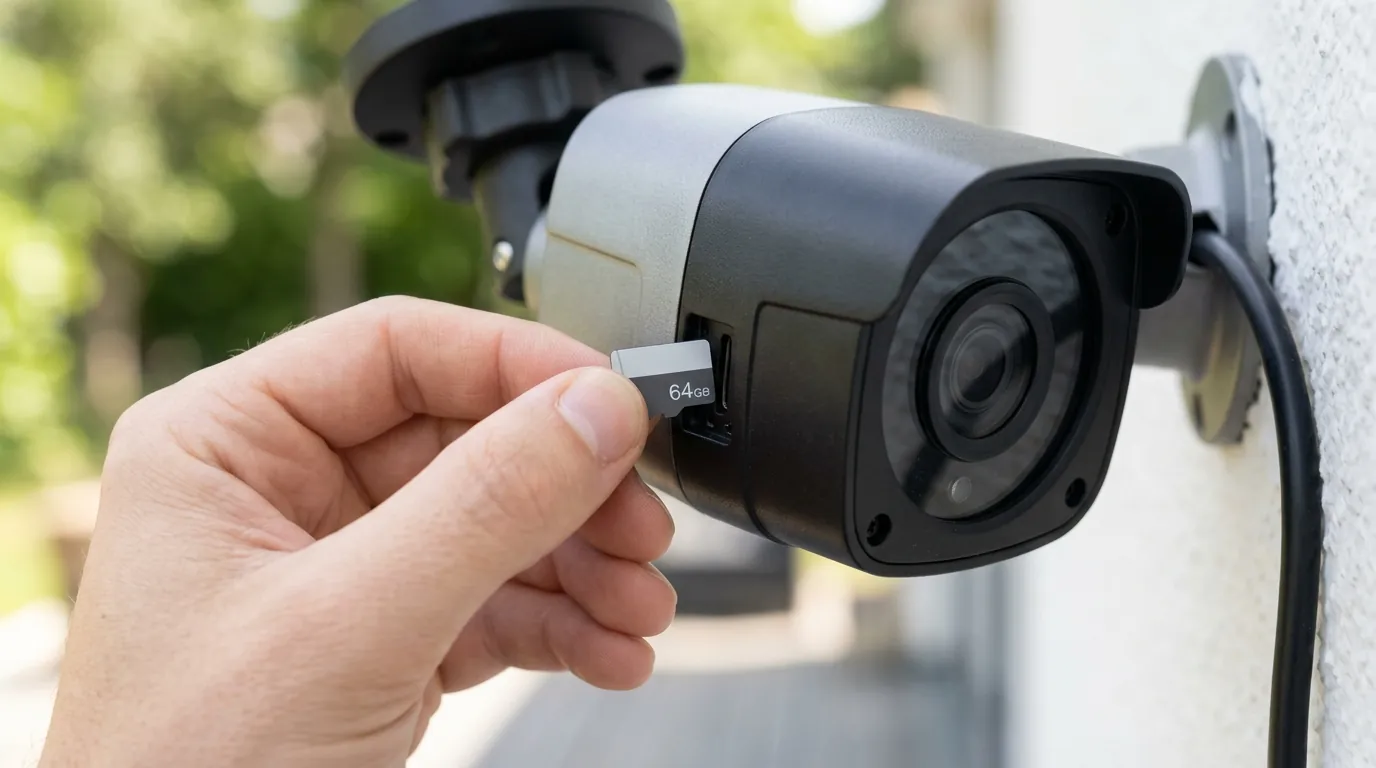
Misconception: You can use any USB drive to expand HomeBase 3 storage. Reality: While the HomeBase 3 has a USB port, it is primarily for data export or charging. Primary storage expansion must be done via the internal 2.5-inch SATA bay. The USB port does not support the high-speed, low-latency writing required for multiple 4K streams.
Subscription-Free Local Storage vs. Optional Cloud Services
Misconception: If the HomeBase storage fails, the clips are backed up to the cloud automatically. Reality: Eufy’s cloud service is an optional, paid add-on. If you have not subscribed to a cloud plan (typically in the $30-100/year range depending on the number of cameras), there is no “safety net” for your footage if the local drive fails.
Total Cost of Ownership (TCO) Analysis
When evaluating Eufy against competitors like Ring or Arlo, the TCO is heavily weighted by the storage hardware you choose.
- Year 1: Hardware (HomeBase 3 + 2 Cameras:
$350-450) + 2TB HDD ($60-80) = ~$410-530. - Year 3: Total remains ~$410-530 (assuming no hardware failure).
- Competitor Comparison: A similar 2-camera Ring system with a “Protect Plus” plan would cost ~$300 (hardware) + $300 (3 years of subscription) = ~$600.
While Eufy is cheaper over three years, the “cost” of storage issues is measured in the time spent troubleshooting and the potential loss of data during a security event.
Privacy and Data Access
Misconception: Eufy can help you recover clips from a corrupted HomeBase. Reality: Because of the AES-128 encryption and local-only storage model, Eufy support does not have remote access to your video files. If the file system is corrupted beyond the HomeBase’s ability to repair it, the data is generally considered lost. This is the trade-off for the privacy Eufy outlines in their transparency reports.
Frequently Asked Questions
Why does my Eufy HomeBase 3 say “HomeBase is busy” in June 2026?
This error usually indicates that the HomeBase is currently re-indexing its database or attempting to repair a file system error on the storage drive. This is often triggered by an improper shutdown or a bug in firmware version 3.8.2.8. A manual power cycle (unplugging for 30 seconds) is the most common temporary fix.
Can I expand the storage on my Eufy HomeBase 2?
Officially, the HomeBase 2 does not support storage expansion. However, late-2025 firmware updates enabled limited support for USB flash drives for motion clip storage. Note that this does not support 24/7 continuous recording and is less stable than the HomeBase 3’s SATA expansion.
What is the best hard drive for Eufy HomeBase 3 expansion?
Eufy recommends 2.5-inch SATA drives with a thickness of 9.5mm or less. For 24/7 recording, a surveillance-optimized drive like the Western Digital Purple series is preferred. If using an SSD, ensure it is from a reputable brand like Samsung or Crucial to ensure the controller handles the HomeBase’s write patterns correctly.
How do I fix the “Storage Not Found” error on HomeBase 3?
First, ensure the drive is properly seated in the SATA bay. If the issue persists after a reboot, you may need to format the drive. Note that formatting will erase all existing footage. If the drive is still not found, check if it exceeds the 5V/1.2A power limit specified by Eufy.
Further reading
- Official Eufy Support: Visit the Eufy HomeBase 3 FAQ for the most recent compatibility lists and firmware release notes.
- Community Discussion: The r/EufyCam subreddit is the most active hub for real-time reports on firmware bugs and user-discovered workarounds for storage issues.
- Technical Specifications: Review the eufy BionicMind technology overview to understand how local storage interacts with AI facial recognition.
Sources
- Eufy Official — https://www.eufy.com/products/t80301d1
- Eufy Support: HomeBase 3 Storage Compatibility
- Reddit r/EufyCam: Firmware 3.8.2.8 Issues — https://www.reddit.com/r/EufyCam/comments/1ctn2z0/homebase_3_offline_issues/
- Eufy Privacy Commitment — https://www.eufy.com/privacy-commitment
- TechRadar: Eufy HomeBase 3 Review