
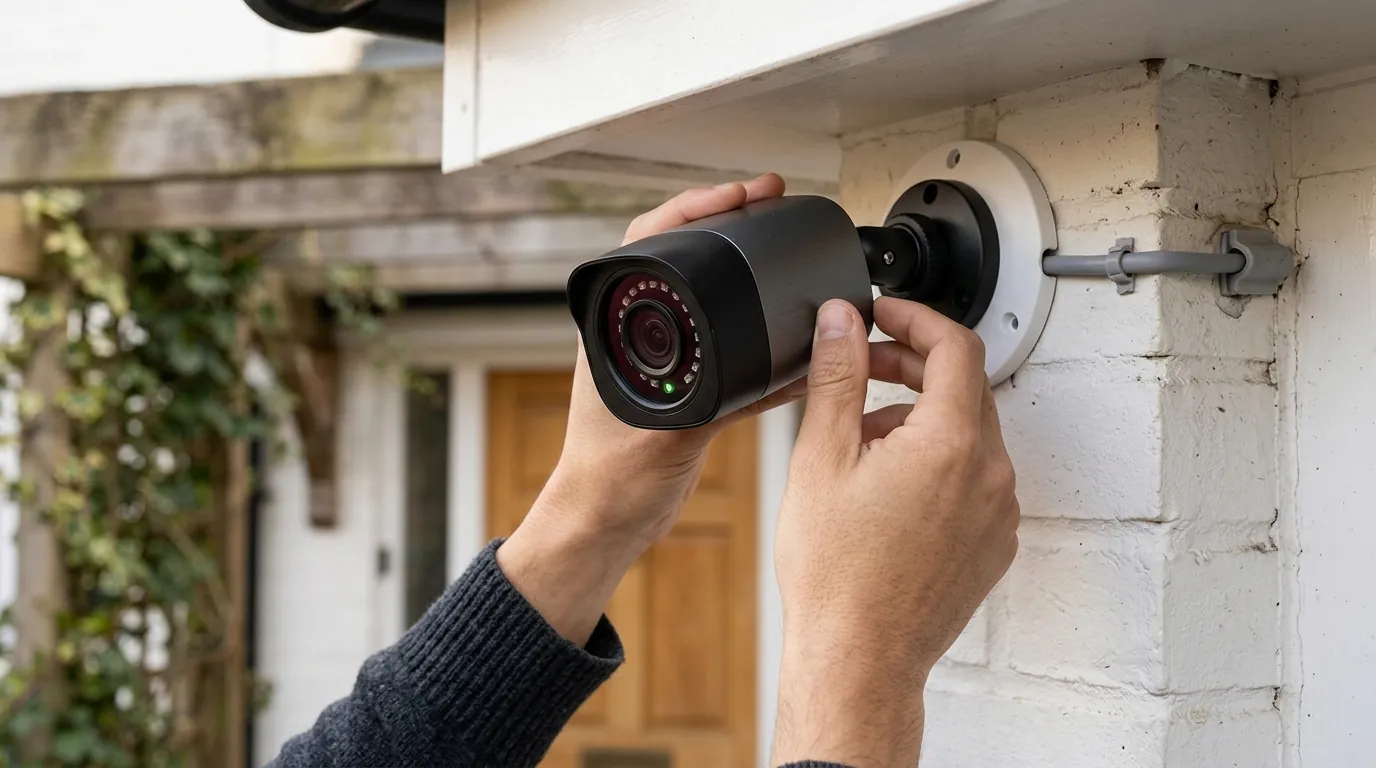
Eufy Camera Privacy Settings: Protecting Guests & Your Home
Hosting friends and family for a summer visit requires balancing home security with the comfort and privacy of your guests.
Eufy cameras offer robust privacy settings through the Eufy Security app, including customizable privacy zones that blackout recorded areas, the ability to disable motion detection and recording, and geofencing for automated mode switching. For guests, you can manage access with limited permissions, ensuring their comfort while maintaining home security, leveraging Eufy’s local storage for enhanced data control.
What it means
Related: Fixing Ring Video Streaming in Home Assistant 2026.7.0b0 · Doorbell Camera vs. Security Camera: Optimal Placement Guide · Doorbell Camera Privacy: Your Rights When Federal Agents Visit Your Po
When discussing “privacy settings” for summer guests, we refer to the specific configurations within a security ecosystem that limit surveillance in areas where visitors have a reasonable expectation of privacy. In a home security context, this involves more than just turning a camera on or off; it requires a nuanced approach to where, when, and how data is captured.
Guest Expectations vs. Home Security Needs
Guests staying in your home, whether for a weekend or a month, expect a level of privacy that differs from a standard delivery driver or a passerby on the sidewalk. While outdoor cameras monitoring entries and driveways are generally accepted for security, indoor cameras in common areas or guest quarters can create discomfort. The challenge for the homeowner is to maintain a protective perimeter around the property without making visitors feel like they are under constant scrutiny. Effective use of eufy camera privacy settings for summer guests allows a host to “blind” cameras in sensitive areas while keeping the front door and backyard monitored.
Eufy’s Approach to Privacy Features
Eufy categorizes its privacy tools into three distinct tiers: visual masking, logical triggers, and physical barriers.
- Visual Masking: Using “Privacy Zones” to digitally black out parts of the video.
- Logical Triggers: Using schedules or geofencing to stop recording when people are home.
- Physical Barriers: Mechanical shutters or lenses that rotate into the camera body to provide a visual guarantee that the device is inactive.
This multi-layered approach is designed to provide “privacy by design,” a concept Eufy emphasizes to differentiate itself from competitors that rely more heavily on cloud-based processing.
Why it exists
The existence of deep privacy controls is driven by a combination of legal requirements, ethical hosting standards, and a shifting consumer preference for local data ownership.
Legal and Ethical Considerations
In many jurisdictions, recording audio or video in “private places” (such as bathrooms or bedrooms) without consent is a violation of wiretapping or privacy laws. Even in common areas, ethical hosting suggests that guests should be informed of surveillance. Providing guests with the ability to see that a camera is physically disabled or knowing that certain zones are unmonitored helps the host stay within both legal and social boundaries.
Building Trust with Guests
A welcoming environment is built on trust. By proactively discussing camera placement and showing guests how privacy zones work, hosts can alleviate the “surveillance creep” that often accompanies smart home technology. This transparency is particularly vital during summer stays when guests might be using common areas like living rooms or pool decks more frequently.
Eufy’s Commitment to User Control
Eufy has positioned itself as a leader in local-first security. Unlike brands that require a monthly subscription to access basic features, Eufy’s hardware is designed to function without a “feature paywall.” This commitment to user control means the homeowner—and by extension, their guests—is not subject to the data-sharing whims of a third-party cloud provider for core video storage. According to Eufy’s Privacy Policy, the brand emphasizes that video data is stored locally and encrypted, which is a significant factor for privacy-conscious users in 2026.
How it works under the hood
Understanding the technical mechanisms of Eufy’s privacy tools allows for more effective configuration. These features are managed primarily through the Eufy Security app.
Privacy Zones Explained
Users can define specific rectangular areas within the camera’s field of view that the processor will ignore. Once a Privacy Zone is set, the camera does not just “hide” the area from the user; it stops the sensor from recording data in that block entirely. In the live view and recorded clips, these areas appear as solid black boxes. Most Eufy models, such as the EufyCam 3 (S330), support up to four distinct privacy zones per camera.
Motion Detection & Recording Schedules
The Eufy Security app allows users to adjust motion detection sensitivity on a scale of 1 to 7. For summer guests, you might lower the sensitivity in common areas to avoid constant notifications. Additionally, “Recording Schedules” allow you to automate privacy. For example, you can set indoor cameras to remain “Disarmed” (no recording, no notifications) during the day when guests are active and only “Arm” them late at night.
Physical Privacy Mode for Indoor Cameras
For the highest level of guest comfort, certain indoor models feature a physical privacy mode. The Eufy Indoor Cam S350 and the Indoor Cam 2K Pan & Tilt can mechanically rotate the lens 180 degrees into the camera housing. This provides a clear, non-digital confirmation to the guest that the camera cannot see them.
Geofencing for Automated Privacy
Geofencing uses the GPS location of the residents’ smartphones to switch modes. When the primary users are “Home,” the system can automatically transition to a privacy-focused state. For this to work effectively with guests, they would either need to be added to the account or the host must manually trigger the “Home” mode to ensure the cameras don’t treat guests as intruders while the host is out running errands.
Managing Guest Access
The Eufy Security app supports “Family & Guest” sharing. You can invite up to five additional users to view specific cameras. As the admin, you can grant “Guest” permissions, which allow them to see live feeds and events but prevent them from changing settings, deleting footage, or viewing cameras you haven’t shared. This is useful for long-term summer guests who may want to check the front door camera themselves.
Local Storage Advantage and TCO
Eufy’s reliance on local storage is a primary privacy feature. Most systems connect to a HomeBase 3 (S380), which includes 16GB of built-in storage and is expandable up to 16TB via a 2.5-inch SATA drive.
From a Total Cost of Ownership (TCO) perspective, Eufy represents a “buy once, own forever” model. Over a three-year period, the cost of a Eufy system is significantly lower than subscription-based competitors.
3-Year Total Cost Comparison (Estimated 2026 Pricing)
| Component | Eufy (S330 2-Cam Kit) | Competitor (Subscription-Required) |
|---|---|---|
| Hardware Cost | $450 - $550 | $300 - $400 |
| Monthly Subscription | $0 | $10 - $15 |
| 3-Year Sub Total | $0 | $360 - $540 |
| Total 3-Year Cost | Around $500 | Around $750 - $940 |
Understanding Eufy’s Encryption Protocols
Eufy utilizes AES-128 for local storage encryption on the HomeBase and AES-256 for data in transit. In 2026, Eufy has standardized on TLS 1.3 for all app-to-cloud communications. While thumbnails for push notifications are briefly hosted on AWS servers to enable quick viewing, these are end-to-end encrypted unless the user opts for “Basic” notifications that do not include images.
Comparison of Popular Eufy Models (2026 Specs)
| Model | Type | Resolution | Privacy Features | Power |
|---|---|---|---|---|
| EufyCam 3 (S330) | Outdoor | 4K | 4 Privacy Zones | Solar/Battery |
| Indoor Cam S350 | Indoor | 4K | Physical Privacy Mode, 360° Pan | Plug-in |
| SoloCam S220 | Outdoor | 2K | 4 Privacy Zones | Solar/Battery |
| Indoor Cam C210 | Indoor | 2K | Software Privacy Toggle | Plug-in |
Real-world implications
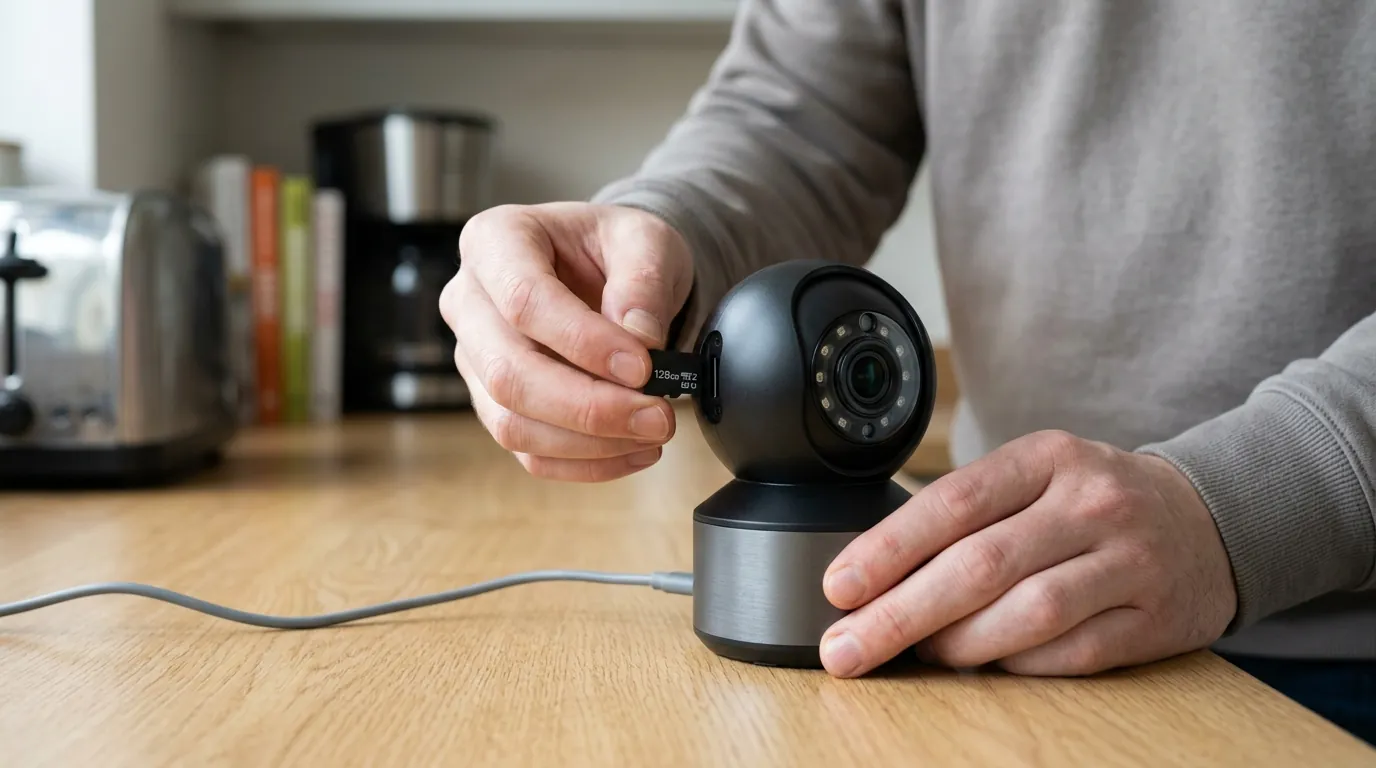
Managing guest privacy requires a proactive strategy. The following guidelines help integrate Eufy’s features into a hospitable summer routine.
Pre-Arrival Checklist
Before guests arrive, perform a “privacy audit” of your home:
- Identify Sensitive Areas: Determine which cameras have a view into guest rooms or hallways leading to bathrooms.
- Set Privacy Zones: Open the Eufy Security app, select the camera, and draw black-out zones over guest-specific areas.
- Adjust Schedules: Set indoor cameras to “Disarmed” or “Schedule” mode to ensure they aren’t recording during the day.
- Test Physical Privacy: If using an S350 or similar model, ensure the “Privacy Mode” toggle correctly rotates the lens.
During-Stay Adjustments
If guests express discomfort, you can make instant changes. The “Modes” tab in the Eufy app allows you to switch the entire house to “Disarmed” with a single tap. If you are using the HomeBase 3, you can also use the “Alarm Off” button on the physical unit (if configured) to quickly silence the system.
Post-Departure Reconfiguration
Once guests leave, it is essential to revert your settings.
- Remove any temporary Privacy Zones that might create security blind spots.
- Re-enable motion detection sensitivity to your standard levels (typically 4 or 5 for outdoor areas).
- Switch the system back to “Geofencing” or “Away” mode.
Indoor vs. Outdoor Camera Considerations
Outdoor cameras are generally viewed as “safety features” by guests, whereas indoor cameras are viewed as “surveillance.”
- Outdoor: Keep these active but ensure they aren’t peering into guest-house windows.
- Indoor: Use physical privacy modes whenever possible. If a camera is in a shared living room, consider unplugging it entirely during the stay to provide absolute peace of mind.
Decision Framework: Choosing the Right Setup
- If you are a Renter hosting guests: Prioritize the Indoor Cam C210 or S350. These are plug-in, require no drilling, and offer easy-to-manage software or physical privacy toggles.
- If you have a large property with a pool: Prioritize the EufyCam 3 (S330). Use Privacy Zones to mask the pool area if guests are swimming, while keeping the perimeter fence monitored.
- If you want “Zero-Touch” Privacy: Use the Geofencing feature, but ensure you manually set the system to “Home” if you leave the house while guests remain inside.
Communicating with Guests
The most effective privacy setting is a conversation. A simple note in a guest welcome book stating, “We have a security camera at the front door and one in the living room; the living room camera is set to turn off automatically when we are home,” goes a long way in fostering a welcoming atmosphere.
Common misconceptions
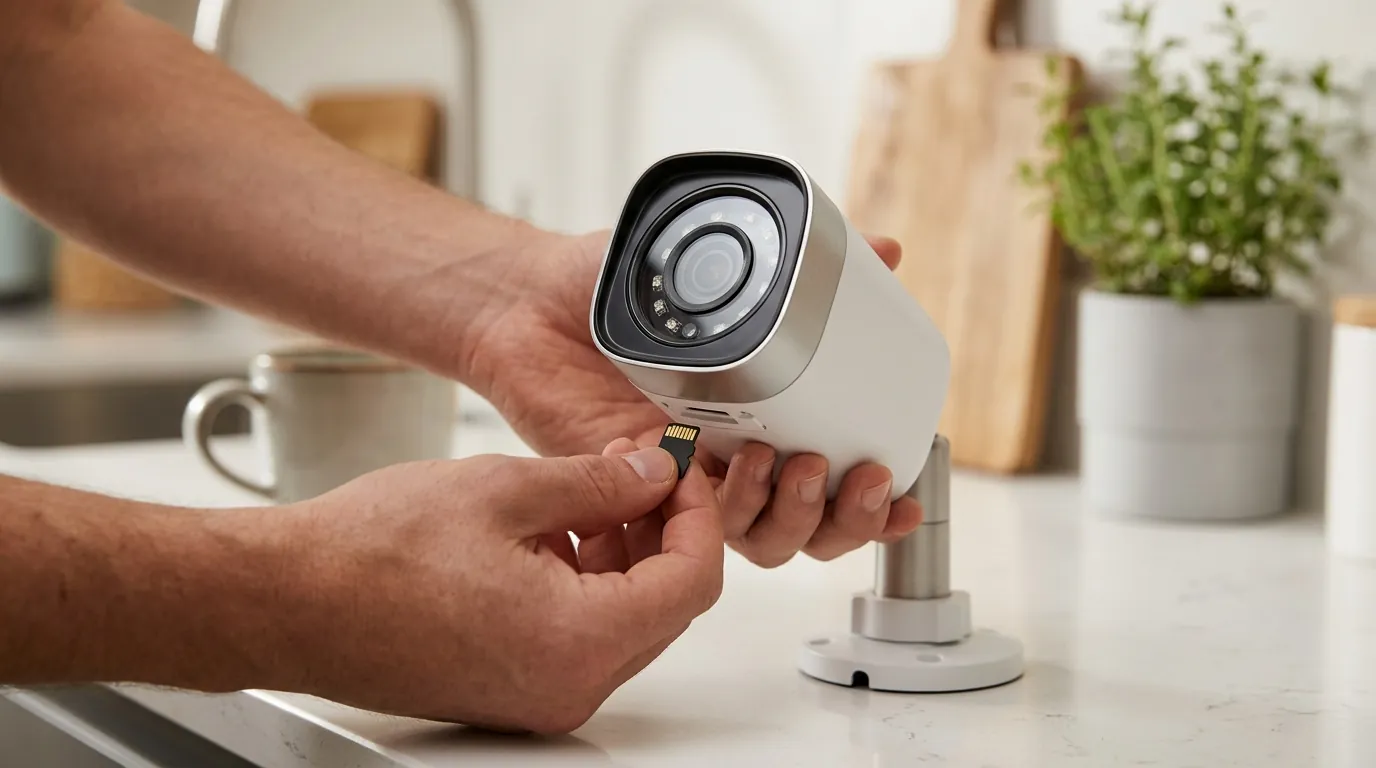
Several myths persist regarding Eufy’s privacy capabilities and historical data handling.
The ‘Off’ Button Myth
Many users believe that clicking “Device Off” in the app physically cuts power to the camera. In reality, for most battery-powered and plug-in models (excluding those with mechanical shutters), “Off” simply means the software is not processing motion or showing a live feed. The camera remains in a low-power “standby” state to listen for a “Wake” command from the app. For absolute privacy, physical disconnection or a mechanical privacy shutter is required.
Privacy Zone Limitations
Privacy Zones are a software-level mask. While they prevent the user from seeing the masked area in recordings, the camera’s lens is still physically pointed in that direction. A guest who does not understand how Privacy Zones work may still feel uncomfortable seeing a camera lens aimed at them, even if they are technically “blacked out” in the software.
Local Storage Nuances
While Eufy stores video locally, it still requires an internet connection for the app to communicate with the HomeBase or SoloCam. Furthermore, Eufy’s “AI” features (like facial recognition) occur on the HomeBase 3 hardware, not in the cloud. However, if you have “Thumbnail Notifications” enabled, an encrypted image is temporarily sent to a cloud server so you can see who is at the door on your lock screen. Users can disable this in the “Notification” settings to keep all images 100% off the cloud.
Guest Access vs. Admin Control
There is a common fear that sharing access with a guest allows them to see everything. In the Eufy ecosystem, “Guest” users cannot see cameras that haven’t been specifically shared with them, nor can they access the storage settings or change the “Home/Away” modes. They are effectively “view-only” participants.
Eufy’s Data Handling and Privacy Policy
Following a widely reported 2022 incident regarding unencrypted cloud thumbnails, Eufy updated its policies and app transparency. In 2026, the brand is explicit about which features require cloud interaction. According to Eufy’s security commitment, they do not sell user video data and provide clear opt-outs for “Enhance My AI” programs that would otherwise use anonymized clips for machine learning.
The Limits of Automation
Geofencing is not foolproof. It relies on the background app refresh and location permissions of your phone. If your phone enters “Battery Saver” mode, it may stop reporting your location, causing the cameras to stay in “Away” mode (armed) even after you’ve returned home with your guests.
Addressing Historical Privacy Concerns
Critics often point to Eufy’s past security bugs. However, in 2026, the brand has implemented mandatory two-factor authentication (2FA) and has undergone third-party security audits to regain consumer trust. Their transition to the “Edge” ecosystem (HomeBase 3) further isolates data from the public internet compared to their earlier, more cloud-reliant models.
Further reading
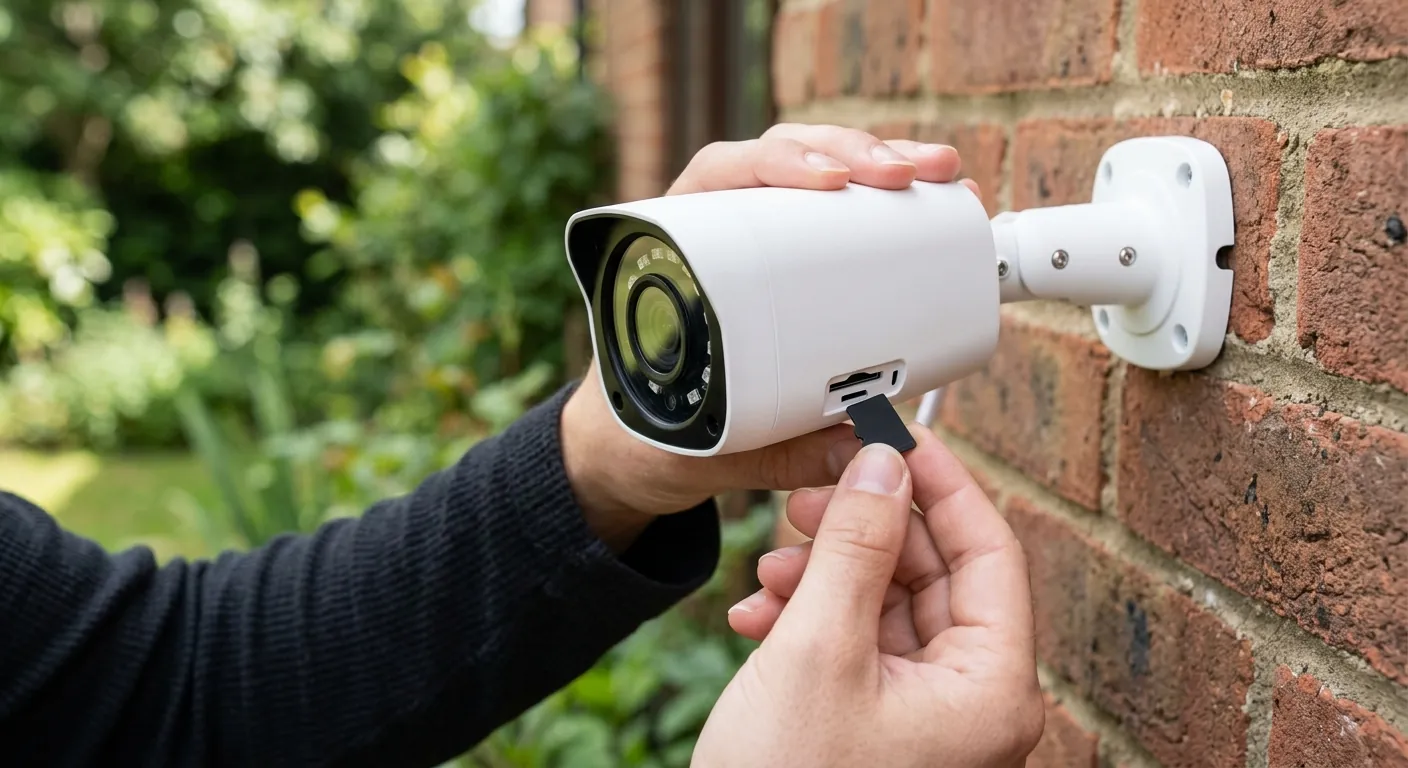
- For those looking to avoid monthly fees entirely, explore our guide on local storage security cameras.
- To understand how to automate your home’s perimeter based on your location, see our deep dive into security camera geofencing explained.
- If you are looking for interior coverage, compare the best indoor security cameras without subscription options.
- For a broader market view, see our Eufy vs. Reolink privacy features comparison to see how different local-storage brands handle data.
Frequently Asked Questions
Can my guests see that I have blocked out a Privacy Zone?
No, guests who are given “Guest” access to your Eufy cameras will see the same blacked-out areas that you see. They cannot remove these zones or view the footage hidden behind them, as the data is never recorded by the camera sensor in those specific blocks.
Does Eufy’s “Privacy Mode” turn off the microphone too?
Yes, when a Eufy camera is placed in Privacy Mode (specifically models with mechanical shutters like the S350) or is disabled via the app, both the video feed and the microphone are deactivated. This ensures that private conversations in guest areas are not captured or streamed.
What happens to privacy settings if the Wi-Fi goes down?
Eufy cameras with local storage (like those connected to a HomeBase 3) will continue to follow their last programmed schedule and privacy zone configurations even if the internet is lost. However, you will not be able to change these settings or view the live feed until the connection is restored.
Sources
- Eufy Official Site: Privacy Policy — https://www.eufy.com/privacy-policy
- Eufy Support: Setting Up Privacy Zones
- Eufy Product Page: Indoor Cam S350 Specs — https://www.eufy.com/products/t8416121
- Eufy Product Page: EufyCam 3 (S330) Specs — https://www.eufy.com/products/t88711w1
- Eufy Security Commitment