
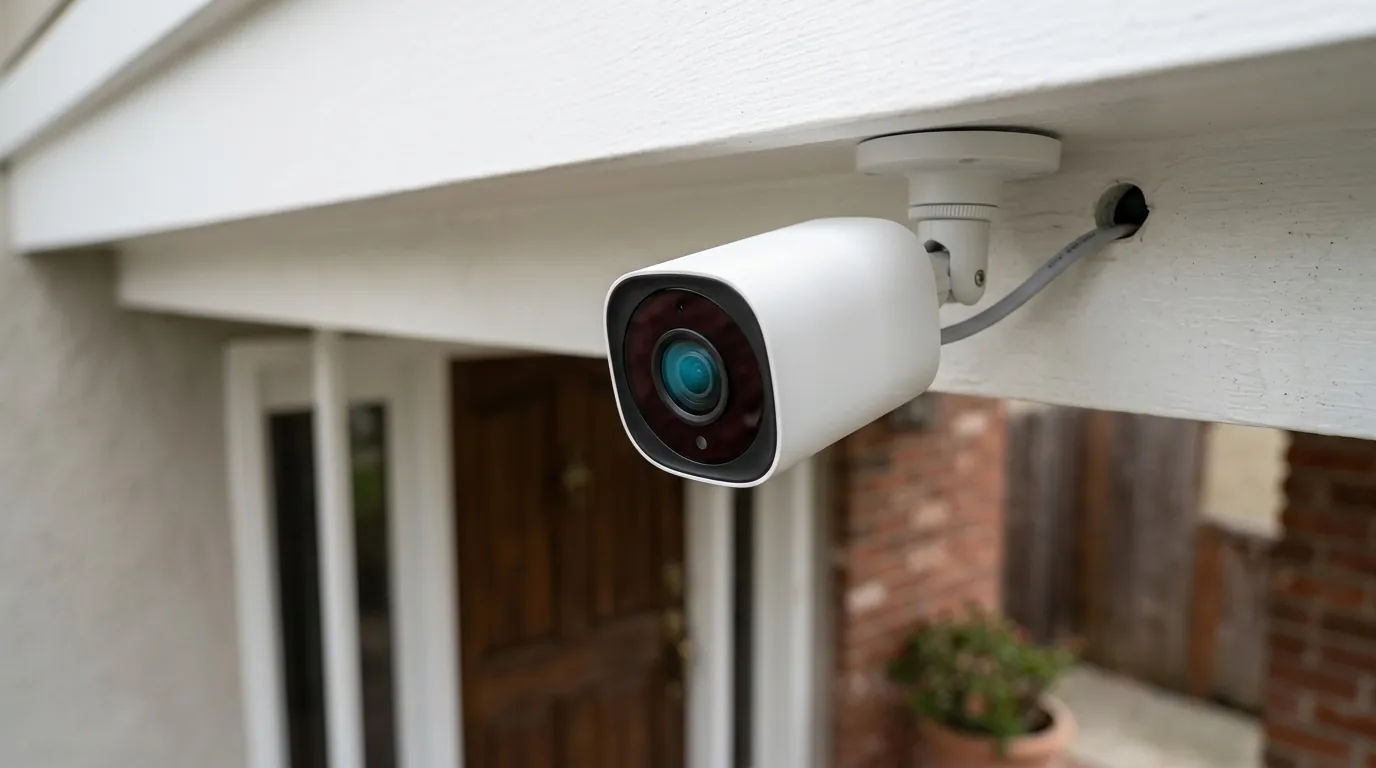
Fix Eufy Security Camera Motion Notifications Not Working (2026 Guide)
When a security camera fails to notify you of a person on your porch, it ceases to be a security tool and becomes a mere recording device. For Eufy users in 2026, resolving these notification gaps requires balancing local AI processing power with the aggressive battery-saving protocols of modern mobile operating systems.
Quick Answer: Eufy notification failures in 2026 are often caused by aggressive ‘Optimal Battery Life’ settings, BionicMind AI filtering errors, or mobile OS restrictions. Set the app to ‘Unrestricted’ in your phone’s battery settings and toggle ‘All Motion’ to restore alerts if AI filtering is delaying the push payload.
What it means
Related: Reolink Argus 4 Pro vs. Eufy SoloCam S340: 180° Wide vs. 360° PTZ · Eufy Camera Privacy Settings: Protecting Guests & Your Home · Fixing Ring Video Streaming in Home Assistant 2026.7.0b0
For a homeowner or small business operator, a notification failure is rarely a binary “on or off” state. In the context of 2026 security standards, the definition of a working notification system has shifted toward low-latency delivery. If a camera records an event but fails to alert the user in real-time, the security chain is broken.
The Difference Between Delay and Total Absence
It is critical to distinguish between “Missing Notifications” and “Missing Events.” If you can open your EufySecurity app and see a recorded clip of a delivery person, but your phone never vibrated or chimed, the camera’s hardware and local storage are functioning correctly. The failure lies in the communication bridge between the HomeBase 3 (S380) and your mobile device.
In 2026, any notification latency exceeding 5 seconds is considered a functional failure. For high-stakes security, such as a back-alley SoloCam S340 monitoring a business entrance, a 30-second delay means the intruder is already inside before the owner is alerted. Total absence, however, usually points to a firmware-level “silent failure” where the push token has expired or been revoked by the mobile OS.
App-Level vs. System-Level Silence
Notifications may be silenced at two distinct levels. At the app level, Eufy’s “Security Modes” (Home, Away, Disarmed) might be configured to record video but skip the push alert. At the system level, Android 15 and iOS 19 have introduced stricter background execution limits. If the eufySecurity app is “optimized” by the operating system, the process that listens for the Google Firebase Cloud Messaging (FCM) or Apple Push Notification service (APNs) payload may be killed to save battery, resulting in a silent phone despite the HomeBase sending the alert.
Below is a comparison of how different 2026 Eufy models handle notification data:
| Feature | eufyCam S330 | SoloCam S340 | Video Doorbell E340 |
|---|---|---|---|
| Primary Hub | HomeBase 3 (S380) | Standalone or HB3 | Standalone or HB3 |
| AI Processing | Local (BionicMind) | Local (Edge AI) | Dual-Cam AI |
| Notification Path | Camera > HB3 > Cloud | Camera > Cloud | Camera > Cloud |
| Typical Latency | 1.5 – 3.0 Seconds | 2.5 – 4.5 Seconds | 2.0 – 4.0 Seconds |
| Storage Type | Expandable (SATA) | Internal eMMC | Internal eMMC |
| Power Source | Solar / Battery | Solar / Battery | Battery / Wired |
Why it exists
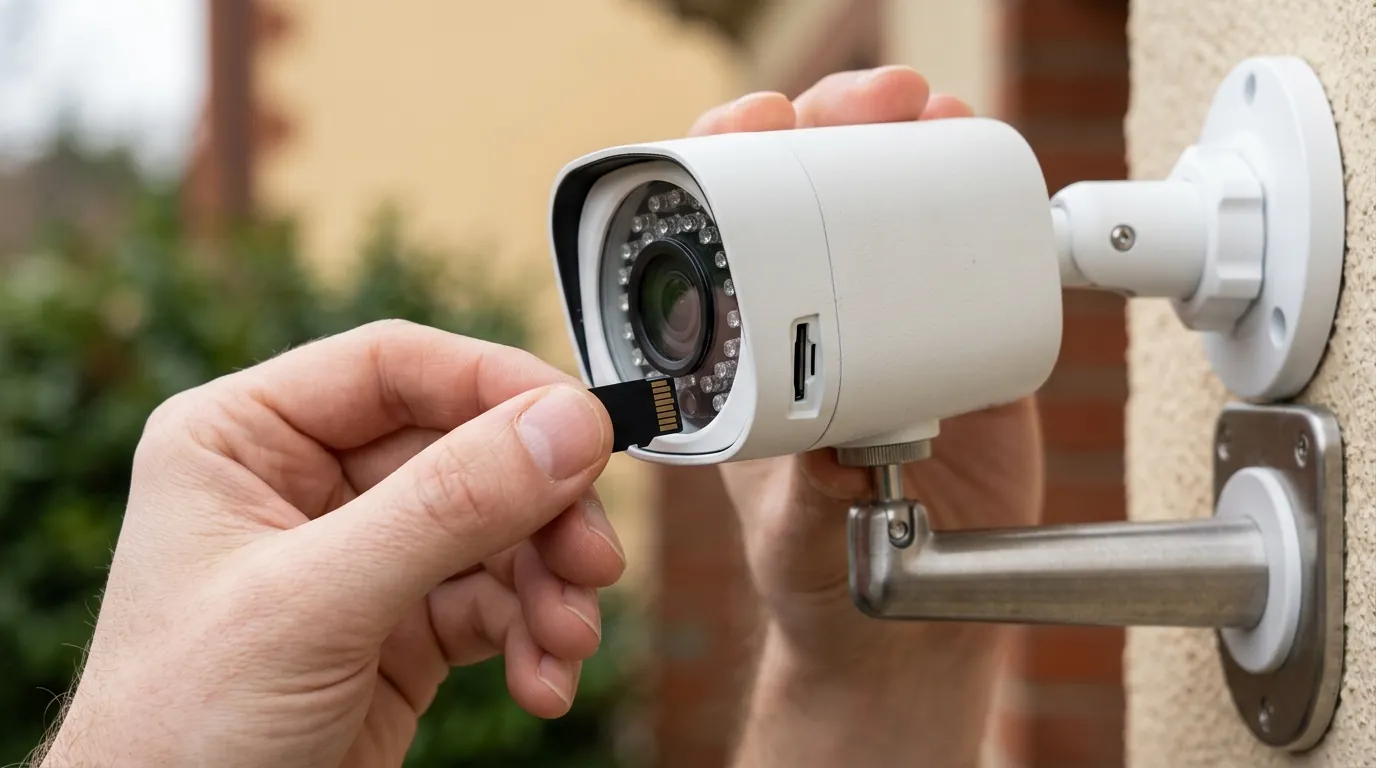
The root causes of notification failures in 2026 are a mix of hardware-saving software logic and the inherent complexity of local AI verification.
The 2026 Firmware Bug Factor
A significant number of HomeBase 3 (S380) users reported intermittent notification outages following the May 2026 firmware update (v.3.8.2.8). This specific version introduced a bug in the media encryption handshake, causing the HomeBase to occasionally lose its persistent connection to the Eufy cloud. When this happens, the HomeBase continues to record to the local hard drive, but it cannot “check in” to trigger a push notification. Users often see an “Offline” status in the app even though the device’s status LED remains solid blue.
Power Manager and Trigger Intervals
By default, many Eufy battery cameras are set to “Optimal Battery Life.” This mode is designed to prevent the battery from draining during high-traffic periods, but it achieves this by enforcing a 60-second “cooldown” or re-trigger interval. If a second person walks by 15 seconds after the first, the camera will not wake up, will not record, and—most importantly—will not send a notification. This creates a “blind spot” that many users mistake for a technical malfunction.
BionicMind AI Filtering Logic
Eufy’s BionicMind AI is a powerful local processing engine, but it adds a layer of computational overhead. In the 2026 app version, if the AI is set to “Human Only” detection, the camera must wake up, capture a frame, run that frame through the BionicMind neural network, and confirm a human match before it ever sends a signal to the cloud. If the CPU cycles are tied up—or if the AI fails to reach a high confidence score (often due to poor lighting or a side-profile view)—the notification is suppressed. This results in the “Loading Loop” or “No Alert” state where the camera saw motion but decided it wasn’t “important” enough to bother the user.
The Notification Path Flowchart:
- Trigger: Camera (PIR/Radar) detects heat or motion.
- Analysis: BionicMind AI (HomeBase 3) filters for Humans/Pets/Vehicles.
- Encryption: Video snippet is encrypted via AES-128/256.
- Cloud Handshake: HomeBase sends a lightweight P2P token to Eufy Cloud.
- Relay: Eufy Cloud pushes the payload to Google (FCM) or Apple (APNs).
- Arrival: The smartphone receives the push and decrypts the thumbnail.
How it works under the hood
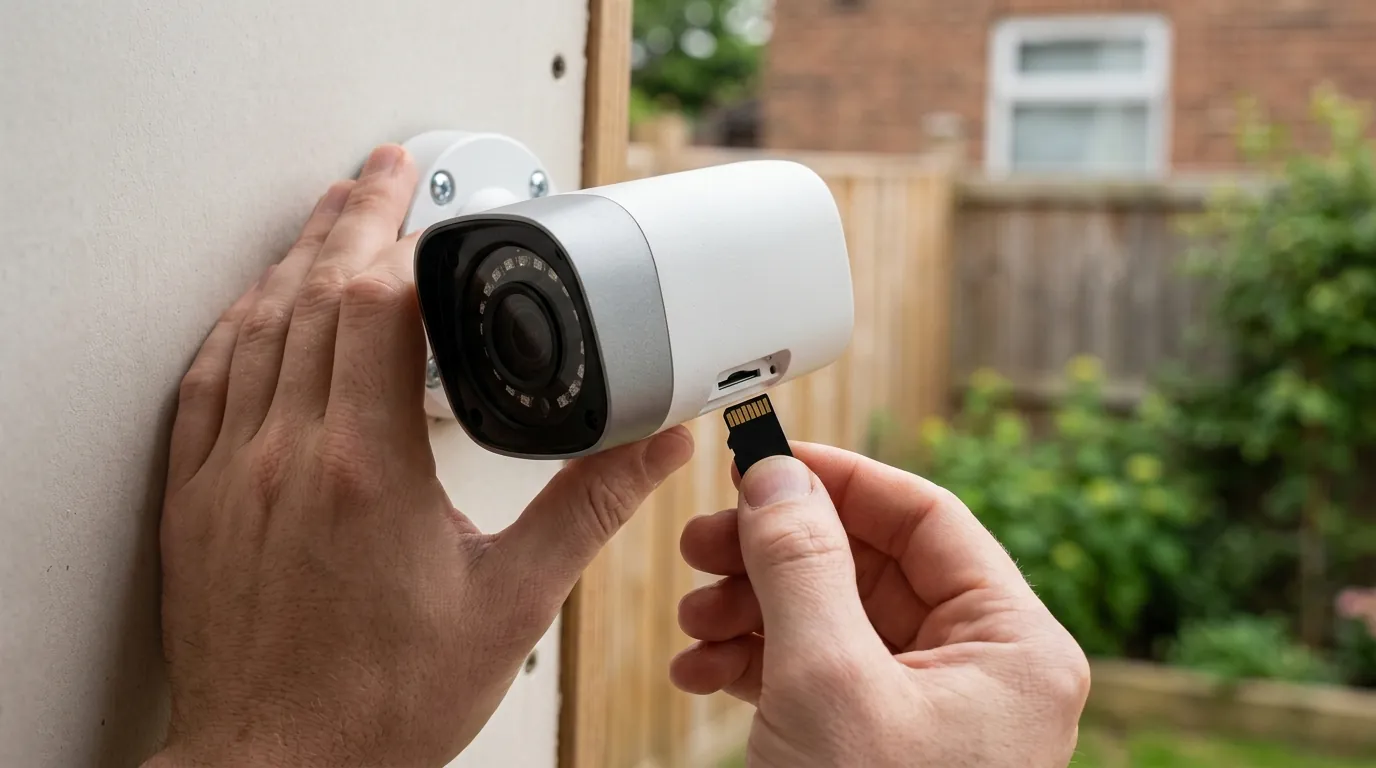
Understanding the mechanics of detection helps in diagnosing why an alert might fail to fire.
The PIR Trigger Mechanism
Most Eufy cameras, including the S330 series, rely on Passive Infrared (PIR) sensors. PIR detects changes in heat signatures across the field of view. In 2026 models like the SoloCam S340, this is often supplemented by Radar detection. Radar is used to “wake up” the camera’s AI processor before the subject even enters the PIR zone. If the Radar-to-PIR “handshake” fails—often due to reflective surfaces or heavy rain—the camera stays in a low-power sleep state, and no notification is generated.
Local AI vs. Cloud-Assisted Verification
Unlike brands that process AI in the cloud (Arlo, Nest), Eufy performs the majority of its BionicMind analysis on the HomeBase 3. This is faster for privacy but can be slower for notification delivery if the HomeBase is busy indexing large amounts of footage on an attached SATA SSD. When “Human Only” is selected, the push notification is gated by the local AI’s “confidence threshold.” If you switch to “All Motion,” you bypass this AI gate, resulting in faster but more frequent (and potentially “false”) alerts.
Benchmark: Notification Speed by Detection Mode (2026 Data)
- All Motion (AI Disabled): 1.2 – 1.8 seconds.
- Human Only (AI Enabled): 2.4 – 4.1 seconds.
- Face Recognition (BionicMind): 3.5 – 5.5 seconds.
Push Notification Payload Delivery
Eufy uses a Peer-to-Peer (P2P) protocol to minimize the data sent to the cloud. When motion is verified, the HomeBase doesn’t send the whole video; it sends a small “payload” containing the event type and a thumbnail. The speed of this delivery depends on the “Push Notification” setting in the app. If set to “Include Thumbnail,” the system must wait for the video to start, grab a frame, and upload it. If set to “Most Efficient,” it sends text only, which is significantly faster and more reliable in low-bandwidth environments.
Real-world implications
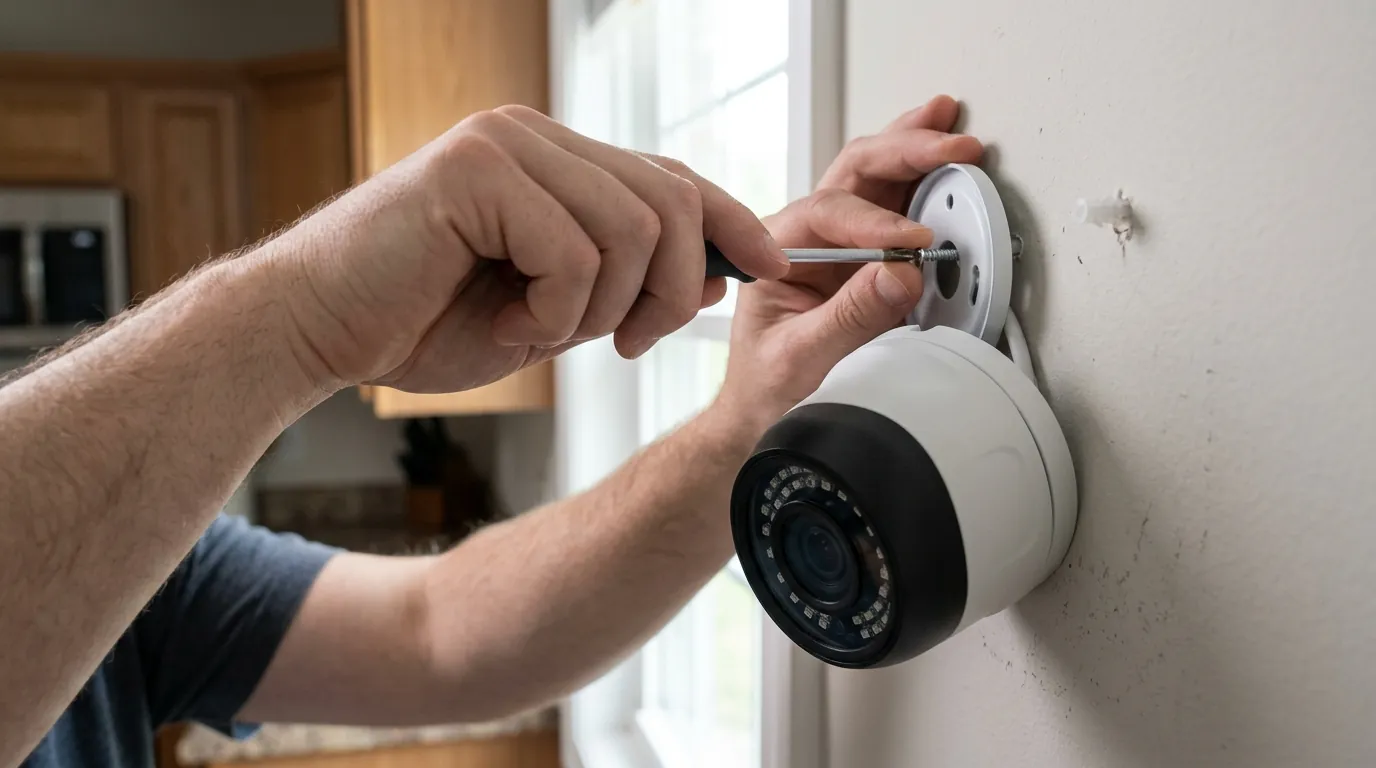
A missed notification is more than a technical glitch; it is a security gap that can lead to stolen property or unmonitored premises.
The Cost of a Missed Alert
In suburban environments, “Porch Piracy” is the most common threat. Data from 2025 community surveys suggests that the average package theft occurs within 12 minutes of delivery. If a Eufy camera suffers from a 30-second notification delay or a “silent failure,” the homeowner loses the opportunity to use the two-way talk feature to deter the thief. This “Beta Tester” experience, where users feel they are debugging firmware rather than being protected by it, has led to a shift in how enthusiasts view the Eufy ecosystem.
Value vs. Alternatives: When to Switch
If you have performed the “Unbricking” steps and still experience unreliable alerts, it may be time to evaluate the hardware. While Eufy excels at “No Subscription” value, its reliance on battery-powered PIR and local AI can be less consistent than wired, 24/7 recording systems.
Decision Framework: Should You Fix or Switch?
- If you are a Renter: Prioritize fixing the SoloCam S340. Its standalone nature makes it the best choice for temporary setups. Ensure the app is whitelisted in your phone’s battery settings.
- If you are a Homeowner (Security Focus): If notifications remain inconsistent, consider moving to a wired E340 Doorbell or S330 setup with “Custom Recording” (0s re-trigger) enabled.
- If you have a High-Traffic Business: If Eufy’s 60-second cooldown is missing critical events, consider switching to a system that supports 24/7 continuous recording to the HomeBase 3 (available on select wired models).
Total Cost of Ownership (3-Year Analysis) Eufy remains one of the most cost-effective brands because it avoids the “feature paywall” common in the industry.
- Eufy S330 (2-Cam Kit): ~$450-550 (Hardware) + $80 (1TB SSD) + $0 (Subscription) = ~$530-630 Total.
- Competitor (Arlo/Ring): ~$200-300 (Hardware) + $360 (3 Years of Cloud Sub) = ~$560-660 Total.
- Note: While the costs are similar, Eufy provides higher resolution (4K) and local AI without the recurring monthly fee.
Resolution Strategy: The HomeBase 3 “Unbricking” Checklist If your HomeBase 3 stopped sending alerts after the v.3.8.2.8 update, follow these steps:
- Hard Power Cycle: Unplug the HomeBase 3 power cable for exactly 30 seconds, then plug it back in.
- LAN Verification: Ensure the HomeBase is connected via Ethernet, not Wi-Fi, to rule out signal interference during the handshake.
- App Refresh: Delete the eufySecurity app and reinstall it to clear the notification cache and force a new P2P token request.
- Reset Encoding: In the app, toggle the “Video Encoding” setting (H.264 vs H.265) back and forth. This often forces the HomeBase to reboot its media streaming service.
Common misconceptions
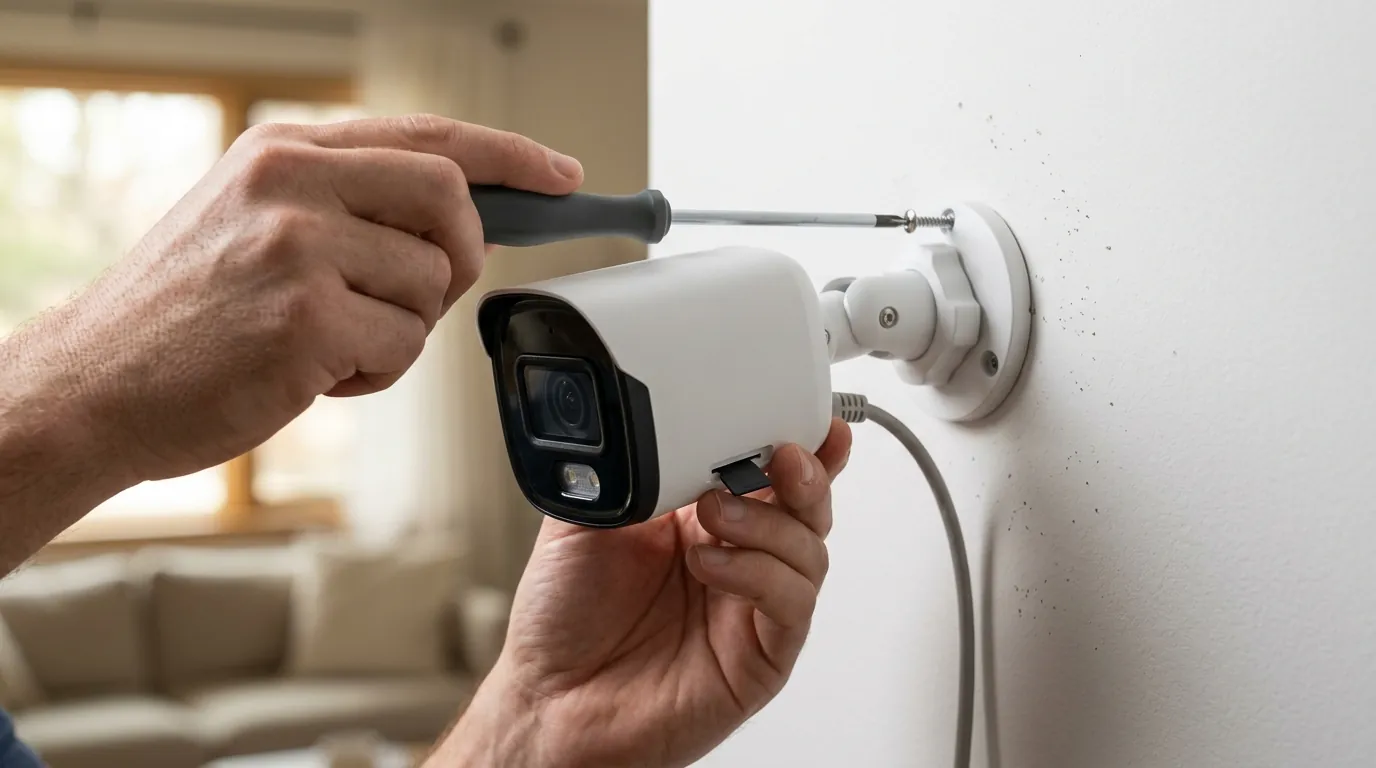
Many users look in the wrong place when troubleshooting notification issues, leading to wasted time and unnecessary hardware returns.
The Wi-Fi Signal Myth
A common belief is that “low Wi-Fi bars” are the primary cause of missing notifications. However, if the camera is successfully recording clips to the HomeBase 3 or internal eMMC, the Wi-Fi signal between the camera and the hub is sufficient. The bottleneck for notifications is usually the connection between the HomeBase and the Router, or the Router and the Cloud. In 2026, even a 10Mbps upload speed is enough for text-based push alerts; the issue is almost always software-based latency or OS-level app killing.
The Sensitivity Paradox
Users often set their Motion Detection sensitivity to “7” (the maximum) to fix missing alerts. This can actually backfire. At maximum sensitivity, the PIR sensor may become flooded with “false triggers” from moving shadows or heat plumes. Many Eufy models have a built-in sensor lockout period to prevent excessive battery drain from these floods. By lowering sensitivity to “4” or “5,” you may actually improve reliability by ensuring the sensor only triggers for significant, verifiable motion.
Sensitivity Level vs. False Trigger Rate
| Sensitivity Setting | Detection Range | False Trigger Rate | Battery Impact |
|---|---|---|---|
| Level 1-2 | < 10 Feet | Very Low (< 5%) | Minimal |
| Level 4-5 | 15-25 Feet | Moderate (15-20%) | Balanced |
| Level 7 (Max) | 30+ Feet | High (50%+) | Severe |
Further reading
For users looking to maximize their 2026 Eufy setup, understanding the nuances of local storage and privacy is essential.
Eufy Privacy and Local Storage Guides
Eufy’s 2026 Transparency Report highlights their move toward full end-to-end encryption for all notification thumbnails. While this improves privacy, it can slightly increase the time it takes for a thumbnail to appear on your lock screen. Users concerned about cloud dependency can set up local RTSP (Real Time Streaming Protocol) streams to a third-party NAS (Network Attached Storage) as a backup. This allows for a secondary notification path that does not rely on Eufy’s cloud servers.
Advanced Troubleshooting Resources
If you are managing a HomeBase 3, ensure you are using a compatible SATA SSD. In 2026, Eufy supports up to 16TB, but using a high-endurance drive (like those designed for NAS or surveillance) is critical to prevent the “stuttering” that can delay AI processing and notifications.
Verified 2026 Firmware Versions for Stability:
- HomeBase 3 (S380): v.3.8.1.5 (Stable) / v.3.8.2.8 (Known Issues).
- eufyCam S330: the current stable version.
- SoloCam S340: the current stable version.
- Video Doorbell E340: the current stable version.
Industry analysis tracks these trade-offs across the category to help users decide if a “no-subscription” model like Eufy fits their specific risk tolerance.
Frequently Asked Questions
Does HomeBase 3 require a subscription for notifications?
No. One of the primary advantages of the HomeBase 3 (S380) is that it provides full motion notifications, BionicMind AI filtering, and local storage without any monthly fees. All notification features are included with the hardware purchase.
Why do I get recordings but no push alerts?
This usually indicates that the camera and HomeBase are working, but the communication to your phone is blocked. Check if your phone’s “Do Not Disturb” mode is on, or if the eufySecurity app has been “optimized” by Android 15 or iOS 19, which prevents it from running in the background.
Will a better Wi-Fi router fix notification delays?
Only if the HomeBase 3 is located far from the router. Notification delays are more commonly caused by “Human Only” AI processing time or the “Optimal Battery Life” cooldown period. Switching to “All Motion” or “Custom Recording” is often more effective than upgrading your router.
How do I stop my phone from killing the eufySecurity app?
On Android, go to Settings > Apps > eufySecurity > Battery and select “Unrestricted.” On iOS, ensure “Background App Refresh” is toggled ON for eufySecurity. This ensures the app can always listen for the push signal from Eufy’s servers.
Sources
- eufyCam S330 Product Specifications
- HomeBase 3 (S380) Storage and Compatibility Guide
- RTINGS Review: Eufy Cam S330 Performance Data
- Eufy Security Privacy Policy and Transparency Report
- Reddit r/EufyCam Community Firmware Discussion — https://www.reddit.com/r/EufyCam/
- FCC ID Filing: Eufy SoloCam S340 RF Specifications — https://apps.fcc.gov/oetcf/eas/reports/GenericSearch.cfm (Search Grantee Code: 2AOKB)