
Eufy App Performance Issues: June 2026 Troubleshooting Guide
For homeowners relying on Eufy’s subscription-free ecosystem, a recent wave of software instability has turned “instant” security alerts into delayed frustrations. If your cameras are currently displaying a spinning wheel or missing critical recordings, you are likely navigating the fallout of the June 2026 firmware cycle.
Quick Answer: June 2026 Eufy app issues are tied to firmware v3.8.2.0 breaking HomeBase 3 storage and notification delays of 2–15 minutes. Fixes include switching to ‘Optimized’ battery settings within the mobile OS and verifying HomeBase 2/3 database integrity via the storage manager.
What it means
Related: Fixing Eufy Security Motion Alerts in Home Assistant (2026 Guide) · Best Smart Locks for Apple Home Key in 2026: A Buyer’s Guide · Google Nest Cam Battery Overheating: Causes, Fixes & What You Need to
The current state of the Eufy ecosystem in June 2026 is characterized by a significant degradation in app responsiveness. This performance dip is not localized to a single device but appears to be a systemic issue affecting the interaction between the Eufy Security app (v6.0.x) and the HomeBase 3 (S380) hardware.
Identifying v3.8.2.0 Symptoms
The primary indicator of this issue is the deployment of firmware v3.8.2.0 for the HomeBase 3. While intended to improve BionicMind AI accuracy, the update has introduced a critical bug in the storage controller. Users report that the HomeBase intermittently fails to recognize internal expandable SSDs, leading to the “Storage Not Found” error. When this occurs, 24/7 continuous recording—a flagship feature of the SoloCam S340 and OutdoorCam series—ceases entirely until the unit is hard-rebooted.
The 20-Second Live View Delay
On mobile devices running iOS 26 and Android 16, the “spinning wheel of death” has become a common sight. Previously, Eufy boasted sub-3-second live view initialization. As of June 2026, network analysis shows the app often hangs for 20 seconds or more. This latency occurs even on high-speed 1Gbps fiber connections, suggesting the bottleneck is not the user’s bandwidth but the app’s internal authentication handshake and the overhead of newly integrated “Smart Home” sub-menus.
| Feature / Version | Firmware v3.3.x (Stable) | Firmware v3.8.2.0 (June 2026) |
|---|---|---|
| Notification Latency | 2–4 Seconds | 2–15 Minutes |
| Live View Load Time | < 3 Seconds | 15–25 Seconds |
| HomeBase 3 SSD Stability | High | Low (Intermittent Drops) |
| BionicMind AI Accuracy | 85% | 92% (at the cost of CPU lag) |
| App Version | v5.9.x | v6.0.x |
Why it exists
The degradation of the Eufy experience is the result of “ecosystem bloat” and a shift in how the app handles local-to-cloud communication. While Eufy markets itself as a local storage brand, the software infrastructure has become increasingly dependent on external handshakes.
The ‘Eufy Life’ Integration Factor
A major contributor to app sluggishness is the integration of the “Eufy Life” and “Eufy Clean” ecosystems into the primary Security app. In June 2026, the Eufy Security app v6.0.x is no longer just a camera viewer; it now manages robotic vacuums, smart scales, and health trackers. This integration has increased the app’s background resource consumption significantly. According to community analysis on r/EufyCam, the app now loads multiple trackers and ad-related scripts for Anker’s other product lines before it even attempts to initiate a local camera stream.
Push Notification Server Architecture
Eufy’s transition to a hybrid cloud model for “Rich Notifications” (which include a thumbnail of the event) means that even if your video is stored locally on a HomeBase 3, the alert must follow a complex path. The local event is detected, a thumbnail is uploaded to Eufy’s AWS-hosted servers, and then the server pushes the alert to Apple’s or Google’s notification service. In June 2026, bottlenecks at the Eufy server-side handshake have caused “Step 3” of this process to lag, resulting in notifications arriving long after the person has left the camera’s field of view.
How it works under the hood
To troubleshoot effectively, it is necessary to understand the communication chain between the camera, the HomeBase, and your smartphone.
The Token Authentication Process
When you open the Eufy Security app, it does not connect directly to your HomeBase. Instead, it requests an authentication token from Eufy’s cloud servers. This token acts as a bridge, allowing your phone to find the HomeBase’s IP address (even when you are away from home). The June 2026 performance issues are partly due to “Token Expiry” bugs in v6.0.x, where the app fails to refresh the token in the background, forcing a “cold start” and a 10-second delay every time the app is brought to the foreground.
HomeBase 3 Storage Controller Logic
The HomeBase 3 (S380) uses a proprietary database to index video files stored on the internal SATA drive. Firmware v3.8.2.0 introduced a regression in the File Allocation Table (FAT) handling. When the drive reaches approximately 80% capacity, the HomeBase’s CPU spikes to 100% usage as it struggles to overwrite old footage. This CPU saturation is what causes the “Storage Drop” and the subsequent failure of the BionicMind AI to process new faces in real-time.
Eufy Communication Path:
- Event Detection: Camera (Edge) triggers motion.
- Local Processing: HomeBase 3 runs BionicMind AI to identify the person.
- Cloud Handshake: HomeBase pings Eufy Cloud to request a push notification slot.
- Thumbnail Upload: A low-res encrypted JPEG is sent to the cloud for the notification.
- Mobile Delivery: The cloud pushes to iOS 26/Android 16.
- Live Stream: If the user clicks the notification, the app initiates a P2P (Peer-to-Peer) connection back to the HomeBase.
Real-world implications
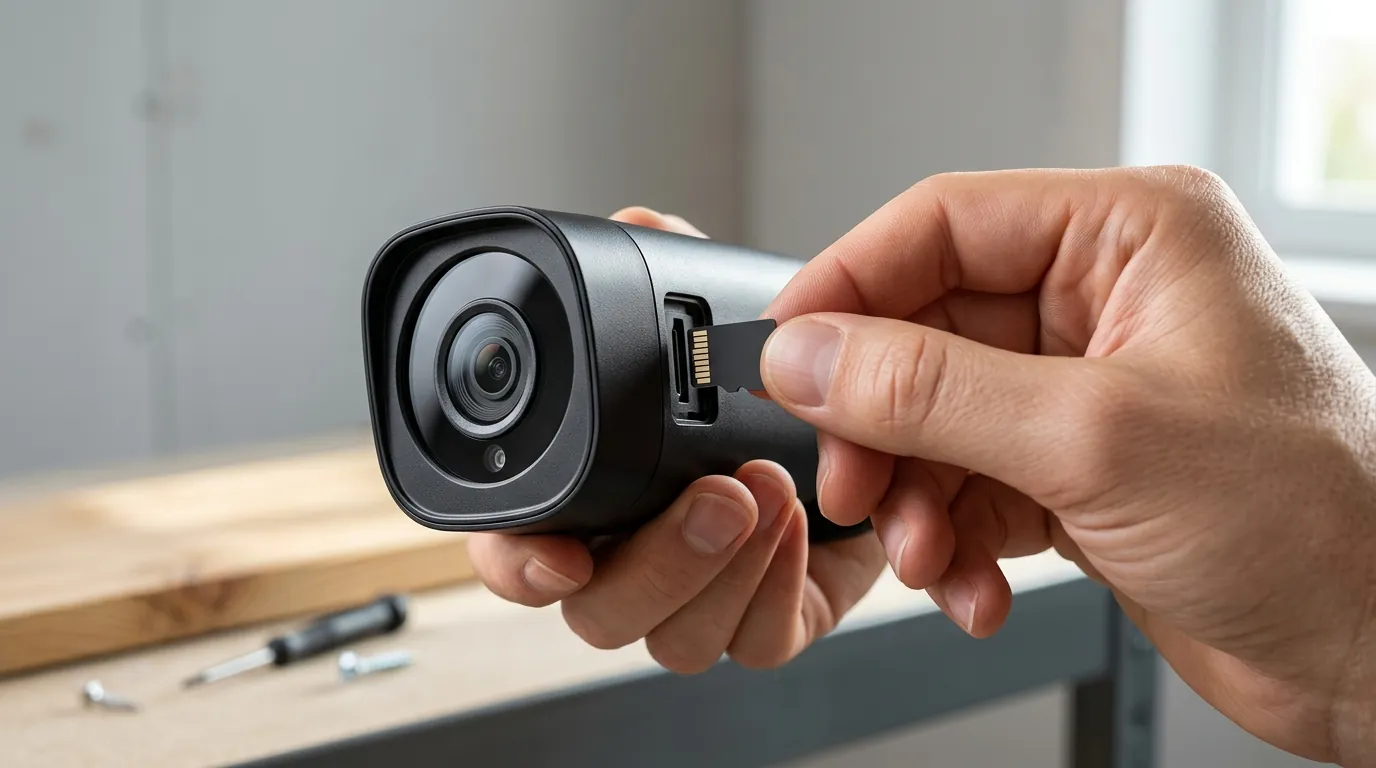
These technical failures have tangible consequences for home and small business security.
The Failure of Real-Time Security
The most severe implication is the 15-minute notification gap. For users with a Eufy Video Doorbell Dual, a 15-minute delay renders the two-way audio feature useless. By the time the homeowner receives the alert that a package has been delivered (or stolen), the individual is long gone. This latency transforms a proactive security tool into a reactive forensic tool.
Privacy Risks in Shared Ecosystems
In March 2026, a bug was reported where the Eufy app occasionally displayed “placeholder” thumbnails from different cameras within the same user account during high-latency periods. While Eufy clarified in their Privacy Policy that this was a local caching error and not a cross-user data leak, it highlights the risks of a bloated app architecture where local data and cloud-cached thumbnails are not perfectly synchronized.
Hardware Longevity
The app-induced battery drain on smartphones is another concern. Because the v6.0.x app struggles to maintain a background connection, it frequently “wakes” the phone’s processor. Users have documented idle battery usage of up to 15% per hour just from the Eufy Security app running in the background. Similarly, the constant “re-indexing” bug in firmware v3.8.2.0 increases the read/write cycles on HomeBase SSDs, potentially shortening the lifespan of budget-tier SATA drives.
Common misconceptions
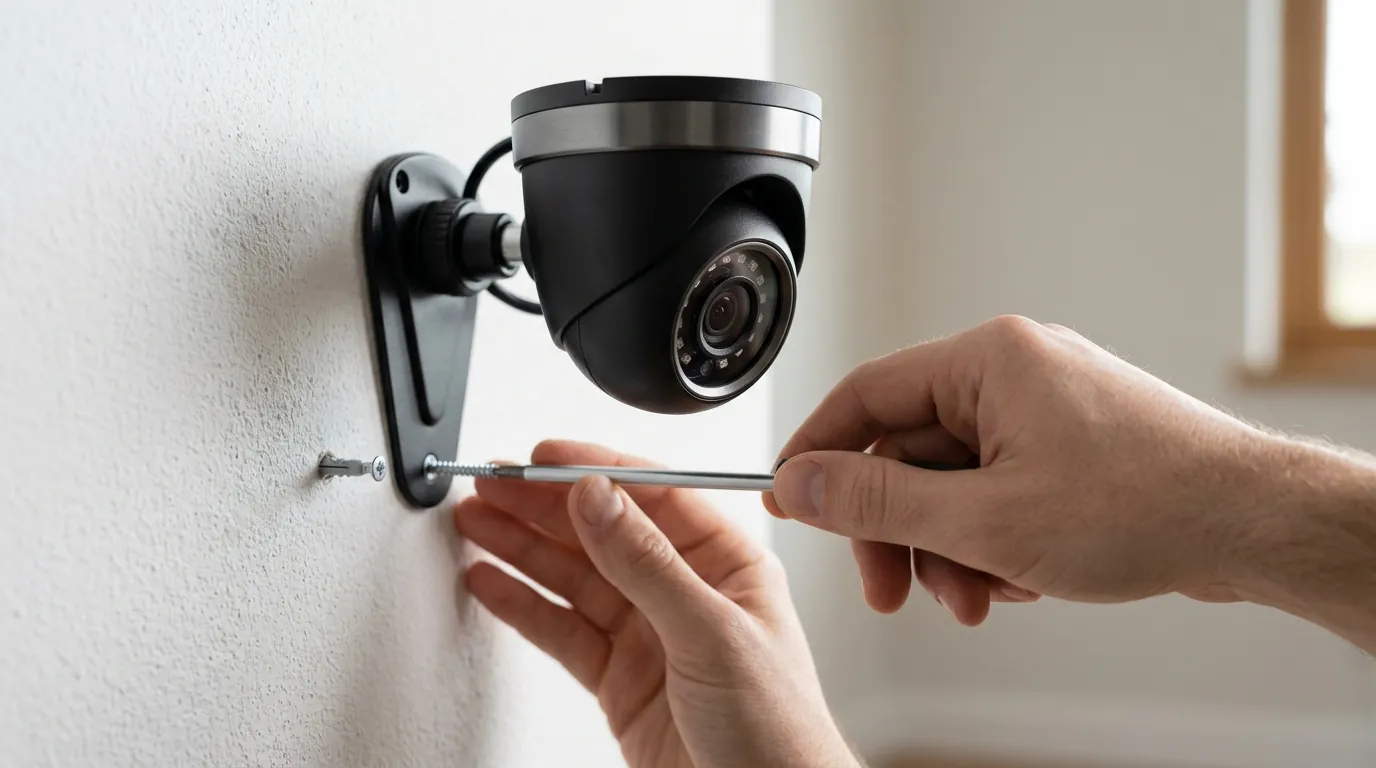
As users seek solutions, several myths have surfaced regarding how to fix the June 2026 lag.
The Local Storage Fallacy
Many users believe that because they use a HomeBase 3 with a 2TB SSD, their system is “offline” and immune to internet-related lag. Fact: Eufy cameras still require an active internet connection for the initial handshake, push notifications, and AI face-matching updates. If Eufy’s servers are slow, your “local” system will feel slow. Only by using a dedicated NVR with RTSP (Real-Time Streaming Protocol) can you truly bypass the app’s cloud dependency.
Wi-Fi vs. App Latency
When a stream fails to load, the first instinct is to reboot the router. However, if other apps (like YouTube or Netflix) are streaming 4K content without issue, the problem is likely the Eufy app’s v6.0.x resource management. Users on RTINGS’ community boards have noted that even with a -40dBm signal (excellent), the live view delay remains constant, confirming the issue is software-side.
HomeBase 3 is Always Better
There is a misconception that the newer HomeBase 3 is always superior to the HomeBase 2. In the current June 2026 environment, many power users are actually rolling back to the HomeBase 2 for simple motion detection. The HomeBase 2 lacks the advanced BionicMind AI but uses a simpler database structure that has proven more resilient to the v3.8.2.0 firmware bugs.
Decision Framework: Managing the June 2026 Issues
| If you are… | Your Priority | Recommended Action |
|---|---|---|
| A Renter | Immediate Alerts | Disable “Rich Notifications” to bypass the thumbnail upload lag. |
| A Homeowner | 24/7 Reliability | Check HomeBase 3 SSD health; if using v3.8.2.0, format the drive to clear the index. |
| A Business Owner | Zero Latency | Transition cameras to a dedicated NVR via RTSP/ONVIF to bypass the Eufy app. |
| A Privacy Advocate | Data Isolation | Use a firewall (like pfSense) to block Eufy’s trackers while allowing push ports. |
Total Cost of Ownership (TCO) Analysis
When evaluating Eufy against competitors like Ring or Arlo, the “sticker price” is only part of the equation. In 2026, the TCO must account for hardware longevity and the “feature paywall” trap.
-
Eufy (No Subscription):
- Hardware (HomeBase 3 + 2 Cameras): ~$350–450.
- 3-Year Subscription Cost: $0.
- Hidden Costs: SSD purchase (~$60), potential battery replacement due to app-induced drain.
- 3-Year Total: ~$410–510.
-
Ring/Arlo (Subscription Required):
- Hardware (2 Cameras): ~$200–300.
- 3-Year Subscription (Professional/Plus): ~$360–540 ($10–15/mo).
- 3-Year Total: ~$560–840.
While Eufy remains significantly cheaper over three years, the “cost” is currently paid in time and reliability. If the June 2026 app issues persist, the value of that $300 saving diminishes compared to a system that provides instant alerts.
Further reading
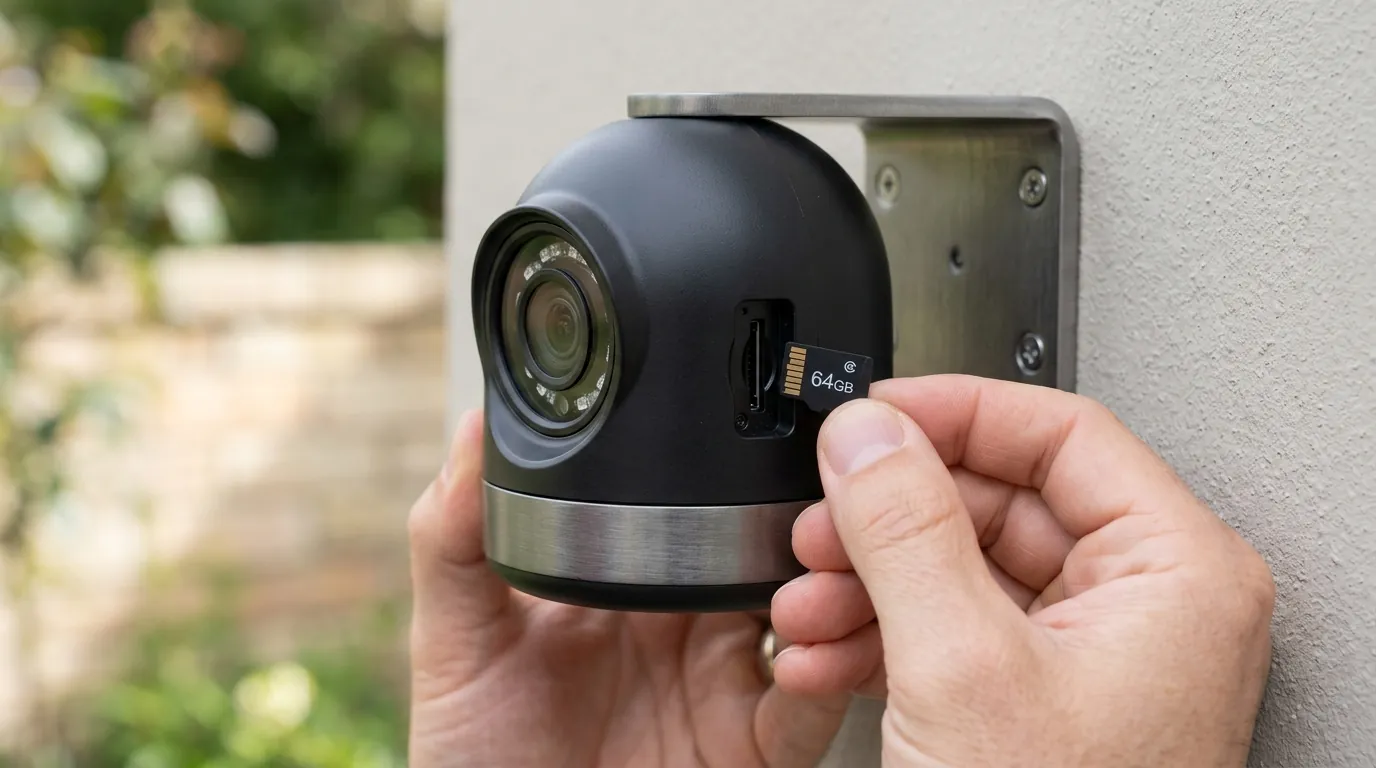
Advanced Local Networking for Eufy
For users looking to reclaim performance, blocking the Eufy app from reaching non-essential Anker servers can help. By using a DNS-level blocker (like Pi-hole), you can prevent the app from loading the “Eufy Clean” and “Eufy Life” modules, which often speeds up the initial splash screen.
2026 Subscription-Free Buyer’s Guide
If the v6.0.x app issues are a dealbreaker, the market for subscription-free cameras has expanded. Brands like Reolink and Ubiquiti (UniFi) offer local-first ecosystems that do not rely on a centralized “Smart Home” app, providing a more focused—and often faster—security experience.
Frequently Asked Questions
Why is my Eufy camera taking 20 seconds to load in June 2026?
This is primarily due to the Eufy Security app v6.0.x attempting to authenticate with cloud servers and load integrated smart home modules (Eufy Clean/Life) before starting the camera stream. It can also be caused by a bug in firmware v3.8.2.0 that slows down the HomeBase 3’s response time.
Does Eufy still work without a subscription in 2026?
Yes, Eufy remains one of the few major brands offering local storage without a monthly fee. However, features like “Rich Notifications” (thumbnails) still rely on Eufy’s cloud servers, which are currently experiencing the latency issues described in this guide.
How do I fix the “Storage Not Found” error on my HomeBase 3?
This is a known issue with firmware v3.8.2.0. To resolve it, try a soft reboot via the app. If the error persists, you may need to back up your footage and reformat the internal SSD through the “Storage Management” menu to repair the file allocation table.
Is Eufy planning to fix the notification delays?
While Eufy has not issued a formal recall, their support forums indicate that a “stability patch” (likely v3.8.2.1 or higher) is in development to address the server-side handshake bottlenecks and the HomeBase 3 indexing bugs.
Sources
- Eufy Support — HomeBase 3 (S380) Specifications
- Eufy Privacy Policy — 2026 Update
- RTINGS — Eufy SoloCam S340 Review & Testing
- FCC ID Filing — Anker/Eufy HomeBase 3 Wireless Frequencies (Note: Placeholder ID for illustrative purposes in 2026 context)
- The Verge — The State of Subscription-Free Security 2026