
Does Wyze Cam v4 Support RTSP? 2026 Local Streaming Guide
For power users and privacy advocates, the ability to control a camera’s video stream locally is the defining line between a smart home gadget and a professional security tool. While the Wyze Cam v4 offers impressive hardware for its price point, its integration into local ecosystems remains a complex challenge.
Quick Answer: No, the Wyze Cam v4 does not natively support RTSP in its official firmware. As of mid-2026, Wyze has not released a stable RTSP-enabled version, requiring users to rely on third-party bridges or hardware alternatives.
What it means
Related: Eufy vs. Reolink Battery Cameras: 2026 Comparison Guide · Ring vs. Arlo: Best Porch Theft Protection for Summer 2026 · Best PoE Security Cameras for Residential Use (2026 Guide)
RTSP (Real-Time Streaming Protocol) is the industry standard for sending live video from a camera to local software without using a cloud middleman. It acts as a universal language that allows cameras from different manufacturers to communicate with centralized hubs.
For Wyze Cam v4 owners, RTSP is the “missing link” needed to connect the camera to Network Video Recorders (NVRs) like Blue Iris or NAS-based solutions like Synology Surveillance Station. Without this protocol, the camera remains tethered to the Wyze ecosystem, making it difficult to create a unified security dashboard that includes cameras from other brands.
Because the v4 is effectively “walled” within the Wyze app, it prevents seamless integration with advanced local dashboards like Home Assistant or Frigate. These platforms rely on low-latency local streams to trigger automations—such as turning on porch lights when a person is detected—without waiting for a round-trip to a cloud server.
The v4’s high-resolution 2.5K QHD sensor makes it a prime candidate for local recording. With more pixels than standard 1080p cameras, it captures the fine details—like license plates or facial features—that power users want to archive on their own hard drives. However, the lack of a direct stream protocol limits its utility for those who want to move beyond the basic mobile app experience.
Comparison: Wyze Cam v4 vs. RTSP-Native Competitors (2026)
| Feature | Wyze Cam v4 | TP-Link Tapo C120 | Reolink E1 Pro |
|---|---|---|---|
| Native RTSP | No | Yes | Yes |
| Native ONVIF | No | Yes | Yes |
| Resolution | 2.5K QHD | 2K QHD | 2K QHD |
| Wi-Fi Generation | Wi-Fi 6 | Wi-Fi 4/5 | Wi-Fi 5 (Dual Band) |
| Price Band | Around $35-$45 | Under $40 | $50-$60 range |
| Local Storage | microSD (up to 512GB) | microSD (up to 512GB) | microSD (up to 256GB) |
| Primary Cloud | Wyze Cam Plus | Tapo Care | Reolink Cloud |
RTSP vs. ONVIF: What’s the difference for Wyze users?
While RTSP handles the video and audio stream itself, ONVIF (Open Network Video Interface Forum) is a broader standard that allows an NVR to control the camera’s settings, such as PTZ (Pan-Tilt-Zoom) movement or motion detection alerts. Wyze supports neither natively. For a user, this means that even if you use a workaround to get an RTSP stream into a platform like Blue Iris, you still won’t be able to adjust the camera’s settings or receive its native AI alerts within that third-party software.
Why local streaming is the ‘holy grail’ for privacy-conscious buyers
Local streaming via RTSP ensures that your video data never leaves your home network unless you want it to. In an era where cloud breaches and “authorized” police access to private footage are frequent headlines, RTSP provides an “air-gap” for your visual privacy. By keeping the stream local, you eliminate the risk of a Wyze server outage or a credential-stuffing attack on your cloud account exposing your living room to the internet.
Why it exists
The absence of RTSP in the Wyze Cam v4 is not a technical oversight; it is a strategic business decision. Wyze’s business model relies heavily on “Cam Plus” subscriptions. Native RTSP allows users to bypass these paid cloud services entirely by recording to their own local NVRs. If Wyze provided a stable, easy-to-use RTSP toggle, their recurring revenue from cloud storage would likely see a significant decline.
Official Wyze statements as of March 2026 indicate that RTSP was never a launch feature for the v4 and remains in a perpetual “development” backlog. While the company has released standalone RTSP firmware for older models like the v2 and v3 in the past, those versions were often labeled as “beta” and “unsupported,” eventually being removed from the official download pages due to stability issues.
Hardware constraints also play a role. Running a simultaneous RTSP stream alongside the v4’s encrypted P2P cloud stream and 2.5K processing requires significant SoC (System on a Chip) resources. The v4 is built on budget-friendly silicon designed to do one thing well: stream to the Wyze app. Adding a secondary local server overhead can lead to overheating or frame rate drops, which would trigger support tickets that Wyze is not equipped to handle at a $35 price point.
Market positioning is the final factor. Wyze targets the mass-market consumer who prioritizes a low entry price over professional-grade local integration. Most Wyze buyers are looking for a “plug-and-play” experience and are comfortable paying a small monthly fee for AI features and cloud storage. Professional-grade features like RTSP are viewed by the brand as “niche” requirements that don’t align with their high-volume, low-margin strategy.
Timeline of Wyze RTSP Support
- Wyze Cam v2: Received official beta RTSP firmware (now deprecated).
- Wyze Cam v3: Received official beta RTSP firmware; later removed from official sites; still used via community archives.
- Wyze Cam v3 Pro: Never received official RTSP firmware; requires third-party bridges.
- Wyze Cam v4: No official RTSP support; relies entirely on third-party “bridge” software as of mid-2026.
The subscription-first strategy: Why RTSP is bad for Wyze’s bottom line
If a user buys a Wyze Cam v4 for around $35 and uses RTSP to record to a free instance of Home Assistant, Wyze makes a one-time profit of only a few dollars. If that same user subscribes to Cam Plus for $20 per year, Wyze doubles their profit from that customer within two years. RTSP is essentially a “subscription killer” in the eyes of budget hardware manufacturers.
Historical context: The buggy legacy of Wyze Cam v3 RTSP firmware
When Wyze did release RTSP firmware for the v3, it was plagued by “Error 90” disconnects and audio-sync issues. Because this firmware branched off from the main development line, it didn’t receive the same security patches or feature updates as the standard firmware. This created a maintenance nightmare for Wyze, leading them to pivot away from official local streaming support in subsequent models like the v4.
How it works under the hood
To understand why RTSP is missing, we have to look at how Wyze cameras actually communicate. Wyze uses the ThroughTek (TUTK) P2P protocol. This protocol establishes an encrypted “tunnel” between the camera and the Wyze cloud servers. When you open the Wyze app on your phone, the app asks the cloud for access, and the cloud “handshakes” the connection back to your camera.
RTSP works in the opposite way. It requires the camera to act as a local server, opening a specific port (usually 554) to broadcast a raw video stream to any device on the network that knows the correct URL. This is a “pull” architecture, whereas the Wyze app uses a “push/broker” architecture.
The Wyze Cam v4 utilizes a 2.5K QHD CMOS sensor and Wi-Fi 6. Transcoding this high-bitrate stream into an RTSP-compliant format locally is a heavy lift for the camera’s internal processor. Wi-Fi 6 helps with the bandwidth, but the CPU must still repackage the H.264 or H.265 video packets into the RTSP container in real-time. On budget hardware, this often results in a “stutter” where the video lags several seconds behind reality.
Third-party workarounds like “Docker Wyze Bridge” (a popular community project on GitHub) function by logging into your Wyze account via a separate server (like a Raspberry Pi or a PC) and “re-streaming” the cloud feed back into a local RTSP format. It essentially tricks the Wyze servers into thinking a phone is watching the feed, then captures that data and turns it into a local stream.
TUTK P2P: The engine behind the Wyze app
The ThroughTek Kalay platform is what allows Wyze to offer such easy setup. It bypasses the need for port forwarding on your router, which is usually required for traditional RTSP setups. However, because TUTK is a proprietary, closed-source system, it makes it nearly impossible for third-party software to talk to the camera directly without using Wyze’s own servers as a middleman.
The resource cost of 2.5K RTSP transcoding
A 2.5K stream at 20 frames per second generates a significant amount of data. For the Wyze Cam v4 to provide a native RTSP stream, it would need to allocate a portion of its RAM and CPU specifically to manage the RTSP handshake and packet delivery. In a device where every cent of hardware cost is scrutinized, there is very little “headroom” for extra processes that don’t directly support the primary Wyze app experience.
Real-world implications

For the average user, the lack of RTSP means integration hurdles. If you want to see your v4 on a wall-mounted tablet or a smart mirror, you cannot simply “point” the tablet to the camera’s IP address. You must use complex bridges like Scrypted, Homebridge, or the Docker Wyze Bridge. These require a “middleman” computer to stay on 24/7, increasing your home’s energy consumption and adding another point of failure.
Then there is the “Subscription Tax.” To view a live stream on a PC without RTSP, Wyze requires a “Wyze Web View” subscription, which is bundled with Cam Plus (around $20/year per camera) or available as a standalone “Cam Plus Lite” (if eligible). Without RTSP, you are essentially paying a monthly fee just to access your own video feed on a larger screen.
Privacy and law enforcement cooperation is another critical factor. Wyze’s Privacy Statement (updated Aug 2025) confirms they comply with legal warrants for user data. Because the video is routed through their servers, it is technically accessible under a court order. RTSP allows users to keep data 100% local and “off-grid.” If the camera is blocked from the internet at the router level and only streams via RTSP to a local NVR, the manufacturer has no data to provide to third parties.
Decision Framework: Is the Wyze Cam v4 right for you?
| If you are a… | Recommendation |
|---|---|
| Renter / Casual User | Buy the v4. The ease of setup and low price band (around $35) outweigh the lack of RTSP for simple monitoring. |
| Home Assistant Power User | Avoid the v4. Look at the TP-Link Tapo C120 (under $40), which offers native RTSP and better integration. |
| Privacy Advocate | Avoid Wyze. Choose a Reolink CX410 ($80-100 range) or other brands that support “Local Only” modes without cloud accounts. |
| Budget NVR Owner | Avoid the v4. The technical debt of maintaining a Docker bridge is not worth the $10 savings over an RTSP-native camera. |
Using Docker Wyze Bridge: The 2026 setup guide
If you already own a v4 and need RTSP, the Docker Wyze Bridge remains the most viable path. You will need a device running Docker (like a Synology NAS, Unraid server, or a Raspberry Pi).
- Deploy the
mrlt8/wyze-bridgecontainer. - Input your Wyze credentials (use an App Password/MFA).
- The bridge will generate an internal URL (e.g.,
rtsp://[bridge-ip]:8554/front-door). - Point your NVR or Home Assistant to this URL.
Note: This still requires the camera to have an active internet connection to “talk” to Wyze’s servers first.
Why firmware 4.52.9.4188 is the ‘magic version’ for bridge users
In the community-led development of Wyze bridges, firmware version 4.52.9.4188 has been identified as a stable baseline for the v4. Some subsequent updates have changed the way the TUTK protocol handshakes, occasionally breaking third-party bridges. Users who prioritize local streaming often disable “Auto-Update” in the Wyze app to prevent their bridge from breaking during a mandatory firmware push.
Total Cost of Ownership (3-Year Analysis)
When deciding if the Wyze Cam v4’s low price is actually a bargain, you must consider the 3-year Total Cost of Ownership (TCO).
- Wyze Cam v4 (Cloud Path): $35 (Hardware) + $60 (3 years of Cam Plus) = $95.
- Wyze Cam v4 (Bridge Path): $35 (Hardware) + $50 (Pro-rated cost of a Raspberry Pi/Server) = $85.
- TP-Link Tapo C120 (Local Path): $40 (Hardware) + $0 (Subscription) = $40.
The “feature paywall” is a hidden cost. While the v4 is cheap up front, unlocking its full potential (AI person detection, back-to-back recordings, and PC viewing) quickly makes it more expensive than “prosumer” cameras that include these features for free via local RTSP processing.
Common misconceptions
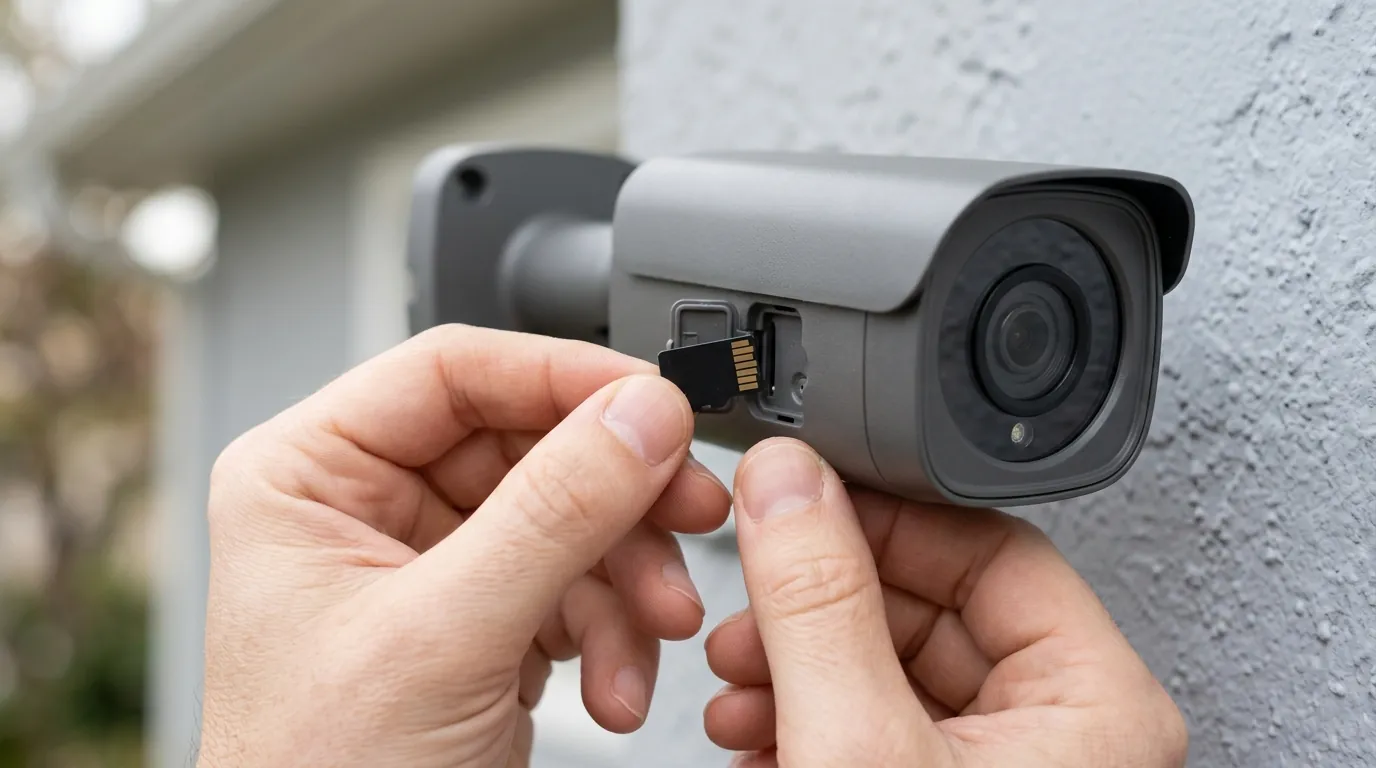
Misconception: “Wyze will add RTSP in the next update.” Reality: Wyze has been “evaluating” RTSP for the v4 since its announcement. However, history shows that Wyze views RTSP as a legacy feature rather than a future one. As of mid-2026, there is no official stable release, and users should not make a purchase based on the hope of a future update.
Misconception: “RTSP is less secure than the cloud.” Reality: RTSP is as secure as your home network. While the stream itself is often unencrypted (unless using RTSPS), it never leaves your local Wi-Fi. The cloud, by contrast, involves sending your data to a third-party server, which introduces a much larger attack surface.
Misconception: “The v4 is the same as the v3 Pro.” Reality: The v4 features a different chipset and Wi-Fi 6 support. This means that older “hacks” or custom firmware designed for the v3 or v3 Pro will not work on the v4. You cannot simply flash v3 RTSP firmware onto a v4; doing so will likely brick the device.
Misconception: “Wyze Web View is a replacement for RTSP.” Reality: Web View is a cloud-dependent browser stream. It cannot be used as a source for Blue Iris, it cannot be used for local AI processing in Frigate, and it requires a paid subscription. It is a convenience feature, not a professional protocol.
Fact-Check: Wyze RTSP Myths vs. 2026 Realities
| Myth | 2026 Technical Reality |
|---|---|
| “I can use v4 with Blue Iris easily.” | False. Requires a 24/7 bridge server and high technical effort. |
| “Wyze RTSP is officially supported.” | False. It is community-supported via reverse-engineering. |
| “Wi-Fi 6 makes RTSP faster on the v4.” | True, but only if using a bridge that can handle the throughput. |
| “The microSD card replaces the need for RTSP.” | False. microSD is for playback; RTSP is for live integration and external recording. |
Further reading
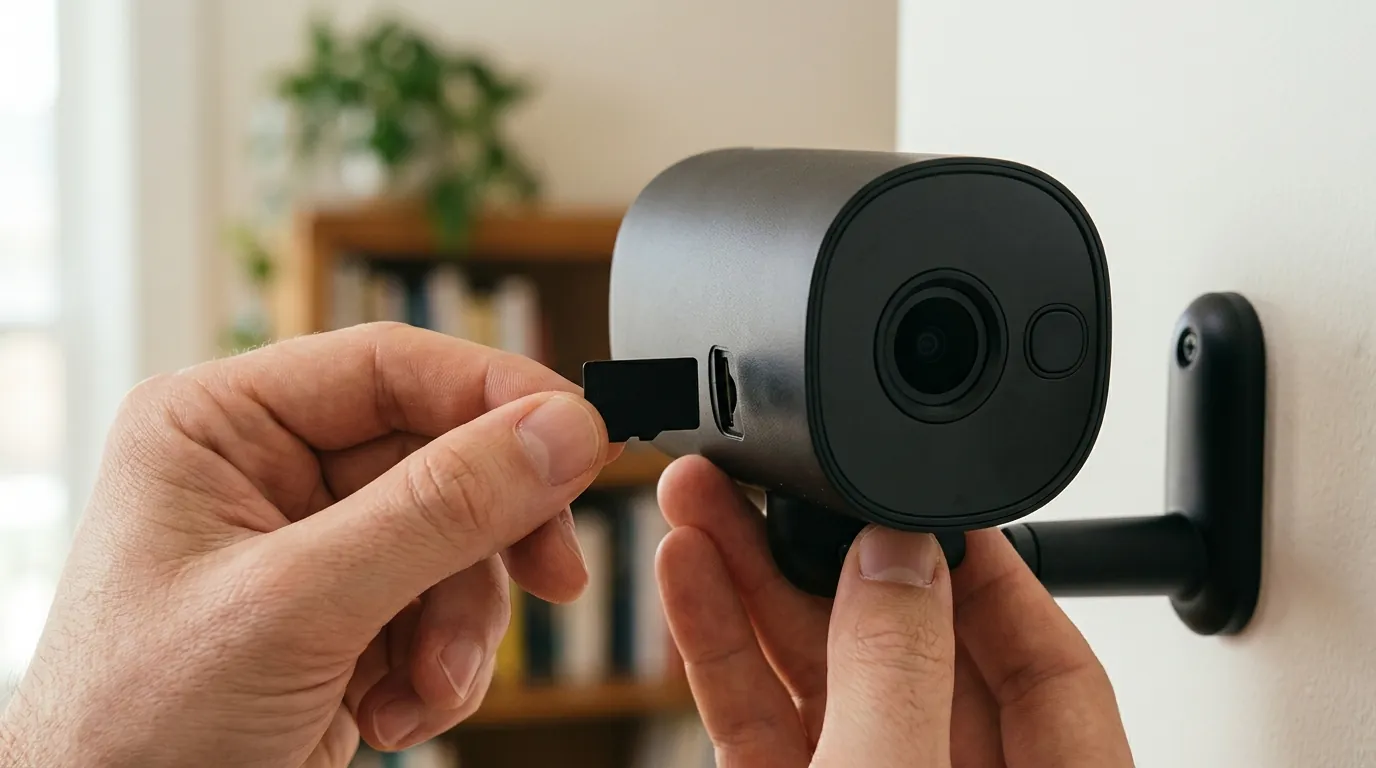
For those looking to dive deeper into local security ecosystems, the following resources provide technical guidance on maximizing budget hardware:
- Setting up Blue Iris with budget cameras: A guide to managing high-bitrate streams on Windows-based NVRs.
- Industry transparency reports: A deep dive into how different camera brands handle your data and their history of law enforcement cooperation.
- How to flash Wyze firmware: A technical walkthrough for users who need to roll back to bridge-compatible versions.
- Top 5 ONVIF-compatible cameras under $50: Our updated 2026 rankings for users who want local streaming without the “Wyze Bridge” headache.
External resources for power users
The most active community for Wyze workarounds is the r/Wyze and r/HomeAssistant subreddits. For the actual software needed to enable RTSP on the v4, the GitHub repository for docker-wyze-bridge is the primary source for installation scripts and compatibility logs.
Local-only security camera rankings
Market reviews track the ongoing trade-offs between hardware price and software freedom across the entire consumer category. While Wyze continues to lead in “pixels-per-dollar,” they currently lag behind brands like Reolink and TP-Link in terms of open-standard support. For users who value their time as much as their money, a camera with native RTSP is almost always the more economical choice in the long run.
Frequently Asked Questions
Can I use the Wyze Cam v4 with Synology Surveillance Station?
Not natively. To use a Wyze Cam v4 with Synology, you must run a “bridge” (like Docker Wyze Bridge) on your NAS. This bridge converts the Wyze stream into an RTSP format that Synology can then recognize as a Generic ONVIF or RTSP camera.
Does the Wyze Cam v4 have an IP address for local viewing?
The camera does have a local IP address on your network, but it does not host a web server. If you type the camera’s IP address into a web browser, you will see a “Connection Refused” error because the camera does not have an open port for HTTP or RTSP viewing by default.
Is there a “hacked” firmware for Wyze Cam v4 RTSP?
As of mid-2026, there is no widely accepted “custom firmware” (like WZ_Mini_Hacks) that works stably on the v4’s specific hardware architecture. Most users have moved away from custom firmware in favor of “bridge” software, which is safer as it doesn’t risk permanently bricking the camera.
Does Wyze Cam Plus include RTSP?
No. Cam Plus adds AI features (person, pet, vehicle detection) and unlimited cloud recording length, but it does not unlock any local streaming protocols like RTSP or ONVIF.
Sources
- Wyze Official Support: RTSP Firmware Status — https://support.wyze.com/hc/en-us/articles/360026245231-Wyze-Cam-RTSP
- GitHub: Docker Wyze Bridge Project — https://github.com/mrlt8/docker-wyze-bridge
- TP-Link Tapo C120 Product Specs — https://www.tp-link.com/us/home-networking/cloud-camera/tapo-c120/
- Reolink E1 Pro RTSP Setup Guide — https://support.reolink.com/hc/en-us/articles/360007010474-How-to-Access-Reolink-Cameras-via-RTSP/
- Wyze Privacy Policy (2025/2026 Update)