
Blink Outdoor 4 Sync Module 2 Offline Loop: Causes & Fixes
A security camera that cannot maintain a consistent connection is a significant liability, often failing at the exact moment a motion event occurs.
The “Blink Outdoor 4 Sync Module 2 offline loop” describes a recurring issue where your Blink Outdoor 4 camera repeatedly loses and regains connection with its Sync Module 2, often caused by unstable 2.4 GHz Wi-Fi, insufficient signal strength, power interruptions to the Sync Module, or depleted camera batteries, leading to unreliable security monitoring.
What it means
Related: Arlo Essential Indoor Camera Blinking Blue: Meanings & Troubleshooting · Wyze Cam v4 RTSP Support: What You Need to Know (2026) · Pennsylvania’s Proposed Smart Glasses Recording Light Law Explained
The “offline loop” refers to a situation where your Blink Outdoor 4 camera, managed by a Sync Module 2, frequently disconnects from the Blink system and then attempts to reconnect, often without sustained success. This is distinct from a “hard” offline status where a device stays disconnected indefinitely. In a loop, the system remains in a state of flux, often appearing functional for a few minutes before dropping out again.
Symptoms of this loop include the camera thumbnail appearing dimmed or showing an “offline” message in the Blink Home Monitor app. Users may find they can access a Live View once, but subsequent attempts fail with a “Camera Busy” or “Command Failed” error. Furthermore, because the camera is constantly struggling to handshake with the Sync Module, it often misses motion recordings entirely, leaving gaps in your security timeline.
Unlike a complete, permanent offline status, a “loop” suggests underlying instability rather than a total failure of a component. It indicates that the hardware is capable of communicating but is being thwarted by environmental factors, power fluctuations, or network congestion. This intermittent connectivity can manifest as brief periods of online status followed by rapid disconnections, creating a frustrating cycle of unreliability that undermines the purpose of a home security system.
Why it exists
Understanding the root causes of the offline loop is essential for effective troubleshooting. Because the Blink system relies on a specific chain of communication, a failure at any link can trigger a reconnection cycle.
- Unstable 2.4 GHz Wi-Fi Network: Blink cameras and the Sync Module 2 rely exclusively on a stable 2.4 GHz Wi-Fi connection. While 5 GHz offers higher speeds, the 2.4 GHz band provides better range and wall penetration, which is why Blink utilizes it. However, fluctuations, congestion, or interference on this band—often caused by neighboring networks—can cause the Sync Module to drop its cloud connection.
- Weak Signal Strength: Insufficient Wi-Fi signal between the Sync Module 2 and your router, or between the Sync Module 2 and the Outdoor 4 camera, is a primary cause. Physical obstructions like brick walls, large metal appliances, and mirrors can significantly degrade signals.
- Distance Limitations: While the Sync Module 2 can communicate with cameras up to 100 feet away in optimal conditions, real-world range is often less due to environmental factors. Exceeding this effective range leads to “packet loss,” where the camera tries to send data that the Sync Module never receives, forcing a reboot of the connection.
- Power Interruption to Sync Module 2: The Sync Module 2 requires continuous AC power. Even brief power blips or a loose micro-USB cable can cause it to restart. Because the cameras depend on the module to “wake up,” any module instability causes the entire camera array to enter an offline loop.
- Low Camera Battery: The Blink Outdoor 4 camera is powered by two AA 1.5V lithium non-rechargeable batteries, which can last up to two years under default settings. However, as batteries deplete, the camera’s radio transmitter becomes less efficient. It may have enough power to “ping” the module but not enough to sustain a high-bandwidth video stream, causing a disconnect.
- Firmware Bugs: Outdated or corrupted firmware on either the camera or the Sync Module 2 can introduce connectivity issues. While updates are typically pushed automatically by Blink servers, a device caught in an offline loop may fail to download the very update intended to fix the stability issues.
- Network Congestion and Interference: Modern homes are crowded with 2.4 GHz devices, including microwaves, baby monitors, and Bluetooth speakers. These devices can “drown out” the low-power signal used by Blink, causing the Sync Module to lose its grip on the network.
- Router Issues: An overloaded or malfunctioning Wi-Fi router can fail to consistently provide the minimum 2 Mbps upload speed required per Blink device. If the router’s DHCP table is full or its processor is throttled, it may intermittently “kick” the Sync Module off the network.
How it works under the hood
To solve the offline loop, one must understand the architecture of the Blink ecosystem. Unlike many Wi-Fi cameras that connect directly to your router, the Blink Outdoor 4 uses a hub-and-spoke model.
The Sync Module 2 as the Hub The Blink Sync Module 2 acts as the central communication hub for up to ten Blink cameras. It serves as the bridge between the proprietary low-power radio signals of the cameras and the standard Wi-Fi signals of your home router. The module is the only component in the Outdoor 4 setup that maintains a constant, active Wi-Fi connection to the internet.
Dual Communication Paths Blink Outdoor 4 cameras communicate with the Sync Module 2 using a proprietary low-frequency radio (LFR) protocol (900 MHz). This frequency is excellent at penetrating walls and uses very little power, which is how Blink achieves its multi-year battery life. The Sync Module then uses your home’s 2.4 GHz Wi-Fi to connect to the Blink cloud servers. When you request a Live View, the command goes: App → Blink Cloud → Router → Sync Module (Wi-Fi) → Camera (LFR). If any part of this path is blocked, the “loop” begins.
Local Storage Functionality The Sync Module 2 features a USB-A port that supports a USB flash drive (1 GB to 256 GB) for local storage of video clips. According to Blink’s official support documentation, without an active Blink Subscription Plan, motion clips are saved directly to this USB drive. However, the system still requires an internet connection to “arm” the system and notify the user. If the Sync Module is in an offline loop, local storage often fails because the module cannot receive the “start recording” command from the cloud.
Power Management The Sync Module 2 helps conserve the battery life of the Outdoor 4 cameras by keeping them in a low-power standby mode. The camera’s Wi-Fi chip is actually turned off most of the time; it only powers up when the LFR radio receives a “wake up” signal from the Sync Module. This is why a stable connection to the Sync Module is more critical for battery life than a connection to the router itself.
Specifications Comparison
| Feature | Blink Outdoor 4 | Blink Mini 2 | Blink Wired Floodlight |
|---|---|---|---|
| Resolution | 1080p HD | 1080p HD | 1080p HD |
| Power Source | 2 AA Lithium Batteries | Plug-in (AC) | Hardwired (AC) |
| Connection | Sync Module 2 (LFR) | Direct Wi-Fi | Direct Wi-Fi |
| Local Storage | USB via Sync Module 2 | USB via Sync Module 2 | USB via Sync Module 2 |
| Field of View | 143° Diagonal | 143° Diagonal | 143° Diagonal |
| Person Detection | Yes (with Subscription) | Yes (with Subscription) | Yes (with Subscription) |
Real-world implications
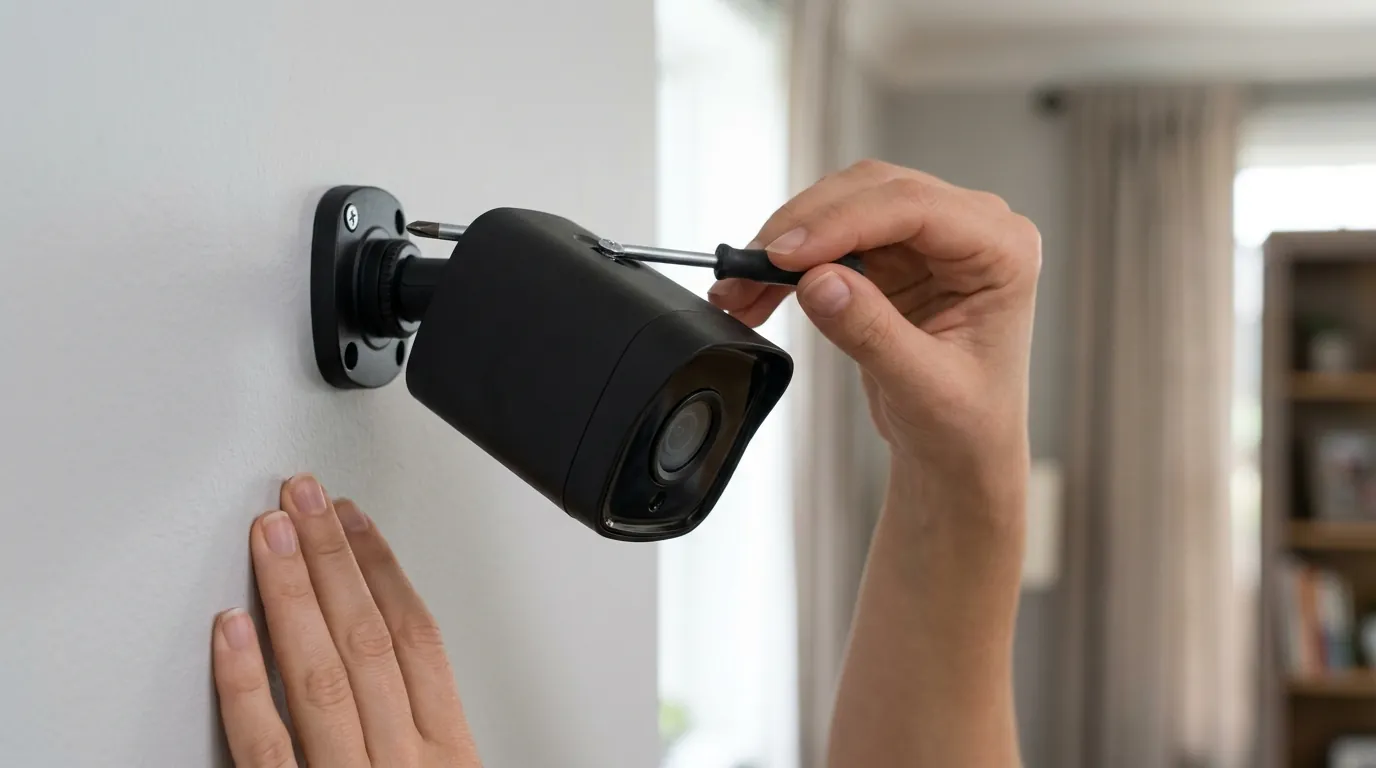
An offline loop is more than a technical glitch; it is a fundamental failure of the security perimeter. When a camera is stuck in a reconnection cycle, it is effectively blind.
- Security Vulnerability: An offline camera cannot detect motion or trigger alerts. If an intruder enters the property during a disconnection phase of the loop, no record of the event will exist.
- Missed Events: Essential daily interactions, such as package deliveries or the arrival of service workers, go unrecorded. This can lead to disputes with vendors or missed notifications of theft.
- Battery Drain: This is perhaps the most immediate physical consequence. The most power-intensive task a Blink camera performs is searching for and handshaking with a Sync Module. A camera that performs this handshake 50 times a day due to a loop will exhaust its batteries in weeks rather than years.
Troubleshooting Steps
To resolve the Blink Outdoor 4 Sync Module 2 offline loop, follow these steps in order:
- Check Sync Module 2 Status: Inspect the physical LEDs on the module. A solid green light indicates power, and a solid blue light indicates an active internet connection. If the blue light is flashing or off, the module is the source of the loop. Power cycle it by unplugging it for 30 seconds.
- Verify Wi-Fi and Internet: Ensure your router is broadcasting on the 2.4 GHz band. Some modern “Smart Connect” or “Whole Home” Wi-Fi systems try to force devices onto 5 GHz. You may need to create a dedicated 2.4 GHz guest network for your Blink devices.
- Check Signal Strengths in App: Open the Blink app, tap the “More” button (three lines) on a camera thumbnail, and go to Device Settings > General Settings. Look at “Camera to Sync Module” and “Sync Module to Wi-Fi.” According to Blink’s signal guide, you should aim for at least three bars. If either is low, the loop is likely caused by distance or interference.
- Reposition Devices: This is the most common fix. Move the Sync Module 2 to a central location where it has a clear line of sight to both the router and the cameras. Avoid placing it inside metal cabinets or directly behind a television.
- Power Cycle Camera: If only one camera is looping, remove its back cover and pull the batteries for 10 seconds. This forces a hardware “soft reset.”
- Check Camera Batteries: Ensure you are using Energizer Ultimate Lithium AA 1.5V batteries. Alkaline or rechargeable NiMH batteries do not provide the consistent voltage required for the Outdoor 4’s radio and will frequently cause offline loops as their voltage sag occurs.
- Reduce Wi-Fi Interference: If you have many neighbors, your Wi-Fi channel might be crowded. Access your router settings and change the 2.4 GHz channel to a static channel (1, 6, or 11 are standard) rather than “Auto.”
- Factory Reset (Last Resort): Use a paperclip to press the reset button on the side of the Sync Module 2 until the lights turn red. You will have to delete the module from the app and re-add it, which also requires re-syncing all cameras.
Decision Framework: Resolving Connectivity
| If your situation is… | Prioritize this action… |
|---|---|
| Renter (Cannot move router) | Move the Sync Module 2 using a long USB extension cable to get it closer to the Outdoor 4 camera. |
| Homeowner (Large property) | Add a second Sync Module 2 to split the camera load and reduce the distance between hubs and cameras. |
| High Interference (Urban area) | Switch your router’s 2.4 GHz channel to 1, 6, or 11 and ensure the Sync Module is at least 3 feet away from the router. |
| Frequent Power Outages | Plug the Sync Module 2 into a small Uninterruptible Power Supply (UPS) to prevent “reboot loops” during brownouts. |
Total Cost of Ownership (3-Year Estimate)
When dealing with connectivity issues, it is important to understand the ongoing costs associated with keeping the system operational.
- Hardware (1-Camera Kit): Around $100 - $120.
- Batteries: Approximately $15 - $20 every 1.5 to 2 years (assuming 2 sets of Energizer Ultimate Lithiums).
- Subscription (Blink Basic): Around $3/month ($108 over 3 years) for one camera.
- Subscription (Blink Plus): Around $10/month ($360 over 3 years) for unlimited cameras.
- Local Storage Option: $0/month, but requires a USB flash drive (around $15) and loses features like Person Detection and rapid video access.
3-Year Total (1 Camera + Basic Sub): Around $230 - $250. 3-Year Total (Local Storage Only): Around $130 - $155.
Common misconceptions
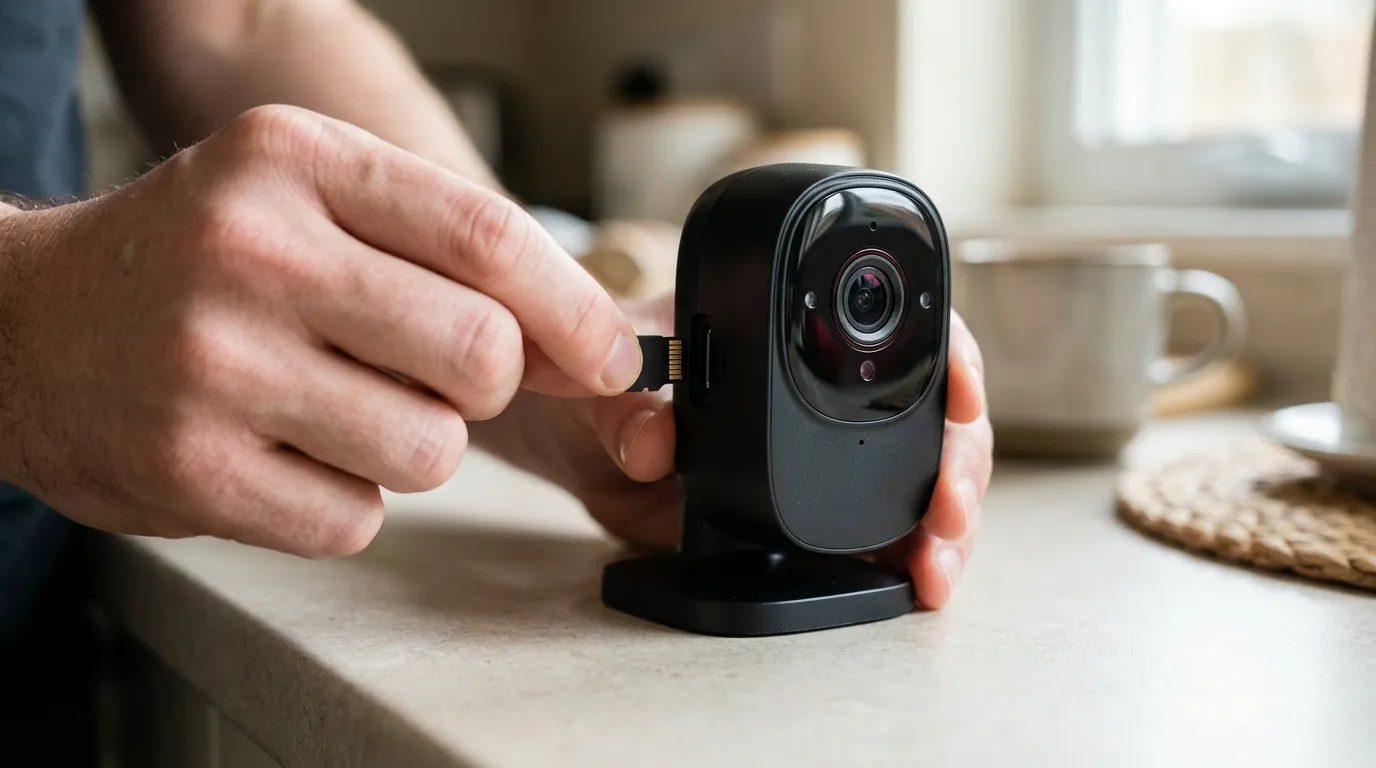
“My camera connects directly to Wi-Fi” One of the most frequent misunderstandings is that the Blink Outdoor 4 connects to your router like a smartphone. It does not. The camera communicates with the Sync Module 2 via LFR. Even if your Wi-Fi signal is “perfect” at the camera’s mounting location, the camera will go offline if it cannot reach the Sync Module 2.
“Local storage works even if my internet is out” While the USB drive stores the data, the Blink system is cloud-managed. If your internet is down, the Sync Module cannot receive the “Motion Detected” signal from the camera and transmit the “Start Recording” command back. Consequently, the system will generally not record to the USB drive during an internet outage.
“An offline camera is always a faulty camera” In the vast majority of cases we see in the consumer security market, offline issues are environmental. A “faulty” camera usually won’t connect at all; a “looping” camera is almost always struggling with signal interference or voltage drops from incorrect battery types.
“All Blink Sync Modules are the same” There are several versions. The original Sync Module (black) does not support local storage. The Sync Module 2 (black with a USB port) is the standard for Outdoor 4. Newer versions like the Sync Module XR offer extended range for specific compatible cameras, though the Outdoor 4 is primarily optimized for the Sync Module 2.
“Blink sells my video data” Blink’s privacy policy states that they do not sell or rent personal information. However, like most Amazon-owned entities, they do share data with affiliates and third-party service providers to facilitate cloud processing. Users concerned about privacy should review the “Privacy Settings” in the Blink app to opt-out of supplemental data collection.
Frequently Asked Questions
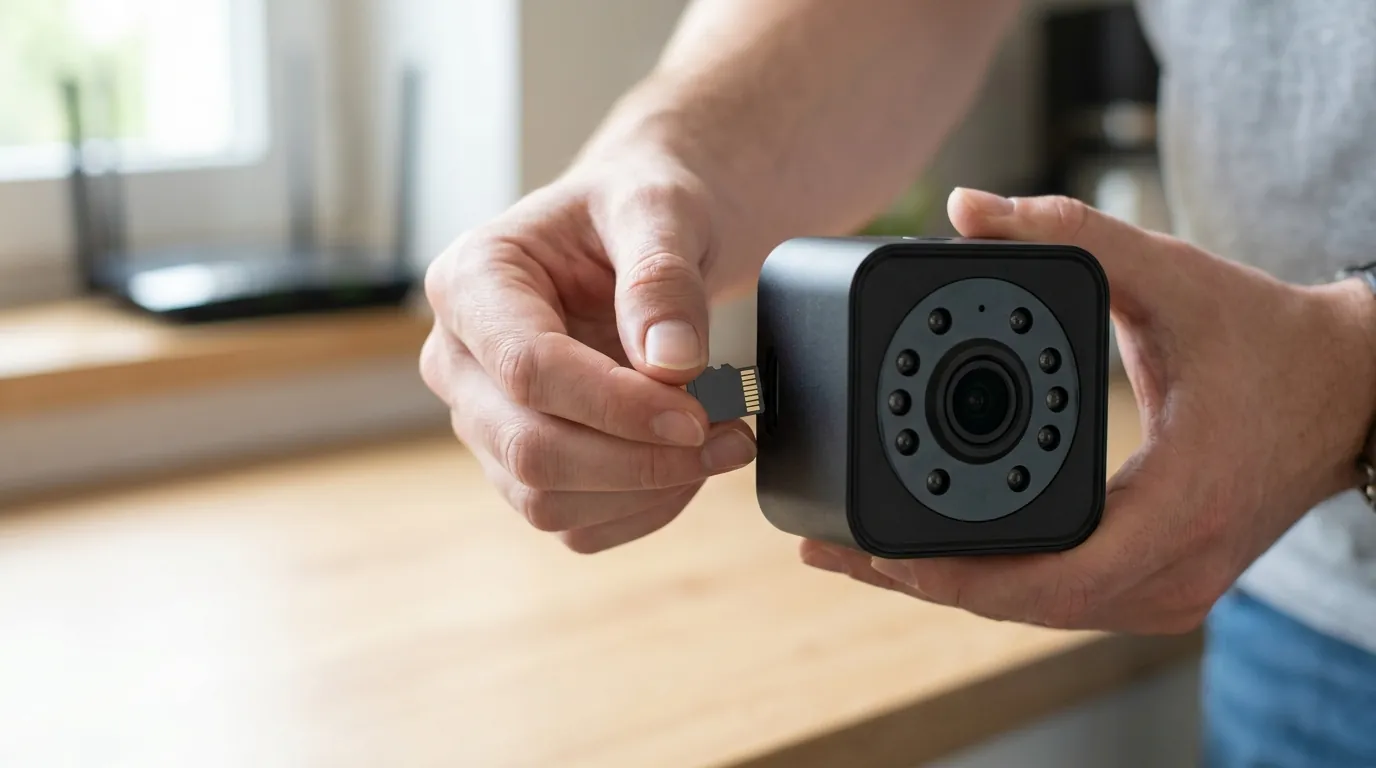
Why does my Blink camera say offline but the Sync Module is online?
This usually indicates a break in the LFR (Low Frequency Radio) link between the camera and the module. Common causes include the camera being too far from the module, physical obstructions like stone walls, or the camera batteries being too low to power the radio transmitter.
Can I use rechargeable batteries in the Blink Outdoor 4?
No. Blink explicitly recommends against using rechargeable (NiMH or Li-ion) or alkaline batteries. These batteries have different discharge curves and lower voltages that trigger the “offline loop” or report “low battery” prematurely. Only 1.5V Lithium non-rechargeable batteries should be used.
How many cameras can one Sync Module 2 handle?
A single Sync Module 2 can manage up to 10 Blink devices. However, if you have many cameras performing high-bandwidth tasks simultaneously, it can strain the 2.4 GHz Wi-Fi connection, potentially leading to disconnections.
Does the Blink Outdoor 4 work without a Sync Module?
The Blink Outdoor 4 requires a Sync Module (or a compatible hub like the Sync Module 2 or Sync Module XR) for its primary operations and battery management. It cannot connect directly to a Wi-Fi router for standard monitoring.
How do I know if my Sync Module 2 is failing?
If the module frequently shows a red light, or if it fails to stay connected to Wi-Fi even when placed three feet from the router, the hardware or the power adapter may be failing. Try replacing the USB power cable and “brick” first, as these are more common failure points than the module itself.
Sources
- Blink Support: Local Storage Guide
- Blink Support: Troubleshooting Connectivity
- FCC ID Database: Sync Module 2 (2AF77-H2121520) — https://fccid.io/2AF77-H2121520
- Blink Support: Battery Specifications
- Blink Privacy Policy — https://blinkforhome.com/privacy-policy