
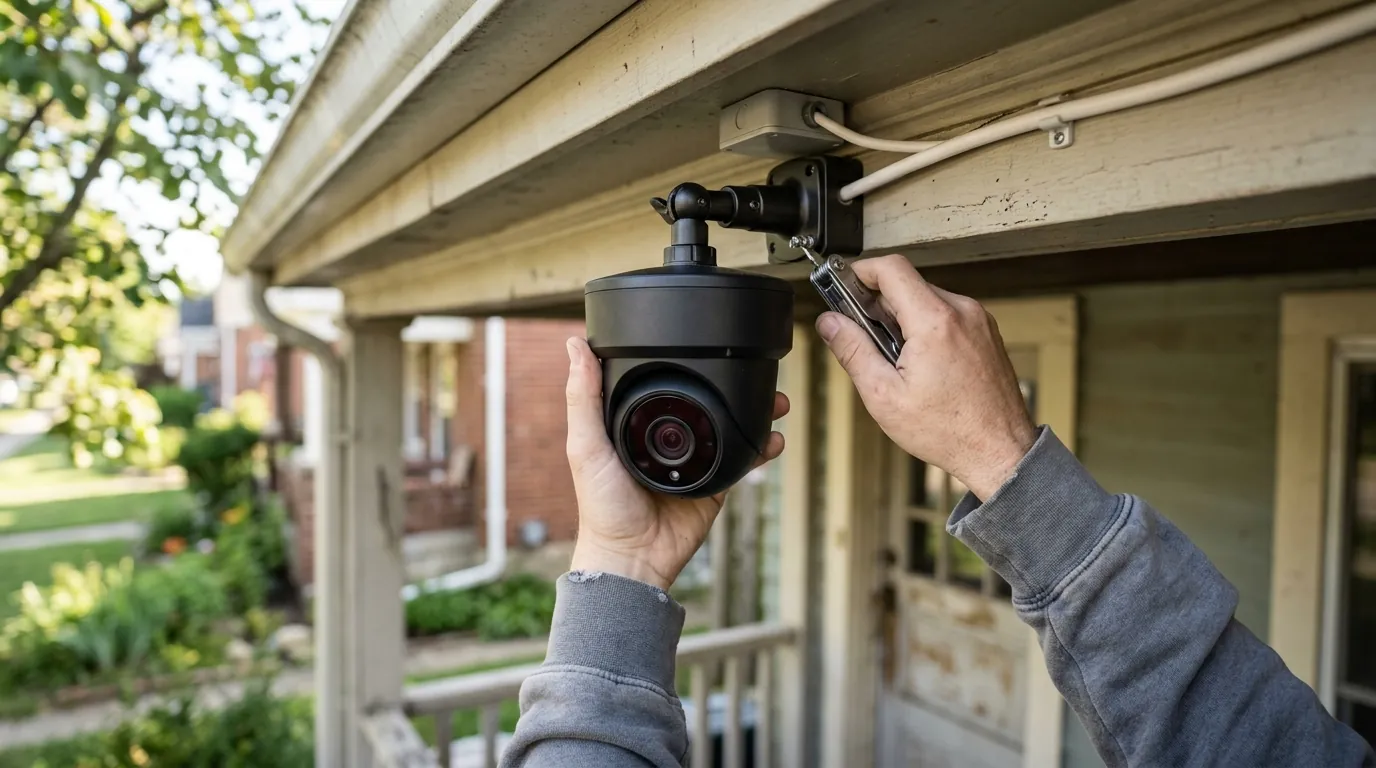
Fixing Blink Outdoor 4 Battery Drain: June 2026 Guide
Maintaining a battery-powered security perimeter requires a delicate balance between detection sensitivity and power conservation. As of June 2026, the Blink Outdoor 4 remains a staple for many households, yet battery longevity continues to be the most common technical hurdle for users.
Quick Answer: Blink Outdoor 4 battery drain in 2026 is typically tied to high-frequency motion triggers, poor Sync Module LFR signal, or the “Early Notification” feature. To reach the 2-year spec, use only Energizer Ultimate Lithium AA batteries, reduce motion sensitivity, and ensure your Sync Module is within 30 feet of the camera.
What it means

When Blink markets a “2-year battery life,” that figure is not a guarantee of performance under all conditions. According to Blink’s official technical specifications, this estimate is based on a specific usage profile: 5,882 seconds of Live View, 43,200 seconds of motion-activated recording, and 3,788 seconds of two-way talk. In practical terms, this equates to roughly 70 seconds of total camera activity per day.
The 2-Year Marketing vs. Real-World 2026 Performance
In a 2026 residential environment, where delivery traffic and smart home interference have increased, achieving 70 seconds of daily usage is difficult. If your camera is recording 5 minutes of footage a day, your battery life will mathematically drop from 24 months to approximately 6 months. “Rapid drain” is defined by the industry as batteries reaching depletion in under 90 days. If your Outdoor 4 is dying within weeks, it suggests a configuration error or a hardware-level communication struggle rather than a simple high-traffic issue.
Identifying the ‘High Usage’ Warning
In the June 2026 version of the Blink app, users may encounter a “High Usage” banner within the camera settings. This warning is triggered when the system detects that the cumulative “on-time” (the period the camera is active and communicating over Wi-Fi) exceeds the threshold for the 2-year battery estimate. It is an algorithmic projection based on the last 7 to 14 days of activity. If you see this warning, it means the camera is currently on a trajectory to require new batteries in less than six months.
| Usage Metric | 2-Year Spec Profile | High Usage Profile | 2026 “Rapid Drain” Profile |
|---|---|---|---|
| Daily Clip Volume | ~5-10 clips (5s each) | 20-40 clips | 60+ clips |
| Live View Usage | < 10 seconds/day | 1 minute/day | 5+ minutes/day |
| Sync Module Signal | 3+ bars (LFR) | 1-2 bars | 0-1 bar (Frequent retries) |
| Est. Battery Life | 24 Months | 4-6 Months | < 3 Months |
Distinguishing Between ‘Uneven Drain’ and System-Wide Depletion
The Blink Outdoor 4 uses two AA lithium batteries in a parallel configuration. “Uneven drain”—where one battery shows significantly lower voltage than the other—is often reported in community forums like r/BlinkCam. While Blink does not officially acknowledge a specific “left slot” hardware defect, users often find that if one battery is not seated perfectly, the camera pulls higher amperage from the remaining cell, leading to premature failure of the pair.
Why it exists
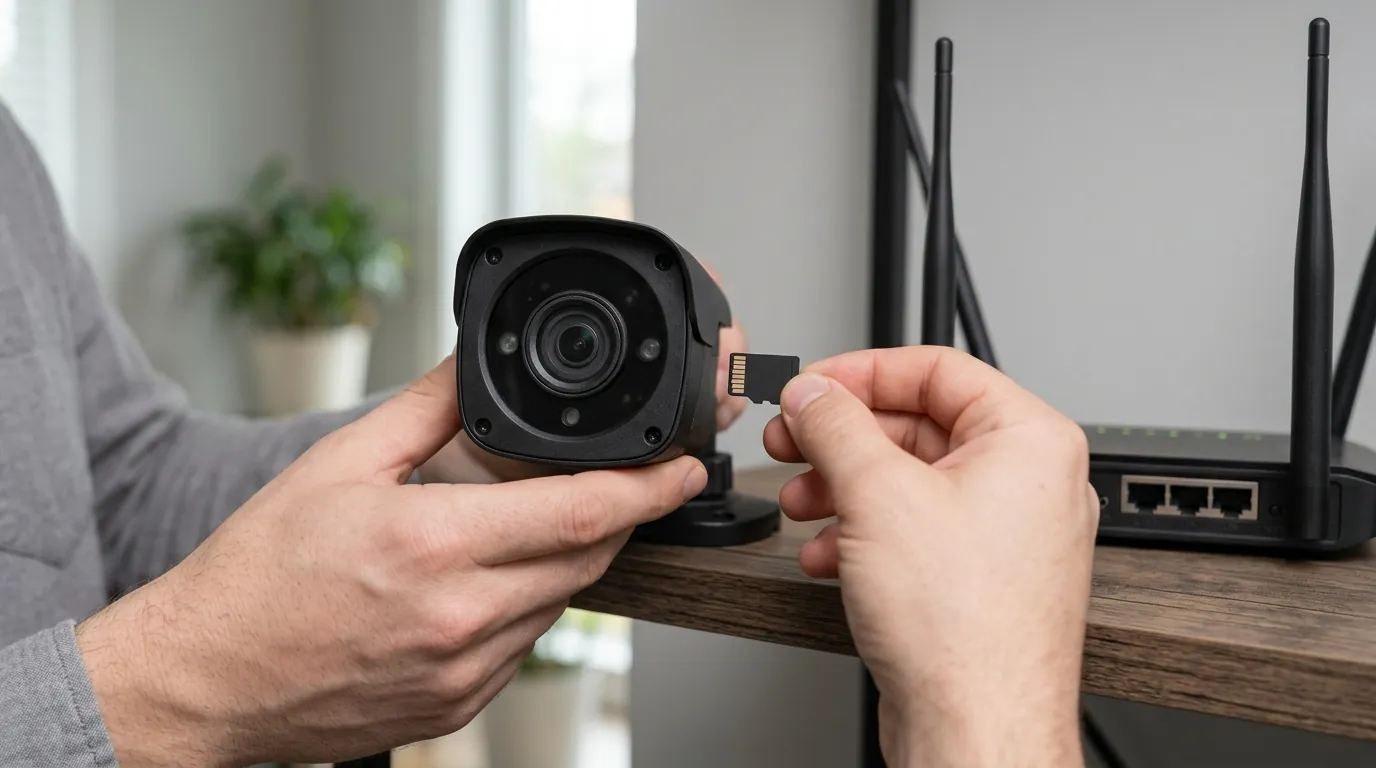
Battery drain in the Outdoor 4 is rarely caused by a single factor. Instead, it is usually a “death by a thousand cuts” scenario involving environmental stress and software-driven processing power.
The Impact of Person Detection AI
The Outdoor 4 introduced on-device Person Detection, which is available with a Blink Subscription Plan. While this feature reduces “nuisance” alerts (like swaying trees), the initial motion trigger still wakes the camera’s processor. The camera must then run a computer vision algorithm to determine if the motion was a person. This extra processing “tax” occurs for every motion event, even if you never receive a notification. In high-traffic areas, the AI overhead can reduce battery life by 15-20% compared to standard PIR motion detection.
Signal Interference in Modern Smart Homes
The #1 silent killer of Blink batteries is “Network Friction.” The Outdoor 4 uses two radios: a Low Frequency Radio (LFR) to talk to the Sync Module and a 2.4GHz Wi-Fi radio to upload video. If the Wi-Fi signal is weak (indicated by 1 or 2 bars in the app), the camera must increase its transmission power and stay “awake” longer to successfully upload a clip. In 2026, with the proliferation of Wi-Fi 6E and Wi-Fi 7 devices, the 2.4GHz band is increasingly congested, forcing the camera to perform more re-tries, which exponentially drains the lithium cells.
The ‘Early Notification’ Tax
“Early Notification” is a feature that sends an alert to your phone the moment motion is detected, rather than waiting for the clip to finish recording. While excellent for security, it requires the camera to maintain two simultaneous data streams: one to the cloud for the live alert and one for the recording. This double-handling of data consumes significantly more power than a standard delayed notification.
Environmental Triggers
Lithium discharge rates are affected by extreme temperatures. While Energizer Ultimate Lithium batteries are rated for -40°F to 140°F, 2026 summer heat waves can cause the camera’s internal housing to exceed these temperatures. High heat increases internal resistance, while extreme cold slows the chemical reaction required to produce current, often leading the app to report a “Battery Critical” status that may temporarily resolve when the weather warms.
How it works under the hood
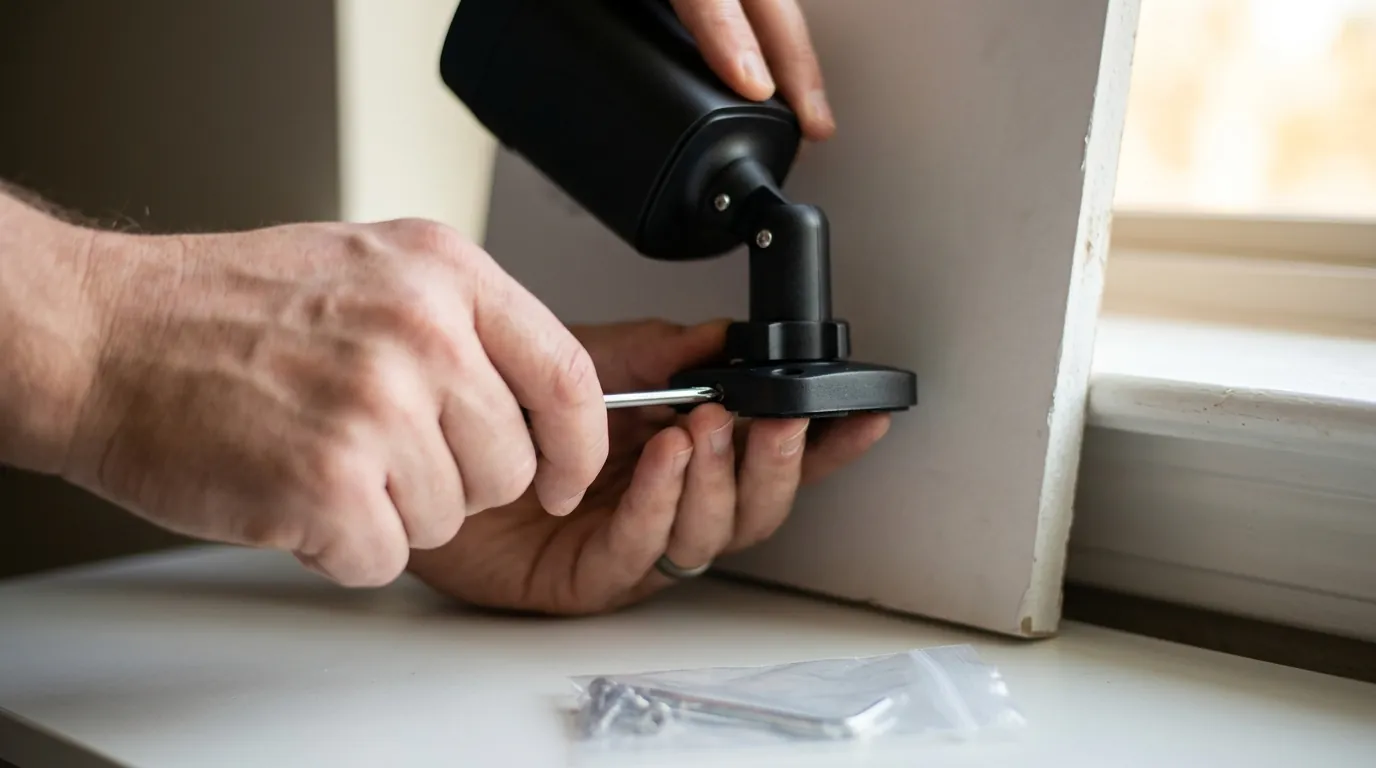
To fix the drain, you must understand the “Handshake” between the camera, the Sync Module, and your router.
LFR vs. Wi-Fi: The Balancing Act
The Blink Outdoor 4 does not stay connected to Wi-Fi. It stays in a “sleep” state, listening only to the 900MHz LFR (Low Frequency Radio) signal from the Sync Module.
- The Wake-Up: The PIR (Passive Infrared) sensor detects heat-in-motion.
- The Handshake: The camera sends an LFR signal to the Sync Module to “check in.”
- The Connection: The camera then powers up its 2.4GHz Wi-Fi radio to connect to your router.
- The Upload: Video is streamed to the cloud or local storage.
If the Sync Module is too far away, the LFR handshake fails or requires multiple attempts. This keeps the camera’s high-power processor active for longer than necessary.
Firmware Update Analysis
As of June 2026, the current stable firmware for the Blink Outdoor 4 is [information unavailable]. Historically, Blink releases updates that adjust the “polling interval”—how often the camera checks the LFR signal for system commands (like “Arm” or “Disarm”). While specific details of the April 2026 maintenance updates remain [information unavailable], the general trend in Blink’s 2026 firmware logic has been to prioritize connection stability over extreme power saving, which may lead to a slight baseline increase in idle drain compared to 2024 versions.
The ‘Uneven Discharge’ Mystery
While community members frequently discuss one battery dying before the other, technical analysis of the Outdoor 4’s circuit board shows a parallel battery path. Any “uneven” drain is typically a result of contact resistance. If the battery terminals have even a microscopic layer of oxidation or if the spring tension is weak, the camera will draw more current from the path of least resistance. This is why cleaning terminals with isopropyl alcohol is a standard 2026 troubleshooting step.
Real-world implications
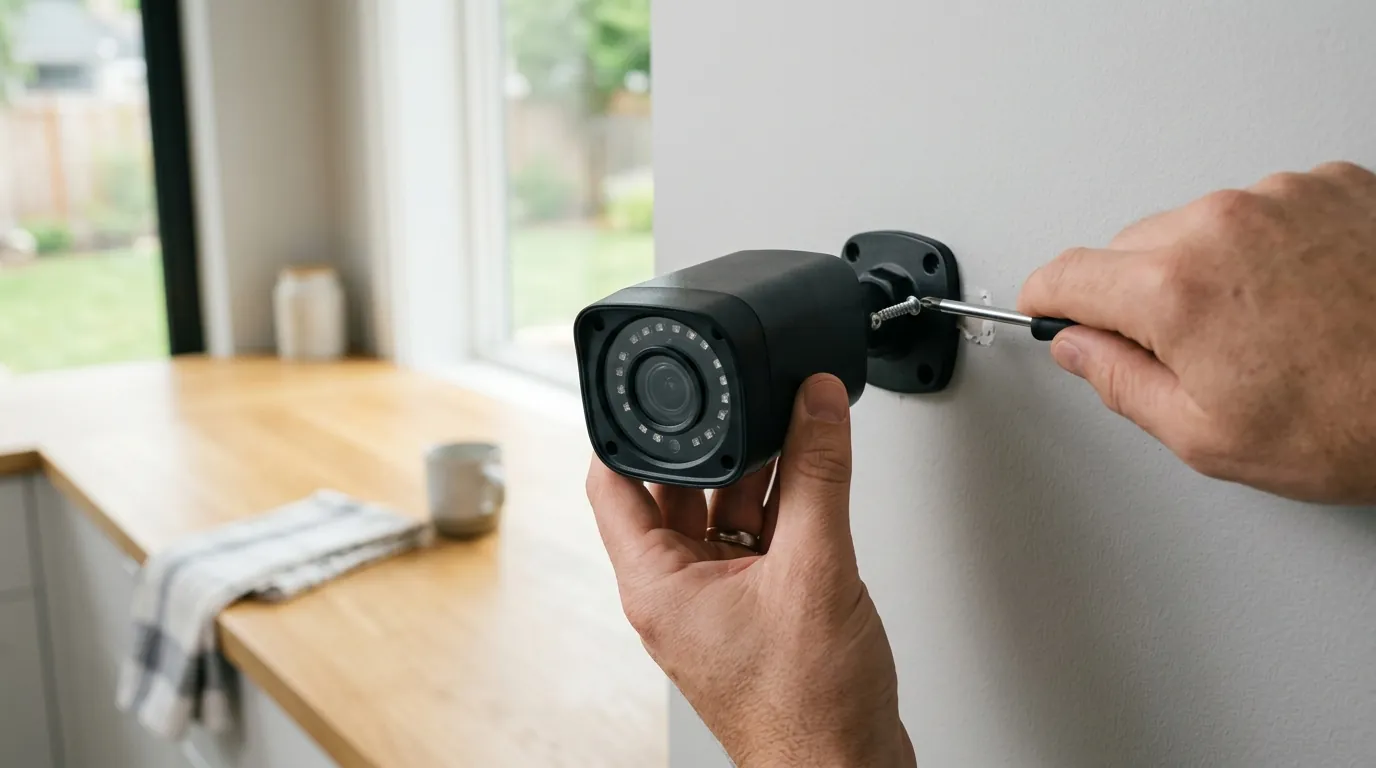
The consequences of rapid battery drain extend beyond the inconvenience of climbing a ladder; they impact the total cost of ownership (TCO) and the reliability of your security.
Maintenance Costs in 2026
The Blink Outdoor 4 requires Energizer Ultimate Lithium AA batteries. Using alkaline or rechargeable batteries is the leading cause of “malfunction” reports.
- Battery Cost: A 4-pack of Energizer Ultimate Lithium in June 2026 typically retails in the $15-25 range.
- Annual Cost: If your camera drains every 3 months, you are spending $60-100 per year, per camera, just on power.
3-Year TCO Comparison (Blink vs. Alternatives)
| Component | Blink Outdoor 4 | Ring Stick Up Cam (Battery) | Reolink Argus Series |
|---|---|---|---|
| Hardware Cost | $80-120 range | $80-100 range | $70-110 range |
| 3-Year Battery Cost | $45-180 (Lithium AAs) | $0 (Rechargeable) | $0 (Rechargeable/Solar) |
| Subscription (3 Yrs) | $108 (Basic Plan) | $150 (Protect Basic) | $0 (Local Storage) |
| Total 3-Year TCO | $233 - $408 | $230 - $250 | $70 - $110 |
Privacy: ALERT and Law Enforcement Requests
Battery-powered cameras are often used in sensitive areas. It is important to understand that Amazon (Blink’s parent company) utilizes the ALERT (Law Enforcement Request Tracker) system. According to the Amazon Privacy Policy, they may share video footage with law enforcement without a warrant in “emergency situations” involving imminent danger. Because battery cameras often experience “gaps” in coverage when they die, users may inadvertently lose the very footage they need for legal defense or insurance claims.
Sustainability Concerns
The Outdoor 4’s reliance on non-rechargeable lithium batteries creates significant electronic waste. By June 2026, several US states have introduced “Right to Repair” and battery disposal regulations that may impact how these units are serviced. Discarding 8-12 lithium batteries per year per household is increasingly viewed as a sustainability drawback of the Blink ecosystem compared to the 2025/2026 trend toward integrated solar panels.
Common misconceptions

Why You Can’t Use Rechargeable Batteries
A common user error is attempting to use NiMH (1.2V) or Li-ion (3.7V) rechargeable batteries.
- NiMH: These provide 1.2V, which is too low for the Outdoor 4’s 1.5V requirement. The camera will report “Low Battery” immediately, even if they are fully charged.
- Li-ion Rechargeables: Most 14500 Li-ion cells provide 3.7V, which can physically fry the Blink’s motherboard. Even “regulated” 1.5V Li-ion rechargeables often have a discharge curve that confuses the Blink’s voltage sensors, leading to sudden, un-alerted shutdowns.
The Truth About Activity Zones
Many users believe that “graying out” an area in Activity Zones saves battery. This is only partially true. The PIR sensor is a “dumb” sensor; it sees all motion in its field of view. When motion occurs in a masked zone, the camera still “wakes up” to analyze the frame. It then decides not to record or alert. While this saves Wi-Fi upload power, the “wake-up” and “analysis” phases still consume battery. To truly save power, you must lower the Sensitivity Slider, which changes the physical threshold required to wake the camera.
The ‘Solar Panel’ Fallacy
Third-party solar panels for the Outdoor 4 often connect via the USB-C port. However, the Outdoor 4 is designed to be weather-resistant only when the back cover is sealed. Opening the USB port for a solar cable can lead to moisture ingress. Furthermore, many cheap 2026 solar kits do not provide a consistent 5V/1A output, causing the camera to constantly cycle between battery and “external” power, which can actually accelerate internal component wear.
Local Storage vs. Cloud
Does using a USB drive on the Sync Module 2 save battery?
- Cloud: Camera uploads directly to Amazon servers.
- Local Storage: Camera uploads to the Sync Module 2. In both cases, the camera’s Wi-Fi radio is active for the same amount of time. Local storage does not significantly improve battery life; its primary benefit is the elimination of monthly subscription fees.
Decision Framework: Managing Your Blink Power
| If your priority is… | Then do this… |
|---|---|
| Maximum Battery Life | Set Sensitivity to 4 or lower; disable “Early Notification”; use 10-second clip lengths. |
| Security Accuracy | Enable Person Detection (Subscription required); set Sensitivity to 6; use “Early Notification.” (Expect 4-6 month battery life). |
| Zero Maintenance | Switch to the Blink Outdoor 4 + Blink Solar Panel Mount. |
| High Traffic Areas | Consider a wired camera like the Blink Mini 2 or a competitor’s NVR system. |
Further reading

Sync Module Placement Guide
To optimize the LFR link, the Sync Module should be positioned centrally. Avoid placing it behind a TV or inside a metal cabinet, as these act as Faraday cages for the 900MHz signal. Ideally, the Sync Module should have a clear “line of sight” to the wall closest to your outdoor cameras.
Comparing the Outdoor 4 to the 2025 Outdoor 2K+
The newer Blink Outdoor 2K+ (released late 2025) offers higher resolution but theoretically higher power demands. However, search data regarding its specific “Low Power Mode” efficiency compared to the Outdoor 4 is [information unavailable]. Early community consensus suggests the 2K+ requires even more stringent adherence to the “70 seconds per day” rule to reach its marketed battery targets.
Transitioning to Local-First Security
If the cost and waste of lithium batteries become unsustainable, many users in 2026 are transitioning to Power-over-Ethernet (PoE) systems or local-first NVRs (Network Video Recorders). These systems remove the “cloud tax” and the “battery tax” entirely, though they require more complex initial wiring.
Frequently Asked Questions
Why does my Blink camera say ‘Battery OK’ then die a day later?
Lithium batteries have a very “flat” discharge curve. They maintain a steady voltage until they are nearly empty, at which point the voltage drops off a cliff. This makes it difficult for the camera to provide a granular percentage (e.g., 50%, 20%). “OK” usually means anything above 2.2V (combined), while “Dead” happens shortly after it hits 2.0V.
Can I use a power adapter for the Blink Outdoor 4?
Yes, you can use a weather-resistant USB-C power adapter. However, doing so disables the “battery backup” functionality in most configurations and may compromise the weather seal unless you use an official Blink-certified power kit.
Does ‘Night Vision’ drain the battery faster?
Yes. The Infrared (IR) LEDs required for night vision consume significantly more power than daytime recording. If your camera triggers frequently at night (e.g., due to moths or headlights), your battery life will be roughly 30% shorter than a camera that only triggers during daylight hours.
Sources
- Blink Support — Outdoor 4 Battery Life Expectations
- Energizer — Ultimate Lithium AA Technical Data Sheet
- Amazon Privacy — Law Enforcement Request Tracker (ALERT)
- FCC ID Search — Blink Outdoor 4 Radio Frequency Filings
- RTINGS — Blink Outdoor 4 Review and Power Testing