
Best Wireless Security Cameras for Renters 2026: No-Drill & No-Sub
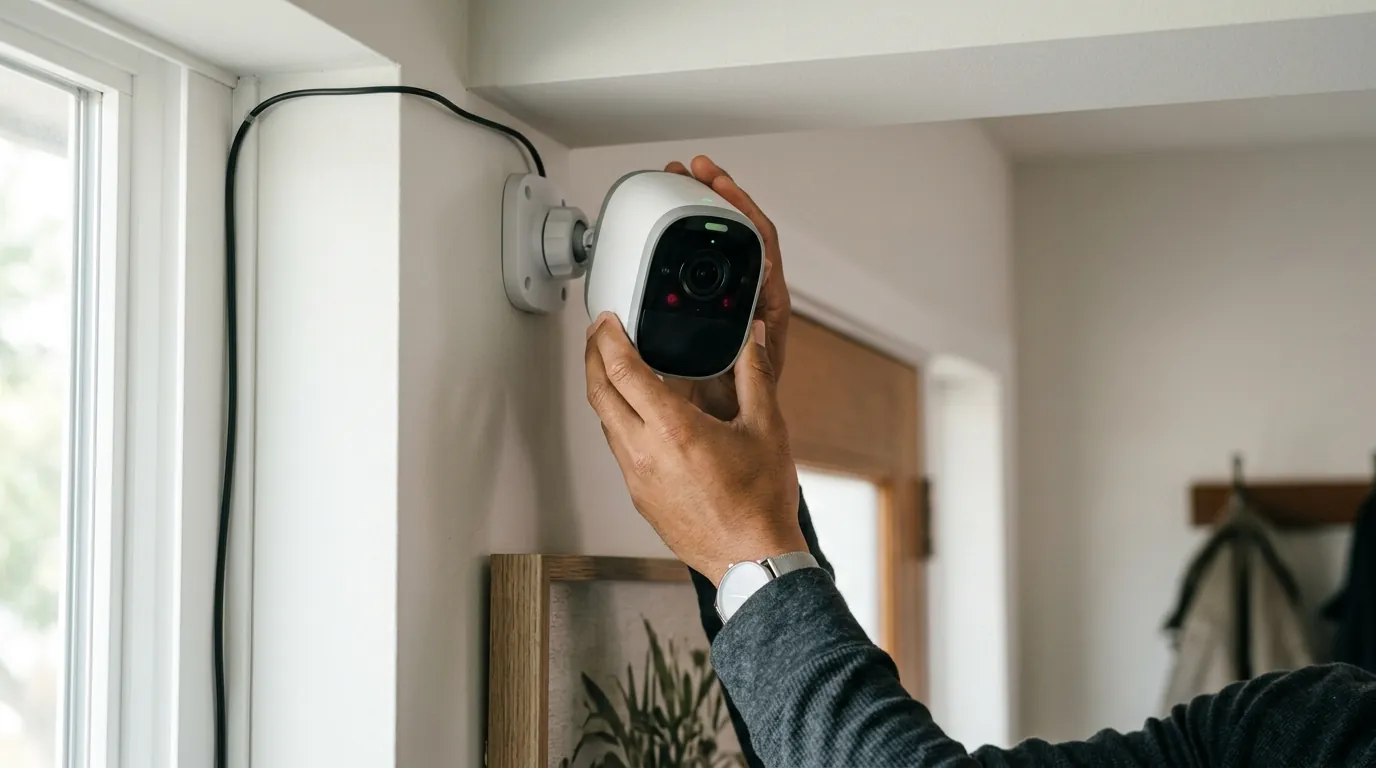
Renting shouldn’t mean compromising on security or losing a security deposit over a few drill holes. In 2026, the shift toward subscription-free, no-drill hardware has finally allowed apartment dwellers to achieve professional-grade surveillance without a permanent commitment.
Quick Answer: In 2026, the best wireless cameras for renters are the Reolink Argus 4 Pro (4K, 180° view) and Eufy SoloCam S340. Both offer no-drill mounting and local storage to bypass the rising subscription costs of Ring and Nest.
What it means
The landscape of renter-friendly security has shifted from “cheap and temporary” to “sophisticated and portable.” In 2026, a camera is considered renter-friendly only if it meets three specific criteria: non-permanent mounting, high-efficiency power (battery or integrated solar), and high-speed Wi-Fi 6 connectivity.
The No-Drill Requirement
For years, renters were forced to choose between grainy “stick-up” cameras or risking their security deposits by drilling into siding or door frames. The 2026 market is dominated by “Zero-Trace” mounting solutions. Brands like TP-Link and Reolink now include industrial-strength magnetic bases or specialized over-the-door brackets in the box. These allow for 4K surveillance on steel doors, gutters, or porch railings without a single screw.
Subscription-Free Freedom
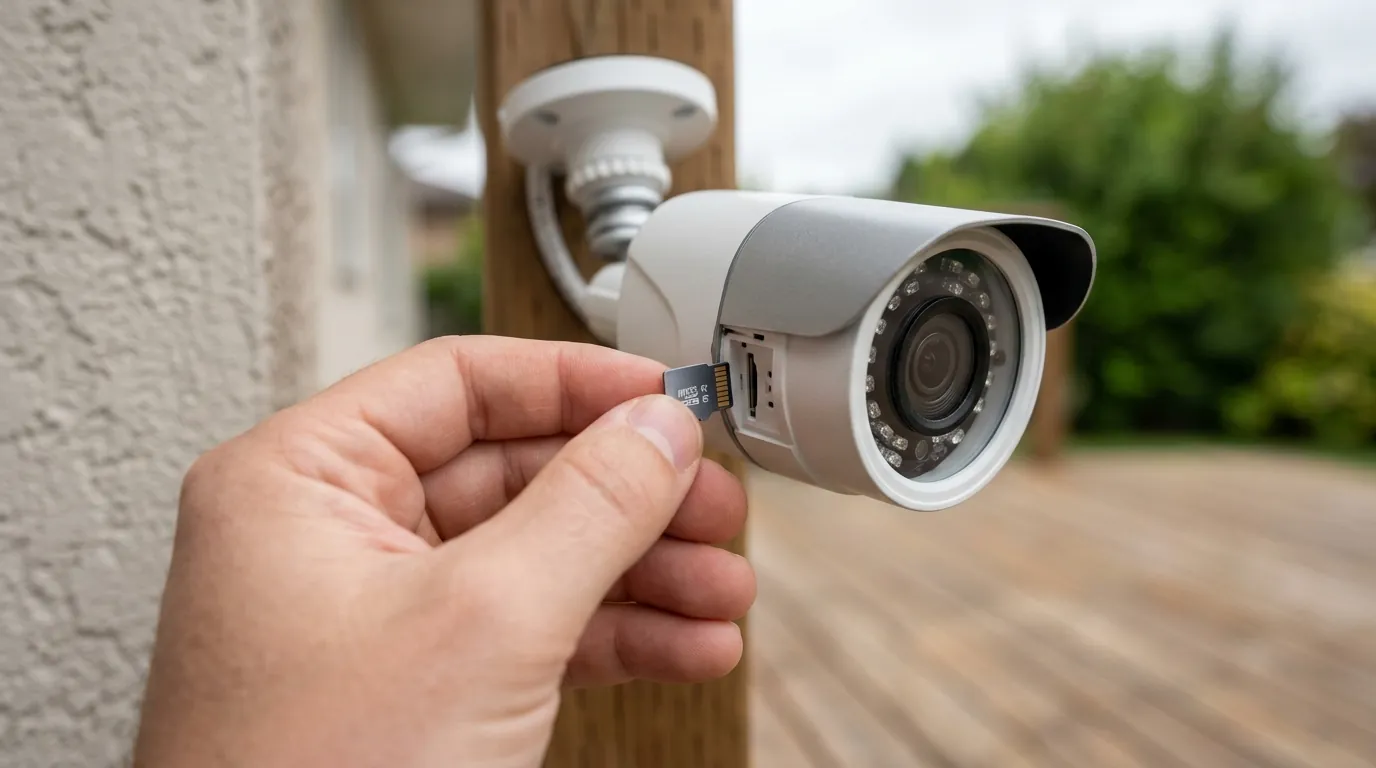
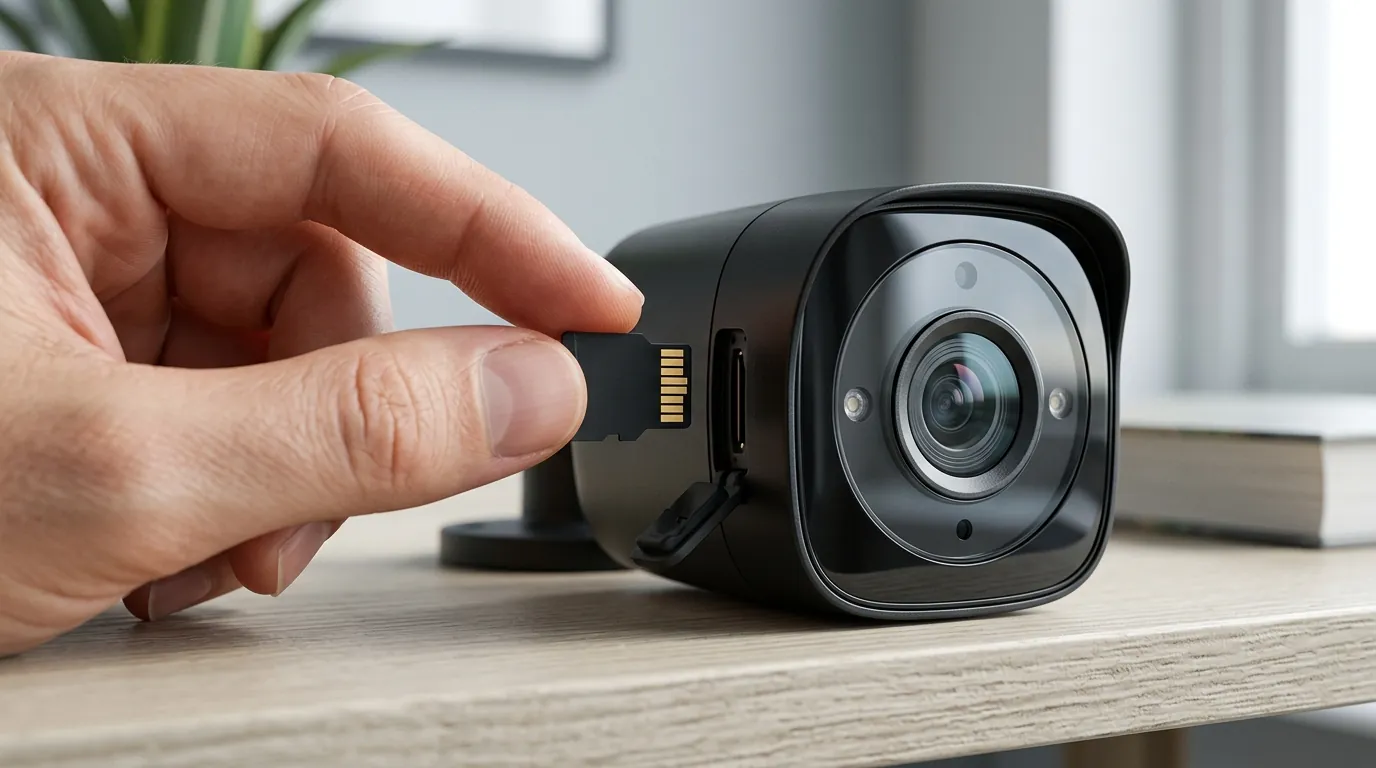
The most significant change in 2026 is the consumer pivot toward “Local-First Intelligence.” As cloud subscription fees from legacy brands have climbed, renters are prioritizing cameras with on-device AI and eMMC or microSD storage. This ensures that even if a tenant moves frequently, their security system remains a one-time investment rather than a mounting monthly liability.
2026 Renter Camera Comparison
| Feature | Reolink Argus 4 Pro | Eufy SoloCam S340 | TP-Link Tapo C425 |
|---|---|---|---|
| Resolution | 4K (Dual-Lens) | 3K (Wide) + 2K (Tele) | 2K QHD |
| Field of View | 180° Horizontal | 360° Pan/Tilt | 150° Diagonal |
| Primary Storage | microSD (up to 128GB) | 8GB eMMC (Built-in) | microSD (up to 512GB) |
| Mounting Type | Strap/Screw-less Bracket | Solar/Screw-less Bracket | Magnetic Base |
| Wi-Fi Standard | Wi-Fi 6 (Dual-Band) | Wi-Fi 6 | Wi-Fi (2.4GHz) |
| Price Band | $150–$200 | $150–$200 | Around $100 |
Data sourced from Reolink Argus 4 Pro Specs and Eufy S340 Product Page.
Why it exists
The surge in demand for renter-specific security is driven by economic shifts and a fundamental change in how manufacturers monetize their hardware.
Subscription Fatigue
In 2024 and 2025, major players like Ring, Nest, and Arlo implemented successive price hikes. By 2026, the entry-level cost for cloud recording has transitioned from a negligible fee to a significant annual expense. This “subscription fatigue” has pushed renters toward hardware that offers AI person detection and clip storage locally, bypassing the $100+ annual “feature paywall” common in older ecosystems.
The “Forever Renter” Economy
With more US households renting for longer periods, the demand for portable, high-end security has peaked. Renters are no longer looking for “disposable” tech; they want systems that can move from a garden apartment to a high-rise condo without needing professional re-installation. This has incentivized manufacturers to build premium features—like 4K sensors and dual-lens stitching—into battery-powered units that were previously reserved for wired pro-sumer models.
Hardware Maturation
The technical limitations of 2020-era battery cameras—namely laggy wake-up times and poor night vision—have been solved by 2026 hardware. Wi-Fi 6 (802.11ax) allows these cameras to maintain high-bitrate 4K streams with lower power consumption, while improved battery chemistries allow for six to twelve months of operation on a single charge in moderate traffic areas.
2026 Subscription Cost Comparison (Annual)
| Brand | Entry Tier (1 Camera) | Multi-Camera Tier | Key “Paywalled” Features |
|---|---|---|---|
| Ring Home | Around $60/yr | $120–$200/yr | Rich Notifications, Video History |
| Nest Aware | Around $80/yr | $150/yr | Face Recognition, 30-day History |
| Arlo Secure | Around $95/yr | $180/yr | 4K Cloud Recording, AI Filters |
| Eufy/Reolink | $0 (Local) | $0 (Local) | Most AI features included on-device |
Pricing based on 2024-2025 fee structures projected into 2026. Source: Ring Pricing and Arlo Subscription Tiers.
How it works under the hood
The 2026 generation of wireless cameras relies on “Edge AI” and advanced networking standards to deliver performance that rivals traditional wired NVR systems.
Edge AI Processing
Unlike older cameras that sent raw footage to a server for analysis, cameras like the Eufy SoloCam S340 process data on an internal chip. This “Edge AI” identifies humans, vehicles, and pets locally. For a renter, this means faster alerts (under 2 seconds) and significantly better privacy, as the video never leaves the unit unless the user specifically views it.
Wi-Fi 6 & WPA3
The technical standard for 2026 wireless cameras is Wi-Fi 6. This is critical for apartment dwellers living in congested RF environments. Wi-Fi 6 uses OFDMA (Orthogonal Frequency Division Multiple Access) to reduce latency, ensuring that a 4K camera doesn’t “stutter” when the neighbor’s router is on the same channel. Furthermore, WPA3 encryption is now standard, providing better protection against “de-authentication” attacks that were common against WPA2-based cameras.
Dual-Lens Stitching
The Reolink Argus 4 Pro exemplifies a 2026 breakthrough: 180-degree seamless viewing. By using two 4MP sensors and an internal image processor to “stitch” the feeds together, the camera provides a panoramic view of a hallway or patio with zero distortion at the edges. This allows a renter to cover an entire entryway with one camera instead of two.
Local Storage: eMMC vs. microSD
- eMMC (Embedded MultiMediaCard): Found in Eufy models, this is soldered directly to the motherboard. It is faster and more reliable than SD cards but has a fixed capacity (usually 8GB to 16GB).
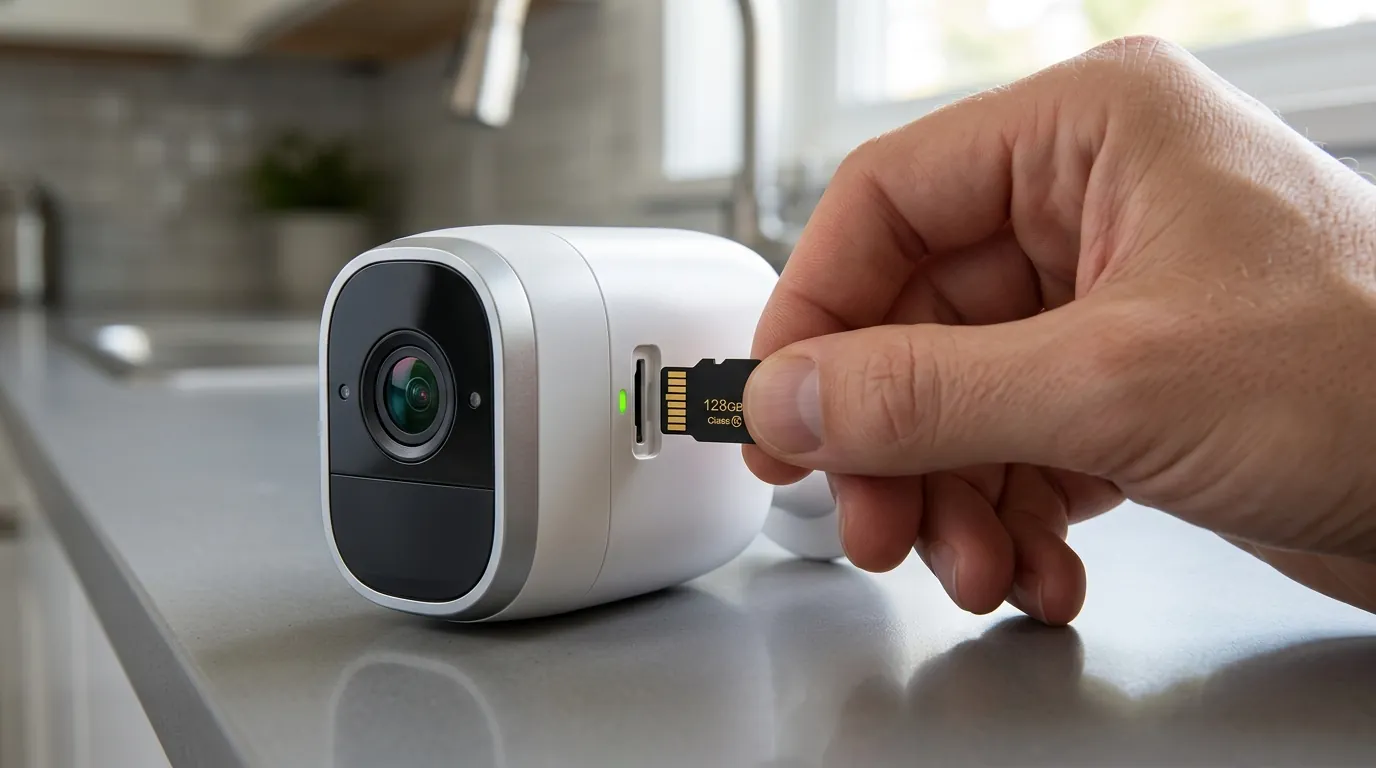
- microSD: Used by Reolink and TP-Link, this allows for expandable storage (up to 512GB). This is ideal for renters who want to keep weeks of footage without a subscription.
Real-world implications
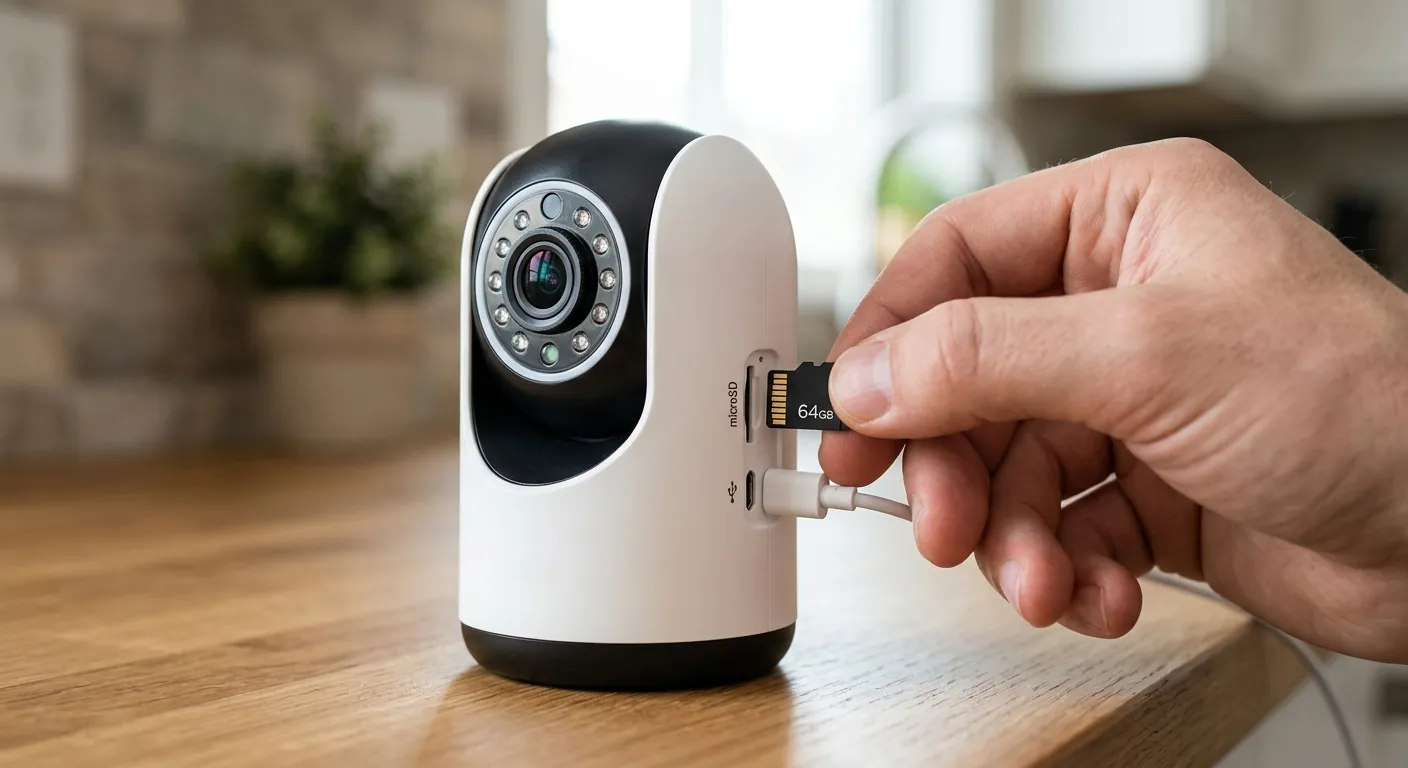
Using security cameras in a rental environment involves navigating a unique set of legal and technical challenges.
Legal Landscape and Privacy Laws
As of 2026, approximately 20 US states—including California (CCPA/CPRA), Texas, Florida, and Virginia—have active comprehensive privacy laws that impact residential surveillance. For renters, the primary legal hurdle is “reasonable expectation of privacy.” While you can record your own doorstep, recording common apartment hallways may require you to enable “Privacy Zones”—a software feature that blacks out specific areas (like a neighbor’s door) from the recording.
Installation Hacks for Renters
To avoid the “no-alteration” clause in most leases, 2026 renters use three primary methods:
- Magnetic Mounts: The TP-Link Tapo C425 features a powerful magnetic base that snaps onto any steel door frame or metal siding.
- Over-the-Door Brackets: These steel “hooks” wrap around the top of a standard door, securing the camera without screws.
- Tension Poles: For balconies, a floor-to-ceiling tension pole provides a stable mounting point that can be removed in seconds.
The Jammer Risk
A rising concern in 2025-2026 is the use of Wi-Fi jammers by sophisticated intruders. Cameras that rely 100% on the cloud will fail to record during a jam. However, cameras with internal eMMC or microSD storage continue to record to their local buffers even if the Wi-Fi signal is severed. This makes “Local-First” cameras a superior choice for high-risk urban environments.
Police Cooperation
Unlike Ring and Google Nest, which have historically had frameworks for law enforcement to request footage (though many have moved toward “warrant-only” policies recently), “No-Sub” brands like Reolink and Eufy store data locally. This means the manufacturer cannot hand over your footage because they do not possess it; the data is physically inside your apartment.
Common misconceptions
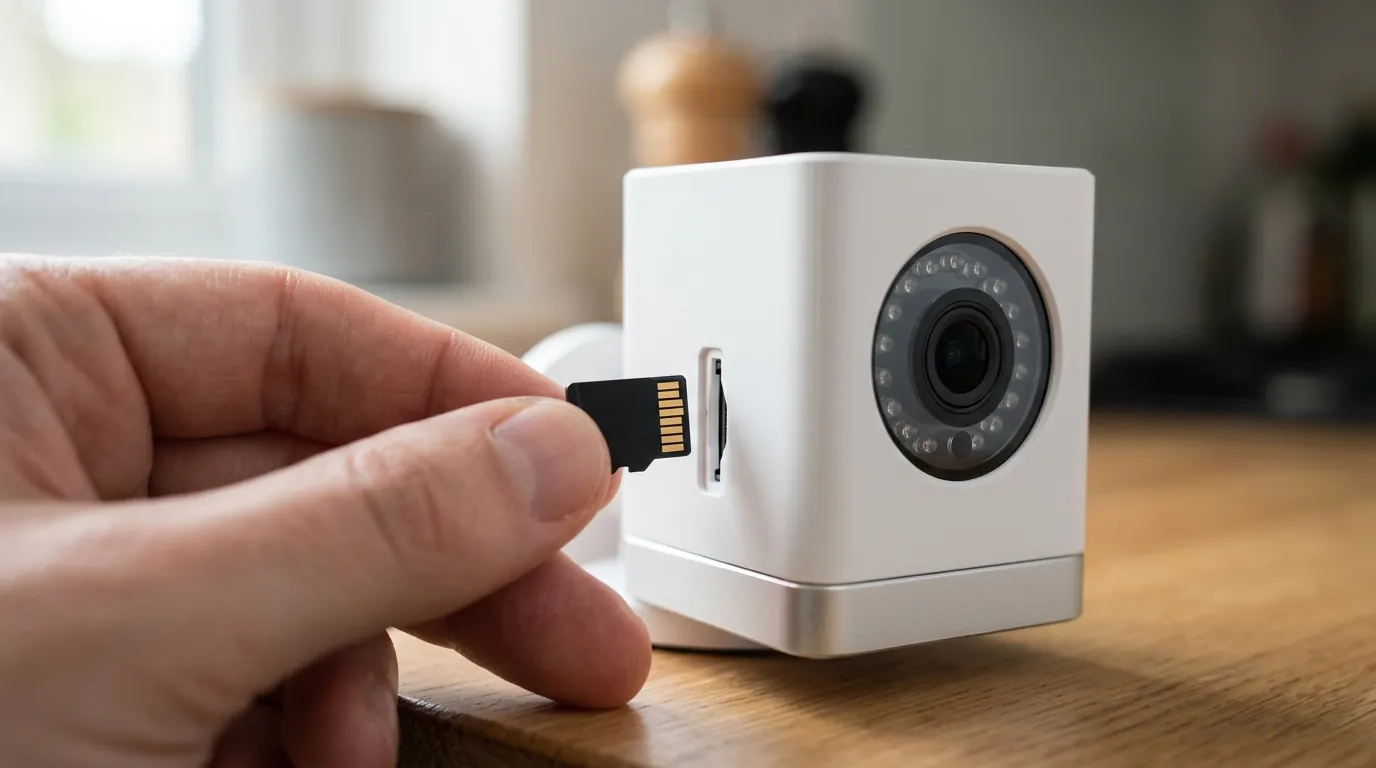
“Wireless means no power”
There is a frequent confusion between “wireless” (uses Wi-Fi for data) and “wire-free” (uses a battery for power). Most renter-friendly cameras in 2026 are both, but some “wireless” cameras still require a power cord. Renters should always look for the “battery-powered” or “wire-free” label to ensure they aren’t stuck trying to find an outdoor outlet.
“Local storage is unsafe”
A common myth is that if a thief steals the camera, the footage is gone. In 2026, many renters use a hybrid approach. Systems like the Eufy HomeBase 3 or Reolink Home Hub allow the camera to transmit footage to a small “hub” hidden inside the apartment. Even if the camera is ripped off the wall, the recording of the thief is safely stored on the hub inside.
Decision Framework: Which Renter Camera Should You Buy?
- If you have a steel front door: Prioritize the TP-Link Tapo C425 for its high-strength magnetic mount.
- If you need to cover a wide patio/yard: Prioritize the Reolink Argus 4 Pro for its 180-degree field of view.
- If you want the best AI tracking: Prioritize the Eufy SoloCam S340 for its dual-lens pan/tilt capabilities.
- If you are on a strict budget: Prioritize the Tapo C425 or an older Argus 3 Pro (often found in the “under $100” band).
Total Cost of Ownership (3-Year Estimate)
| Model | Hardware Cost | Subscriptions (3 yrs) | Total 3-Year Cost |
|---|---|---|---|
| Ring Stick Up Cam | Around $100 | ~$180 ($5/mo) | ~$280 |
| Eufy SoloCam S340 | Around $180 | $0 | ~$180 |
| Reolink Argus 4 Pro | Around $190 | $0 | ~$190 |
| TP-Link Tapo C425 | Around $100 | $0 | ~$100 |
Note: TCO assumes the user utilizes local storage options for Eufy, Reolink, and Tapo.
Frequently Asked Questions
Can my landlord legally stop me from installing a wireless camera?
Generally, landlords cannot prevent you from having a security camera, but they can prohibit you from drilling holes or damaging the property. Using no-drill mounts (magnets or tension brackets) usually bypasses these restrictions. However, check your lease for specific “no-alteration” or “surveillance” clauses.
Do these cameras work if the apartment Wi-Fi goes down?
If the camera has local storage (microSD or eMMC), it will continue to record motion events to its internal memory even without Wi-Fi. You won’t receive a live alert on your phone, but you can review the footage once the connection is restored or by manually retrieving the card.
How do I charge a battery camera if I can’t remove it easily?
Most 2026 renter cameras feature quick-release batteries or USB-C charging ports. For cameras in hard-to-reach spots, many renters use a small, window-mounted solar panel or a portable power bank to “top off” the camera every few months without taking it down.
Will a 4K camera slow down my apartment Wi-Fi?
Modern cameras using Wi-Fi 6 and H.265 compression are very efficient. They only use significant bandwidth when you are actively viewing the live stream or when the camera is uploading a clip. For most users, the impact on daily internet speed is negligible.
Further Reading
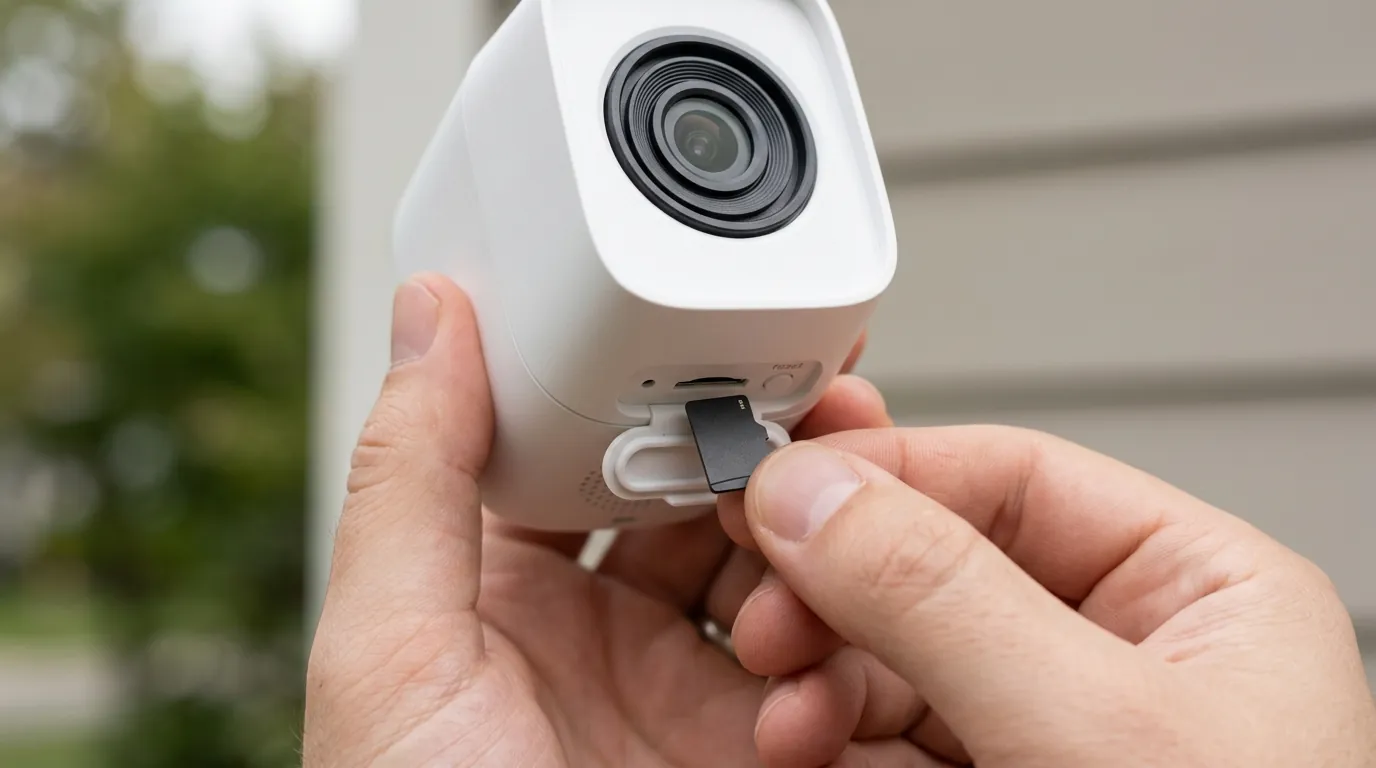
- Local Storage vs. Cloud: A deep dive into the security and cost trade-offs of 2026 storage methods.
- Security Camera Privacy Laws 2026: A state-by-state guide to residential recording.
- How to Mount Security Cameras Without Drilling: 5 hacks for apartments and condos.
Sources
- Reolink — Argus 4 Pro Official Specifications — https://reolink.com/product/argus-4-pro/
- Eufy Security — SoloCam S340 Product Details
- TP-Link Tapo — Tapo C425 Magnetic Mount Camera — https://www.tp-link.com/us/home-networking/cloud-camera/tapo-c425/
- Ring — Protect Plan Subscription Pricing — https://ring.com/protect-plans
- Arlo — Arlo Secure Plan Tiers — https://www.arlo.com/en-us/serviceplans
- International Association of Privacy Professionals (IAPP) — US State Privacy Legislation Tracker — https://iapp.org/resources/article/us-state-privacy-legislation-tracker/